TouchCut - Remover object
sunflower studio
4.0 ★
store rating
500,000+
downloads
Free
AppRecs review analysis
AppRecs rating 3.3. Trustworthiness 75 out of 100. Review manipulation risk 30 out of 100. Based on a review sample analyzed.
★★★☆☆
3.3
AppRecs Rating
Ratings breakdown
5 star
62%
4 star
9%
3 star
13%
2 star
3%
1 star
13%
What to know
✓
Credible reviews
75% trustworthiness score from analyzed reviews
⚠
Ad complaints
Many low ratings mention excessive ads
⚠
Review quality concerns
78% of sampled 5-star reviews are very short
About TouchCut - Remover object
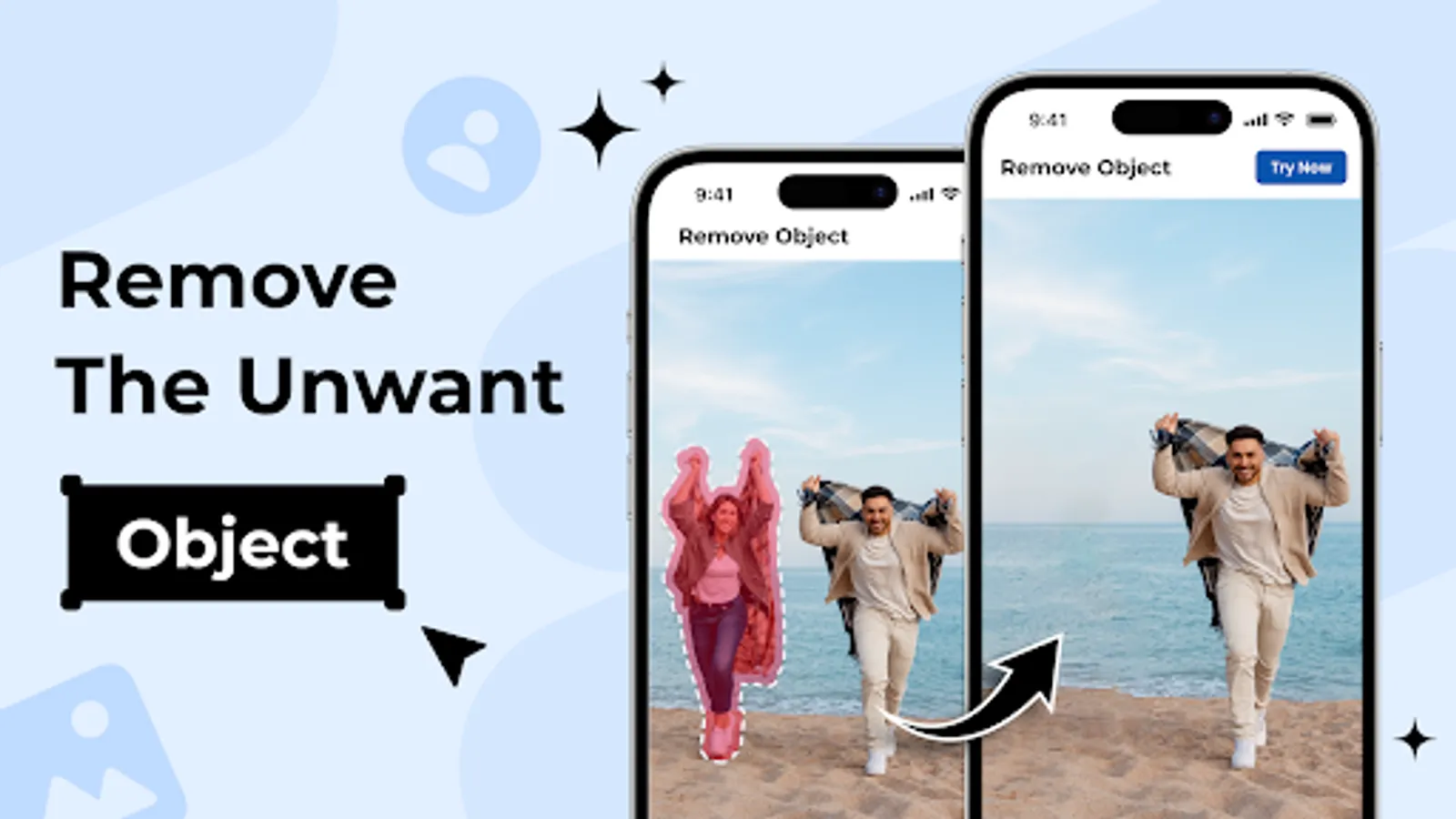
Remove unwanted objects effortlessly from your photos with TouchCut - Remover object! Whether it's logos, people, text, blemishes, stickers, or watermarks, our AI-powered app makes it a breeze. Simply tap to erase unwanted elements naturally. Try our magic AI mode for instant selection and removal of objects in seconds. Don't let tiny distractions ruin your photos – download TouchCut - Remover object now for clean and pristine images every time!
Key Features:
✅ Effortlessly erase unwanted watermarks, text, captions, logos, stickers, and more
✅ Instantly change background to any color or scene with just a few taps
✅ Clone Object feature: Duplicate yourself or other objects for hilarious effects and creative background fixes
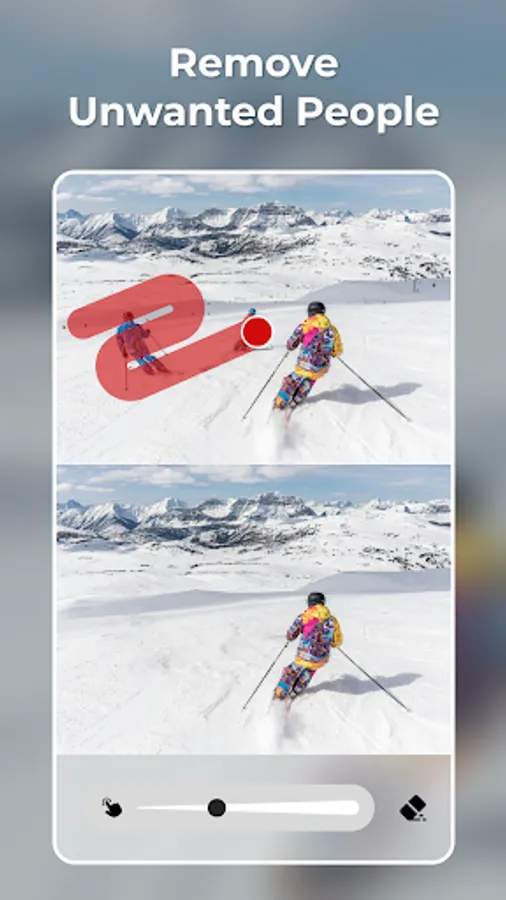
✅ Easily remove background people or even ex-partners from your photos
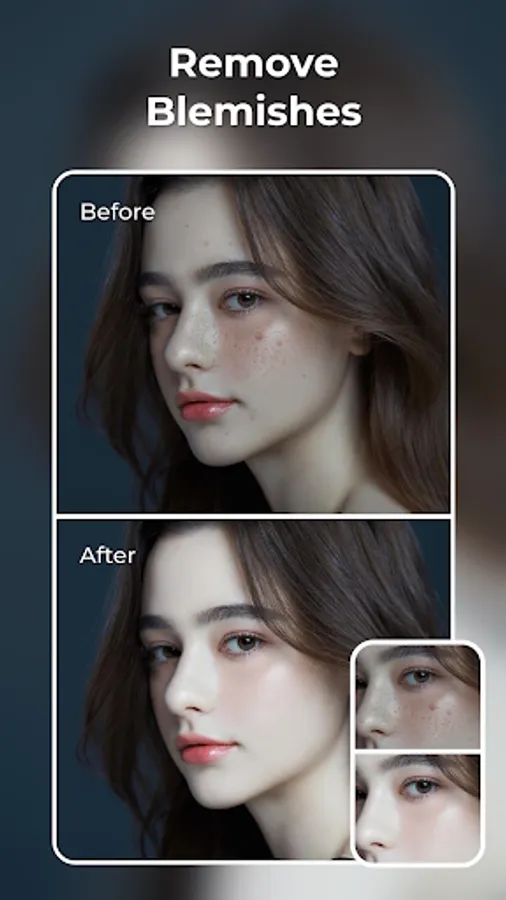
✅ Smooth away skin blemishes, acne, and pimples for a flawless look
✅ Eliminate powerlines, wires, and other obtrusive objects from your images
✅ Cut out distractions like traffic lights, trash cans, and street signs
✅ One-touch removal of any element spoiling your photos
✅ Learn professional photo cleanup techniques with simple in-app tutorials
🔍 Discover Exclusive Tools in TouchCut:
• Brush Tool: Precisely mark objects for deletion
• Eraser Tool: Effortlessly erase selected objects with advanced AI technology
• AI Processing: Swiftly and smoothly remove objects from photos
• Redo/Undo: Easily correct mistakes or change your mind
• Before/After Comparison: Clearly compare changes for better results
How to Use? 💡
① Choose a photo from your gallery or capture one using the camera
② Brush over or outline the unwanted objects you want to remove
③ Utilize the eraser to refine the selected area
④ Tap "Cut out" and witness the magic of TouchCut unfold
⑤ Save and share your stunning photo TouchCut artwork on social media.
🎉 Coming Soon:
Paste Photo: Easily copy and paste any area with precision using just one tap
Key Features:
✅ Effortlessly erase unwanted watermarks, text, captions, logos, stickers, and more
✅ Instantly change background to any color or scene with just a few taps
✅ Clone Object feature: Duplicate yourself or other objects for hilarious effects and creative background fixes
✅ Easily remove background people or even ex-partners from your photos
✅ Smooth away skin blemishes, acne, and pimples for a flawless look
✅ Eliminate powerlines, wires, and other obtrusive objects from your images
✅ Cut out distractions like traffic lights, trash cans, and street signs
✅ One-touch removal of any element spoiling your photos
✅ Learn professional photo cleanup techniques with simple in-app tutorials
🔍 Discover Exclusive Tools in TouchCut:
• Brush Tool: Precisely mark objects for deletion
• Eraser Tool: Effortlessly erase selected objects with advanced AI technology
• AI Processing: Swiftly and smoothly remove objects from photos
• Redo/Undo: Easily correct mistakes or change your mind
• Before/After Comparison: Clearly compare changes for better results
How to Use? 💡
① Choose a photo from your gallery or capture one using the camera
② Brush over or outline the unwanted objects you want to remove
③ Utilize the eraser to refine the selected area
④ Tap "Cut out" and witness the magic of TouchCut unfold
⑤ Save and share your stunning photo TouchCut artwork on social media.
🎉 Coming Soon:
Paste Photo: Easily copy and paste any area with precision using just one tap