Radio Precode Calculator For R
OBD High Tech
4.4 ★
1K ratings
100,000+
downloads
Free
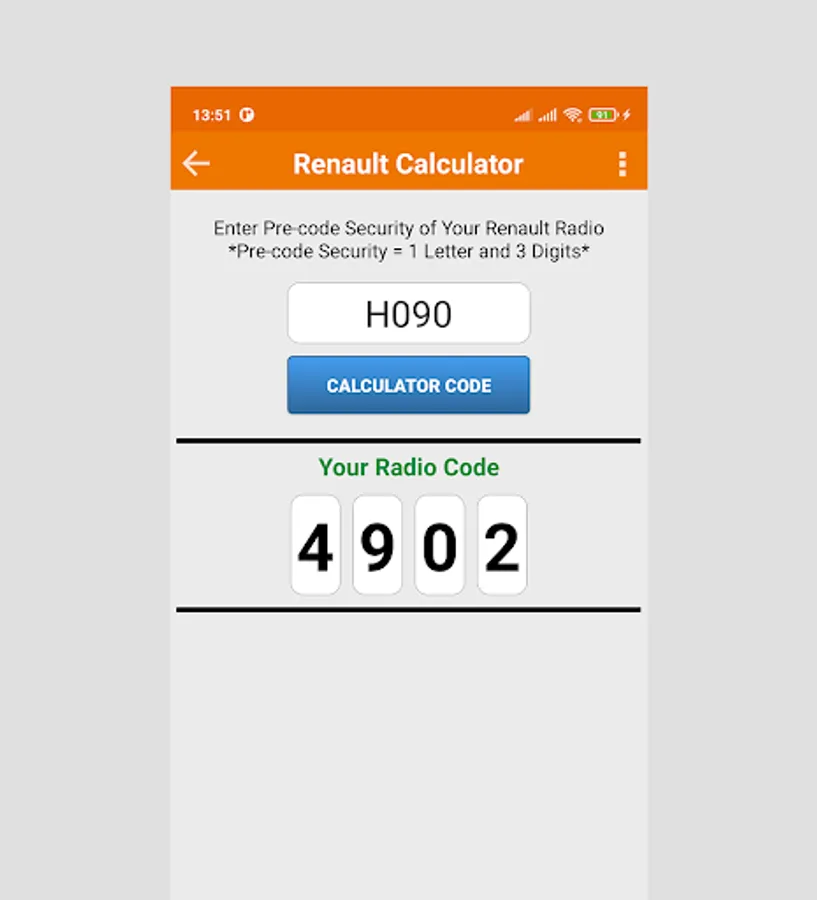
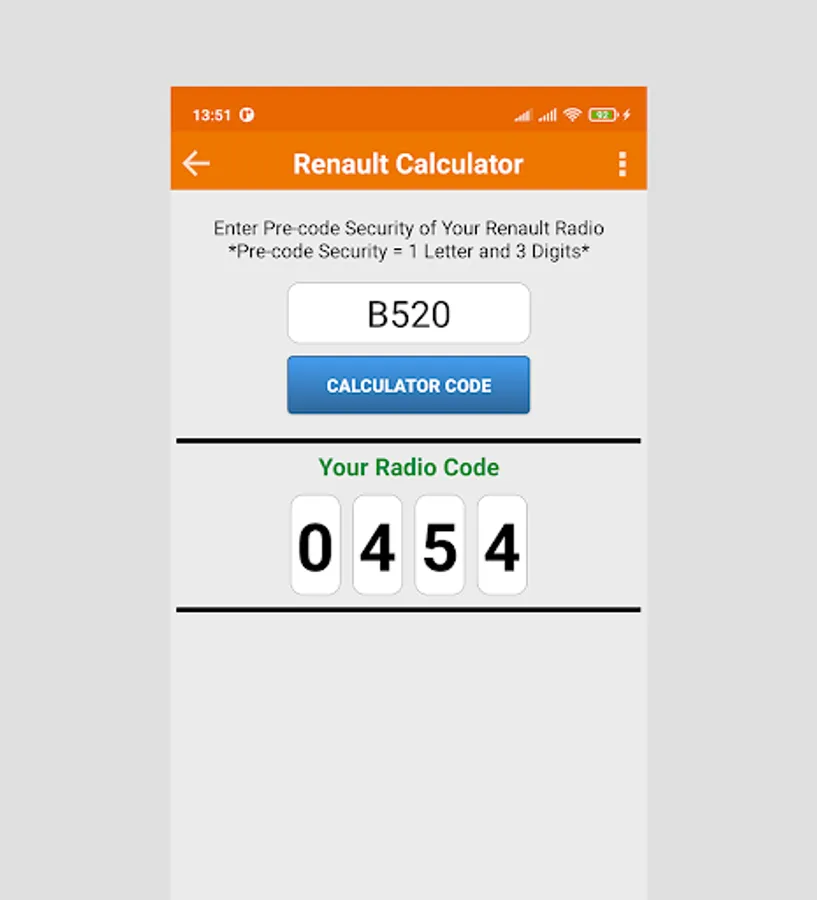
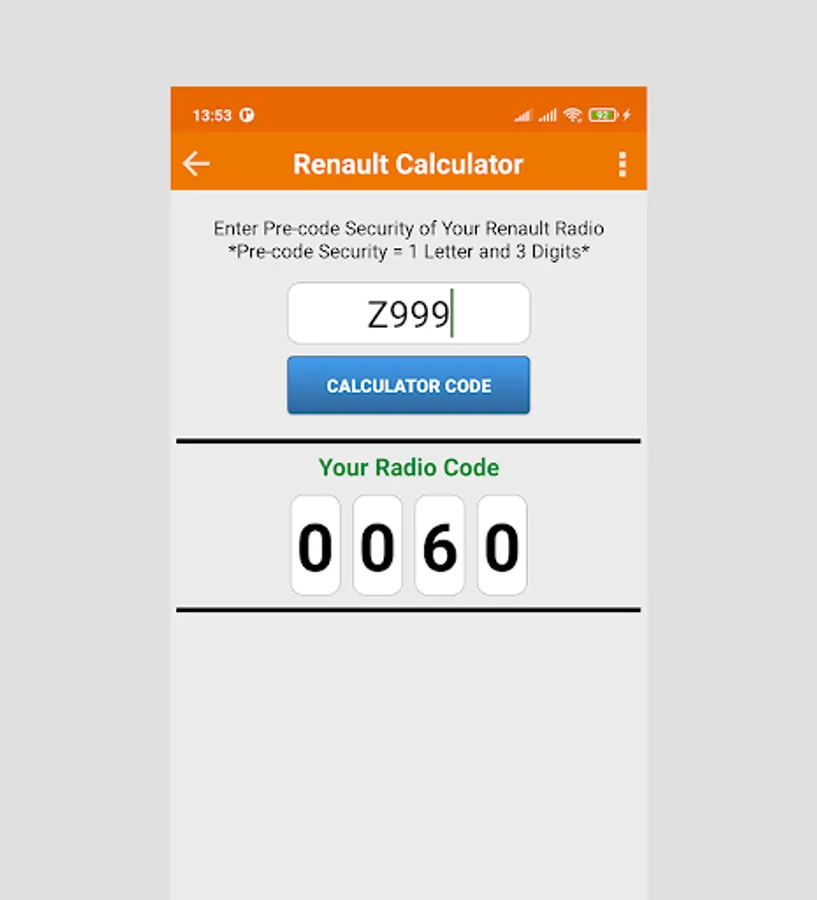
In this radio code calculator app, you can input codes using various remote controls to retrieve your Renault vehicle's radio code. Includes step-by-step input guides, code verification, and code storage features.
AppRecs review analysis
AppRecs rating 4.4. Trustworthiness 30 out of 100. Review manipulation risk 49 out of 100. Based on a review sample analyzed.
★★★★☆
4.4
AppRecs Rating
Ratings breakdown
5 star
80%
4 star
0%
3 star
0%
2 star
20%
1 star
0%
What to know
✓
Authentic reviews
Natural distribution, no red flags
⚠
Questionable review patterns
49% review manipulation risk - some review patterns appear unusual
⚠
Questionable review trustworthiness
30% trustworthiness - reviews show concerning patterns
About Radio Precode Calculator For R
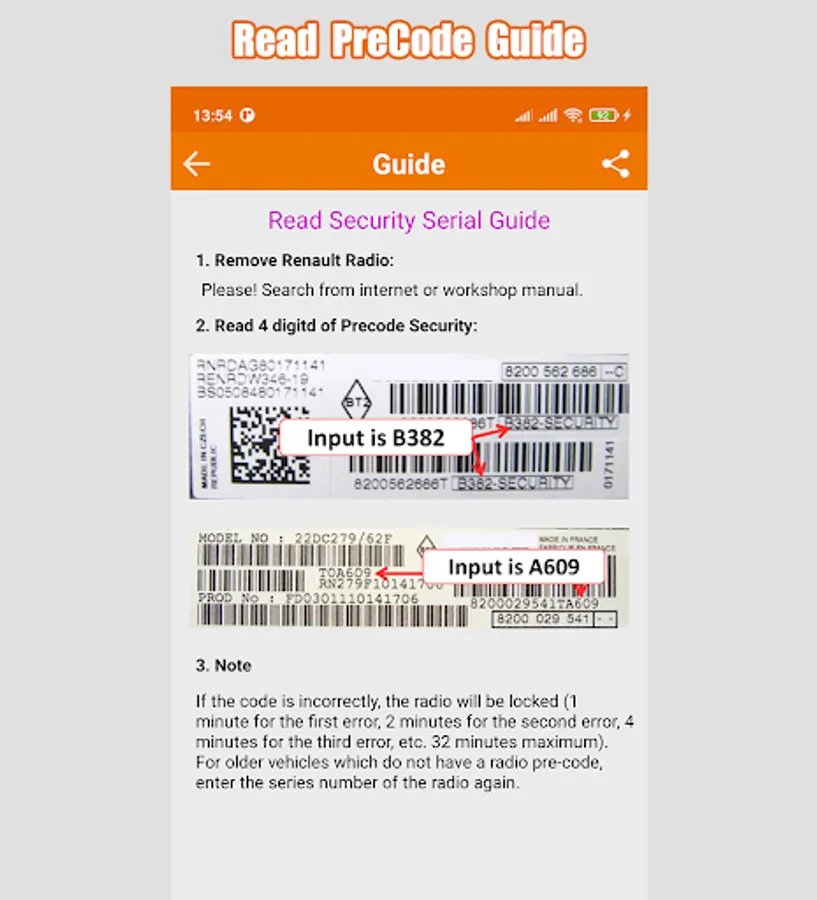
The battery is disconnected and reconnected for Renault vehicle. When the radio is protected by a four digit code. If you don't remember radio code, you need this App for calculator radio code via pre-code security.
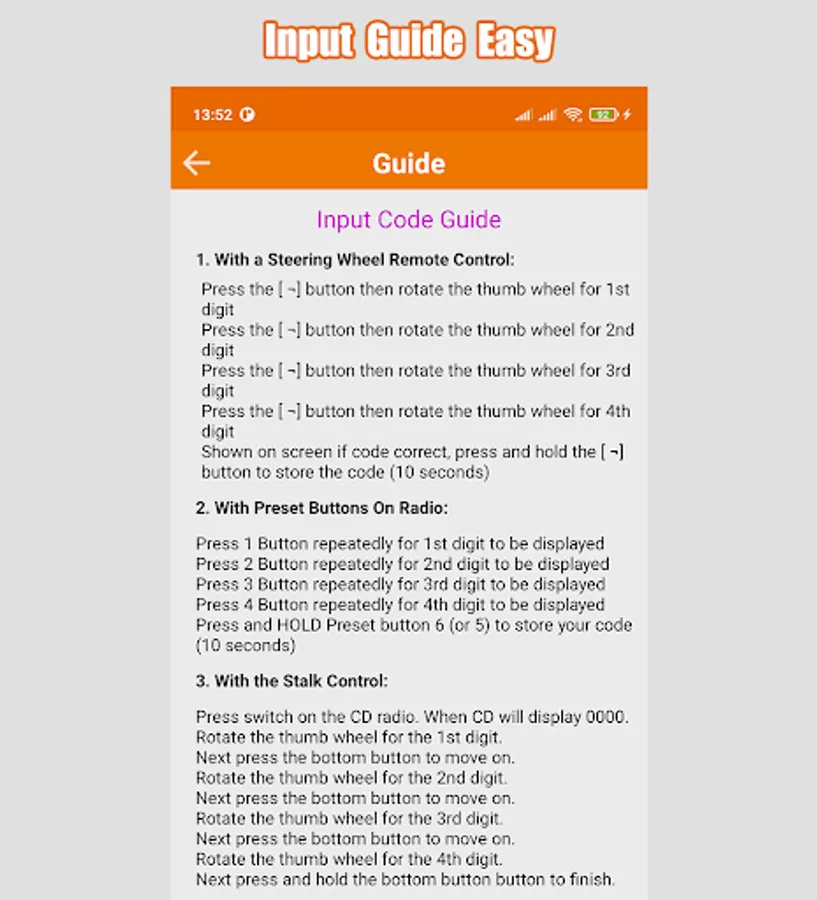
Input Code Guide:
1. With a Steering Wheel Remote Control:
Press the [ ¬] button then rotate the thumb wheel for 1st digit
Press the [ ¬] button then rotate the thumb wheel for 2nd digit
Press the [ ¬] button then rotate the thumb wheel for 3rd digit
Press the [ ¬] button then rotate the thumb wheel for 4th digit
Shown on screen if code correct, press and hold the [ ¬] button to store the code (10 seconds)
2. With Preset Buttons On Radio:
Press 1 Button repeatedly for 1st digit to be displayed
Press 2 Button repeatedly for 2nd digit to be displayed
Press 3 Button repeatedly for 3rd digit to be displayed
Press 4 Button repeatedly for 4th digit to be displayed
Press and HOLD Preset button 6 (or 5) to store your code (10 seconds)
3. With the Stalk Control:
Press switch on the CD radio. When CD will display 0 0 0 0.
Rotate the thumb wheel for the 1st digit.
Next press the bottom button to move on.
Rotate the thumb wheel for the 2nd digit.
Next press the bottom button to move on.
Rotate the thumb wheel for the 3rd digit.
Next press the bottom button to move on.
Rotate the thumb wheel for the 4th digit.
Next press & hold the bottom button button to finish.
Help Translation:
You can help me to translation from English to your language.
Link translation: http://obdhightech.oneskyapp.com/collaboration/project/125805
User name and pass for login help translation:
user name: debinhphuoc@gmail.com / pass: 123456
Thank you so much.
Input Code Guide:
1. With a Steering Wheel Remote Control:
Press the [ ¬] button then rotate the thumb wheel for 1st digit
Press the [ ¬] button then rotate the thumb wheel for 2nd digit
Press the [ ¬] button then rotate the thumb wheel for 3rd digit
Press the [ ¬] button then rotate the thumb wheel for 4th digit
Shown on screen if code correct, press and hold the [ ¬] button to store the code (10 seconds)
2. With Preset Buttons On Radio:
Press 1 Button repeatedly for 1st digit to be displayed
Press 2 Button repeatedly for 2nd digit to be displayed
Press 3 Button repeatedly for 3rd digit to be displayed
Press 4 Button repeatedly for 4th digit to be displayed
Press and HOLD Preset button 6 (or 5) to store your code (10 seconds)
3. With the Stalk Control:
Press switch on the CD radio. When CD will display 0 0 0 0.
Rotate the thumb wheel for the 1st digit.
Next press the bottom button to move on.
Rotate the thumb wheel for the 2nd digit.
Next press the bottom button to move on.
Rotate the thumb wheel for the 3rd digit.
Next press the bottom button to move on.
Rotate the thumb wheel for the 4th digit.
Next press & hold the bottom button button to finish.
Help Translation:
You can help me to translation from English to your language.
Link translation: http://obdhightech.oneskyapp.com/collaboration/project/125805
User name and pass for login help translation:
user name: debinhphuoc@gmail.com / pass: 123456
Thank you so much.
Radio Precode Calculator For R Screenshots
Tap to Rate:
Reviews for Radio Precode Calculator For R
Kate Austen
10/16/2025
Works 100% 5/5 stars
Dario Montanaro
7/12/2025
Does what it says and it does well. No account, no registration, and completely free. Ads not intrusive at all. 5 stars.