
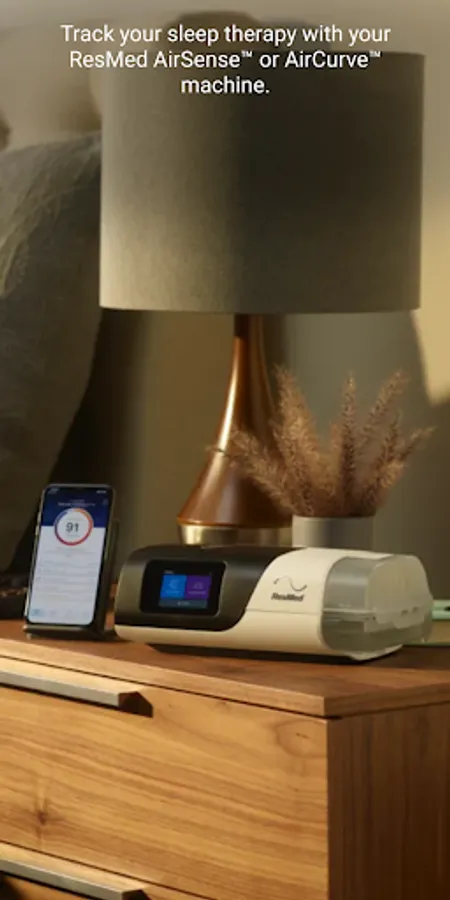
In this sleep therapy app, users receive guided setup instructions and personalized coaching to enhance comfort and adherence. Includes interactive voice guidance, therapy progress monitoring, and educational videos.
AppRecs review analysis
AppRecs rating 4.0. Trustworthiness 75 out of 100. Review manipulation risk 23 out of 100. Based on a review sample analyzed.
★★★★☆
4.0
AppRecs Rating
Ratings breakdown
5 star
65%
4 star
12%
3 star
6%
2 star
4%
1 star
13%
What to know
✓
Low review manipulation risk
23% review manipulation risk
✓
Credible reviews
75% trustworthiness score from analyzed reviews
✓
High user satisfaction
77% of sampled ratings are 4+ stars (4.1★ average)
About myAir™ by Resmed
GUIDED SETUP
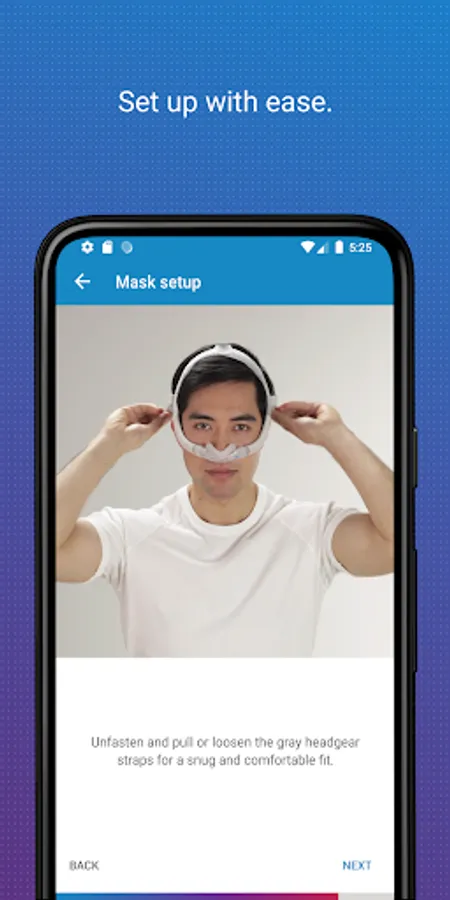
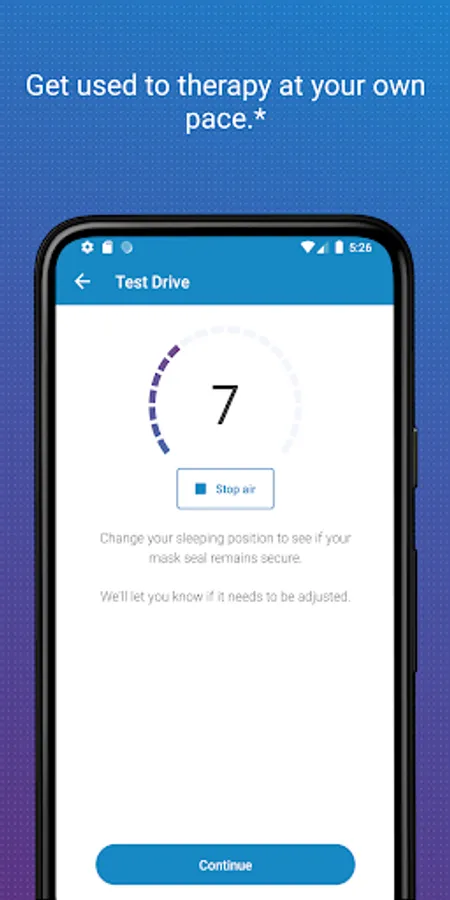
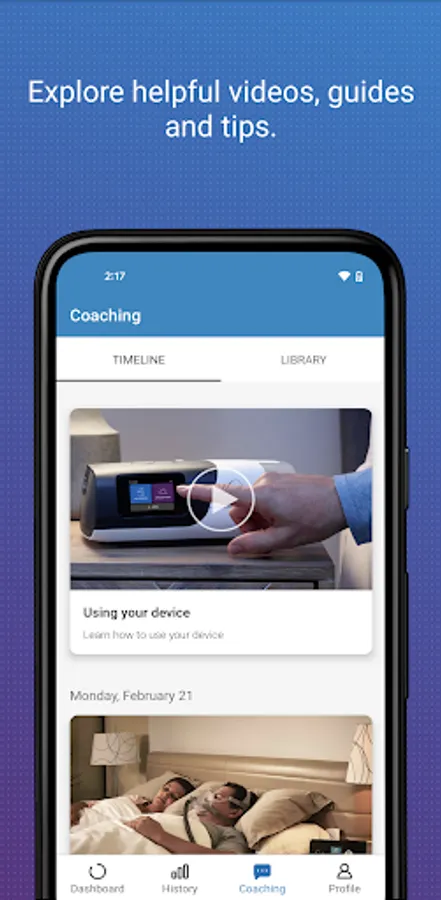
Whether you set up your equipment at home or in person, myAir helps you get started with confidence and ease. The Personal Therapy Assistant* feature provides interactive voice-guided instructions to help you set up your equipment and fit your mask. myAir's Test Drive* feature helps you get comfortable with therapy using your machine at different levels of air pressure. The app also offers a Library of helpful videos and guides that show you how to set up your specific AirSense or AirCurve machine and Resmed mask, as well as how to get comfortable on therapy.
PERSONALIZED SUPPORT
Getting used to therapy can take a little time, but with the right support you can enjoy a great night's sleep. myAir acts like your personal sleep coach. It guides you through therapy and connects you to the support you need, when you need it.
myAir offers tailored coaching, tips and videos to increase your comfort and success. For example, if you have problems with your mask seal, myAir will provide tips about how to fix it. The app also offers a full Library of helpful videos and guides to answer common questions.
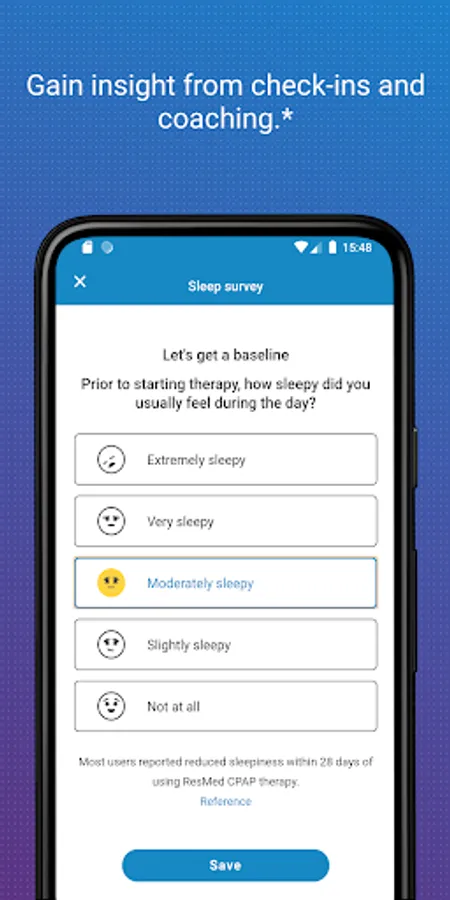
Along the way, you'll get email and push notifications that encourage and support you. With regular check-ins*, myAir proactively prompts you to see how your therapy is going and provides coaching if you have problems. With your prior consent, myAir also shares your therapy insights with your healthcare team* so they can be more connected to your care.
SLEEP THERAPY TRACKING
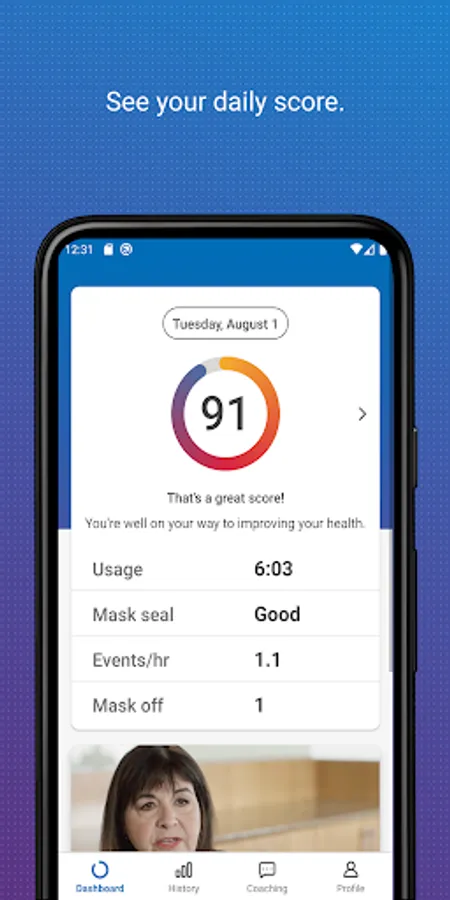
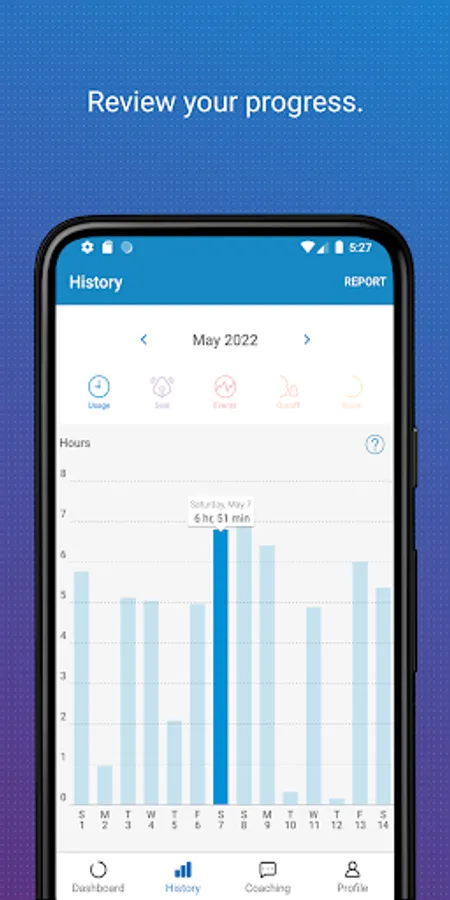
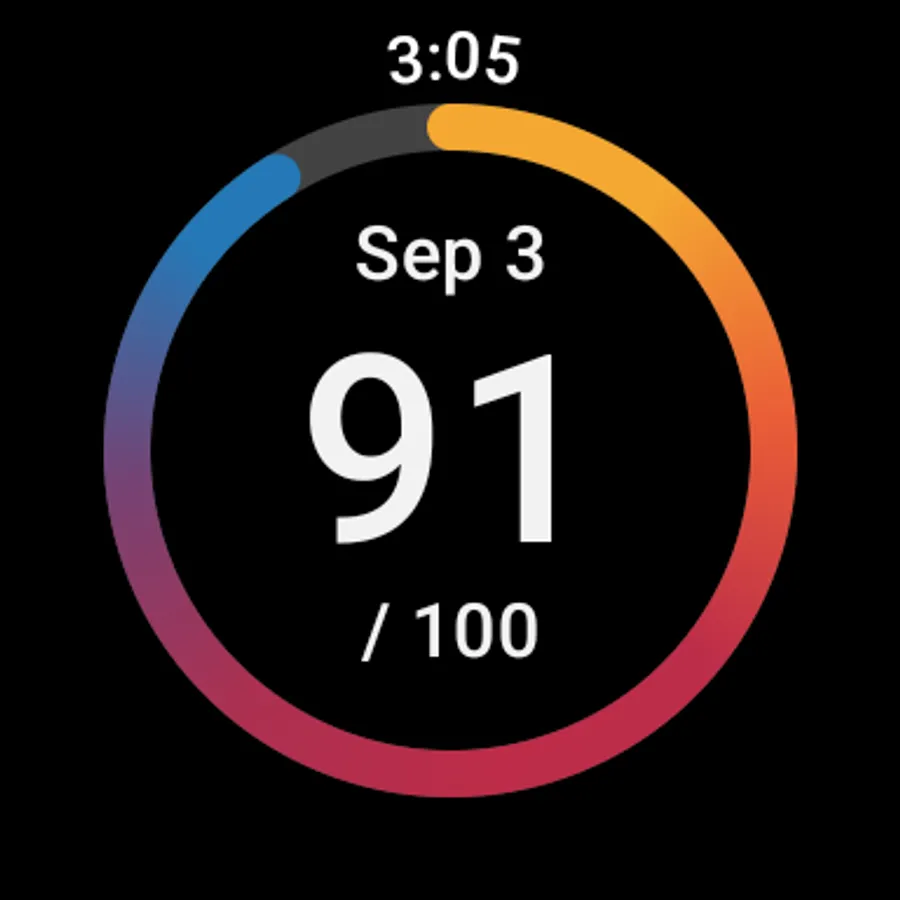
With myAir, you can easily access your daily sleep therapy data to monitor your therapy progress. Simply log in to see your nightly myAir score, which shows how well you slept on therapy at a glance. Detailed metrics help you track your therapy progress over time. You can also download a therapy summary report to keep for your records or share with your healthcare provider.
INTEGRATED WITH HEALTH APPLICATIONS
myAir integrates with Apple Health and Health Connect to display the health data you track alongside your Resmed therapy data. Within the Trends feature, myAir can read and display the following data types (if you choose to share them): steps, active calories, exercise, weight, sleep, heart rate variability, oxygen saturation and resting heart rate.
Learn more at Resmed.com/myAir.
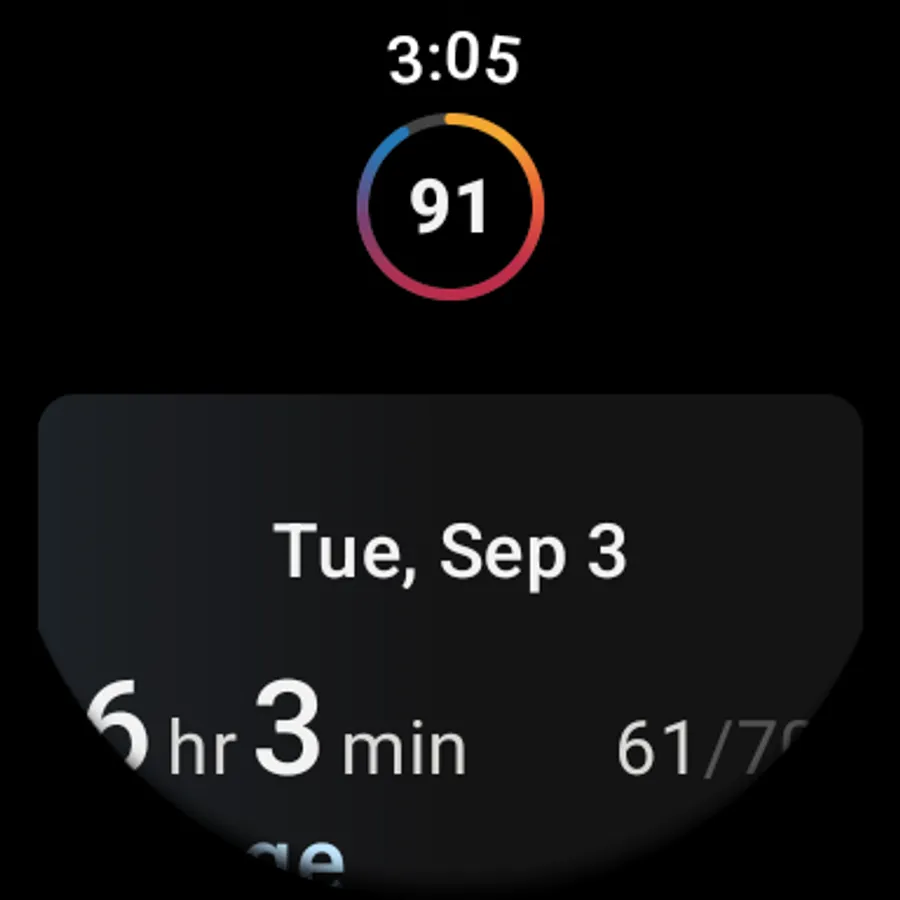
myAir Wear OS smartwatch app now available
If you have a myAir account, and a compatible Samsung® Galaxy™ Watch, you can install the myAir smartwatch app to see your myAir data.
*Feature available only with an AirSense 11 machine. Not available with AirSense 10 or AirCurve 10.
Note: myAir is available only for Resmed AirSense and AirCurve machines with built-in wireless connectivity. For the AirMini™ machine, please download the AirMini by Resmed app.
myAir™ by Resmed Screenshots
Tap to Rate:
Reviews for myAir™ by Resmed
Shola Segun
12/29/2025
Whenever I open this app or receive notification, Google attempts to collect my phone data through the myAir app. You need to tighten your loose end please. myAir app is leaking my data. Please, do something ASAP.
Charlene Hanson
12/29/2025
the app doesn't work. I've tried restarting phone, clearing cache, uninstalling and reinstalling. nothing will get this app going. it just spins for a couple minutes and then comes up with an error message. 1 star