
RingCentral Meetings Rooms
RingCentral
3.4 ★
25 ratings
10,000+
downloads
Free
In this video conferencing app, users can join or start meetings with one tap and manage calls via touch controls. Includes multi-screen display capabilities, scheduling integration, and support for various devices.
AppRecs review analysis
AppRecs rating 3.4. Trustworthiness 0 out of 100. Review manipulation risk 0 out of 100. Based on a review sample analyzed.
★★★☆☆
3.4
AppRecs Rating
Ratings breakdown
5 star
42%
4 star
25%
3 star
0%
2 star
0%
1 star
33%
About RingCentral Meetings Rooms
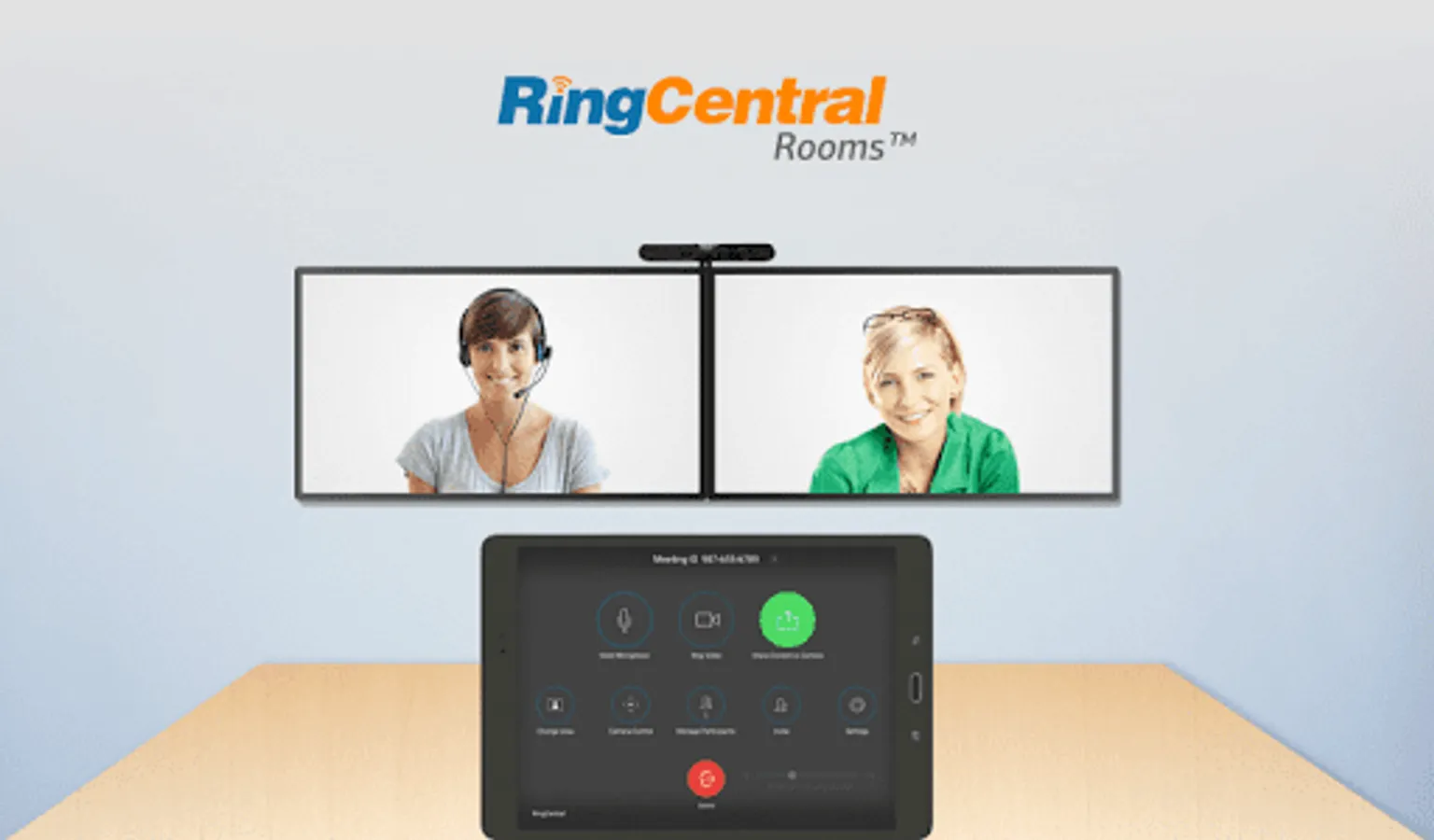
RingCentral Meetings Rooms is the “Every Room” video conferencing solution. RingCentral is extending cloud-based RingCentral Meetings capabilities to enterprise conference rooms with RingCentral Meetings Rooms.
RingCentral Meetings Rooms is a next-generation cloud-based video conference room solution without the expensive proprietary hardware needed with traditional video conference room systems. It is easy to configure with off-the-shelf equipment and delivers HD video, audio, and web conferencing capabilities. The best part is that the solution is extremely easy to use.
Easy setup
• No proprietary hardware needed – only an tablet, camera, speakers and Mac/Win connected to TV screens
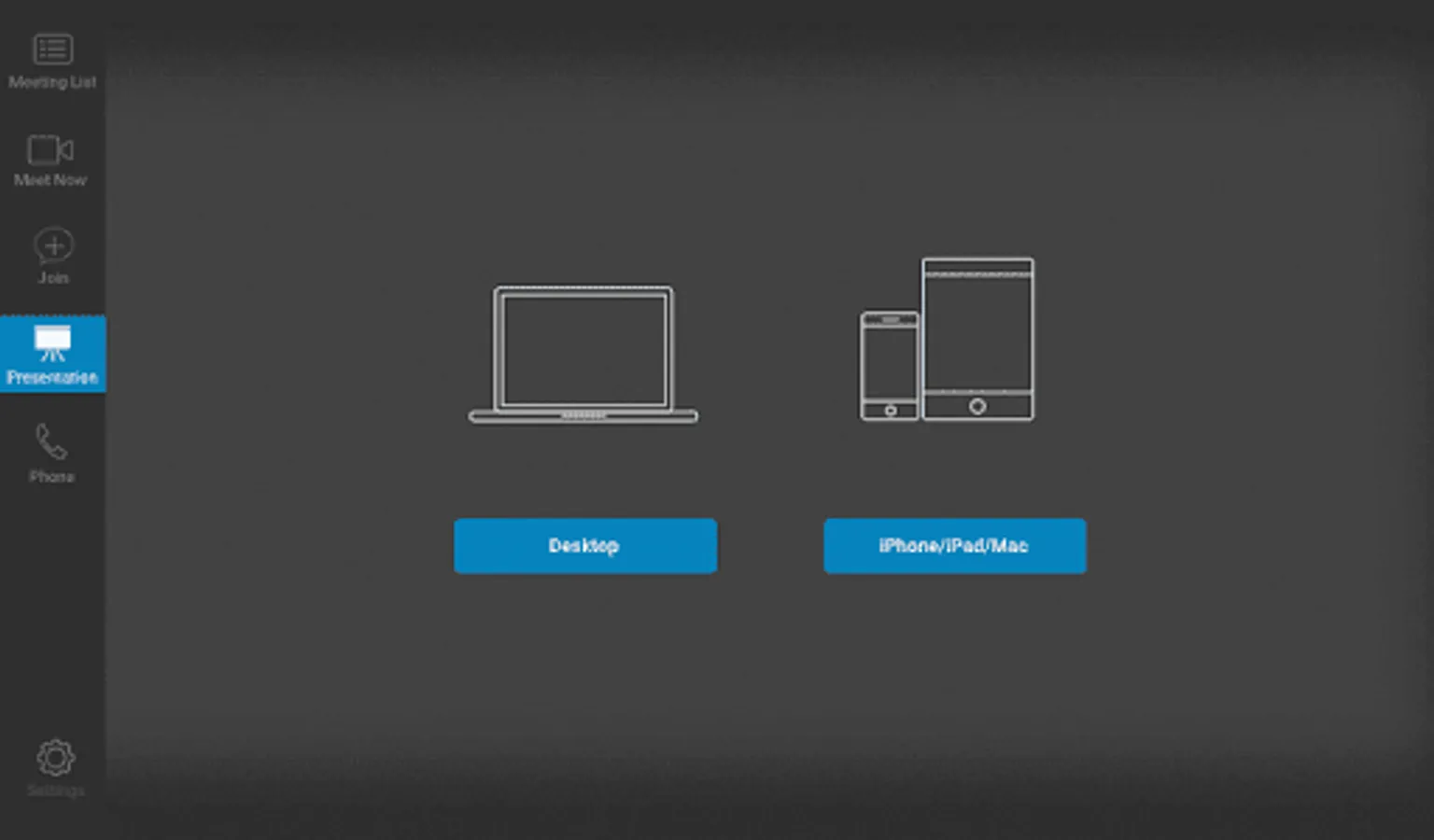
• Participants can join from mobile, tablet, desktop, browser, telephone, and RingCentral Rooms
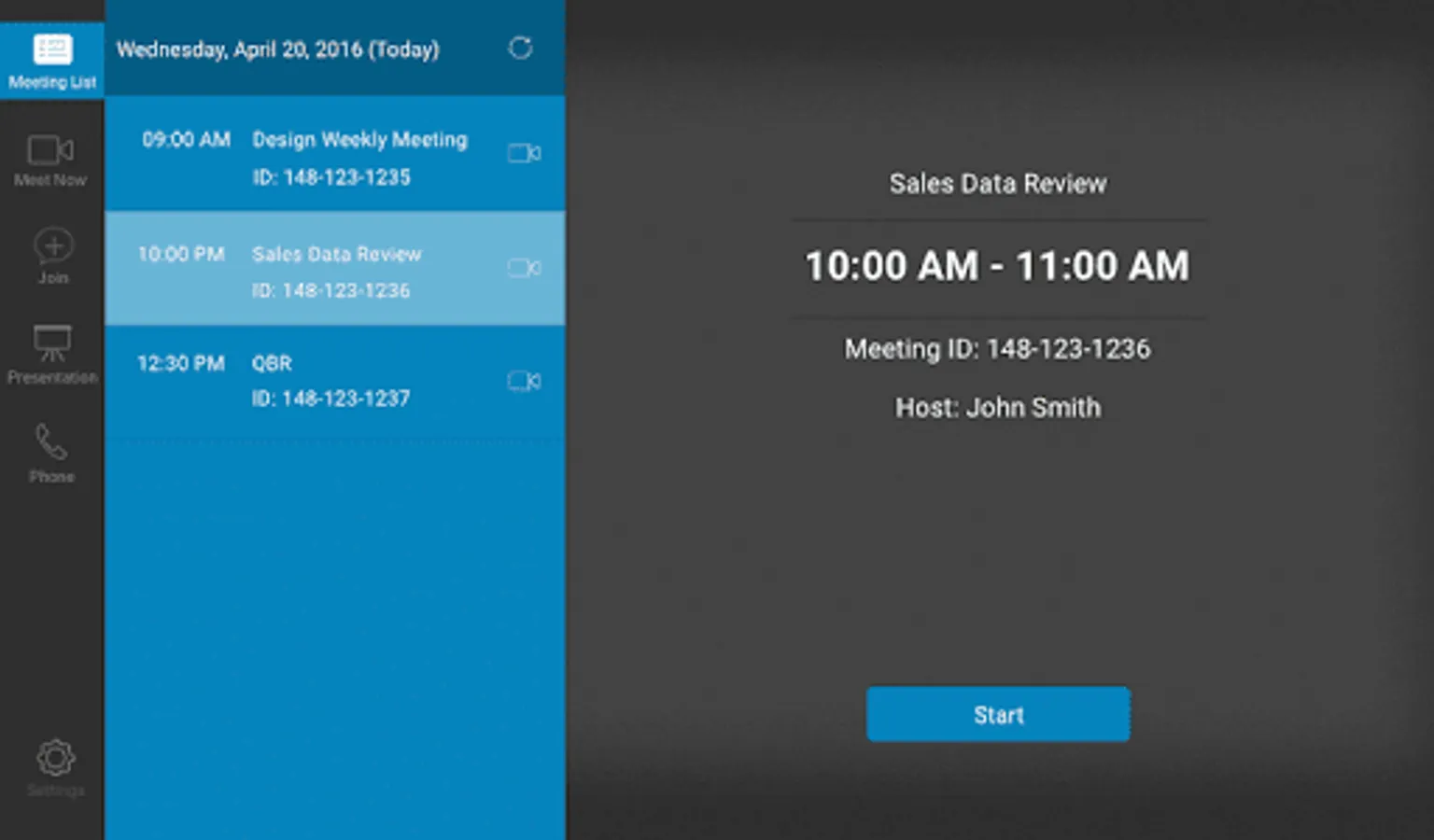
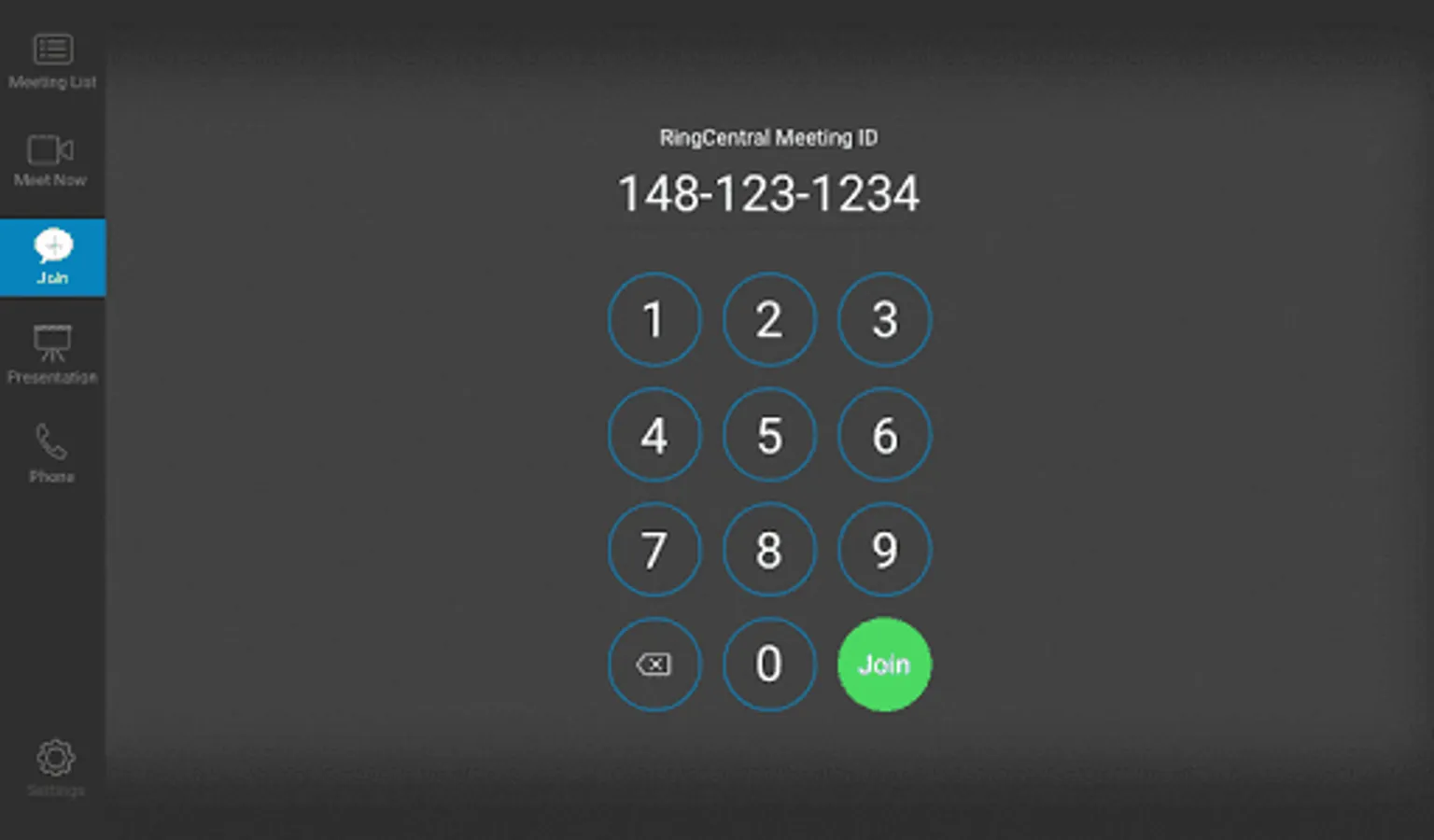
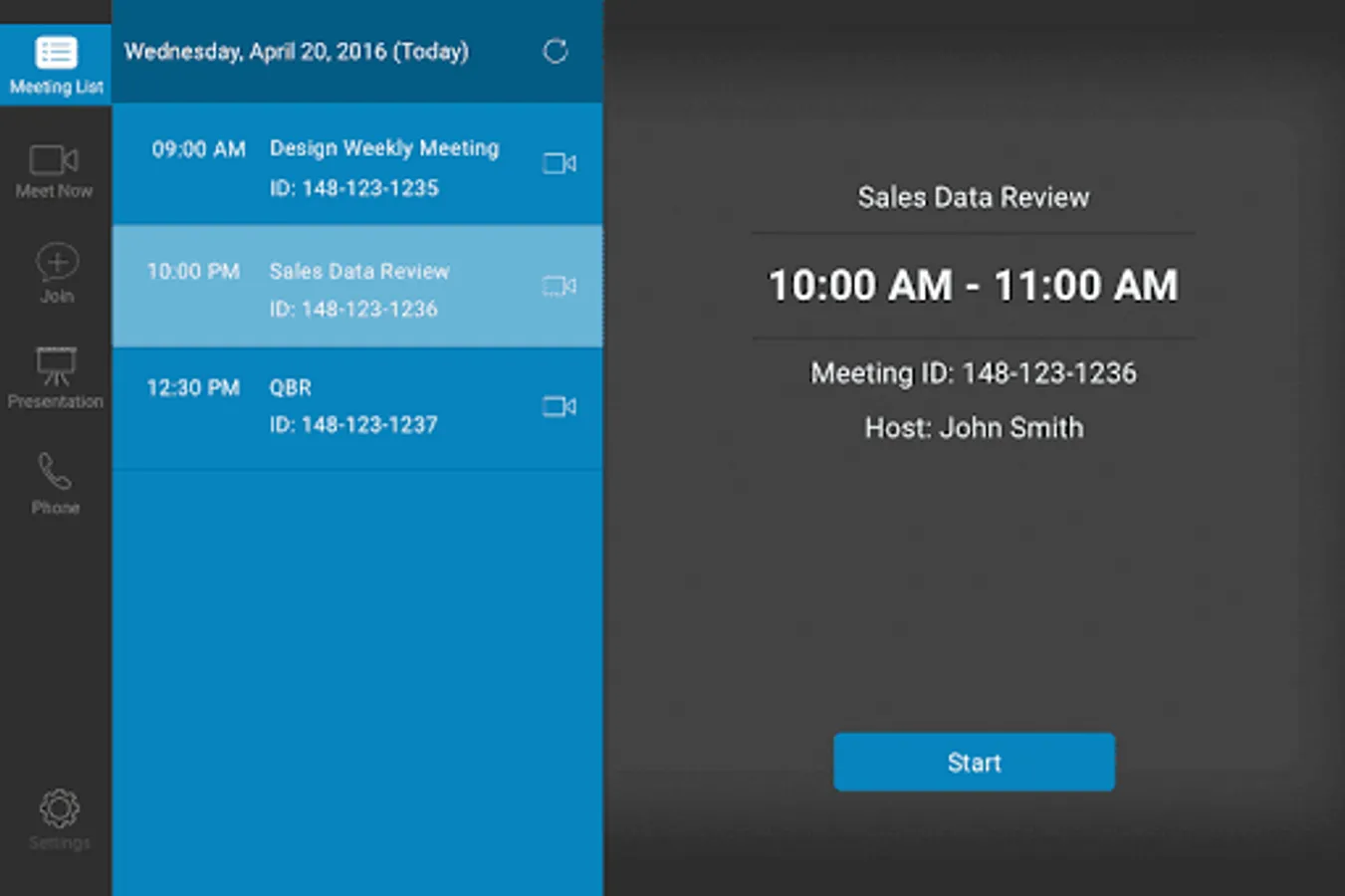
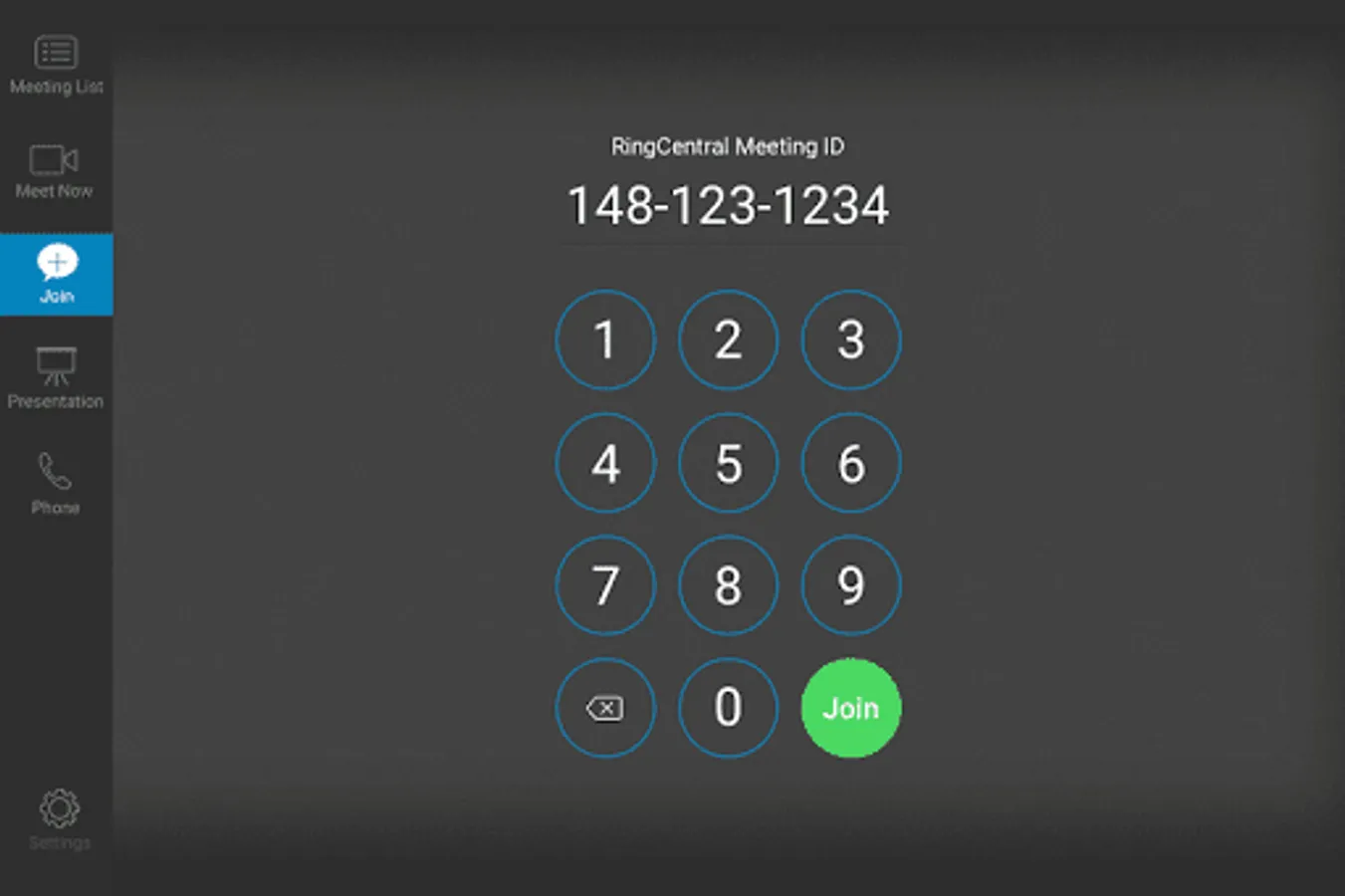
• One tap to start or join a video conference
• Scheduling integration with Exchange/Office 365 or Google Calendar
Multiscreen video, screen sharing, touch controls
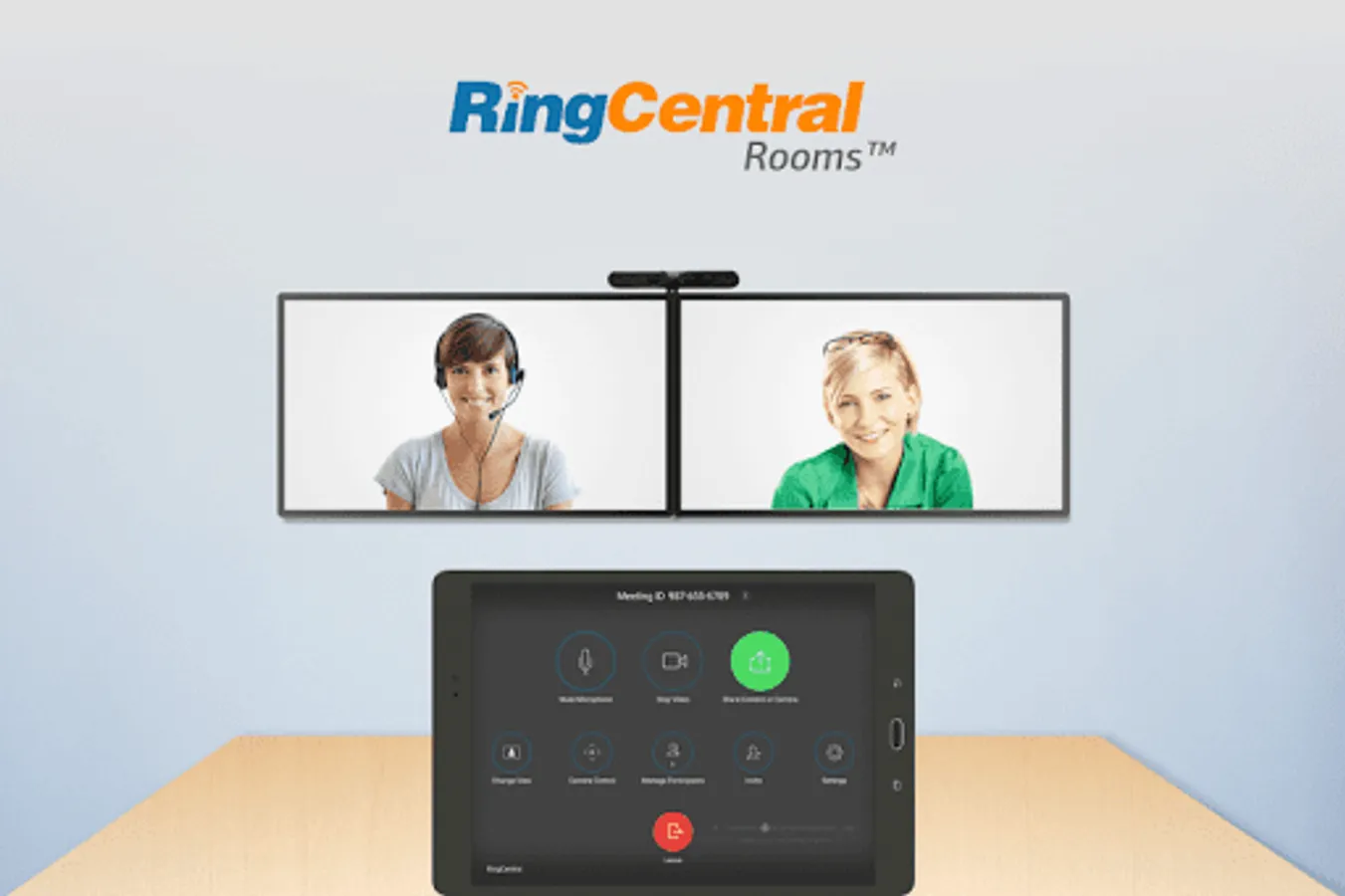
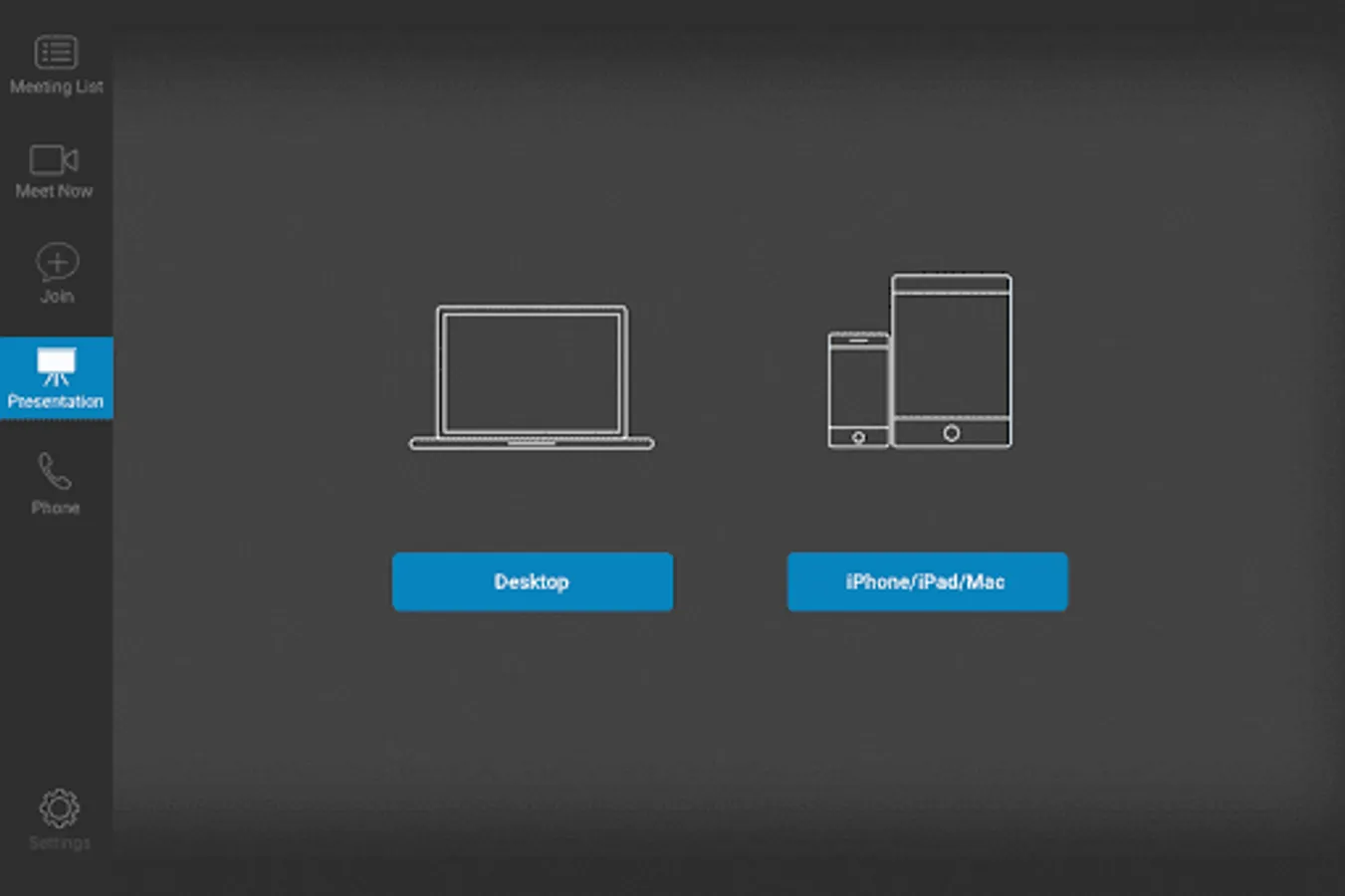
• Multi-screen option shows shared content and active speaker/gallery
• Works for small, medium, and large conference rooms
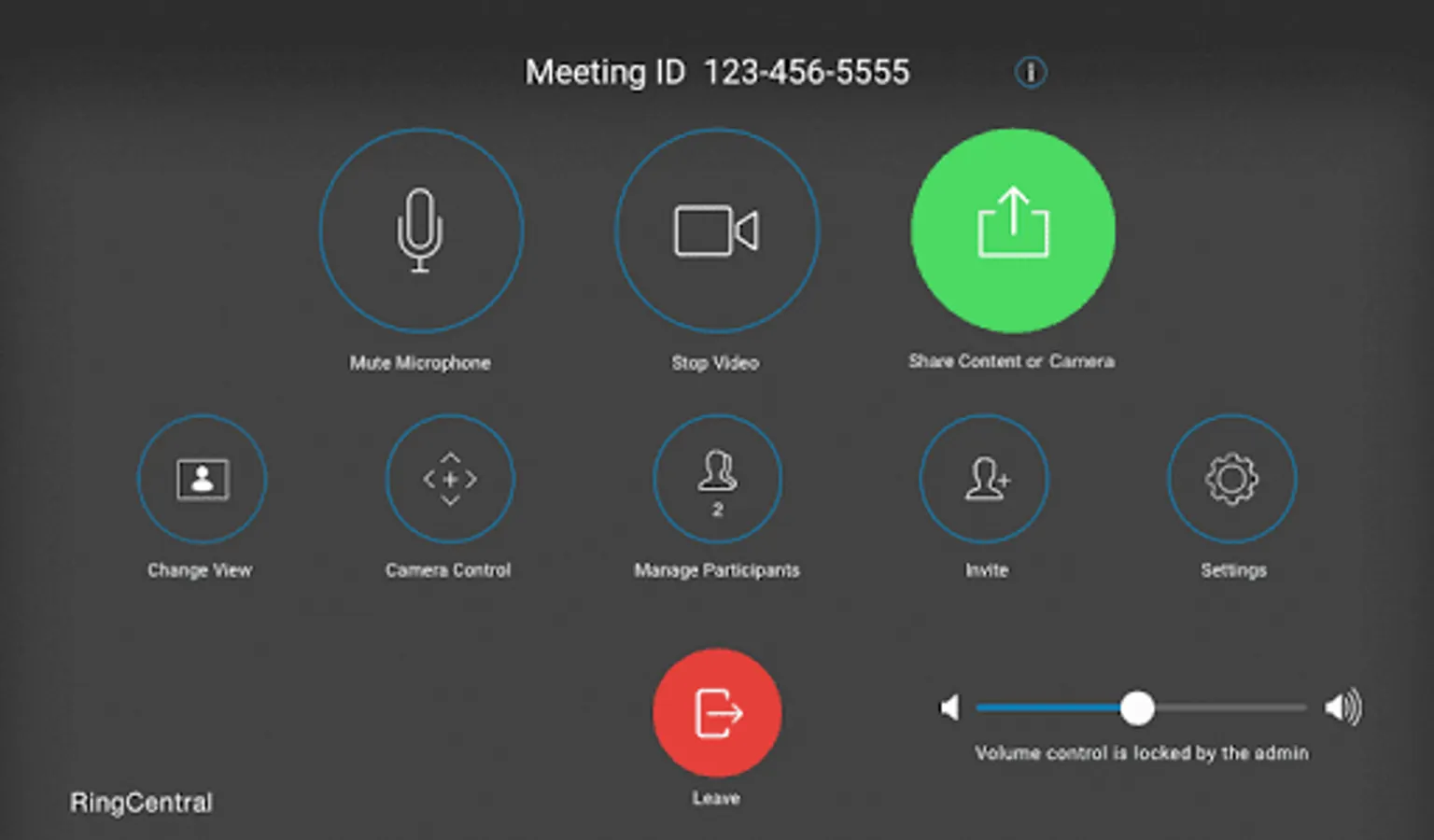
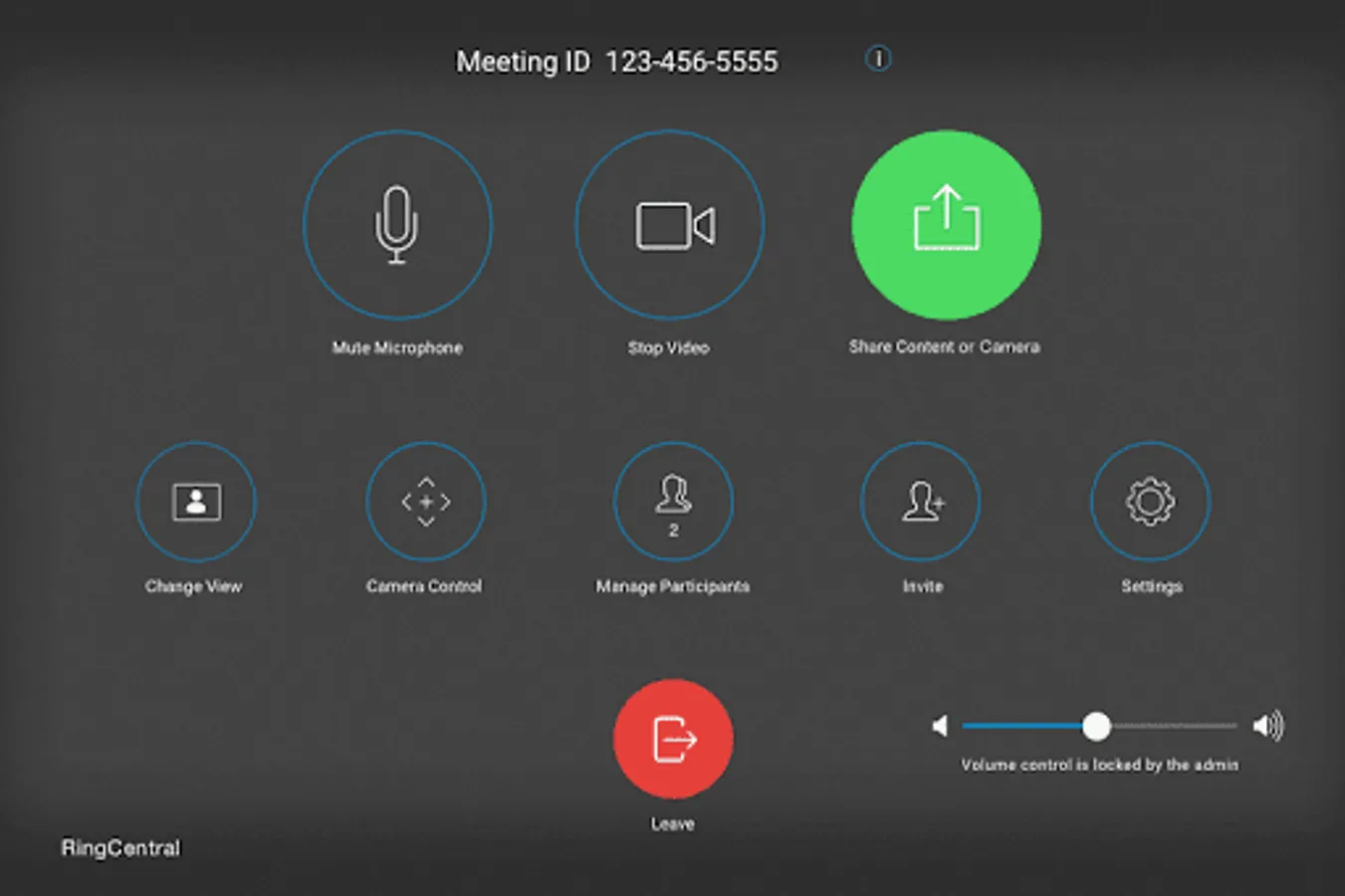
• Touch meeting controls on tablet to manage meetings, adjust camera, and more
Learn more at https://www.ringcentral.com/office/features/online-meetings/rooms.html
RingCentral Meetings Rooms is a next-generation cloud-based video conference room solution without the expensive proprietary hardware needed with traditional video conference room systems. It is easy to configure with off-the-shelf equipment and delivers HD video, audio, and web conferencing capabilities. The best part is that the solution is extremely easy to use.
Easy setup
• No proprietary hardware needed – only an tablet, camera, speakers and Mac/Win connected to TV screens
• Participants can join from mobile, tablet, desktop, browser, telephone, and RingCentral Rooms
• One tap to start or join a video conference
• Scheduling integration with Exchange/Office 365 or Google Calendar
Multiscreen video, screen sharing, touch controls
• Multi-screen option shows shared content and active speaker/gallery
• Works for small, medium, and large conference rooms
• Touch meeting controls on tablet to manage meetings, adjust camera, and more
Learn more at https://www.ringcentral.com/office/features/online-meetings/rooms.html
RingCentral Meetings Rooms Screenshots
Tap to Rate: