
Auto clicker for gaming
Rising Apps
3.1 ★
134 ratings
10,000+
downloads
Free
In this auto clicker app for gaming, users can automate screen taps and swipes with customizable intervals and positions. Includes scripting options, cycle management, and no root access requirement.
AppRecs review analysis
AppRecs rating 3.1. Trustworthiness 0 out of 100. Review manipulation risk 0 out of 100. Based on a review sample analyzed.
★★★☆☆
3.1
AppRecs Rating
Ratings breakdown
5 star
47%
4 star
0%
3 star
13%
2 star
0%
1 star
40%
What to know
✓
Authentic reviews
No red flags detected
⚠
High negative review ratio
40% of sampled ratings are 1–2 stars
About Auto clicker for gaming
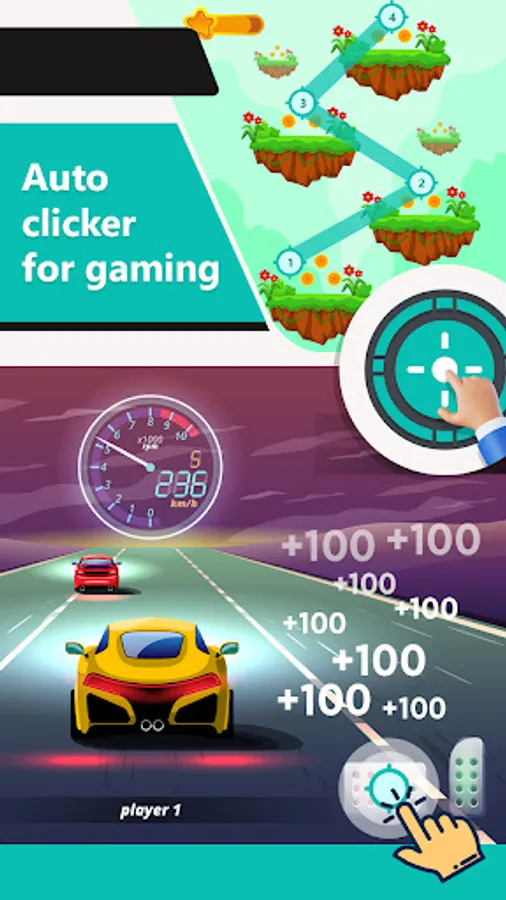
Auto clicker for gaming helps you do repeated taps - at any location on your screen, at any interval you specify.
Features of Auto clicker for gaming app :
- Easily start/stop click event in the floating panel.
- You can do single and multiple clicks at a specific given time.
- Easily play video games with the automatic clicker event.
- There is a floating panel in which you can set the number of cycles.
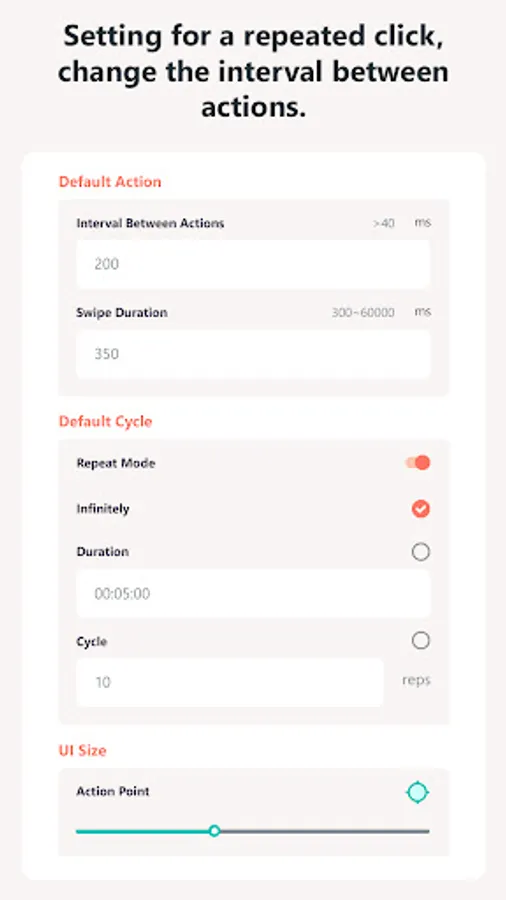
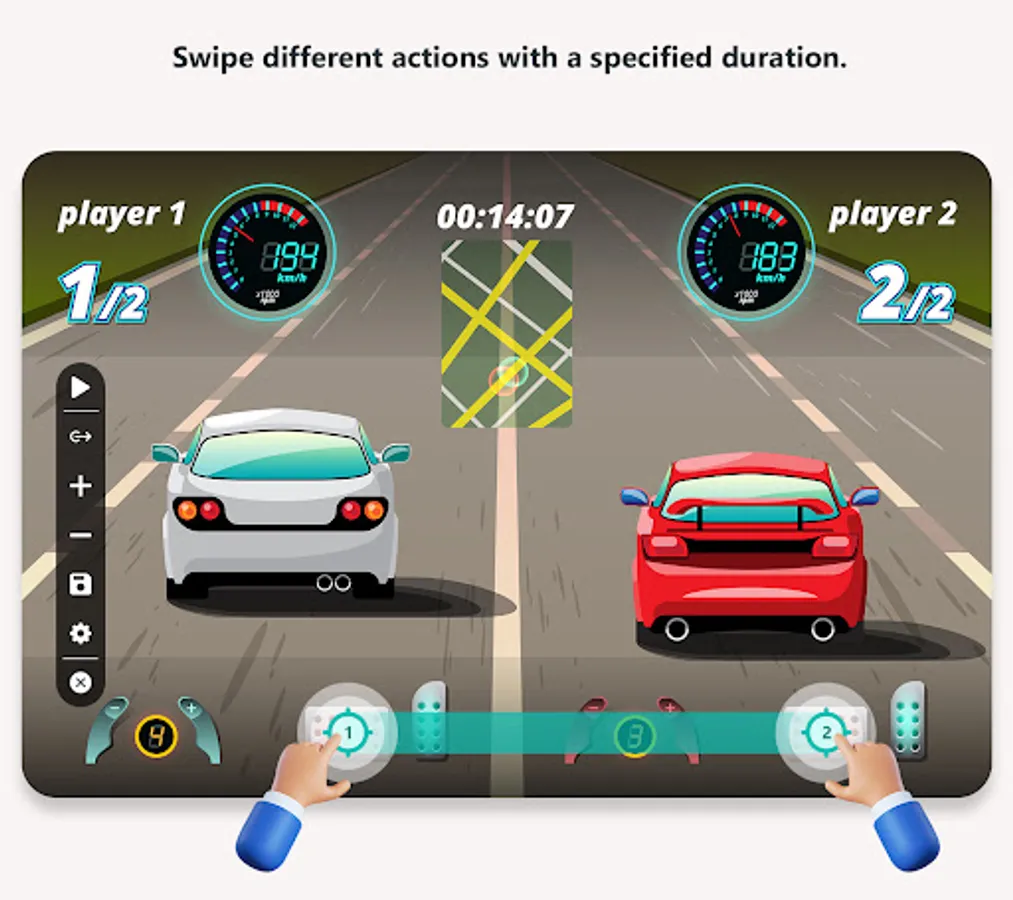
- Set repeat mode and swipe duration as well (Default 300 ms).
- Set infinite time action click as well.
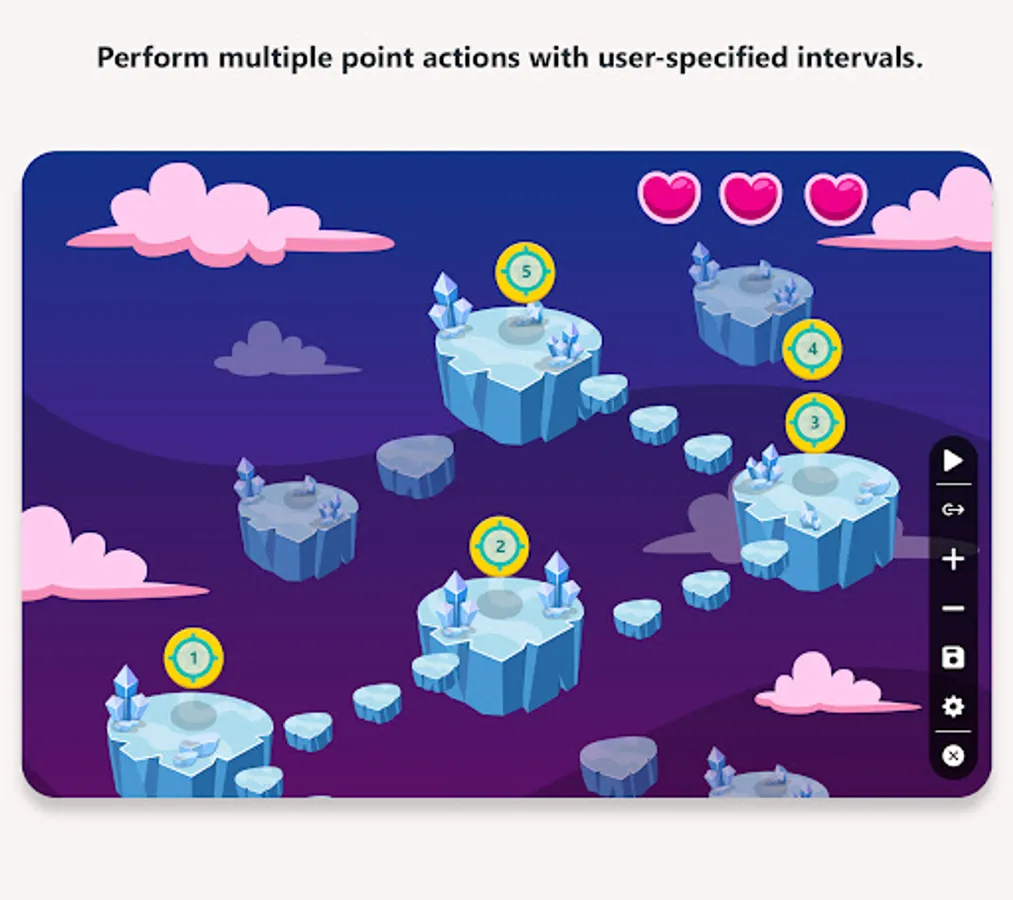
- You can set intervals between actions (Default 1 sec).
- Change Action point size according to your need.
- Save your created actions in the script for multiple time uses.
- Auto clicker working with no root access.
- Install Auto clicker for gaming now to save your time, it’s free for you.
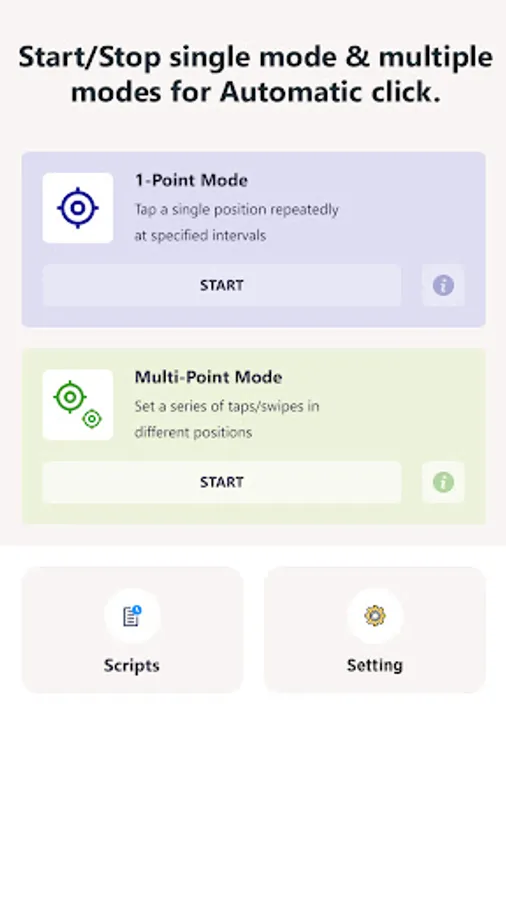
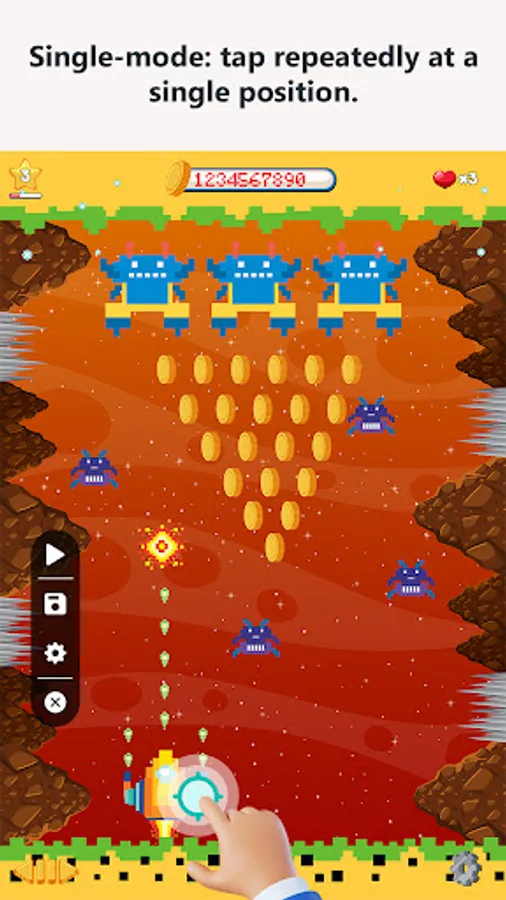
Single Mode :
- Tap a single point repeatedly at specific intervals.
- Click Automatic Multiple times while playing video games.
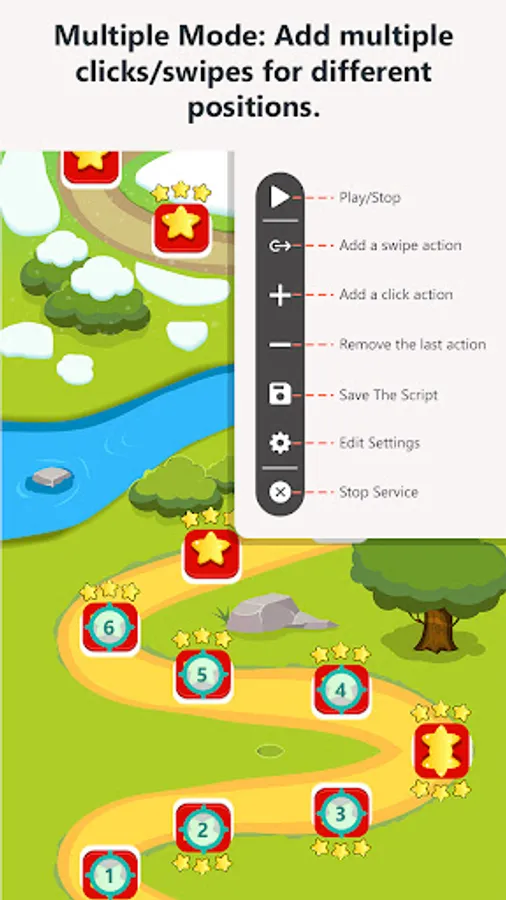
Multiple Mode :
- Set a series of automatic clicks in different positions with the specified interval.
- Create an automatic multiple screen swipes actions.
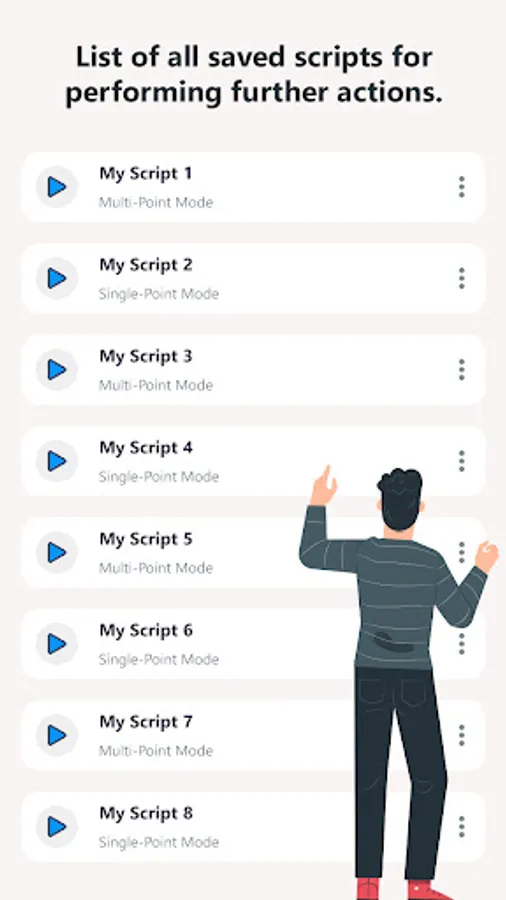
Saved Script :
- Save all created actions as scripts for further uses.
- Create/duplicate/delete script as well.
Important :
- If the app not working please restart accessibility permission.
- It supports Android 7.0 and up.
Note:
- Auto clicker for gaming app requires Accessibility API
- Why use this service?
We use this method to achieve such as clicking, swiping and other core function.
Features of Auto clicker for gaming app :
- Easily start/stop click event in the floating panel.
- You can do single and multiple clicks at a specific given time.
- Easily play video games with the automatic clicker event.
- There is a floating panel in which you can set the number of cycles.
- Set repeat mode and swipe duration as well (Default 300 ms).
- Set infinite time action click as well.
- You can set intervals between actions (Default 1 sec).
- Change Action point size according to your need.
- Save your created actions in the script for multiple time uses.
- Auto clicker working with no root access.
- Install Auto clicker for gaming now to save your time, it’s free for you.
Single Mode :
- Tap a single point repeatedly at specific intervals.
- Click Automatic Multiple times while playing video games.
Multiple Mode :
- Set a series of automatic clicks in different positions with the specified interval.
- Create an automatic multiple screen swipes actions.
Saved Script :
- Save all created actions as scripts for further uses.
- Create/duplicate/delete script as well.
Important :
- If the app not working please restart accessibility permission.
- It supports Android 7.0 and up.
Note:
- Auto clicker for gaming app requires Accessibility API
- Why use this service?
We use this method to achieve such as clicking, swiping and other core function.
Auto clicker for gaming Screenshots
Tap to Rate: