
About Computer Shortcut Keys - Keybo
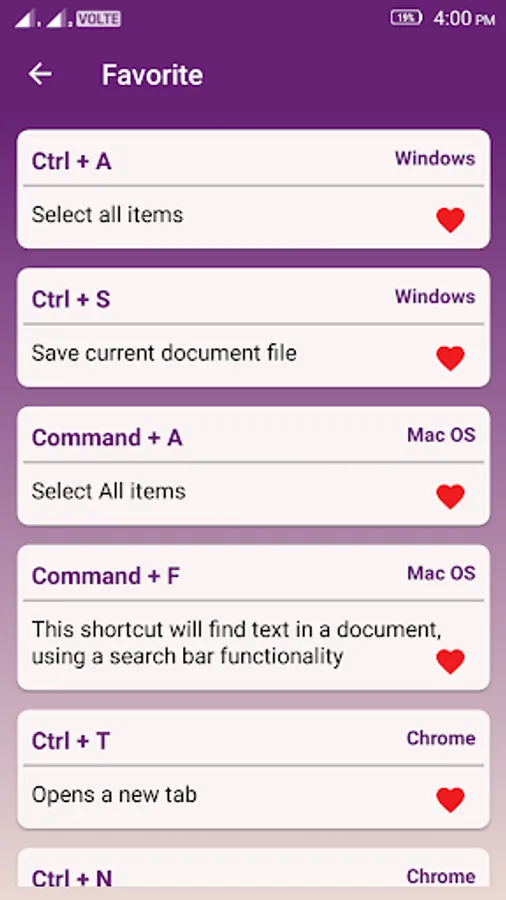
Computer Shortcut Keys App was developed where you can learn Keyboard Shortcut keys so that you can increase your work Speed and save your time. You can use keyboard Shortcuts instead of mouse. Main focused for the computer users to avoid using the Mouse.
This is a completely free app which is in the offline mode. This application is user-friendly and easy to understand contents.
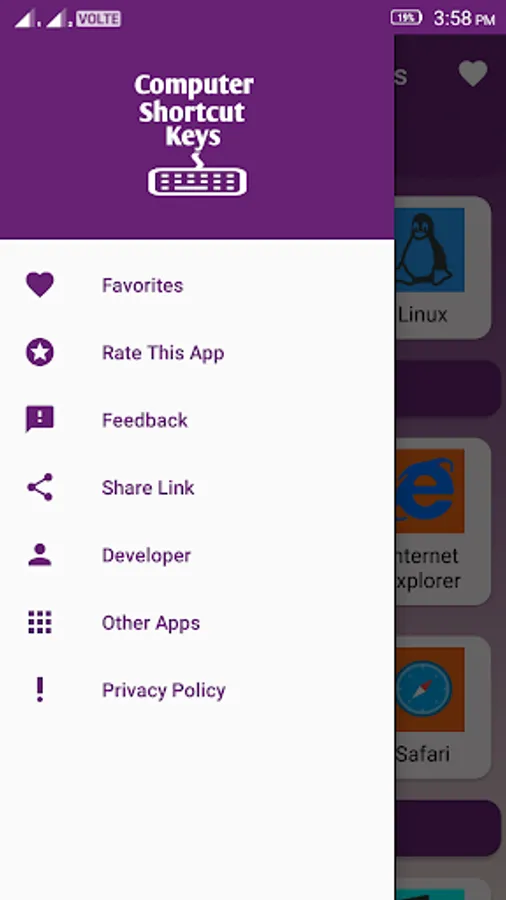
In this application there are different categories like Operating System, web browser, Microsoft office adobe, and other software which is very useful for students, office users, computer users and professionals.
Categories of Computer Shortcut Keys
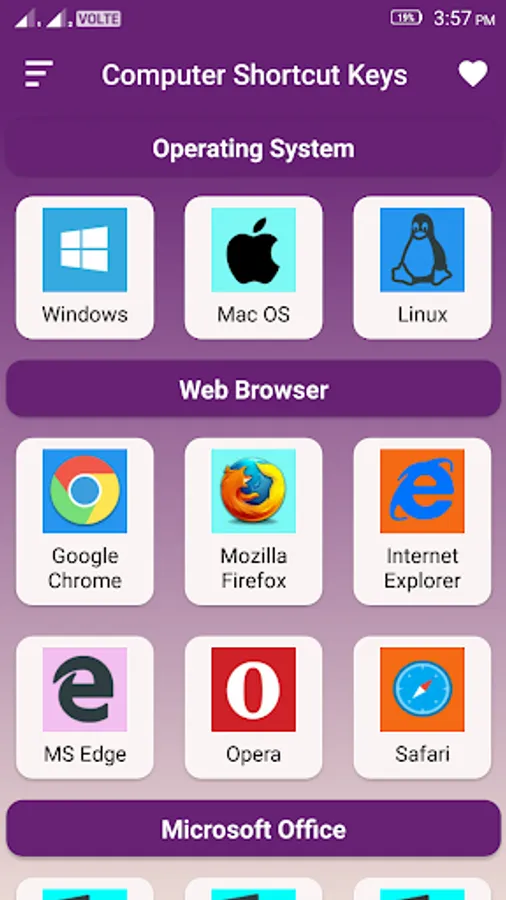
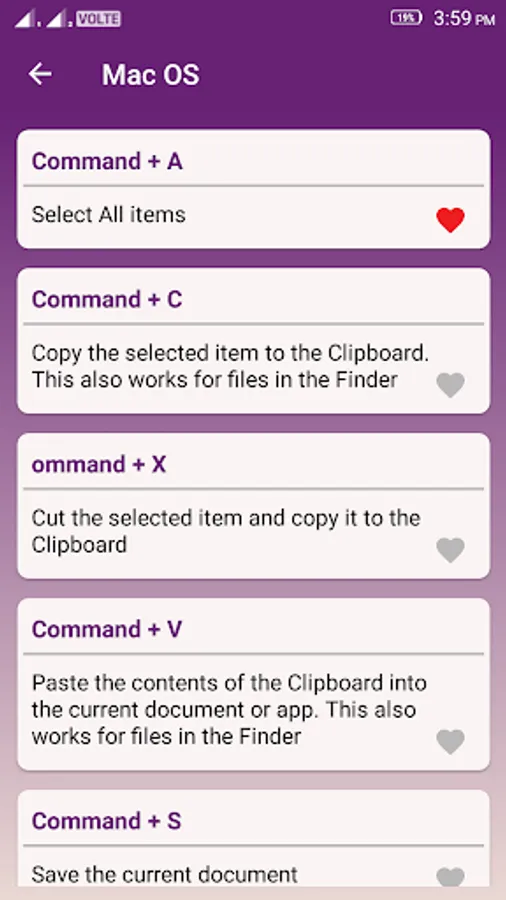
• Operating System: Window, Mac OS, Linux
• Web browser: Google Chrome, Mozilla Firefox, Internet Explorer, MS Edge, Opera and Safari
• Microsoft Office: MS Excel, MS Word, Ms Access, MS Power Point, MS Outlook, MS OneNote
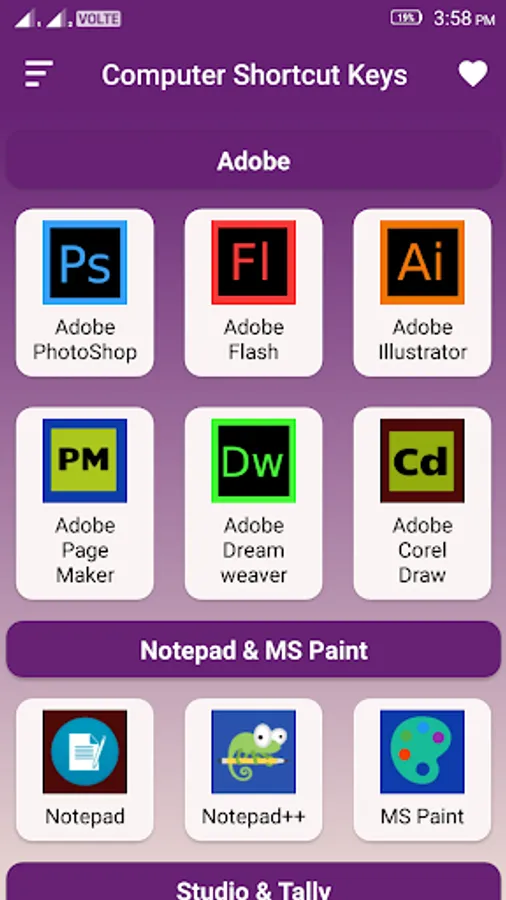
• Adobe: Adobe Photoshop, Adobe Flash, Adobe Illustrator, Adobe pageMaker, Adobe Dreamweaver, Adobe Corel Draw
• Notepad & Paint: Notepad, Notepad++, MS Paint
• Studio & Tally: Android Studio, Visual Studio and Tally
Practice does not make perfect. Only perfect practice makes perfect
Happy Learning!
This is a completely free app which is in the offline mode. This application is user-friendly and easy to understand contents.
In this application there are different categories like Operating System, web browser, Microsoft office adobe, and other software which is very useful for students, office users, computer users and professionals.
Categories of Computer Shortcut Keys
• Operating System: Window, Mac OS, Linux
• Web browser: Google Chrome, Mozilla Firefox, Internet Explorer, MS Edge, Opera and Safari
• Microsoft Office: MS Excel, MS Word, Ms Access, MS Power Point, MS Outlook, MS OneNote
• Adobe: Adobe Photoshop, Adobe Flash, Adobe Illustrator, Adobe pageMaker, Adobe Dreamweaver, Adobe Corel Draw
• Notepad & Paint: Notepad, Notepad++, MS Paint
• Studio & Tally: Android Studio, Visual Studio and Tally
Practice does not make perfect. Only perfect practice makes perfect
Happy Learning!
Computer Shortcut Keys - Keybo Screenshots
Tap to Rate: