Wifi scan and analyzer
rkts Inc
5.0 ★
store rating
10,000+
downloads
Free
+ in-app
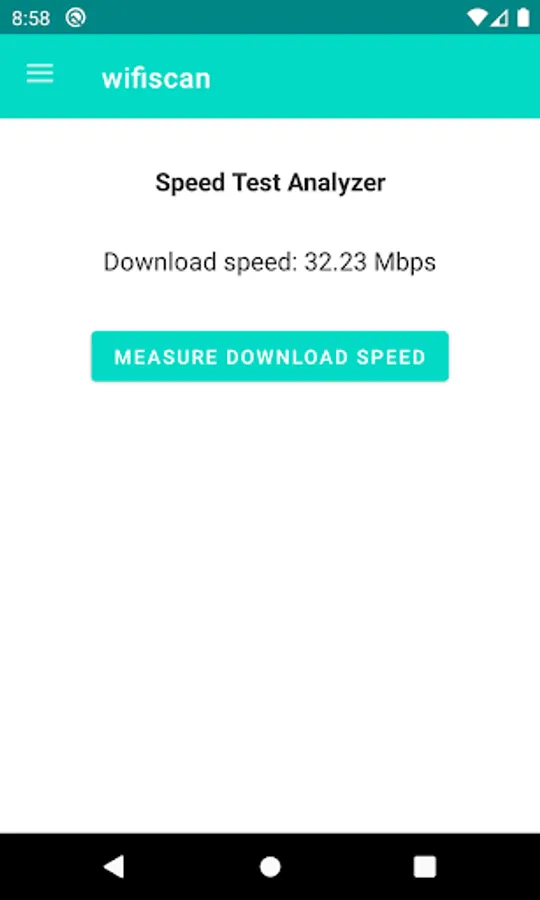
With this WiFi scan and analyzer app, you can check nearby networks, monitor signal strength, and identify optimal router placement. Includes real-time signal scanning, channel analysis, and interference evaluation.
AppRecs review analysis
AppRecs rating 4.8. Trustworthiness 71 out of 100. Review manipulation risk 32 out of 100. Based on a review sample analyzed.
★★★★☆
4.8
AppRecs Rating
Ratings breakdown
5 star
100%
4 star
0%
3 star
0%
2 star
0%
1 star
0%
What to know
✓
Credible reviews
71% trustworthiness score from analyzed reviews
✓
High user satisfaction
100% of sampled ratings are 5 stars
✓
Authentic reviews
No red flags detected
About Wifi scan and analyzer
This powerful app will assist in the optimal installation of your WiFi network.
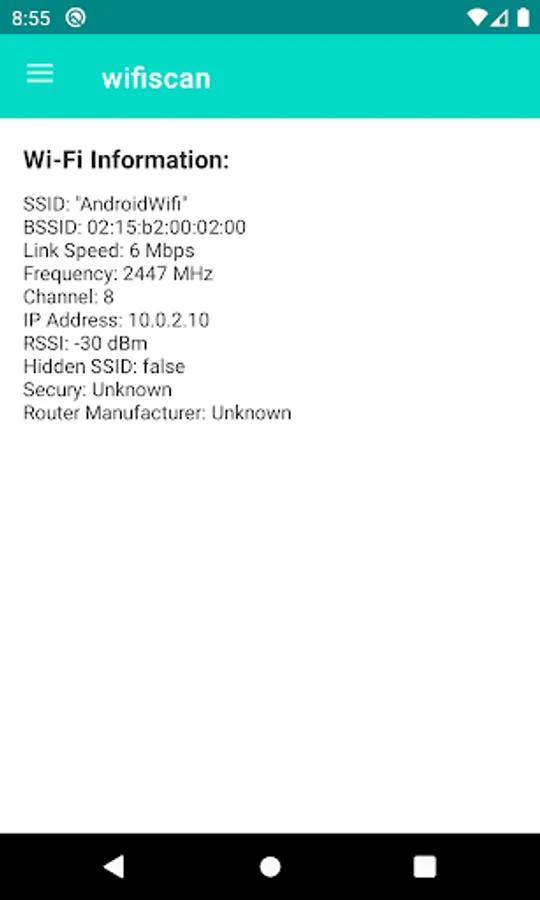
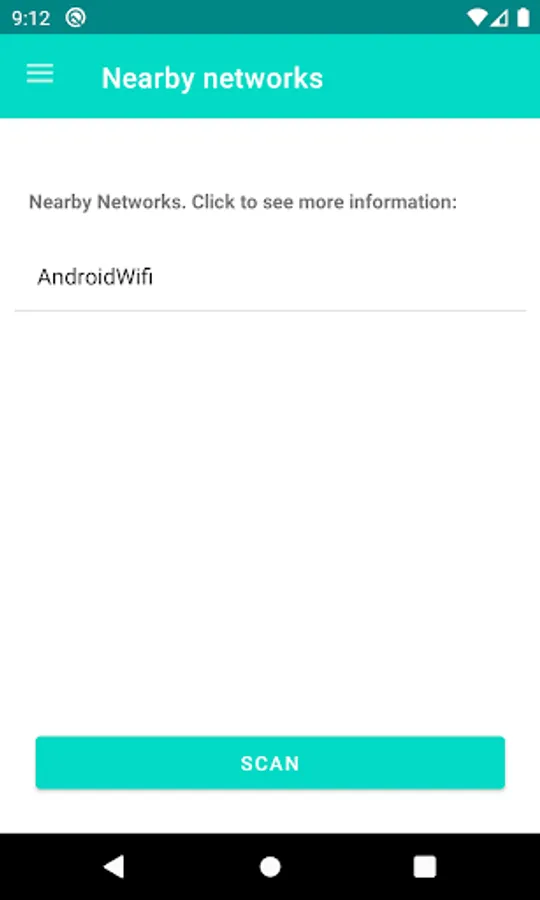
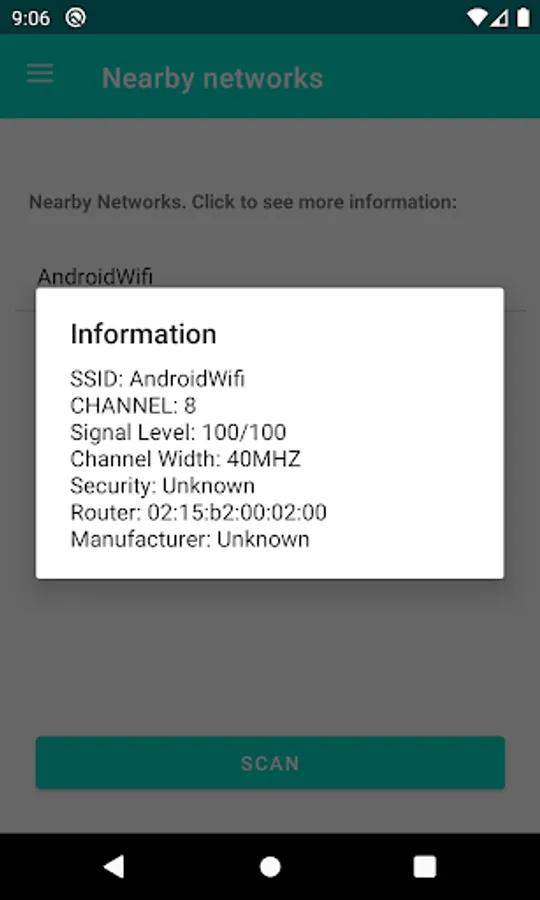
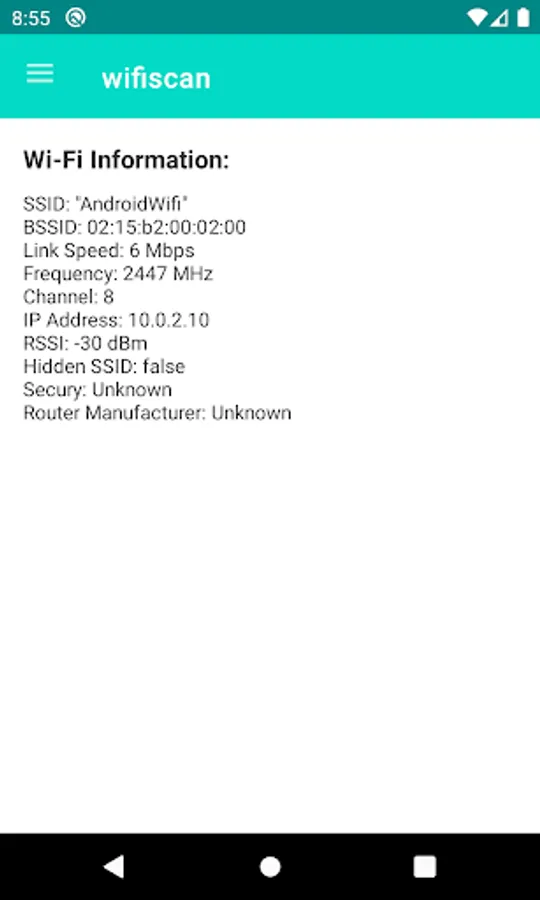
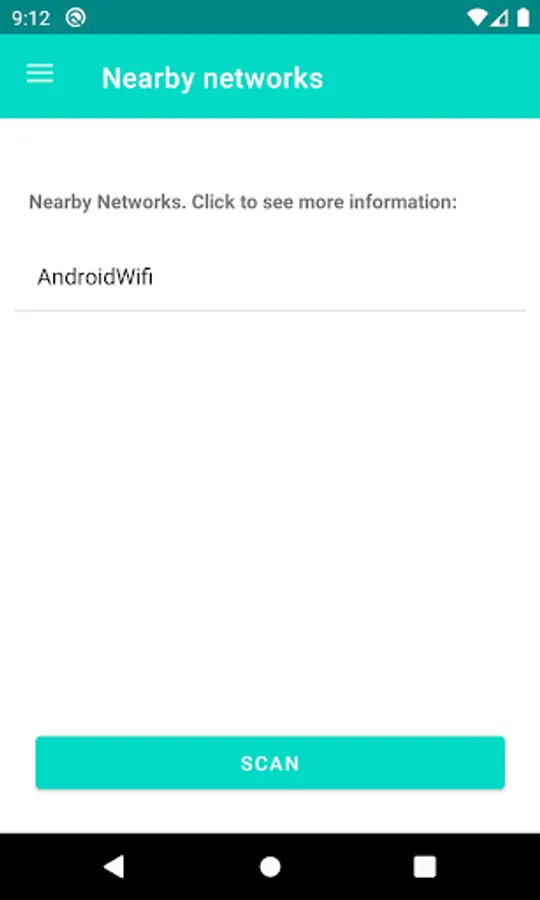
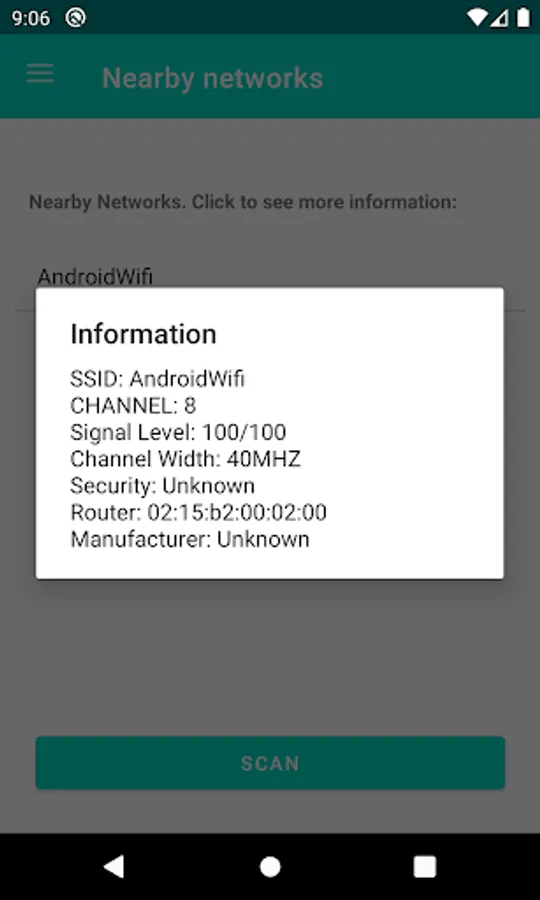
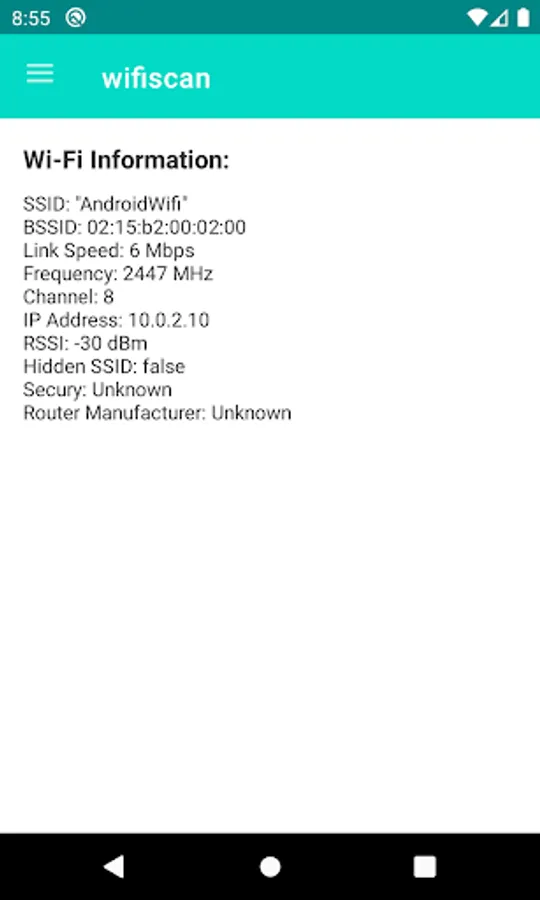
On the main screen, you can check all the wireless networks around you. By clicking on a network, basic information such as the name, security, router, network width, and signal strength to your device will be displayed.
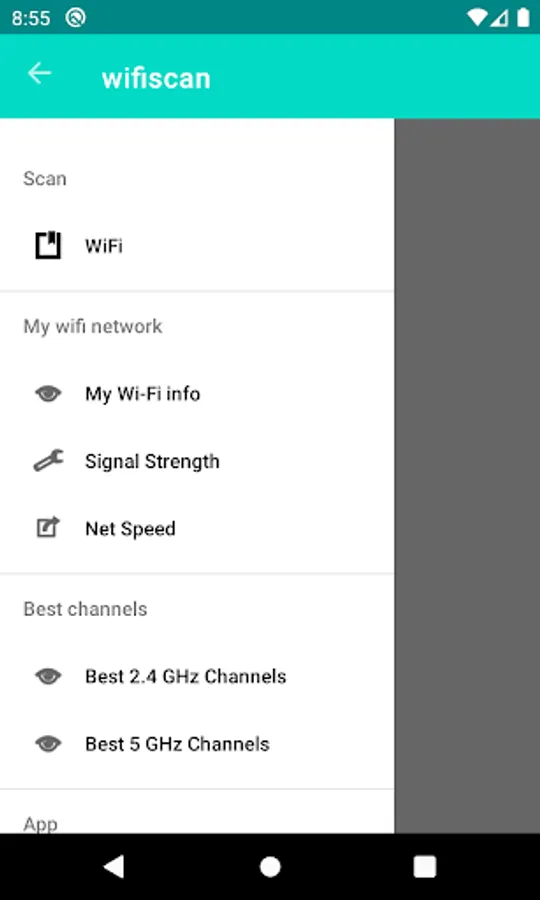
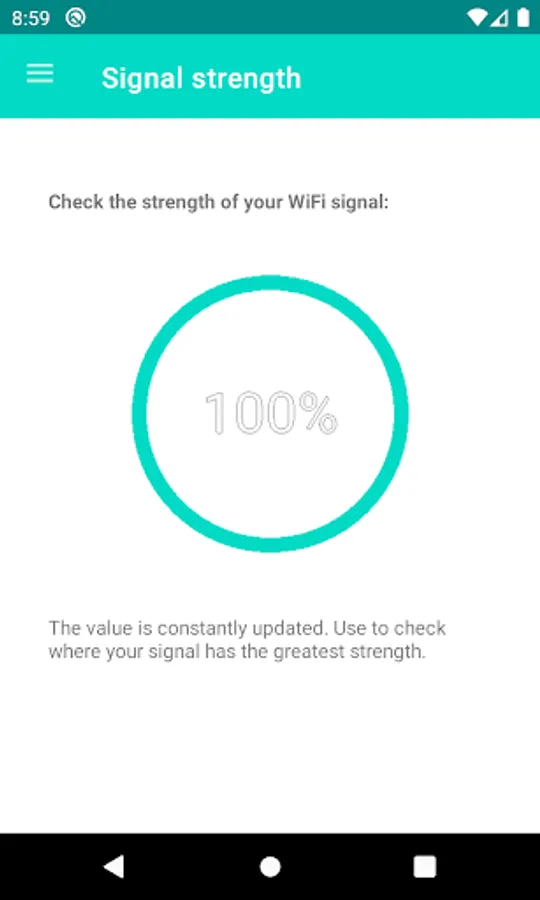
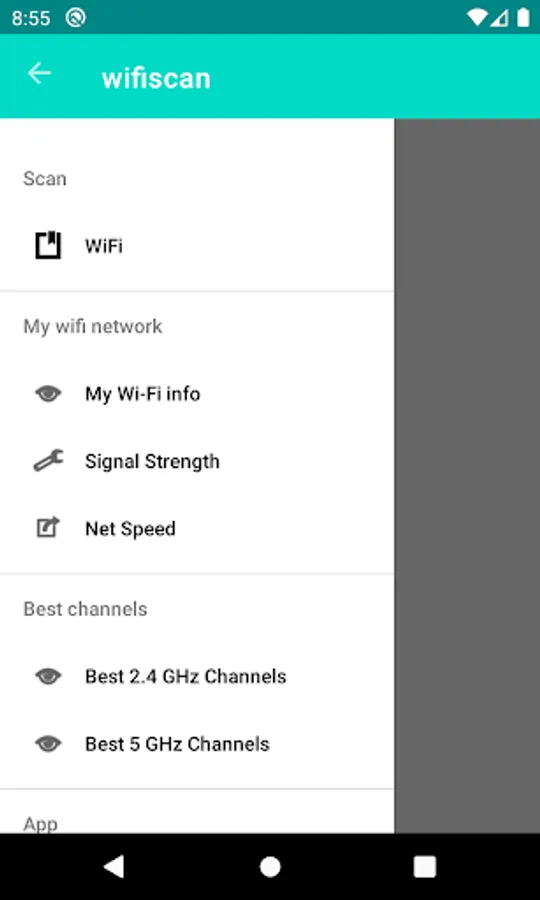
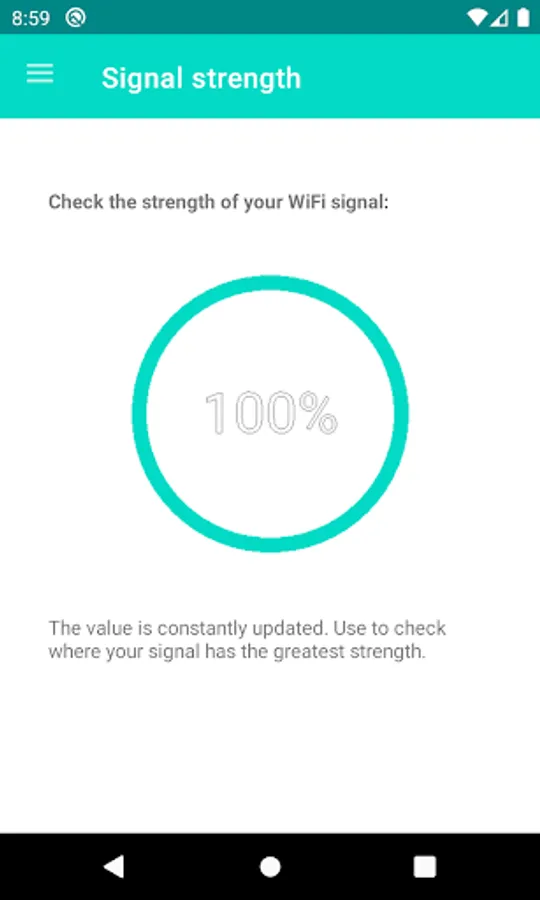
In the menu, you can access the real-time scanning functionality of your signal. With it, you can check the strength of your WiFi signal around your home. This will make it easy to determine the best place to position your router.
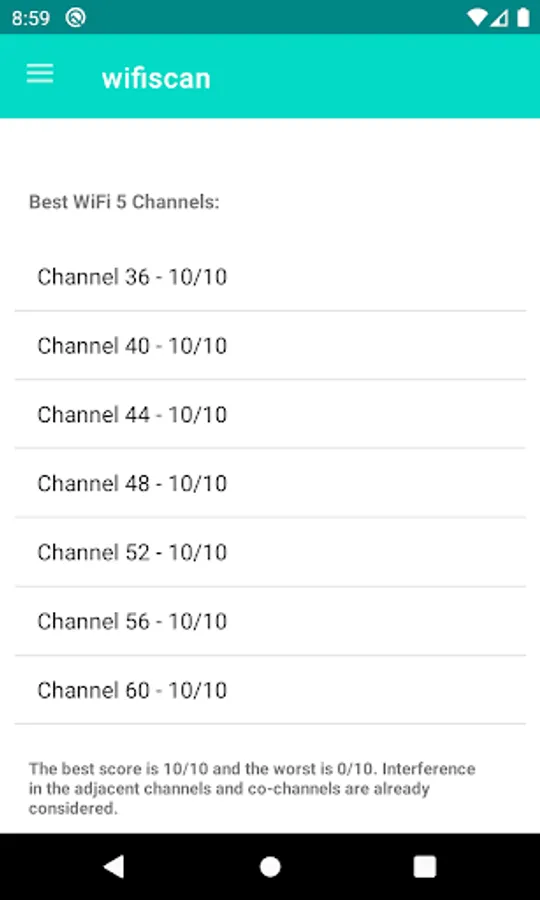
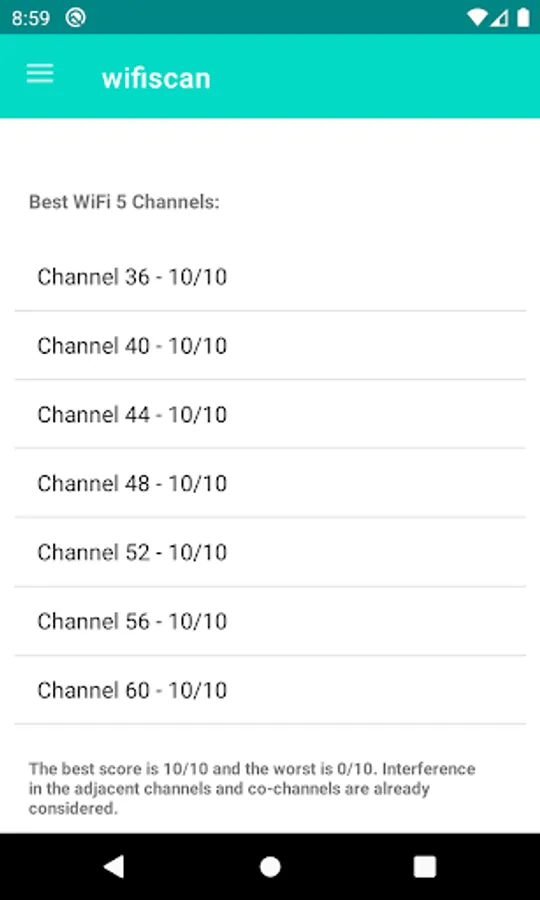
Our app also features a unique system that helps you choose the best channel for your 2.4 and 5 GHz networks. A scanner is used to check all nearby networks, and we evaluate the channels they use, the interference field of these networks on nearby channels, and the signal strength to score the best channels for you. This score ranges from 0 (overloaded channel) to 10 (free channel).
This app is entirely created by our team, tested, and approved by computer professionals.
The app requires authorization to use GPS, as the Android system requires this permission for applications to access WiFi network data. We do not collect personal information or your location.
We hope you enjoy our app.
On the main screen, you can check all the wireless networks around you. By clicking on a network, basic information such as the name, security, router, network width, and signal strength to your device will be displayed.
In the menu, you can access the real-time scanning functionality of your signal. With it, you can check the strength of your WiFi signal around your home. This will make it easy to determine the best place to position your router.
Our app also features a unique system that helps you choose the best channel for your 2.4 and 5 GHz networks. A scanner is used to check all nearby networks, and we evaluate the channels they use, the interference field of these networks on nearby channels, and the signal strength to score the best channels for you. This score ranges from 0 (overloaded channel) to 10 (free channel).
This app is entirely created by our team, tested, and approved by computer professionals.
The app requires authorization to use GPS, as the Android system requires this permission for applications to access WiFi network data. We do not collect personal information or your location.
We hope you enjoy our app.