百视悦BestView
深圳市百视悦电子有限公司
3.4 ★
store rating
10,000+
downloads
Free
With this app, users can edit, control, and customize text displays for professional presentations or recordings. Includes features for text editing, playback speed adjustment, font size changes, and color customization.
AppRecs review analysis
AppRecs rating 3.4. Trustworthiness 0 out of 100. Review manipulation risk 0 out of 100. Based on a review sample analyzed.
★★★☆☆
3.4
AppRecs Rating
Ratings breakdown
5 star
46%
4 star
9%
3 star
0%
2 star
27%
1 star
18%
What to know
✓
Authentic reviews
Natural distribution, no red flags
⚠
High negative review ratio
45% of sampled ratings are 1–2 stars
About 百视悦BestView
Description: This app (name: BESTVIES) is dedicated to the T1 instrument.
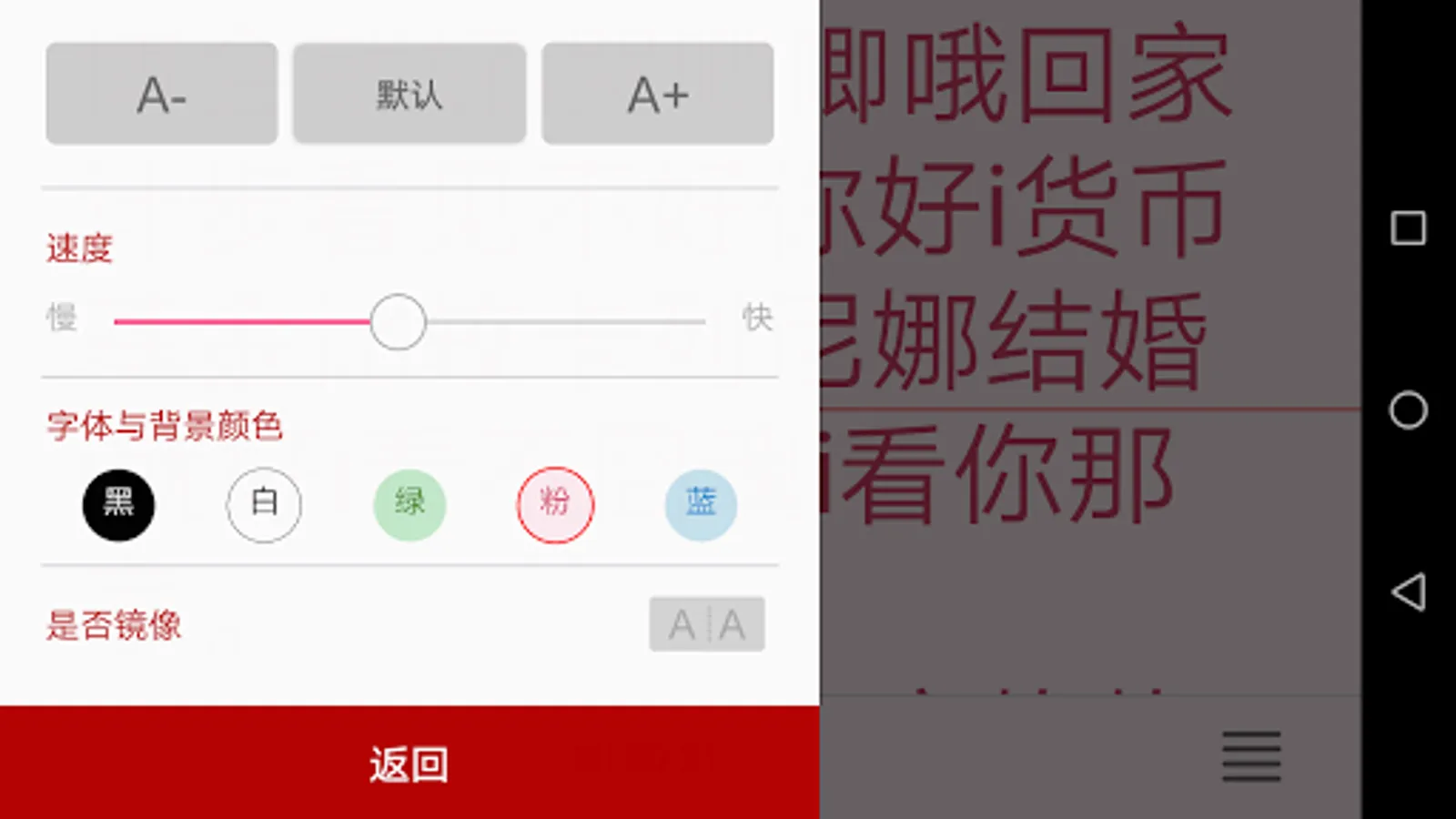
The BESTVIEW word-raising app can provide users with professional word-displaying functions. Users can edit texts themselves, control text playback speed, adjust text font size, and change the color of text and background.
1. It can provide professional user-speaking display function for photography users and enthusiasts to avoid the error condition of the recording process and improve the recording quality.
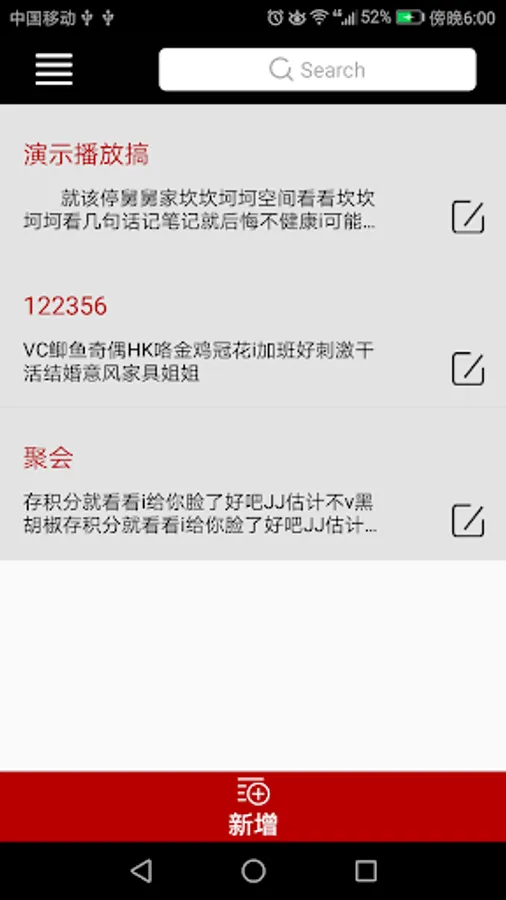
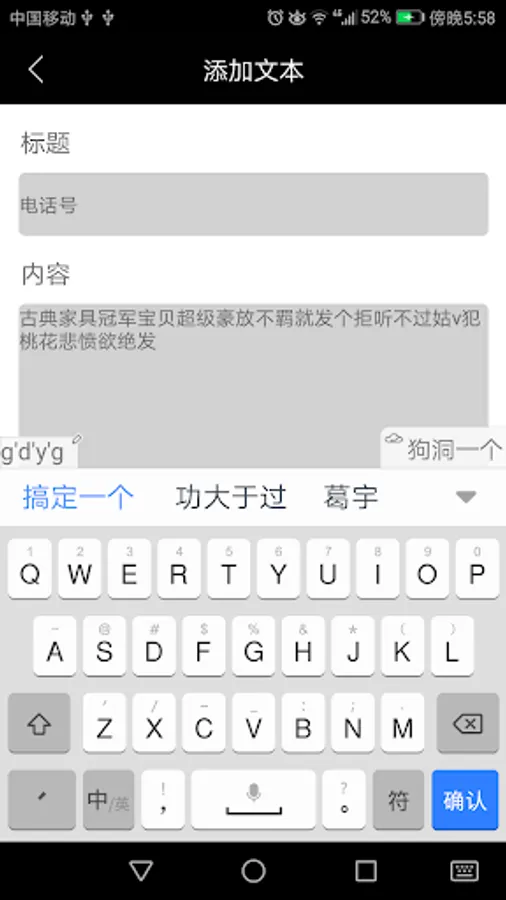
2. In the APP, the user can edit the text by himself or copy the edited document directly into the APP, which is easy and flexible.
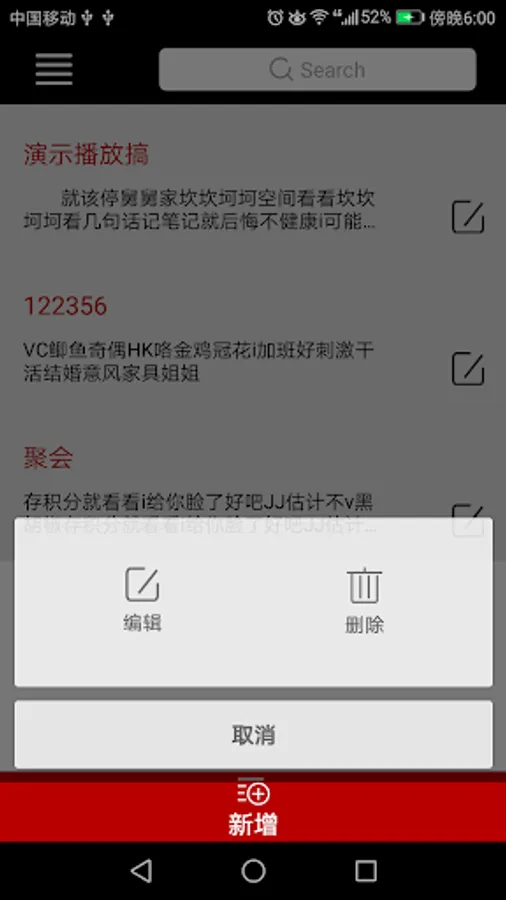
3. Simultaneous storage of multiple documents, users can easily switch to read the document.
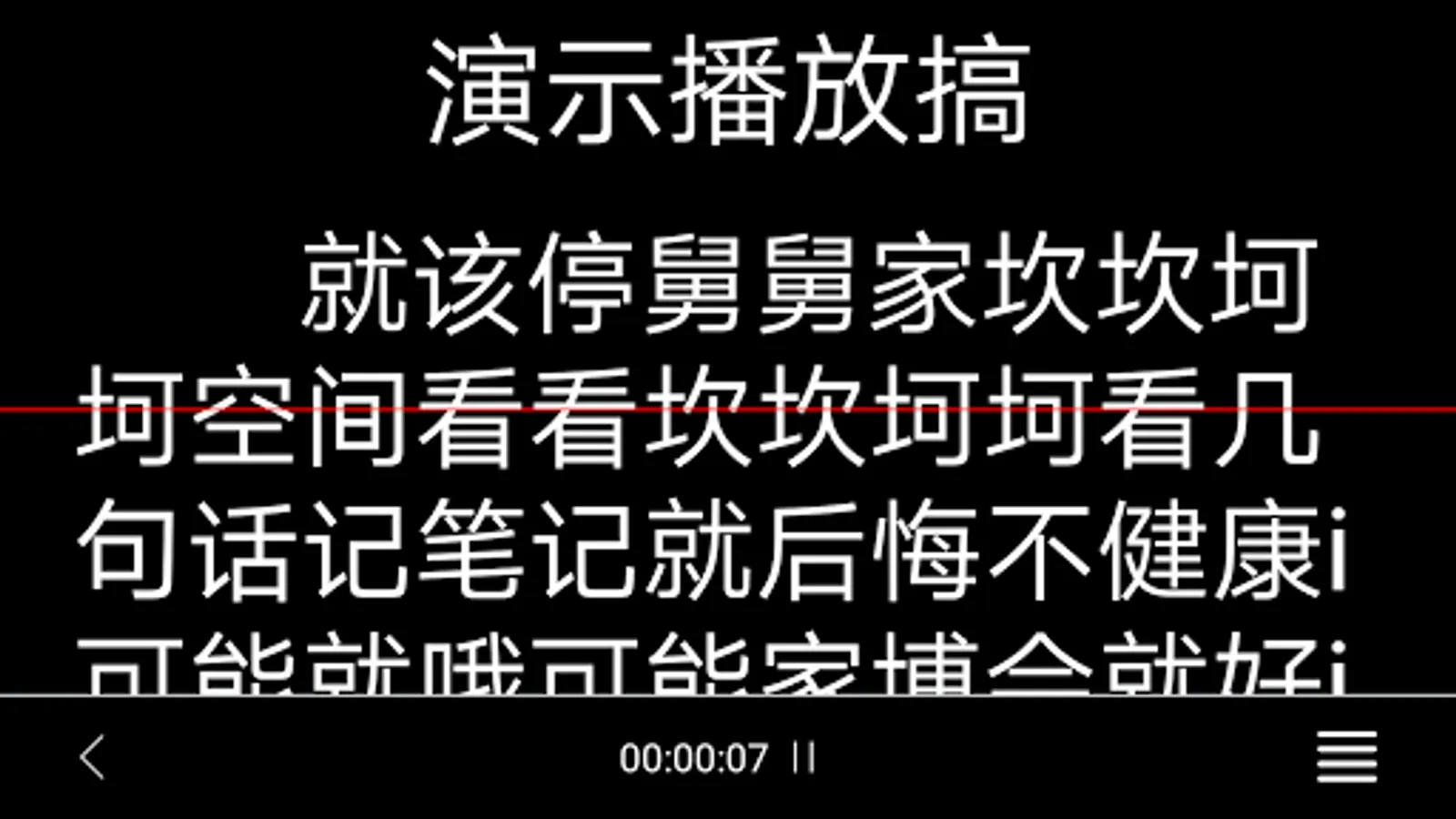
4. Can control the text playback speed according to the actual situation of the user
5. Can adjust the text font size according to user habits
6. A variety of text and background color choices to meet the customary needs of different customers.
7. It can be combined with a dedicated remote control, the user can adjust the playing rhythm in real time during the playing process, so that the user has a better experience.
8. Support Chinese and English interface to meet the needs of most users at home and abroad.
The BESTVIEW word-raising app can provide users with professional word-displaying functions. Users can edit texts themselves, control text playback speed, adjust text font size, and change the color of text and background.
1. It can provide professional user-speaking display function for photography users and enthusiasts to avoid the error condition of the recording process and improve the recording quality.
2. In the APP, the user can edit the text by himself or copy the edited document directly into the APP, which is easy and flexible.
3. Simultaneous storage of multiple documents, users can easily switch to read the document.
4. Can control the text playback speed according to the actual situation of the user
5. Can adjust the text font size according to user habits
6. A variety of text and background color choices to meet the customary needs of different customers.
7. It can be combined with a dedicated remote control, the user can adjust the playing rhythm in real time during the playing process, so that the user has a better experience.
8. Support Chinese and English interface to meet the needs of most users at home and abroad.