ROVE Dash Cam
ROVE Dash Cam
Free
rated 4.6 stars
100,000+
downloads
About ROVE Dash Cam
ROVE App – Version 5.0
What’s New
New Shop Feature: Explore and purchase ROVE products directly from within the app.
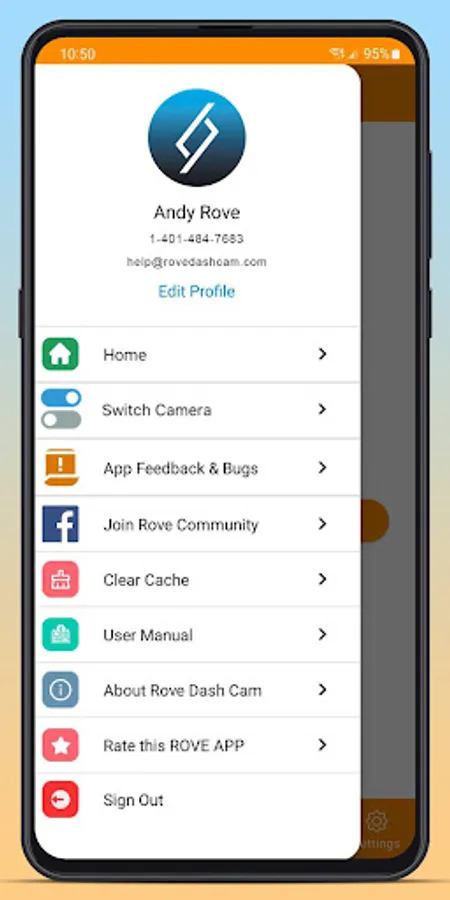
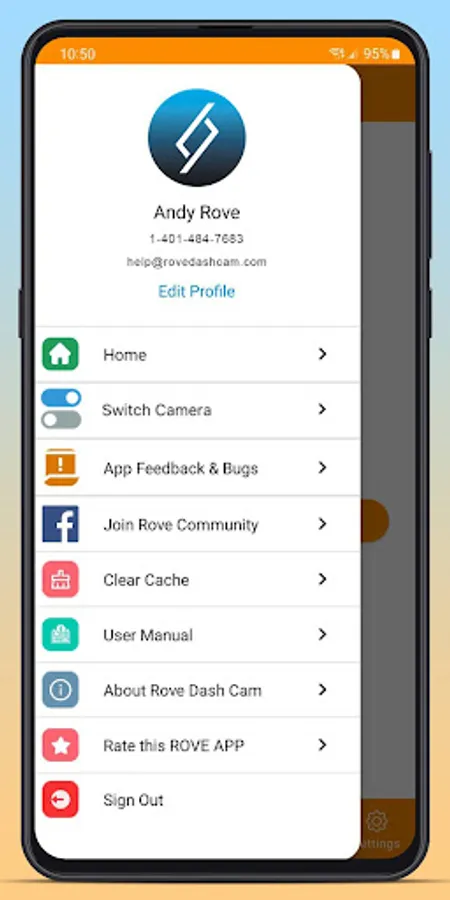
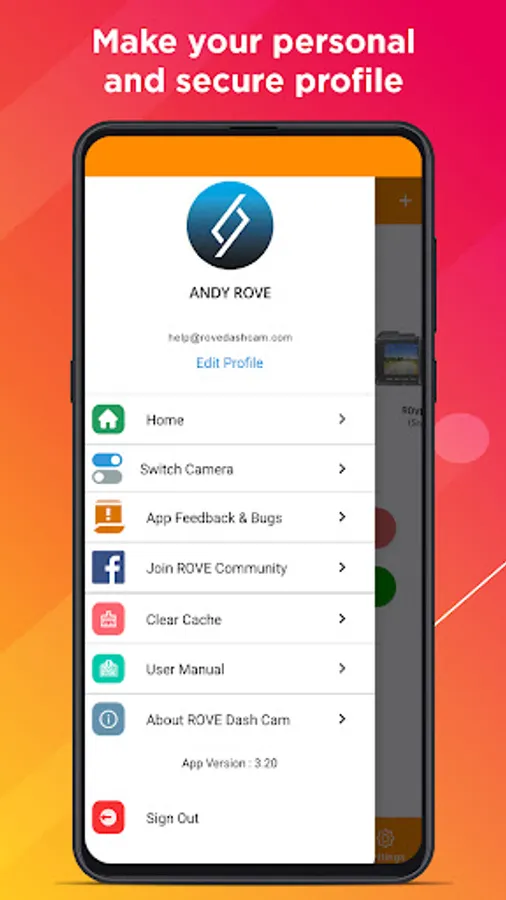
Updated Profile Page: A refreshed design makes it easier to view and manage your profile and connected dash cams.
Firmware Requirements
To enjoy full compatibility with this release, please ensure your dash cam firmware is up to date:
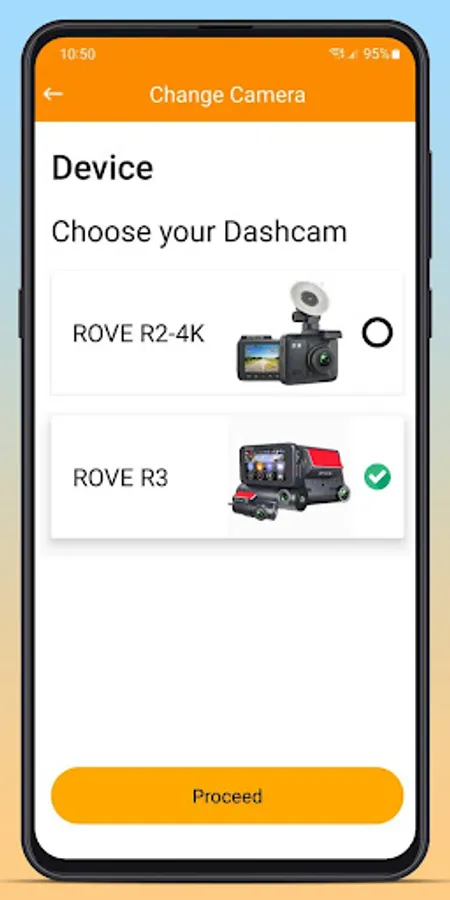
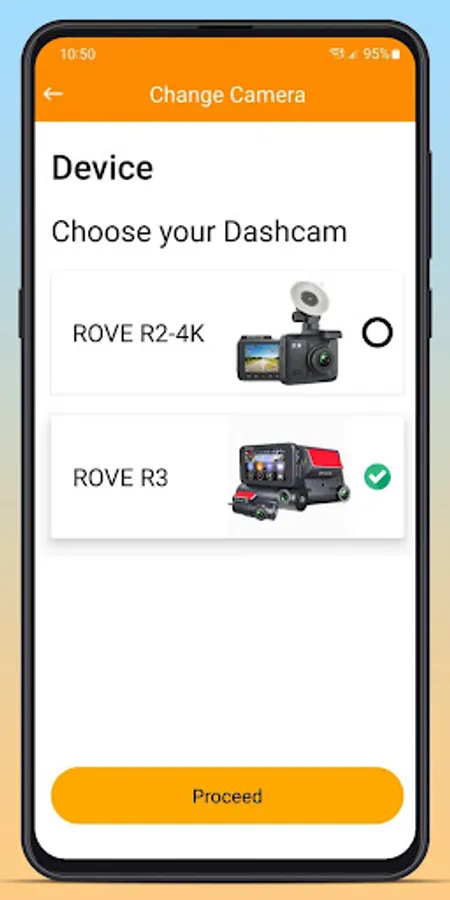
ROVE R2-4K PRO: R2P-10-01-2025-V12
ROVE R2-4K (New): R2-08-29-2025-V24
ROVE R2 DUAL: R2-DUAL-07-01-2025-V14
ROVE R2-4K DUAL PRO: R2DP-09-01-2025-V2
How to Update
Open the ROVE App.
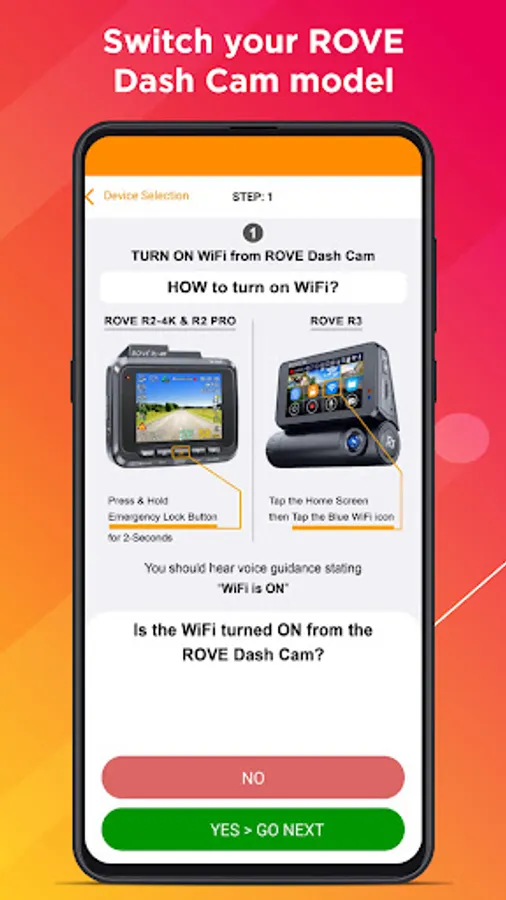
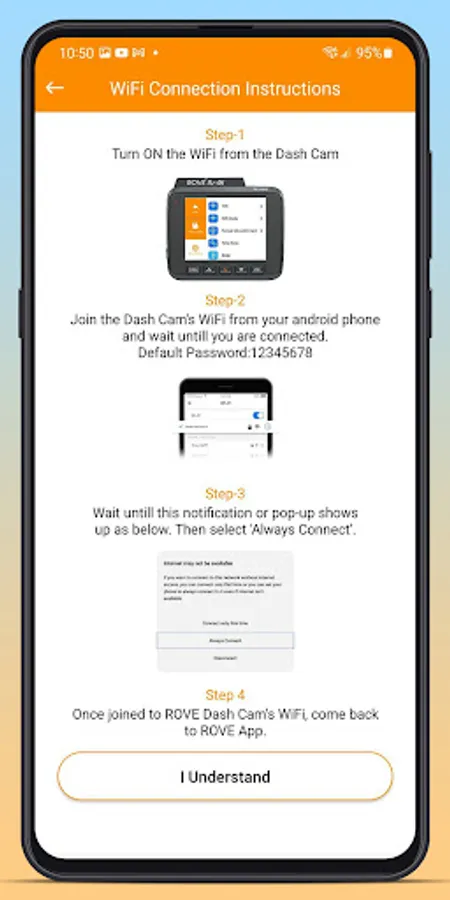
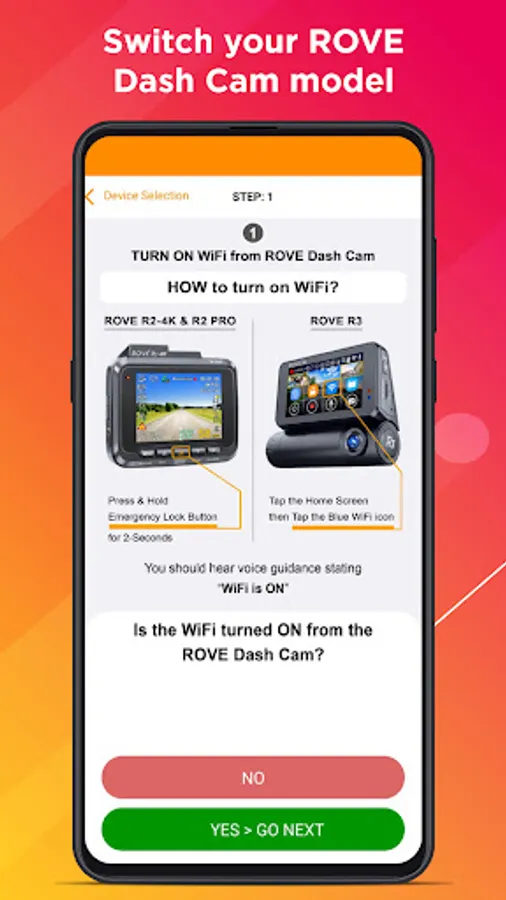
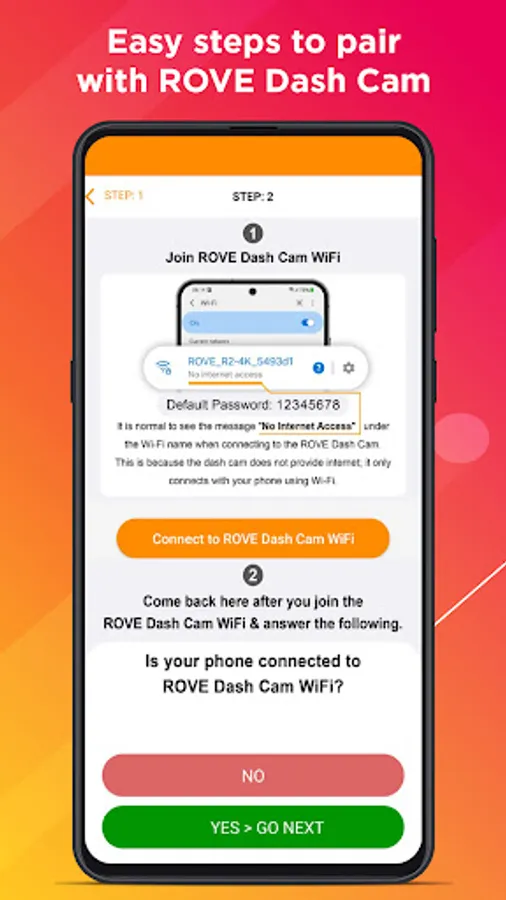
Connect your dash cam.
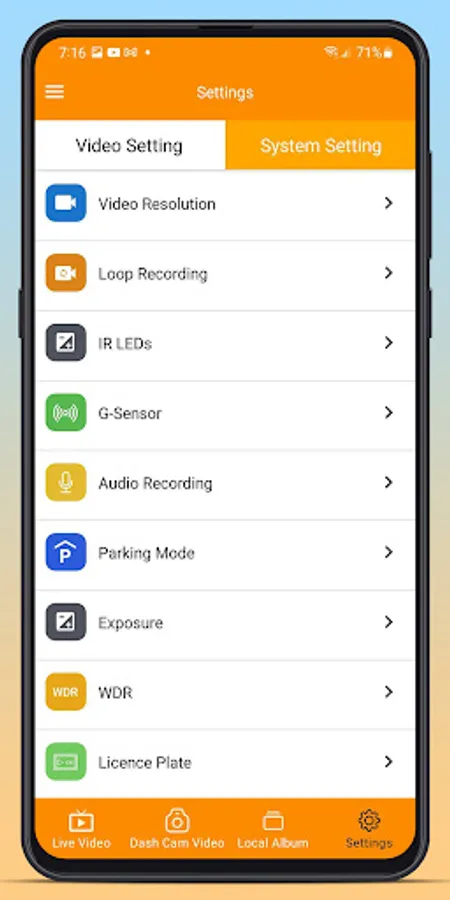
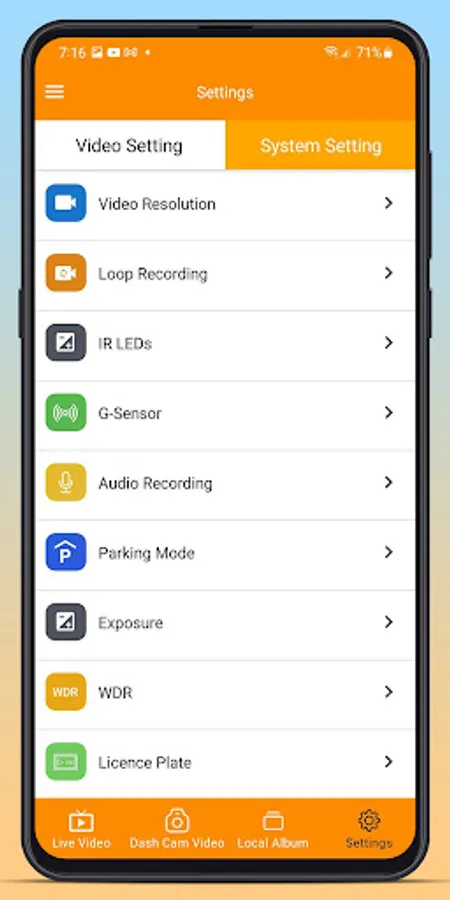
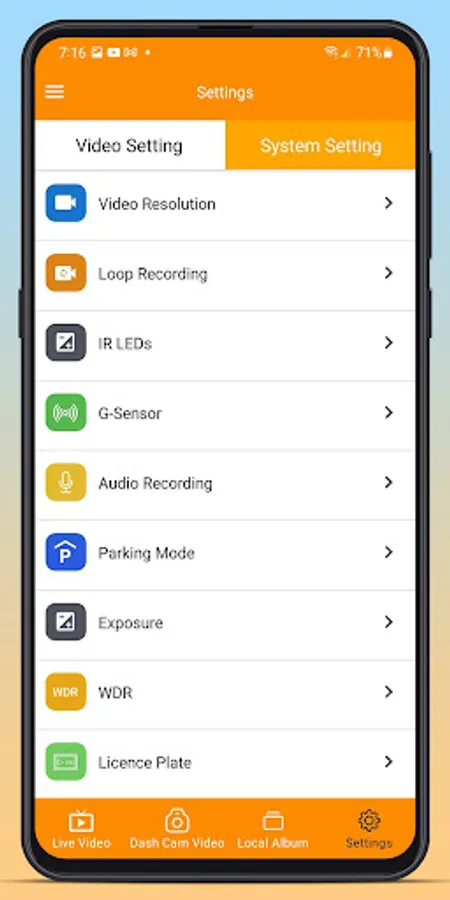
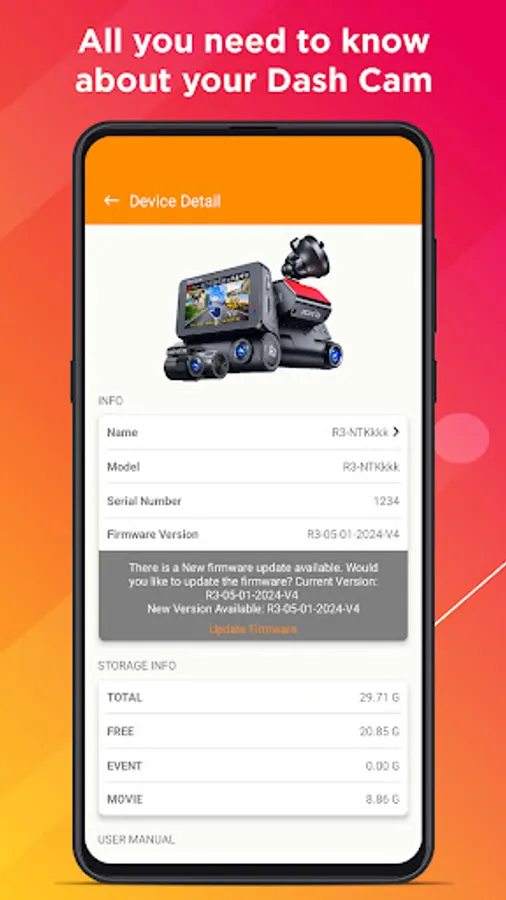
Go to Device Settings → Firmware Update and follow the prompts.
These updates ensure optimal performance, reliability, and the latest feature enhancements for your ROVE Dash Cam.
What’s New
New Shop Feature: Explore and purchase ROVE products directly from within the app.
Updated Profile Page: A refreshed design makes it easier to view and manage your profile and connected dash cams.
Firmware Requirements
To enjoy full compatibility with this release, please ensure your dash cam firmware is up to date:
ROVE R2-4K PRO: R2P-10-01-2025-V12
ROVE R2-4K (New): R2-08-29-2025-V24
ROVE R2 DUAL: R2-DUAL-07-01-2025-V14
ROVE R2-4K DUAL PRO: R2DP-09-01-2025-V2
How to Update
Open the ROVE App.
Connect your dash cam.
Go to Device Settings → Firmware Update and follow the prompts.
These updates ensure optimal performance, reliability, and the latest feature enhancements for your ROVE Dash Cam.
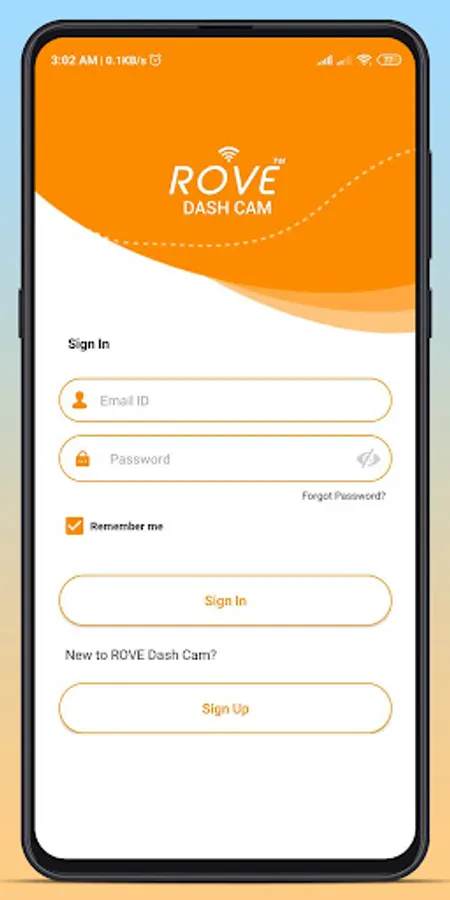
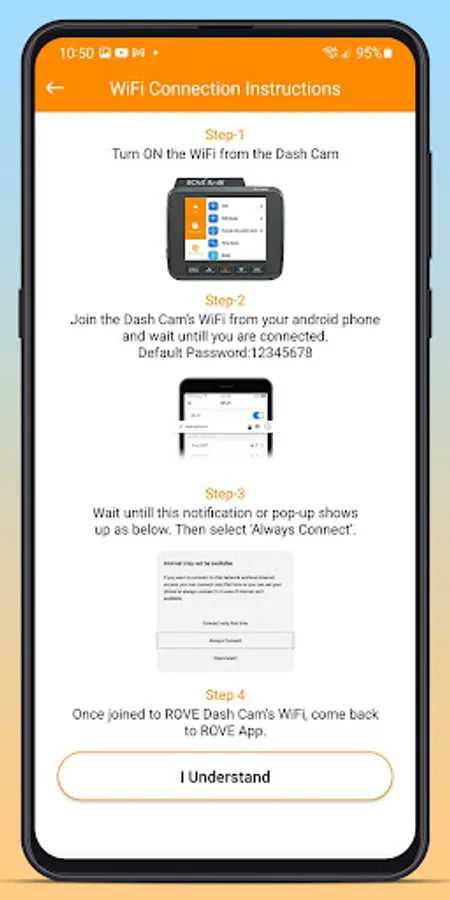
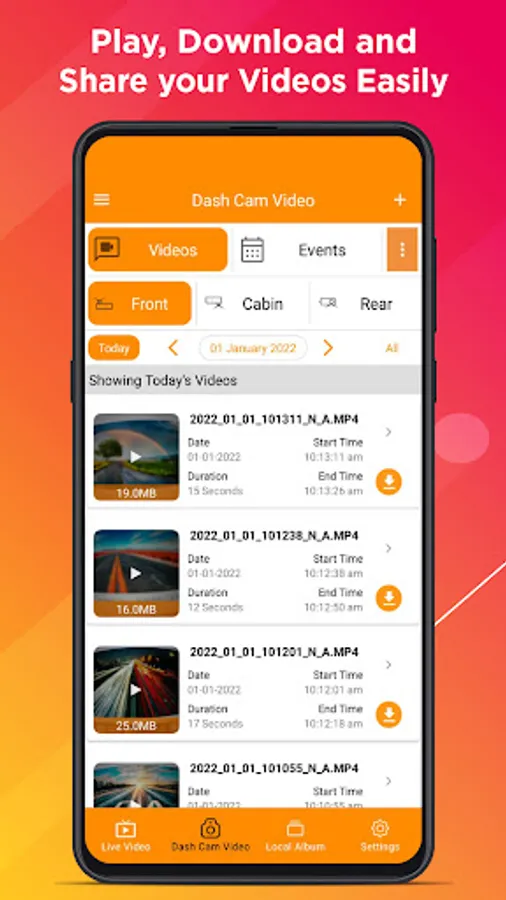
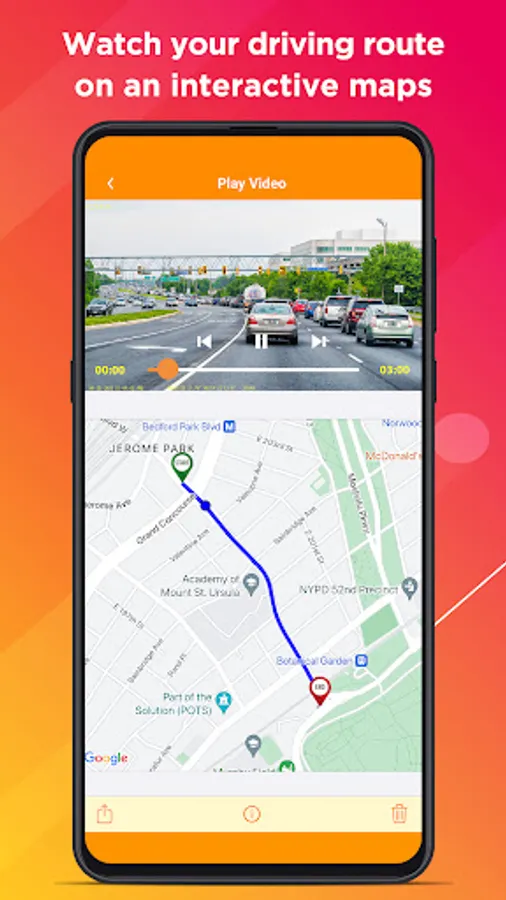
ROVE Dash Cam Screenshots
Reviews for ROVE Dash Cam
Alfred Martinez
12/29/2025
I loved Rove so much I purchased one for my wife.
Glen Mayer
12/29/2025
user friendly. easy to install and use
R Z
12/29/2025
customer support is aweful
Santosh Reddy
12/28/2025
defective app. no way to upgrade firmware
David VonSchmidt jr
12/27/2025
I just started using this not appropriate for rating
Tap to Rate: