What is ATET?
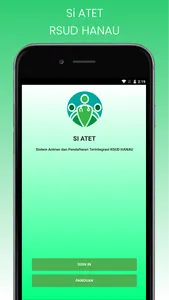
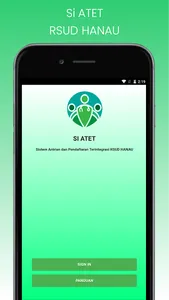
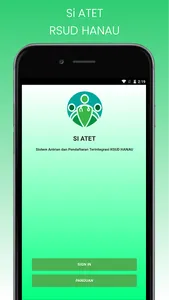
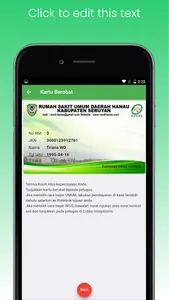
Si ATET is an Integrated Queuing and Registration System for HANAU Hospital. Application intended for patients who wish to register online at the Hanau Regional General Hospital.
Who can use?
The use of this temporary application only applies to patients who already have a RM number at the Hanau Hospital.
How to register?
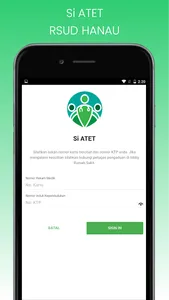
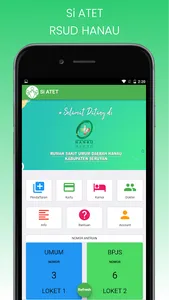
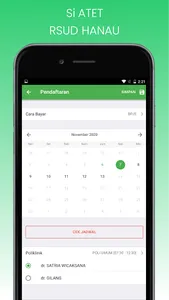
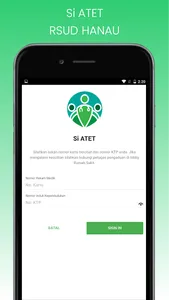
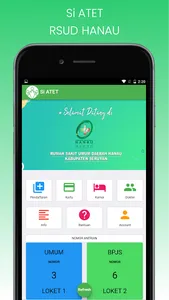
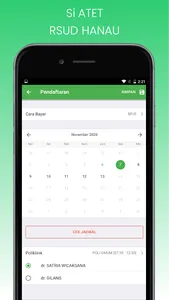
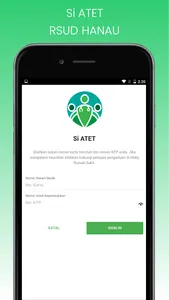
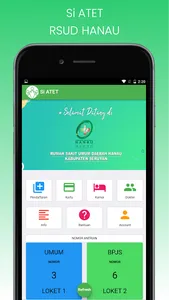
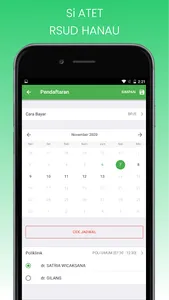
After you sign in to the Hanau Hospital system, please select the Registration menu. [Image Registration Icon] Next, select the date of visit and how to pay, then press the Check Schedule button. After that, there is a choice of clinic schedule on the date of your choice and the doctor on duty.
When complete, please press the Diskette button [Save] in the upper right corner of your device.
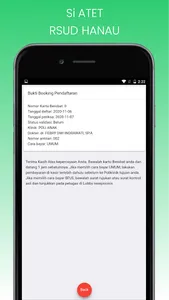
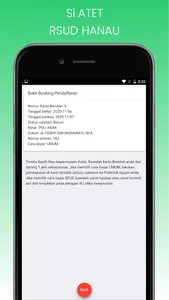
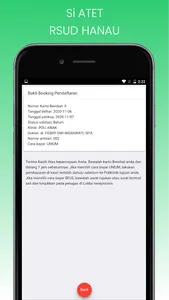
[Registration Image] If your registration booking is successful, you will get a notification that your registration has been successfully stored in the database of the Hanau Hospital.
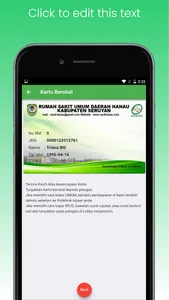
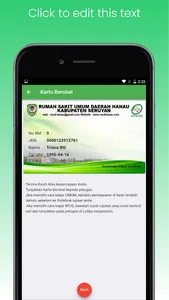
[Success Image] Please screenshot and save your booking registration proof. You can also see proof of booking on the Home page (last 3 bookings) and on the Account menu -> Booking.
When is the registration period?
Online registration can be done with Schedule D + 2 to D + 7 from the day of registration by entering the Medical Card Number, KTP Number (NIK), Payment Method, Choice of days and doctors for regular poly. The appointed doctor is a DPJP doctor (Doctor in Charge of Services).
Si ATET is an Integrated Queuing and Registration System for HANAU Hospital. Application intended for patients who wish to register online at the Hanau Regional General Hospital.
Who can use?
The use of this temporary application only applies to patients who already have a RM number at the Hanau Hospital.
How to register?
After you sign in to the Hanau Hospital system, please select the Registration menu. [Image Registration Icon] Next, select the date of visit and how to pay, then press the Check Schedule button. After that, there is a choice of clinic schedule on the date of your choice and the doctor on duty.
When complete, please press the Diskette button [Save] in the upper right corner of your device.
[Registration Image] If your registration booking is successful, you will get a notification that your registration has been successfully stored in the database of the Hanau Hospital.
[Success Image] Please screenshot and save your booking registration proof. You can also see proof of booking on the Home page (last 3 bookings) and on the Account menu -> Booking.
When is the registration period?
Online registration can be done with Schedule D + 2 to D + 7 from the day of registration by entering the Medical Card Number, KTP Number (NIK), Payment Method, Choice of days and doctors for regular poly. The appointed doctor is a DPJP doctor (Doctor in Charge of Services).
Show More