QR & Barcode Reader
Wallet Passes Alliance
5.0 ★
370 ratings
50,000+
downloads
Free
+ in-app
In this QR & Barcode Reader app, you can scan and decode all types of QR codes and barcodes using your device's camera or gallery. Includes support for multiple formats, generation of QR codes, and a price scanner feature.
AppRecs review analysis
AppRecs rating 4.0. Trustworthiness 67 out of 100. Review manipulation risk 49 out of 100. Based on a review sample analyzed.
★★★★☆
4.0
AppRecs Rating
Ratings breakdown
5 star
100%
4 star
0%
3 star
0%
2 star
0%
1 star
0%
What to know
⚠
Questionable review patterns
49% review manipulation risk - some review patterns appear unusual
⚠
Unusually uniform ratings
100% of sampled ratings are 5 stars with very little variation
⚠
Review quality concerns
89% of sampled 5-star reviews are very short
About QR & Barcode Reader
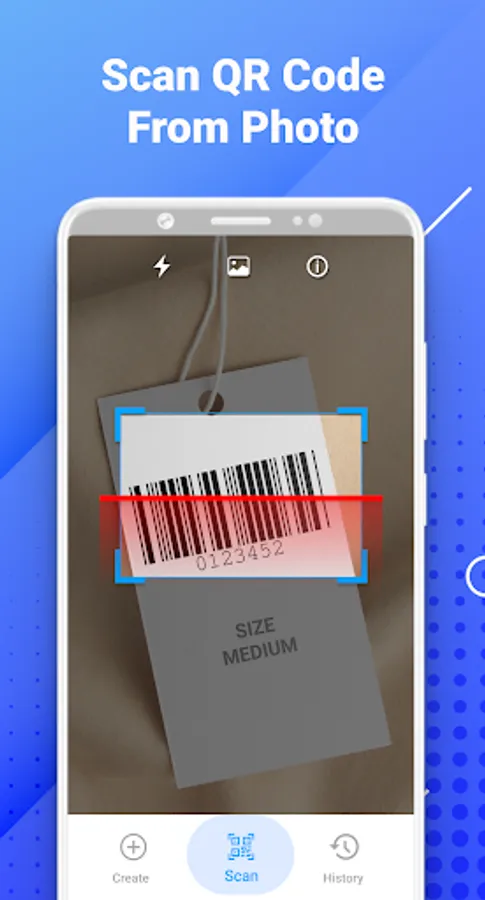
Full featured and free QR Code scanner app for all Android devices, helps you easily scan and decode all types of QR codes & barcodes
Support all Qr Code & Barcode formats 🚀
Support all QR & barcode formats, QR code, Code 39, Code 93, Codabar, Data Matrix, Maxi code UPC-A, EAN-8...etc
QR Code & Barcode Generator 🚀
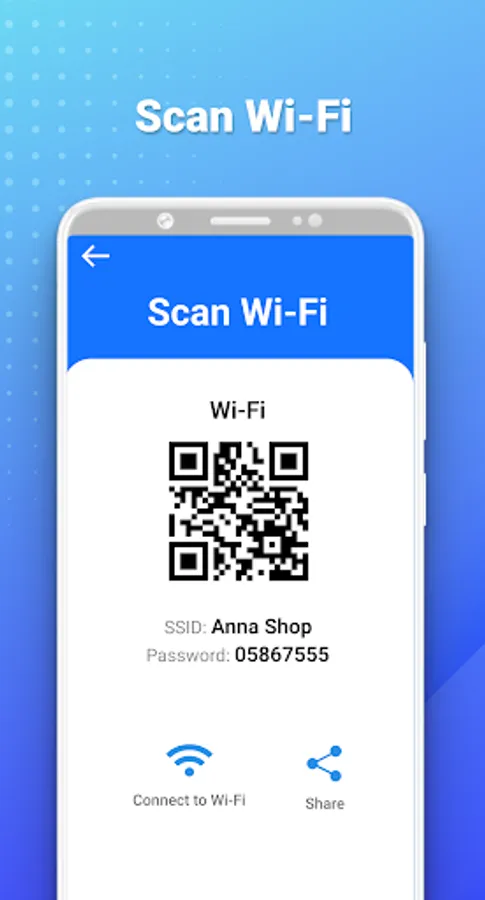
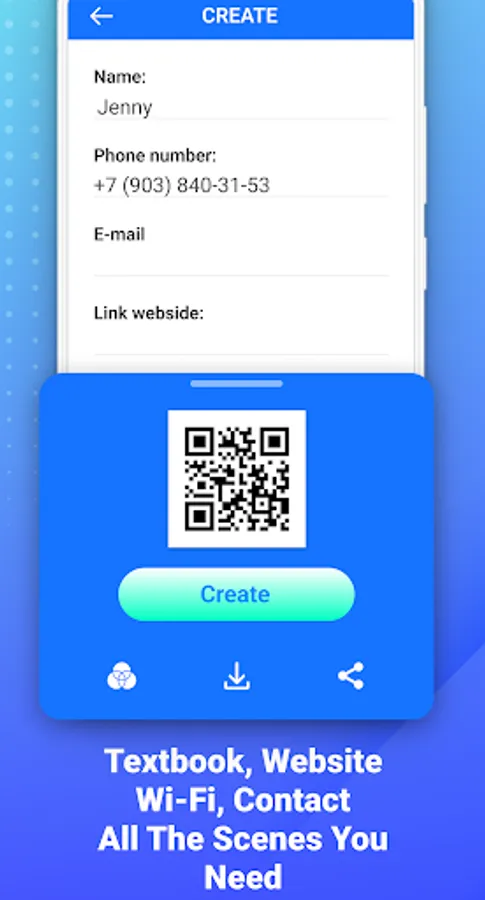
QR code scanner, barcode scanner android app helps you to scan and generator all types of QR code and barcodes: Text, SMS, Contact Info, Phone, Email, Website, Product, Wifi, Map Location, Calendar Event and more…
Price Scanner 🚀
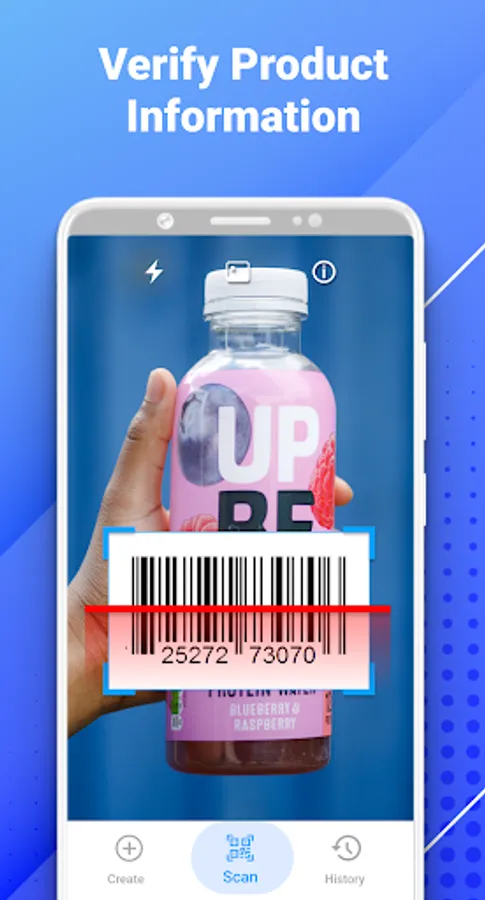
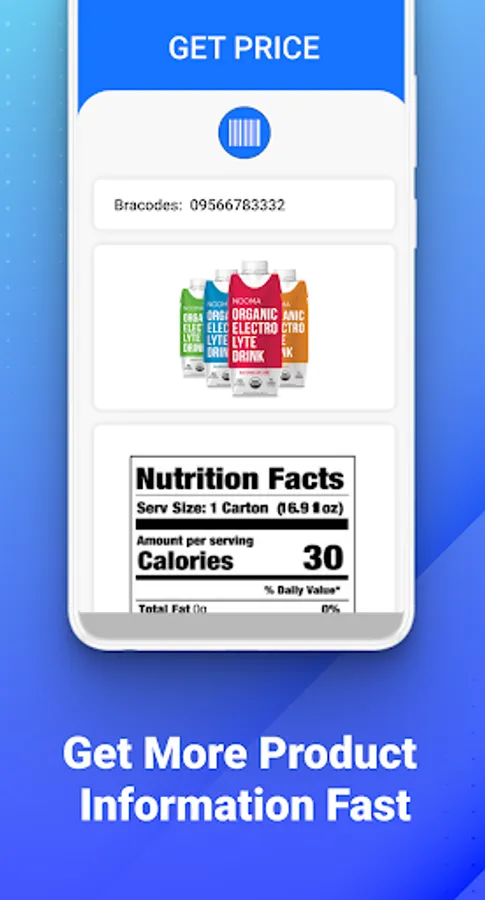
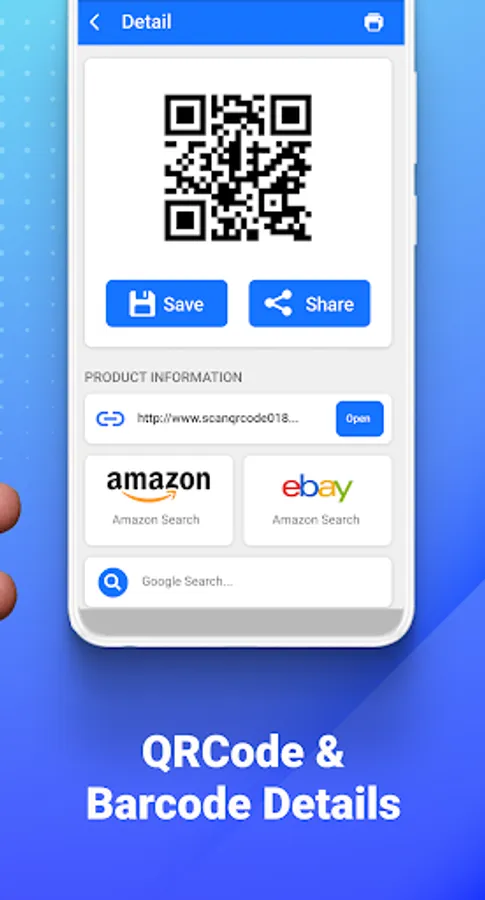
You can use this QR code reader as a price scanner to scan product barcodes in stores, check product sources, view details, and compare prices online.
Why Choose QR Code & Barcode Scanner App 🚀
✯ Easily scan and create QR & barcodes
✯ Support all QR & barcode formats
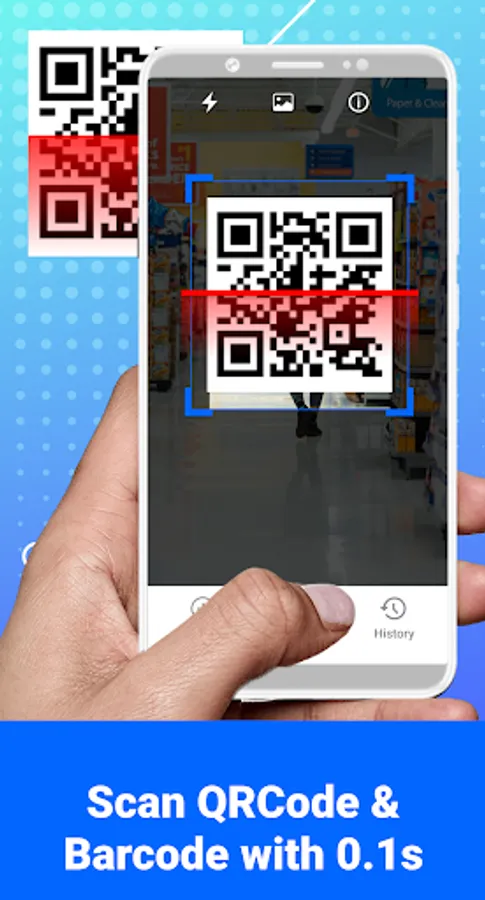
✯ Quickly QR code and barcode decoding speed
✯ Scan QR & barcodes from the Gallery
✯ Price scanner
✯ Flashlight supported, easily scans QR code/barcode in dark environment.
✯ Scan history saved, easily search & delete scan history
✯ No internet connection required
Private policy
QR code, barcode scanner app doesn’t require any special permission, it doesn’t collect any personal information or anything else.
You need to read and understand content is here:
👉 Private policy: https://sites.google.com/view/qrcodebarcode-scanner
[Disclaimers]
- All copyrights reserved to their respective owners.
- If you notice that any content in our app violates copyrights then please inform us so that we remove that content.
📬 Any idea or feedback about the QR-Scanner application please contact us via email: hieutv.dng@gmail.com. We always listen to you to improve our work.
How to Use
- Step 1: Point camera to the QR code/barcode
- Step 2: Auto recognize, scan and decode
- Step 3: Get result and relevant options
Thank you for using our application !
Support all Qr Code & Barcode formats 🚀
Support all QR & barcode formats, QR code, Code 39, Code 93, Codabar, Data Matrix, Maxi code UPC-A, EAN-8...etc
QR Code & Barcode Generator 🚀
QR code scanner, barcode scanner android app helps you to scan and generator all types of QR code and barcodes: Text, SMS, Contact Info, Phone, Email, Website, Product, Wifi, Map Location, Calendar Event and more…
Price Scanner 🚀
You can use this QR code reader as a price scanner to scan product barcodes in stores, check product sources, view details, and compare prices online.
Why Choose QR Code & Barcode Scanner App 🚀
✯ Easily scan and create QR & barcodes
✯ Support all QR & barcode formats
✯ Quickly QR code and barcode decoding speed
✯ Scan QR & barcodes from the Gallery
✯ Price scanner
✯ Flashlight supported, easily scans QR code/barcode in dark environment.
✯ Scan history saved, easily search & delete scan history
✯ No internet connection required
Private policy
QR code, barcode scanner app doesn’t require any special permission, it doesn’t collect any personal information or anything else.
You need to read and understand content is here:
👉 Private policy: https://sites.google.com/view/qrcodebarcode-scanner
[Disclaimers]
- All copyrights reserved to their respective owners.
- If you notice that any content in our app violates copyrights then please inform us so that we remove that content.
📬 Any idea or feedback about the QR-Scanner application please contact us via email: hieutv.dng@gmail.com. We always listen to you to improve our work.
How to Use
- Step 1: Point camera to the QR code/barcode
- Step 2: Auto recognize, scan and decode
- Step 3: Get result and relevant options
Thank you for using our application !
QR & Barcode Reader Screenshots
Tap to Rate:
Reviews for QR & Barcode Reader
Sara Adel
8/28/2024
Amazing
Danish Mikrani
5/29/2023
Good