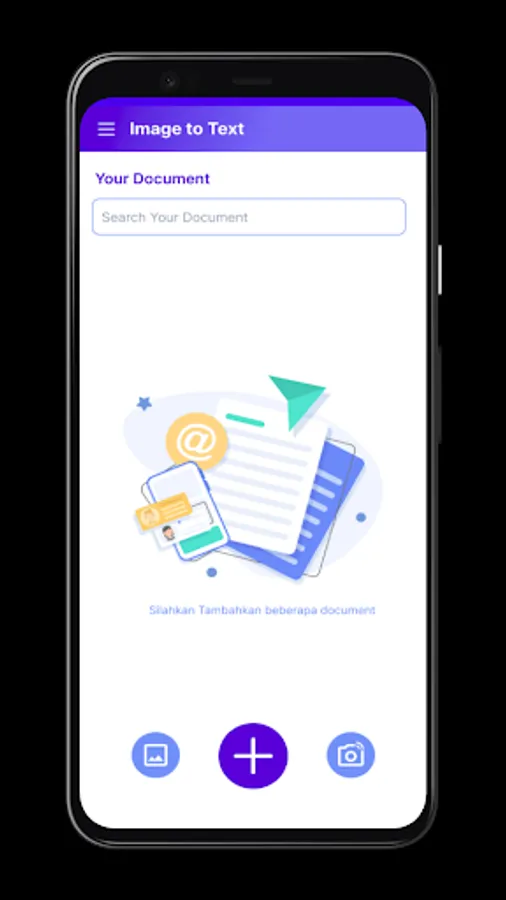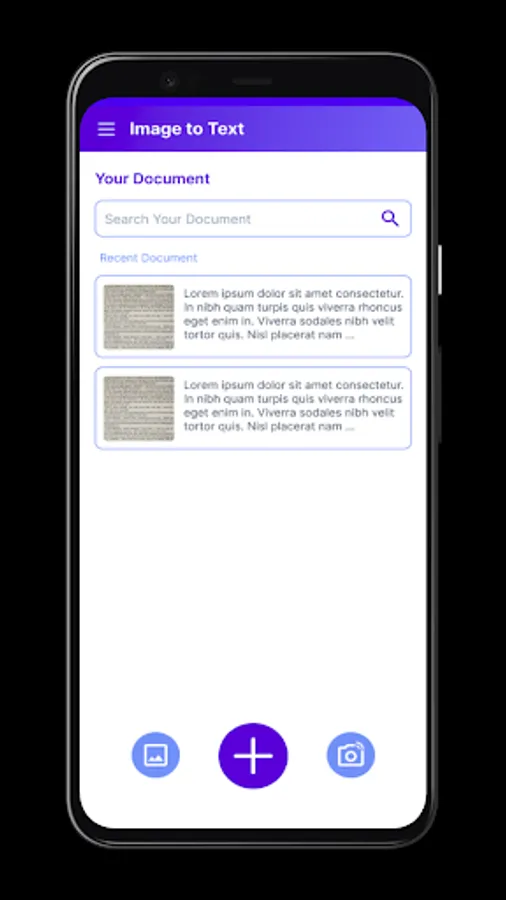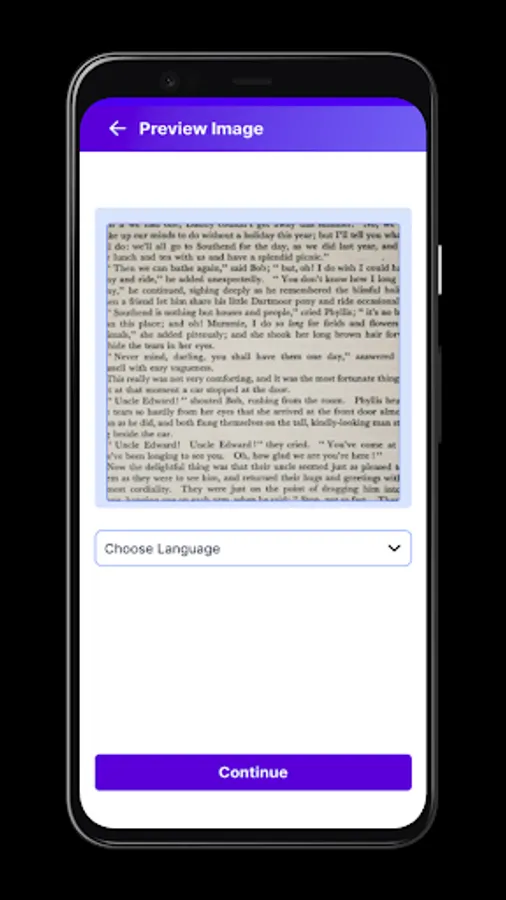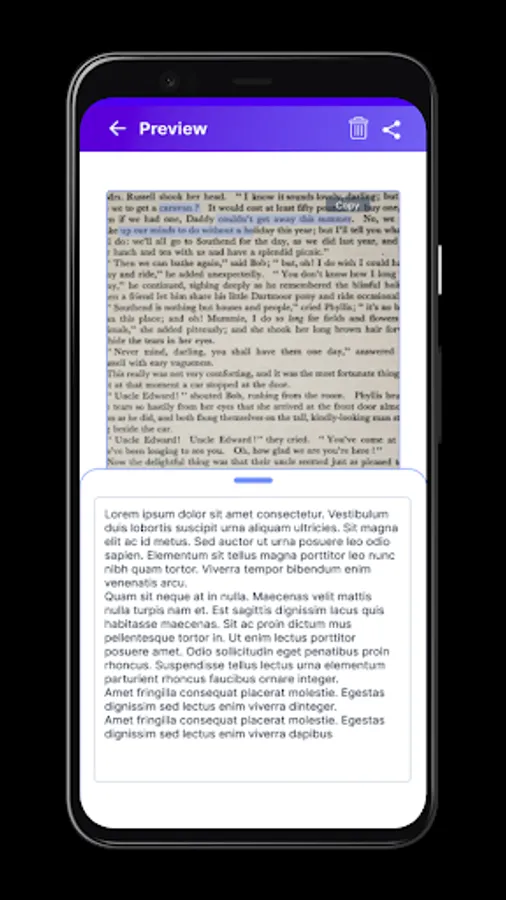
With this app, you can scan and extract text from images using your camera or storage, then copy and edit the text offline. Includes image cropping, text recognition for multiple languages, and quick scanning features.
AppRecs review analysis
AppRecs rating 4.4. Trustworthiness 0 out of 100. Review manipulation risk 0 out of 100. Based on a review sample analyzed.
★★★★☆
4.4
AppRecs Rating
Ratings breakdown
5 star
78%
4 star
11%
3 star
0%
2 star
0%
1 star
11%
What to know
✓
High user satisfaction
89% of sampled ratings are 4+ stars (4.4★ average)
✓
Authentic reviews
No red flags detected
About Image To Text
Now you don't have to type the word one by one, just install this app and scan the text in the image, then you can copy and paste the scanned text. And the great things is you don't need an internet connection to use this application
Features:
* Convert an Image To Text
* Recognizes all latin characters
* Only camera and storage permission needed
* You could crop the image
* Works Offline
* Quick scan
* Edit scanned text
* Copy scanned text into clipboard for use in other apps
* Free and without ads
Supported Languages:
* Latin Character
* Korean Character
* Chinese Character
* Japanese Character
* Devanagari Character
Things you should pay attention to:
* For best results you need to take a clear image
* This app can't recognise peculiar handwritings
Teams:
- Fanny Erisen: UI/UX Designer
Notes:
We developed this app only for learning purpose, but if you want a more accurate app and support for more languages, you can support us with donation to develop the app further :D
it would be appreciated if you could suggest a feature or report bugs :)
Source code can be accessed on https://github.com/ryccoatika/Image-To-Text
Features:
* Convert an Image To Text
* Recognizes all latin characters
* Only camera and storage permission needed
* You could crop the image
* Works Offline
* Quick scan
* Edit scanned text
* Copy scanned text into clipboard for use in other apps
* Free and without ads
Supported Languages:
* Latin Character
* Korean Character
* Chinese Character
* Japanese Character
* Devanagari Character
Things you should pay attention to:
* For best results you need to take a clear image
* This app can't recognise peculiar handwritings
Teams:
- Fanny Erisen: UI/UX Designer
Notes:
We developed this app only for learning purpose, but if you want a more accurate app and support for more languages, you can support us with donation to develop the app further :D
it would be appreciated if you could suggest a feature or report bugs :)
Source code can be accessed on https://github.com/ryccoatika/Image-To-Text