PhoneWorks Bluetooth
One World Technologies, Inc
1.8 ★
75 ratings
10,000+
downloads
Free
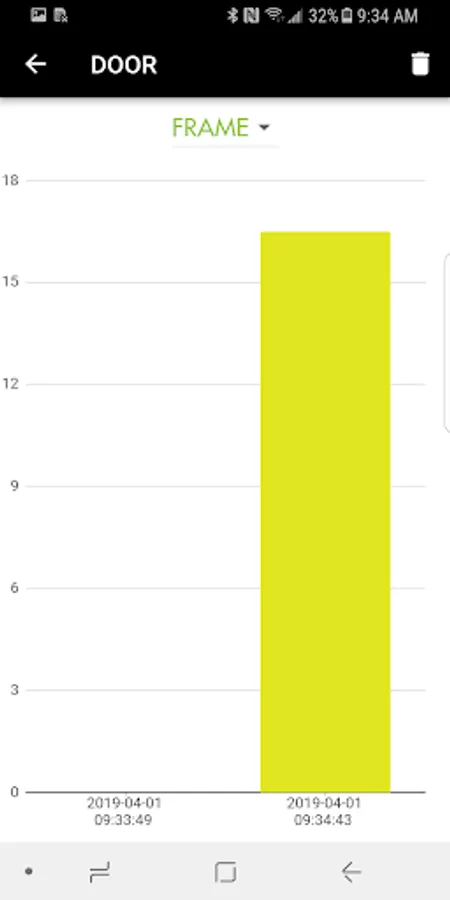
With this app, you can connect to RYOBI PhoneWorks BT devices to measure, inspect, and document projects. Includes features for capturing images, tracking project details, and managing measurements.
AppRecs review analysis
AppRecs rating 1.8. Trustworthiness 0 out of 100. Review manipulation risk 0 out of 100. Based on a review sample analyzed.
★☆☆☆☆
1.8
AppRecs Rating
Ratings breakdown
5 star
11%
4 star
4%
3 star
6%
2 star
3%
1 star
76%
What to know
✓
Authentic reviews
No red flags detected
⚠
Mixed user feedback
Average 1.8★ rating suggests room for improvement
⚠
High negative review ratio
79% of sampled ratings are 1–2 stars
About PhoneWorks Bluetooth
RYOBI™ PhoneWorks™ BT Devices Required - Sold Separately
RYOBI PhoneWorks BT app works with RYOBI PhoneWorks BT devices to bring you a better way to manage home improvement projects. PhoneWorks tools empower you to measure, align, calculate, inspect, level and locate with more confidence and functionality than ever before. Download the free app today to work with your PhoneWorks BT devices, and transform your phone into your smartest tool.
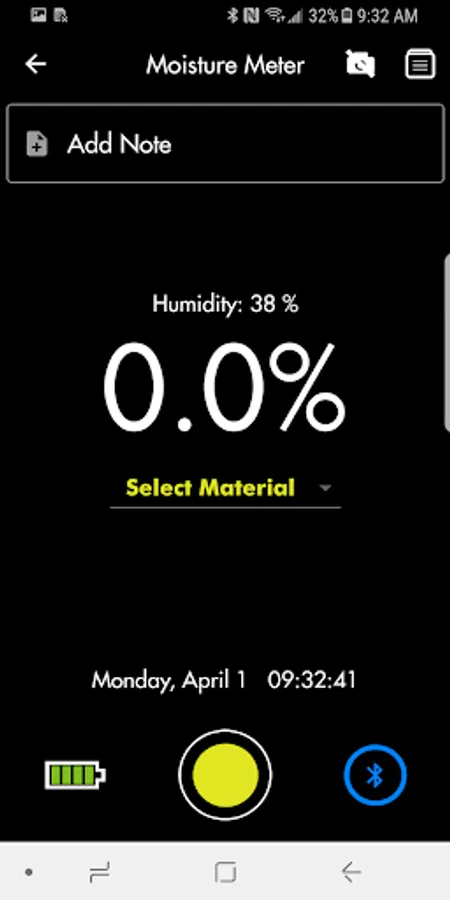
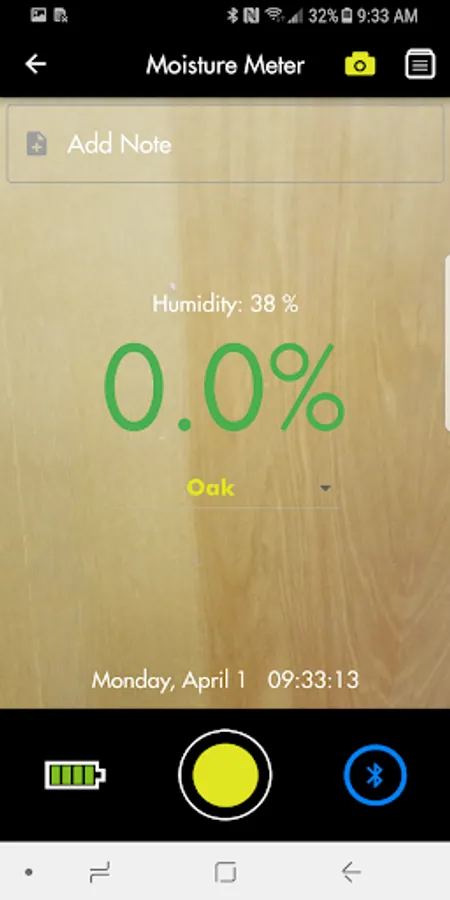
VIEW the project LIVE in full color with your smartphone. Capture high quality images of projects.
DOCUMENT with the touch of your phone screen, track project details. Save project details and images for later reference and reports.
TRACK project times and locations via time stamps.
Note: Requires RYOBI PhoneWorks BT tool(s).
How to Use PhoneWorks BT:
1. Download the RYOBI PhoneWorks BT App.
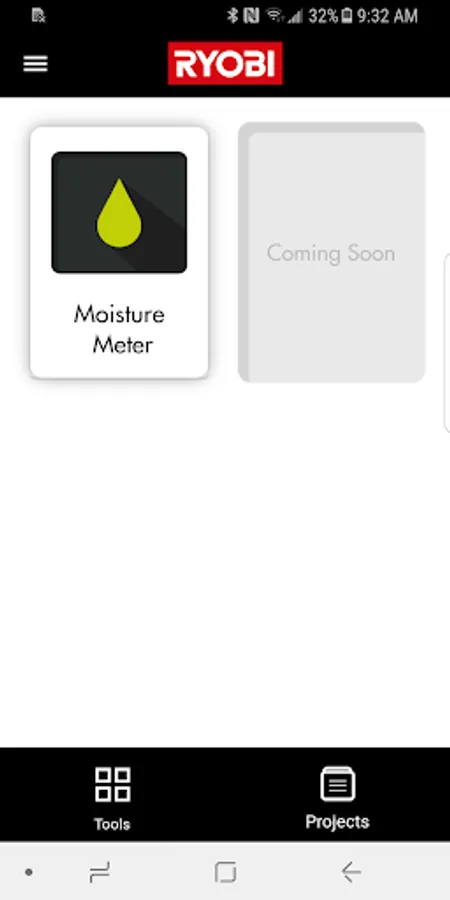
2. Click the icon that matches the tool and push the pairing button on the tool.
3. Once the tool pairs your all set!
RYOBI PhoneWorks BT app works with RYOBI PhoneWorks BT devices to bring you a better way to manage home improvement projects. PhoneWorks tools empower you to measure, align, calculate, inspect, level and locate with more confidence and functionality than ever before. Download the free app today to work with your PhoneWorks BT devices, and transform your phone into your smartest tool.
VIEW the project LIVE in full color with your smartphone. Capture high quality images of projects.
DOCUMENT with the touch of your phone screen, track project details. Save project details and images for later reference and reports.
TRACK project times and locations via time stamps.
Note: Requires RYOBI PhoneWorks BT tool(s).
How to Use PhoneWorks BT:
1. Download the RYOBI PhoneWorks BT App.
2. Click the icon that matches the tool and push the pairing button on the tool.
3. Once the tool pairs your all set!