QBar - 2019 Qr Code and Barcod
Sagar Mahobia
4.8 ★
65 ratings
10,000+
downloads
Free
In this barcode and QR code scanning app, users can quickly scan and decode codes using the camera viewfinder. Includes instant scanning, offline functionality, and recent scan history for easy access.
AppRecs review analysis
AppRecs rating 4.8. Trustworthiness 0 out of 100. Review manipulation risk 0 out of 100. Based on a review sample analyzed.
★★★★☆
4.8
AppRecs Rating
Ratings breakdown
5 star
75%
4 star
25%
3 star
0%
2 star
0%
1 star
0%
What to know
✓
High user satisfaction
75% of sampled ratings are 5 stars
✓
Authentic reviews
Natural distribution, no red flags
About QBar - 2019 Qr Code and Barcod
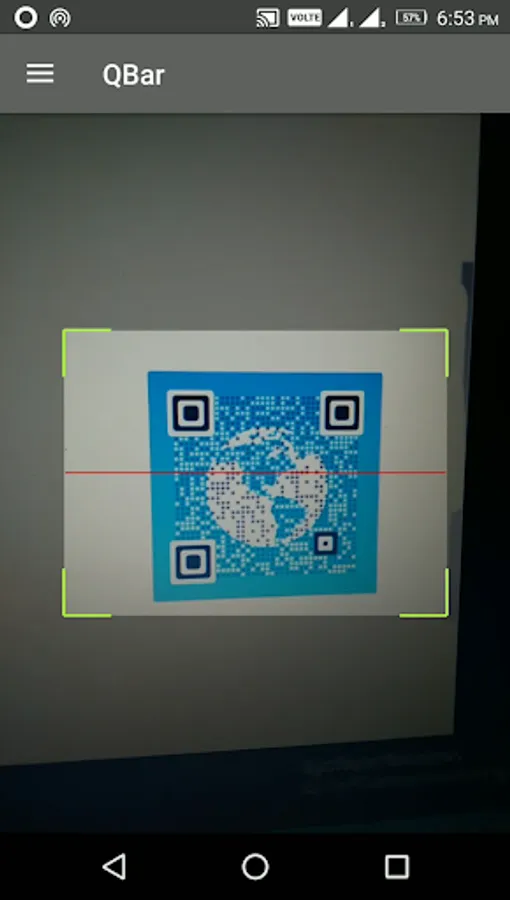
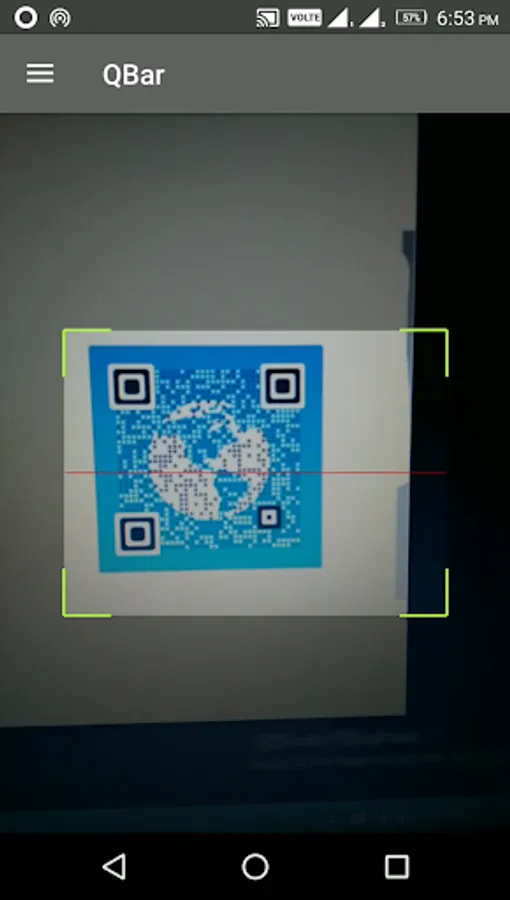
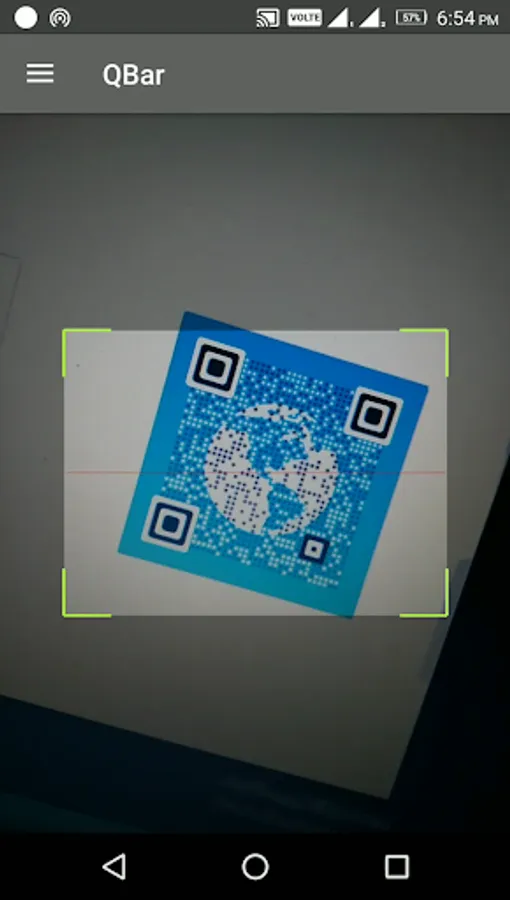
To scan QR code or barcode simply open the Qbar - Qr and Barcode Scanner app, place the Qr code or barcode in the viewfinder, and you're done.
Features:
●All-in-one Qr and barcode scanner & reader app: scans all standard 1D and 2D Qr code and barcodes.
●Instant scan: scan QR code and barcodes instantly.
●No Internet required: Internet connection is not required for scanning Qr code or barcodes.
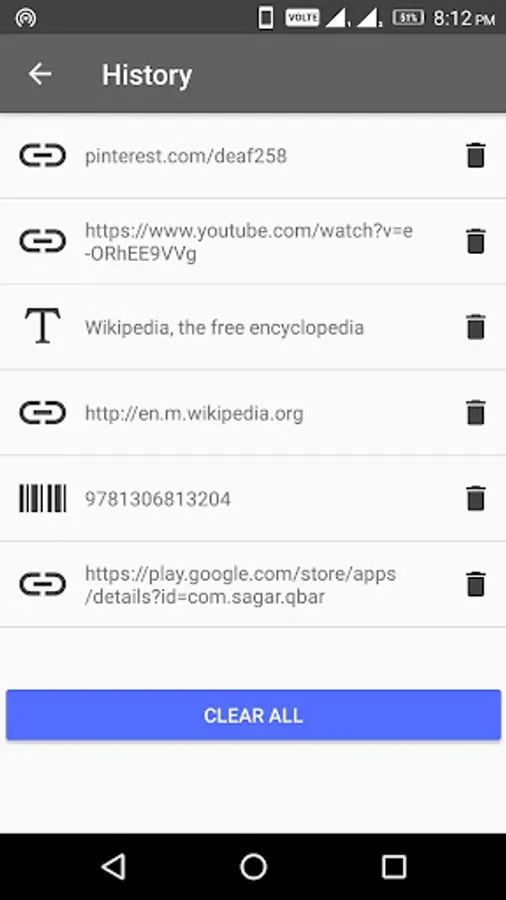
●View recent scanned QR code and barcode history.
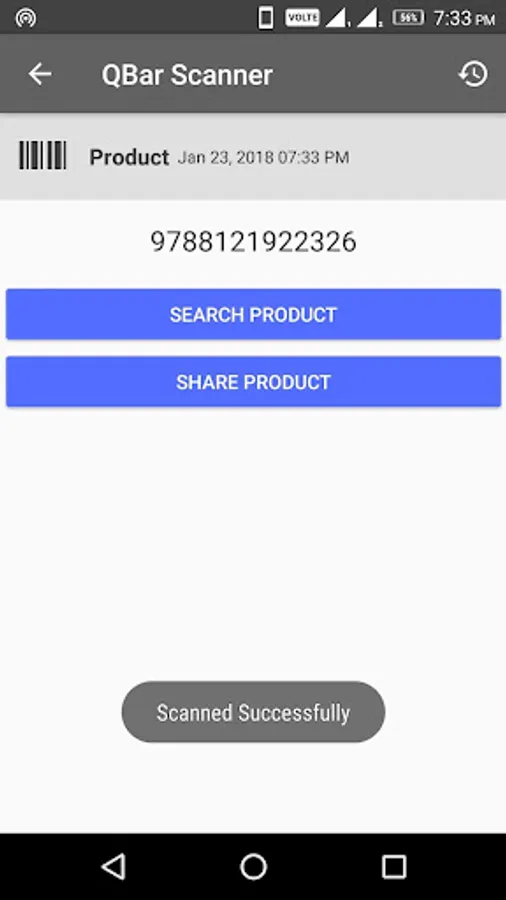
●Search for products from barcode using Qbar - Qr and Barcode Scanner app.
●Share product barcode using Qbar - Qr and Barcode Scanner app.
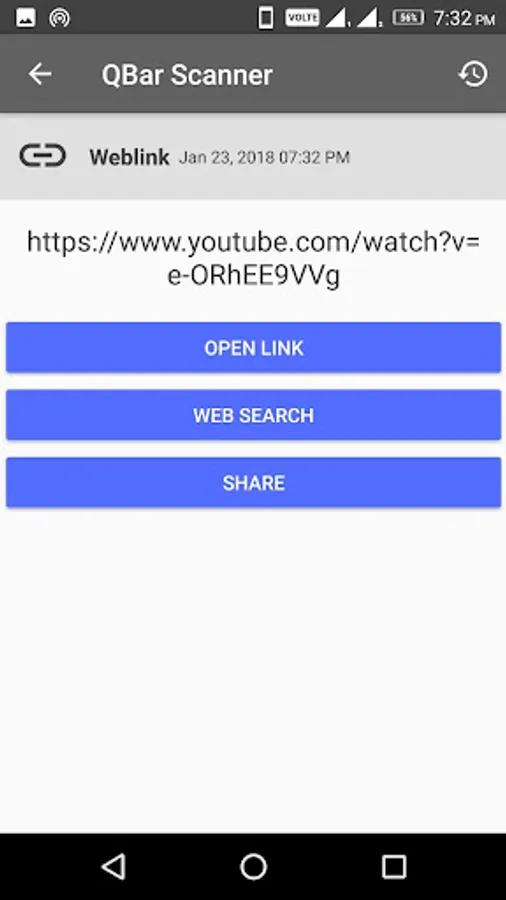
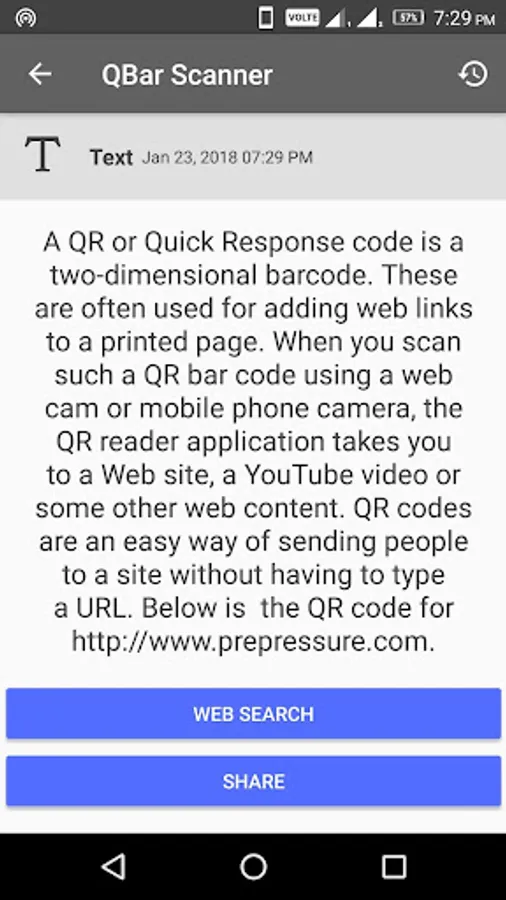
●Share scanned Qr code text and link from Qbar - Qr and Barcode Scanner app.
●Open Qr code link instantly from Qbar - Qr and Barcode Scanner app.
Features:
●All-in-one Qr and barcode scanner & reader app: scans all standard 1D and 2D Qr code and barcodes.
●Instant scan: scan QR code and barcodes instantly.
●No Internet required: Internet connection is not required for scanning Qr code or barcodes.
●View recent scanned QR code and barcode history.
●Search for products from barcode using Qbar - Qr and Barcode Scanner app.
●Share product barcode using Qbar - Qr and Barcode Scanner app.
●Share scanned Qr code text and link from Qbar - Qr and Barcode Scanner app.
●Open Qr code link instantly from Qbar - Qr and Barcode Scanner app.