MagicInfo Express 2
SAMSUNG ELECTRONICS CO.Ltd
1.8 ★
21 ratings
1,000+
downloads
Free
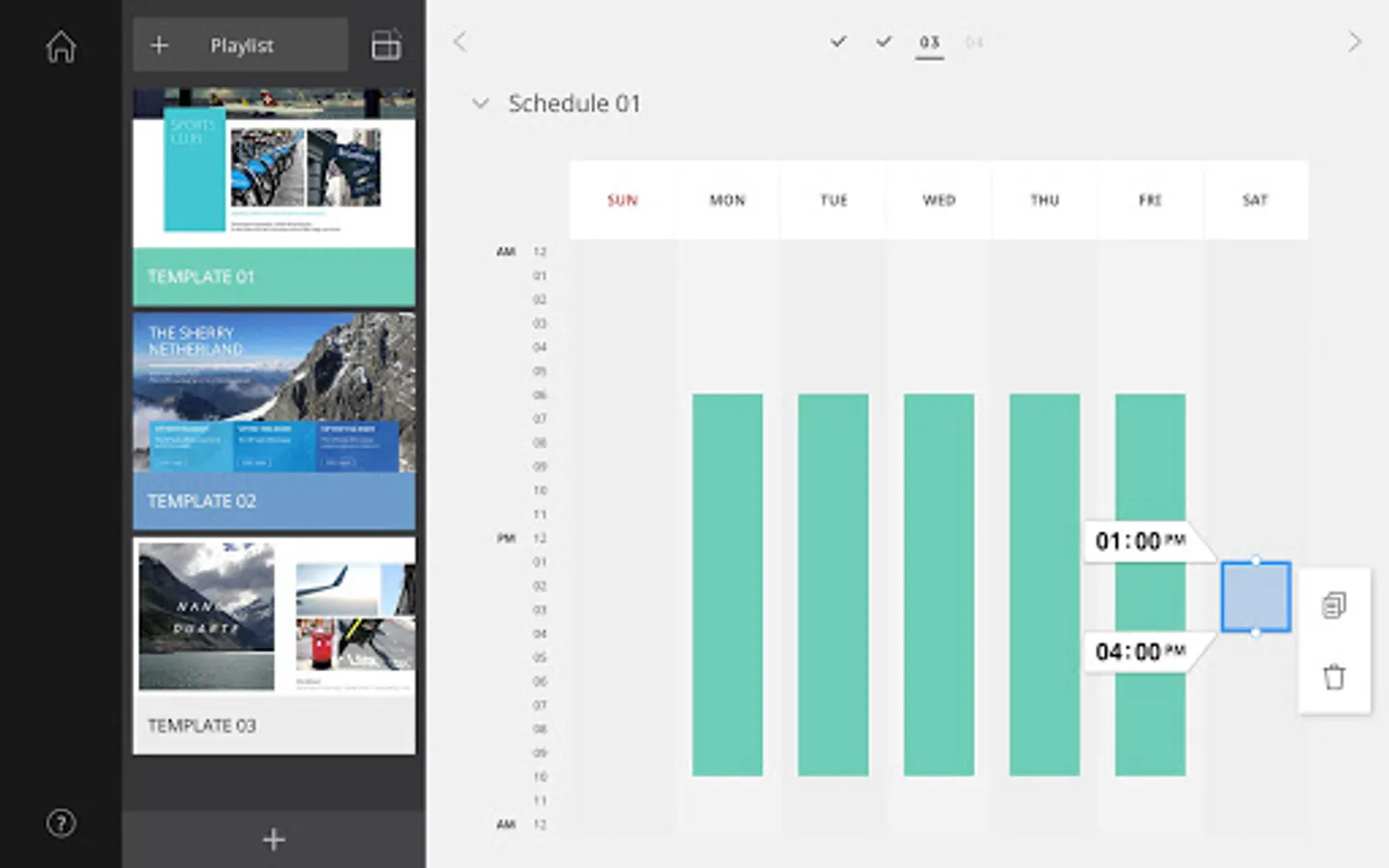
In this content creation app, you can design in-store displays, menu boards, and promotions using templates and editing tools. Includes template library, scheduling features, and professional video production tools.
AppRecs review analysis
AppRecs rating 1.8. Trustworthiness 71 out of 100. Review manipulation risk 26 out of 100. Based on a review sample analyzed.
★☆☆☆☆
1.8
AppRecs Rating
Ratings breakdown
5 star
0%
4 star
0%
3 star
40%
2 star
0%
1 star
60%
What to know
✓
Low review manipulation risk
26% review manipulation risk
✓
Credible reviews
71% trustworthiness score from analyzed reviews
⚠
Mixed user feedback
Average 1.8★ rating suggests room for improvement
About MagicInfo Express 2
What’s New
. Changed Supported Android devices from [Lollipop, Marshmallow, Nougat, Oreo] to [Oreo, Pie, 10, 11]
. Added new models (OHN, OMN, QBR, QMR, QHR) for S6 Player
MagicInfo Express 2 is simple yet powerful design tools for your business. Create and play your own in-store content, menu boards, promotions, welcome screens and slideshows to complement and reinforce your unique business environment. It’s fast, easy and stress-free!!
Main Features
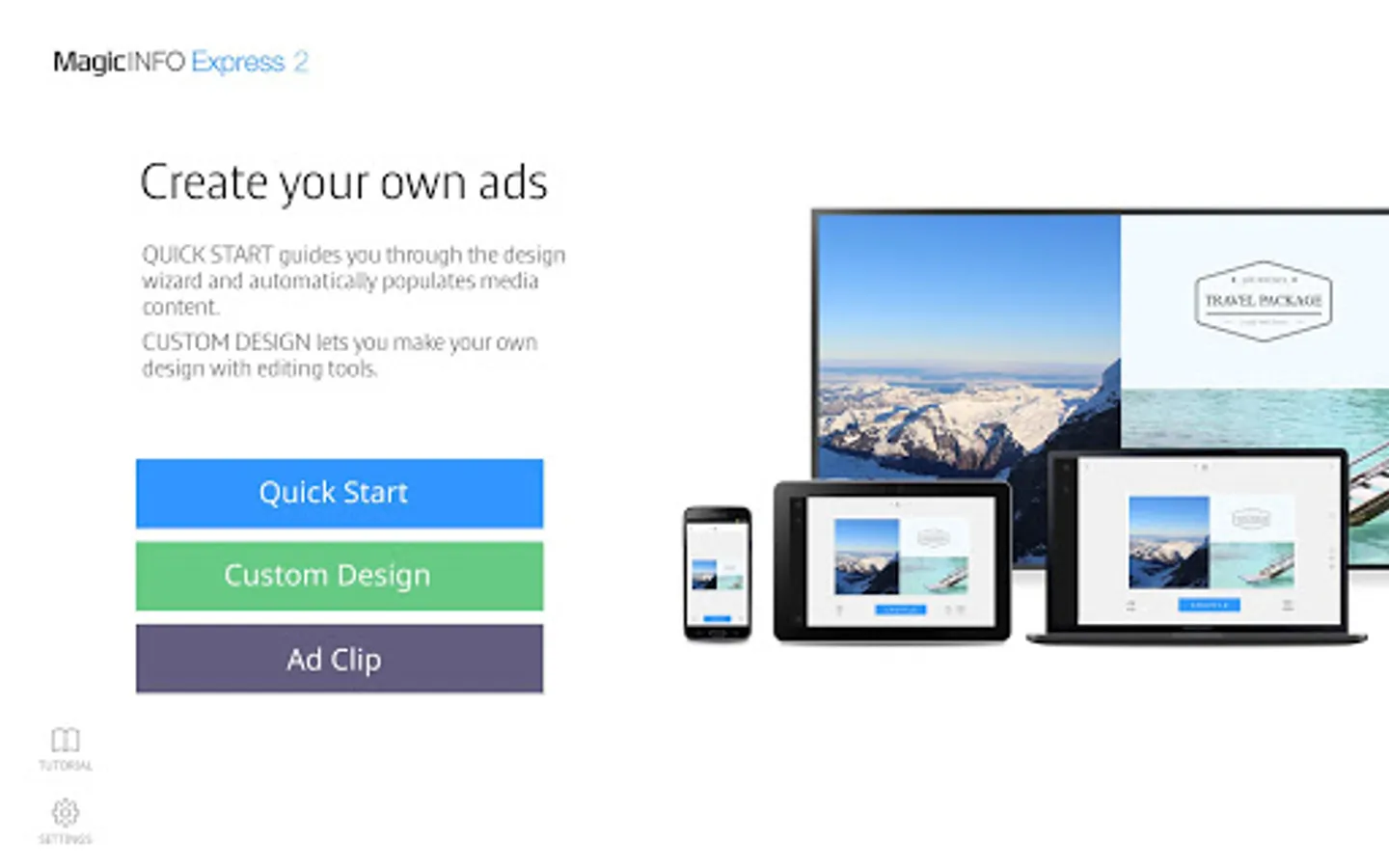
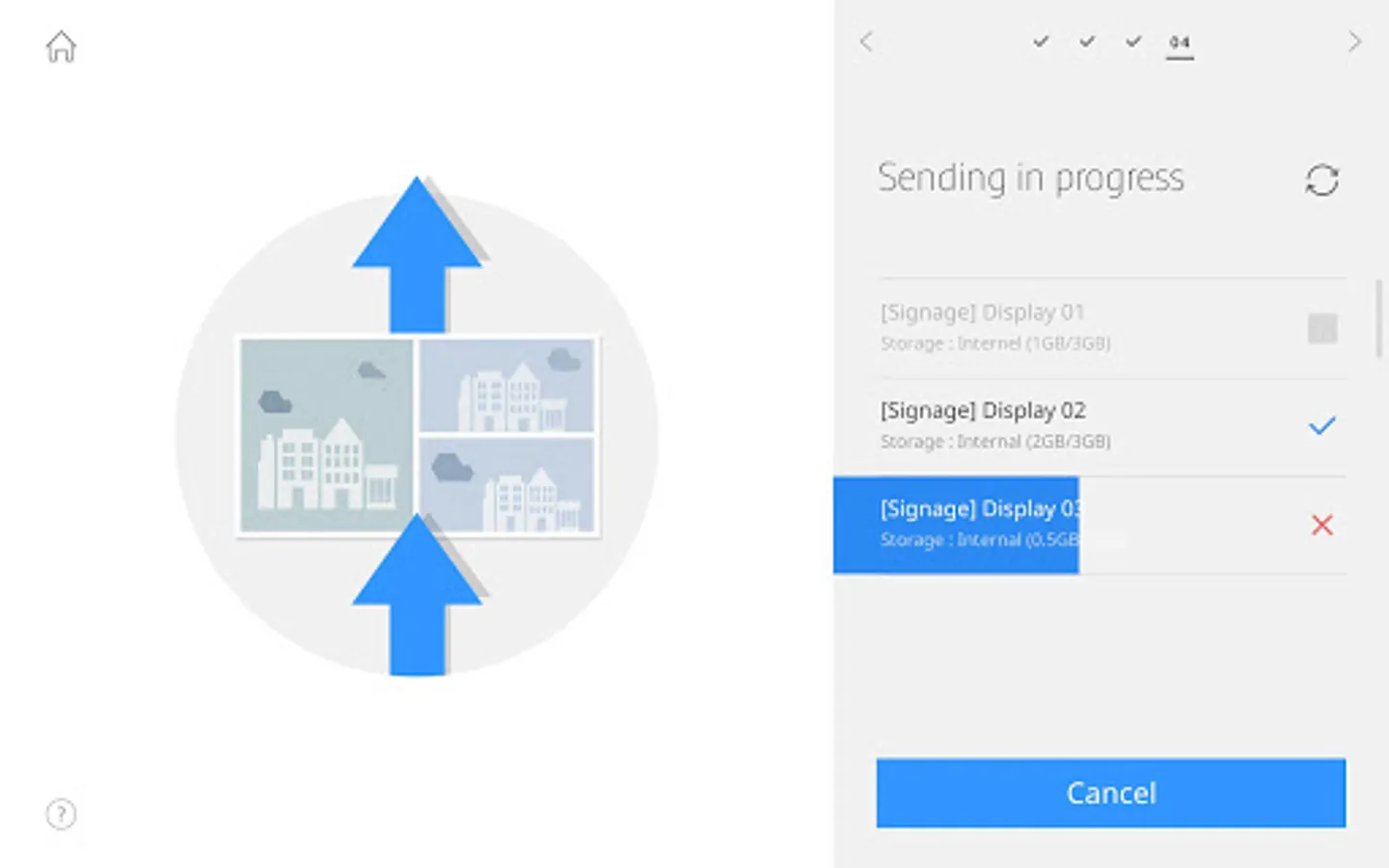
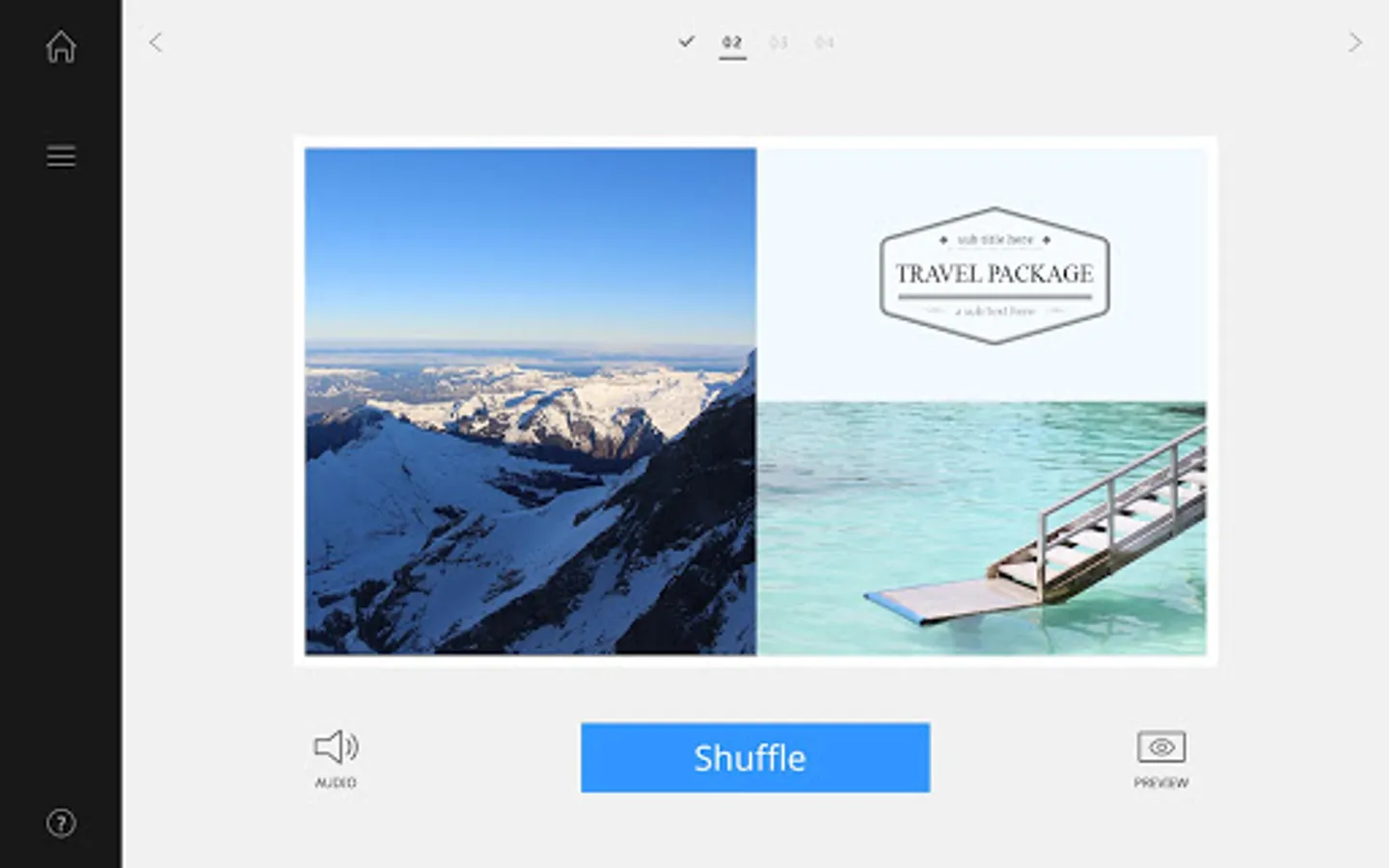
. QUICK SATRT guides you through the fast and easy content creation process. After choosing a usage type, your images are automatically populated into appropriate layouts from the free template library. Then, it’s just a few simple steps to tailor your design, schedule and send.
. CUSTOM DESIGN lets you choose any of the templates and make your own in-store content using our powerful design tools.
. AD CLIP produces a stunning, professional looking video that is sure to wow your customers.
**Supported Samsung Displays
. MagicInfo Player S6: OHN, OMN, QBR, QMR, QHR series
. MagicInfo Player S5: QHH, QMH, QBH, DBJ,OHH
. MagicInfo Player S4: OHF, OMF, OMH, PHF, PHF-P, PMF, PMF-BC, PMH, SBB-SSF Series
. MagicInfo Player S3: SHF, DHE, DME, DBE, OHE, OME, MLE, RHE, SBB-SSE Series
. MagicInfo Player E: RMD, RMH Series
*Supported Android Devices
Oreo, Pie, 10, 11
For more information on Samsung SMART Signage, visit webpage
https://displaysolutions.samsung.com/
. Changed Supported Android devices from [Lollipop, Marshmallow, Nougat, Oreo] to [Oreo, Pie, 10, 11]
. Added new models (OHN, OMN, QBR, QMR, QHR) for S6 Player
MagicInfo Express 2 is simple yet powerful design tools for your business. Create and play your own in-store content, menu boards, promotions, welcome screens and slideshows to complement and reinforce your unique business environment. It’s fast, easy and stress-free!!
Main Features
. QUICK SATRT guides you through the fast and easy content creation process. After choosing a usage type, your images are automatically populated into appropriate layouts from the free template library. Then, it’s just a few simple steps to tailor your design, schedule and send.
. CUSTOM DESIGN lets you choose any of the templates and make your own in-store content using our powerful design tools.
. AD CLIP produces a stunning, professional looking video that is sure to wow your customers.
**Supported Samsung Displays
. MagicInfo Player S6: OHN, OMN, QBR, QMR, QHR series
. MagicInfo Player S5: QHH, QMH, QBH, DBJ,OHH
. MagicInfo Player S4: OHF, OMF, OMH, PHF, PHF-P, PMF, PMF-BC, PMH, SBB-SSF Series
. MagicInfo Player S3: SHF, DHE, DME, DBE, OHE, OME, MLE, RHE, SBB-SSE Series
. MagicInfo Player E: RMD, RMH Series
*Supported Android Devices
Oreo, Pie, 10, 11
For more information on Samsung SMART Signage, visit webpage
https://displaysolutions.samsung.com/
MagicInfo Express 2 Screenshots
Tap to Rate:
Reviews for MagicInfo Express 2
Frederick Ferrugio Jr
5/15/2025
this app stopped working in April of 2025
Diego Sanchez (Triflingdork)
2/7/2022
Vertical display settings shrink image size. Not usable for any vertical displays