
AppRecs review analysis
AppRecs rating . Trustworthiness 55 out of 100. Review manipulation risk 44 out of 100. Based on a review sample analyzed.
★
AppRecs Rating
Ratings breakdown
5 star
100%
4 star
0%
3 star
0%
2 star
0%
1 star
0%
What to know
⚠
Questionable review patterns
44% review manipulation risk - some review patterns appear unusual
⚠
Unusually uniform ratings
100% of sampled ratings are 5 stars with very little variation
About Screen Color Match
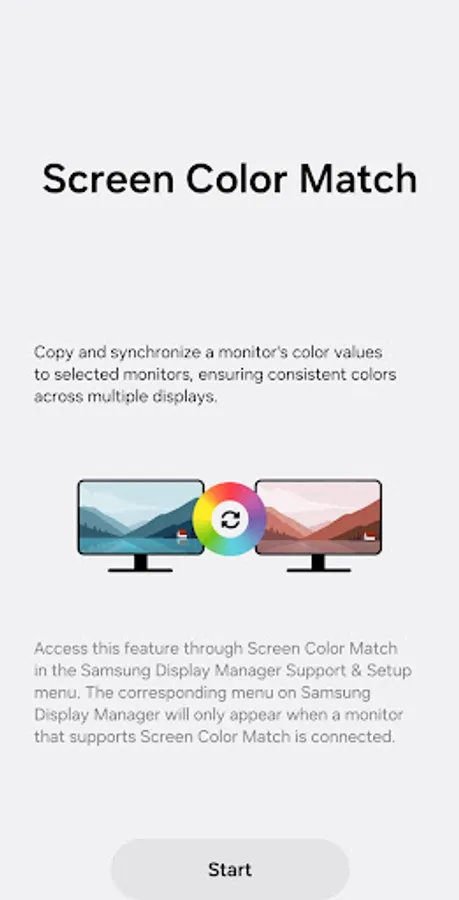
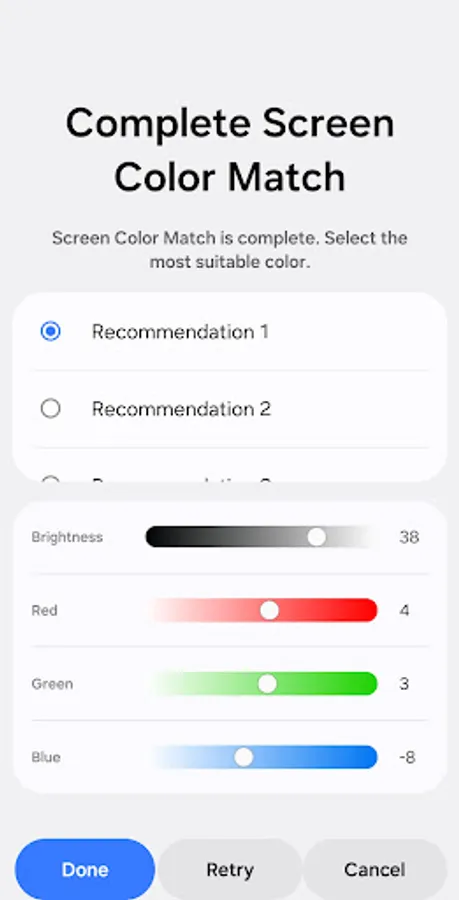
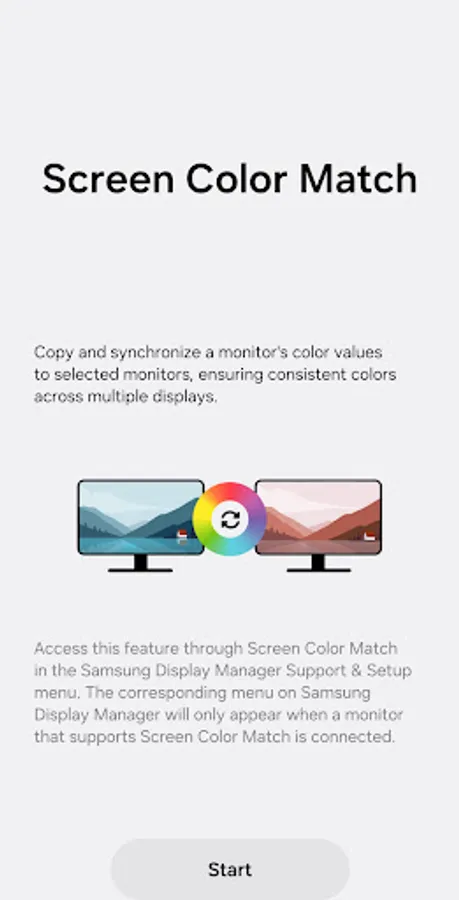
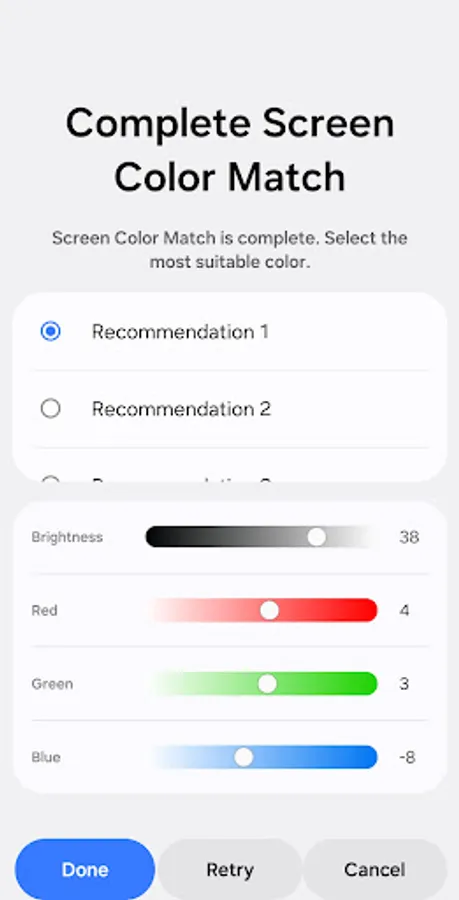
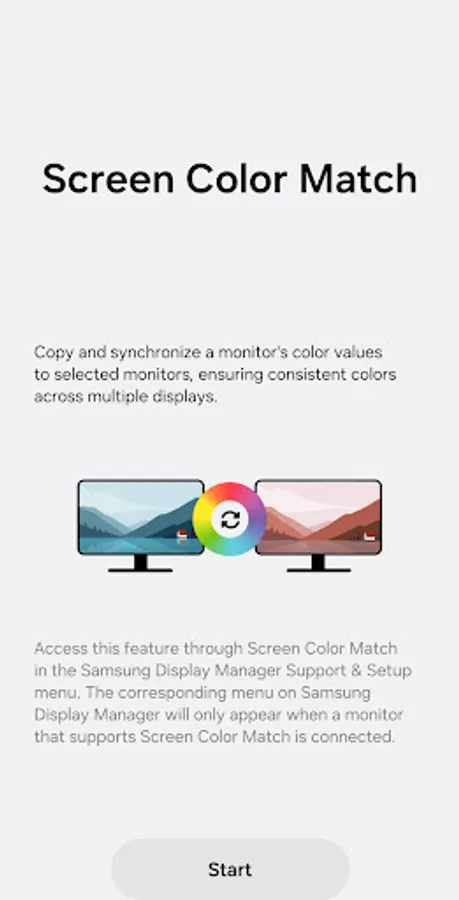
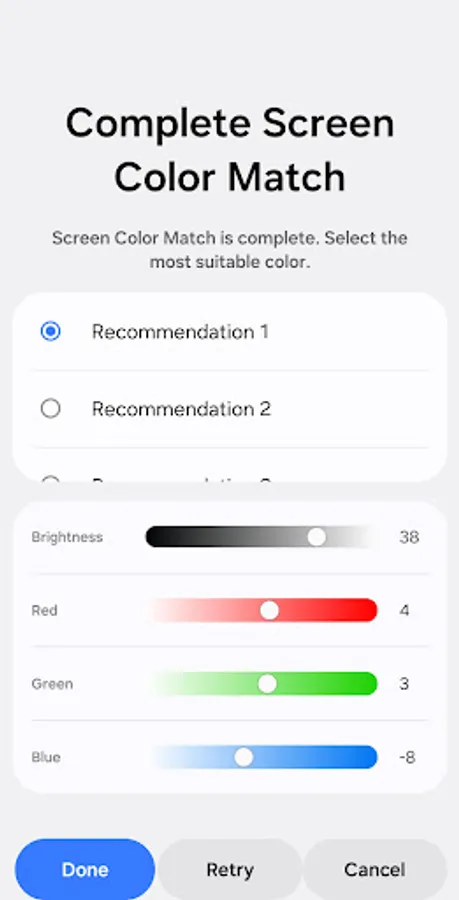
Screen Color Match copies and synchronizes a monitor's color values to selected monitors, ensuring consistent colors across multiple displays.
[Key Features]
Copy and synchronize a monitor's color values to selected monitors.
To access this feature, select Screen Color Match in the Samsung Display Manager's Support & Setup menu.
The corresponding menu on Samsung Display Manager will only appear when a monitor that supports Screen Color Match is connected.
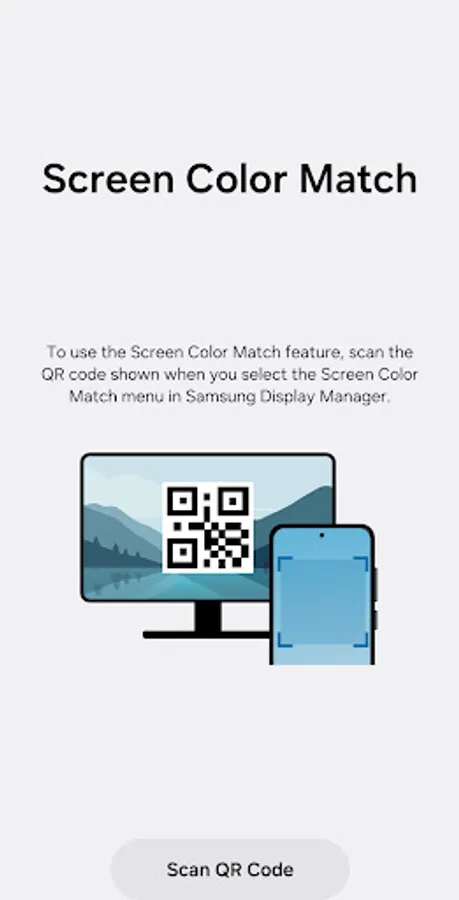
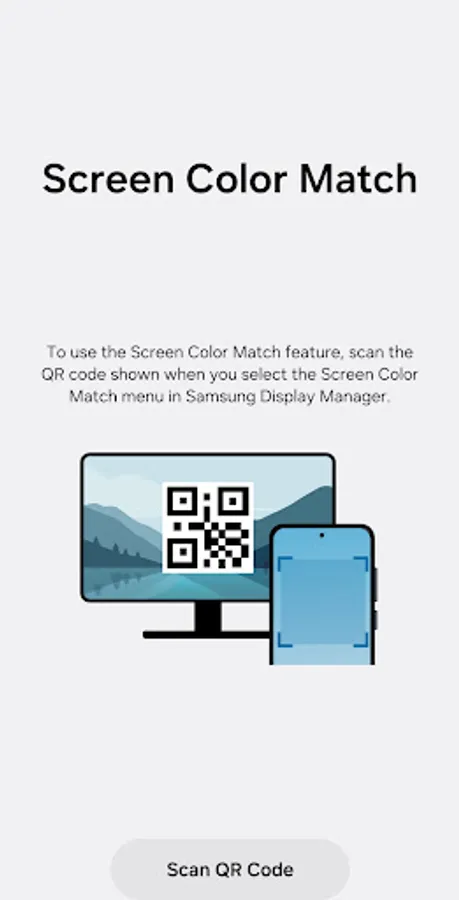
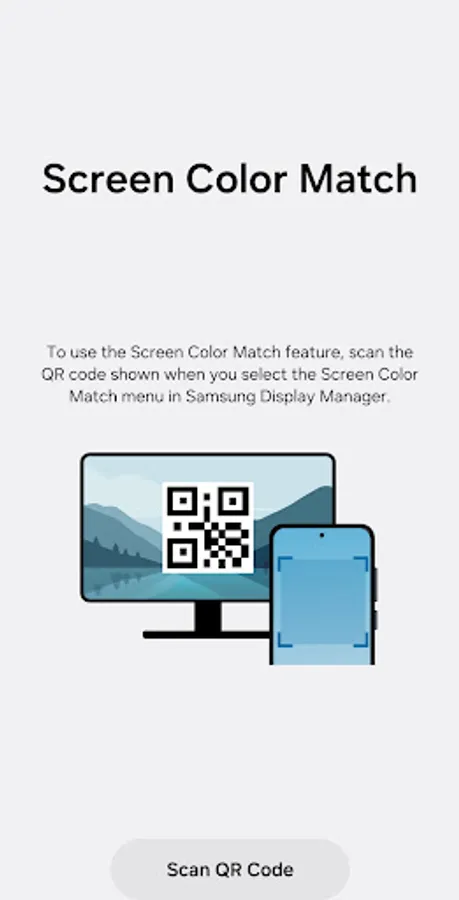
To use the Screen Color Match feature, scan the QR code shown when you enter.
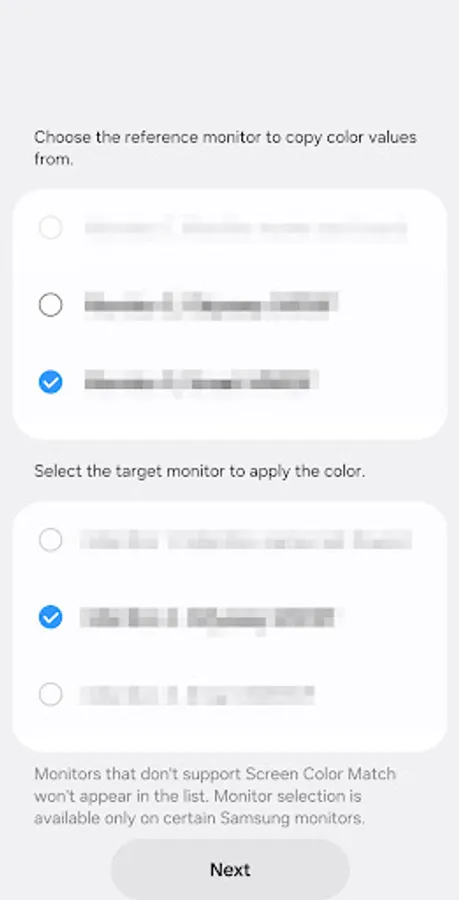
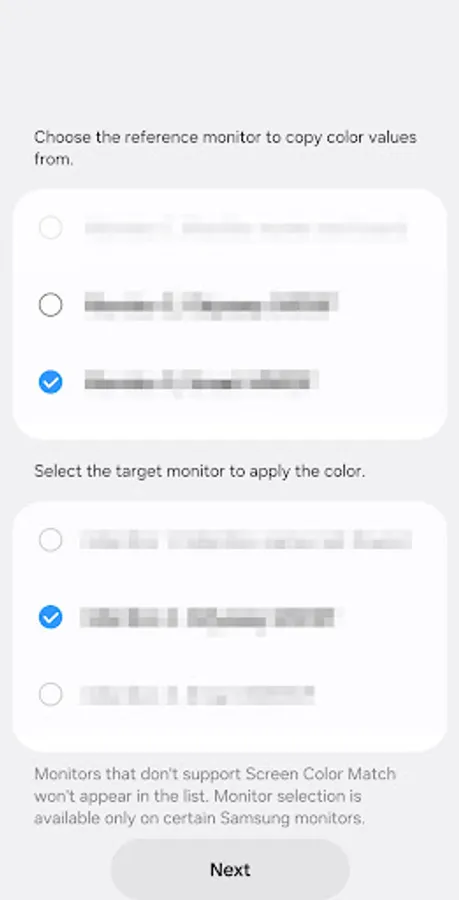
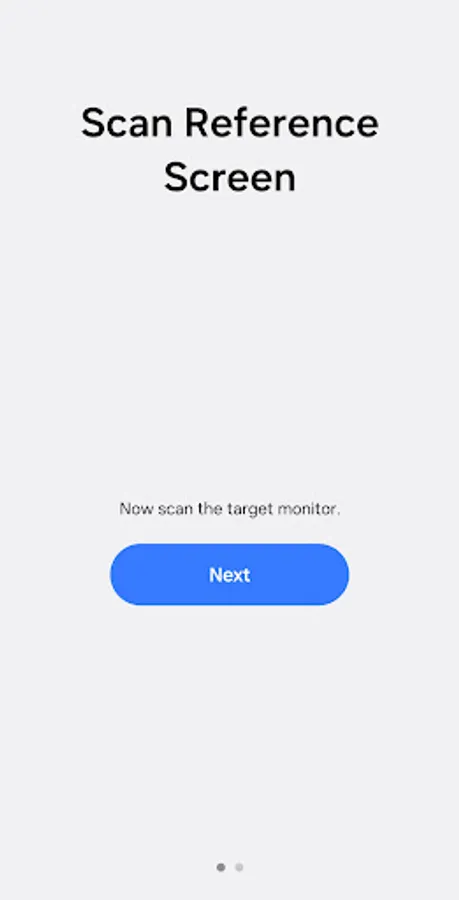
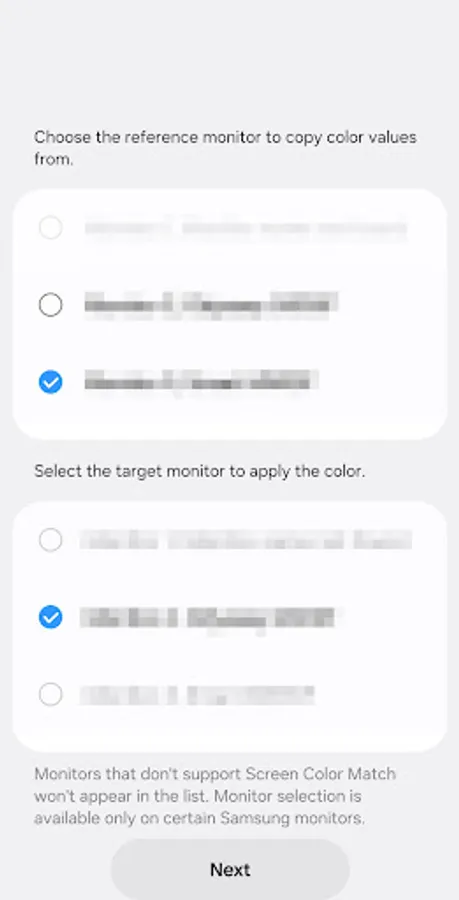
Choose the reference monitor to copy color values from, then select the target monitor to apply the color.
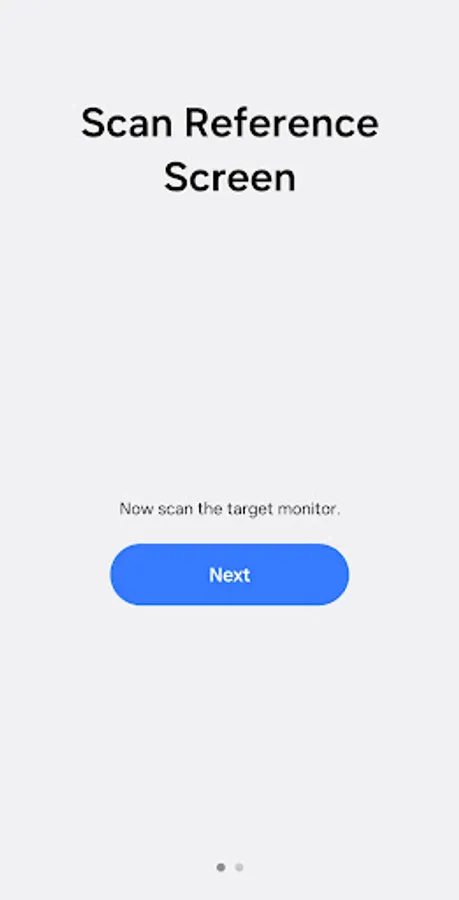
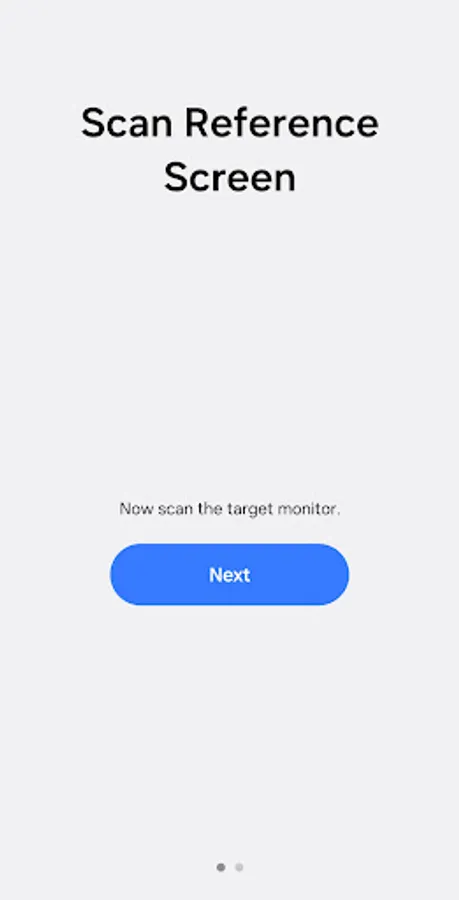
Scan the color tone via camera app from your phone, and adhere to the following instructions.
* Notice regarding app access permissions:
The following access permissions are required to provide you with this service.
Basic features of the service can be accessed even if Optional permissions are not granted.
[Optional permissions]
• Camera : Used to add pictures and scanned documents to notes
You can still open the app and access its basic functions without allowing the optional permissions.
[Key Features]
Copy and synchronize a monitor's color values to selected monitors.
To access this feature, select Screen Color Match in the Samsung Display Manager's Support & Setup menu.
The corresponding menu on Samsung Display Manager will only appear when a monitor that supports Screen Color Match is connected.
To use the Screen Color Match feature, scan the QR code shown when you enter.
Choose the reference monitor to copy color values from, then select the target monitor to apply the color.
Scan the color tone via camera app from your phone, and adhere to the following instructions.
* Notice regarding app access permissions:
The following access permissions are required to provide you with this service.
Basic features of the service can be accessed even if Optional permissions are not granted.
[Optional permissions]
• Camera : Used to add pictures and scanned documents to notes
You can still open the app and access its basic functions without allowing the optional permissions.
Screen Color Match Screenshots
Tap to Rate:
Reviews for Screen Color Match
Freba Rahmaty
9/24/2025
I downloaded SCM
Kiu Antika
8/29/2025
hi