About Basic Notes
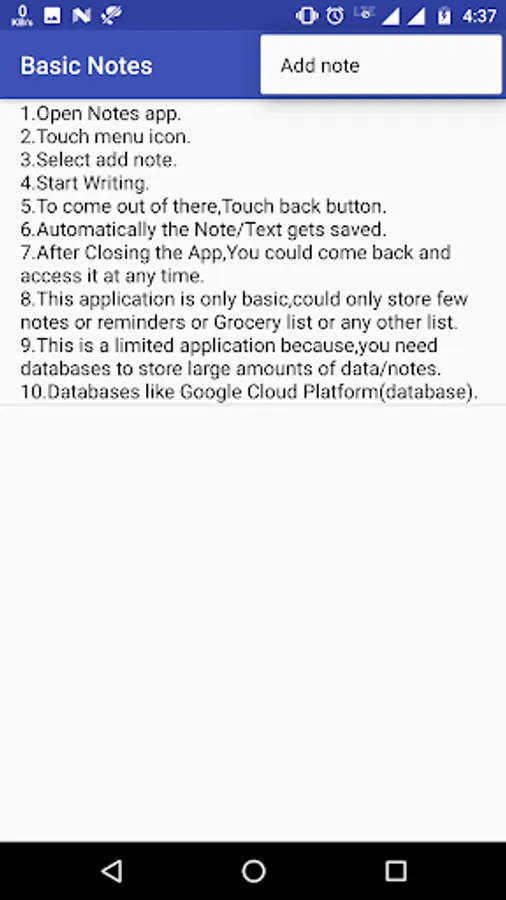
1.Open Notes app.
2.Touch menu icon.
3.Select add note.
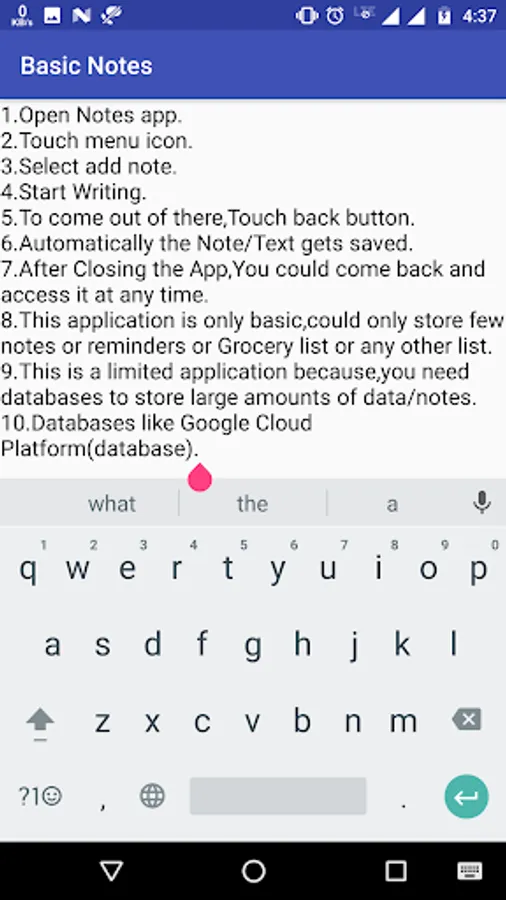
4.Start Writing.
5.To come out of there,Touch back button.
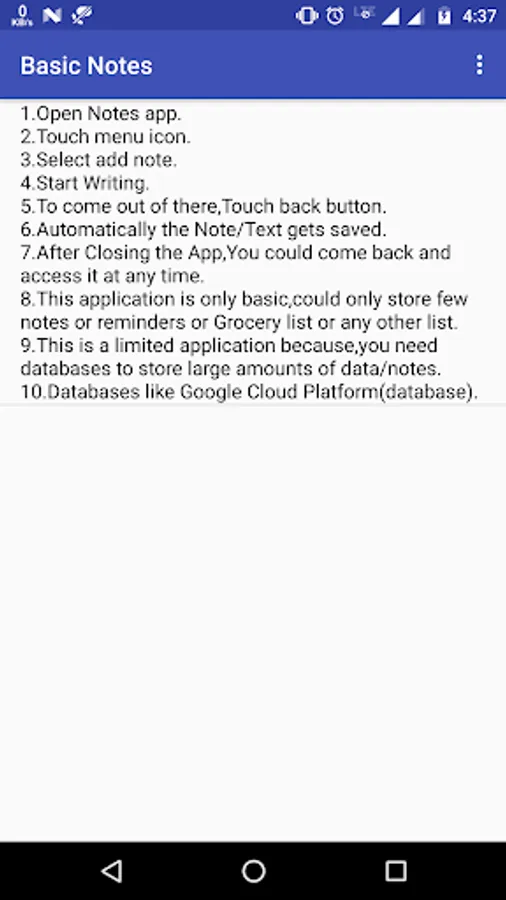
6.Automatically the Note/Text gets saved.
7.After Closing the App,You could come back and access it at any time.
8.This application is only basic,could only store few notes or reminders or Grocery list or any other list.
9.This is a limited application because,you need databases to store large amounts of data/notes.
10.Databases like Google Cloud Platform(database).
2.Touch menu icon.
3.Select add note.
4.Start Writing.
5.To come out of there,Touch back button.
6.Automatically the Note/Text gets saved.
7.After Closing the App,You could come back and access it at any time.
8.This application is only basic,could only store few notes or reminders or Grocery list or any other list.
9.This is a limited application because,you need databases to store large amounts of data/notes.
10.Databases like Google Cloud Platform(database).