
AppRecs review analysis
AppRecs rating . Trustworthiness 73 out of 100. Review manipulation risk 22 out of 100. Based on a review sample analyzed.
★
AppRecs Rating
Ratings breakdown
5 star
57%
4 star
14%
3 star
14%
2 star
0%
1 star
14%
What to know
✓
Low review manipulation risk
22% review manipulation risk
✓
Credible reviews
73% trustworthiness score from analyzed reviews
✓
High user satisfaction
71% of sampled ratings are 4+ stars (4.0★ average)
About Scania Driver
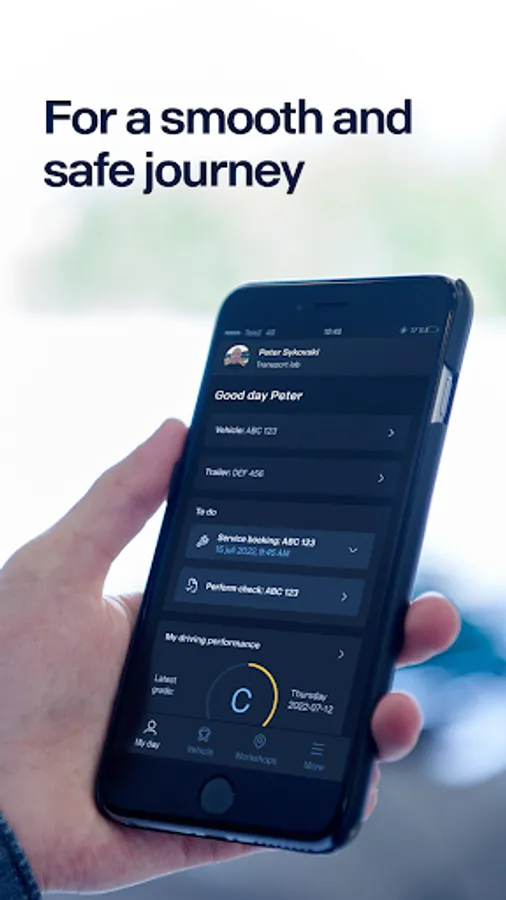
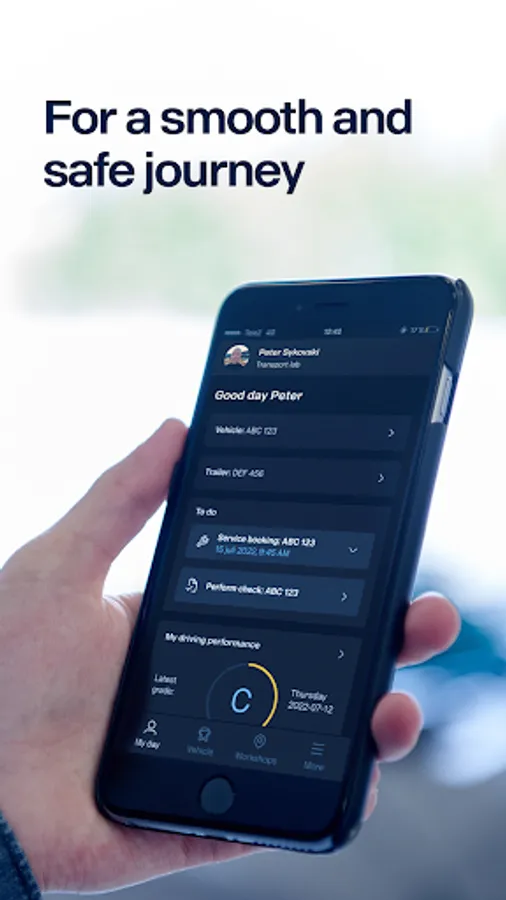
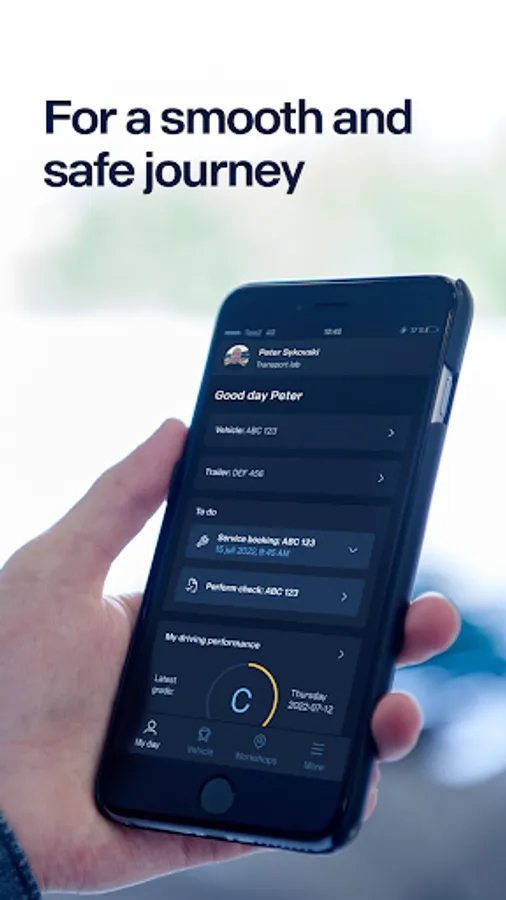
Scania Driver gives you, as a driver, access to all the information you need for a smooth and safe trip, directly on your mobile phone.
With the help of the app, you can be sure that the vehicle is in good condition, safe and ready for the next trip.
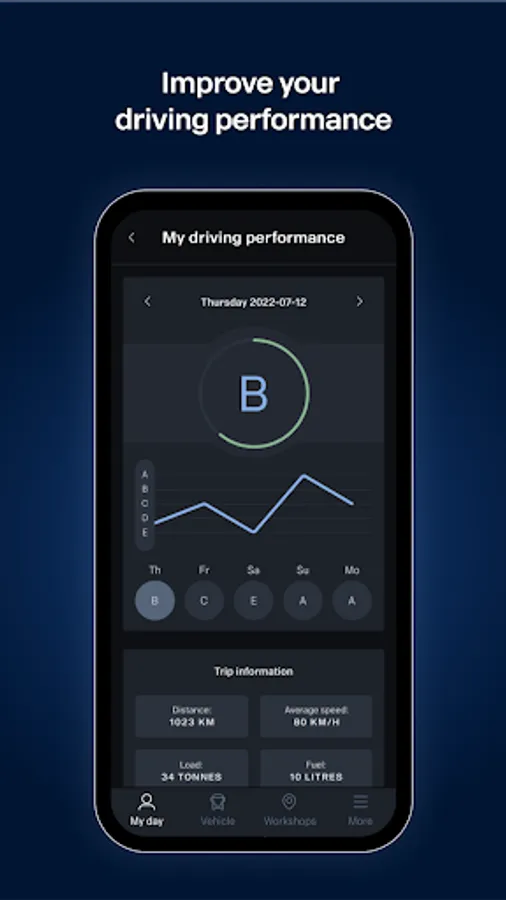
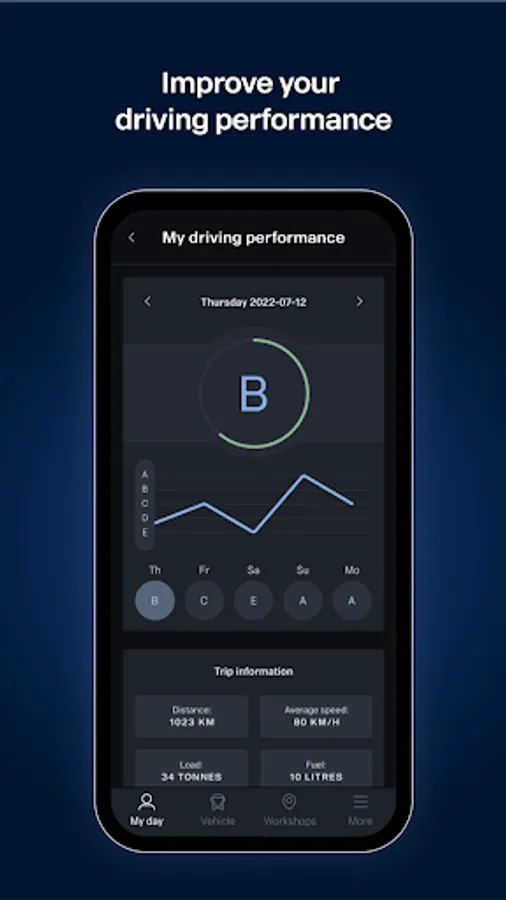
The app also helps you improve your driving so that you minimise emissions and contribute positively to your company's results.
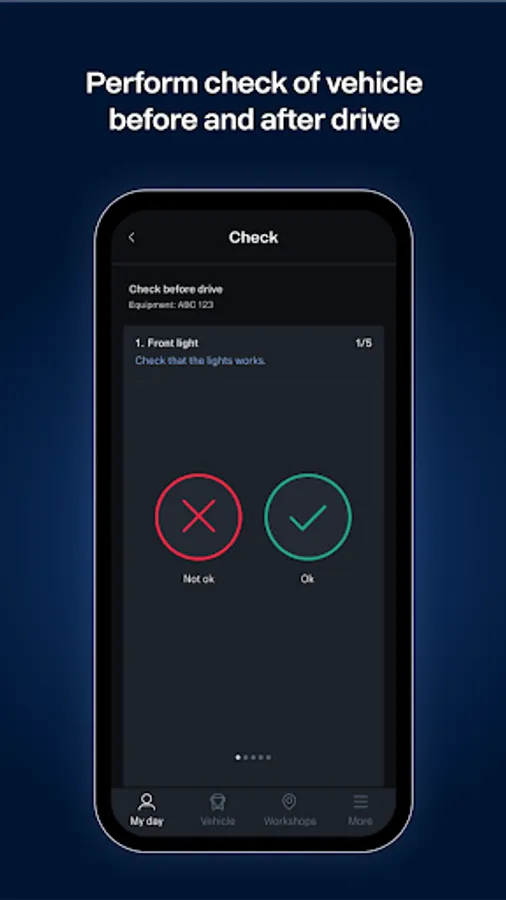
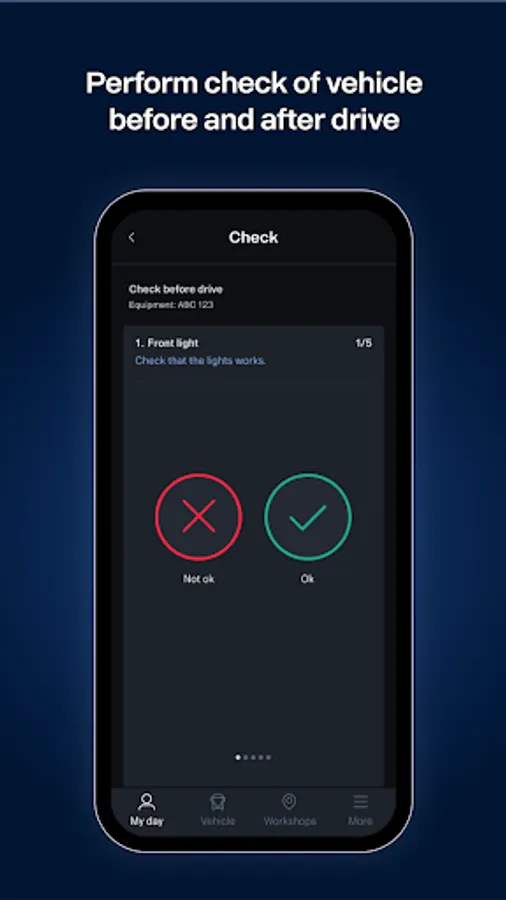
Check the vehicle
Through checks before and after driving, you can be sure that the vehicle is in good and safe condition before the next trip.
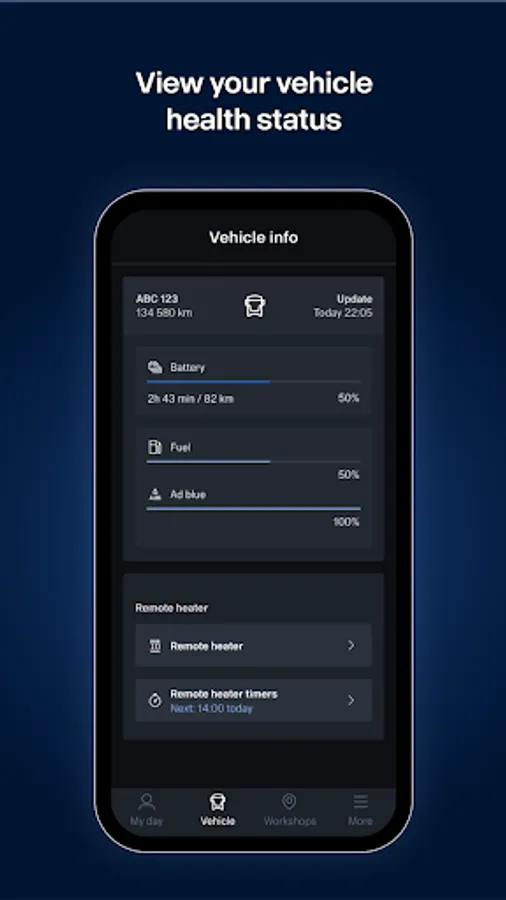
Remote control of the heater
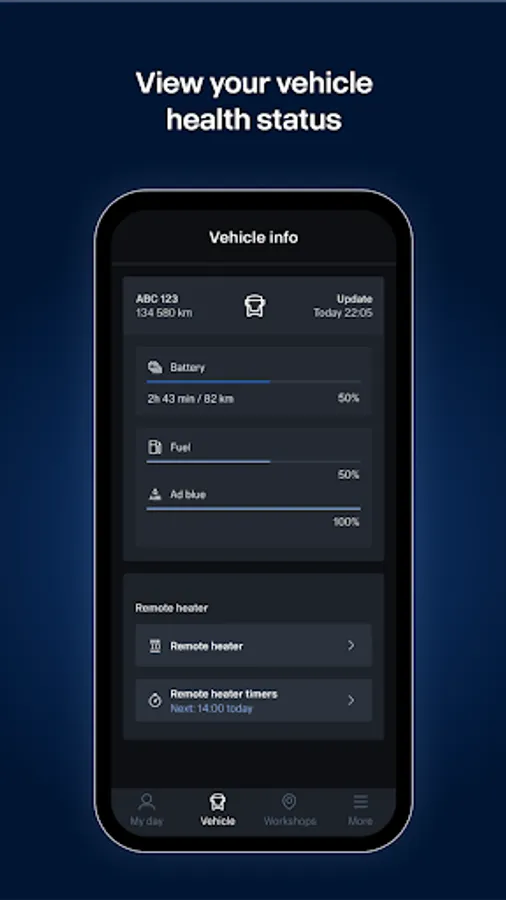
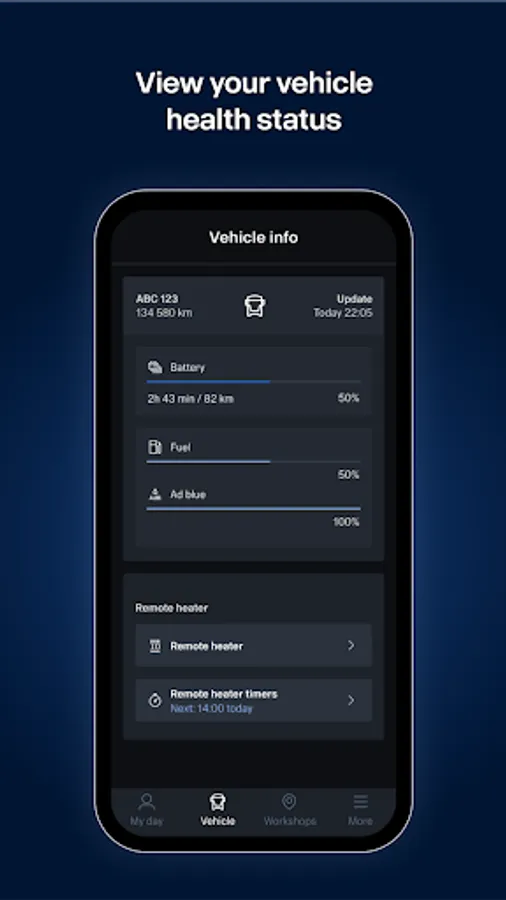
By controlling the heater remotely, you can make sure that the temperature in the cab is comfortable before the next trip.
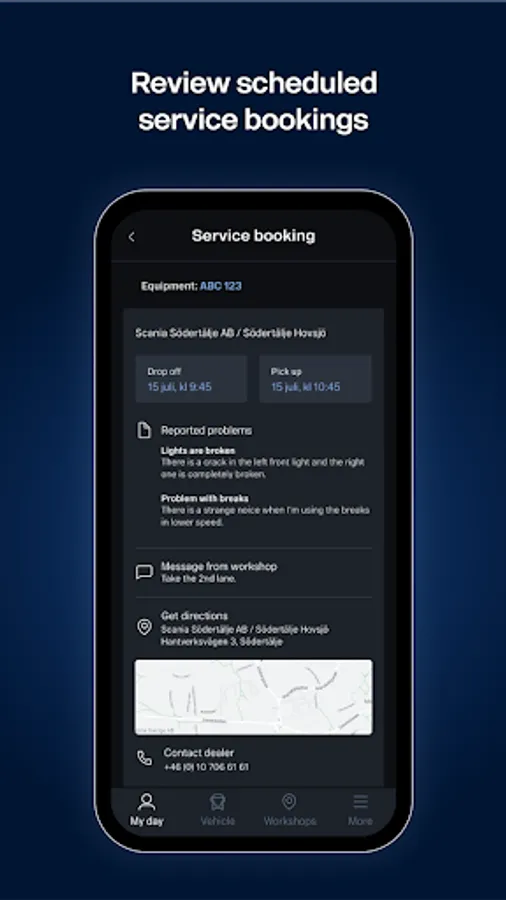
Service bookings
Stay one step ahead and plan your working days by receiving reminders before future service events. The reminders contain times for drop off and collection, workshop address and contact information.
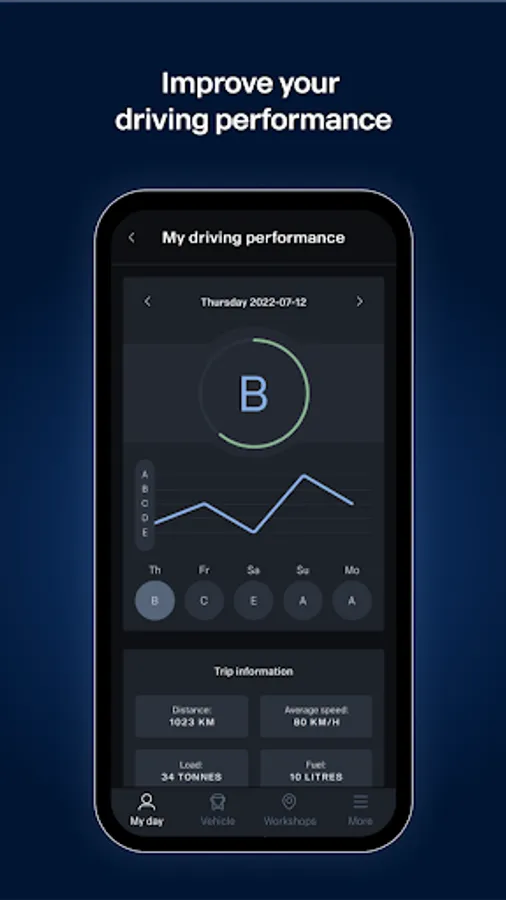
Improve your driving
Minimise emissions by understanding the patterns of your driving behaviour and getting interesting tips on how to improve your driving style.
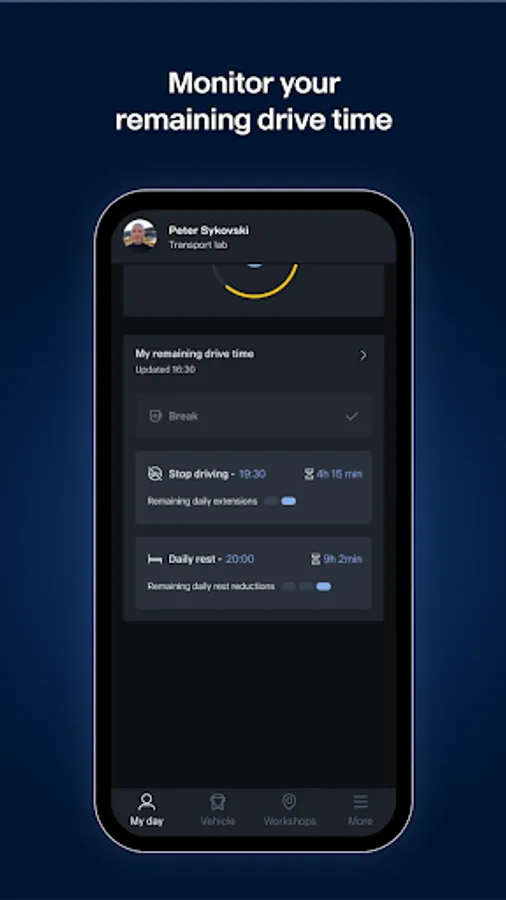
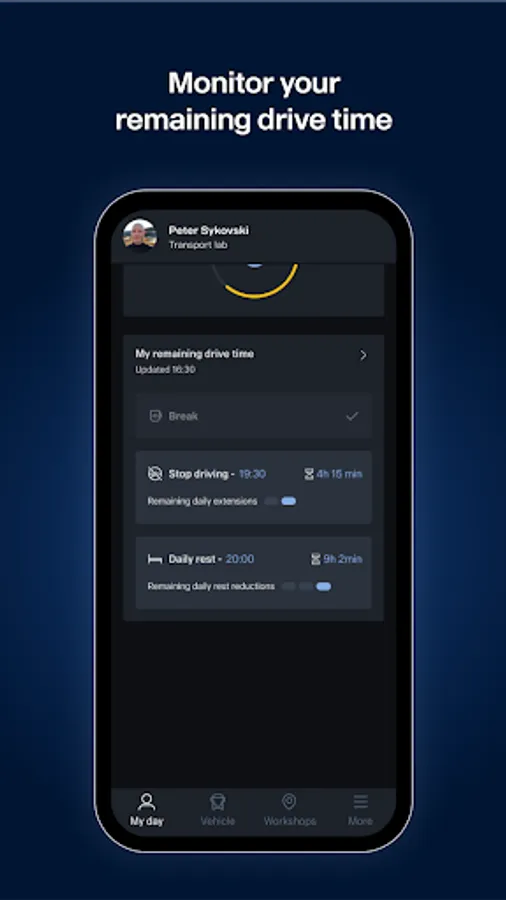
Your driving and rest times
Get help planning your upcoming trips so that your driving and rest times are correct.
Vehicle health
By checking the necessary information relating to your vehicle, you can be sure that you are ready to drive.
Create defect reports
Report any defects with the vehicle and send them with images to inform the office staff.
Find
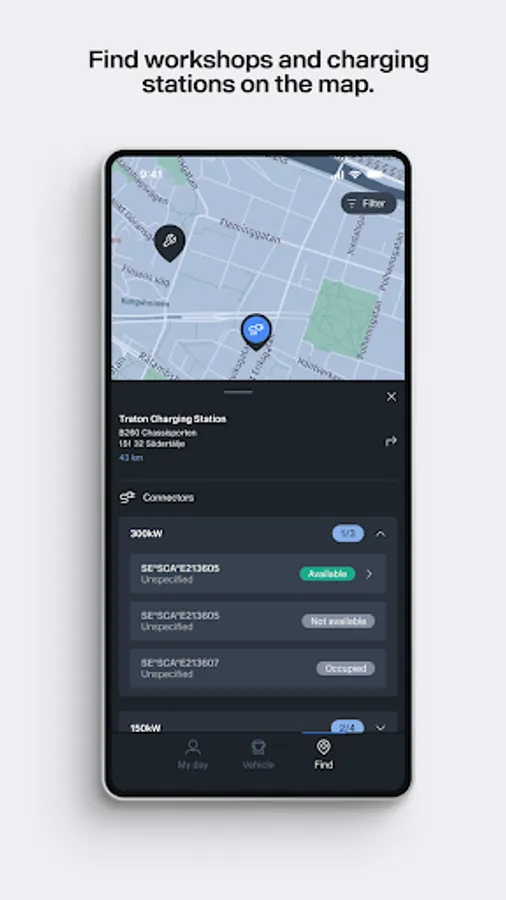
Use the map to find all authorised workshops in your zone at any time, so that your vehicle works properly wherever you are. You can also view charging stations near by and get information that will support you when getting ready for the next charging session.
Assistance in your pocket
Keep Scania Assistance on your mobile 24/7 if you need urgent help.
To access Scania Driver:
- You need a Scania ID, which you can create at my.scania.com.
- Your Scania ID needs to be associated with a company that has a subscription to one of the Fleet Management Services.
Depending on which subscription you have, you will have access to all or some of the functions.
If you do not have a user account yet, there is a demo mode where you can see all functions and evaluate the app.
With the help of the app, you can be sure that the vehicle is in good condition, safe and ready for the next trip.
The app also helps you improve your driving so that you minimise emissions and contribute positively to your company's results.
Check the vehicle
Through checks before and after driving, you can be sure that the vehicle is in good and safe condition before the next trip.
Remote control of the heater
By controlling the heater remotely, you can make sure that the temperature in the cab is comfortable before the next trip.
Service bookings
Stay one step ahead and plan your working days by receiving reminders before future service events. The reminders contain times for drop off and collection, workshop address and contact information.
Improve your driving
Minimise emissions by understanding the patterns of your driving behaviour and getting interesting tips on how to improve your driving style.
Your driving and rest times
Get help planning your upcoming trips so that your driving and rest times are correct.
Vehicle health
By checking the necessary information relating to your vehicle, you can be sure that you are ready to drive.
Create defect reports
Report any defects with the vehicle and send them with images to inform the office staff.
Find
Use the map to find all authorised workshops in your zone at any time, so that your vehicle works properly wherever you are. You can also view charging stations near by and get information that will support you when getting ready for the next charging session.
Assistance in your pocket
Keep Scania Assistance on your mobile 24/7 if you need urgent help.
To access Scania Driver:
- You need a Scania ID, which you can create at my.scania.com.
- Your Scania ID needs to be associated with a company that has a subscription to one of the Fleet Management Services.
Depending on which subscription you have, you will have access to all or some of the functions.
If you do not have a user account yet, there is a demo mode where you can see all functions and evaluate the app.
Scania Driver Screenshots
Tap to Rate:
Reviews for Scania Driver
Moses Msimanga
9/5/2025
Real helps one to be a safety oriented driver in all aspects.
Jacob Wycliffe
4/18/2025
I love the app