Screen Mirroring - Miracast TV
Tap into Apps
3.0 ★
6K ratings
5,000,000+
downloads
Free
+ in-app
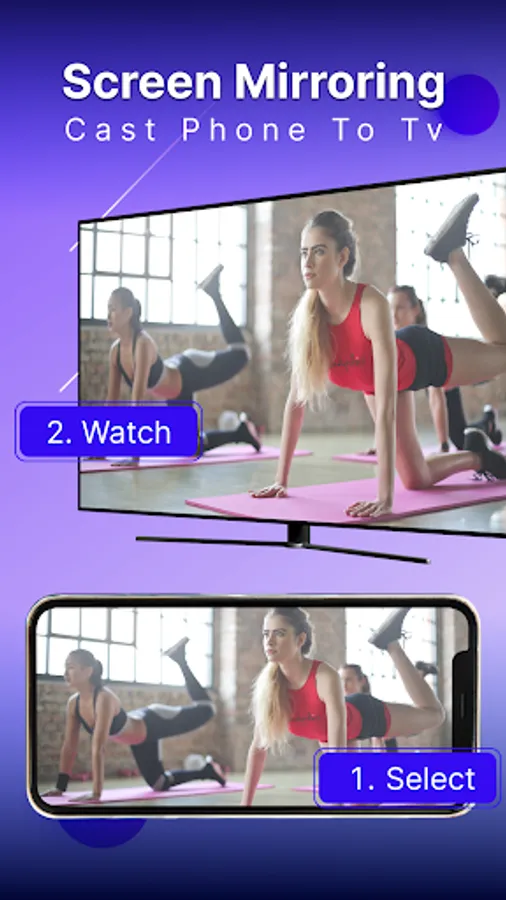
In this screen mirroring app, you can cast your phone screen to a TV and enjoy content on a larger display. Includes support for Roku, Chromecast, and high-quality HD streaming.
AppRecs review analysis
AppRecs rating 2.5. Trustworthiness 79 out of 100. Review manipulation risk 21 out of 100. Based on a review sample analyzed.
★★☆☆☆
2.5
AppRecs Rating
Ratings breakdown
5 star
44%
4 star
3%
3 star
6%
2 star
3%
1 star
45%
What to know
⚠
Ad complaints
Many low ratings mention excessive ads
⚠
Pricing complaints
Many low ratings mention paywalls or pricing
⚠
Mixed user feedback
Average 3.0★ rating suggests room for improvement
About Screen Mirroring - Miracast TV
"Screen Mirroring - Miracast TV for Android lets you effortlessly cast your phone screen to your TV, offering a smooth and easy way to enjoy your content on a larger display."
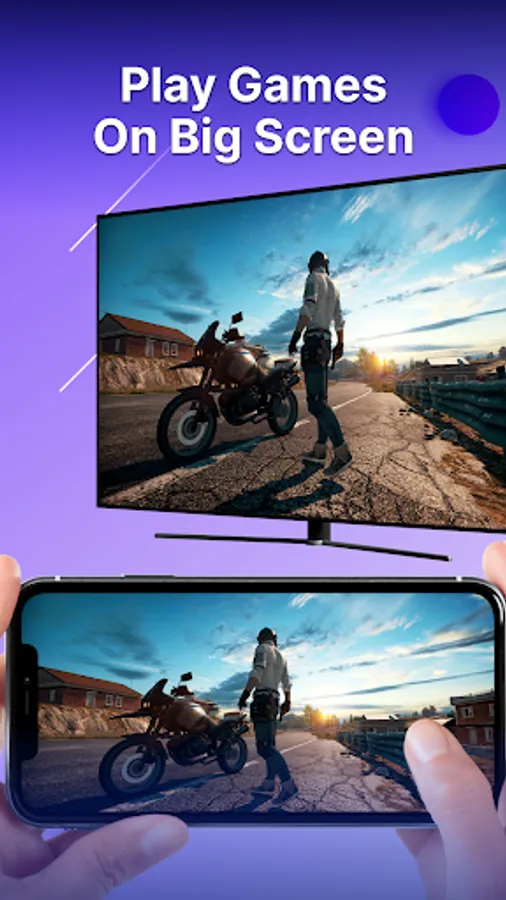
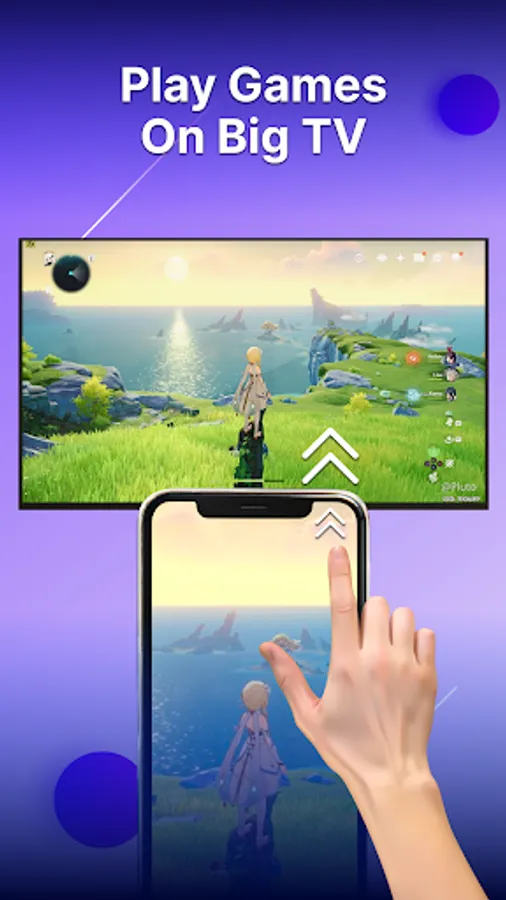
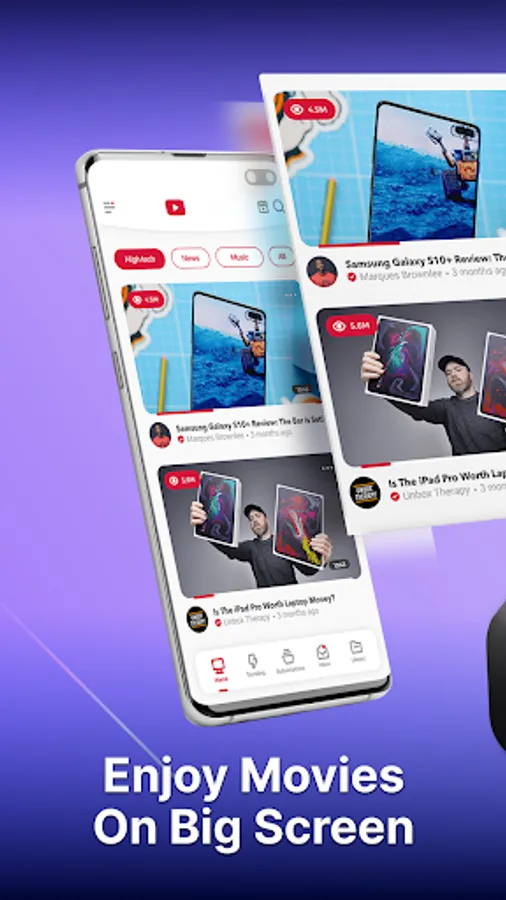
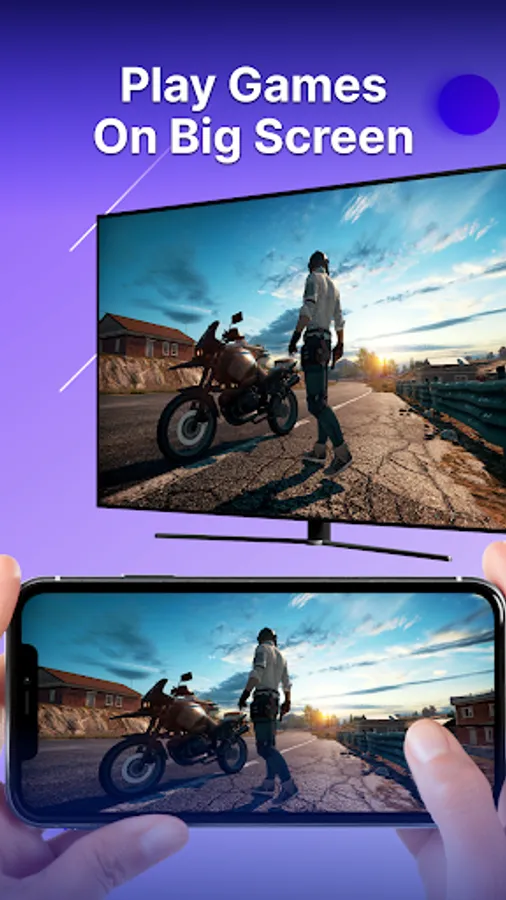
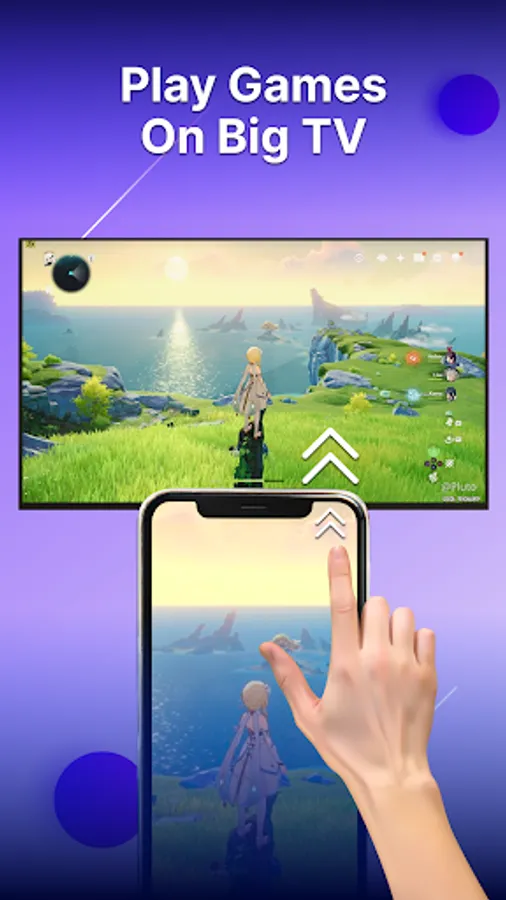
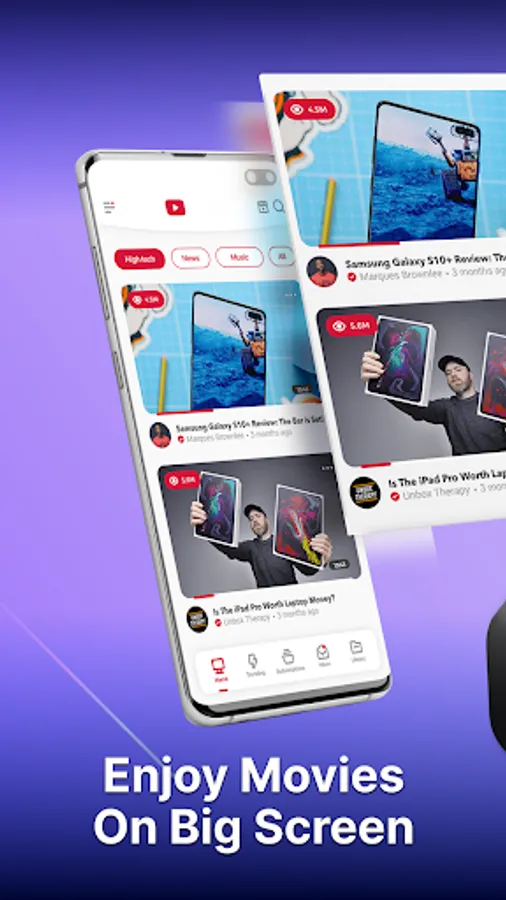
Cast your phone to your TV and enjoy movies, music, games, and photos on a bigger screen.
Main Features Screen Mirroring - Miracast TV:
• Mirror your tablet or phone to TV with ease
• Enjoy movies and videos with high-quality screen casting
• Compatible with Roku and Chromecast
• Stream music and games directly to your smart TV
• Seamlessly cast videos, photos, and audio
• Follow our tutorial for fast setup help
• Available in multiple languages
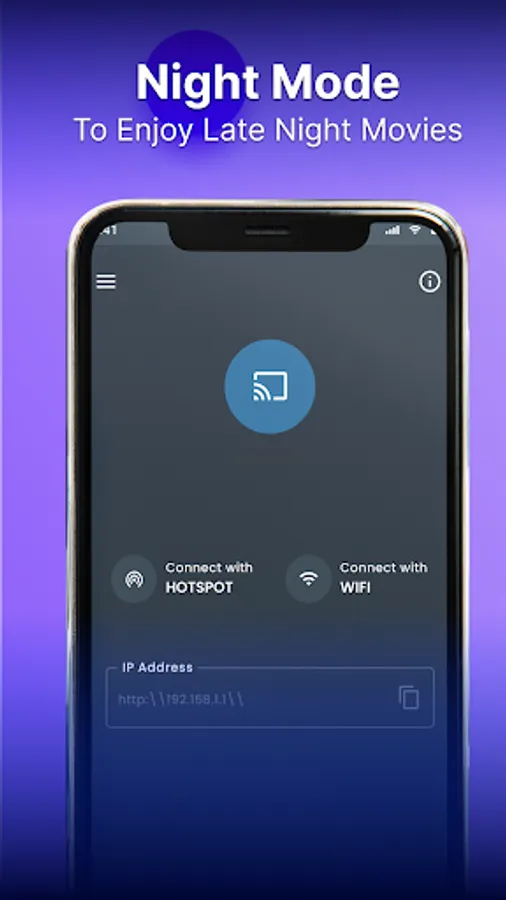
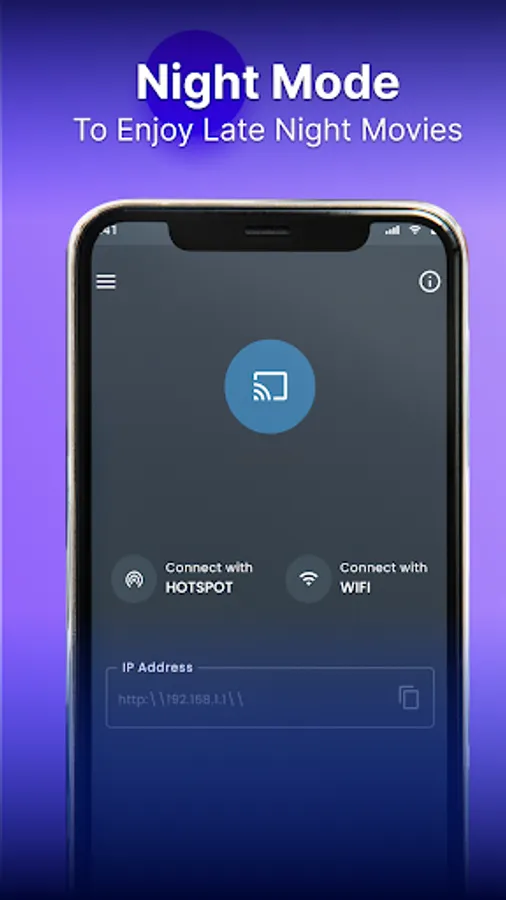
• Select from Dark or Light themes
Screen mirror app for tv cast
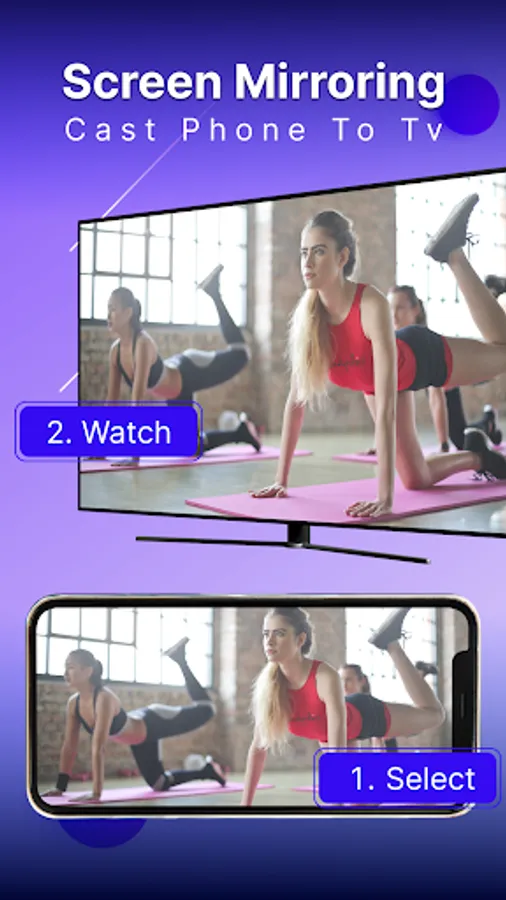
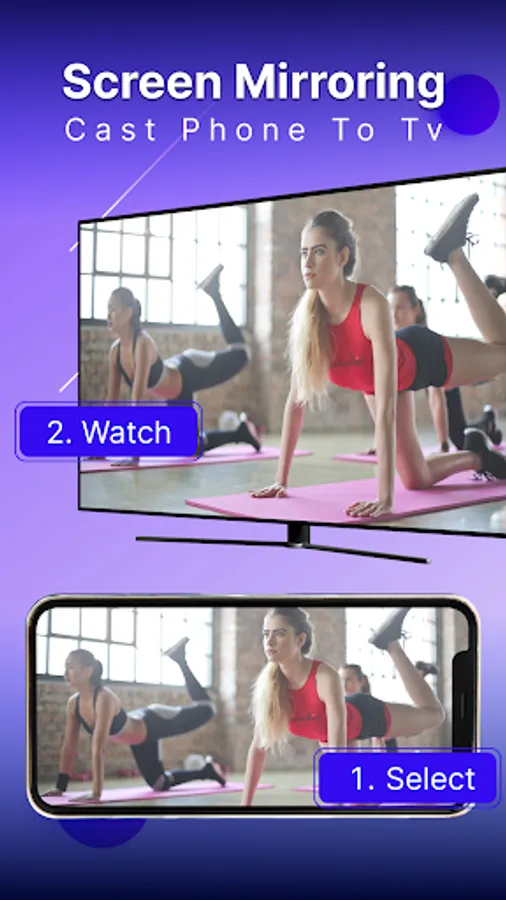
Effortlessly mirror screen of your phone to smart TV's Wi-Fi display. Enjoy movies, games, and shows on a large screen with your family, and experience the comfort of a bigger view.
Miracast for Android to TV WIFI display
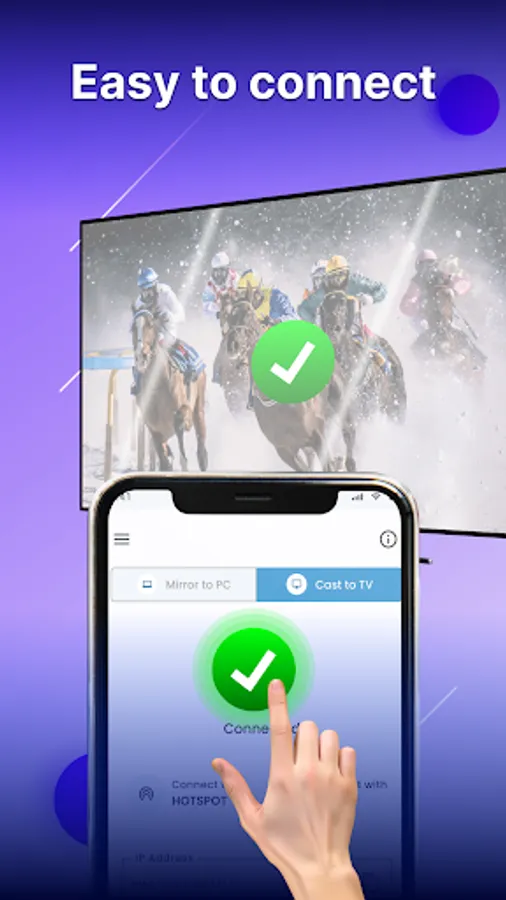
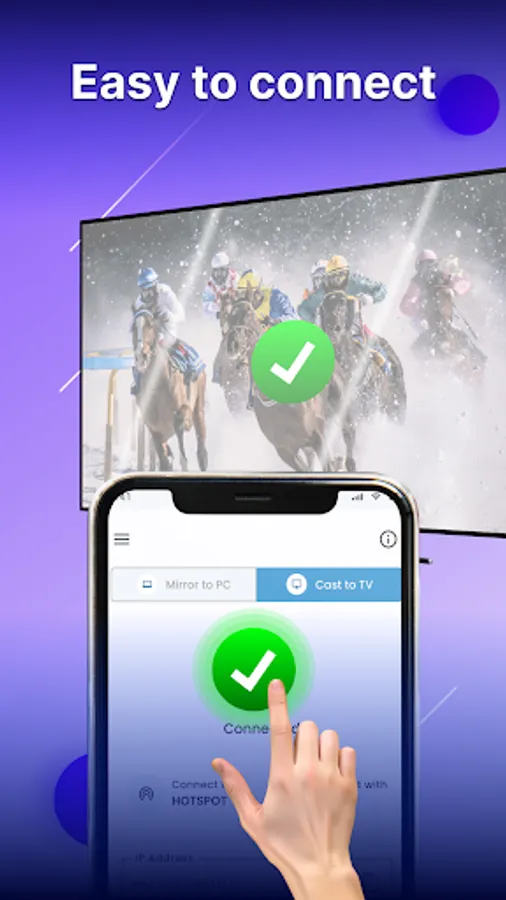
Mirror your Android phone to any smart TV effortlessly. Connect phone to TV or casting device and enjoy screen sharing with ease.
Screen stream mirroring without Limitation
Stream your favorite shows and movies from your Android device to your TV without limitations. Enjoy wireless display and HD quality streaming.
Cast Mobile Games to Your PC
Enhance your mobile gaming by screen casting to your PC. Experience stunning visuals and immersive gameplay by screen share on a larger screen.
How to Use TV Screen Mirroring - Anycast:
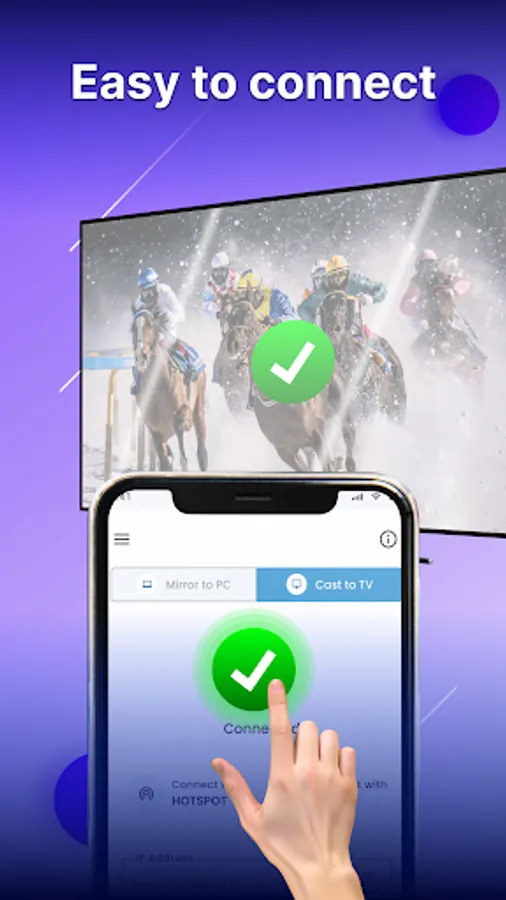
1. Disable VPN: Ensure your VPN is turned off
2. Check TV Compatibility: Confirm your TV supports wireless display or use a compatible dongle
3. Connect to Wi-Fi: Make sure both your TV and mobile are on the same Wi-Fi network
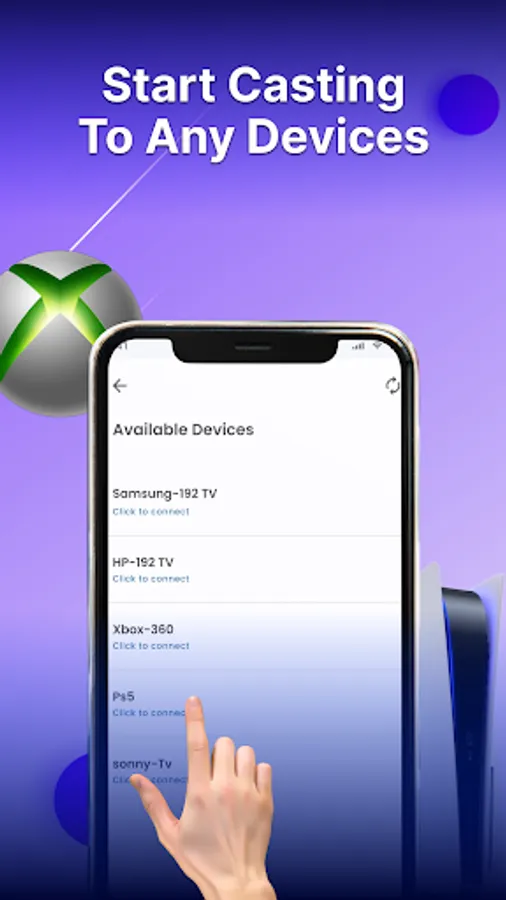
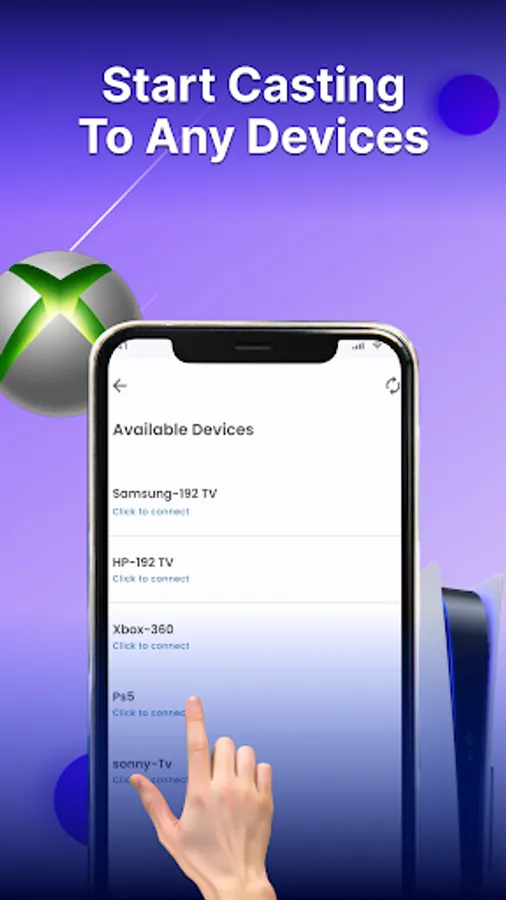
4. Find Your Device: Search for your TV on your mobile screen
5. Pair and Connect: Select your TV from the list to start casting
Contact Information
For assistance with cast to PC - Cast to TV, contact us at appsdevtechteam@gmail.com.
Cast your phone to your TV and enjoy movies, music, games, and photos on a bigger screen.
Main Features Screen Mirroring - Miracast TV:
• Mirror your tablet or phone to TV with ease
• Enjoy movies and videos with high-quality screen casting
• Compatible with Roku and Chromecast
• Stream music and games directly to your smart TV
• Seamlessly cast videos, photos, and audio
• Follow our tutorial for fast setup help
• Available in multiple languages
• Select from Dark or Light themes
Screen mirror app for tv cast
Effortlessly mirror screen of your phone to smart TV's Wi-Fi display. Enjoy movies, games, and shows on a large screen with your family, and experience the comfort of a bigger view.
Miracast for Android to TV WIFI display
Mirror your Android phone to any smart TV effortlessly. Connect phone to TV or casting device and enjoy screen sharing with ease.
Screen stream mirroring without Limitation
Stream your favorite shows and movies from your Android device to your TV without limitations. Enjoy wireless display and HD quality streaming.
Cast Mobile Games to Your PC
Enhance your mobile gaming by screen casting to your PC. Experience stunning visuals and immersive gameplay by screen share on a larger screen.
How to Use TV Screen Mirroring - Anycast:
1. Disable VPN: Ensure your VPN is turned off
2. Check TV Compatibility: Confirm your TV supports wireless display or use a compatible dongle
3. Connect to Wi-Fi: Make sure both your TV and mobile are on the same Wi-Fi network
4. Find Your Device: Search for your TV on your mobile screen
5. Pair and Connect: Select your TV from the list to start casting
Contact Information
For assistance with cast to PC - Cast to TV, contact us at appsdevtechteam@gmail.com.
Screen Mirroring - Miracast TV Screenshots
Tap to Rate:
Reviews for Screen Mirroring - Miracast TV
Michael Vincent Ondiano
12/27/2025
good
Nishat Nipu
12/21/2025
nice