Parental Control SafeGate Kids
SCS CYBER SECURITY JOINT STOCK COMPANY
10+
downloads
Free
About Parental Control SafeGate Kids
Parental Control SafeGate Kids - is a parental control app that helps parents easily control smart device screen time, track their child's location, block apps, and report usage application.
Control screen time with Parental Control SafeGate Kids
Our SafeGate Kids Parental Control app includes a series of tools to monitor and adjust screen time to help parents manage their children's device use:
✔ Instant lock - remotely block applications installed on the device
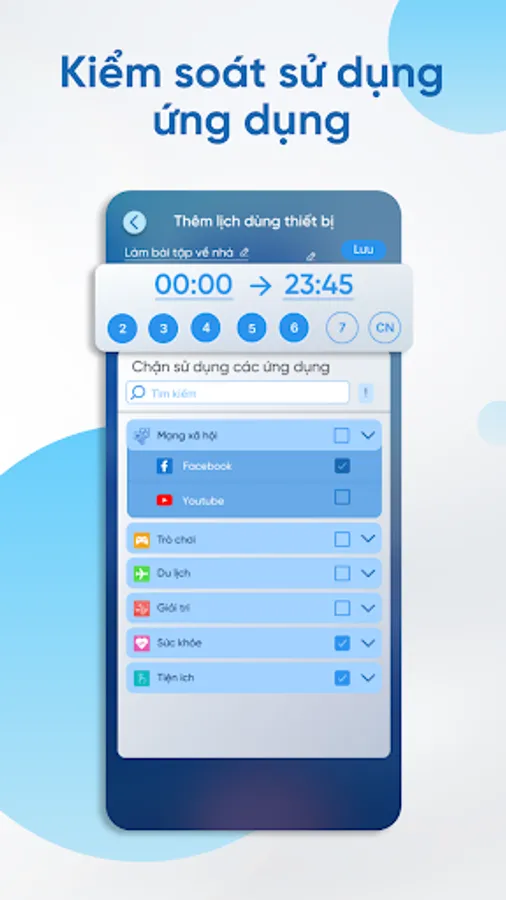
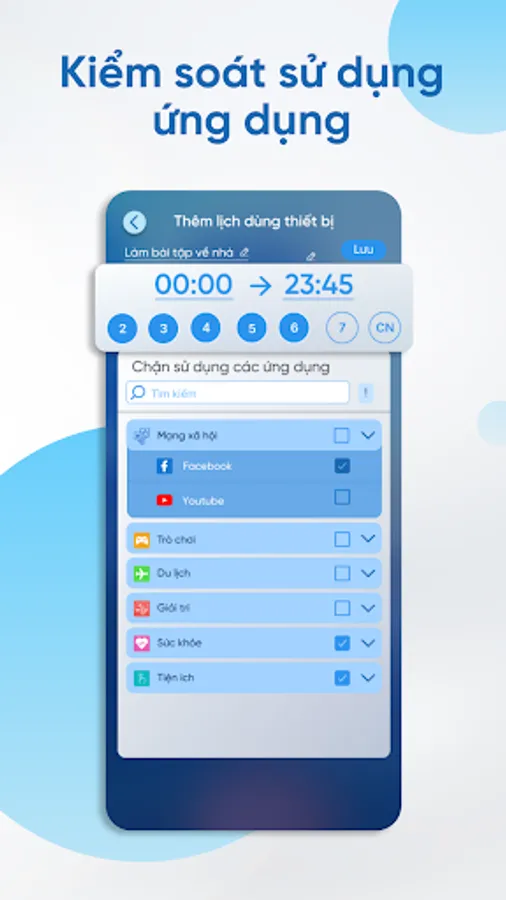
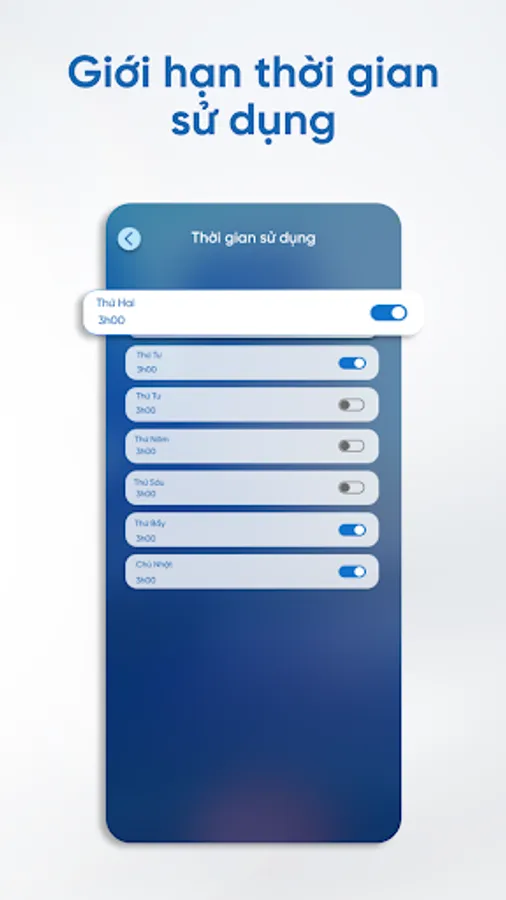
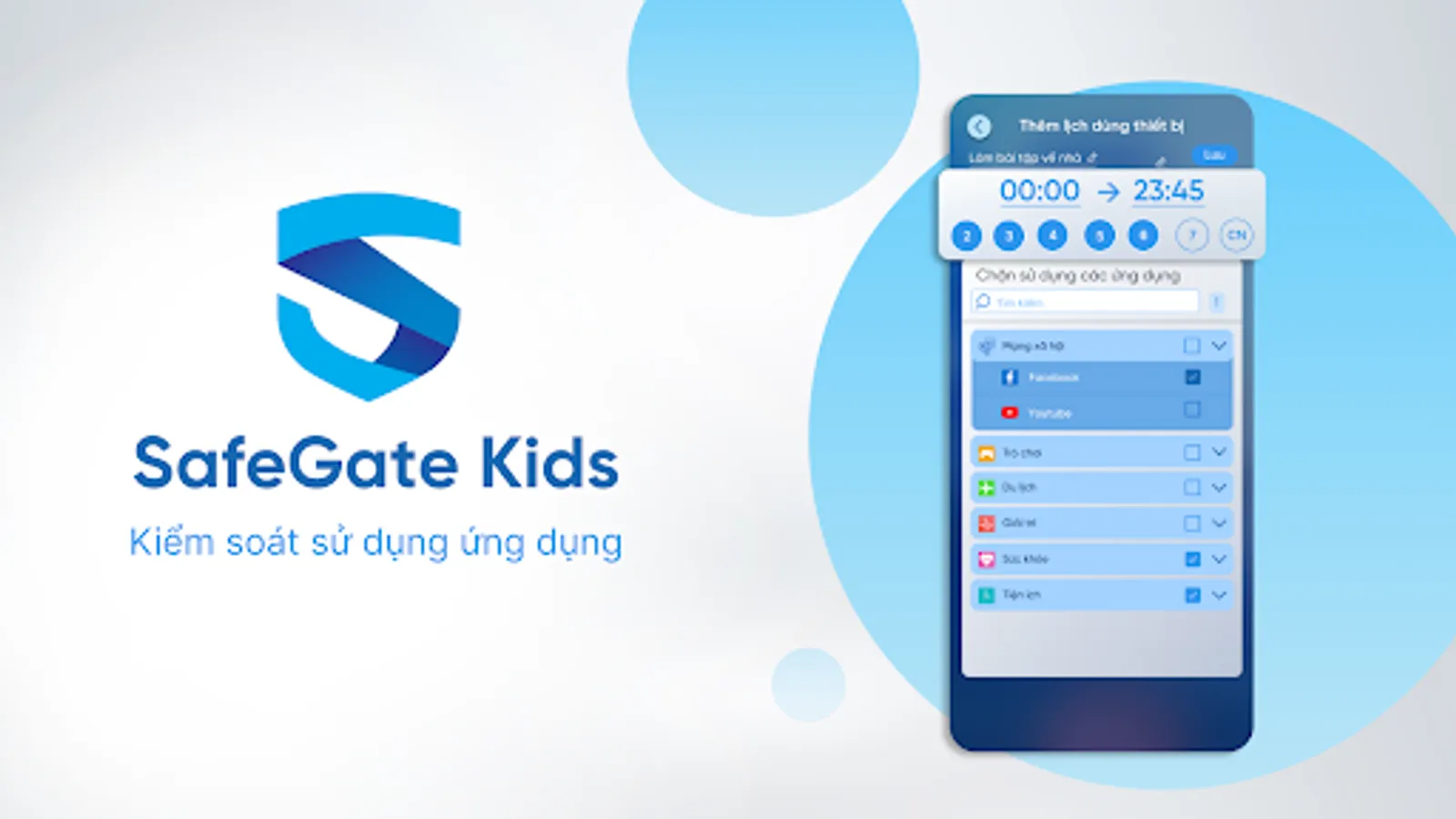
✔ Schedule time to use the app - set a fixed time for your child to use the app, for example: if you set a study time, you can't watch Youtube or Tiktok
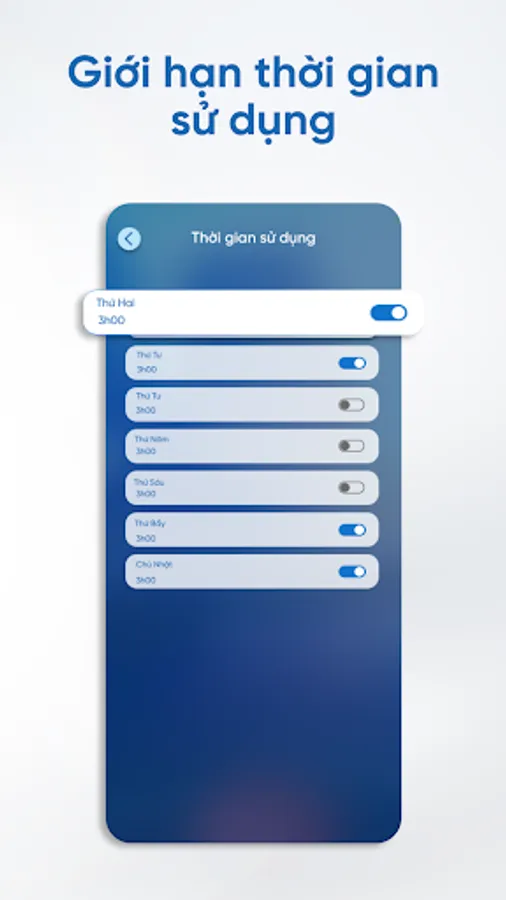
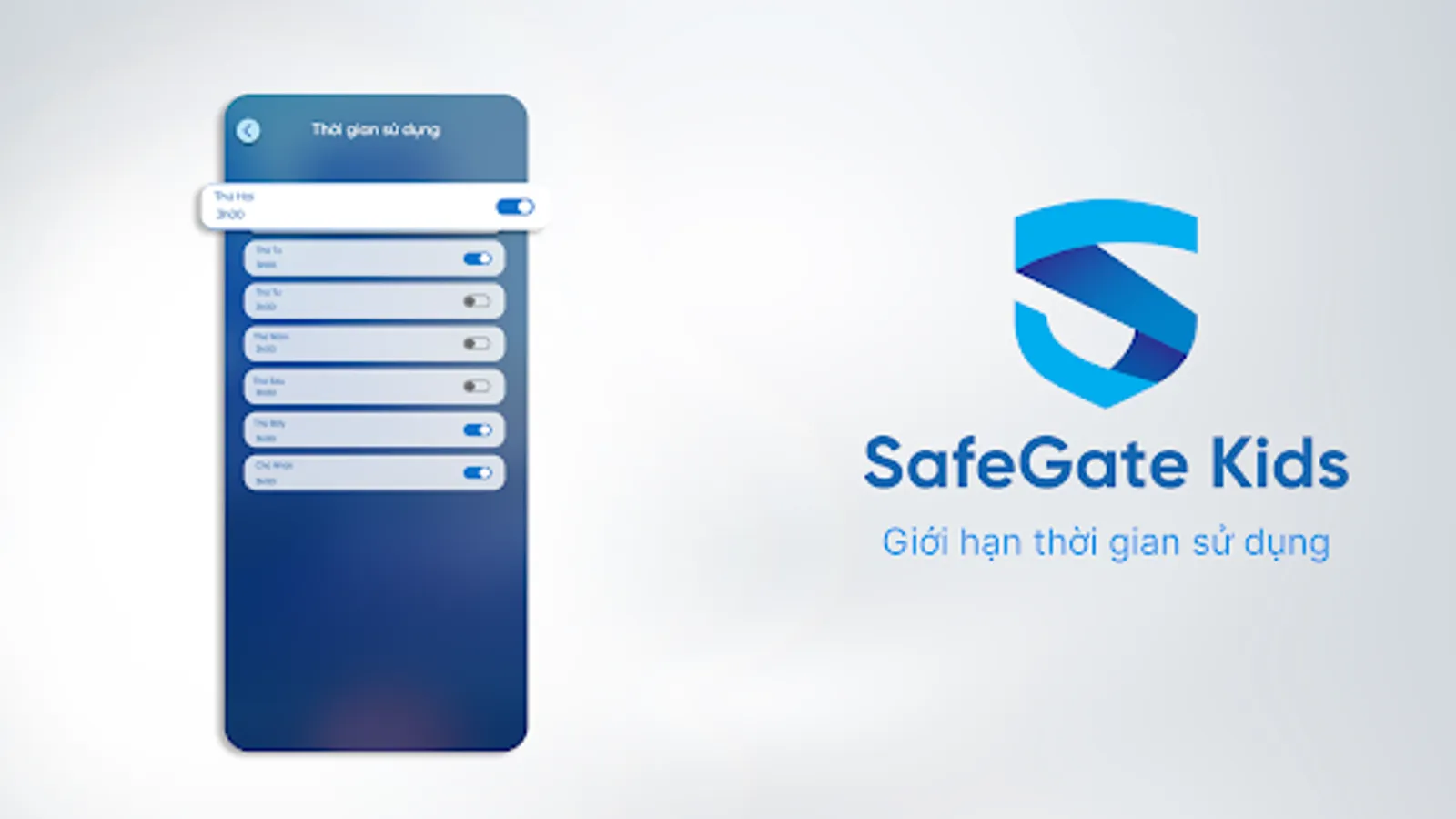
✔ Daily time limit - lock screen & block apps after reaching time limit in a day.
✔ Screen time rewards, allowing your child to extend screen time - give your child more screen time for homework or other tasks
Monitor activities
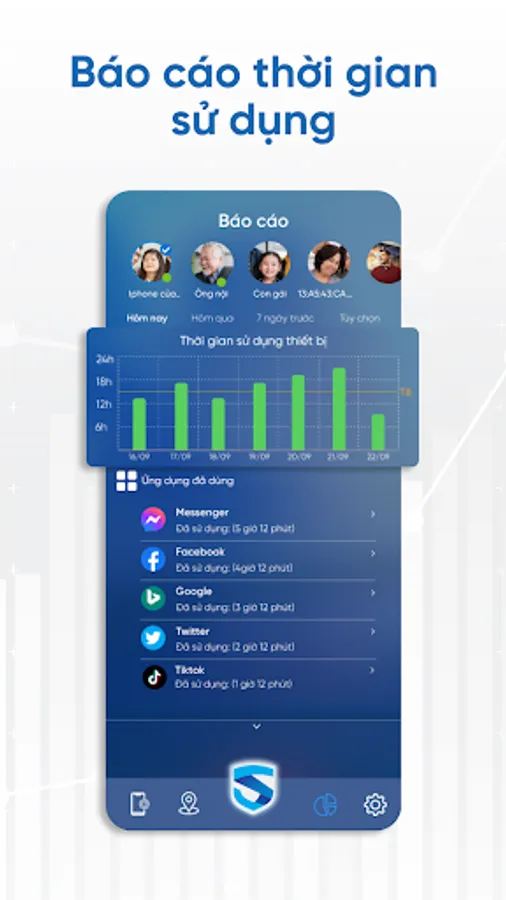
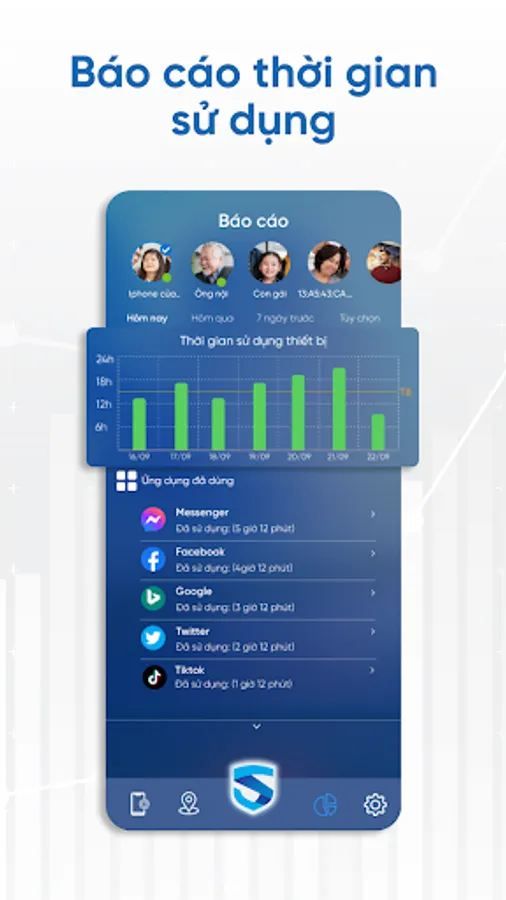
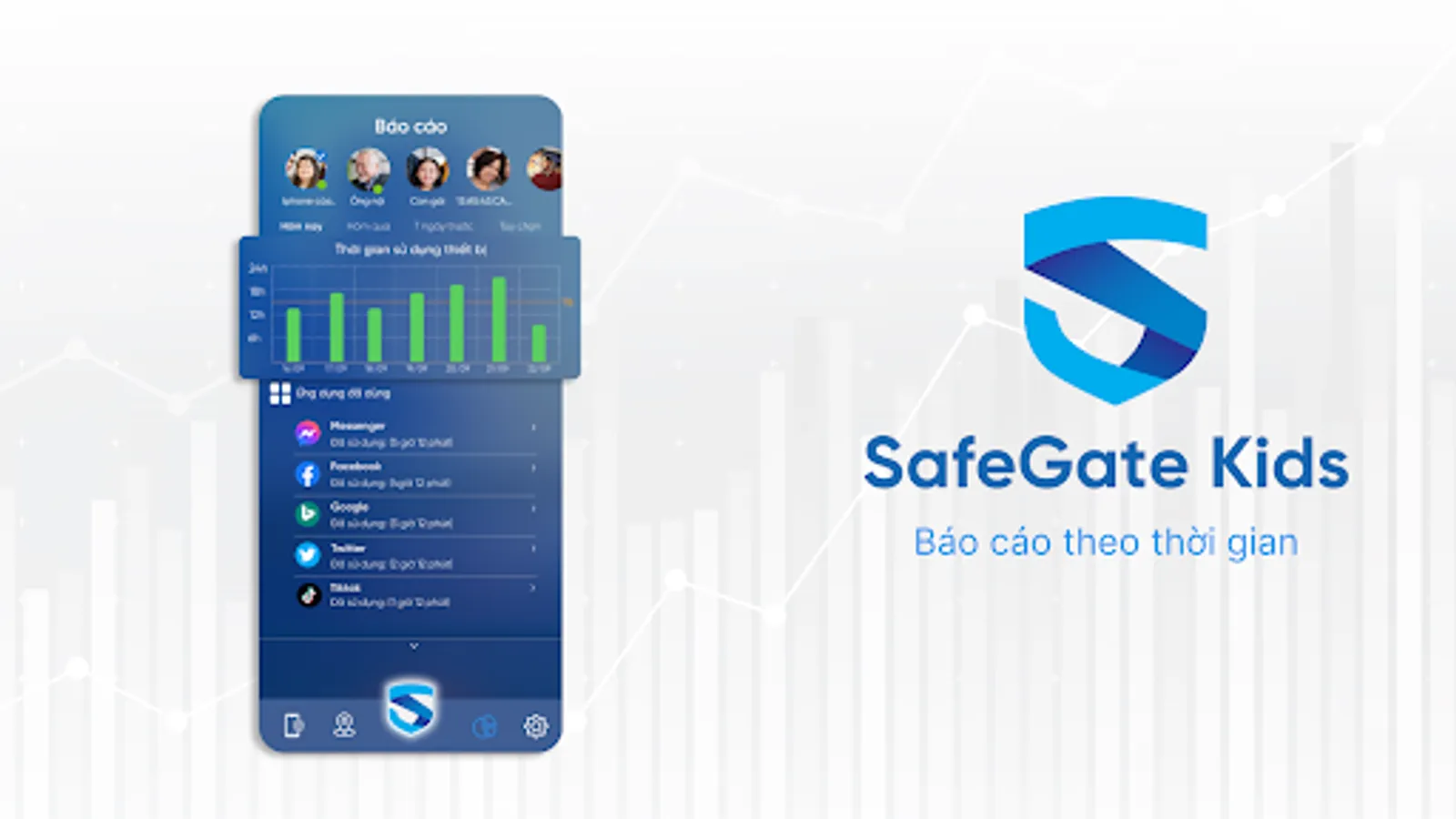
✔ Monitor device usage time - Allows parents to know how long their children have used the device and what time period they use the most
✔ Remotely monitor activities on your child's device - Which applications do you use the most, do you often play games or surf social networks during study time?
Track your child's current location
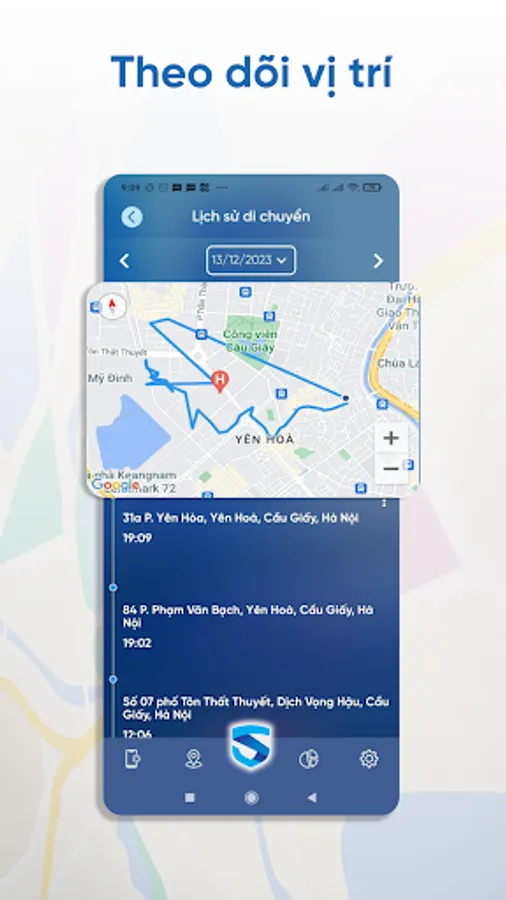
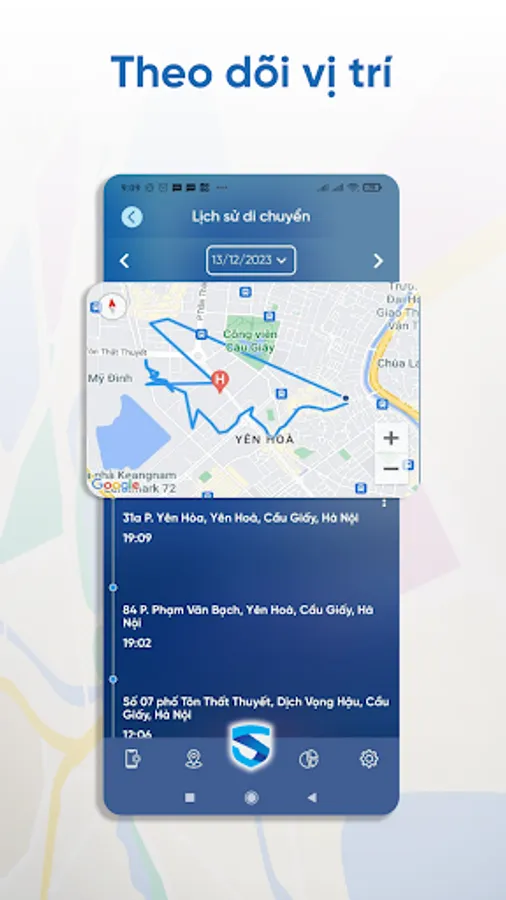
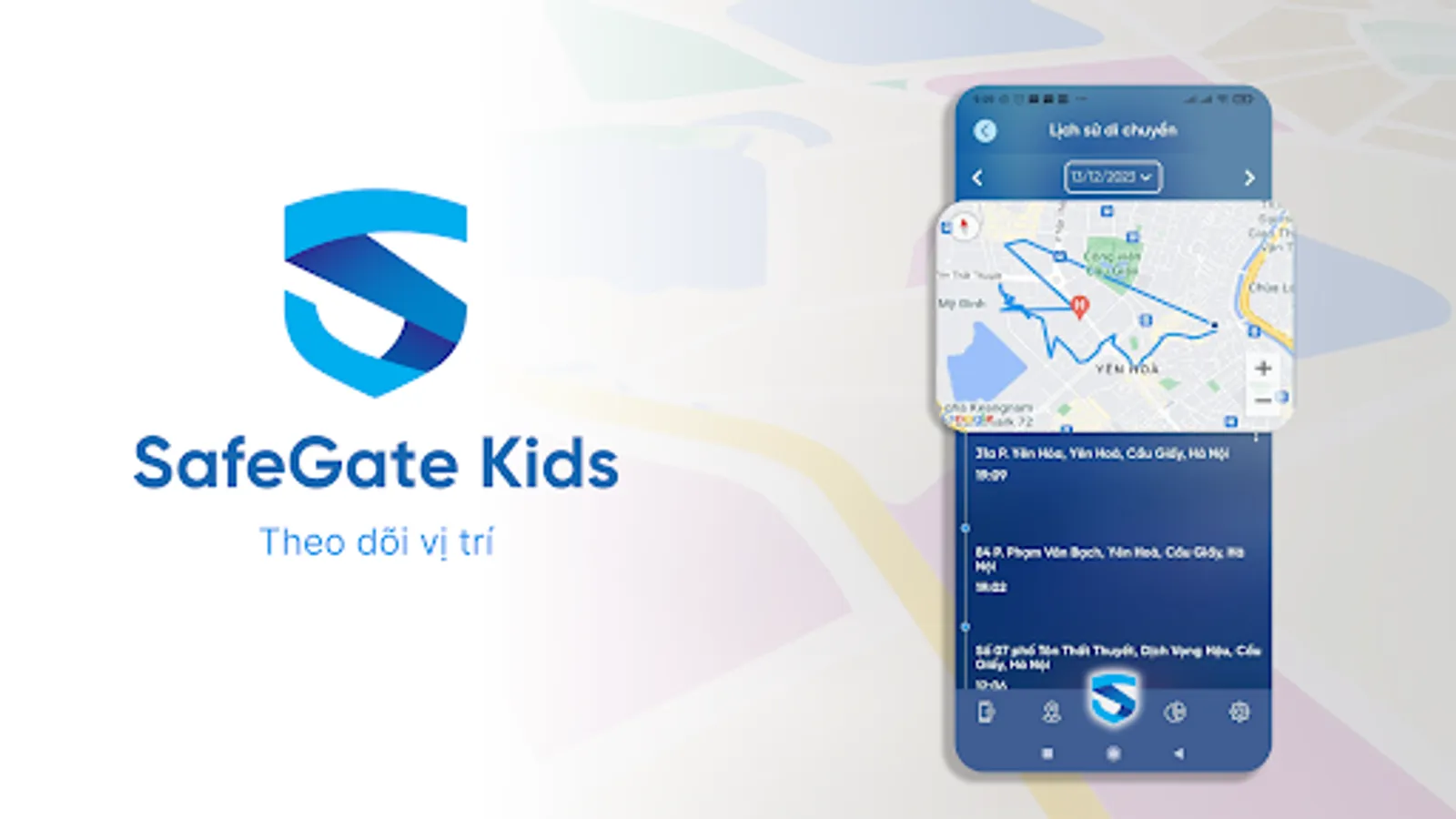
✔ Know your child's location through GPS tracking
✔ Receive notifications when your child leaves the safe location you have set up
✔ View your child's travel history
Warn children when they are in danger
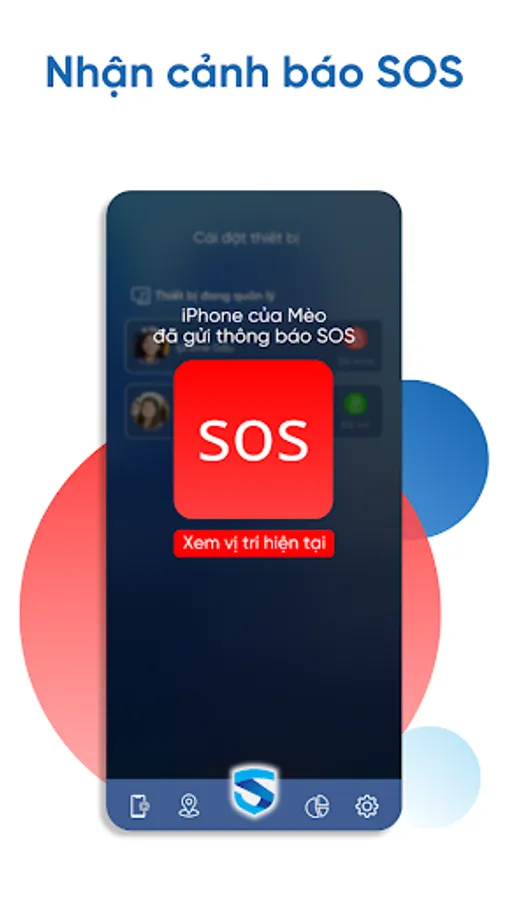
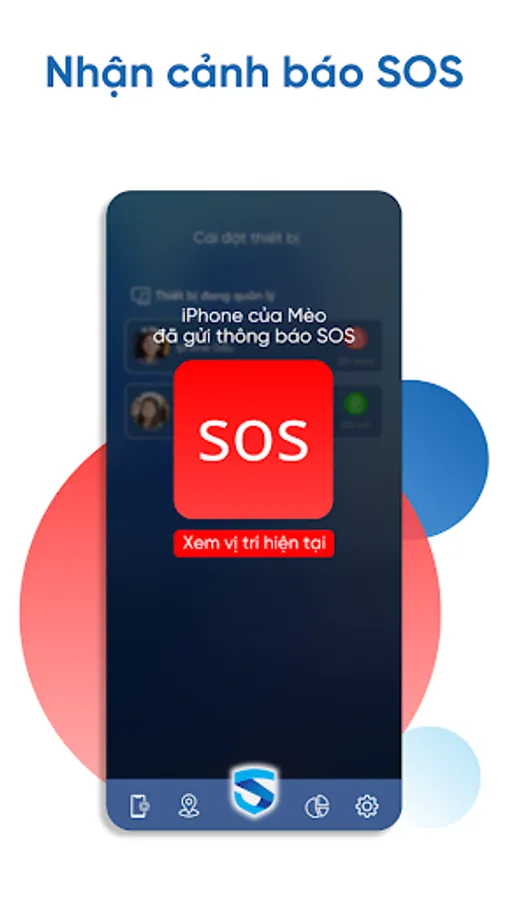
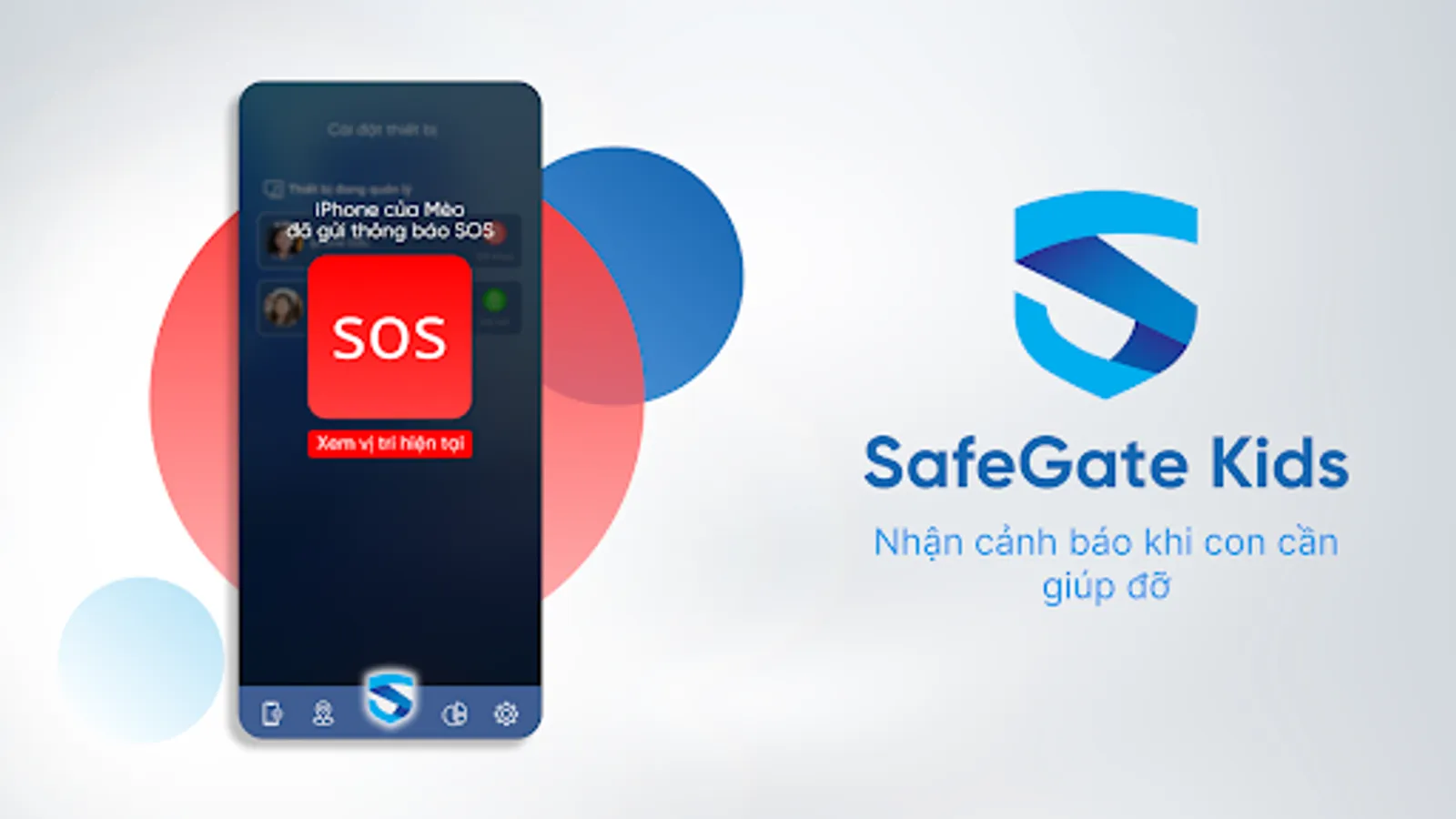
✔ Instant alerts when your child sends an SOS signal - Parents can see their child's exact location at that time
Please note:
- Parental Control SafeGate Kids requires an Internet connection to operate
- This app uses Device Administrator permissions.
- To block application usage when the time limit is reached, Parental Control SafeGate Kids requires the use of screen overlay permission
- To be able to show your child's location on the map even when they don't have the app open, Parental Control SafeGate Kids requires the use of Phone Location, Battery Optimization, and Auto start permissions.
- To prevent your child from uninstalling apps, Parental Control SafeGate Kids requires the use of Accessibility permission.
- Learn more about our privacy policies here: https://safegate.vn/safegate-kids-chinh-sach-quyen-rieng-tu
Control screen time with Parental Control SafeGate Kids
Our SafeGate Kids Parental Control app includes a series of tools to monitor and adjust screen time to help parents manage their children's device use:
✔ Instant lock - remotely block applications installed on the device
✔ Schedule time to use the app - set a fixed time for your child to use the app, for example: if you set a study time, you can't watch Youtube or Tiktok
✔ Daily time limit - lock screen & block apps after reaching time limit in a day.
✔ Screen time rewards, allowing your child to extend screen time - give your child more screen time for homework or other tasks
Monitor activities
✔ Monitor device usage time - Allows parents to know how long their children have used the device and what time period they use the most
✔ Remotely monitor activities on your child's device - Which applications do you use the most, do you often play games or surf social networks during study time?
Track your child's current location
✔ Know your child's location through GPS tracking
✔ Receive notifications when your child leaves the safe location you have set up
✔ View your child's travel history
Warn children when they are in danger
✔ Instant alerts when your child sends an SOS signal - Parents can see their child's exact location at that time
Please note:
- Parental Control SafeGate Kids requires an Internet connection to operate
- This app uses Device Administrator permissions.
- To block application usage when the time limit is reached, Parental Control SafeGate Kids requires the use of screen overlay permission
- To be able to show your child's location on the map even when they don't have the app open, Parental Control SafeGate Kids requires the use of Phone Location, Battery Optimization, and Auto start permissions.
- To prevent your child from uninstalling apps, Parental Control SafeGate Kids requires the use of Accessibility permission.
- Learn more about our privacy policies here: https://safegate.vn/safegate-kids-chinh-sach-quyen-rieng-tu