RouteDraw
SeemGood Technology
2.6 ★
22 ratings
5,000+
downloads
Free
+ in-app
In this route planning app, you can draw routes, calculate distances, and estimate travel times. Includes offline maps, GPS positioning, and deviation alerts.
AppRecs review analysis
AppRecs rating 2.6. Trustworthiness 87 out of 100. Review manipulation risk 21 out of 100. Based on a review sample analyzed.
★★☆☆☆
2.6
AppRecs Rating
Ratings breakdown
5 star
38%
4 star
0%
3 star
0%
2 star
0%
1 star
62%
What to know
✓
Low review manipulation risk
21% review manipulation risk
✓
Credible reviews
87% trustworthiness score from analyzed reviews
⚠
Mixed user feedback
Average 2.6★ rating suggests room for improvement
About RouteDraw
RouteDraw is a utility mobile app suitable for short trip route planning.
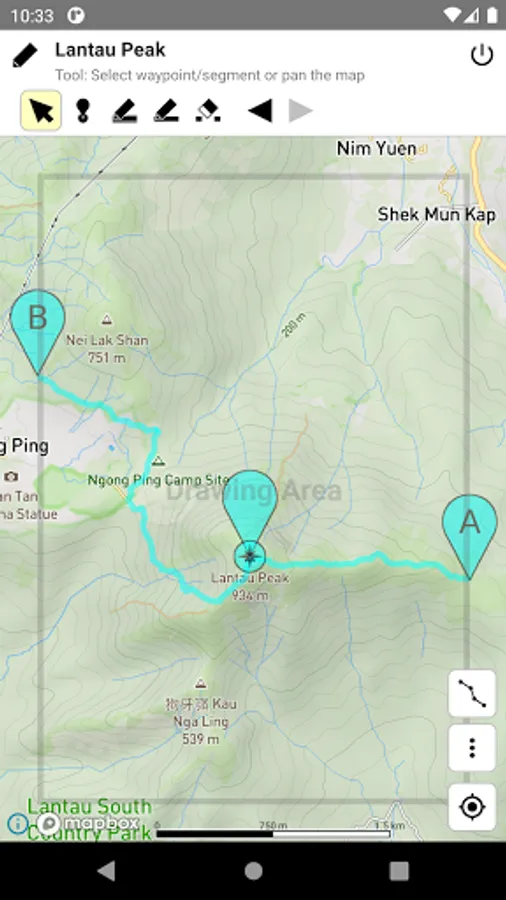
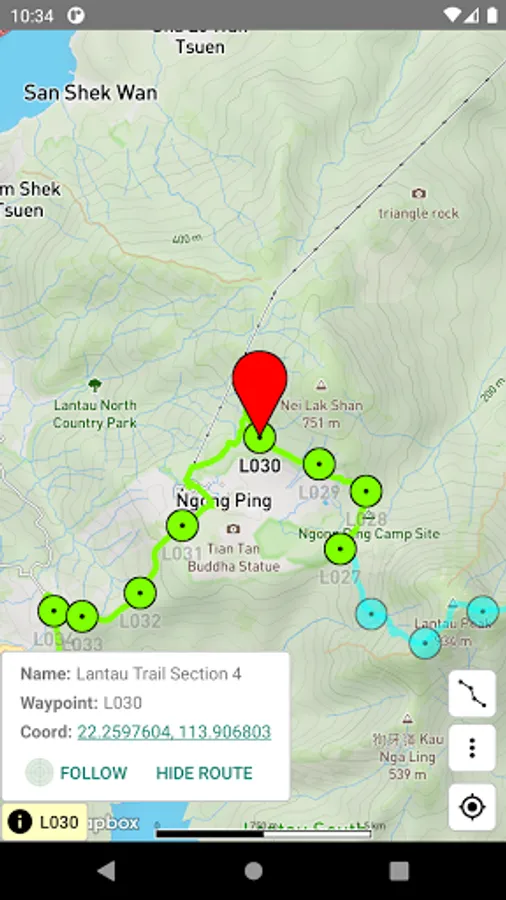
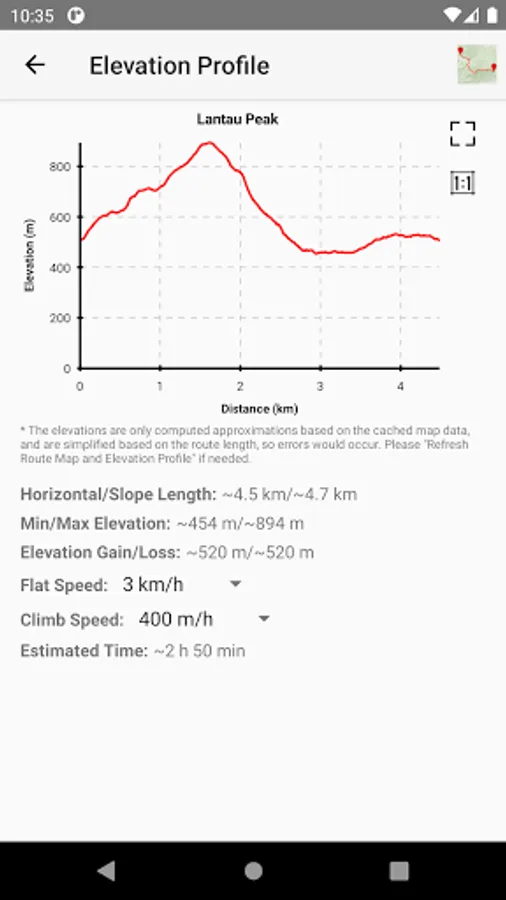
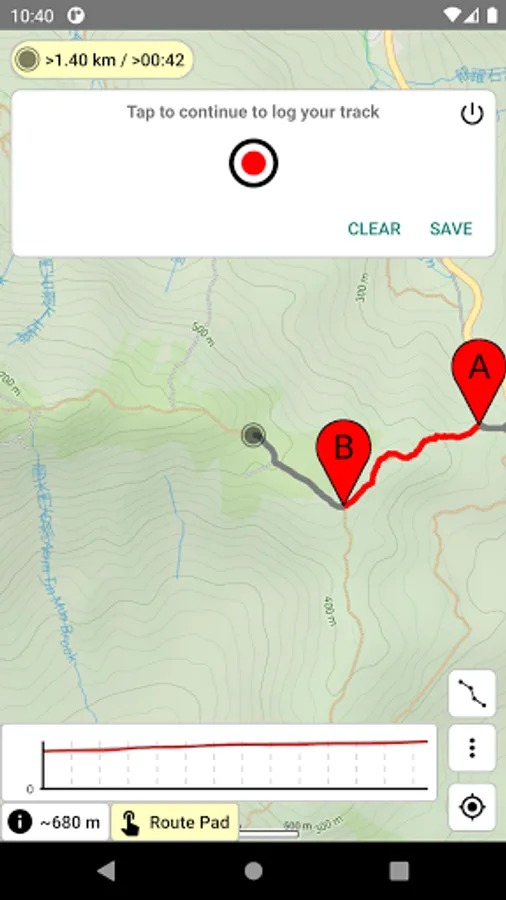
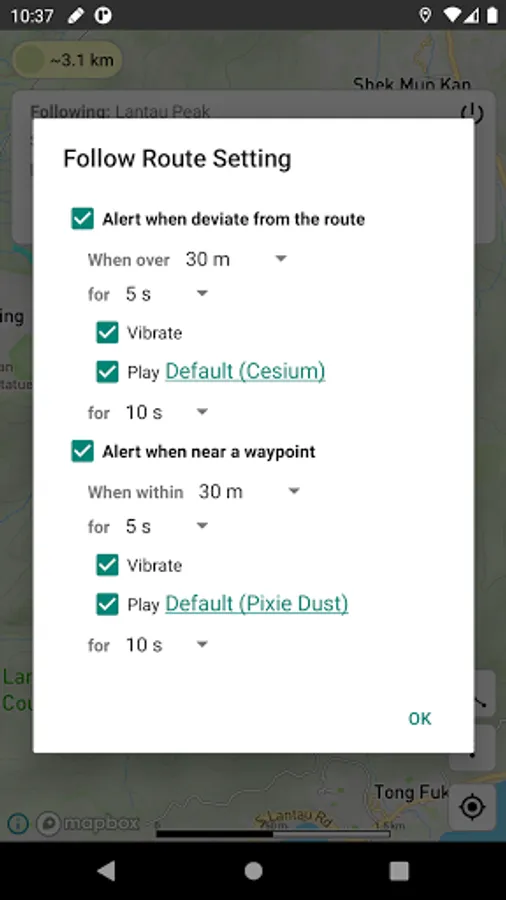
The Android version supports route drawing, route length/gain/loss calculation, time estimation, GPS positioning, compass, track logging, deviation alert, offline maps, and etc. Of course, the main function is route drawing, you can draw a route along a way easily by moving your finger over the map. RouteDraw should be very useful to you, if you like to plan your route before your trip.
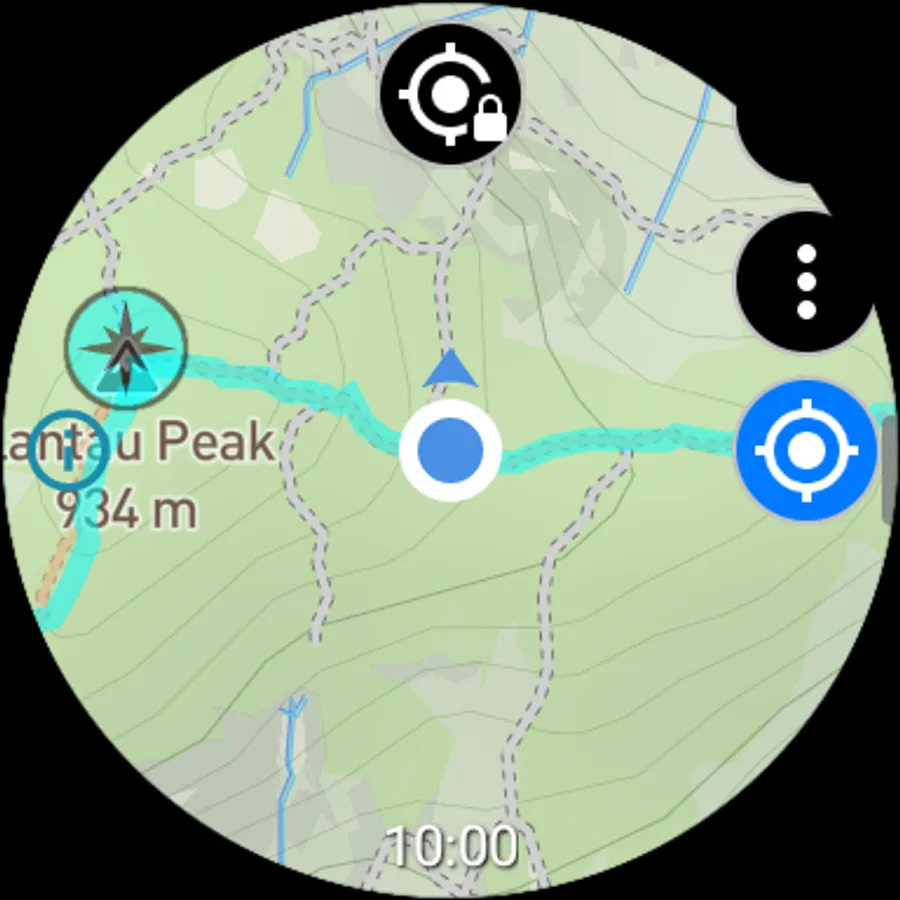
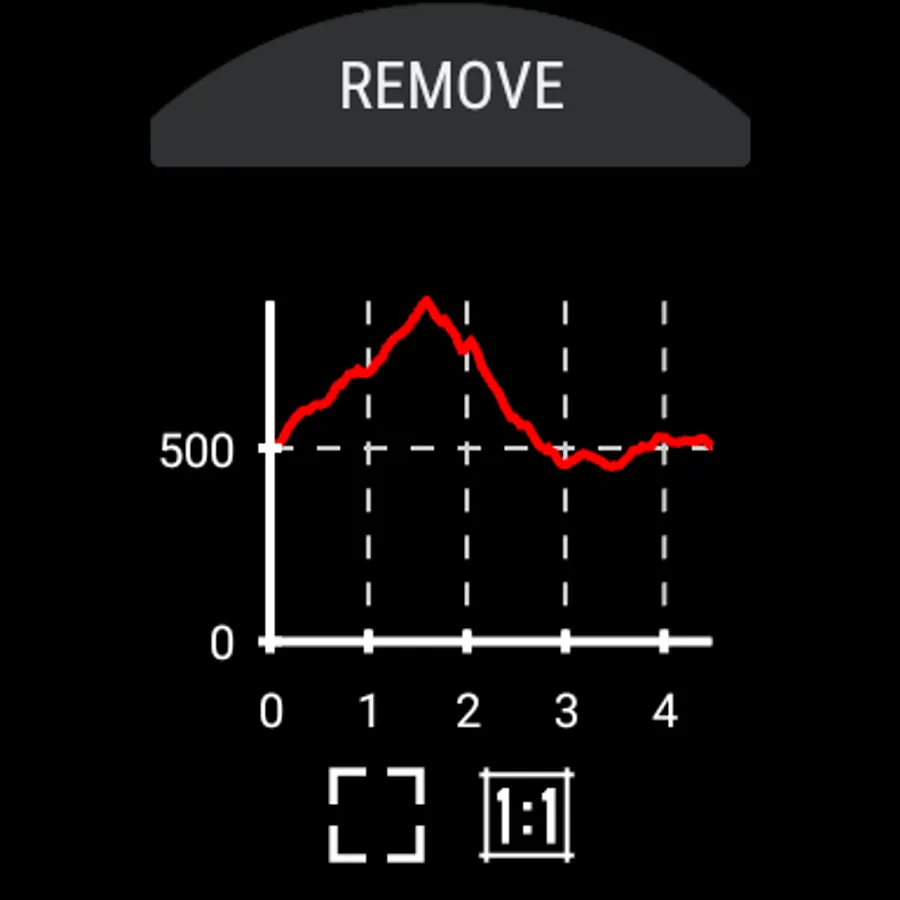
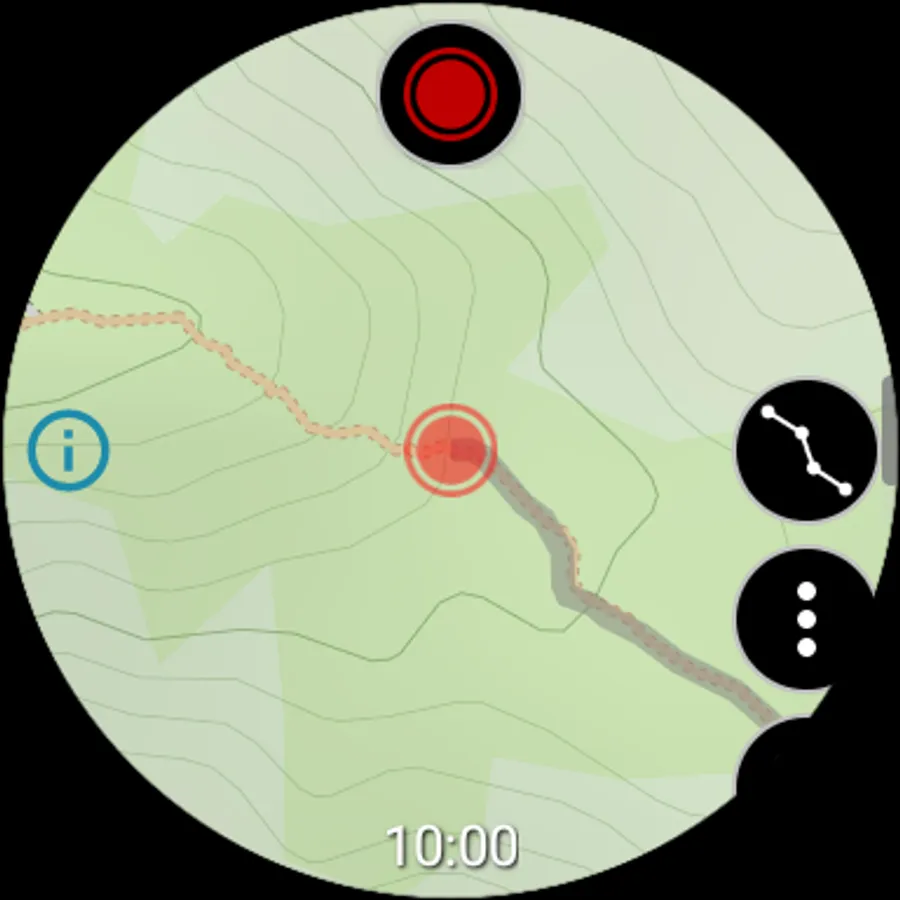
The Wear OS version also supports route drawing, route length/gain/loss calculation, time estimation, GPS positioning, compass, track logging, deviation alert, offline maps, and etc, with a bit different usage. All functions work without phone connection, except route transfer.
Based on the Mapbox mapping services, the route drawing function should work on all places on the Earth besides the poles. But note that the drawing logic is based on the map display data, which is simplified and does not preserve junction info. Therefore, if you draw while zoomed out, the route will have a higher degree of simplification. And whether two ways are connected is based on estimation, and therefore may not be correct. Also, a map object may show slightly different coordinates at different zoom levels.
You can pay for one-time purchase or annual subscription to unlock the trial features or remove the ads in the app.
Functions: https://www.routedraw.com/home.en.html
Usage: https://www.routedraw.com/help.en.html
About Data safety:
• We will collect Purchase history.
• Mapbox's Android SDK will collect Approximate location, Precise location, App interactions, Diagnostics, Device or other IDs. But users can choose to opt-out.
• Google Mobile Ads SDK will collect Approximate location, App interactions, Crash logs, Diagnostics, Device or other IDs. This does not apply to paid users.
The Android version supports route drawing, route length/gain/loss calculation, time estimation, GPS positioning, compass, track logging, deviation alert, offline maps, and etc. Of course, the main function is route drawing, you can draw a route along a way easily by moving your finger over the map. RouteDraw should be very useful to you, if you like to plan your route before your trip.
The Wear OS version also supports route drawing, route length/gain/loss calculation, time estimation, GPS positioning, compass, track logging, deviation alert, offline maps, and etc, with a bit different usage. All functions work without phone connection, except route transfer.
Based on the Mapbox mapping services, the route drawing function should work on all places on the Earth besides the poles. But note that the drawing logic is based on the map display data, which is simplified and does not preserve junction info. Therefore, if you draw while zoomed out, the route will have a higher degree of simplification. And whether two ways are connected is based on estimation, and therefore may not be correct. Also, a map object may show slightly different coordinates at different zoom levels.
You can pay for one-time purchase or annual subscription to unlock the trial features or remove the ads in the app.
Functions: https://www.routedraw.com/home.en.html
Usage: https://www.routedraw.com/help.en.html
About Data safety:
• We will collect Purchase history.
• Mapbox's Android SDK will collect Approximate location, Precise location, App interactions, Diagnostics, Device or other IDs. But users can choose to opt-out.
• Google Mobile Ads SDK will collect Approximate location, App interactions, Crash logs, Diagnostics, Device or other IDs. This does not apply to paid users.
RouteDraw Screenshots
Tap to Rate:
Reviews for RouteDraw
Tonda Maler
10/31/2025
best app for wear os, and I tried all of them. well done app devs 👍
bloxy booga
8/15/2025
great man. this app is underrated. you can draw where your going