About Sensory PDF - TTS Reader
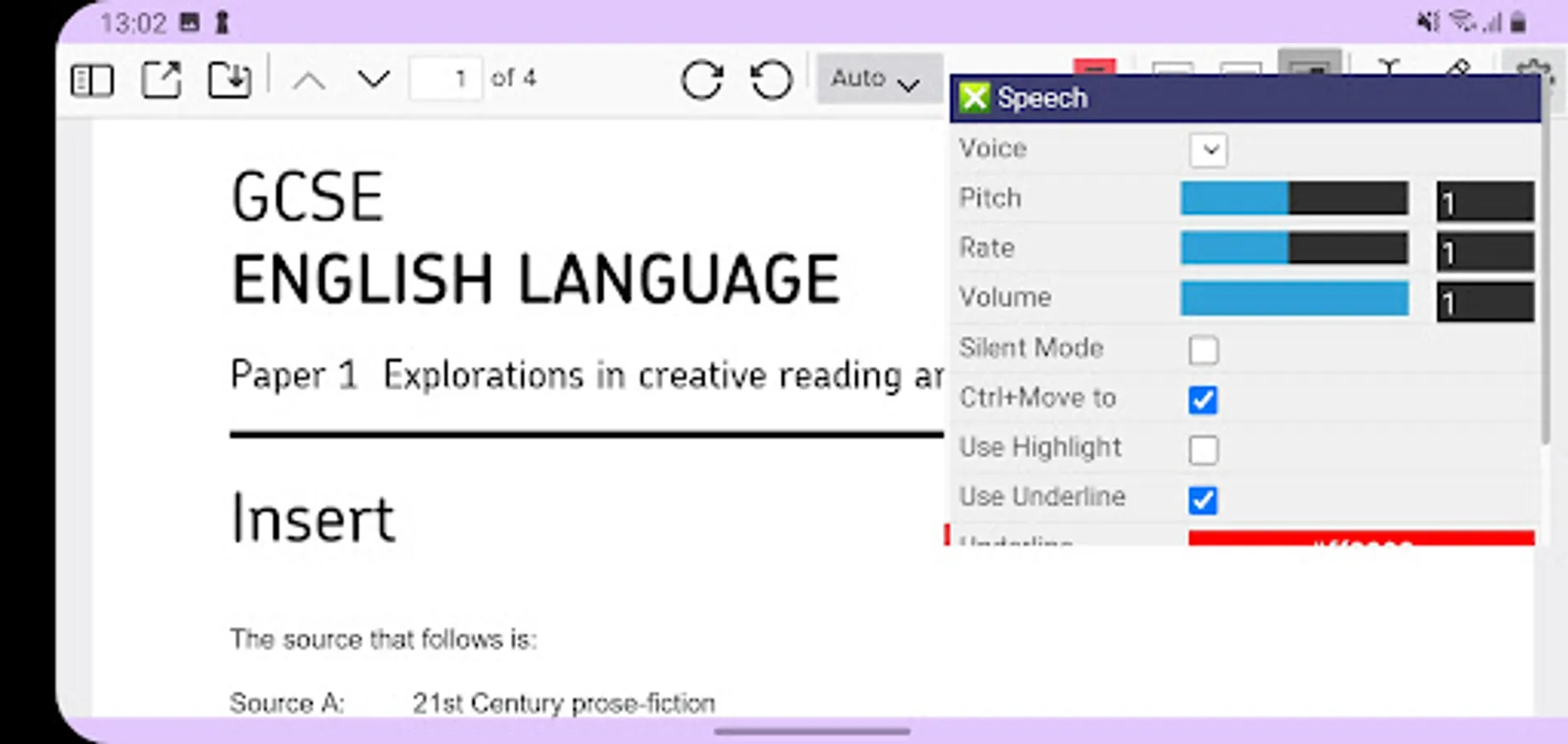
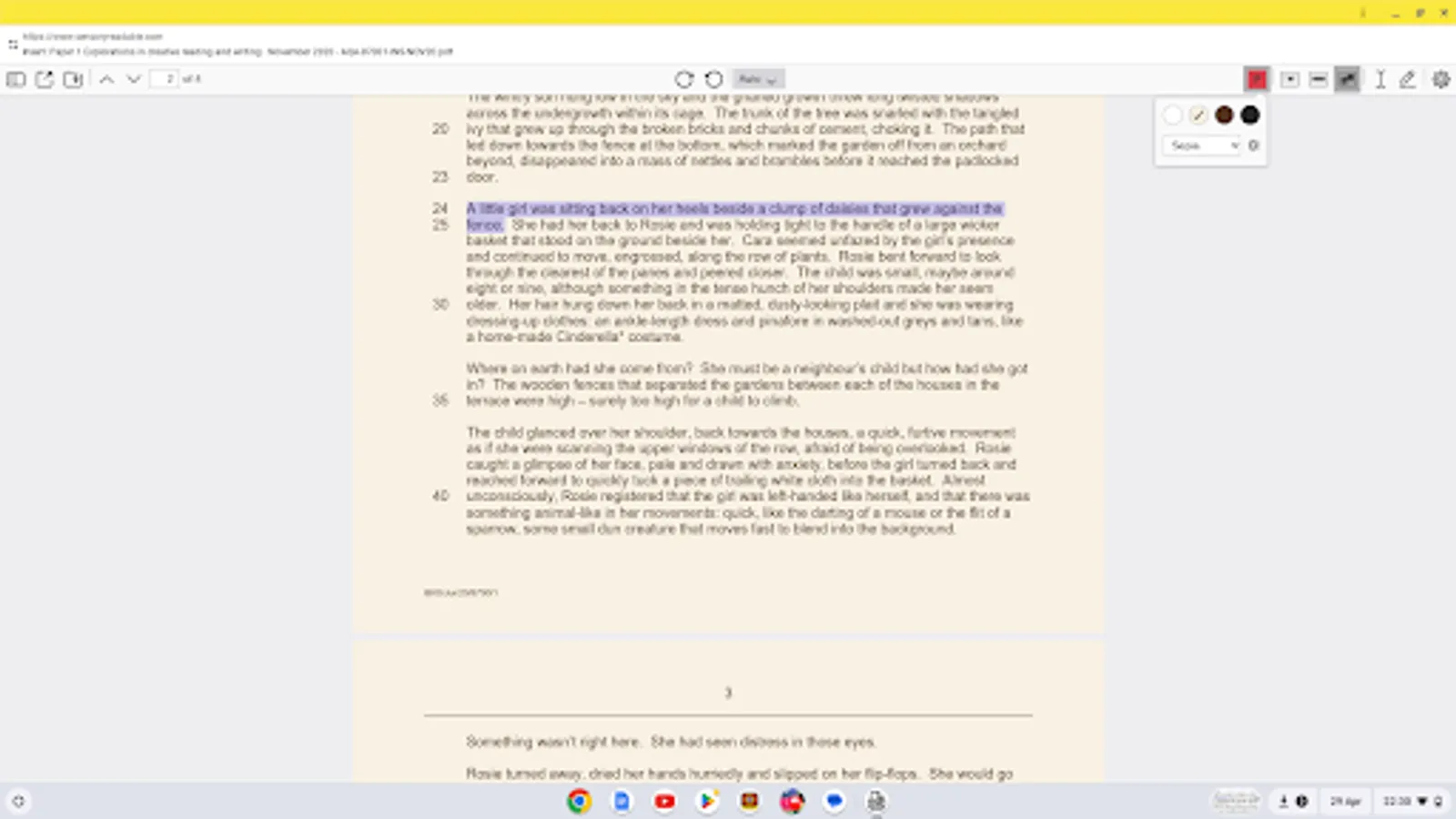
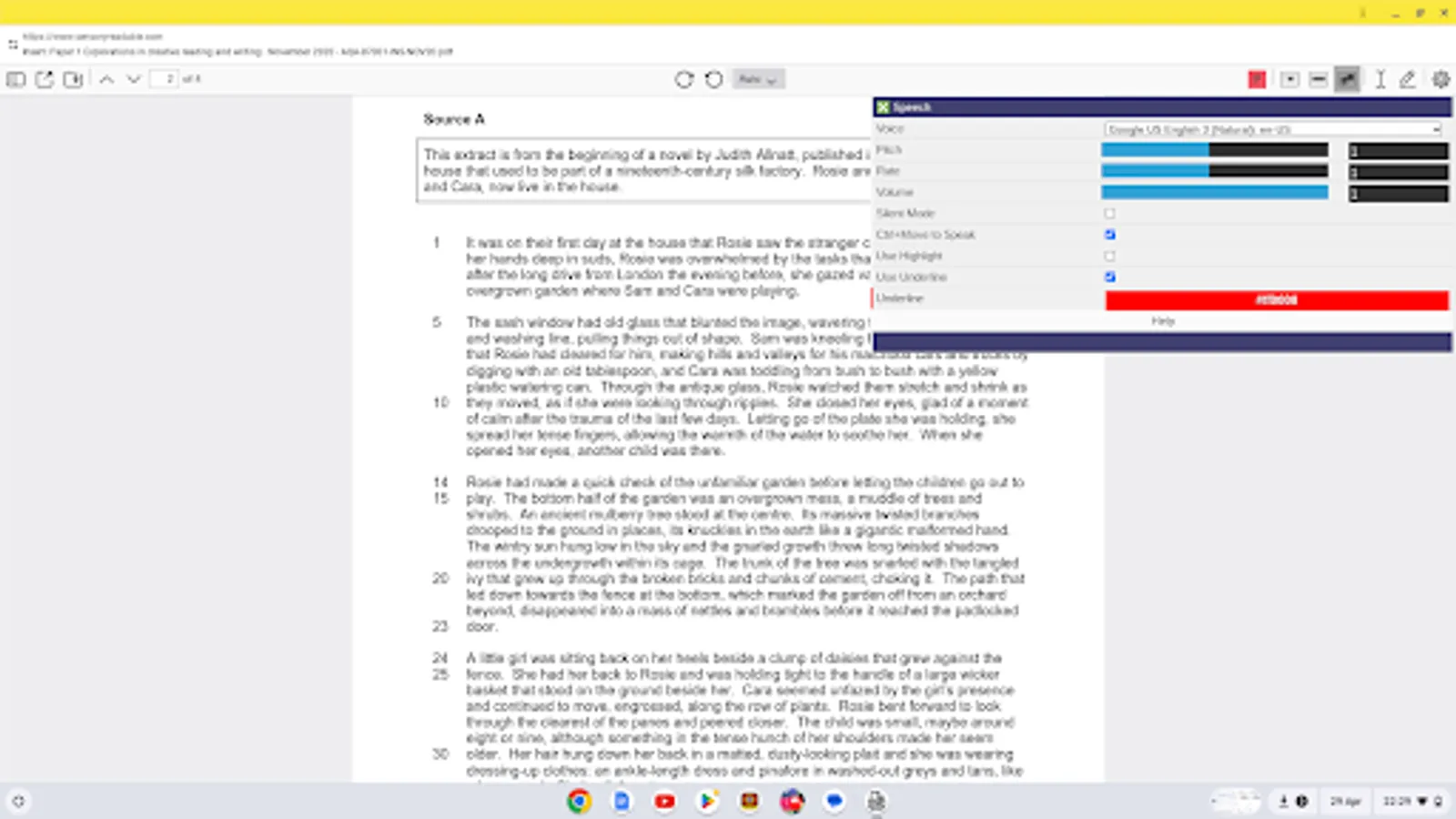
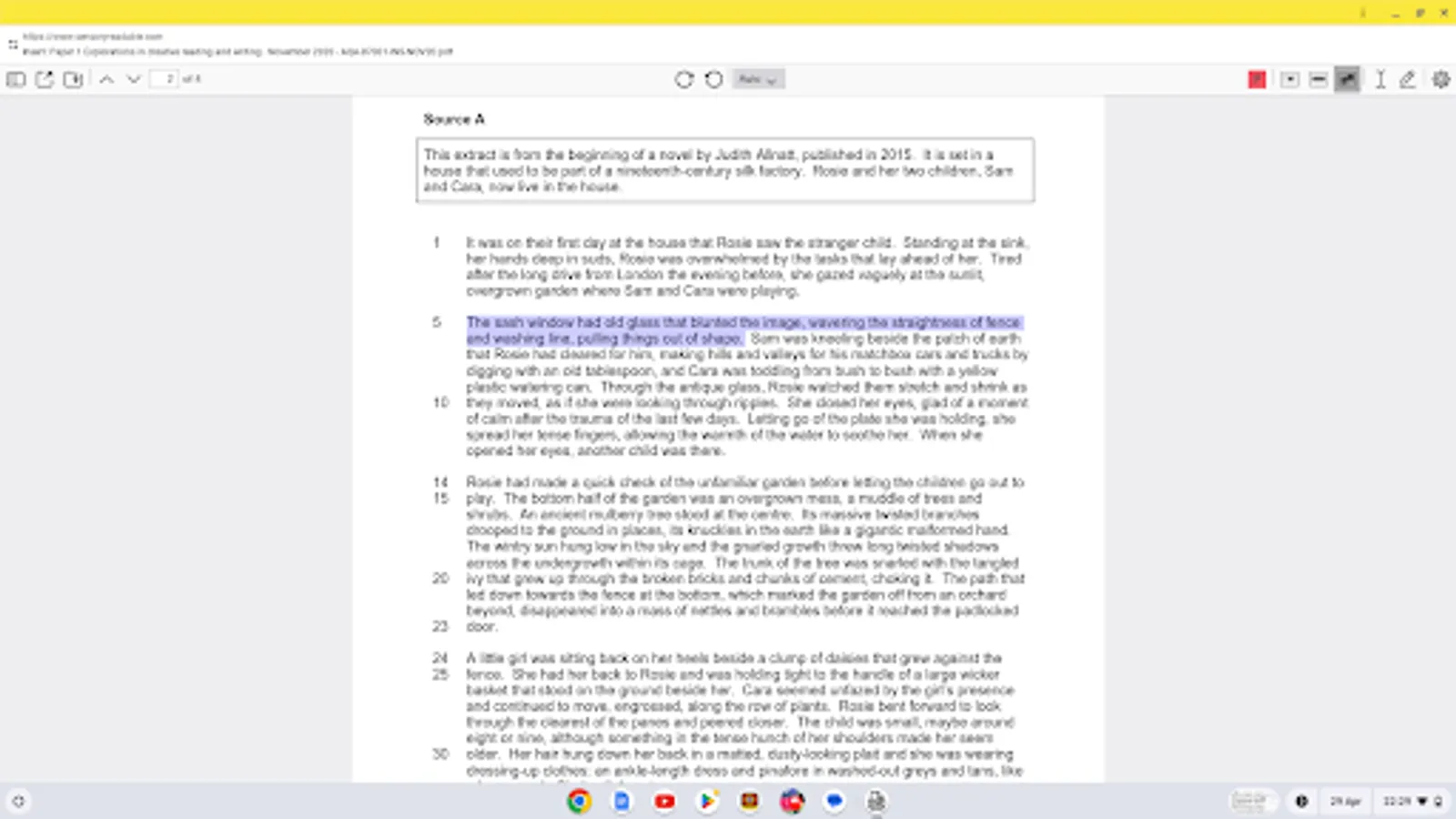
Sensory PDF Reader is an accessible PDF reader, with text to speech support, for Chromebooks. You can change the background colour and text size of your PDF, speak words, lines or blocks of text if your PDF file is accessible. Sensory PDF Reader contains its own text to speech controls and links to all Google local and cloud voices. The Sensory PDF text to speech also includes options for word or block highlighting which helps identify which text is being spoken.
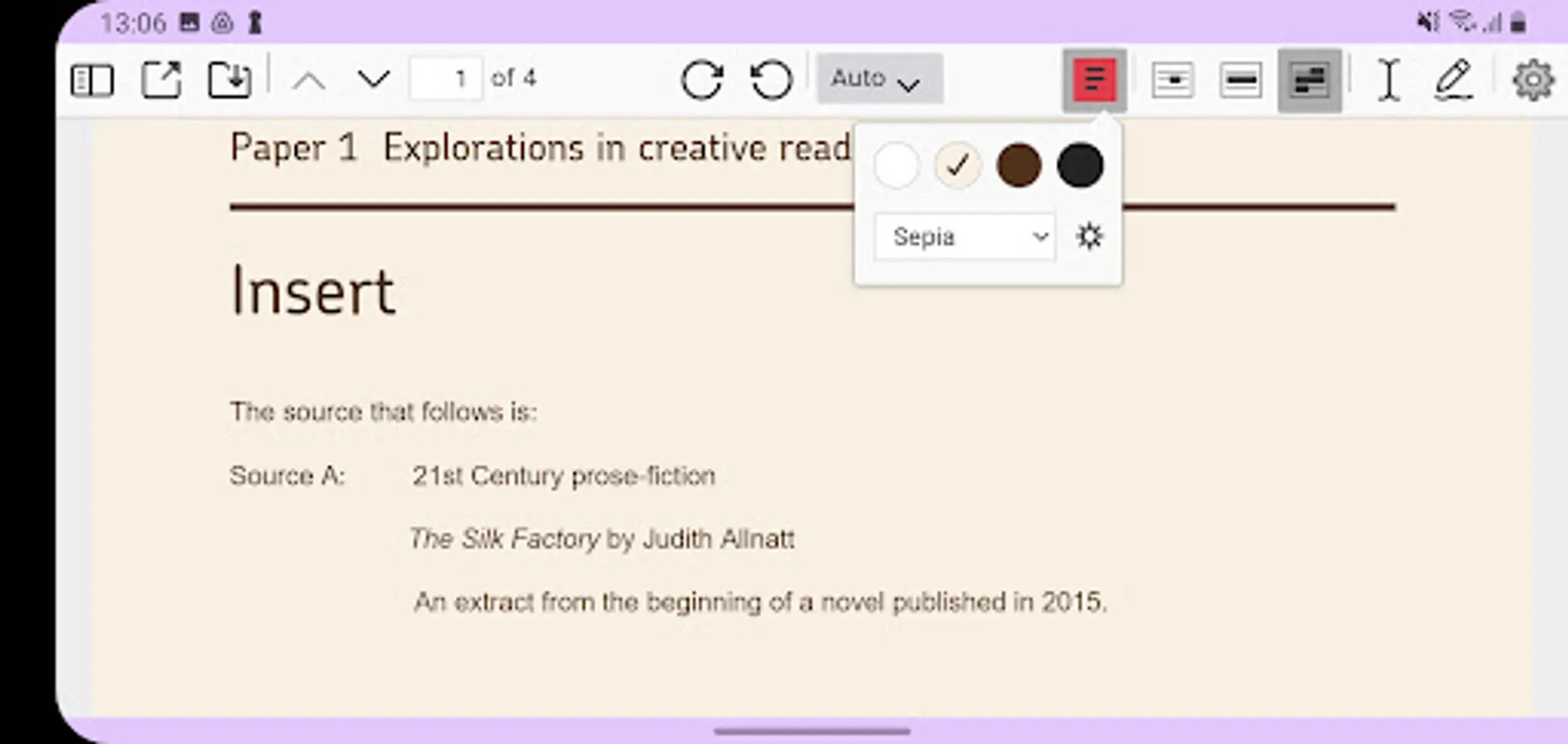
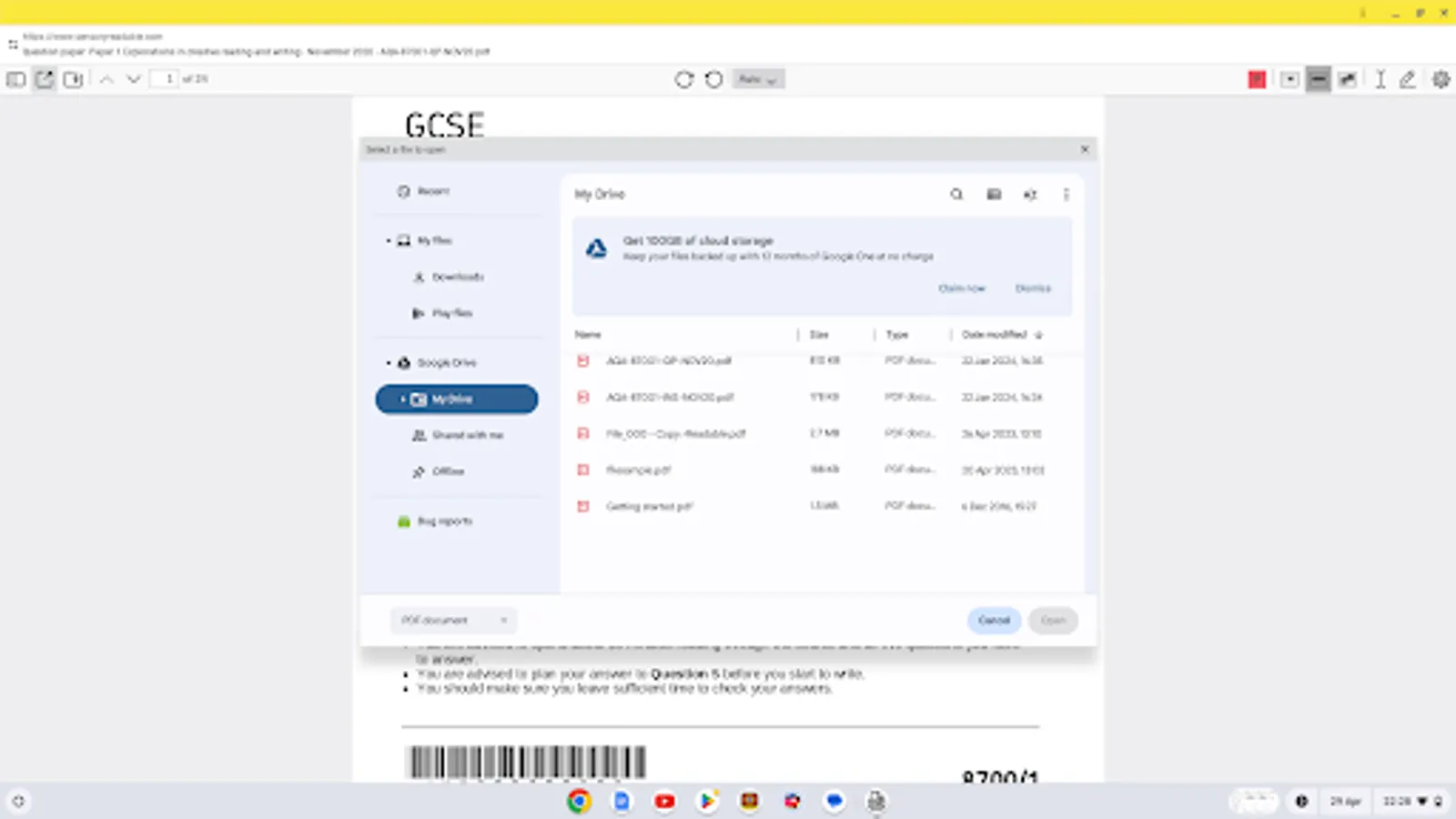
On Chromebooks, Sensory PDF allows background color options for the PDF file (including invert for night time/ white text on black), annotation for typing notes/answers and freehand drawing. PDF Files can be drag and dropped into Sensory Reader, can be opened from File or Google Drive. Please note this app is designed for use with a Chromebook containing a keyboard and a mouse or mouspad.
On Chromebooks, Sensory PDF allows background color options for the PDF file (including invert for night time/ white text on black), annotation for typing notes/answers and freehand drawing. PDF Files can be drag and dropped into Sensory Reader, can be opened from File or Google Drive. Please note this app is designed for use with a Chromebook containing a keyboard and a mouse or mouspad.