About MyBusiness SAHAM BANK
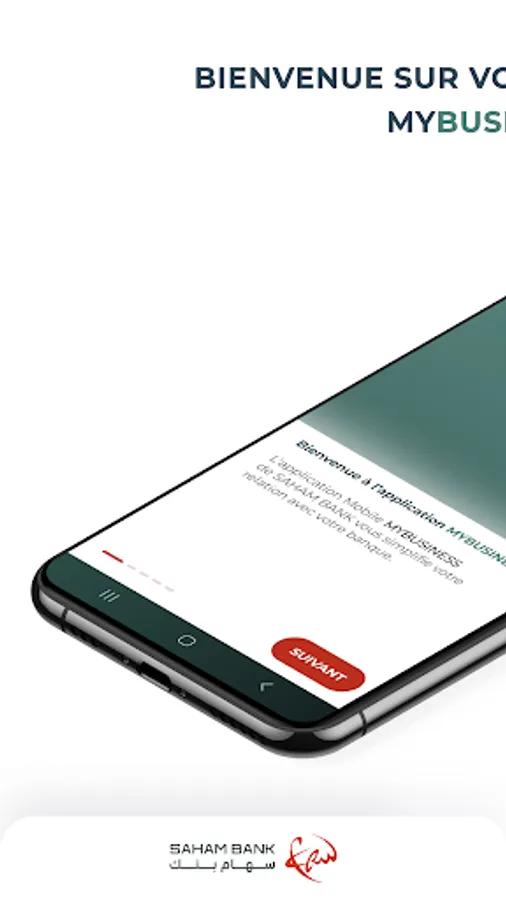
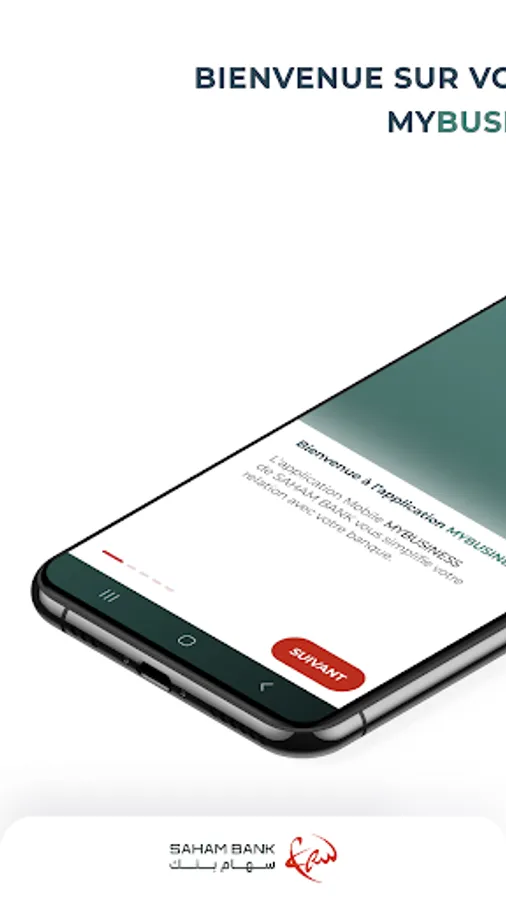
SAHAM BANK's MyBusiness Mobile Application simplifies your relationship with your bank.
To facilitate account management, the MyBusiness mobile application allows you to view and manage your accounts remotely 24/7 in complete confidentiality and security.
SAHAM BANK's MyBusiness Mobile Application is intended for Business customers and offers two browsing areas:
- A public area: you can access it without authentication and benefit from a range of practical services: Access to the demo version of the application and support.
- A secure personal area: the application is available to all customers who have subscribed to the MyBusiness remote banking contract and requires the same authentication codes.
To access the MyBusiness Mobile Application, customers use the same username and authentication method via "MYBUSINESS Pass," which allows them to access the MYBUSINESS web portal.
MyBusiness Pass is the strong authentication application offering enhanced access security and generating a unique password for each login: customers enter their PIN on their MyBusiness Pass each time they log in. This generates a one-time code, which they enter on their mobile app.
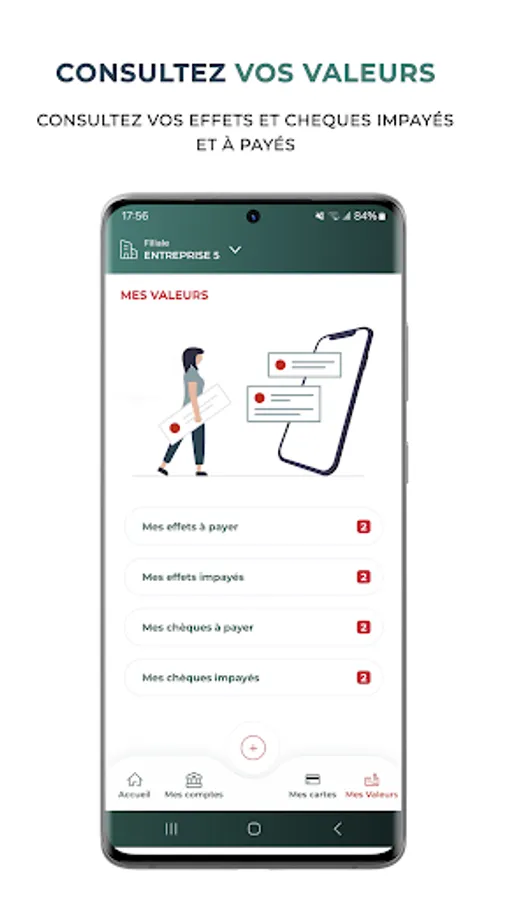
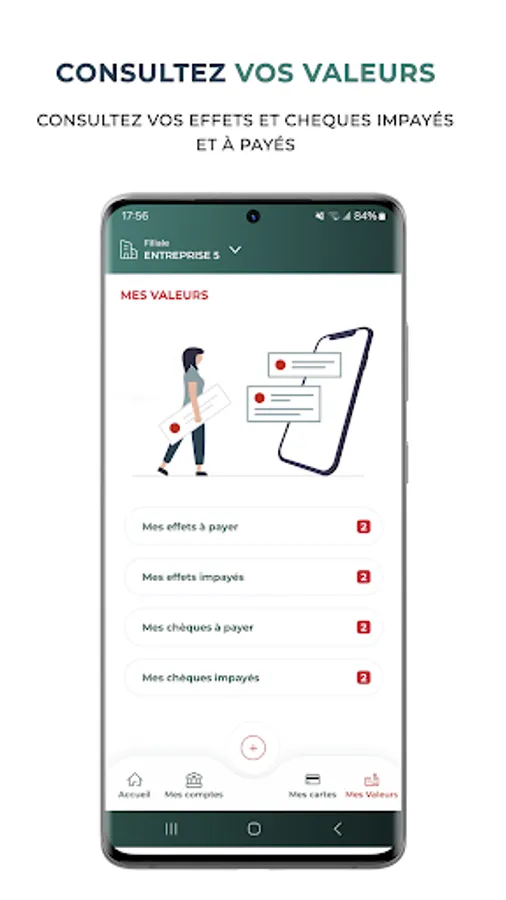
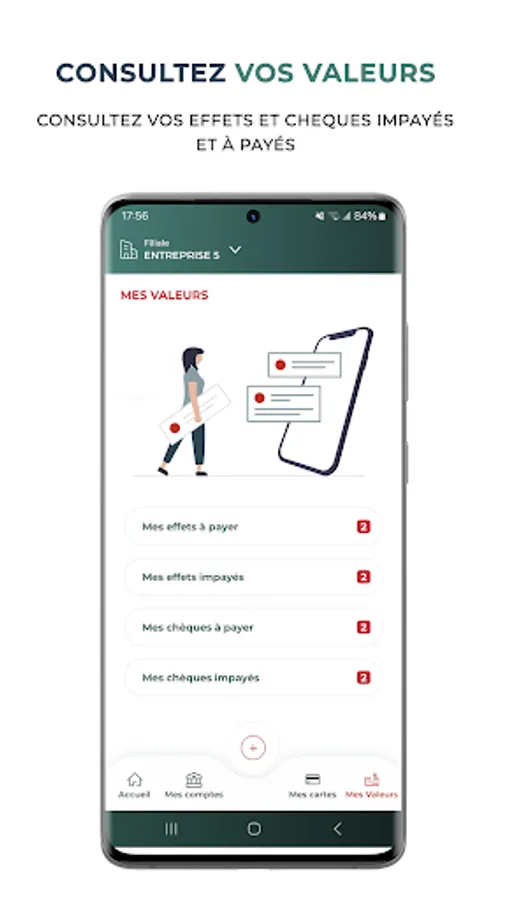
The MyBusiness Mobile Application gives you access to various services via a simple and intuitive menu:
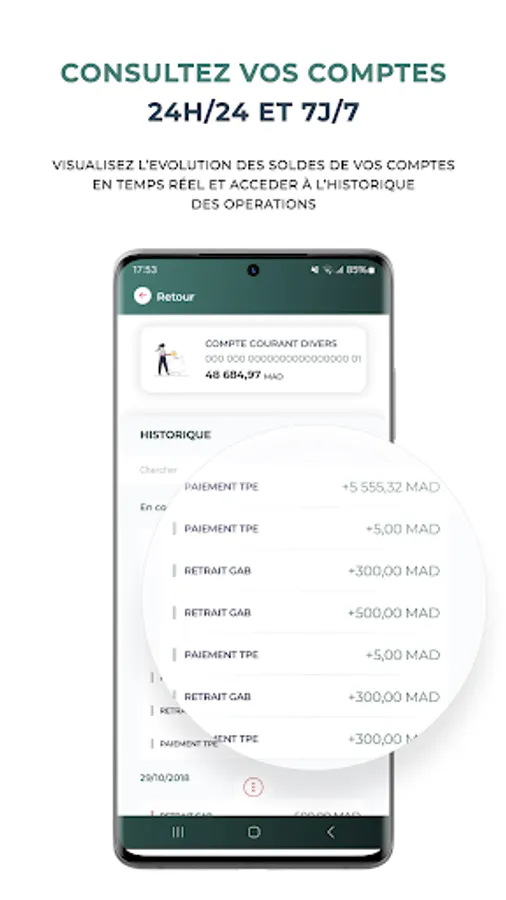
MY ACCOUNTS
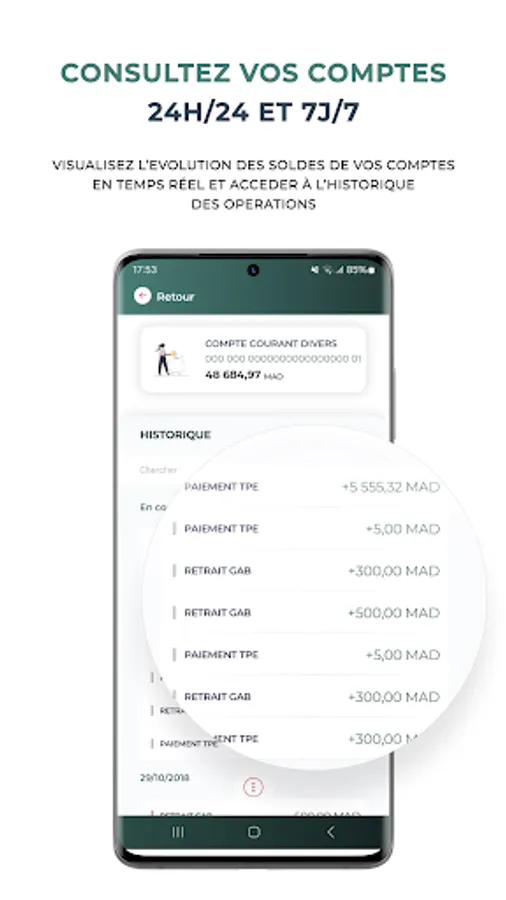
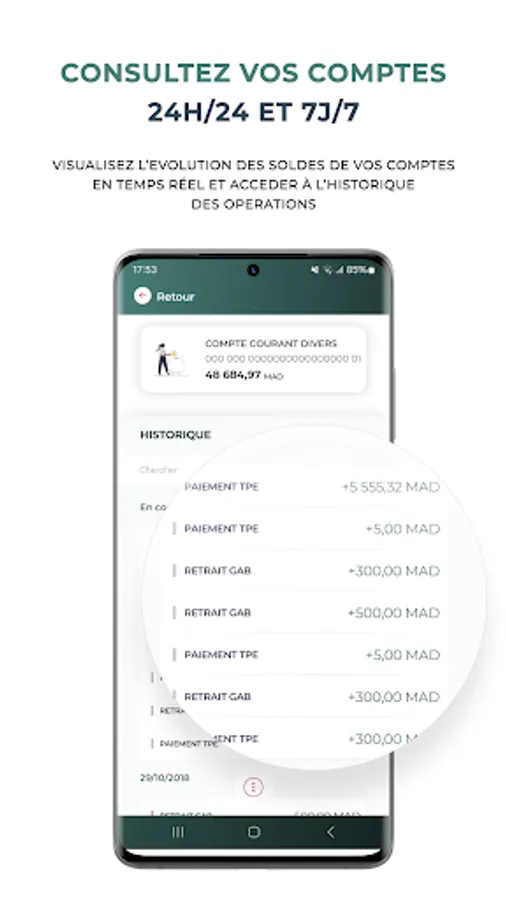
- View your account balances in real time,
- View your transaction history,
- Access an overview of all your accounts,
- Search for your transactions according to your needs,
- Download and share your bank details.
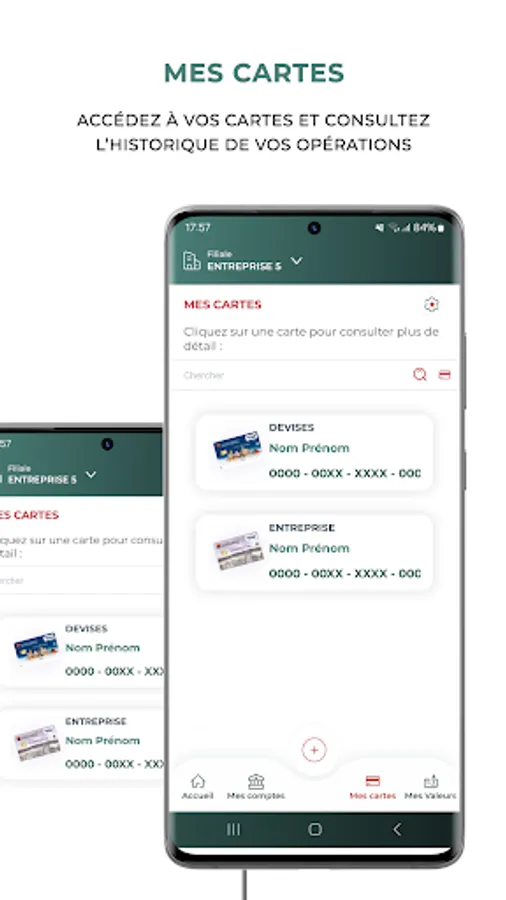
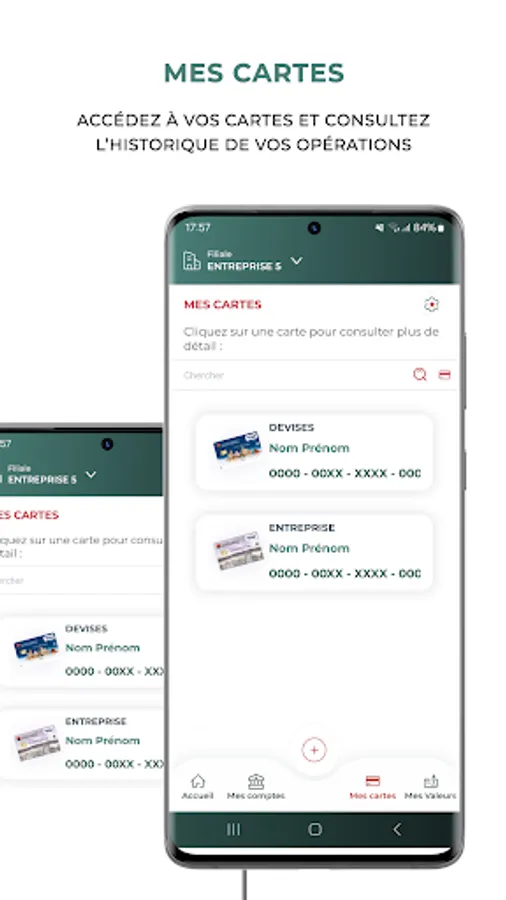
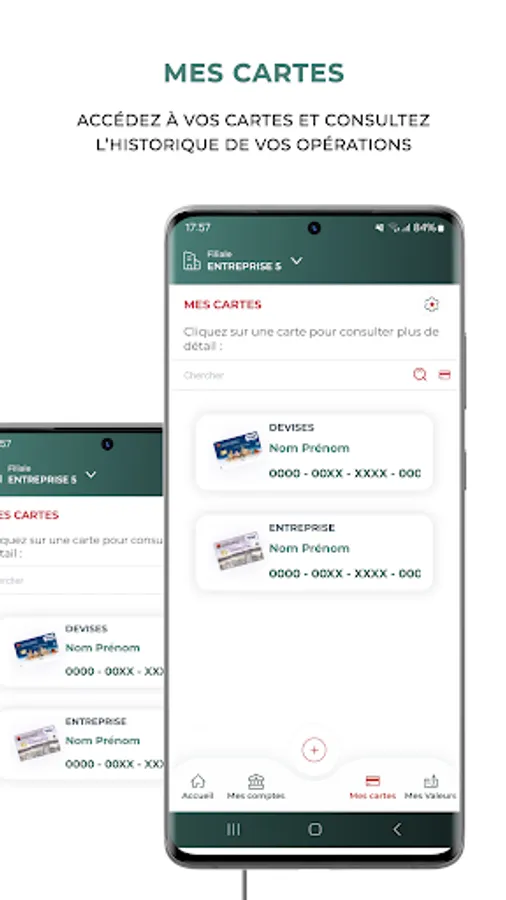
MY CARDS
- View the list of bank cards
- View your card transaction history
- View your prepaid card balances
- View your national and international withdrawal and payment limits
- Search for your transactions and cards according to your needs
MY NEWS
- View news about remote banking offers.
MY SETTINGS
- Save your username for future logins,
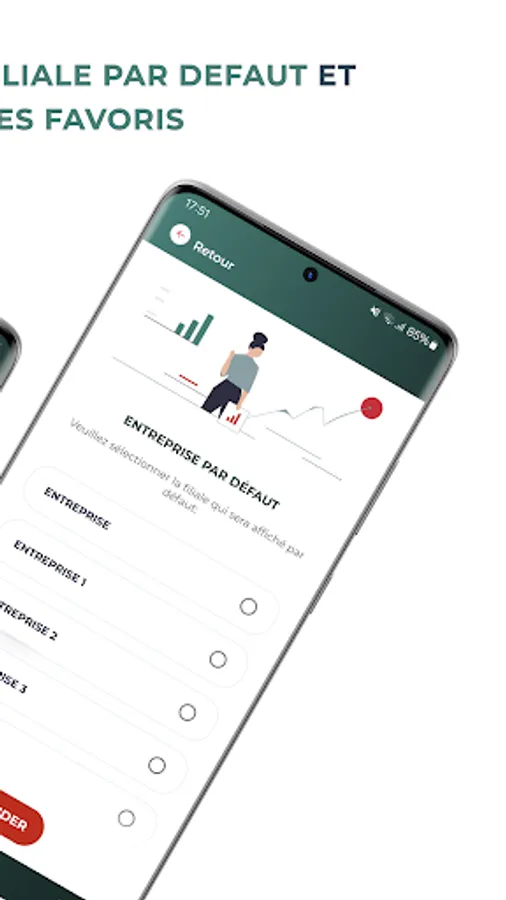
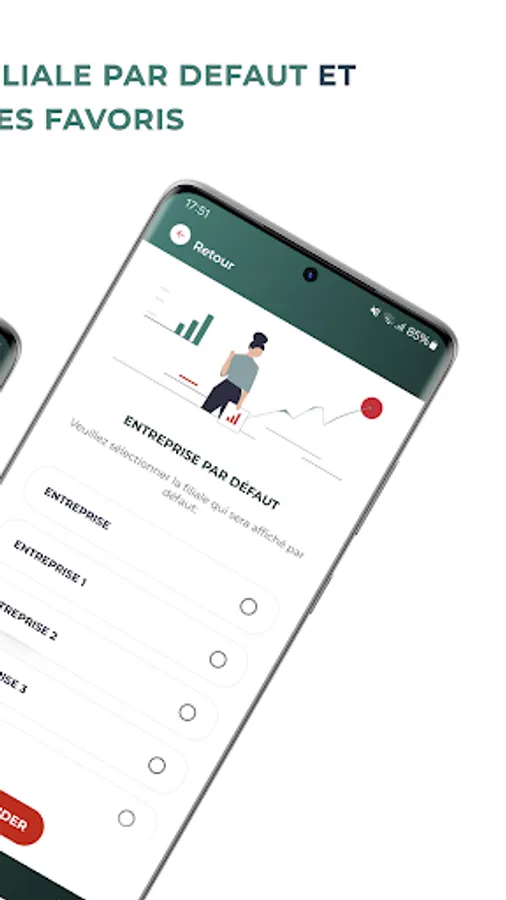
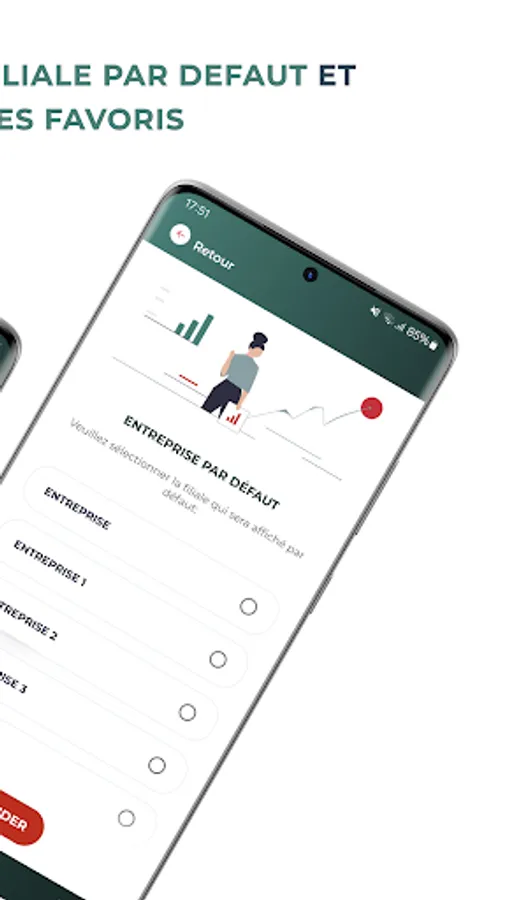
- Set the default company or subsidiary of your choice,
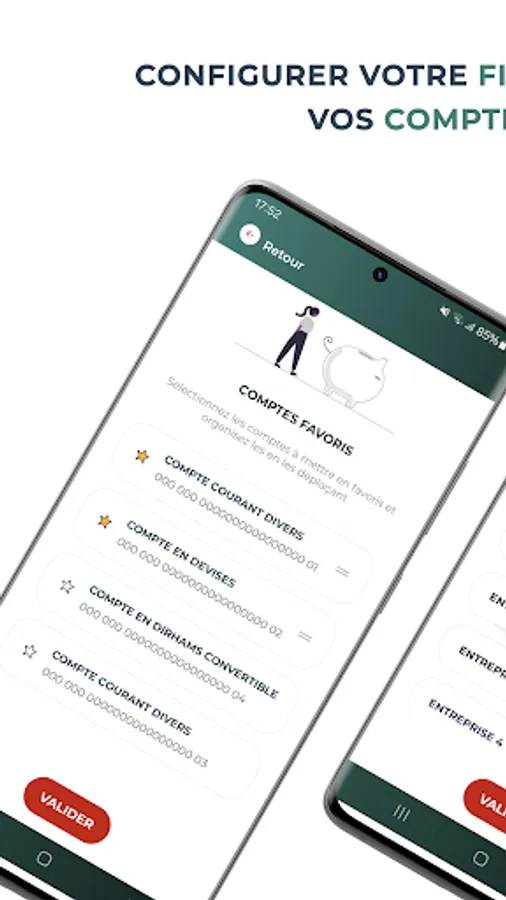
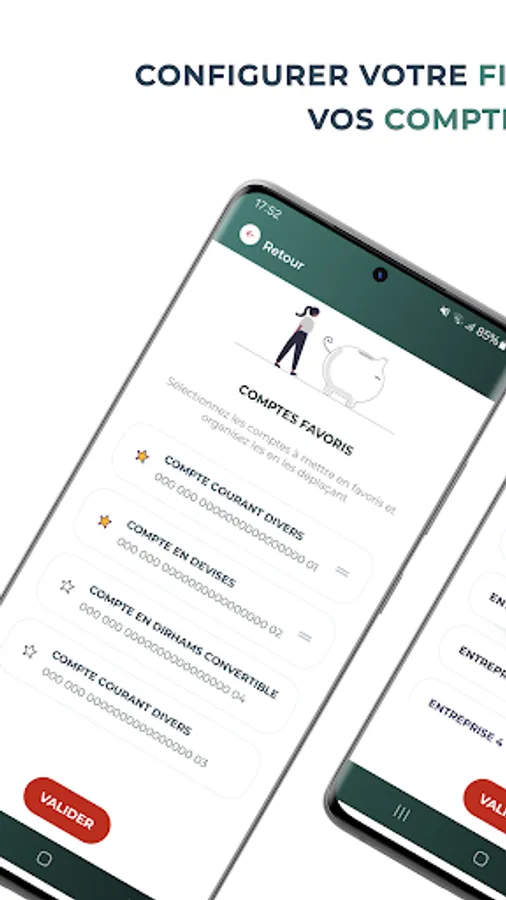
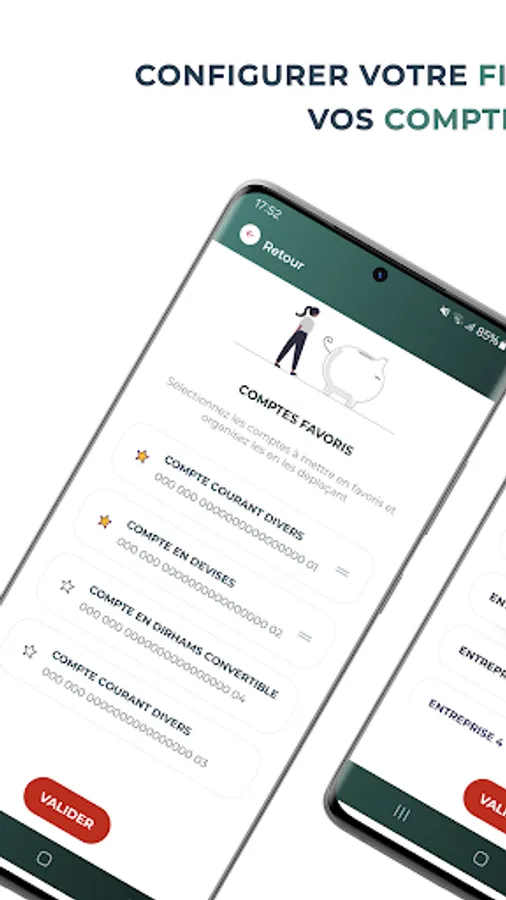
- Select your favorite accounts to display on the home page,
- Hide your account balances for greater privacy.
The MyBusiness Support team is available at mybusiness.support@socgen.com to assist you in using the MyBusiness Mobile Application.
SAHAM BANK is continually working on developing new services and remains at your disposal to enhance the MyBusiness Mobile Application.
To facilitate account management, the MyBusiness mobile application allows you to view and manage your accounts remotely 24/7 in complete confidentiality and security.
SAHAM BANK's MyBusiness Mobile Application is intended for Business customers and offers two browsing areas:
- A public area: you can access it without authentication and benefit from a range of practical services: Access to the demo version of the application and support.
- A secure personal area: the application is available to all customers who have subscribed to the MyBusiness remote banking contract and requires the same authentication codes.
To access the MyBusiness Mobile Application, customers use the same username and authentication method via "MYBUSINESS Pass," which allows them to access the MYBUSINESS web portal.
MyBusiness Pass is the strong authentication application offering enhanced access security and generating a unique password for each login: customers enter their PIN on their MyBusiness Pass each time they log in. This generates a one-time code, which they enter on their mobile app.
The MyBusiness Mobile Application gives you access to various services via a simple and intuitive menu:
MY ACCOUNTS
- View your account balances in real time,
- View your transaction history,
- Access an overview of all your accounts,
- Search for your transactions according to your needs,
- Download and share your bank details.
MY CARDS
- View the list of bank cards
- View your card transaction history
- View your prepaid card balances
- View your national and international withdrawal and payment limits
- Search for your transactions and cards according to your needs
MY NEWS
- View news about remote banking offers.
MY SETTINGS
- Save your username for future logins,
- Set the default company or subsidiary of your choice,
- Select your favorite accounts to display on the home page,
- Hide your account balances for greater privacy.
The MyBusiness Support team is available at mybusiness.support@socgen.com to assist you in using the MyBusiness Mobile Application.
SAHAM BANK is continually working on developing new services and remains at your disposal to enhance the MyBusiness Mobile Application.