Realistic Ultra Shader Mod
APPPSCLUBQ
4.0 ★
8K ratings
100,000+
downloads
Free
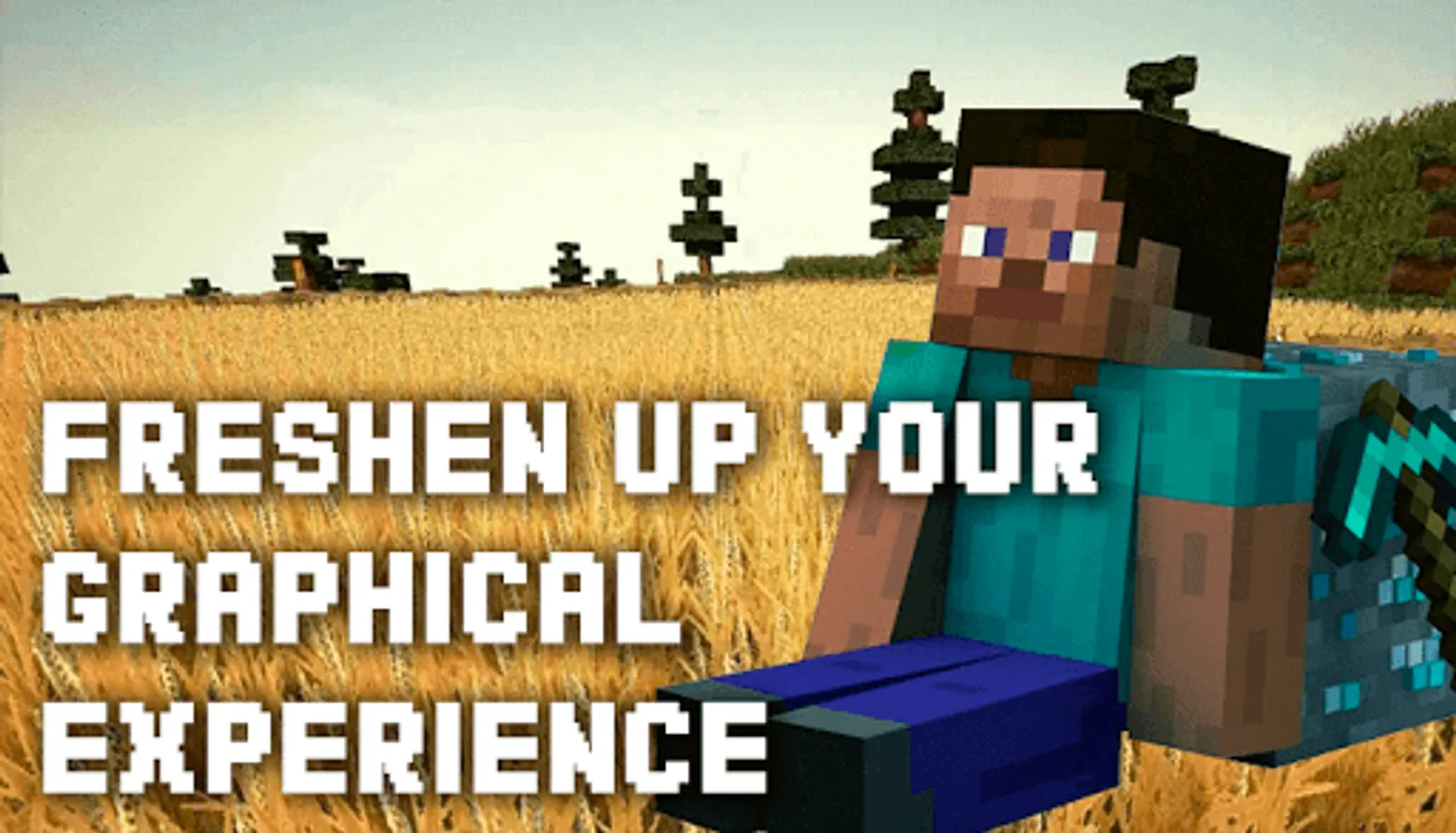
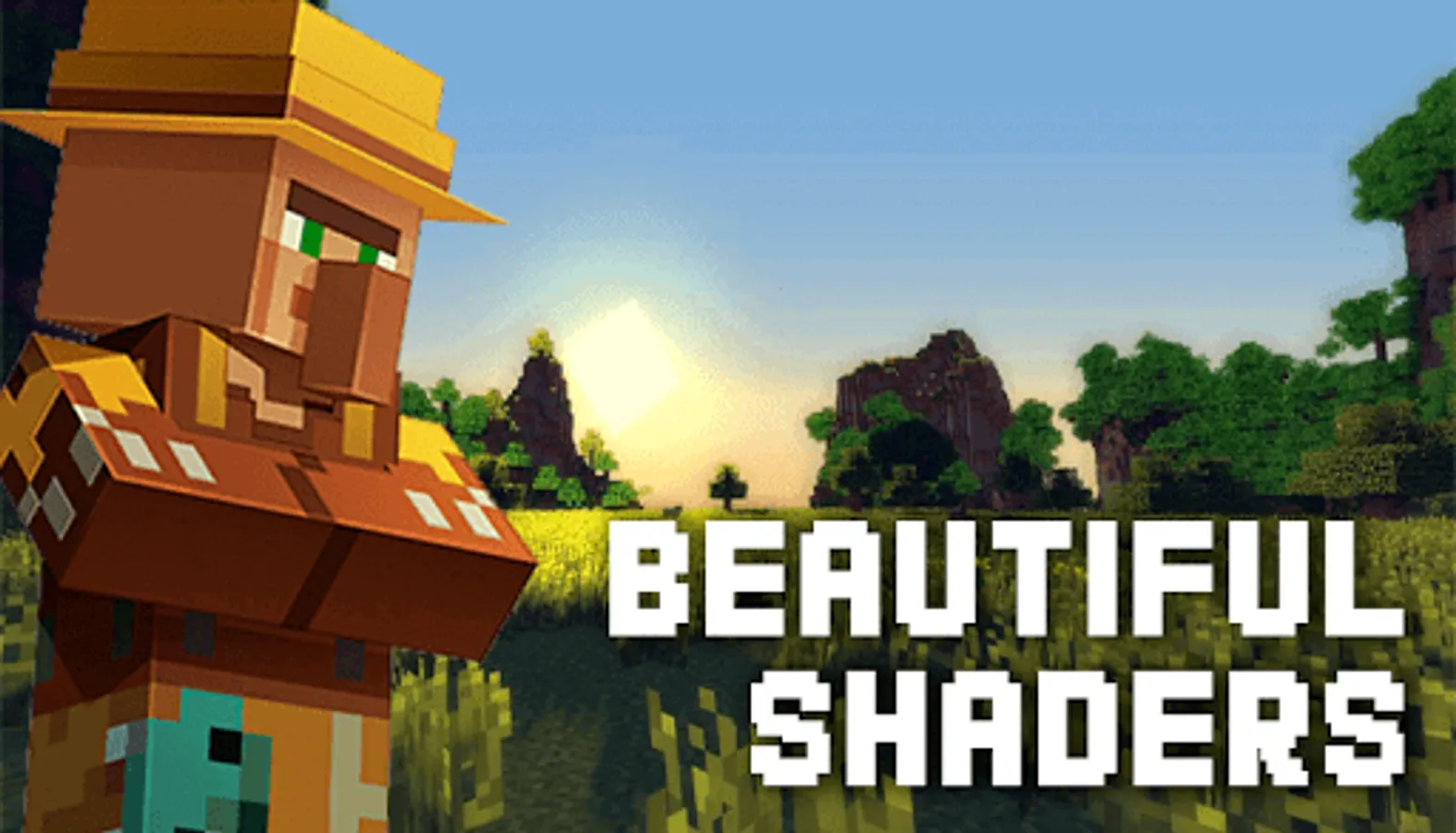
In this shader mod, you can enhance Minecraft graphics by applying various shader effects such as lighting, waving leaves, and volumetric fog. Includes a selection of realistic, 3D, 4K, and Optifine HD shaders for customization.
AppRecs review analysis
AppRecs rating 4.0. Trustworthiness 0 out of 100. Review manipulation risk 0 out of 100. Based on a review sample analyzed.
★★★★☆
4.0
AppRecs Rating
Ratings breakdown
5 star
68%
4 star
7%
3 star
3%
2 star
3%
1 star
19%
What to know
✓
High user satisfaction
75% of sampled ratings are 4+ stars (4.0★ average)
About Realistic Ultra Shader Mod
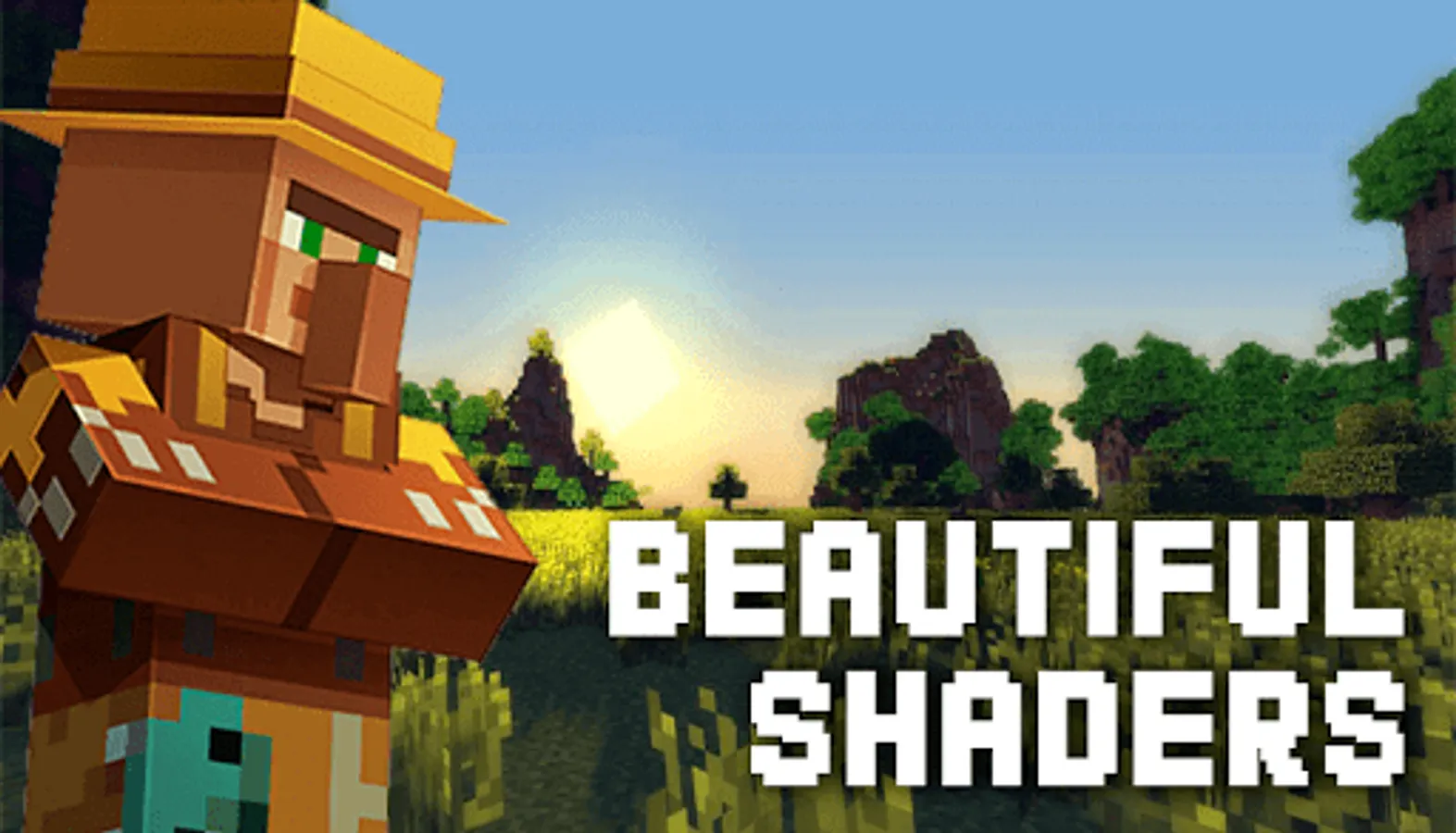
Shaders are designed to improve the appearance of the game in Minecraft. Download Shader Mod, and plunge into the world of new positive emotions!
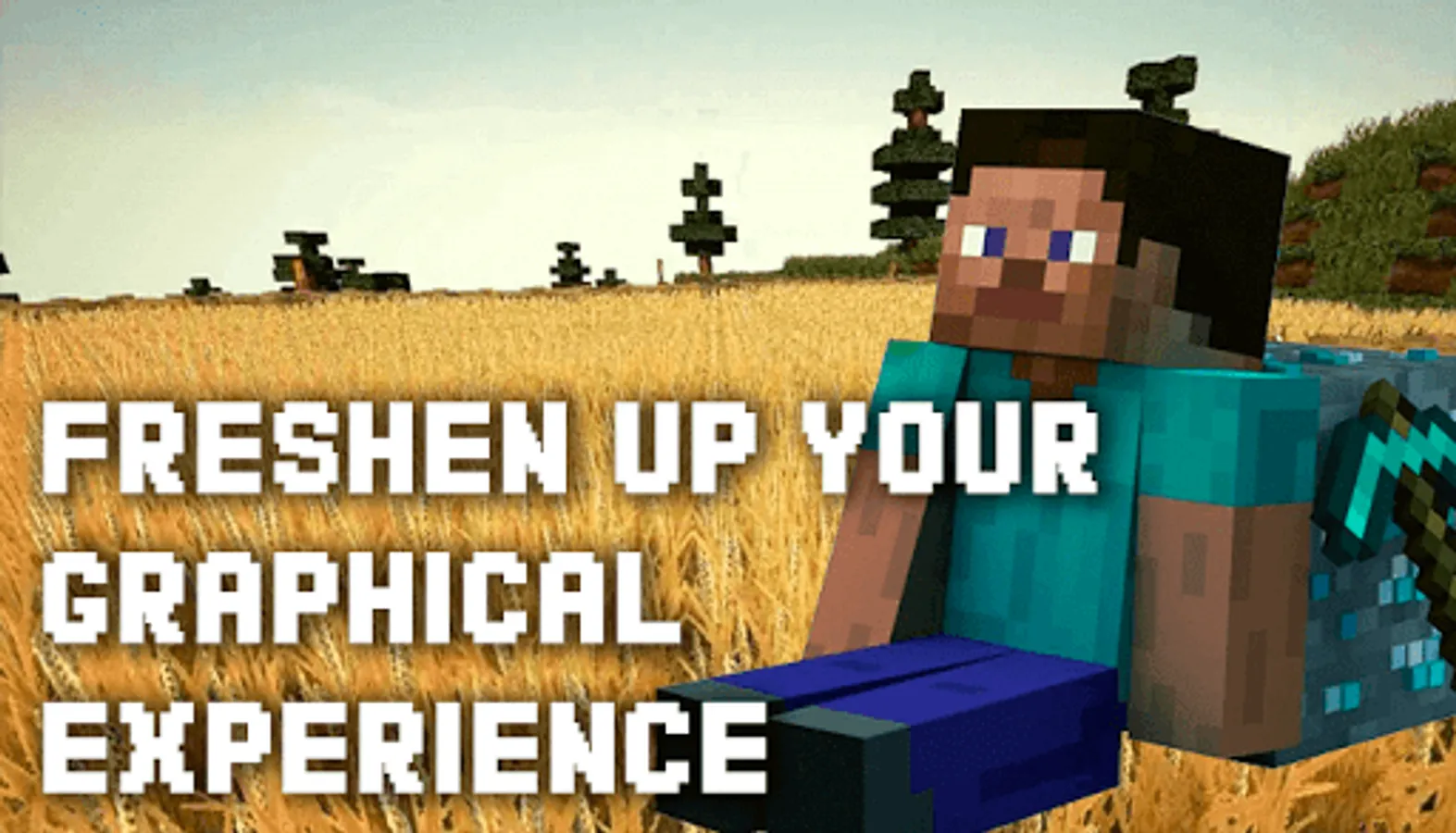
Tools presented as shaders are a bit similar to the Texture Pack for MCPE. Their distinctive feature is their advanced features. If you are a little bit tired of the usual world of Minecraft you can paint it with new bright colors, using Shader Mod.
The tools provided in the app will help to change the game graphics. For example, you can increase the brightness of the world of Minecraft, add waving leaves or grass, volumetric fog, and much more. Everything is limited only by your imagination!
You can download each of the Shader mods for free at any time after installing the Shader Mod. Open the app and choose from the huge collection the Shader that suits you.
Shader Mod opens access to a wide variety of shaders, including:
- Realistic Shader;
- Seus pe;
- 3D Shader;
- Esbe 2g;
- 4K Shader;
- RWSPE shader;
- Optifine HD and many others.
Please note that each type of Shader requires certain system characteristics of the mobile device. If you download a Shader that is not supported by your smartphone, the game won't open at all.
The app contains a collection of the best and most popular shaders that will help you improve the world of Minecraft, based solely on your preferences. Use it right now and share your impressions in the comments. If you have any suggestions for improving the mod, please also let us know.
Tools presented as shaders are a bit similar to the Texture Pack for MCPE. Their distinctive feature is their advanced features. If you are a little bit tired of the usual world of Minecraft you can paint it with new bright colors, using Shader Mod.
The tools provided in the app will help to change the game graphics. For example, you can increase the brightness of the world of Minecraft, add waving leaves or grass, volumetric fog, and much more. Everything is limited only by your imagination!
You can download each of the Shader mods for free at any time after installing the Shader Mod. Open the app and choose from the huge collection the Shader that suits you.
Shader Mod opens access to a wide variety of shaders, including:
- Realistic Shader;
- Seus pe;
- 3D Shader;
- Esbe 2g;
- 4K Shader;
- RWSPE shader;
- Optifine HD and many others.
Please note that each type of Shader requires certain system characteristics of the mobile device. If you download a Shader that is not supported by your smartphone, the game won't open at all.
The app contains a collection of the best and most popular shaders that will help you improve the world of Minecraft, based solely on your preferences. Use it right now and share your impressions in the comments. If you have any suggestions for improving the mod, please also let us know.
Realistic Ultra Shader Mod Screenshots

Tap to Rate: