AppRecs review analysis
AppRecs rating . Trustworthiness 55 out of 100. Review manipulation risk 44 out of 100. Based on a review sample analyzed.
★
AppRecs Rating
Ratings breakdown
5 star
100%
4 star
0%
3 star
0%
2 star
0%
1 star
0%
What to know
⚠
Questionable review patterns
44% review manipulation risk - some review patterns appear unusual
⚠
Unusually uniform ratings
100% of sampled ratings are 5 stars with very little variation
About Qibla Compass
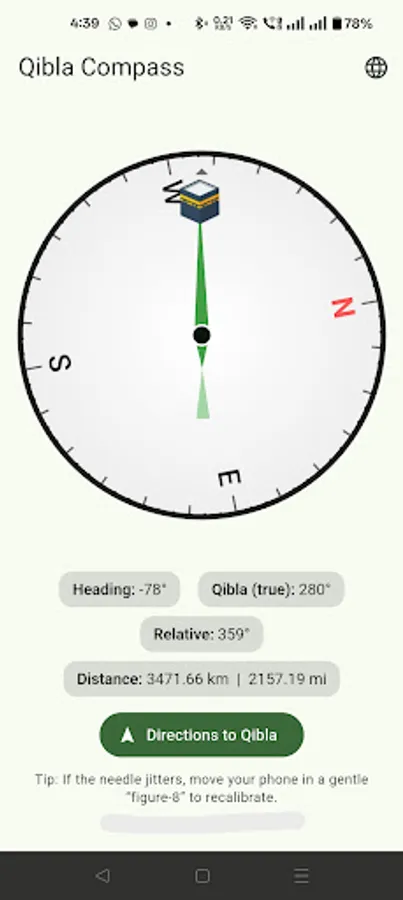
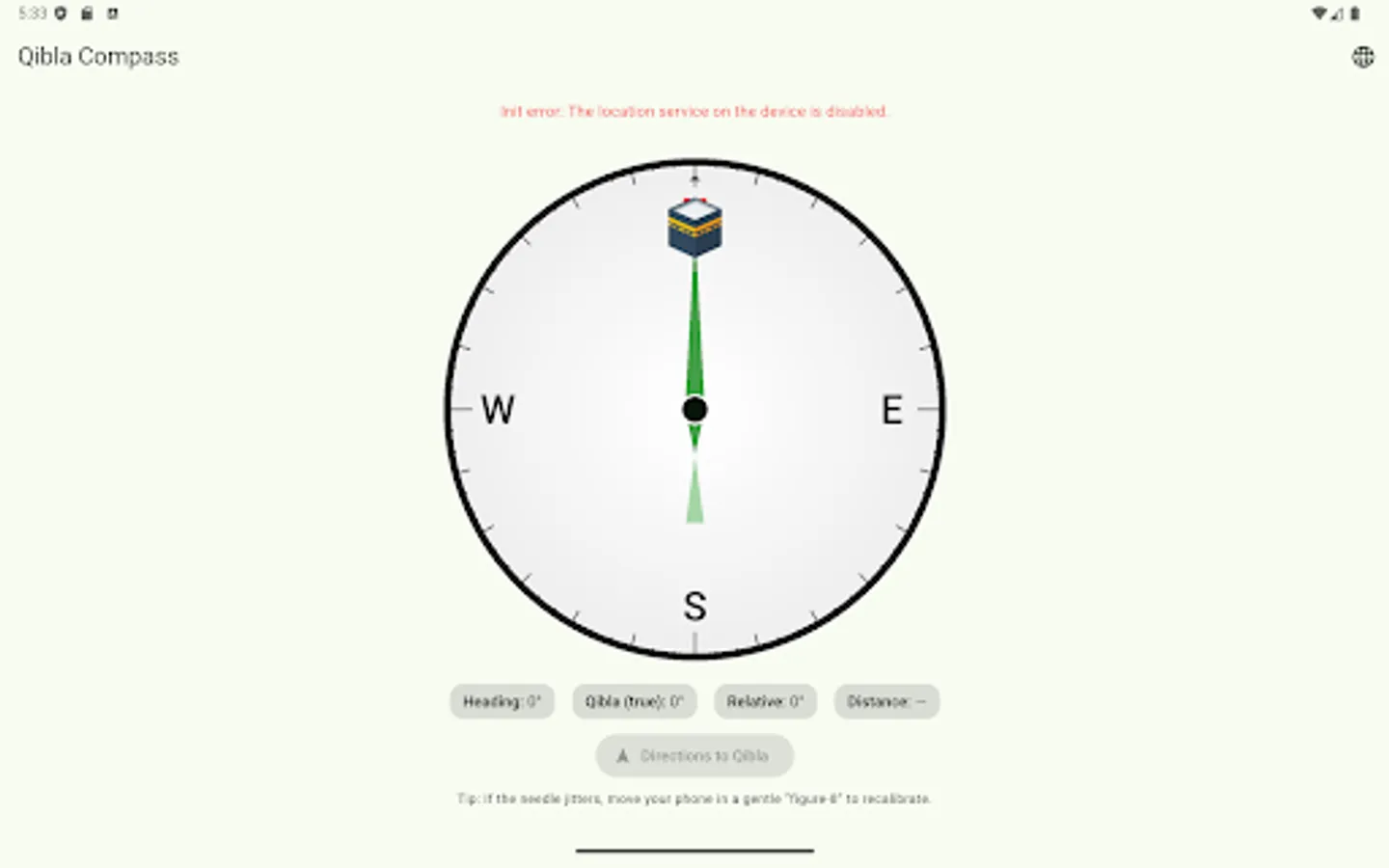
Qibla Compass helps you instantly find the direction of the Kaaba (Qibla) anywhere in the world. Open the app, hold your phone flat, and follow the green pointer—no setup needed. The app automatically detects your location, displays the exact Qibla bearing, and shows your distance to Masjid al-Haram in both kilometres and miles. When you need step-by-step navigation, tap Directions to Qibla to open your preferred maps app.
* Why you’ll love it *
- Accurate & responsive: Uses your phone’s magnetometer and GPS to compute a precise bearing to the Kaaba in Makkah.
- Distance to Qibla: See how far you are from Masjid al-Haram—great for learning and travel context.
- One-tap directions: Open Google Maps, Apple Maps, or your default maps app for a route to the Haram area.
- Works offline: The compass and Qibla calculation work without internet. (Maps/navigation require connectivity.)
- Simple, modern design: Clean Material 3 UI with a smooth, low-jitter needle.
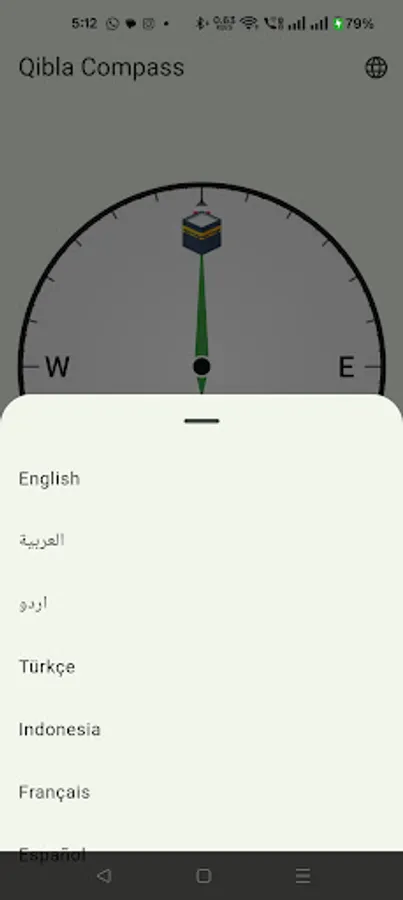
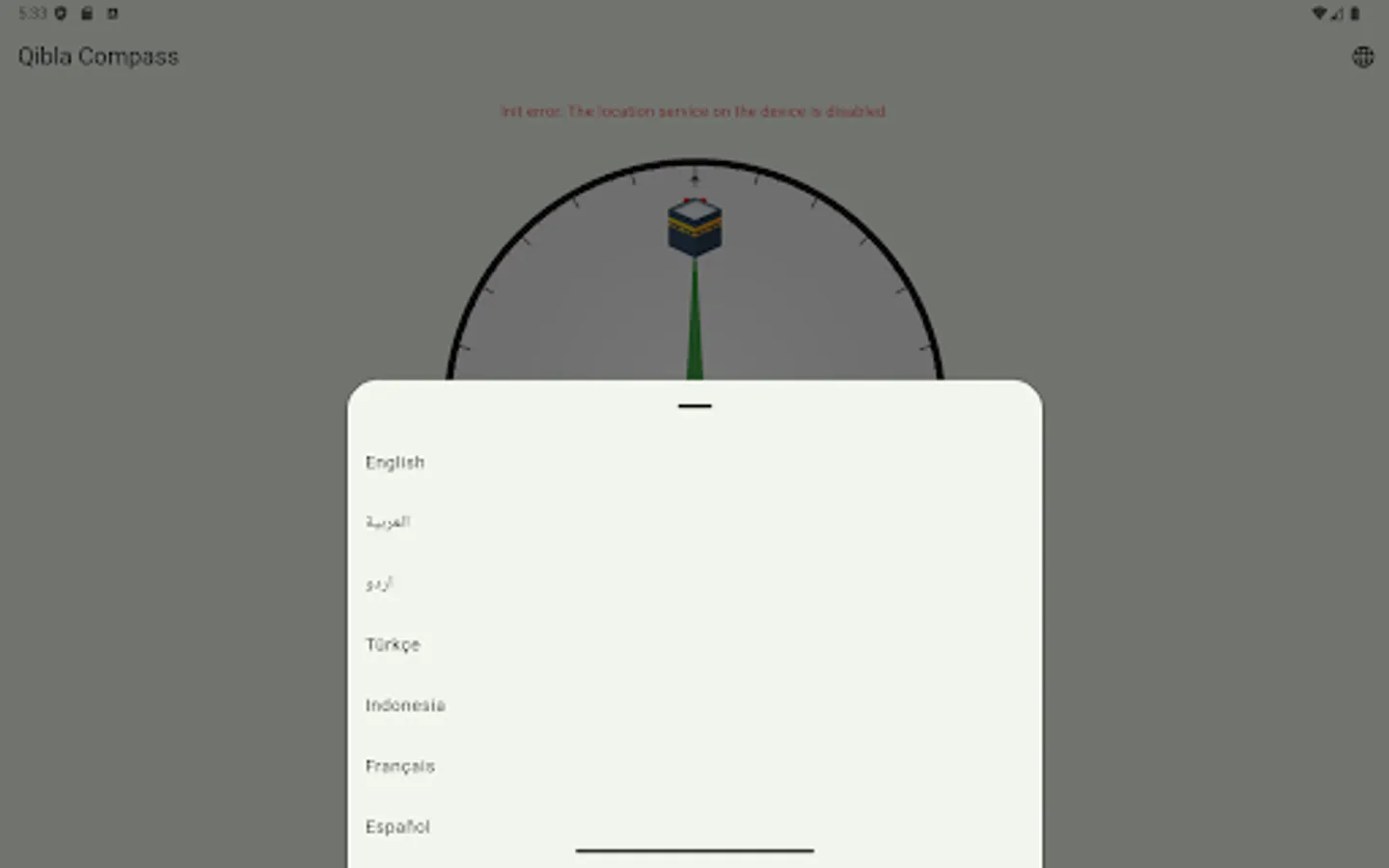
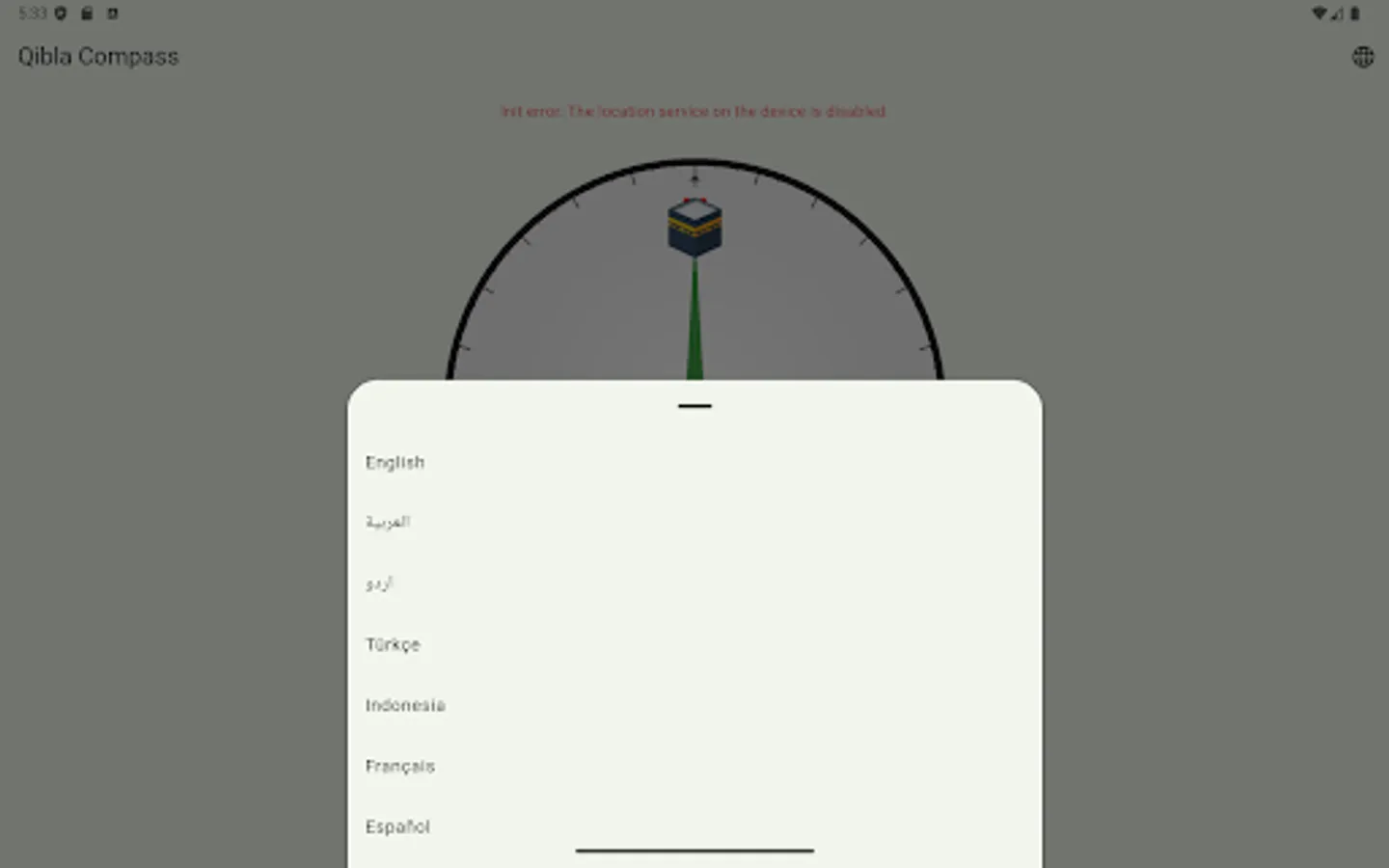
- Auto language: Follows your device language (English & Arabic included), with an in-app language switcher.
- No sign-in, no fuss: Just open and use. Designed to be fast, private, and battery-friendly.
- Helpful tips: Built-in calibration guidance (the “figure-8” motion) if your sensor needs tuning.
* How it works *
- The app reads your current location (latitude/longitude) and uses geodesic math to compute the initial bearing from you to the Kaaba in Makkah.
- The compass dial rotates opposite to your phone’s heading; the green pointer always aims at the Qibla.
- A small device-forward marker shows which way your phone is currently pointing, so alignment is intuitive.
* When to use maps *
The compass is ideal for prayer direction indoors or outdoors. If you want turn-by-turn navigation toward the Haram area, tap Directions to Qibla—your maps app will open with a route. (Requires internet and a maps app installed.)
* Accuracy & calibration tips *
- Keep the phone flat and away from metal objects, magnetic cases, or speakers that can disturb the sensor.
- If the needle jitters, move the phone in a gentle figure-8 to recalibrate.
- Indoors, large metal structures may affect readings; step away from interference if possible.
- On devices without a magnetometer, compass functionality may be limited.
* Privacy & permissions *
- Location is used on-device to compute Qibla bearing and distance.
- No account is required. The app doesn’t need contacts, a camera, or a microphone.
- Maps/navigation opens your chosen maps app; any routing data is handled by that app.
* Features at a glance *
- Qibla direction (bearing) from your position
- Distance to Masjid al-Haram (km & mi)
- One-tap maps directions
- Smooth, low-jitter compass needle
- Auto language + in-app language toggle (EN/AR)
- Offline compass & Qibla (maps need internet)
- Clear calibration guidance
* Designed for travellers and daily use *
Whether you’re at home, at work, in a hotel, or on the road, Qibla Compass gives you a trustworthy direction quickly and clearly—so you can focus on your prayer.
* Notes *
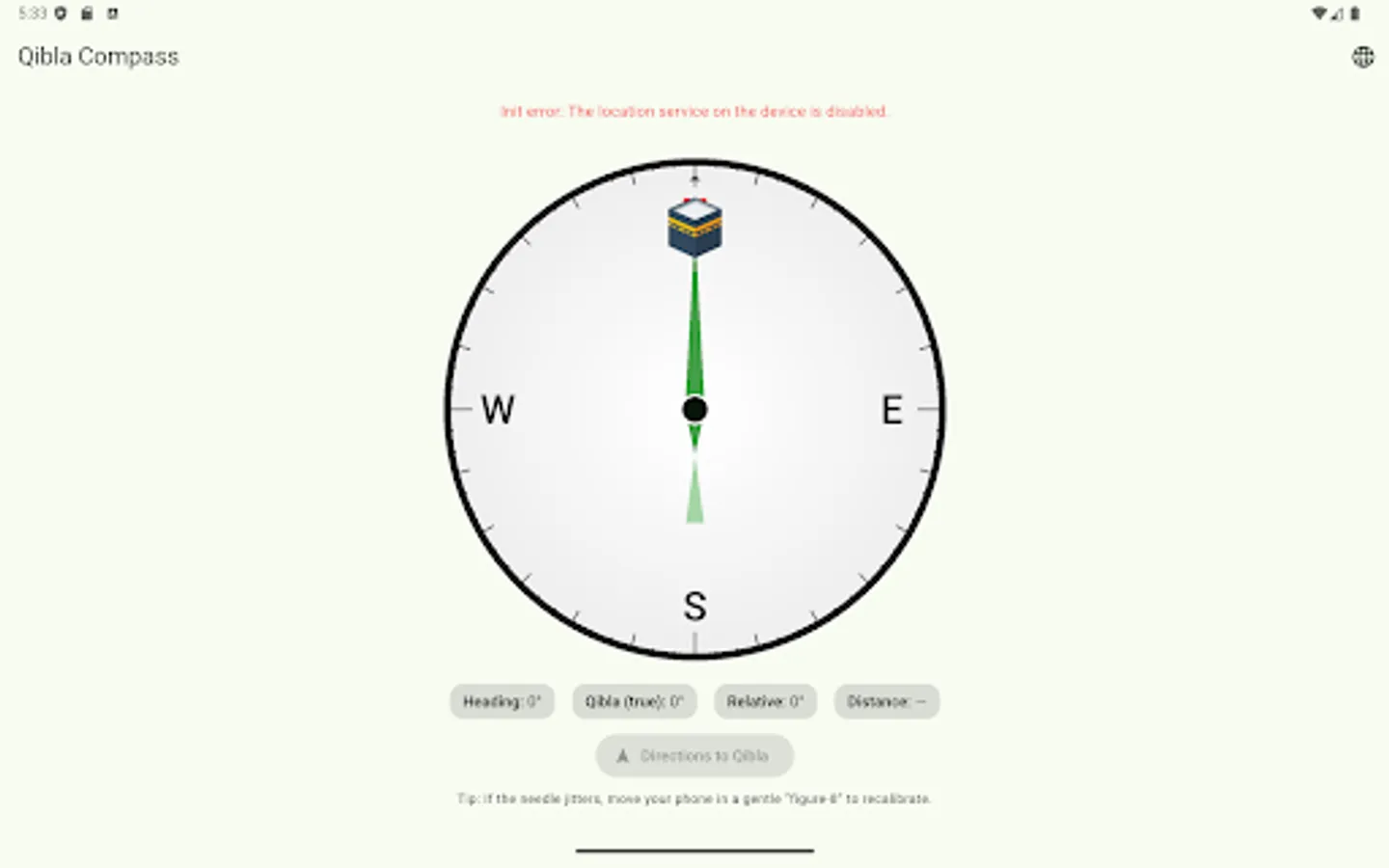
- Ensure Location permission is granted and Location Services are enabled.
- Accuracy depends on your device’s sensors and environment.
Keywords: Qibla, Qiblah, Kiblah, Kaaba direction, Makkah, Mecca, Salah, Prayer direction, Islamic compass, Qibla finder, قبلة
* Why you’ll love it *
- Accurate & responsive: Uses your phone’s magnetometer and GPS to compute a precise bearing to the Kaaba in Makkah.
- Distance to Qibla: See how far you are from Masjid al-Haram—great for learning and travel context.
- One-tap directions: Open Google Maps, Apple Maps, or your default maps app for a route to the Haram area.
- Works offline: The compass and Qibla calculation work without internet. (Maps/navigation require connectivity.)
- Simple, modern design: Clean Material 3 UI with a smooth, low-jitter needle.
- Auto language: Follows your device language (English & Arabic included), with an in-app language switcher.
- No sign-in, no fuss: Just open and use. Designed to be fast, private, and battery-friendly.
- Helpful tips: Built-in calibration guidance (the “figure-8” motion) if your sensor needs tuning.
* How it works *
- The app reads your current location (latitude/longitude) and uses geodesic math to compute the initial bearing from you to the Kaaba in Makkah.
- The compass dial rotates opposite to your phone’s heading; the green pointer always aims at the Qibla.
- A small device-forward marker shows which way your phone is currently pointing, so alignment is intuitive.
* When to use maps *
The compass is ideal for prayer direction indoors or outdoors. If you want turn-by-turn navigation toward the Haram area, tap Directions to Qibla—your maps app will open with a route. (Requires internet and a maps app installed.)
* Accuracy & calibration tips *
- Keep the phone flat and away from metal objects, magnetic cases, or speakers that can disturb the sensor.
- If the needle jitters, move the phone in a gentle figure-8 to recalibrate.
- Indoors, large metal structures may affect readings; step away from interference if possible.
- On devices without a magnetometer, compass functionality may be limited.
* Privacy & permissions *
- Location is used on-device to compute Qibla bearing and distance.
- No account is required. The app doesn’t need contacts, a camera, or a microphone.
- Maps/navigation opens your chosen maps app; any routing data is handled by that app.
* Features at a glance *
- Qibla direction (bearing) from your position
- Distance to Masjid al-Haram (km & mi)
- One-tap maps directions
- Smooth, low-jitter compass needle
- Auto language + in-app language toggle (EN/AR)
- Offline compass & Qibla (maps need internet)
- Clear calibration guidance
* Designed for travellers and daily use *
Whether you’re at home, at work, in a hotel, or on the road, Qibla Compass gives you a trustworthy direction quickly and clearly—so you can focus on your prayer.
* Notes *
- Ensure Location permission is granted and Location Services are enabled.
- Accuracy depends on your device’s sensors and environment.
Keywords: Qibla, Qiblah, Kiblah, Kaaba direction, Makkah, Mecca, Salah, Prayer direction, Islamic compass, Qibla finder, قبلة