Voice Translator: Photo, Text
Shexa Technolabs
3.7 ★
store rating
1,000,000+
downloads
Free
+ in-app
AppRecs review analysis
AppRecs rating 3.0. Trustworthiness 78 out of 100. Review manipulation risk 31 out of 100. Based on a review sample analyzed.
★★☆☆☆
3.0
AppRecs Rating
Ratings breakdown
5 star
61%
4 star
6%
3 star
3%
2 star
4%
1 star
27%
What to know
⚠
Ad complaints
Many low ratings mention excessive ads
⚠
Review quality concerns
68% of sampled 5-star reviews are very short
⚠
High negative review ratio
31% of sampled ratings are 1–2 stars
About Voice Translator: Photo, Text
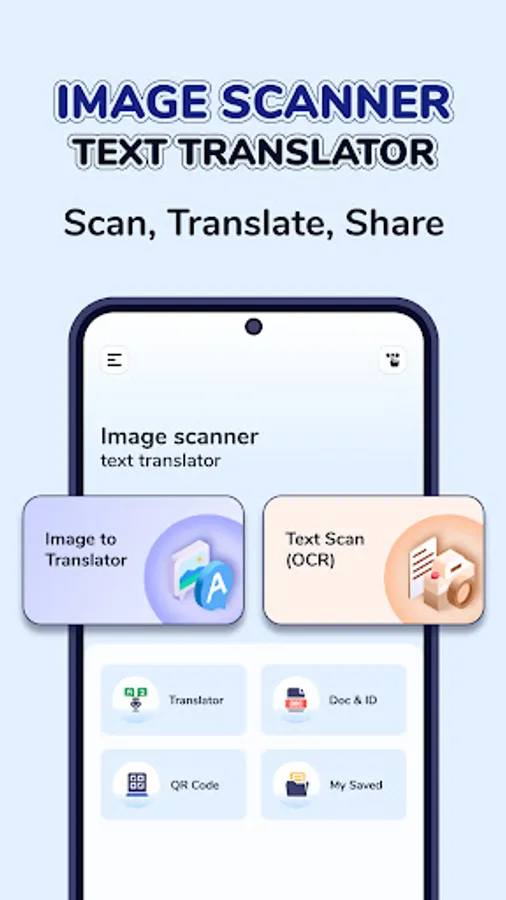
- TRANSLATE VOICE, PHOTOS, TEXT INSTANTLY, EXTRACT TEXT FROM IMAGES WITH OCR AND EXPERIENCE TWO-WAY TRANSLATION TO TALK WITH PEOPLE IN DIFFERENT LANGUAGES.
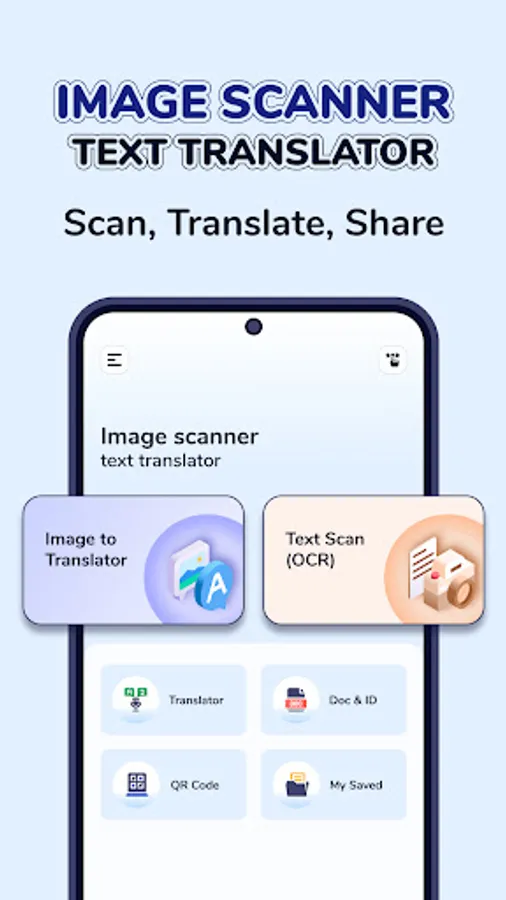
- SCAN DOCUMENTS, ID CARDS, AND QR CODES — ALL IN ONE APP.
➤WITH THIS APP YOU CAN:
---------
✅INSTANT TRAVEL TRANSLATION: -Translate menus, signs, and documents while traveling.
✅NO LANGUAGE BARRIER: Communicate easily with people speaking other languages.
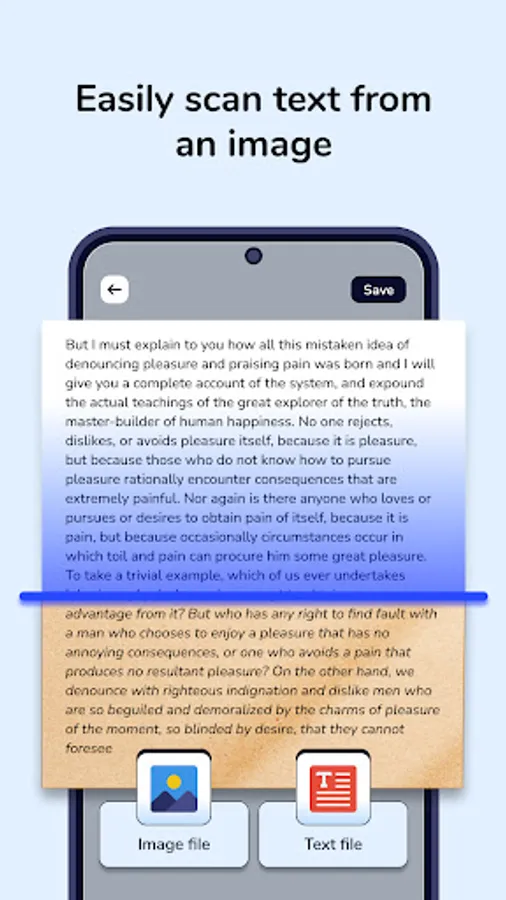
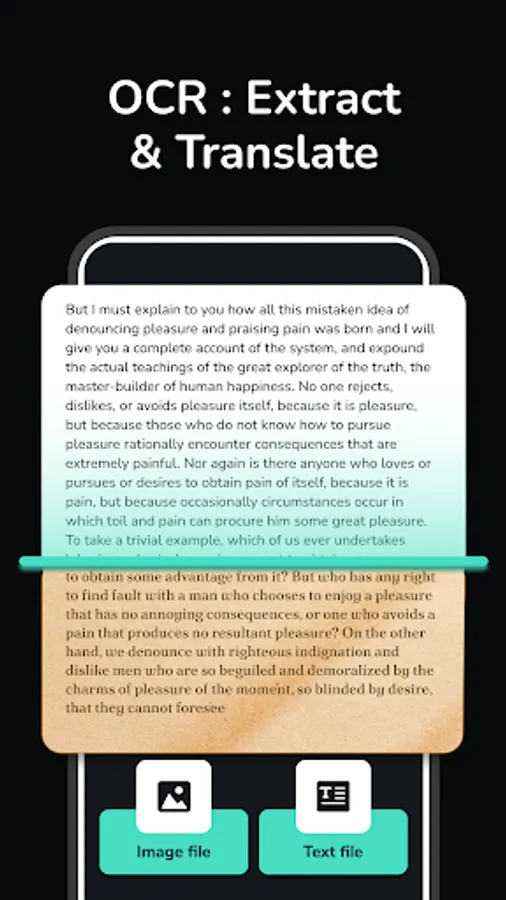
✅QUICK OCR EXTRACTION: Extract and translate text from images, posters, or books.
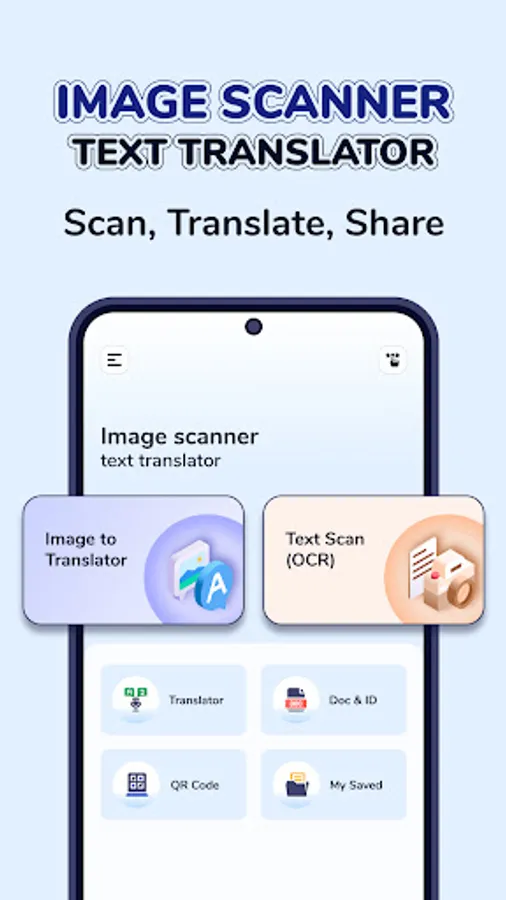
✅SMART SCANNING TOOLS: Scan and store documents, ID cards, and QR codes.
➤KEY FEATURES:
---------
➤VOICE TRANSLATION (TWO-WAY COMMUNICATION)
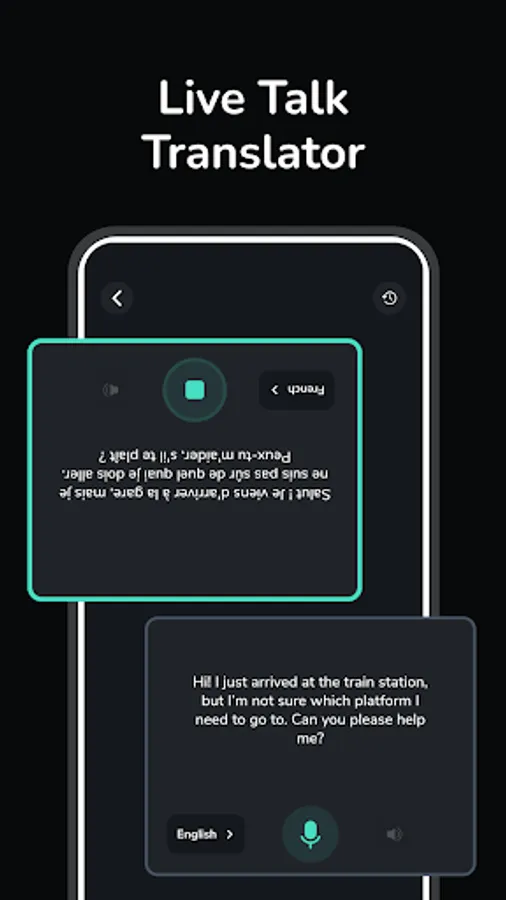
-Speak in your own language while the other person speaks in theirs. The screen is split for both sides, each with its own mic and language setting. As you talk, the translation is shown as text on the other side. All translations are saved in history, which appears like a Person A & Person B for easy reading.
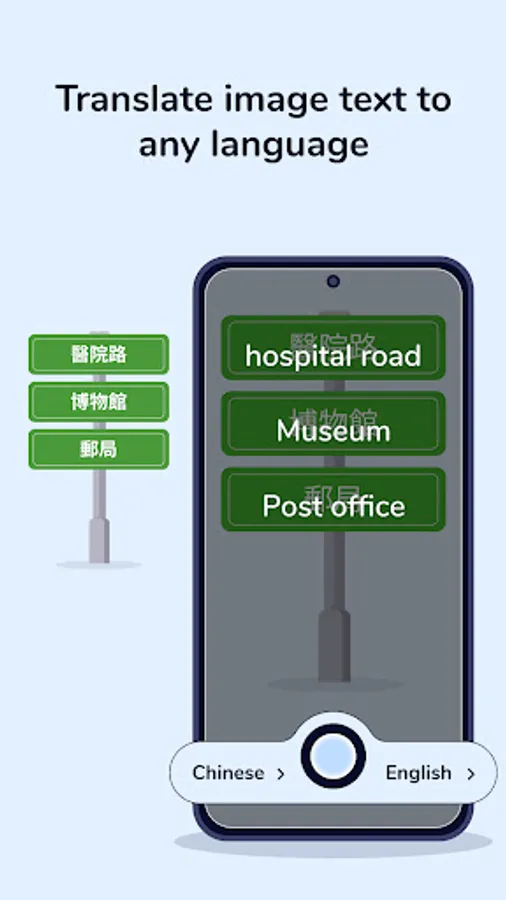
➤PHOTO TRANSLATION
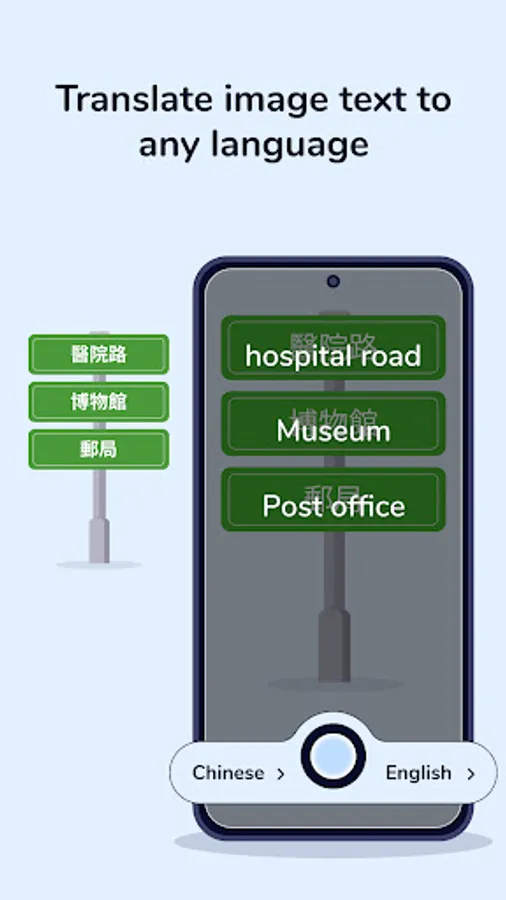
-Capture an image using the camera or choose one from the gallery, select input and output languages, and see the translation displayed directly on the image. Copy, share, or save the translated version with or without text.
➤TEXT TRANSLATOR
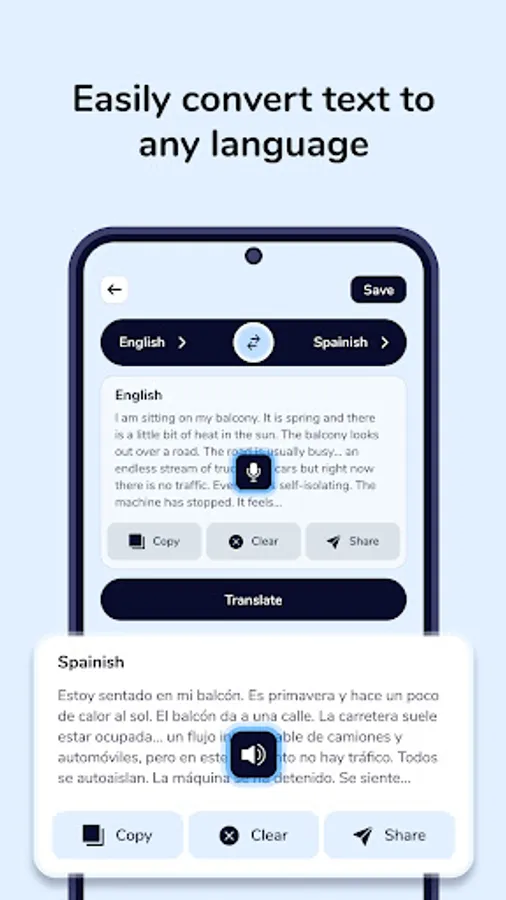
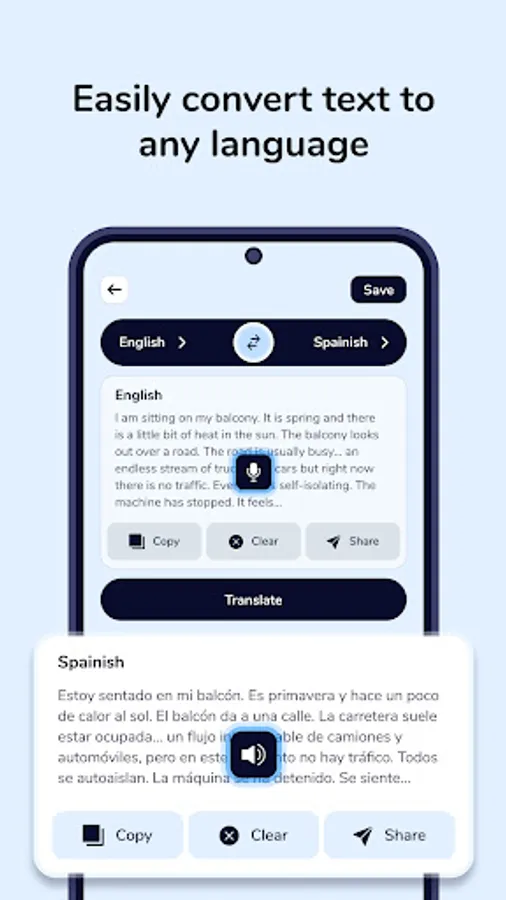
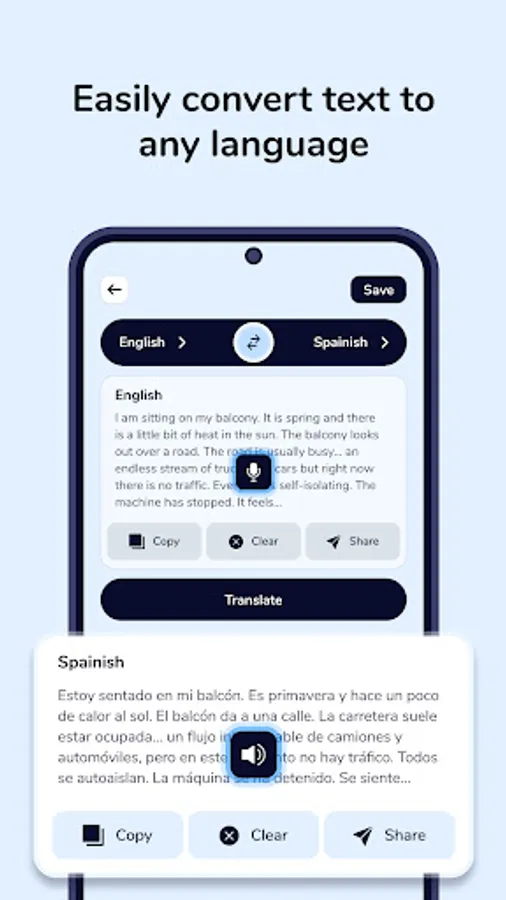
Enter text in any language and instantly get it translated into your chosen output language. Save or share the translated text with one tap.
➤TEXT SCAN (OCR)
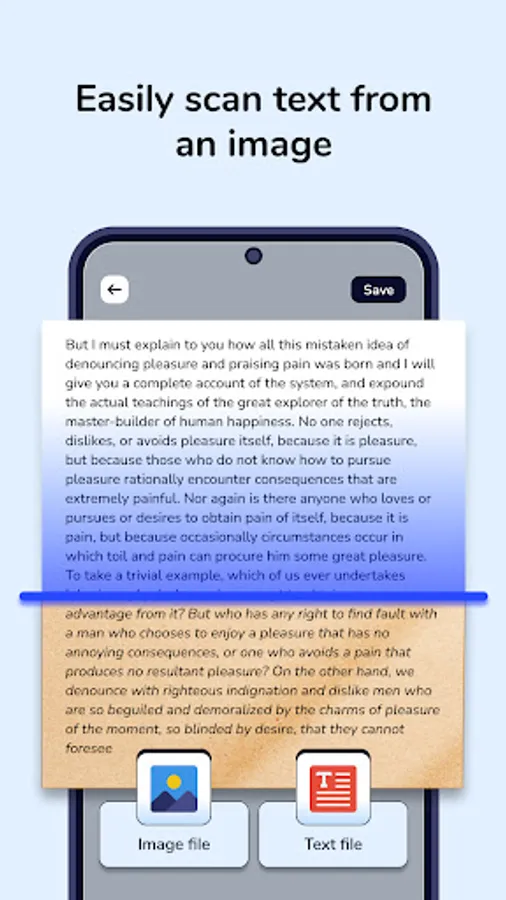
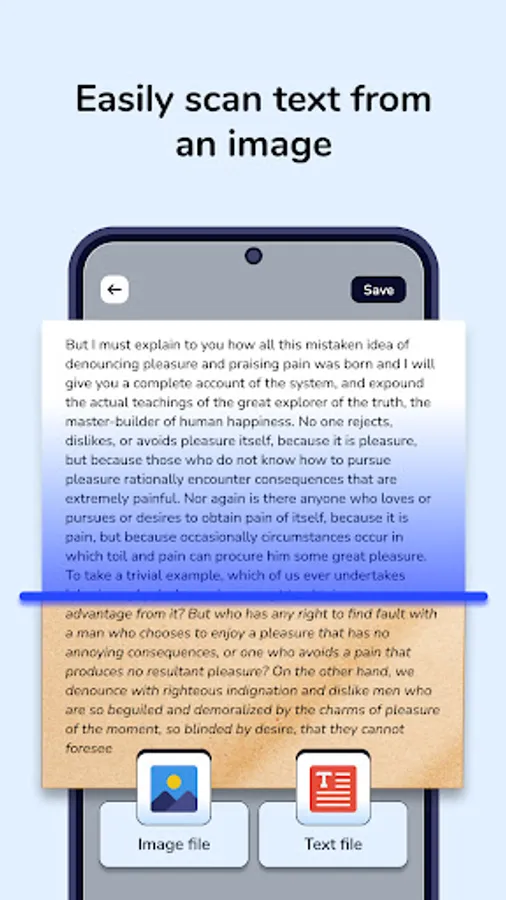
Extract text from any image using OCR technology. View, translate, listen to, copy, share, or save the extracted text or image.
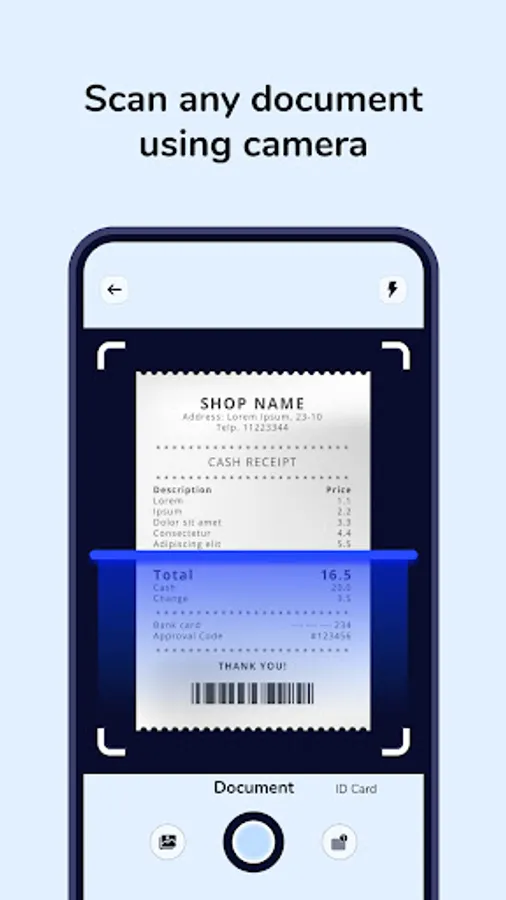
➤DOCUMENT & ID CARD SCAN
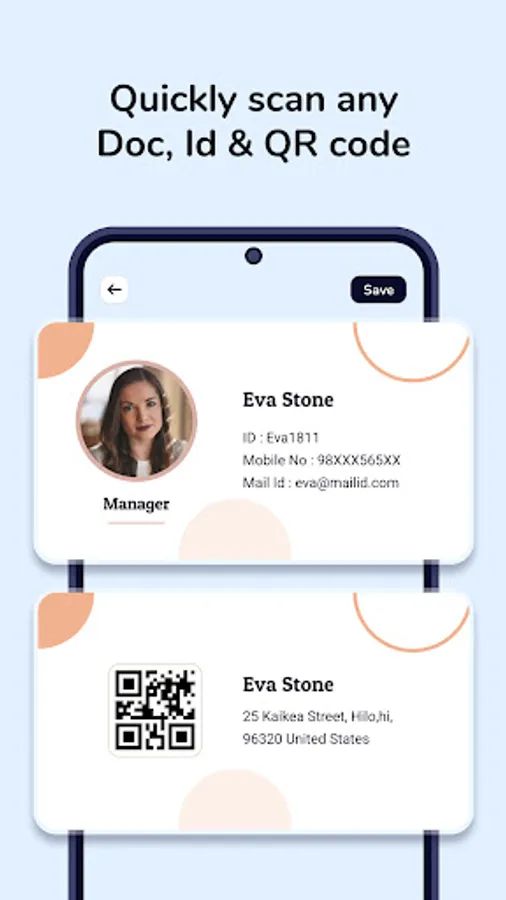
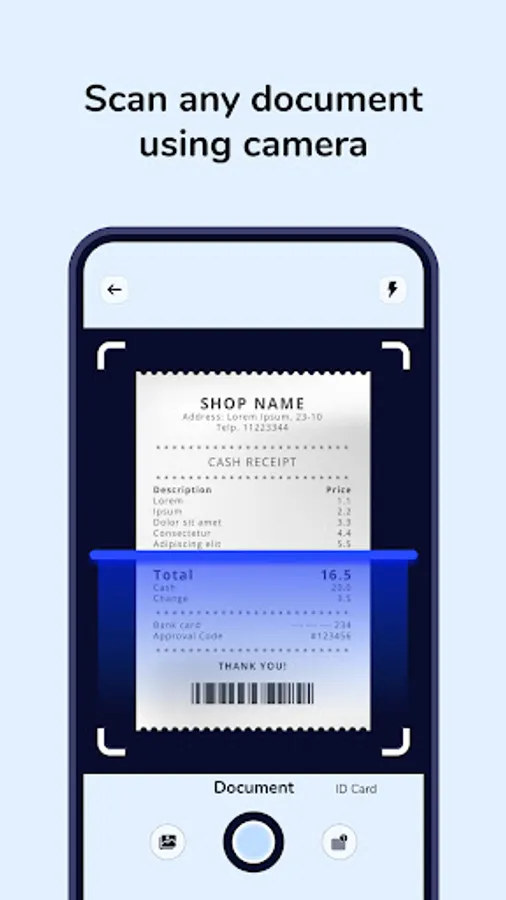
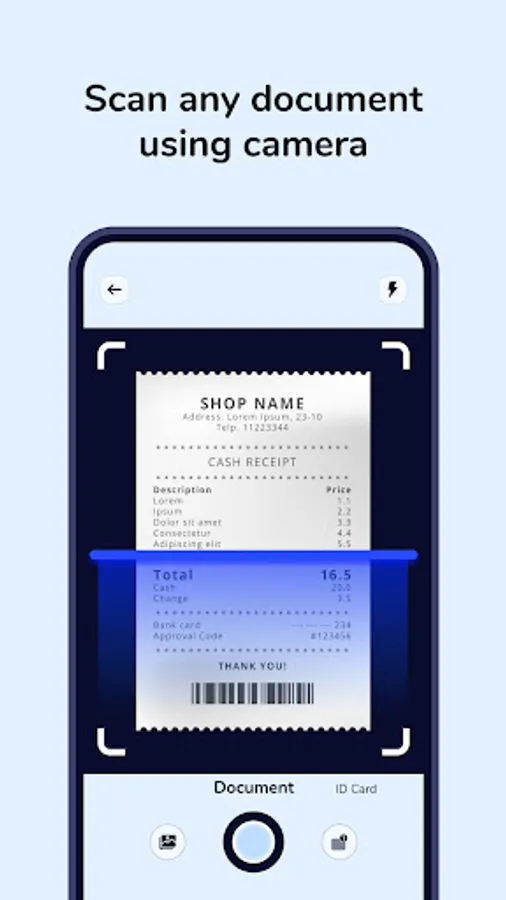
Scan documents or ID cards, auto-detect edges, crop, edit, and save the scanned file.
➤QR CODE SCANNER
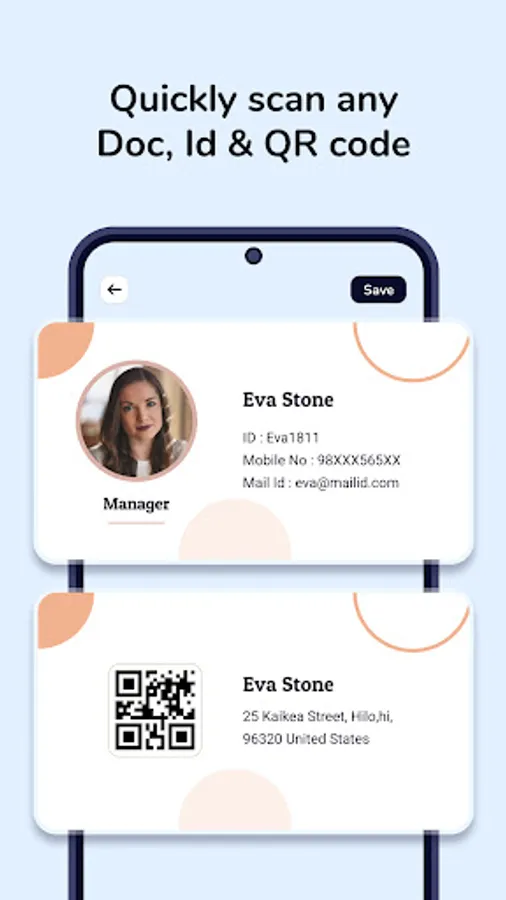
Scan any QR code to view its details, copy the information, share it, or save it.
➤MY SAVED FILES
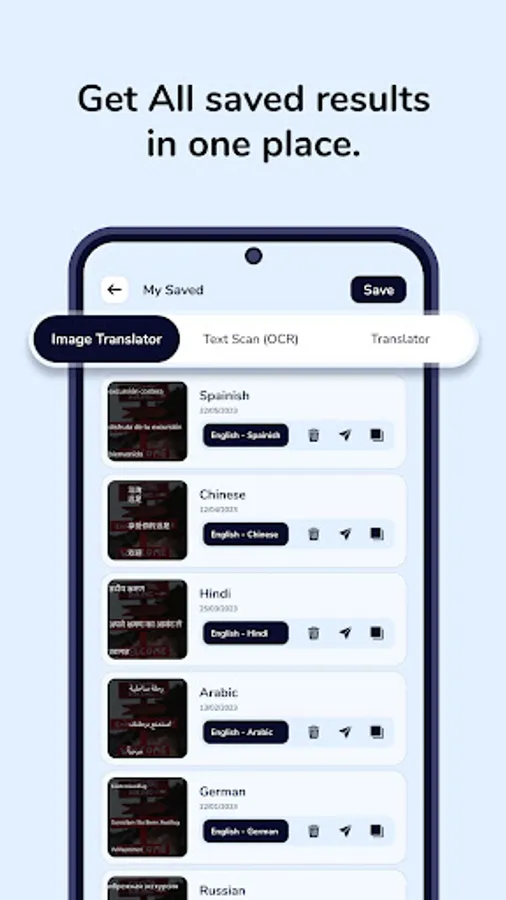
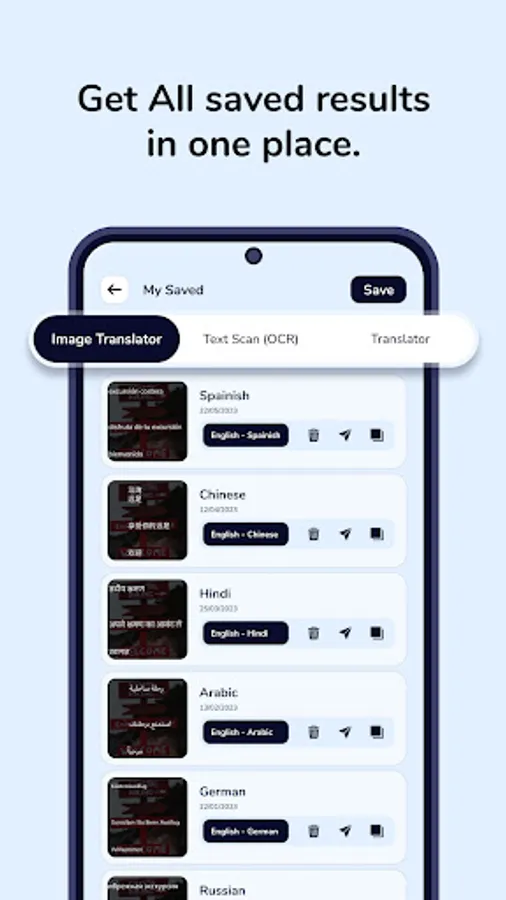
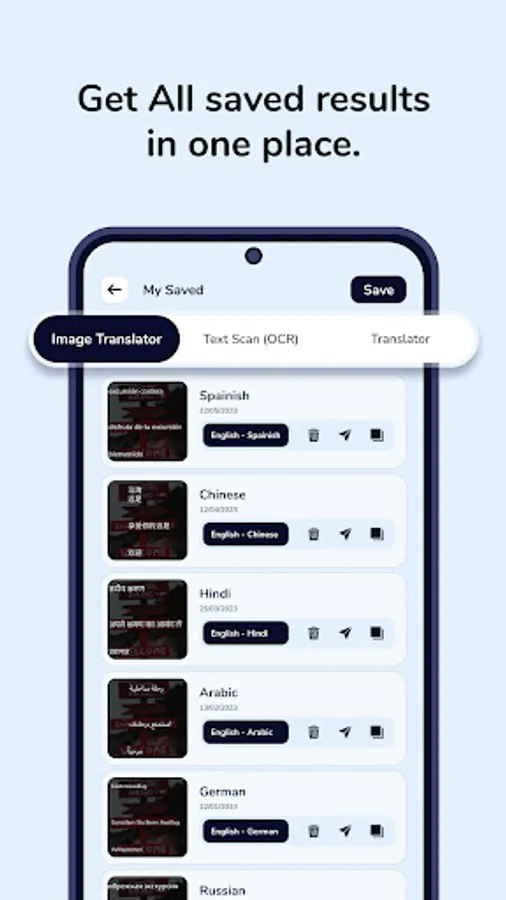
Quickly access all your saved translations, scans, and QR code results in one place.
➤POPULAR WAYS OF USE & CAN BENEFIT FROM THIS APP
------------
✅READING A RESTAURANT MENU ABROAD
– Take a photo of the menu and instantly see the translated dishes in your language.
✅ASKING FOR DIRECTIONS IN A FOREIGN COUNTRY
– Use two-way communication mode to talk with locals and understand their reply.
✅TRANSLATING A PRODUCT LABEL WHILE SHOPPING – Scan packaging to check ingredients or instructions in your own language.
✅UNDERSTANDING A STREET SIGN OR NOTICE
– Point your camera to get quick translation without typing anything.
✅FILLING OUT A FORM IN ANOTHER LANGUAGE
– Scan documents or ID cards & Save It.
✅ACCESSING A DIGITAL MENU FROM A QR CODE
– Scan a QR code at a café or restaurant to instantly check its content.
PERMISSION:
---------
1. Camera: We require camera permission to capture photos for translation, scan text, documents, ID cards, and QR codes.
2. Record Audio Permission : We require microphone permission to record audio for translation.
- SCAN DOCUMENTS, ID CARDS, AND QR CODES — ALL IN ONE APP.
➤WITH THIS APP YOU CAN:
---------
✅INSTANT TRAVEL TRANSLATION: -Translate menus, signs, and documents while traveling.
✅NO LANGUAGE BARRIER: Communicate easily with people speaking other languages.
✅QUICK OCR EXTRACTION: Extract and translate text from images, posters, or books.
✅SMART SCANNING TOOLS: Scan and store documents, ID cards, and QR codes.
➤KEY FEATURES:
---------
➤VOICE TRANSLATION (TWO-WAY COMMUNICATION)
-Speak in your own language while the other person speaks in theirs. The screen is split for both sides, each with its own mic and language setting. As you talk, the translation is shown as text on the other side. All translations are saved in history, which appears like a Person A & Person B for easy reading.
➤PHOTO TRANSLATION
-Capture an image using the camera or choose one from the gallery, select input and output languages, and see the translation displayed directly on the image. Copy, share, or save the translated version with or without text.
➤TEXT TRANSLATOR
Enter text in any language and instantly get it translated into your chosen output language. Save or share the translated text with one tap.
➤TEXT SCAN (OCR)
Extract text from any image using OCR technology. View, translate, listen to, copy, share, or save the extracted text or image.
➤DOCUMENT & ID CARD SCAN
Scan documents or ID cards, auto-detect edges, crop, edit, and save the scanned file.
➤QR CODE SCANNER
Scan any QR code to view its details, copy the information, share it, or save it.
➤MY SAVED FILES
Quickly access all your saved translations, scans, and QR code results in one place.
➤POPULAR WAYS OF USE & CAN BENEFIT FROM THIS APP
------------
✅READING A RESTAURANT MENU ABROAD
– Take a photo of the menu and instantly see the translated dishes in your language.
✅ASKING FOR DIRECTIONS IN A FOREIGN COUNTRY
– Use two-way communication mode to talk with locals and understand their reply.
✅TRANSLATING A PRODUCT LABEL WHILE SHOPPING – Scan packaging to check ingredients or instructions in your own language.
✅UNDERSTANDING A STREET SIGN OR NOTICE
– Point your camera to get quick translation without typing anything.
✅FILLING OUT A FORM IN ANOTHER LANGUAGE
– Scan documents or ID cards & Save It.
✅ACCESSING A DIGITAL MENU FROM A QR CODE
– Scan a QR code at a café or restaurant to instantly check its content.
PERMISSION:
---------
1. Camera: We require camera permission to capture photos for translation, scan text, documents, ID cards, and QR codes.
2. Record Audio Permission : We require microphone permission to record audio for translation.