AeroConn - network monitoring
shilimobi
4.1 ★
store rating
50,000+
downloads
Free
AppRecs review analysis
AppRecs rating 4.1. Trustworthiness 0 out of 100. Review manipulation risk 0 out of 100. Based on a review sample analyzed.
★★★★☆
4.1
AppRecs Rating
Ratings breakdown
5 star
67%
4 star
8%
3 star
0%
2 star
17%
1 star
8%
What to know
✓
High user satisfaction
75% of sampled ratings are 4+ stars (4.1★ average)
✓
Authentic reviews
Natural distribution, no red flags
About AeroConn - network monitoring
AeroConn is an easy way to monitor and count your GSM or WIFI current network usage and internet speed meter with indicator on status bar.
FEATURES:
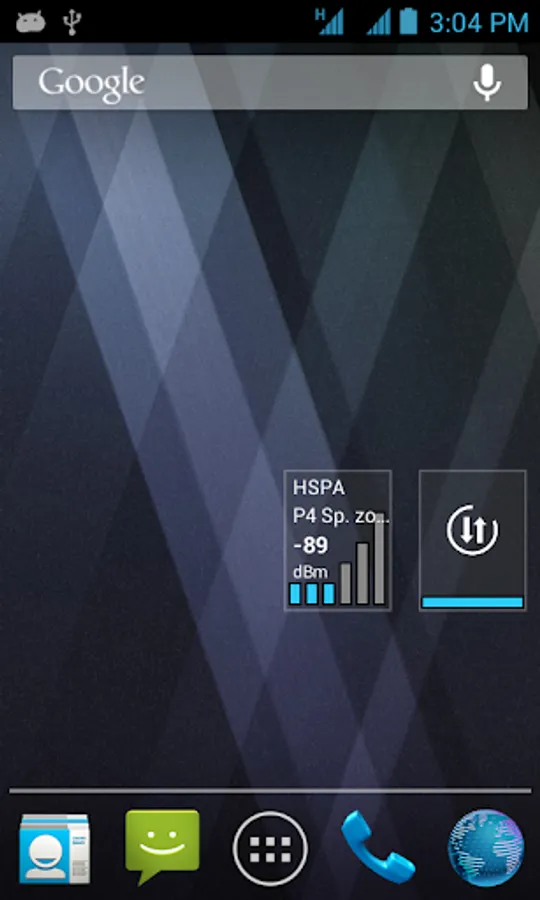
• home screen widget showing the signal level,
• counters on the status bar (current transfer),
• traffic monitor,
• data transfer scheduler, (IMPORTANT: may don’t work on android 5)
• support for the Aero2 Captcha (in Poland)
WIDGET:
Provides information about the currently used network , whether WiFi or cellular connection.
Widget showing: network type, network name, signal strength (dBm)
COUNTERS ON THE STATUS BAR:
Displays current download or upload speed directly on status bar. This helps you to monitor network connection anytime while using your device.
TRAFFIC MONITOR:
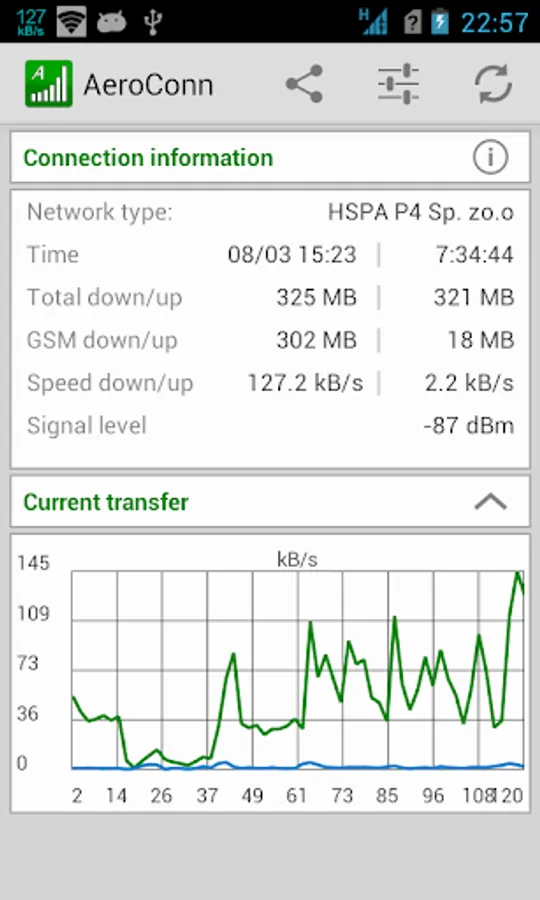
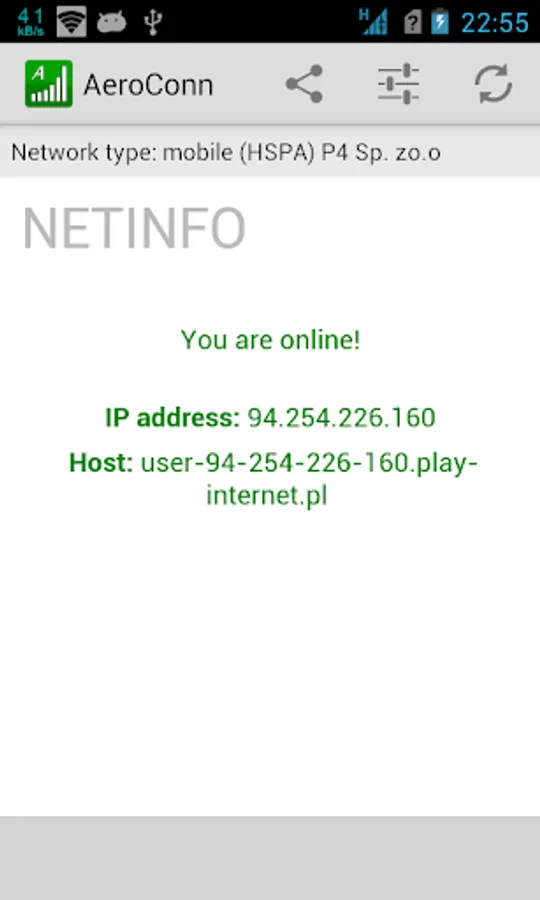
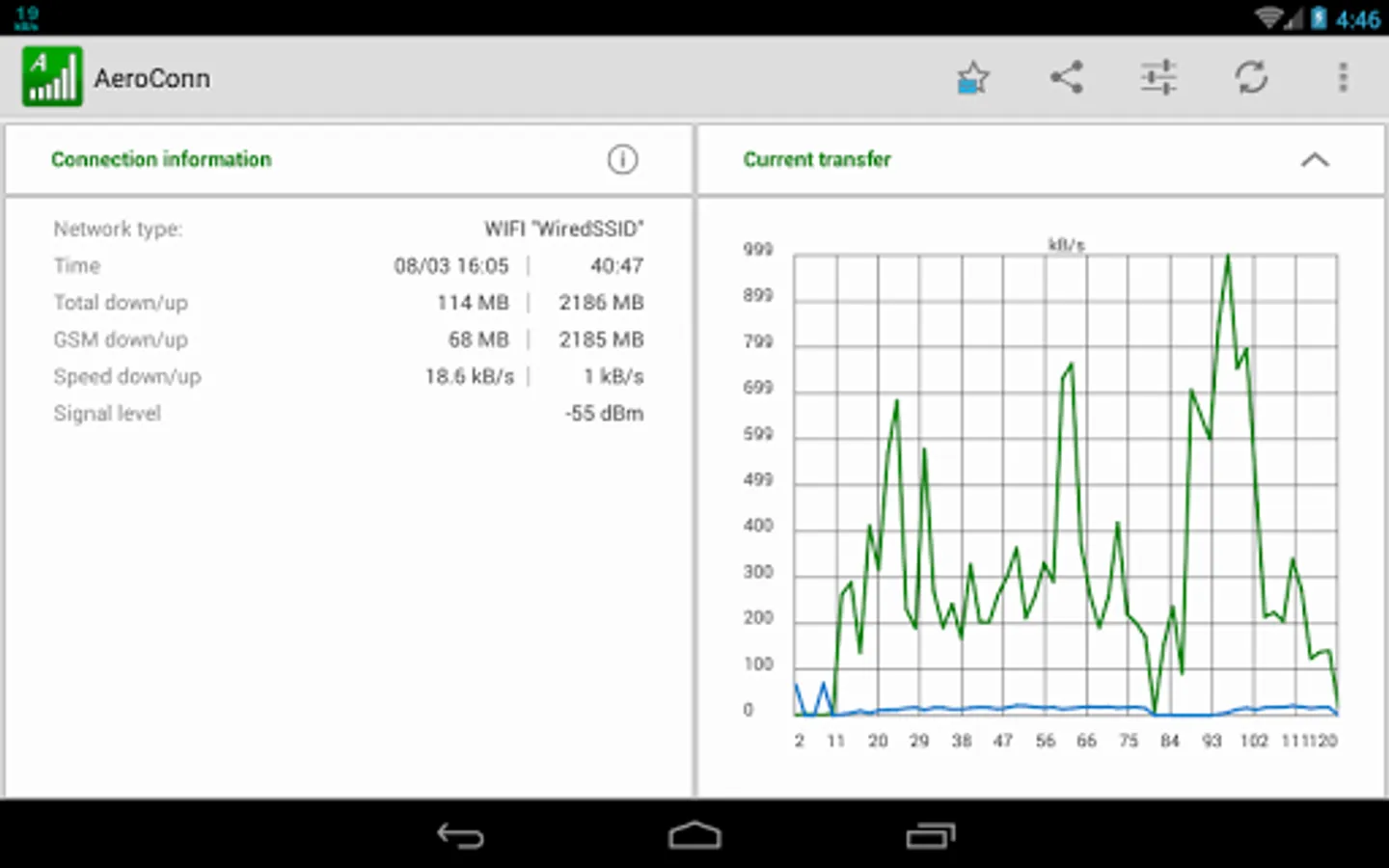
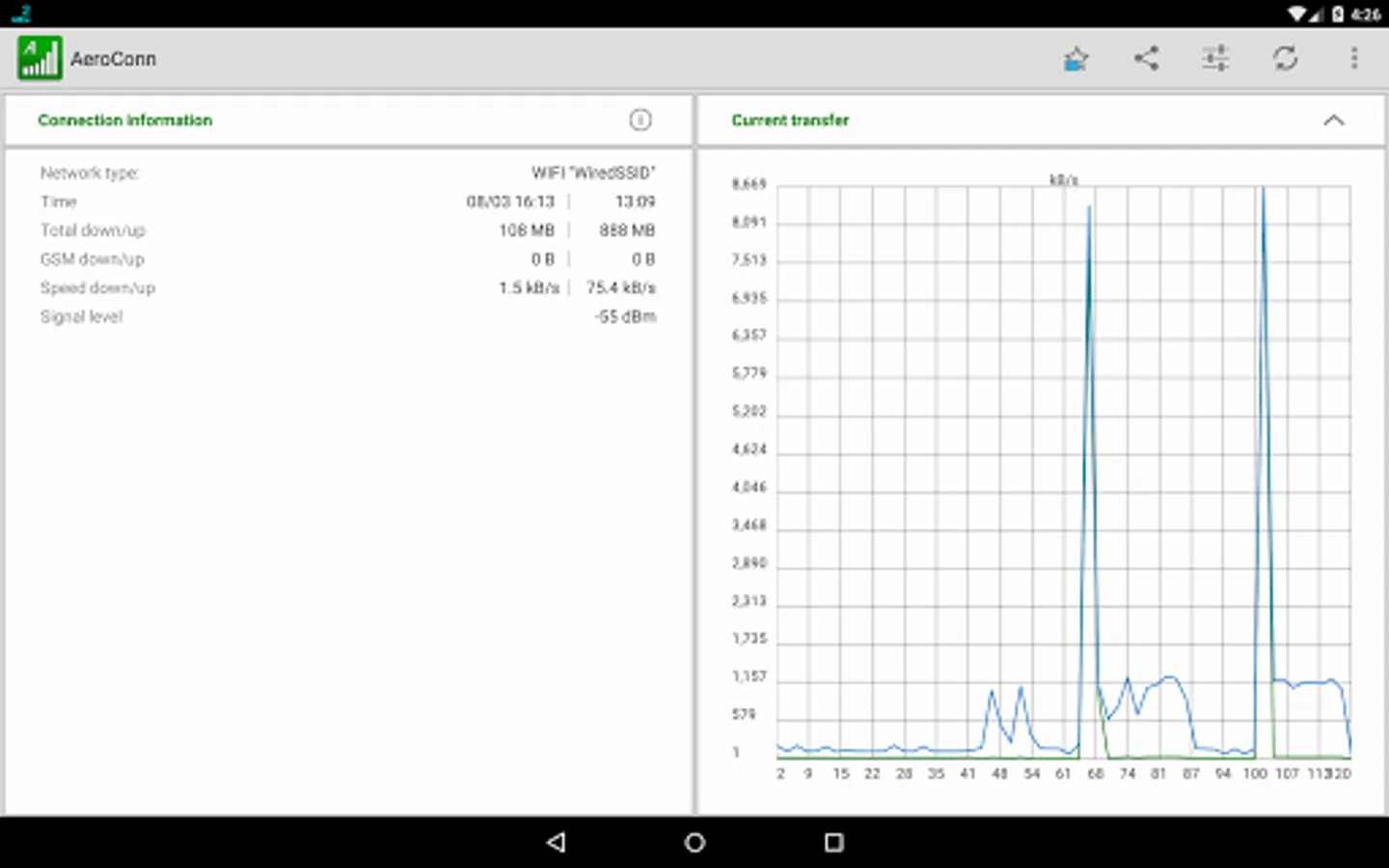
Main screen. Left screen presents Your IP Address and Hostname. Right screen is network showing:
• uptime - time from last reboot device.
• amount of download and upload data over WIFI and GSM together,
• amount of download and upload data over GSM,
• current transfers (on current internet connection),
• signal level in dBm.
The graph shows the transfers of the last two minutes.
DATA TRANSFER SCHEDULER:
(need root on android 5 and above)
Disables data transmission when the screen is blank. Optionally, can turn every several minutes to retrieve the message. Contains a widget switch this option.
SUPPORT FOR AERO2:
Support for Aero2 network in Poland.
FEATURES:
• home screen widget showing the signal level,
• counters on the status bar (current transfer),
• traffic monitor,
• data transfer scheduler, (IMPORTANT: may don’t work on android 5)
• support for the Aero2 Captcha (in Poland)
WIDGET:
Provides information about the currently used network , whether WiFi or cellular connection.
Widget showing: network type, network name, signal strength (dBm)
COUNTERS ON THE STATUS BAR:
Displays current download or upload speed directly on status bar. This helps you to monitor network connection anytime while using your device.
TRAFFIC MONITOR:
Main screen. Left screen presents Your IP Address and Hostname. Right screen is network showing:
• uptime - time from last reboot device.
• amount of download and upload data over WIFI and GSM together,
• amount of download and upload data over GSM,
• current transfers (on current internet connection),
• signal level in dBm.
The graph shows the transfers of the last two minutes.
DATA TRANSFER SCHEDULER:
(need root on android 5 and above)
Disables data transmission when the screen is blank. Optionally, can turn every several minutes to retrieve the message. Contains a widget switch this option.
SUPPORT FOR AERO2:
Support for Aero2 network in Poland.