
Compress Video Size
ShirAgin
4.8 ★
972 ratings
10,000+
downloads
Free
+ in-app
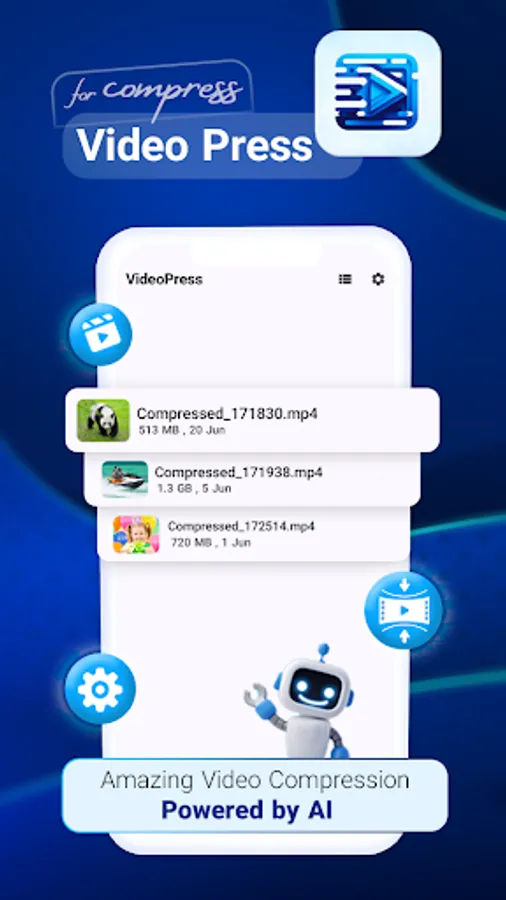
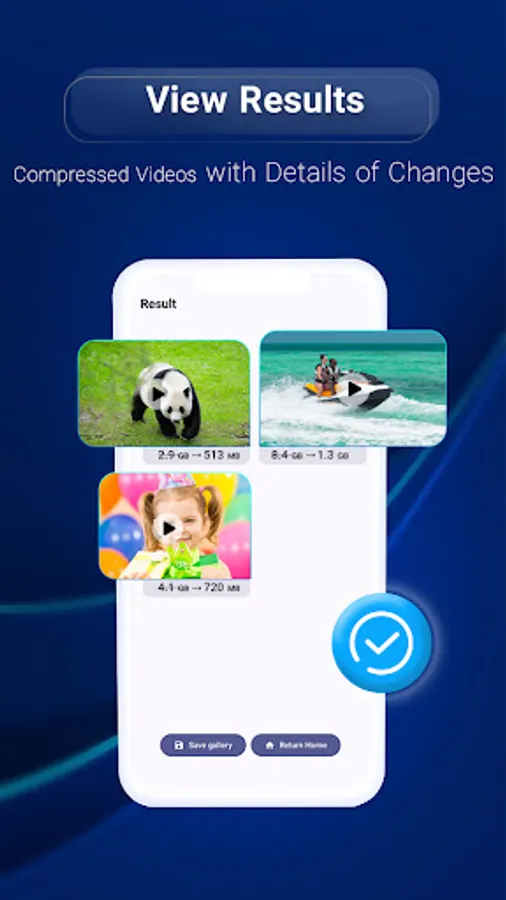
With this video compression app, you can reduce video file size, trim clips, and adjust quality settings. Includes offline processing, editing tools, and easy sharing options.
AppRecs review analysis
AppRecs rating 3.9. Trustworthiness 68 out of 100. Review manipulation risk 50 out of 100. Based on a review sample analyzed.
★★★☆☆
3.9
AppRecs Rating
Ratings breakdown
5 star
90%
4 star
2%
3 star
5%
2 star
0%
1 star
2%
What to know
⚠
Questionable review patterns
50% review manipulation risk - some review patterns appear unusual
⚠
Rating authenticity concerns
High rating concentration (90% 5-star) in sampled ratings
⚠
Review quality concerns
97% of sampled 5-star reviews are very short
About Compress Video Size
Free up space and share videos faster with Video Compressor – Compress Video Size.
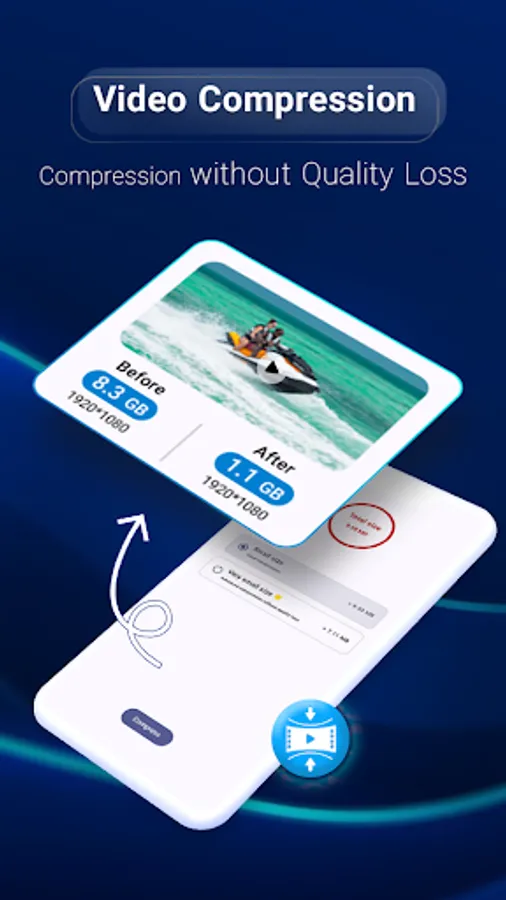
This powerful app helps you compress videos offline, reduce file size, and keep original quality — all in seconds.
🎥 Why use Video Compressor?
Offline compression: Works without internet. Your videos never leave your phone.
No watermark: Save clean, professional videos.
Fast & easy: Simple interface to compress, resize, and share.
Custom quality control: Adjust bitrate, resolution, and size for perfect balance.
Built-in video editor: Trim, cut, and shorten clips before compression.
💡 Perfect for:
Sending videos via WhatsApp, Telegram, or Email.
Uploading faster to social media.
Saving storage on your device.
Using Video Compressor & Video Editor, you can make large videos smaller while keeping them clear and smooth. No ads interruption, no quality loss — just quick, reliable video compression.
Download Video Compressor – Compress Video Size now and enjoy faster sharing, more free space, and privacy-safe offline compression!
This powerful app helps you compress videos offline, reduce file size, and keep original quality — all in seconds.
🎥 Why use Video Compressor?
Offline compression: Works without internet. Your videos never leave your phone.
No watermark: Save clean, professional videos.
Fast & easy: Simple interface to compress, resize, and share.
Custom quality control: Adjust bitrate, resolution, and size for perfect balance.
Built-in video editor: Trim, cut, and shorten clips before compression.
💡 Perfect for:
Sending videos via WhatsApp, Telegram, or Email.
Uploading faster to social media.
Saving storage on your device.
Using Video Compressor & Video Editor, you can make large videos smaller while keeping them clear and smooth. No ads interruption, no quality loss — just quick, reliable video compression.
Download Video Compressor – Compress Video Size now and enjoy faster sharing, more free space, and privacy-safe offline compression!
Compress Video Size Screenshots

Tap to Rate:
Reviews for Compress Video Size
REZA KH
9/2/2025
زیاد حجم رو کم نمیکنه! حجم رو نمیتونی انتخاب کنی ، not good
Yin Li
8/22/2025
good