Fake Messenger
SimpleAppsPro
4.1 ★
store rating
50,000+
downloads
Free
+ in-app
AppRecs review analysis
AppRecs rating 3.4. Trustworthiness 74 out of 100. Review manipulation risk 37 out of 100. Based on a review sample analyzed.
★★★☆☆
3.4
AppRecs Rating
Ratings breakdown
5 star
65%
4 star
10%
3 star
6%
2 star
4%
1 star
15%
What to know
✓
Credible reviews
74% trustworthiness score from analyzed reviews
✓
High user satisfaction
75% of sampled ratings are 4+ stars (4.1★ average)
⚠
Review quality concerns
74% of sampled 5-star reviews are very short
About Fake Messenger
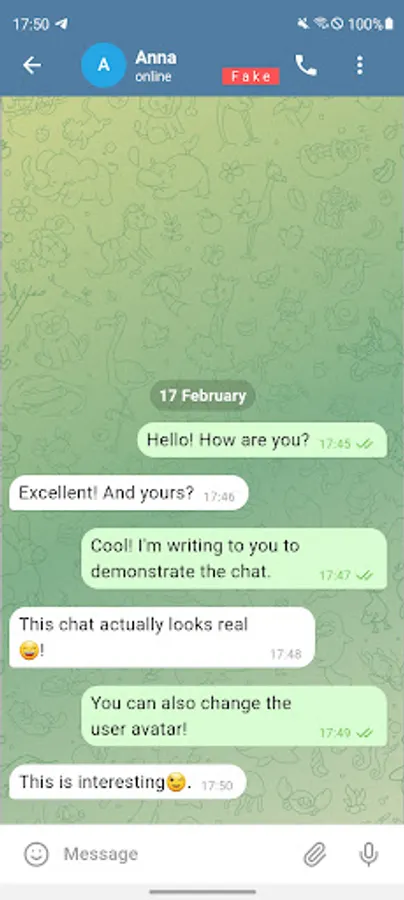
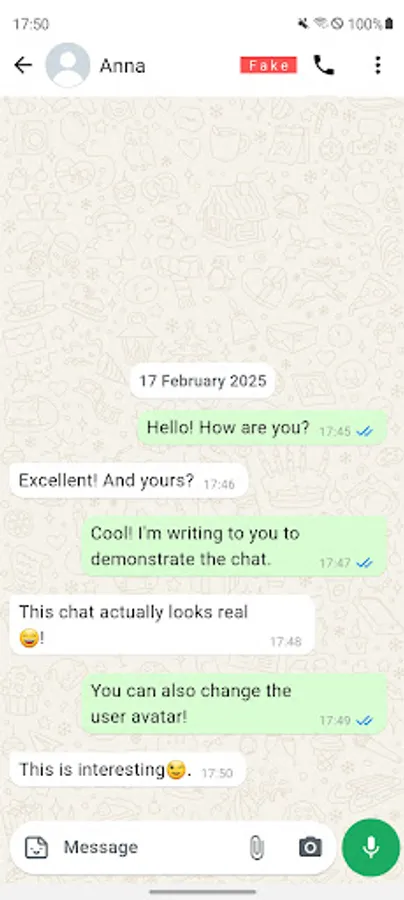
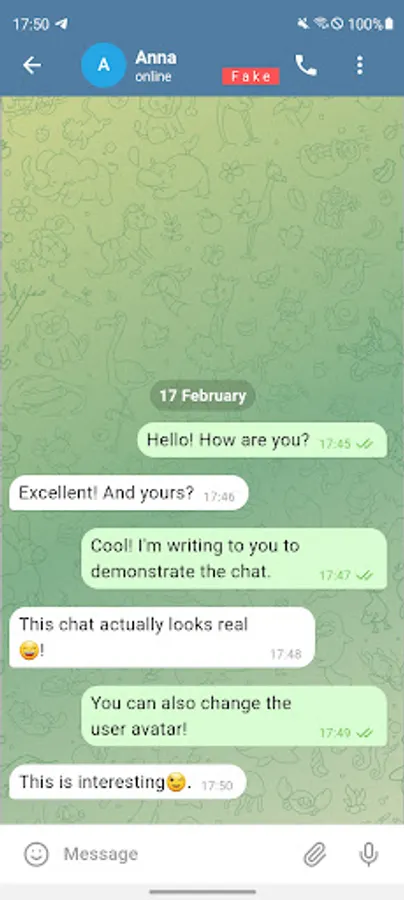
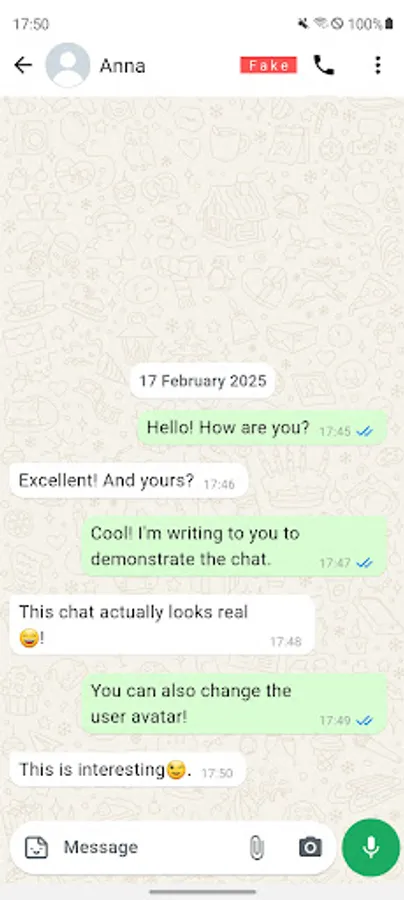
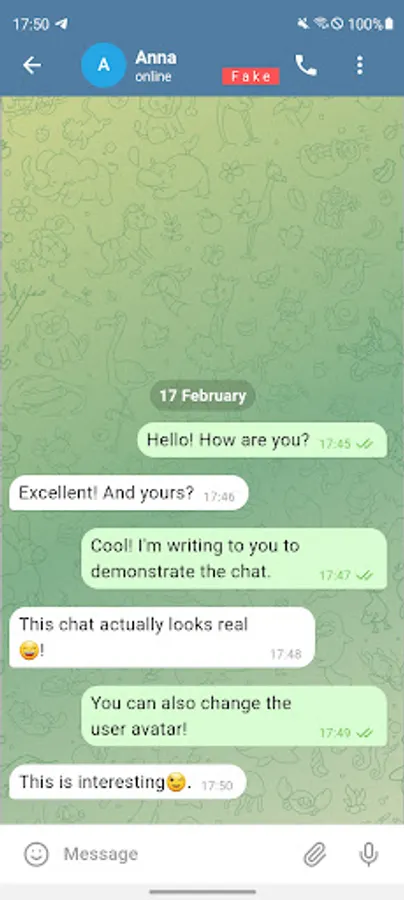
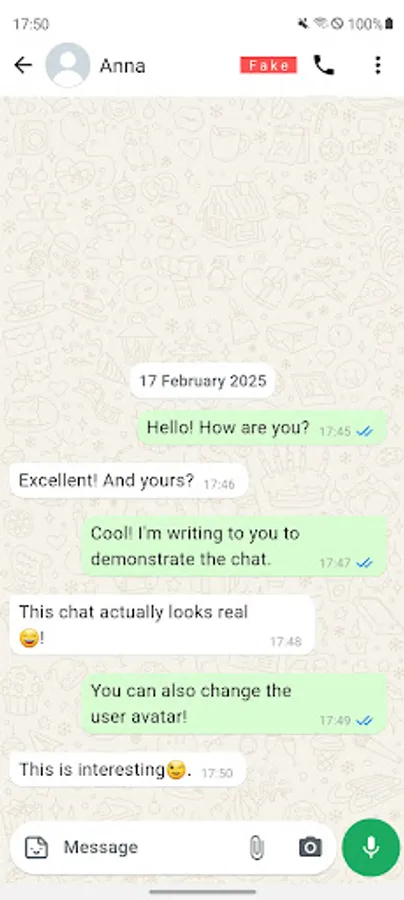
This is a fake messenger for fake conversations. Using this application, you can create not real correspondence in the messenger! Create fake chat and write messages for yourself or your interlocutor. The application has a clear and simple interface.
Creating text stories or practical jokes is easy. Create a new fake chat and write messages from yourself or a friend.
Application Features:
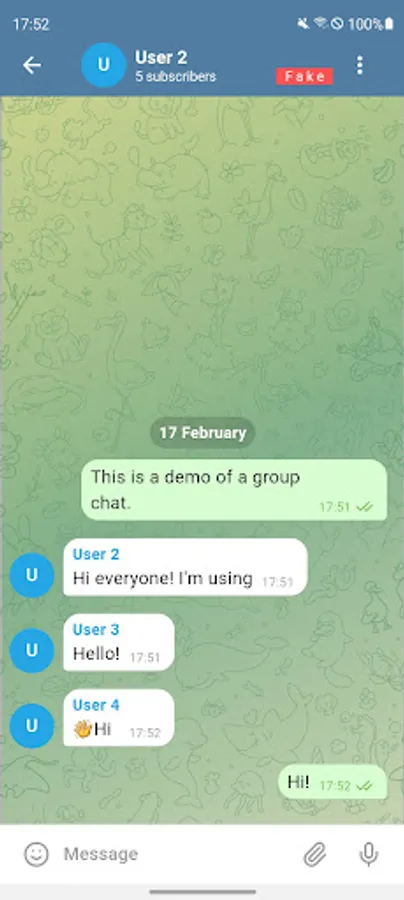
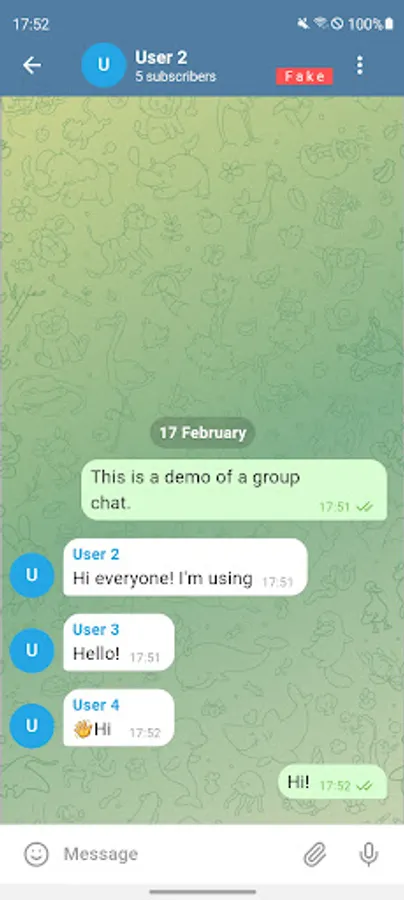
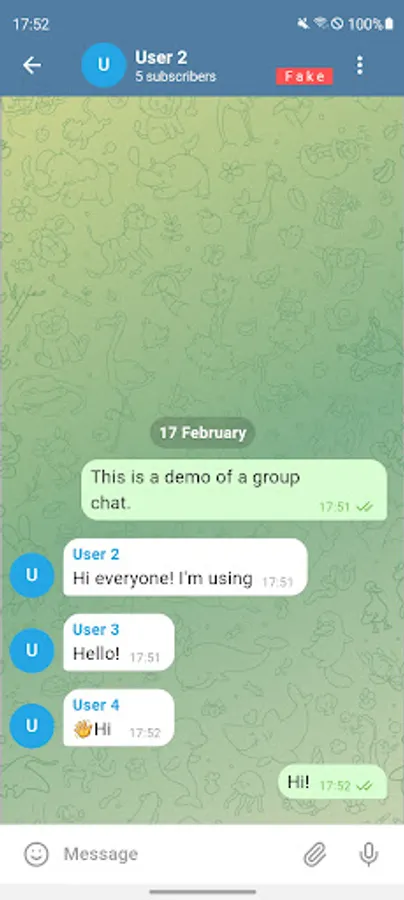
- Multiple chat styles
- Convenient management
- Create chats and save them on your phone
- The application works without an internet connection (Offline)
- Edit chat messages
How to use the application:
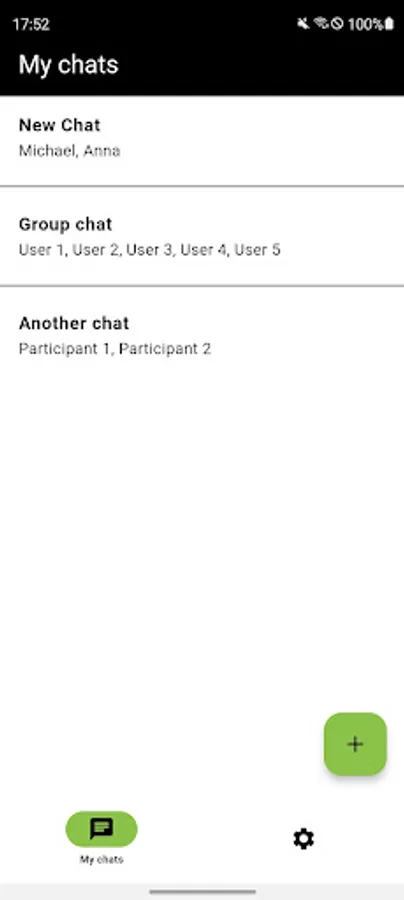
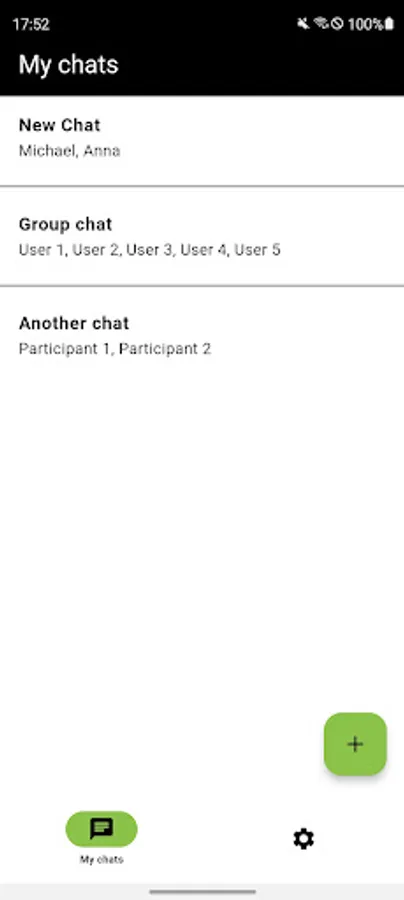
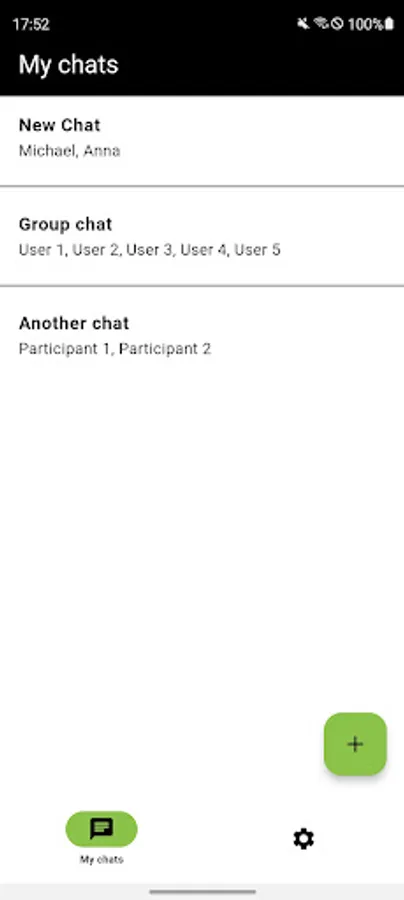
1. Create a new chat
- add a photo of the interlocutor if required
- add descriptions for fake chat
2. Select the chat you just created. A fake chat screen will open
3. Come up with a message for yourself or the other person.
4. Press the button to send the message. You will be asked which user this message belongs to
5. You can also take a screenshot of this fake chat by clicking the "camera" button
Attention: this application was created for entertainment and cannot send messages and SMS!
Creating text stories or practical jokes is easy. Create a new fake chat and write messages from yourself or a friend.
Application Features:
- Multiple chat styles
- Convenient management
- Create chats and save them on your phone
- The application works without an internet connection (Offline)
- Edit chat messages
How to use the application:
1. Create a new chat
- add a photo of the interlocutor if required
- add descriptions for fake chat
2. Select the chat you just created. A fake chat screen will open
3. Come up with a message for yourself or the other person.
4. Press the button to send the message. You will be asked which user this message belongs to
5. You can also take a screenshot of this fake chat by clicking the "camera" button
Attention: this application was created for entertainment and cannot send messages and SMS!