
SimplePractice Client Portal
SimplePractice
4.2 ★
916 ratings
1,000,000+
downloads
Free
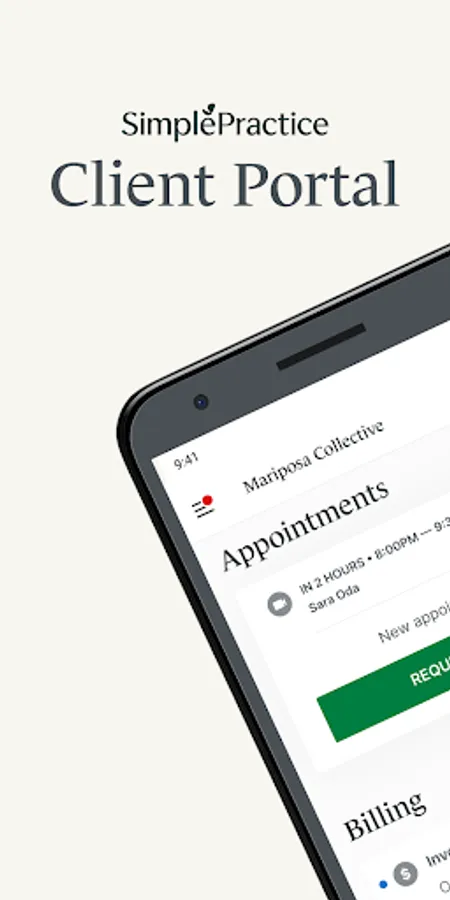
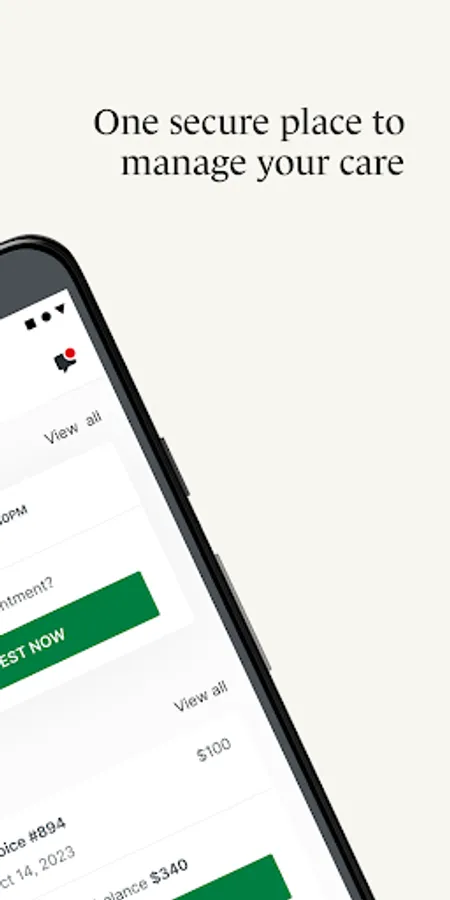
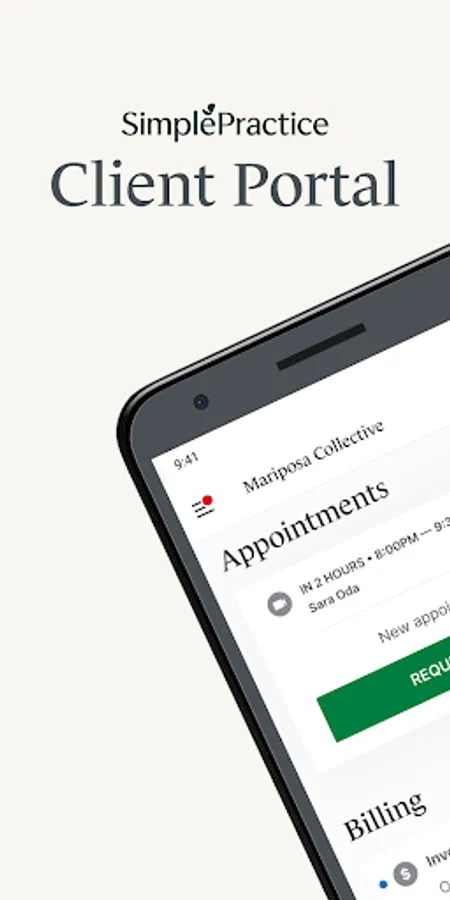
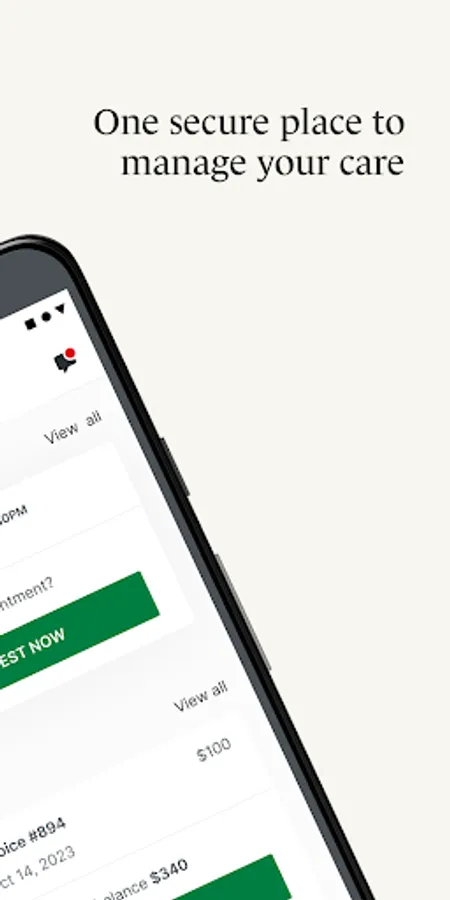
With this healthcare app, you can securely access and manage your care information and communicate with practitioners. Includes features like secure messaging, appointment management, and digital payments.
AppRecs review analysis
AppRecs rating 4.1. Trustworthiness 86 out of 100. Review manipulation risk 22 out of 100. Based on a review sample analyzed.
★★★★☆
4.1
AppRecs Rating
Ratings breakdown
5 star
69%
4 star
11%
3 star
6%
2 star
2%
1 star
13%
What to know
✓
Low review manipulation risk
22% review manipulation risk
✓
Credible reviews
86% trustworthiness score from analyzed reviews
✓
High user satisfaction
79% of sampled ratings are 4+ stars (4.2★ average)
About SimplePractice Client Portal
If you’re receiving services for behavioral health, counseling, speech pathology, occupational therapy, physical therapy, or any other wellness service by a practitioner who uses SimplePractice, this app is for you! The SimplePractice Client Portal Android app empowers you to manage care for you or your loved ones from one secure place. Stay connected with your practitioner between appointments from the convenience of your phone. Your personal information is kept private, yet easily accessible for your convenience.
Simplify how you access care with features like:
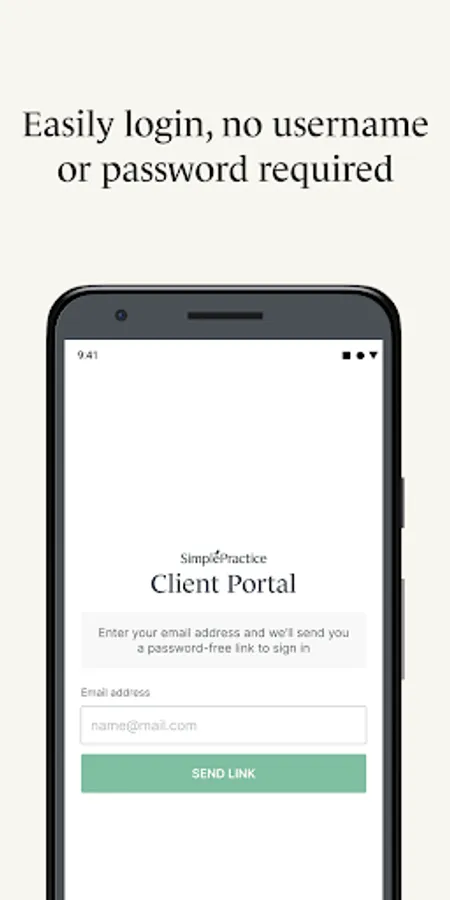
• Passwordless login – Securely log into your Client Portal without the hassle of a username or password by setting up a passcode or turn on biometrics (if enabled on your Android device)
• Personalized notifications – Get push notifications sent right to your phone regarding any new messages, invoices, or documents that have been sent to you by your practitioner.
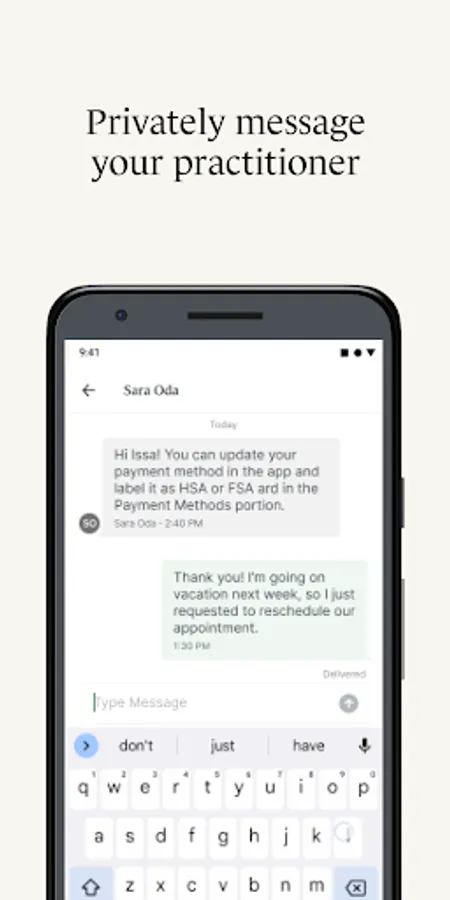
• Secure messaging – Message your practitioner directly from your phone knowing that all communication is secure and private.
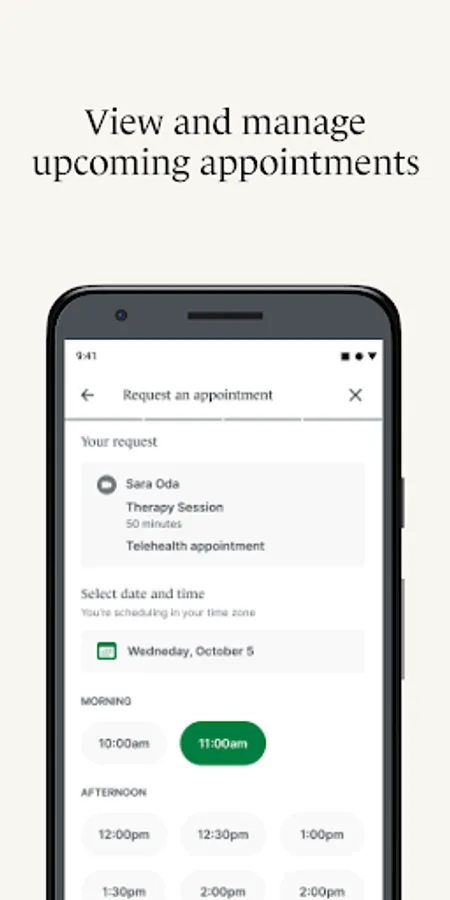
• Upcoming appointments and requests – View all your upcoming appointments, and request a new appointment with your practitioner directly from the app.
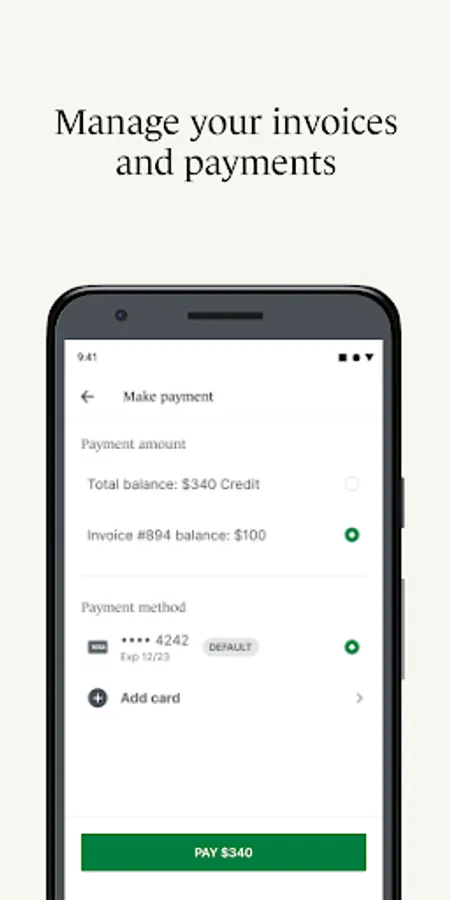
• Digital payments – Add new payment methods to pay your bills including HSA and FSA cards. You can even pay directly from the app.
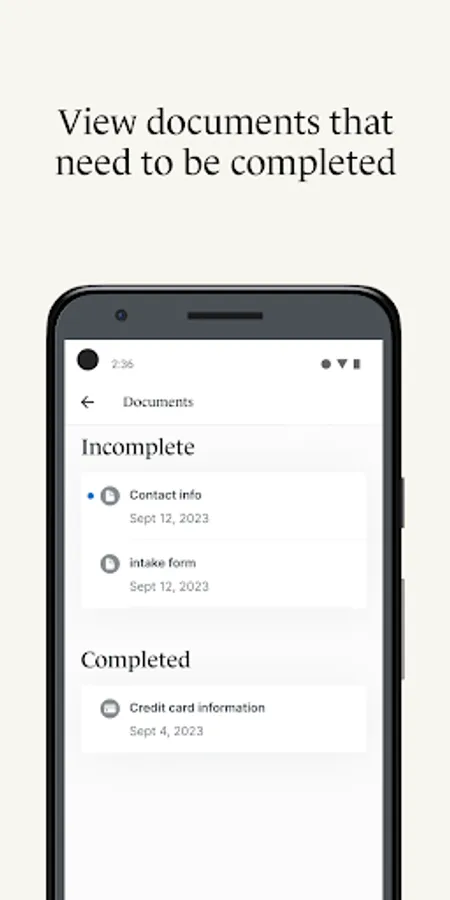
• Digital paperwork – Complete documents and questionnaires related to care on your own time.
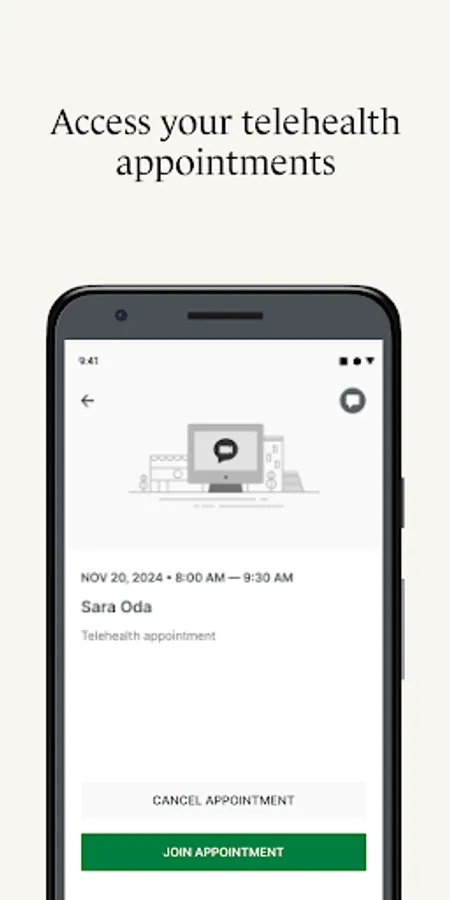
• Telehealth – Join virtual appointments with your practitioner directly from the app, so you never have to find a link buried in your inbox again.
• Profile switching – Quickly toggle between any Client Portal you’re managing—whether you’re seeing different providers who use SimplePractice for practice management or are managing care for multiple individuals.
To access the SimplePractice Client Portal Android app, you must be invited to use the SimplePractice Client Portal by your practitioner. When you first log into the app, the email you provided to your practitioner will be used to authenticate your Client Portal access. After you’ve signed up, turn on biometrics or a four-digit passcode for hassle-free login. Please note: what you can see and do within the SimplePractice Client Portal app may vary, and is limited to the specific features your practitioner has enabled for your profile.
Are you currently looking for therapy services? To find a behavioral health therapist that uses SimplePractice near you, visit www.meetmonarch.com.
Simplify how you access care with features like:
• Passwordless login – Securely log into your Client Portal without the hassle of a username or password by setting up a passcode or turn on biometrics (if enabled on your Android device)
• Personalized notifications – Get push notifications sent right to your phone regarding any new messages, invoices, or documents that have been sent to you by your practitioner.
• Secure messaging – Message your practitioner directly from your phone knowing that all communication is secure and private.
• Upcoming appointments and requests – View all your upcoming appointments, and request a new appointment with your practitioner directly from the app.
• Digital payments – Add new payment methods to pay your bills including HSA and FSA cards. You can even pay directly from the app.
• Digital paperwork – Complete documents and questionnaires related to care on your own time.
• Telehealth – Join virtual appointments with your practitioner directly from the app, so you never have to find a link buried in your inbox again.
• Profile switching – Quickly toggle between any Client Portal you’re managing—whether you’re seeing different providers who use SimplePractice for practice management or are managing care for multiple individuals.
To access the SimplePractice Client Portal Android app, you must be invited to use the SimplePractice Client Portal by your practitioner. When you first log into the app, the email you provided to your practitioner will be used to authenticate your Client Portal access. After you’ve signed up, turn on biometrics or a four-digit passcode for hassle-free login. Please note: what you can see and do within the SimplePractice Client Portal app may vary, and is limited to the specific features your practitioner has enabled for your profile.
Are you currently looking for therapy services? To find a behavioral health therapist that uses SimplePractice near you, visit www.meetmonarch.com.
SimplePractice Client Portal Screenshots
Tap to Rate:
Reviews for SimplePractice Client Portal
Jamal Yusuf Ali Bey
12/25/2025
Exceptional and very client oriented
Anthony “Tony” Whiteman
12/23/2025
Can no longer use. Says email is unrecognizable. Used to use this app a lot.