About G-PDF Okuyucu
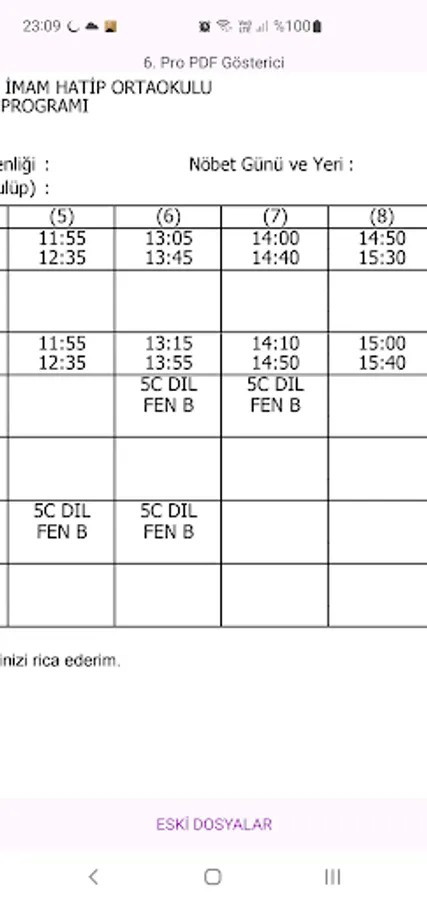
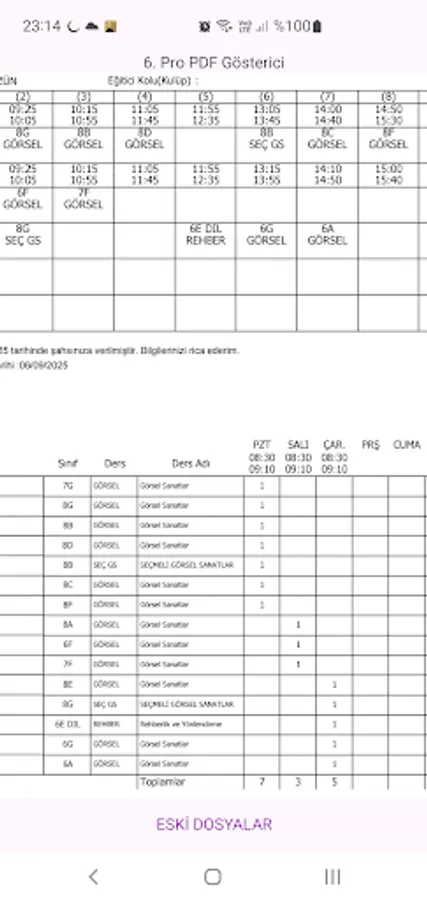
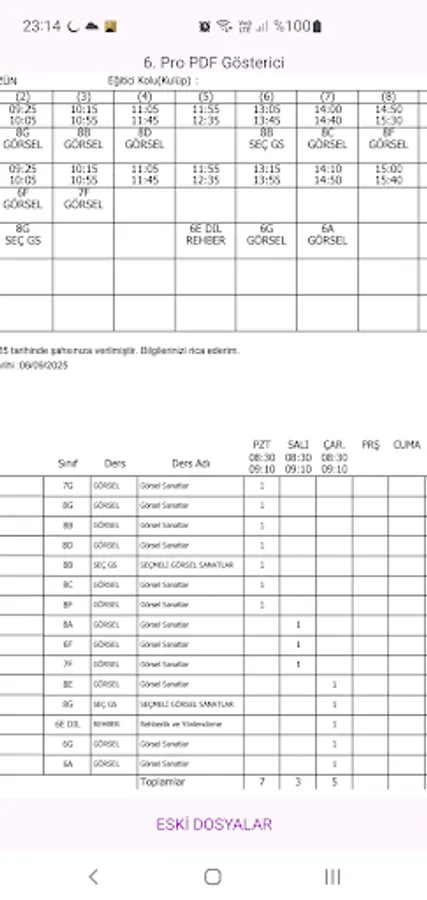
You can use our app to open and view PDF files.
When opening any PDF file on your device, select our app and, when prompted, choose Always to open with our app. This will set our app as the default viewer for future PDF files.
If another app is set as the default app for PDF file types, you can clear the defaults by selecting the current app from the Default Apps section of your phone's Settings screen. The next time you try to open a PDF file, you'll be asked which app you want to open the file with. At this point, you can select our app.
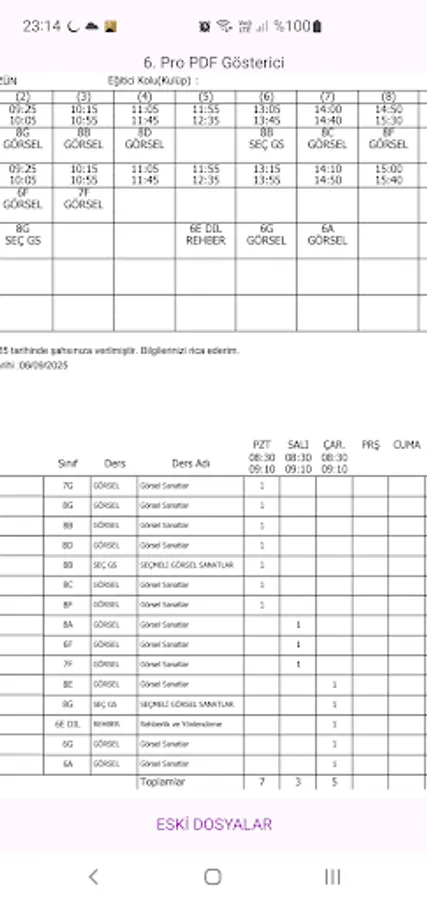
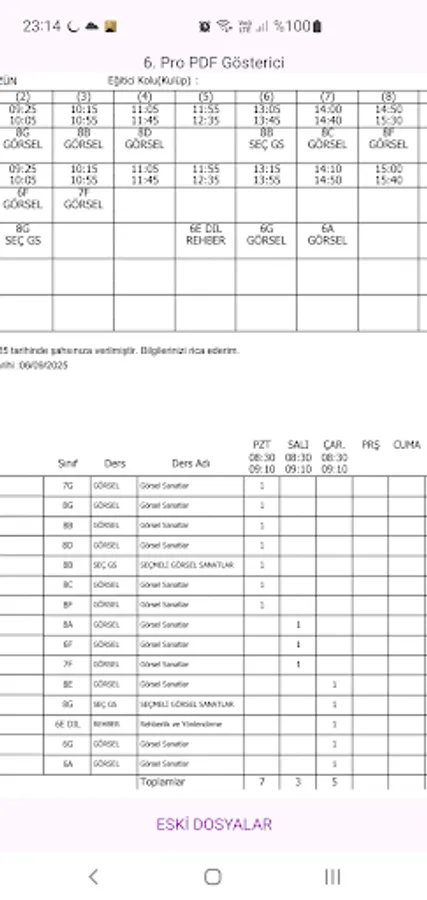
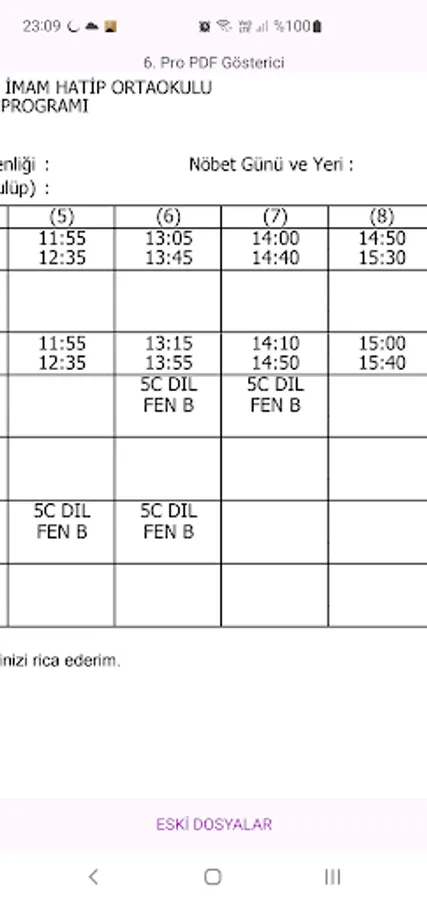
You can view PDF files by zooming in (enlarging or reducing) with our app. Features like file search and more will be added soon.
Recently opened files in our app are listed in the Old Files screen, and you can access them by selecting them from there. This list lists previously opened files. If the file has been deleted from the device, it may not open.
When opening any PDF file on your device, select our app and, when prompted, choose Always to open with our app. This will set our app as the default viewer for future PDF files.
If another app is set as the default app for PDF file types, you can clear the defaults by selecting the current app from the Default Apps section of your phone's Settings screen. The next time you try to open a PDF file, you'll be asked which app you want to open the file with. At this point, you can select our app.
You can view PDF files by zooming in (enlarging or reducing) with our app. Features like file search and more will be added soon.
Recently opened files in our app are listed in the Old Files screen, and you can access them by selecting them from there. This list lists previously opened files. If the file has been deleted from the device, it may not open.