
Touch Lock - Screen & Keys
SJP Techno Apps
2.3 ★
45 ratings
10,000+
downloads
Free
+ in-app
In this app, users can activate a touch lock to prevent accidental screen or key presses and customize unlock methods. Includes options for call protection, screen locking, PIN security, and display settings.
AppRecs review analysis
AppRecs rating 2.3. Trustworthiness 80 out of 100. Review manipulation risk 28 out of 100. Based on a review sample analyzed.
★★☆☆☆
2.3
AppRecs Rating
Ratings breakdown
5 star
25%
4 star
0%
3 star
11%
2 star
0%
1 star
64%
What to know
✓
Low review manipulation risk
28% review manipulation risk
✓
Credible reviews
80% trustworthiness score from analyzed reviews
⚠
Mixed user feedback
Average 2.3★ rating suggests room for improvement
About Touch Lock - Screen & Keys
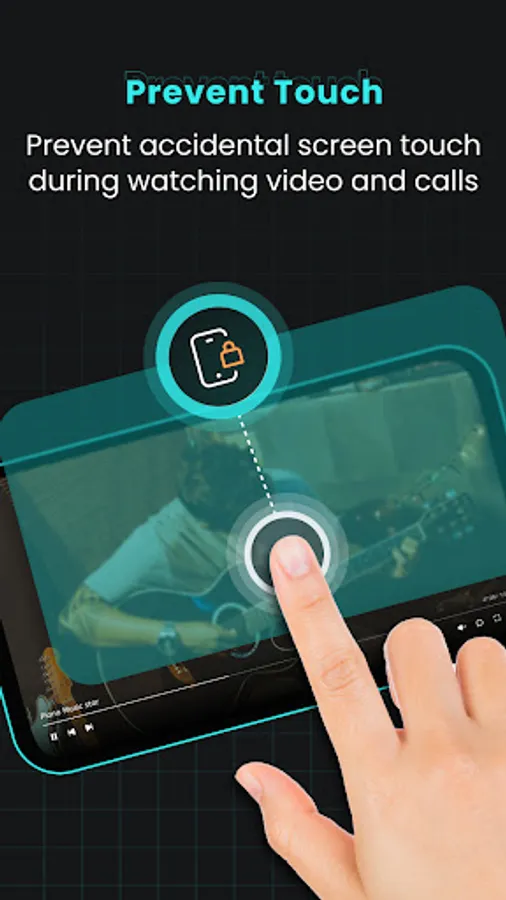
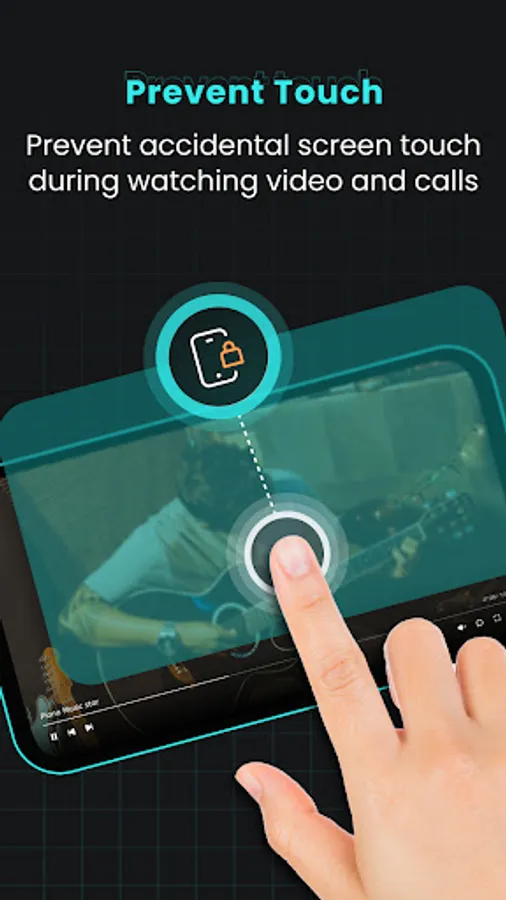
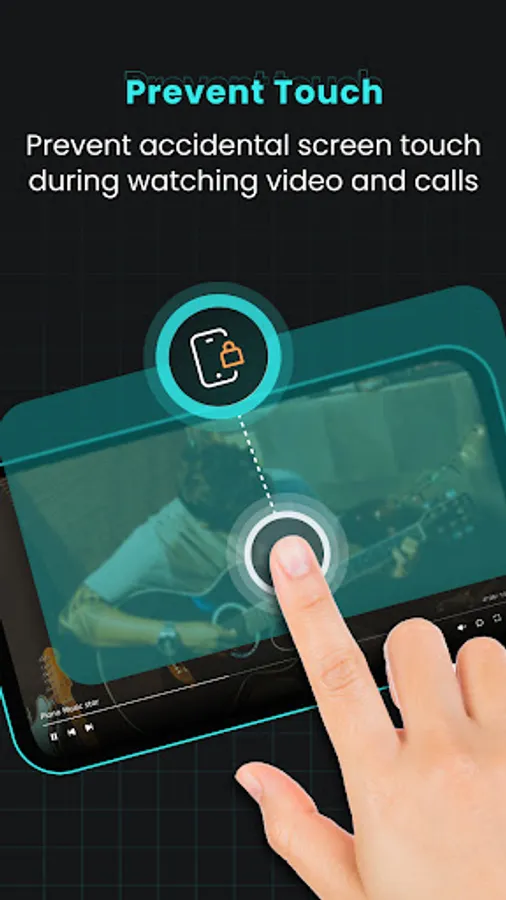
• Say goodbye to accidental Touch on Screen and Keys while watching or streaming video, during call, when phone in pocket any many more! Our Touch Lock Screen & Keys app is here to make using your phone a breeze.
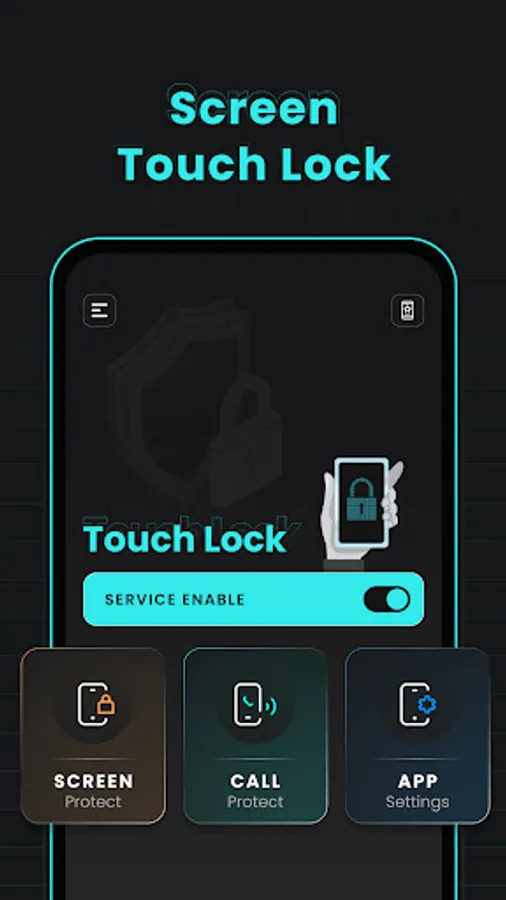
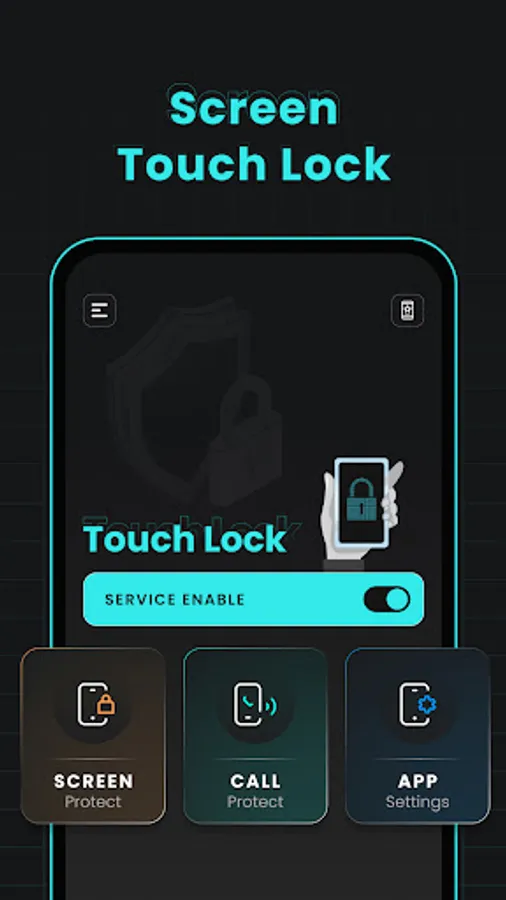
1.Enable/Disable Service:
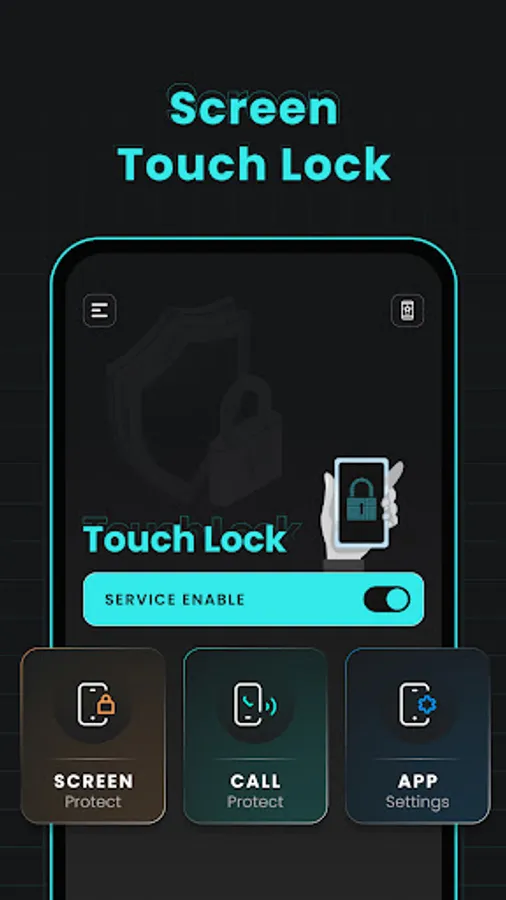
• Easily Enable/Disable Touch lock service using switch to prevent accidental touch.
2.Screen Protect:
• Overview:
• Protect your screen from unwanted touches
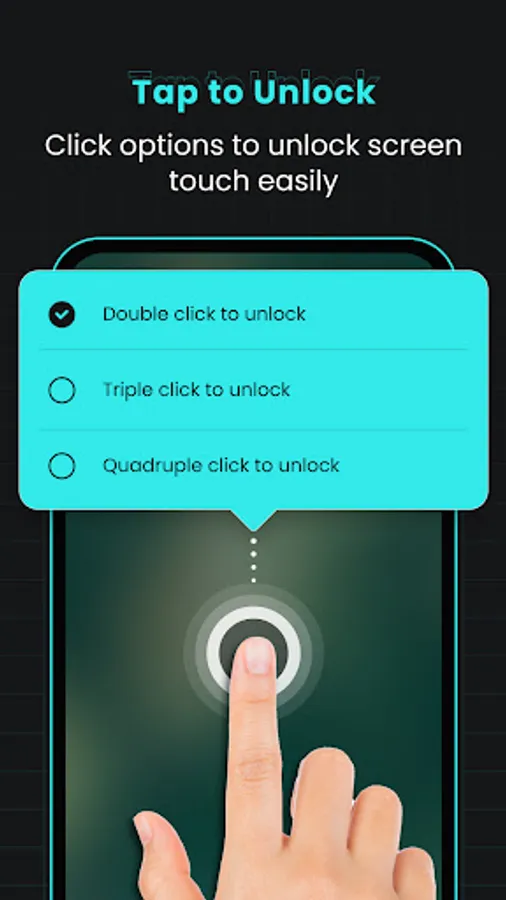
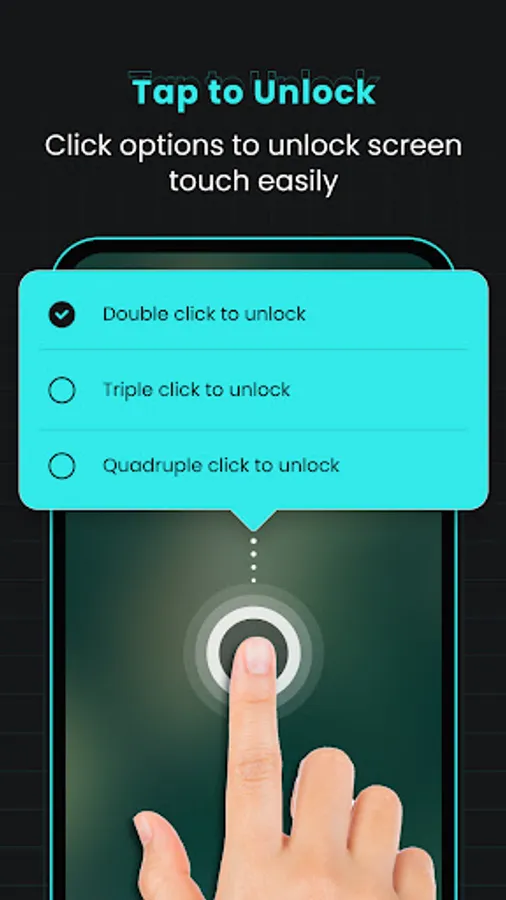
• Unlock Options:
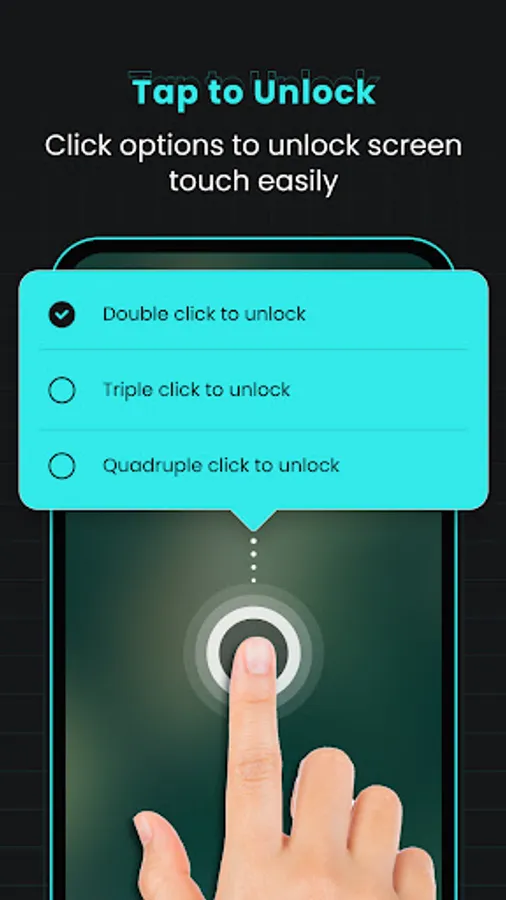
• Unlock lock easily using double-click, triple-click, or four-click options
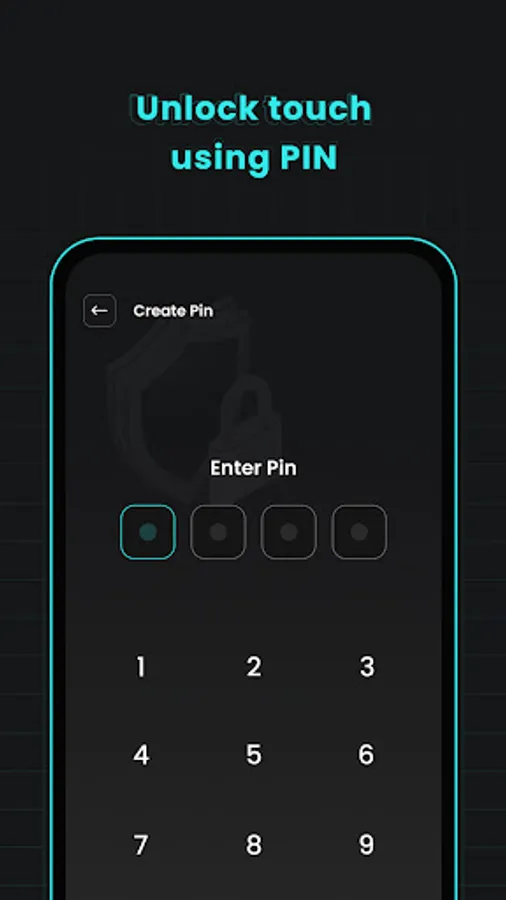
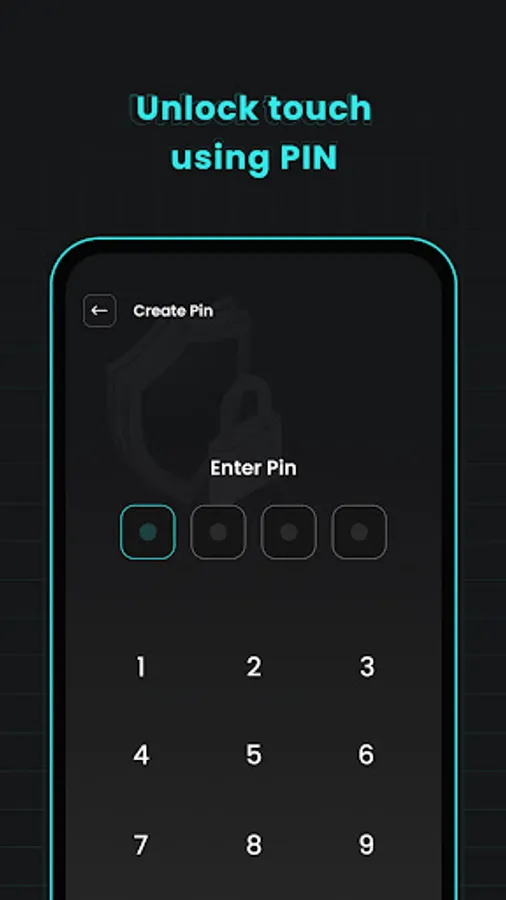
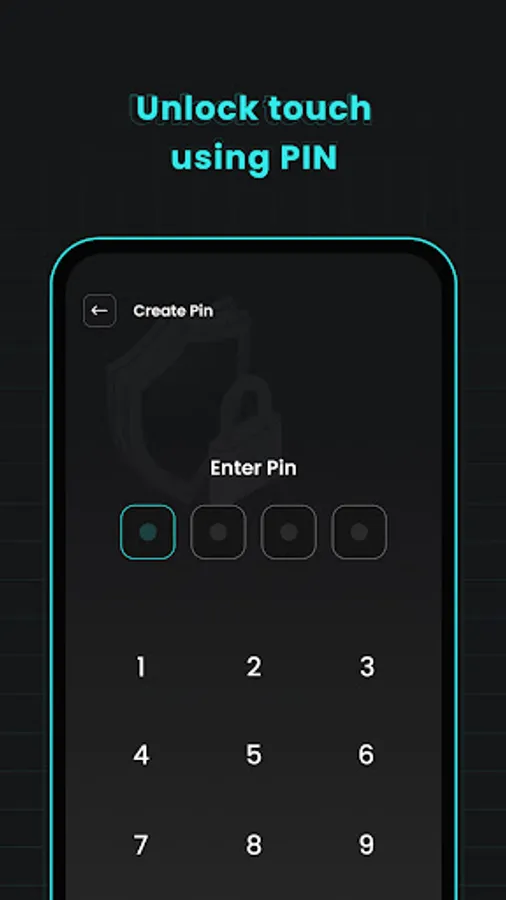
• Option for set PIN for extra security from unwanted scree unlock
vice.
3.Call Protect:
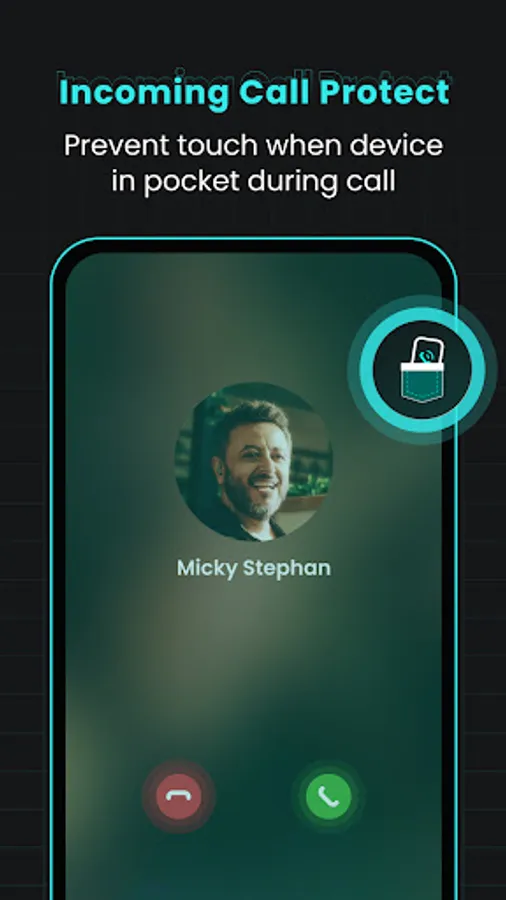
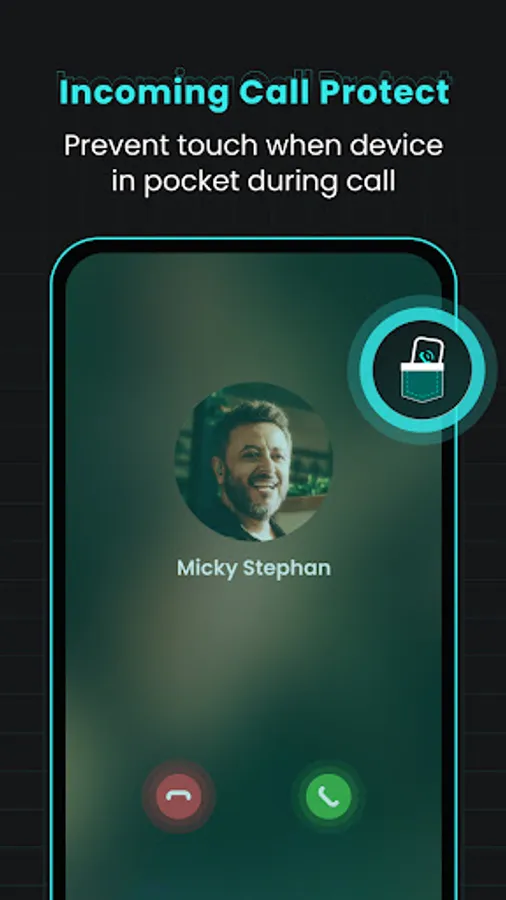
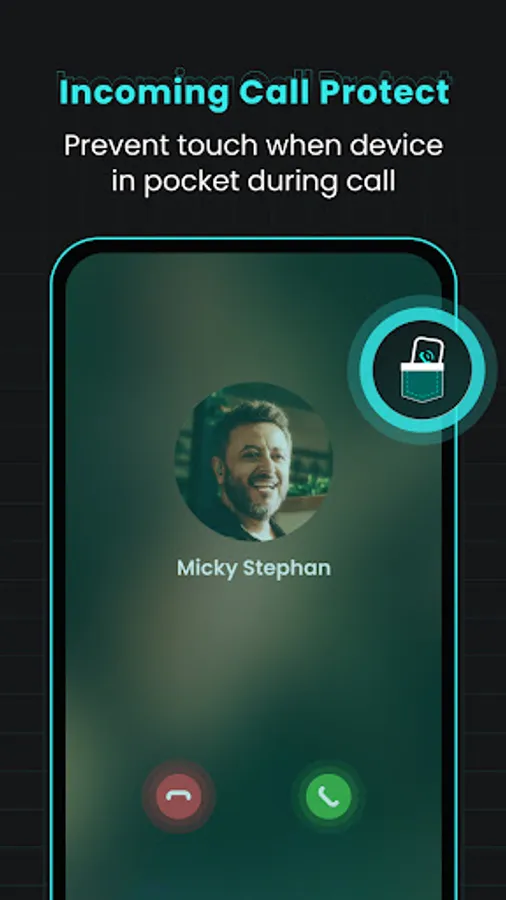
• Incoming Call Protect:
• Avoid unintended touches during incoming calls, especially when the phone is in your pocket.
• Face Touch Call:
• Prevent unwanted face touches while on a call.
4.App Control Settings:
• Keep Screen On:
•To prevent the screen turning off while reading or watching video.
•Hide Touch Effect:
•Hiding the touch effect while taping screen.
•Simplify your phone use. It's just a tap away! Download our Touch Lock Screen & Keys and see the difference for yourself.
*Permissions:
1.Overlay Permission: To utilize the lock screen feature, the app requires overlay permission.
2.Read Phone State: Enable phone call permission to enhance touch security during calls.
1.Enable/Disable Service:
• Easily Enable/Disable Touch lock service using switch to prevent accidental touch.
2.Screen Protect:
• Overview:
• Protect your screen from unwanted touches
• Unlock Options:
• Unlock lock easily using double-click, triple-click, or four-click options
• Option for set PIN for extra security from unwanted scree unlock
vice.
3.Call Protect:
• Incoming Call Protect:
• Avoid unintended touches during incoming calls, especially when the phone is in your pocket.
• Face Touch Call:
• Prevent unwanted face touches while on a call.
4.App Control Settings:
• Keep Screen On:
•To prevent the screen turning off while reading or watching video.
•Hide Touch Effect:
•Hiding the touch effect while taping screen.
•Simplify your phone use. It's just a tap away! Download our Touch Lock Screen & Keys and see the difference for yourself.
*Permissions:
1.Overlay Permission: To utilize the lock screen feature, the app requires overlay permission.
2.Read Phone State: Enable phone call permission to enhance touch security during calls.
Touch Lock - Screen & Keys Screenshots
Tap to Rate:
Reviews for Touch Lock - Screen & Keys
Subash Sabash
12/15/2025
💯
Steve Main
10/19/2025
app is absolutely horrible to use and describes nothing about how to use it you can very easily accidentally lock your screen.