Ar Drawing App Sketch and Draw
Rydea GO.
10+
downloads
Free
+ in-app
About Ar Drawing App Sketch and Draw
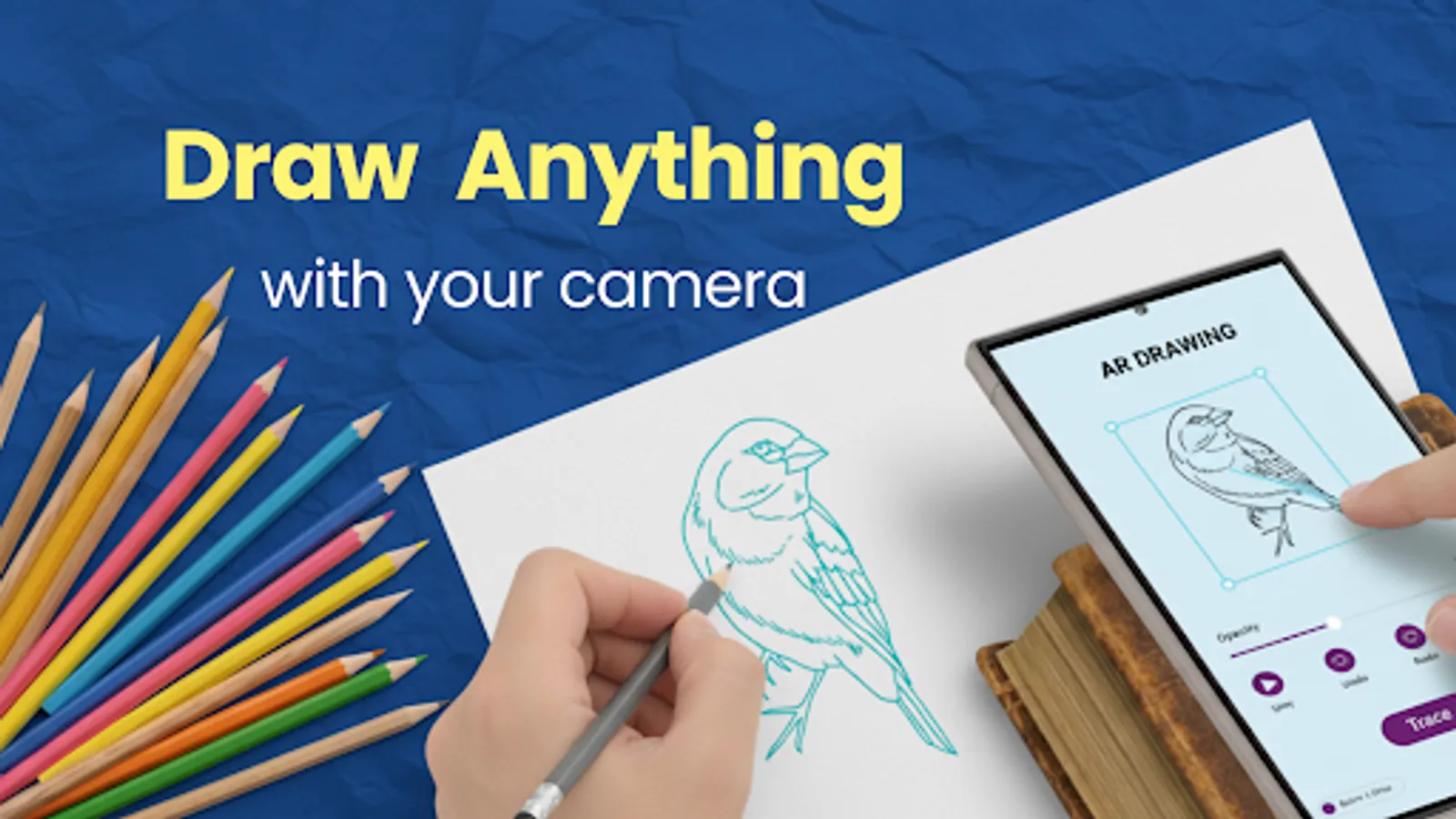
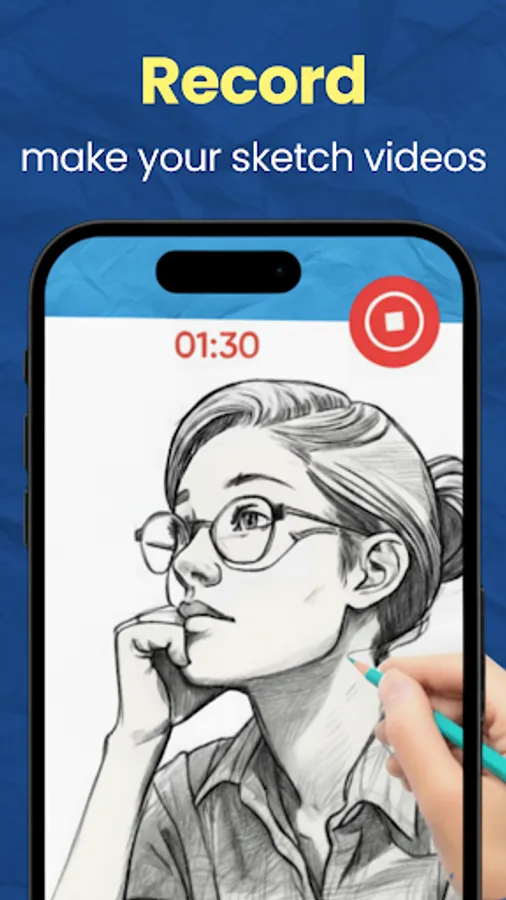
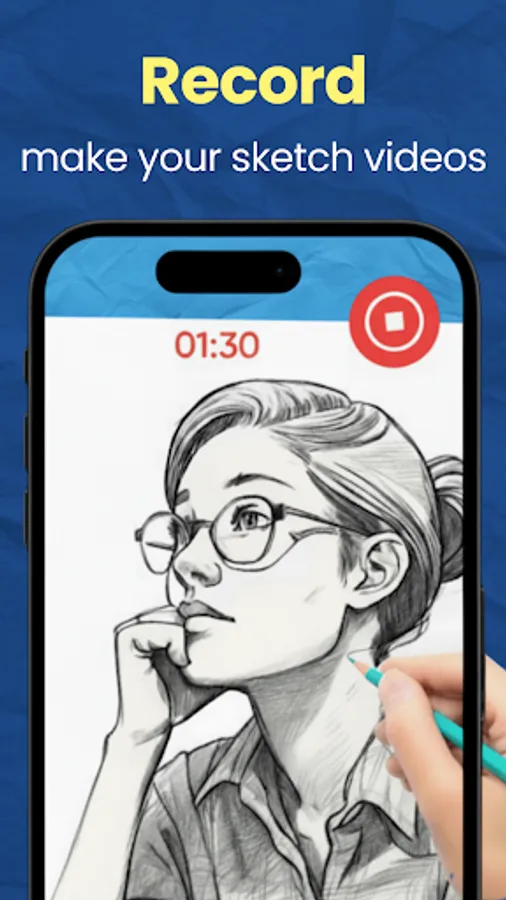
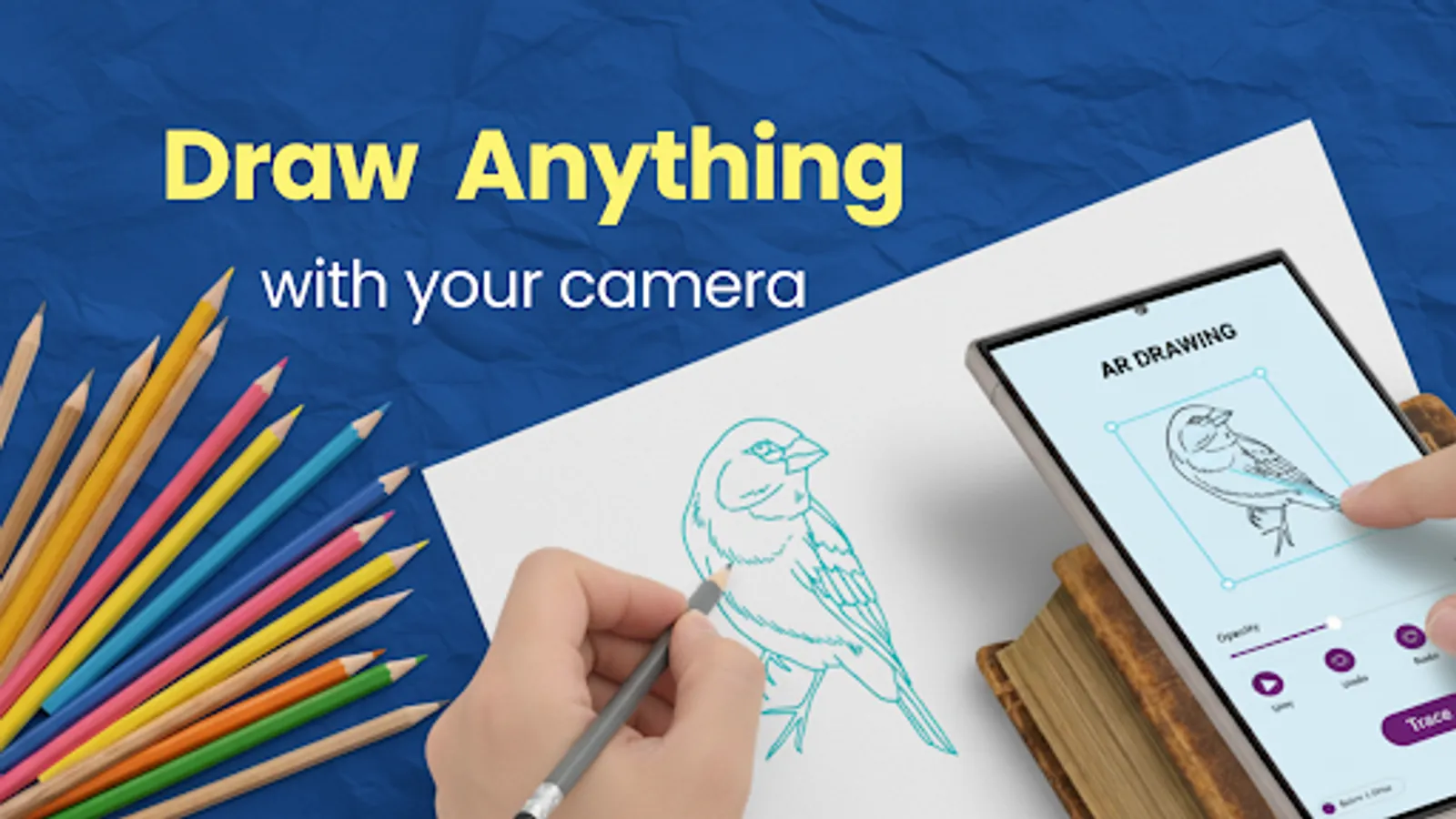
Meet AR drawing and sketching app designed to help anyone learn to draw with accuracy and confidence. The app provides the feel of augmented reality tracing with classic on-screen drawing, making it ideal for beginners, students, and hobby artists.
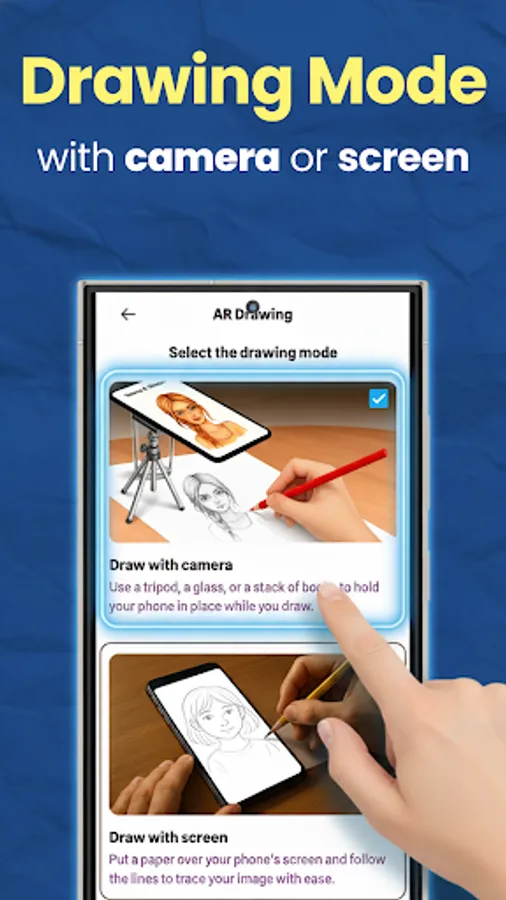
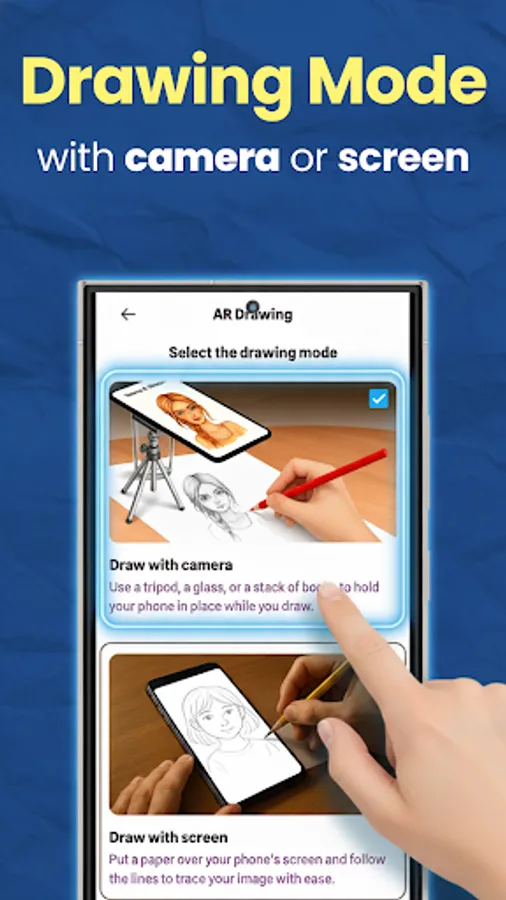
Two Drawing Modes
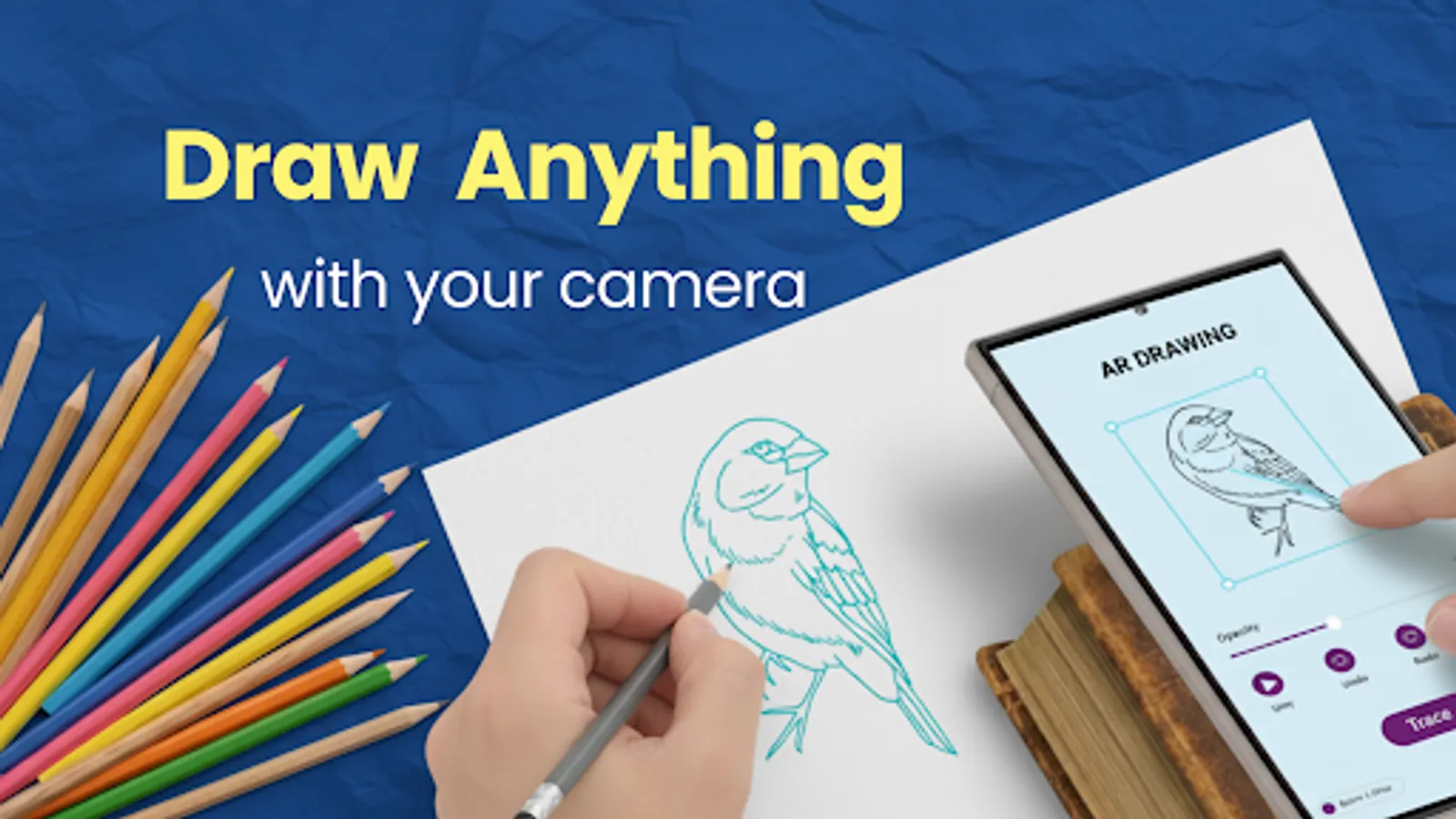
• AR Camera Drawing: Place a reference image into your real space and trace it through your camera for clean outlines and accurate proportions.
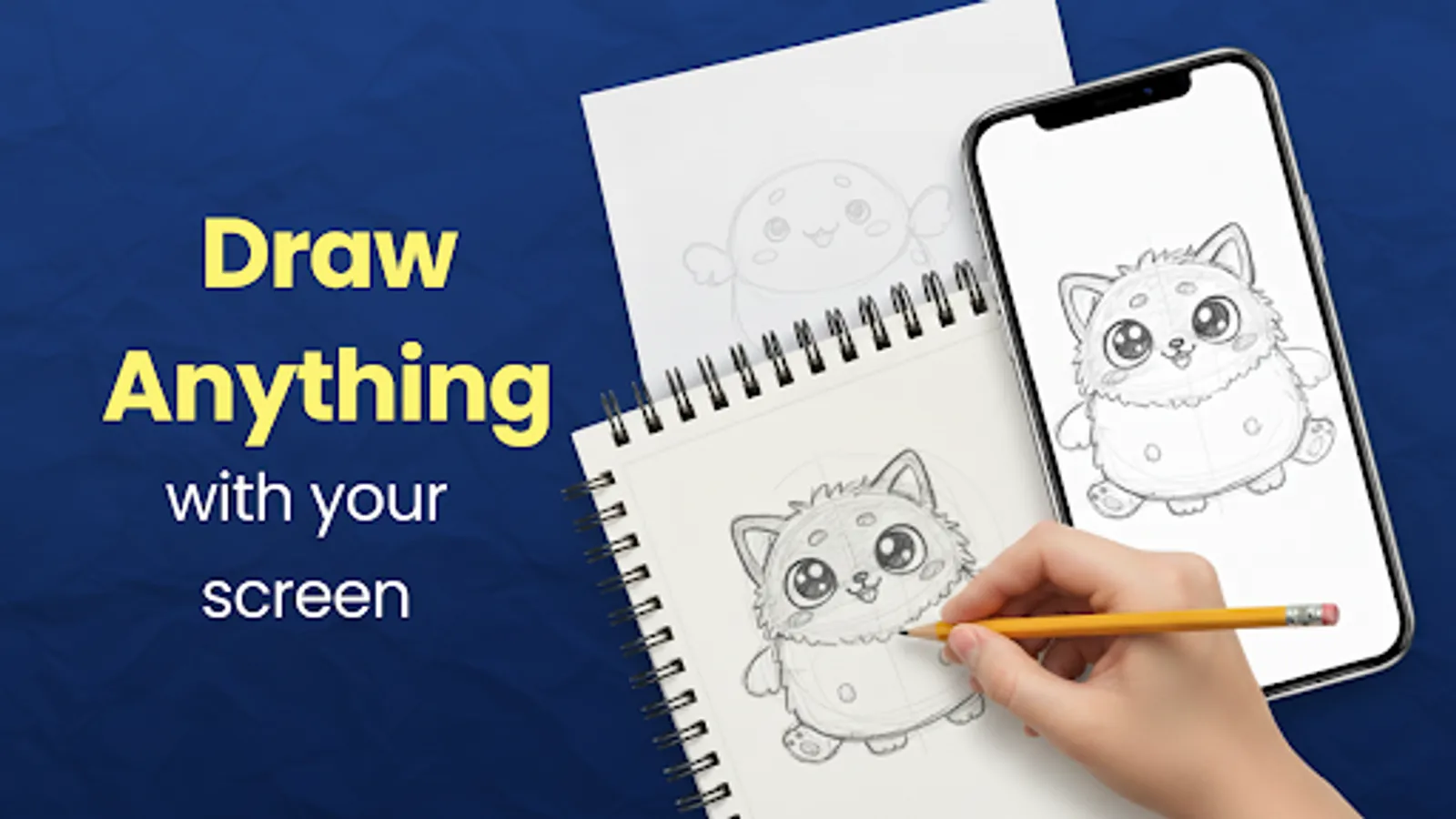
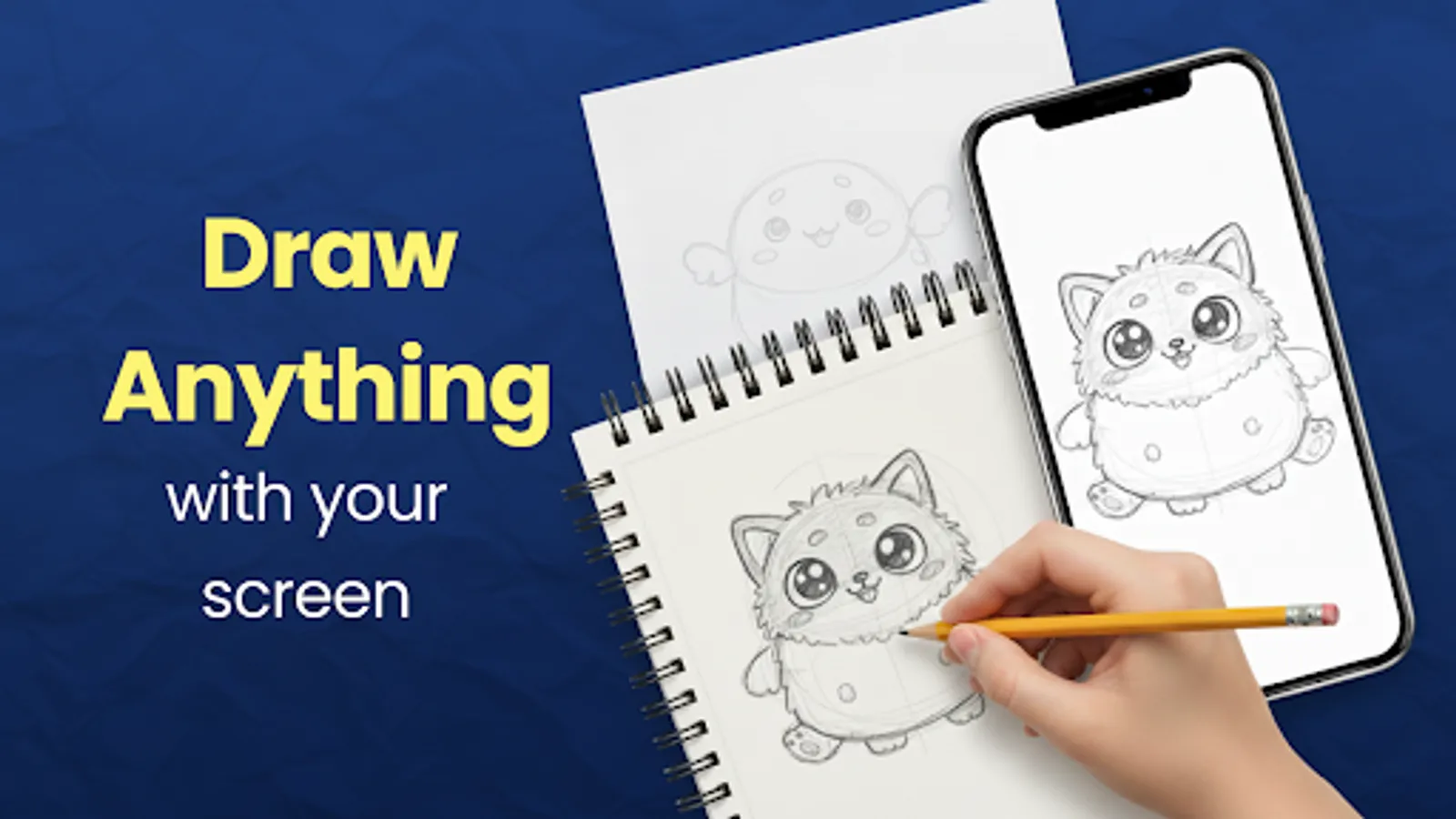
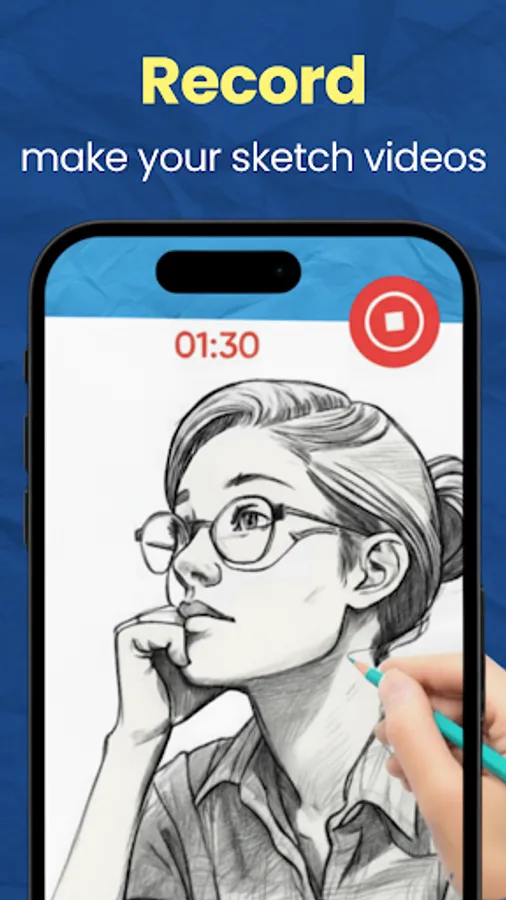
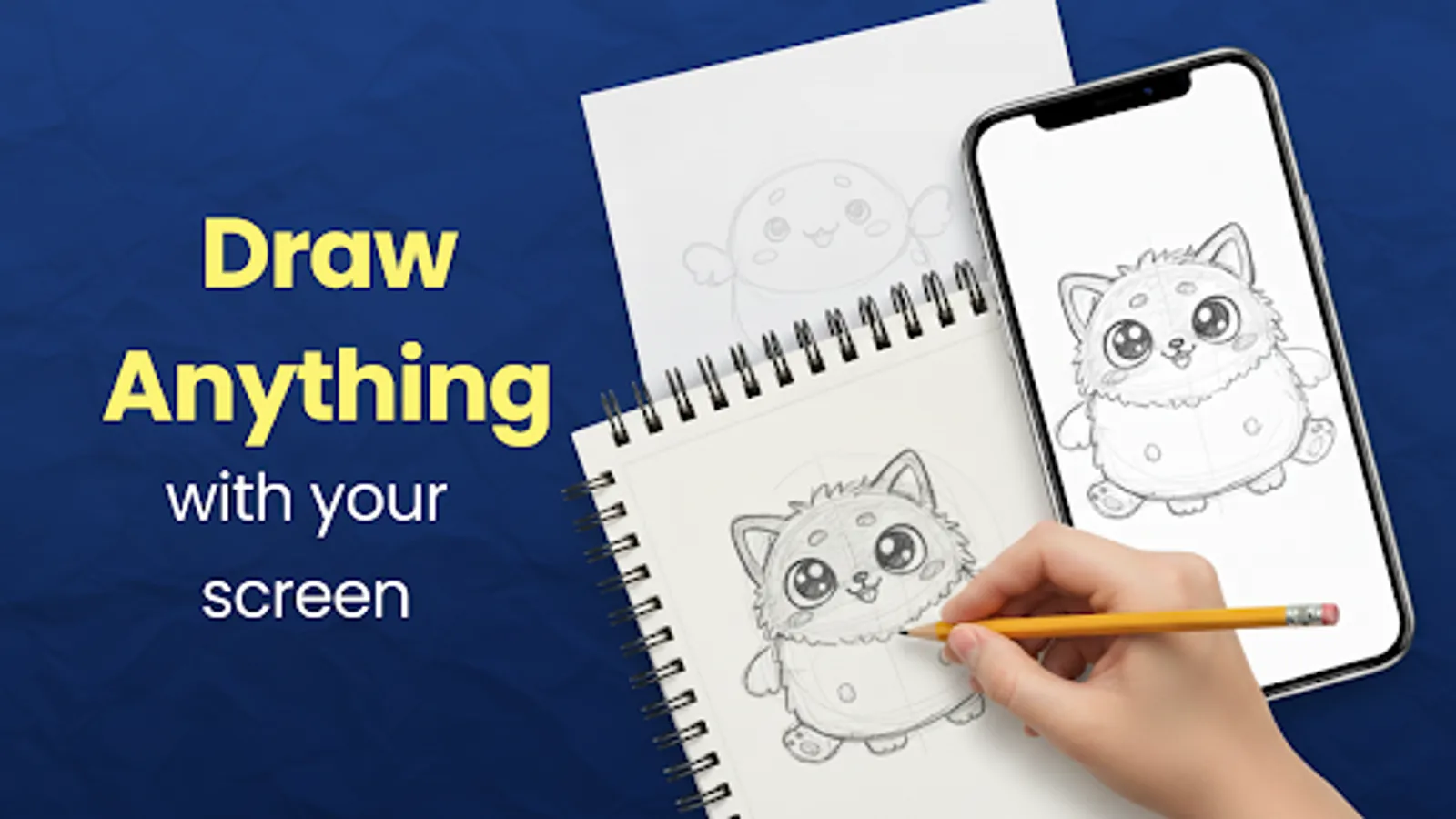
• On-Screen Drawing: Use standard sketch tools to draw directly on your device with simple controls.
Upload Your Own Images
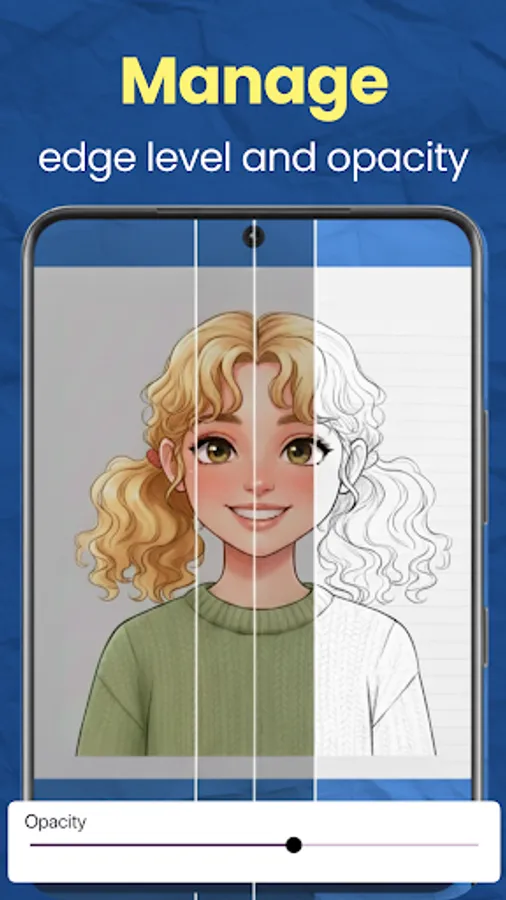
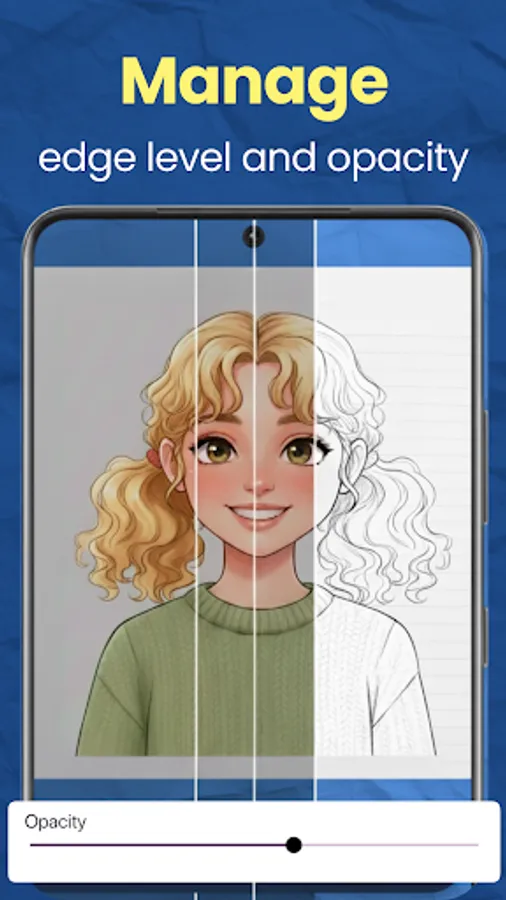
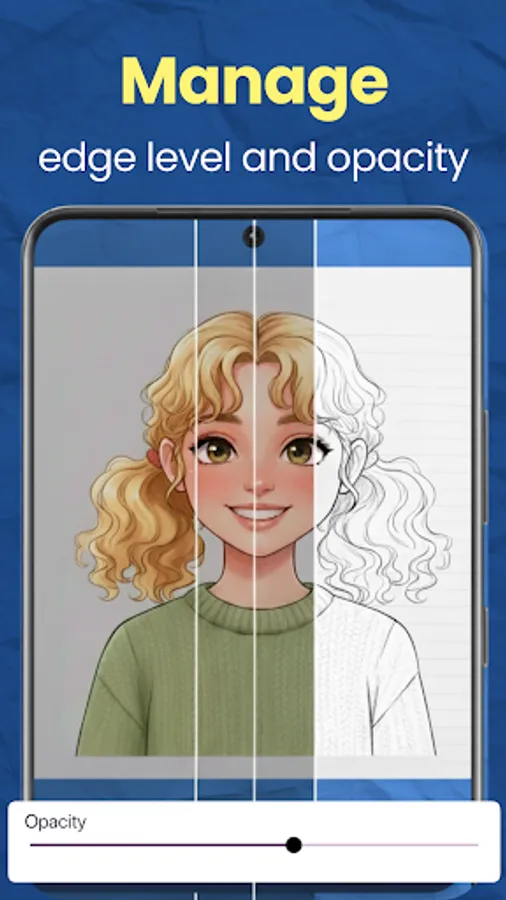
Import any photo or reference and turn it into a drawing guide.
Drawing Categories Included
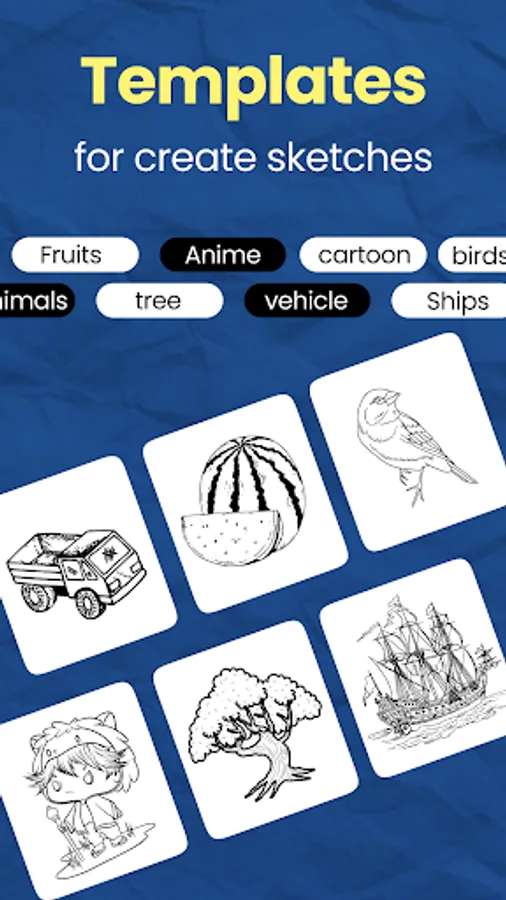
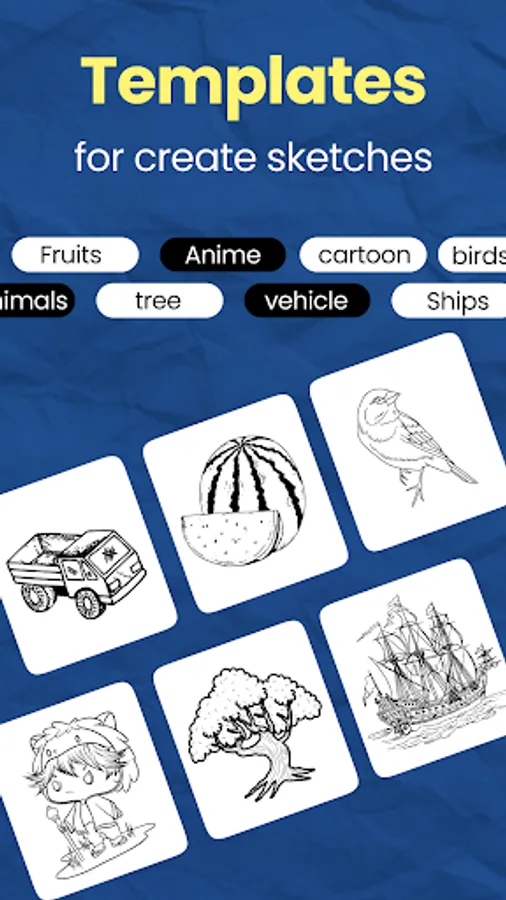
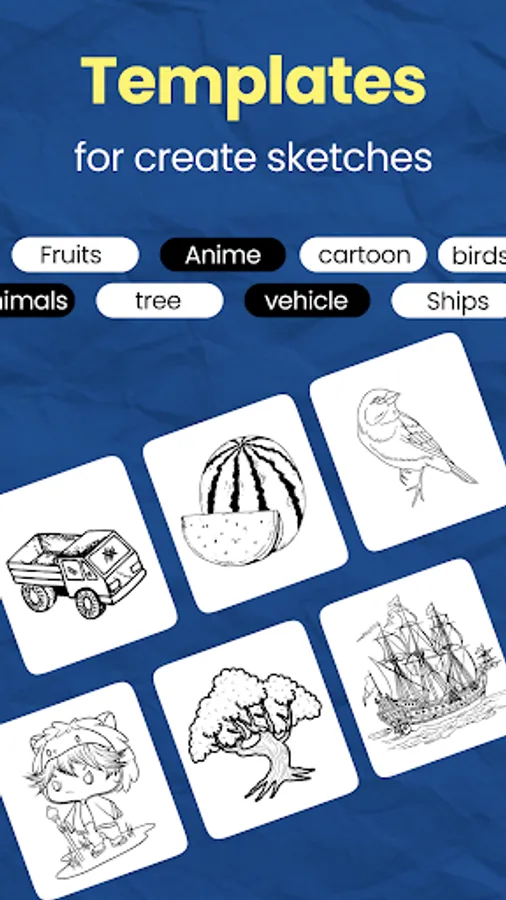
Ar drawing app offers a wide range of guided references for all types of sketching and practice, including:
• Animal Drawing
• Character Drawing
• Boat Drawing
• Tree Drawing
• Vegetable Drawing
• Fruit Drawing
• Human Organs Drawing
• Science Drawing (bacteria, cells, etc.)
• Pirate Drawing
• Plant Drawing
• Toy Sketches
• And many more categories for improving your art skills.
These references help users practice outline drawing, shape structure, proportions, and shading while following guided images.
Designed for All Skill Levels
Whether you want to practice animal drawing, character sketching, plant drawing, or toys sketch studies, It provides clear templates, AR tracing, and an intuitive interface to support creativity and learning.
Key Features
AR camera tracing for beginners and advanced artists
On-screen sketch tools for direct drawing
Image upload for custom reference drawing
Large library of category-based drawing templates
Clean, distraction-free interface
The app turns your surroundings into a drawing studio and helps you learn any subject—from animals and plants to characters and toys—one sketch at a time.
Two Drawing Modes
• AR Camera Drawing: Place a reference image into your real space and trace it through your camera for clean outlines and accurate proportions.
• On-Screen Drawing: Use standard sketch tools to draw directly on your device with simple controls.
Upload Your Own Images
Import any photo or reference and turn it into a drawing guide.
Drawing Categories Included
Ar drawing app offers a wide range of guided references for all types of sketching and practice, including:
• Animal Drawing
• Character Drawing
• Boat Drawing
• Tree Drawing
• Vegetable Drawing
• Fruit Drawing
• Human Organs Drawing
• Science Drawing (bacteria, cells, etc.)
• Pirate Drawing
• Plant Drawing
• Toy Sketches
• And many more categories for improving your art skills.
These references help users practice outline drawing, shape structure, proportions, and shading while following guided images.
Designed for All Skill Levels
Whether you want to practice animal drawing, character sketching, plant drawing, or toys sketch studies, It provides clear templates, AR tracing, and an intuitive interface to support creativity and learning.
Key Features
AR camera tracing for beginners and advanced artists
On-screen sketch tools for direct drawing
Image upload for custom reference drawing
Large library of category-based drawing templates
Clean, distraction-free interface
The app turns your surroundings into a drawing studio and helps you learn any subject—from animals and plants to characters and toys—one sketch at a time.