
In this messaging and calling app, you can make free video and voice calls, send messages, and share your screen. Includes chat translation, group calls, and personalized news feed.
AppRecs review analysis
AppRecs rating 4.1. Trustworthiness 0 out of 100. Review manipulation risk 0 out of 100. Based on a review sample analyzed.
★★★★☆
4.1
AppRecs Rating
Ratings breakdown
5 star
67%
4 star
10%
3 star
6%
2 star
4%
1 star
14%
What to know
✓
High user satisfaction
77% of sampled ratings are 4+ stars (4.1★ average)
✓
Authentic reviews
Natural distribution, no red flags
✓
Proven track record
Strong volume of user ratings
About Skype
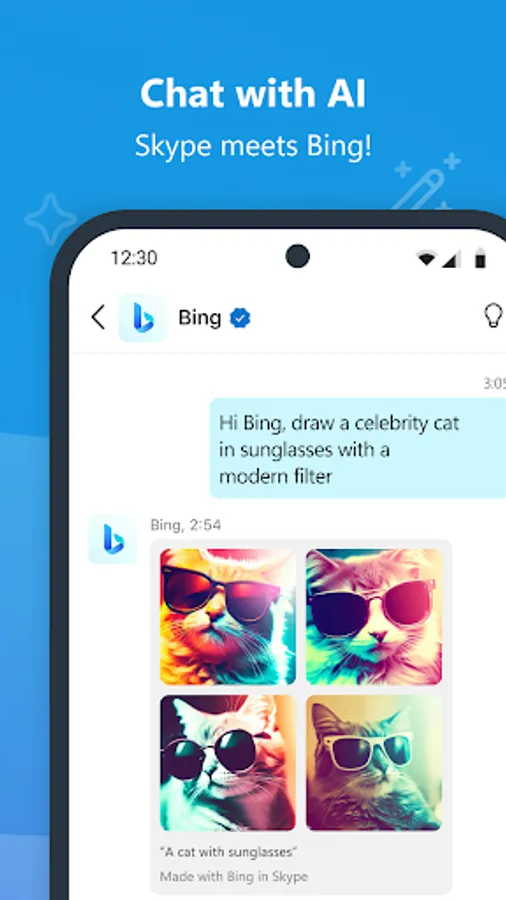
SKYPE WITH MICROSOFT BING, POWERED BY GPT-4
Ask Bing 1:1 or in any group chat:
- Help me plan a trip to Europe this summer
- Write a dad joke and translate it into any language
- Ask for movie recommendations
- Unleash your creativity
Skype is now integrated with Bing, cutting-edge AI-powered copilot, the latest generative language model from OpenAI that you can use for free. With ChatGPT in Skype, you don’t need any technical knowledge, just ask a question like you would a friend.
Bonus points: Try asking ChatGPT in your native language and find the most interesting question to ask!
SKYPE WITH ANYONE FOR FREE
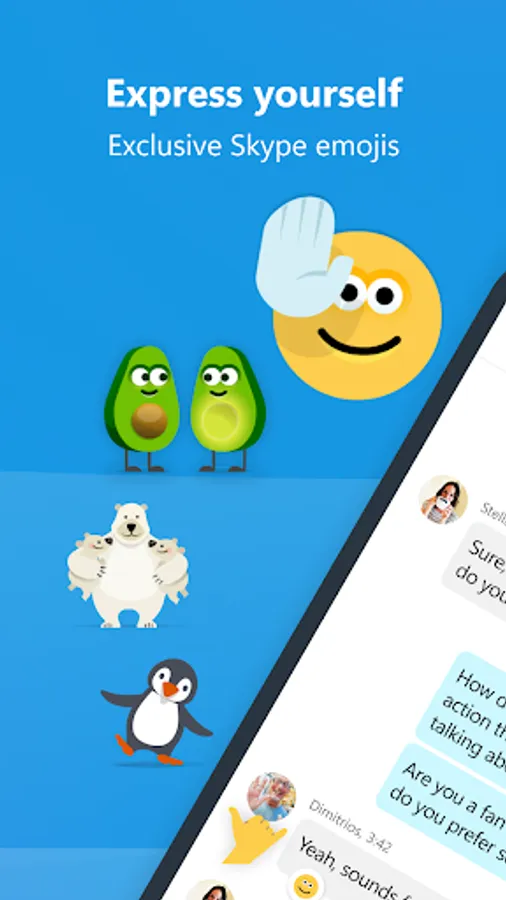
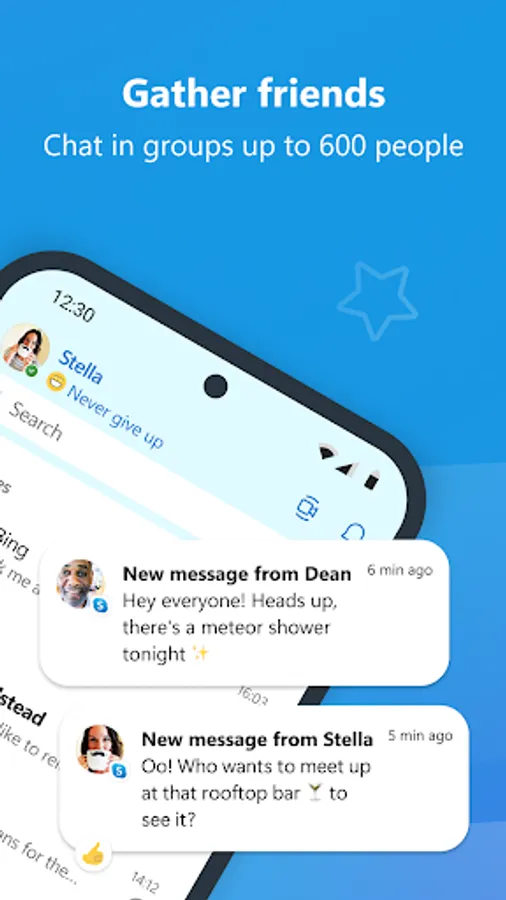
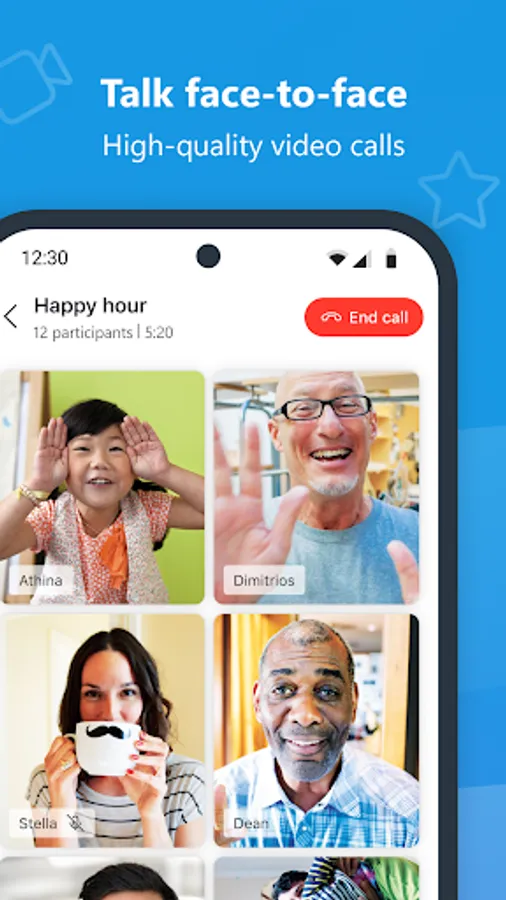
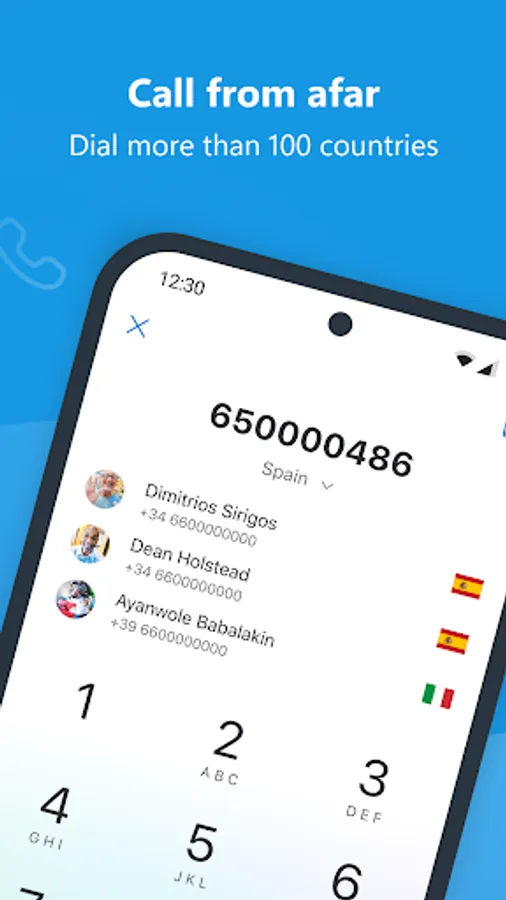
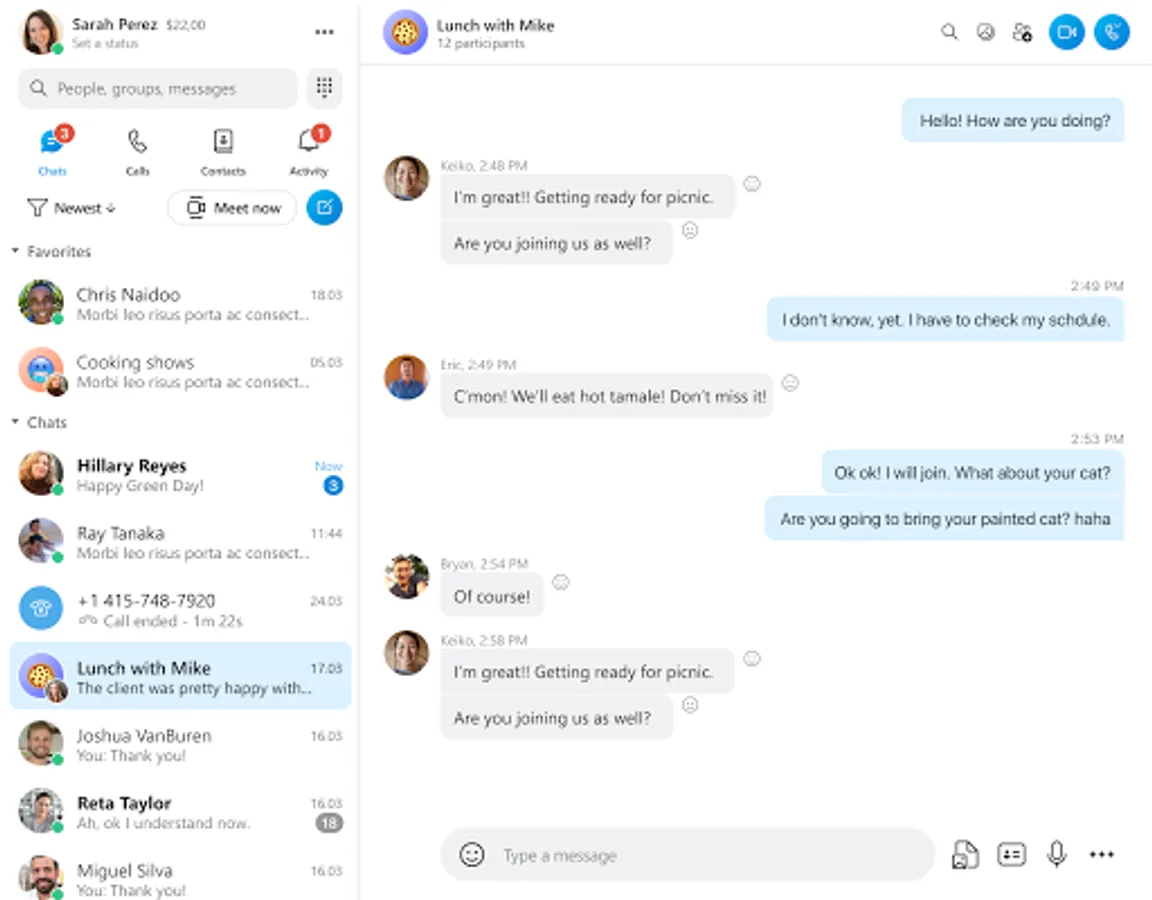
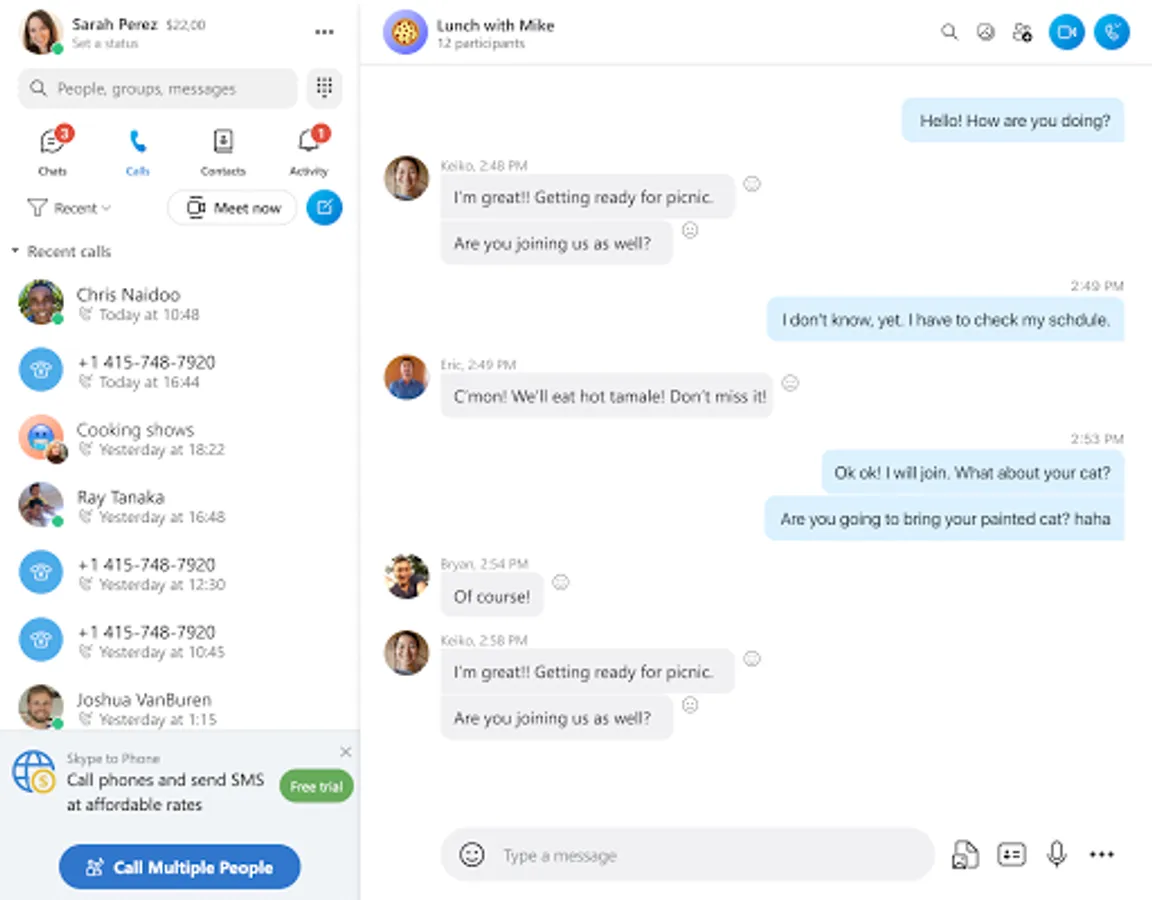
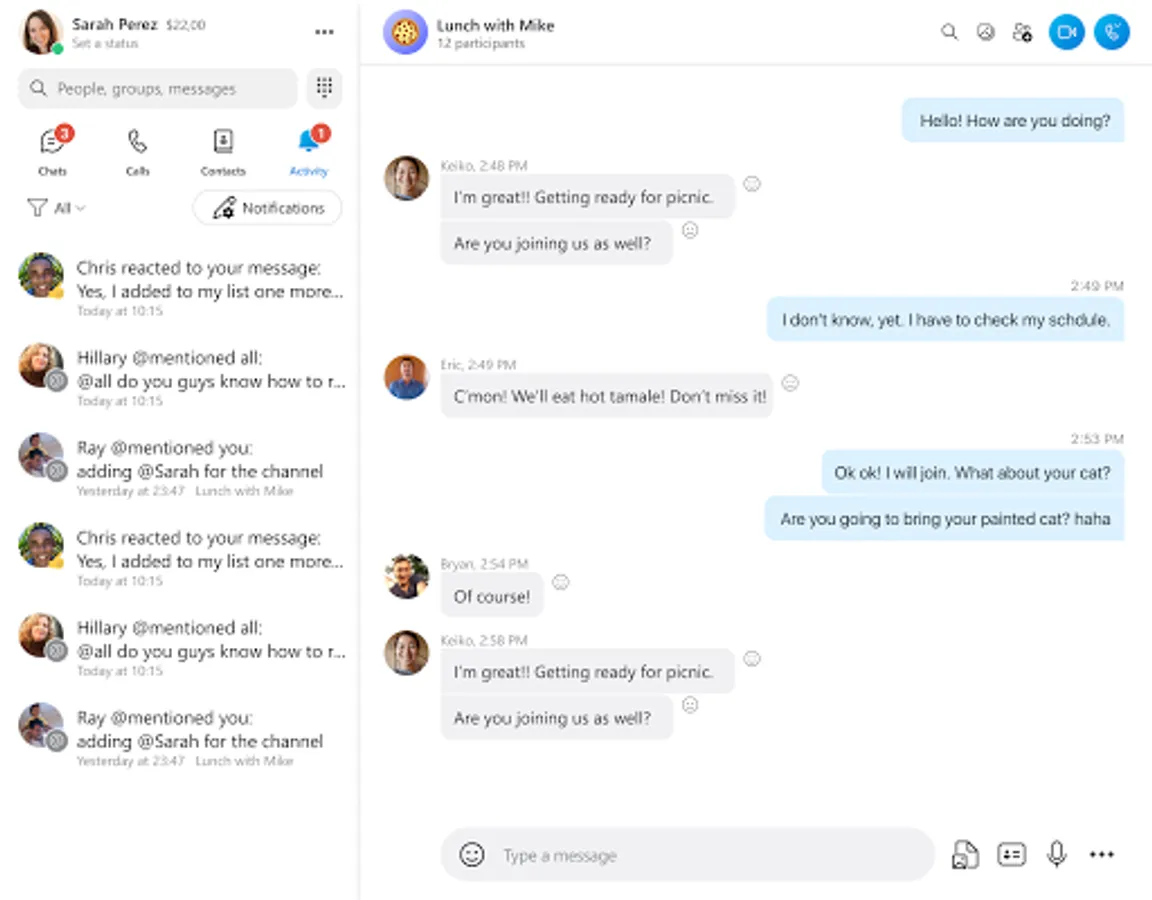
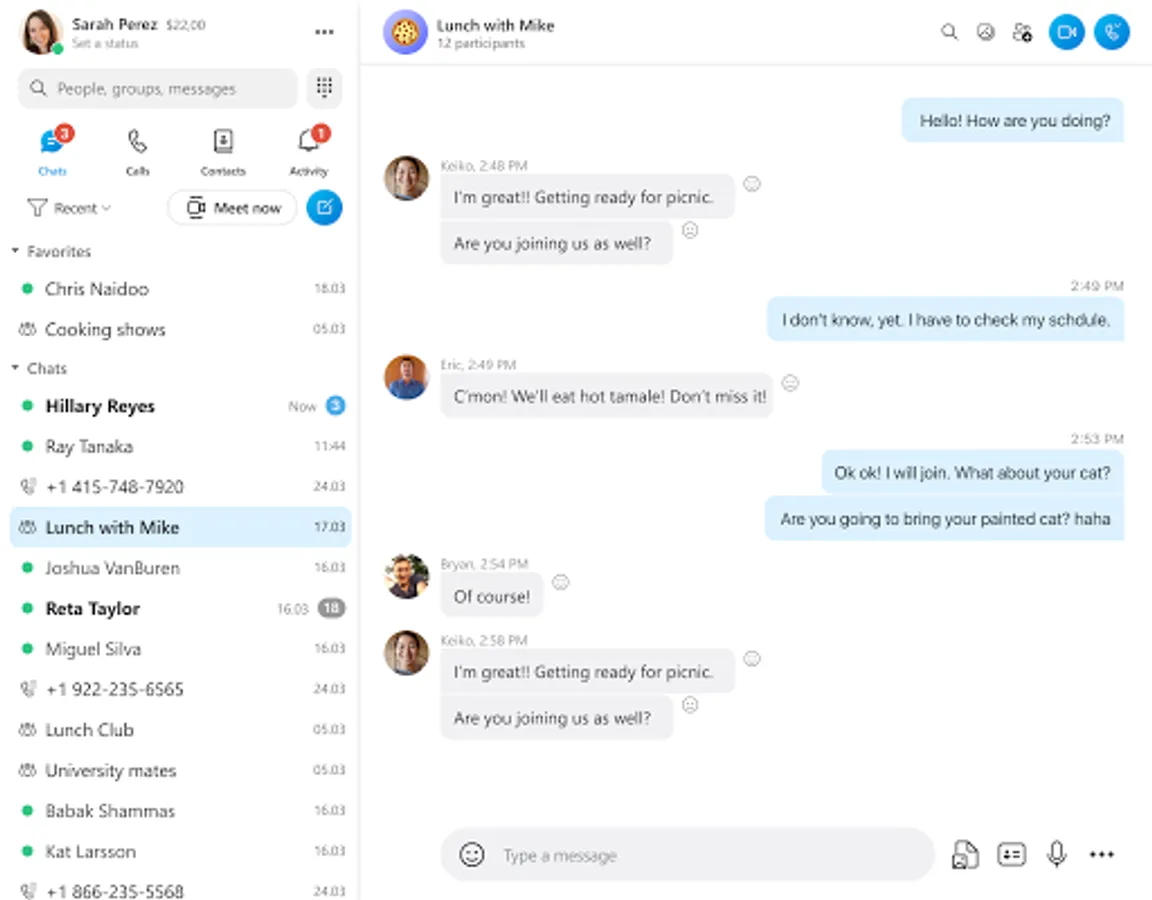
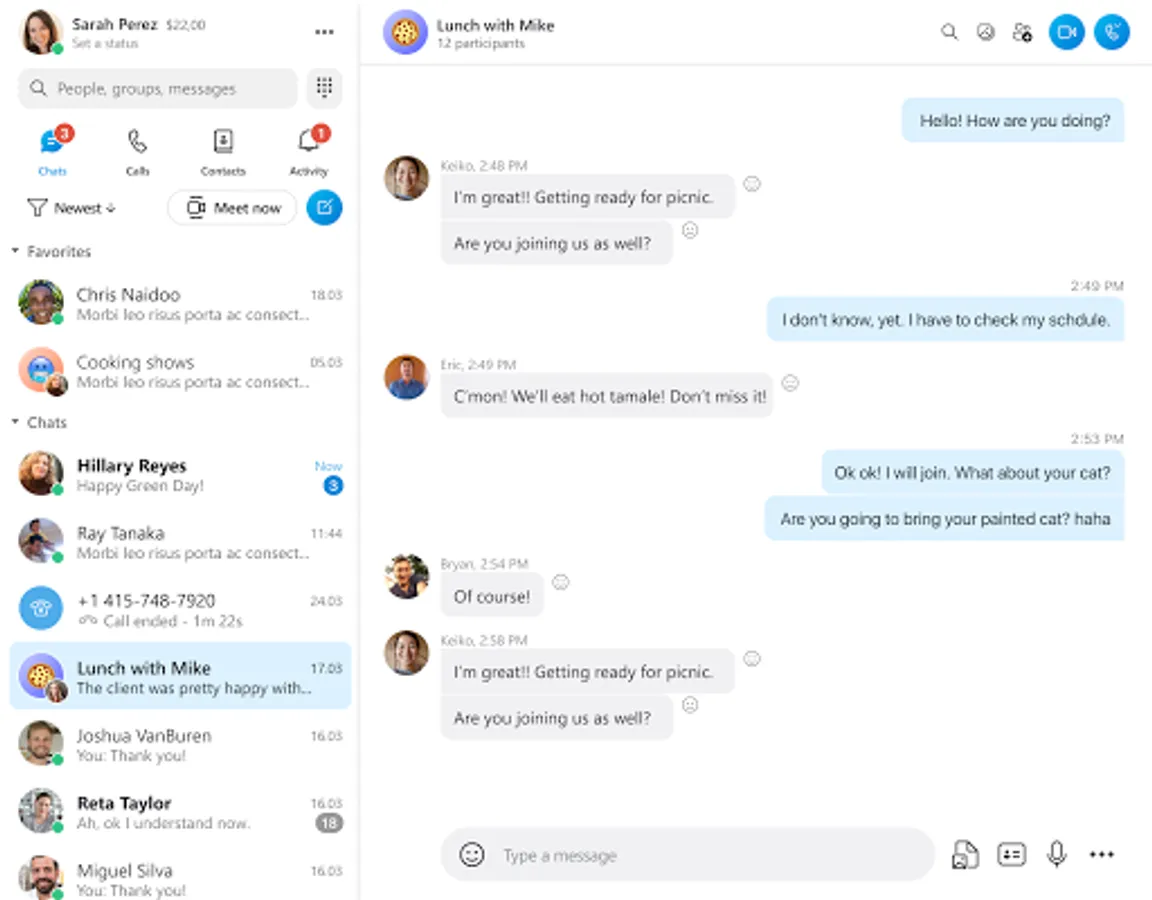
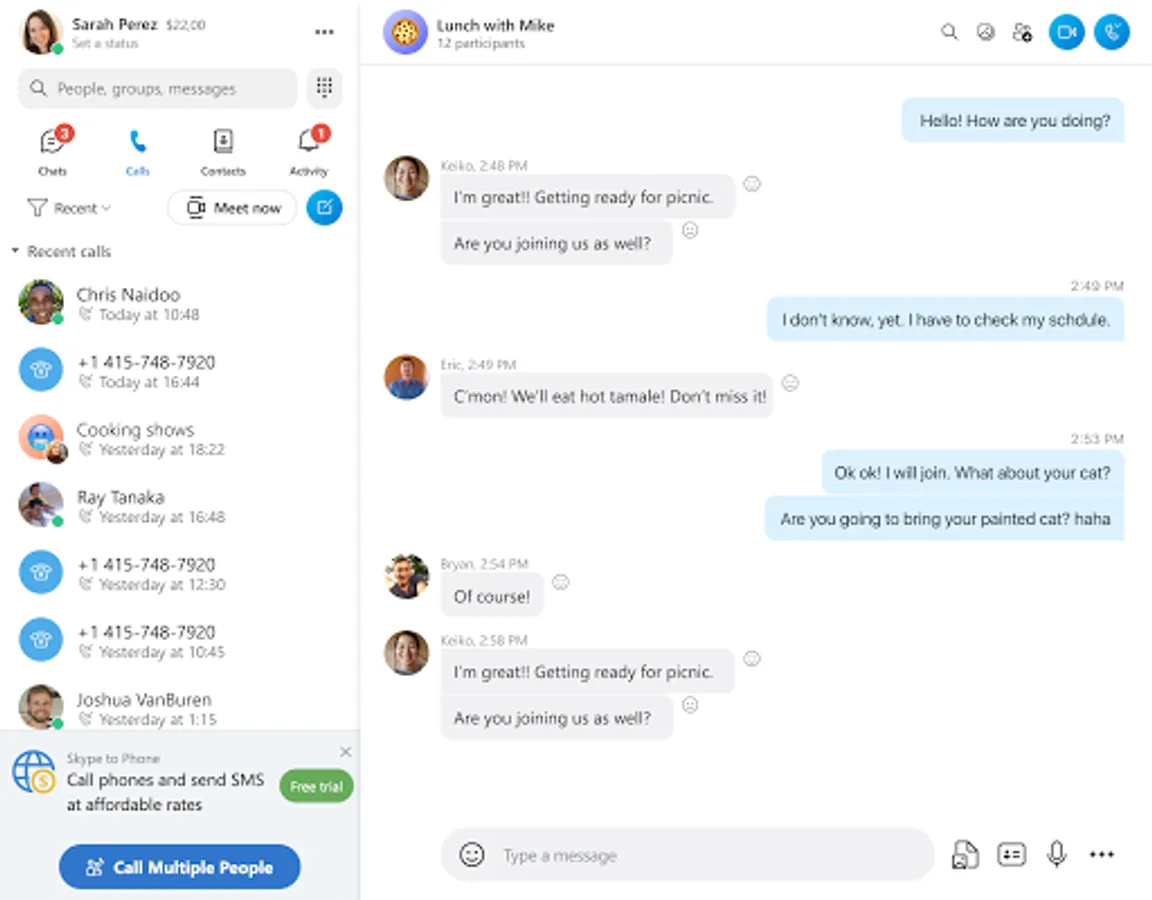
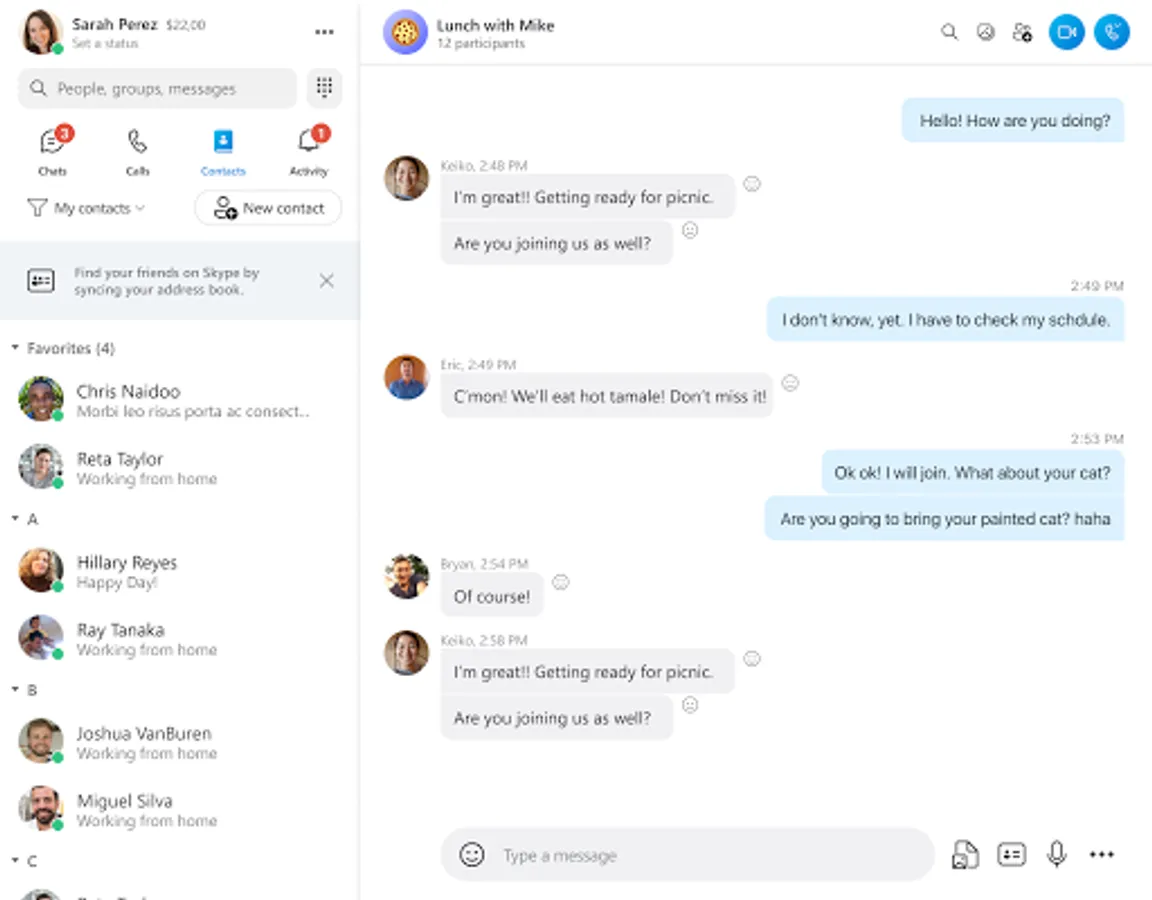
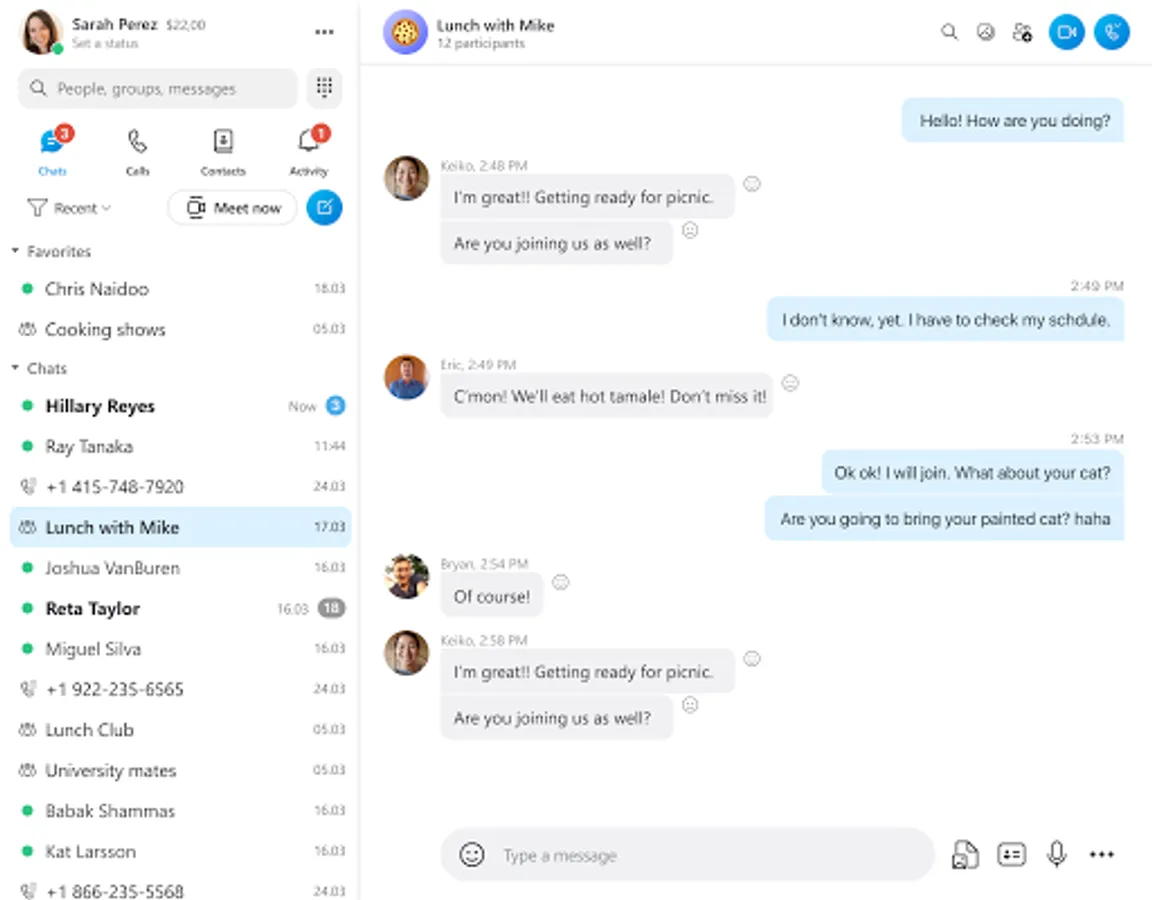
Skype is the best way to stay connected with anyone, anywhere, anytime. You can make free video calls with up to 100 people, send and receive free text messages and use ChatGPT with others. With Skype, you can send voice messages, emojis, share your screen to show what you’re working on.
ADD A SECOND NUMBER TO YOUR PHONE
Need more privacy? Get a second phone number. With private Skype Number, you can keep your personal and business life separate and enjoy affordable calling to landlines and mobiles around the world.
PERSONALIZED NEWS
With Skype’s new Today tab you can get free personalized news. Stay informed, productive, entertained, and inspired with up-to-date news.
Skype-to-Skype calls are free. Operator data charges may apply. We recommend using an unlimited data plan or WiFi connection.
• Privacy and Cookies policy: https://go.microsoft.com/fwlink/?LinkID=507539
• Microsoft Services Agreement: https://go.microsoft.com/fwlink/?LinkID=530144
• EU Contract Summary: https://go.skype.com/eu.contract.summary
Access Permissions:
All permissions are optional and require consent (you can continue using Skype without granting these permissions, but certain features may not be available).
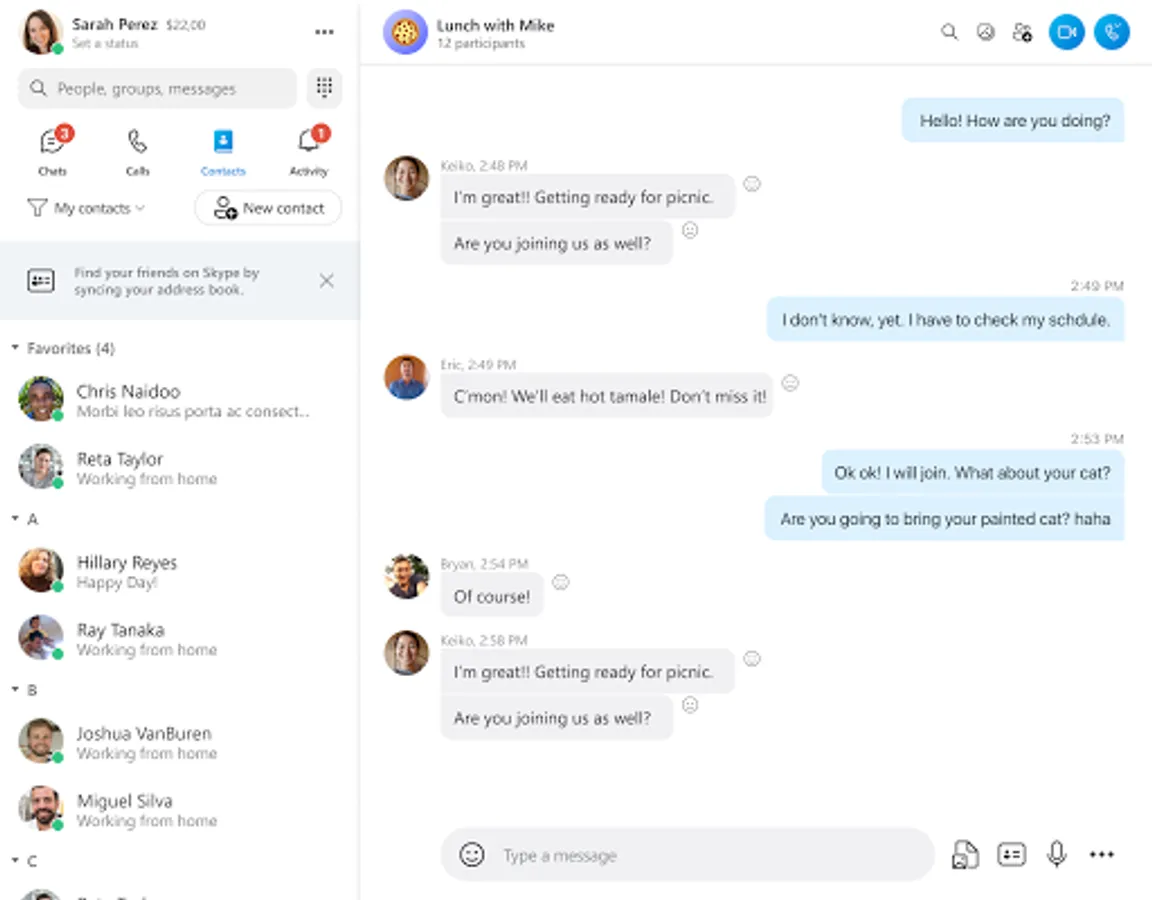
• Contacts - Skype can sync and upload your device contacts to Microsoft's servers so that you can easily find and connect with your contacts that already use Skype.
• Microphone - The microphone is needed for people to hear you during audio or video calls or for you to record audio messages.
• Camera - The camera is needed for people to see you during video calls, or for you to be able to take photos or videos whilst you’re using Skype.
• Location - You can share your location with other users or use your location to help find relevant places near you.
• Photo Library - Storage is needed to be able to store photos or to share your photos with others you may chat with.
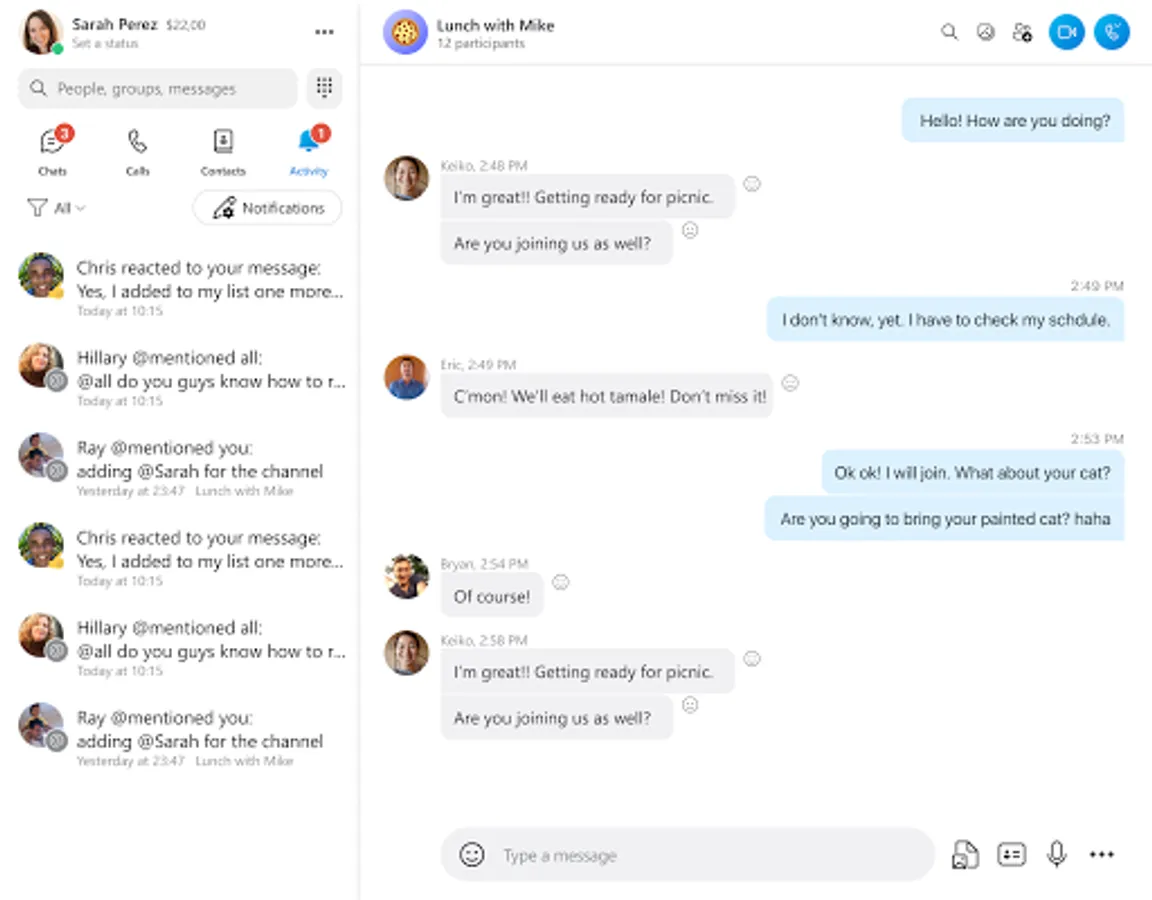
• Notifications - Notifications allow users to know when messages or calls are received even when Skype is not actively being used.
• Siri - This allows Siri to make calls in Skype.
• Calendar - Access to the calendar is so that calls can be scheduled and added to the calendar.
• Motion Usage - Motion usage is used so that Skype can detect when your device is rotated, so that Skype can orientate the camera correctly.
Ask Bing 1:1 or in any group chat:
- Help me plan a trip to Europe this summer
- Write a dad joke and translate it into any language
- Ask for movie recommendations
- Unleash your creativity
Skype is now integrated with Bing, cutting-edge AI-powered copilot, the latest generative language model from OpenAI that you can use for free. With ChatGPT in Skype, you don’t need any technical knowledge, just ask a question like you would a friend.
Bonus points: Try asking ChatGPT in your native language and find the most interesting question to ask!
SKYPE WITH ANYONE FOR FREE
Skype is the best way to stay connected with anyone, anywhere, anytime. You can make free video calls with up to 100 people, send and receive free text messages and use ChatGPT with others. With Skype, you can send voice messages, emojis, share your screen to show what you’re working on.
ADD A SECOND NUMBER TO YOUR PHONE
Need more privacy? Get a second phone number. With private Skype Number, you can keep your personal and business life separate and enjoy affordable calling to landlines and mobiles around the world.
PERSONALIZED NEWS
With Skype’s new Today tab you can get free personalized news. Stay informed, productive, entertained, and inspired with up-to-date news.
Skype-to-Skype calls are free. Operator data charges may apply. We recommend using an unlimited data plan or WiFi connection.
• Privacy and Cookies policy: https://go.microsoft.com/fwlink/?LinkID=507539
• Microsoft Services Agreement: https://go.microsoft.com/fwlink/?LinkID=530144
• EU Contract Summary: https://go.skype.com/eu.contract.summary
Access Permissions:
All permissions are optional and require consent (you can continue using Skype without granting these permissions, but certain features may not be available).
• Contacts - Skype can sync and upload your device contacts to Microsoft's servers so that you can easily find and connect with your contacts that already use Skype.
• Microphone - The microphone is needed for people to hear you during audio or video calls or for you to record audio messages.
• Camera - The camera is needed for people to see you during video calls, or for you to be able to take photos or videos whilst you’re using Skype.
• Location - You can share your location with other users or use your location to help find relevant places near you.
• Photo Library - Storage is needed to be able to store photos or to share your photos with others you may chat with.
• Notifications - Notifications allow users to know when messages or calls are received even when Skype is not actively being used.
• Siri - This allows Siri to make calls in Skype.
• Calendar - Access to the calendar is so that calls can be scheduled and added to the calendar.
• Motion Usage - Motion usage is used so that Skype can detect when your device is rotated, so that Skype can orientate the camera correctly.
Skype Screenshots

Tap to Rate: