Cast to TV: Screen Mirroring
EZ Application
3.4 ★
store rating
1,000,000+
downloads
Free
+ in-app
AppRecs review analysis
AppRecs rating 2.7. Trustworthiness 80 out of 100. Review manipulation risk 31 out of 100. Based on a review sample analyzed.
★★☆☆☆
2.7
AppRecs Rating
Ratings breakdown
5 star
49%
4 star
6%
3 star
8%
2 star
6%
1 star
31%
What to know
⚠
Ad complaints
Many low ratings mention excessive ads
⚠
Review quality concerns
78% of sampled 5-star reviews are very short
⚠
High negative review ratio
37% of sampled ratings are 1–2 stars
About Cast to TV: Screen Mirroring
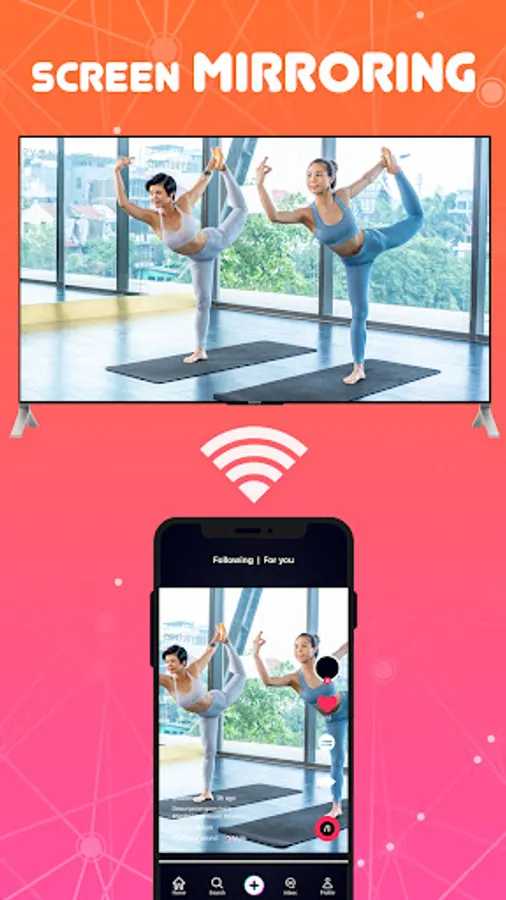
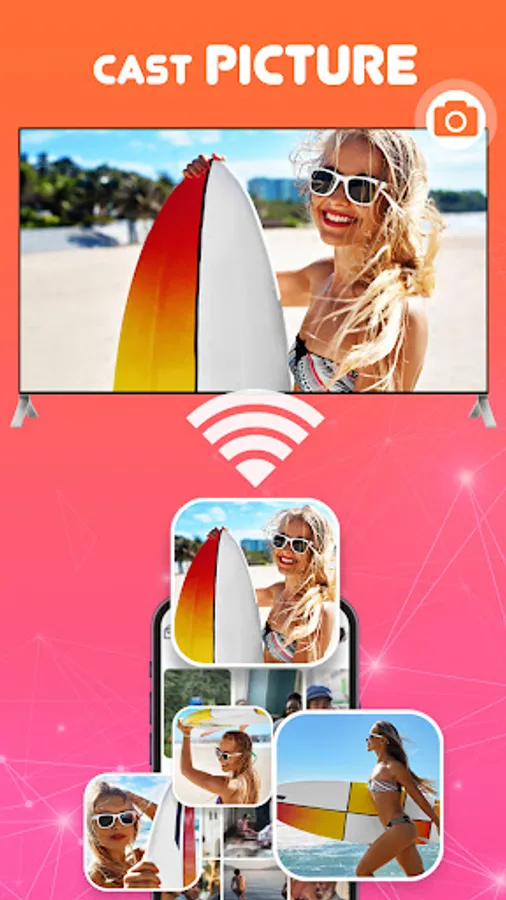
⭐️ Look no further than the Cast to TV, Screen mirroring! With this app, screen sharing and casting to your television is a breeze, no matter what brand you have. Whether you're playing mobile games, browsing photos, or watching movies and shows, Cast to TV, Screen mirroring allows you to easily share your phone's screen on the big big using web to caster or cast tv.
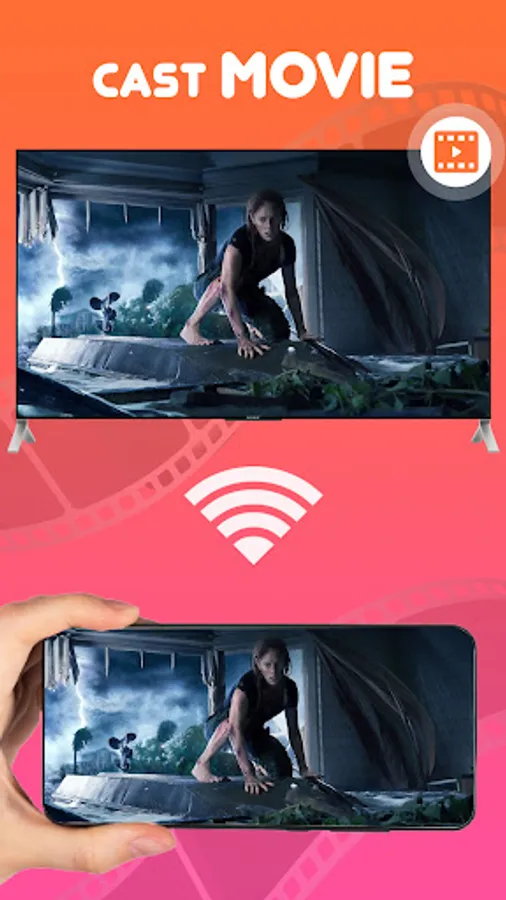
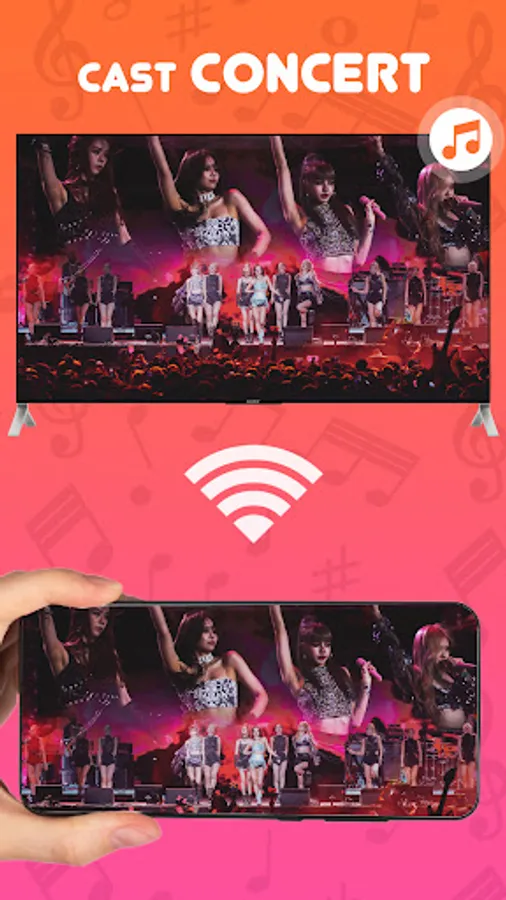
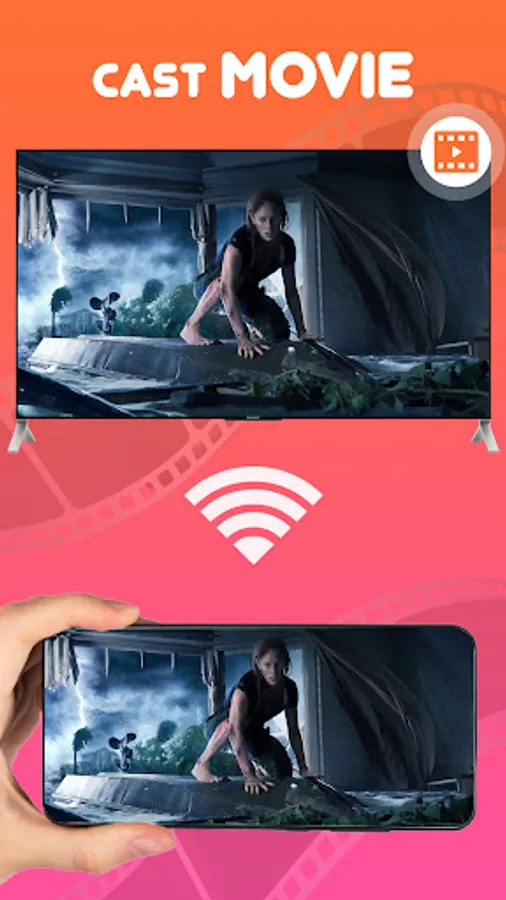
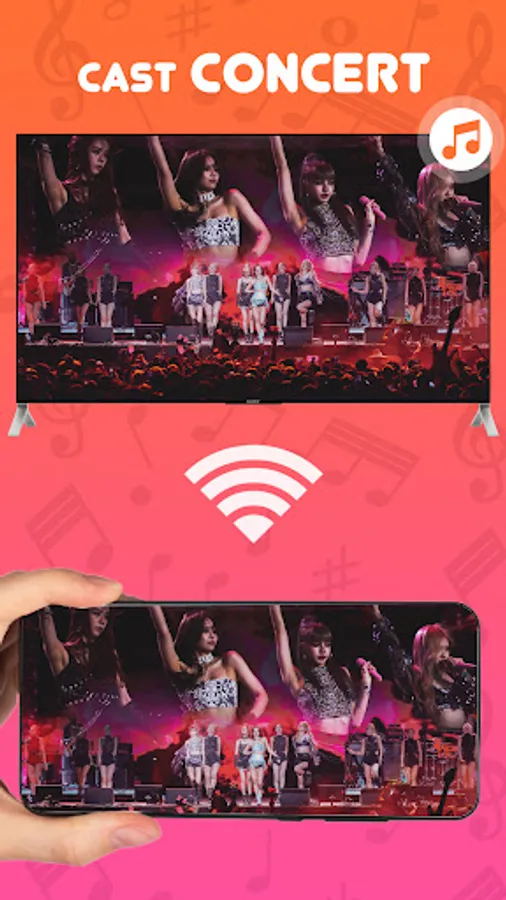
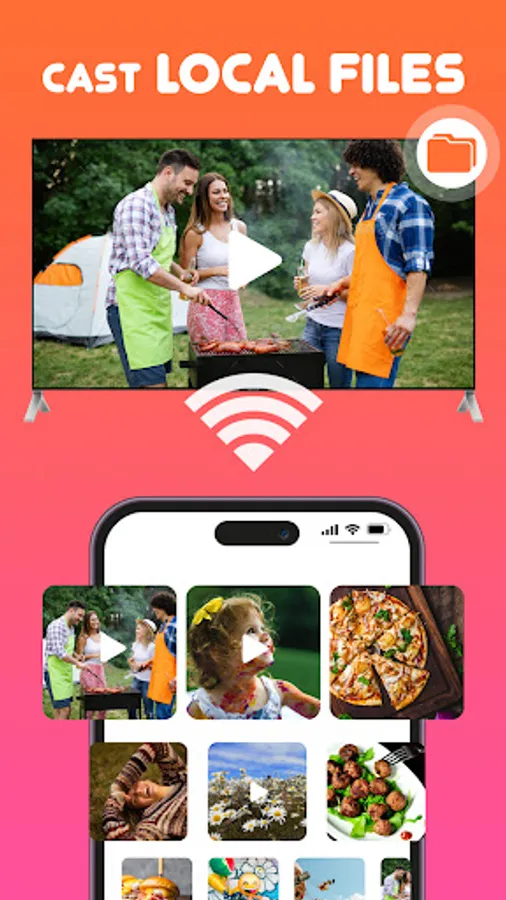
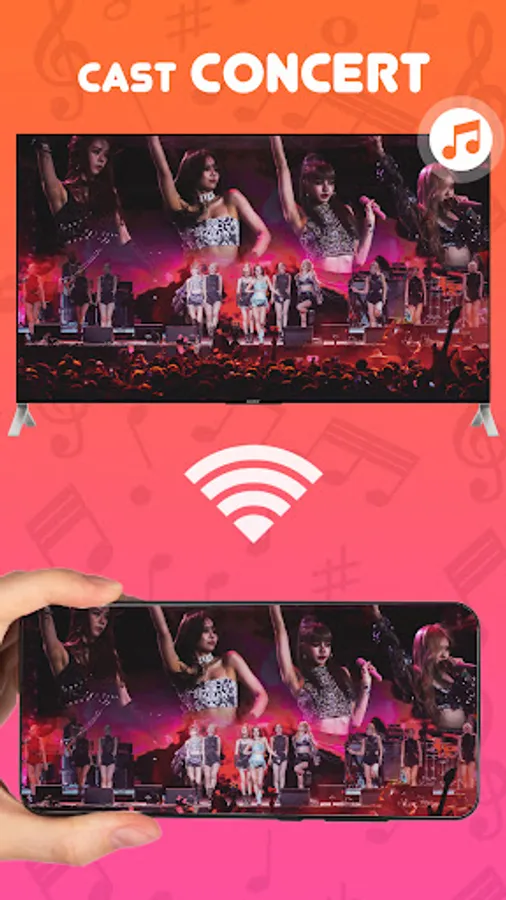
⭐️ With the Video casting feature, you can cast videos to your television, cast music, and even share your display with web browsers using the cast tv feature. Plus, the Remote control feature lets you control your television with your phone - adjust the volume, pause, forward, rewind, and more, all through the share screen functionality.
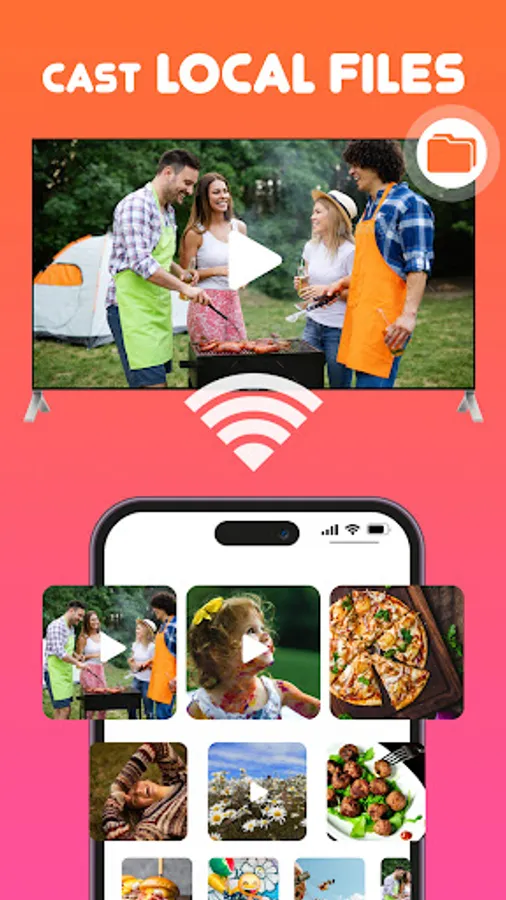
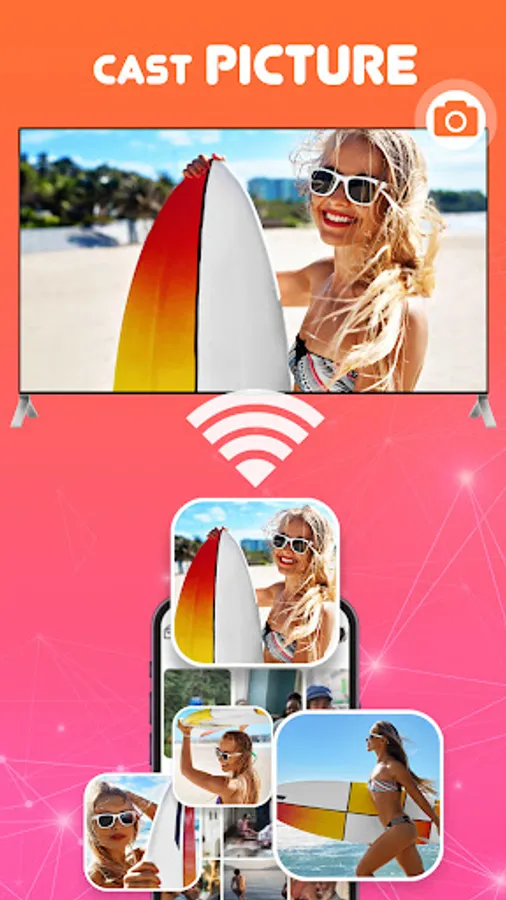
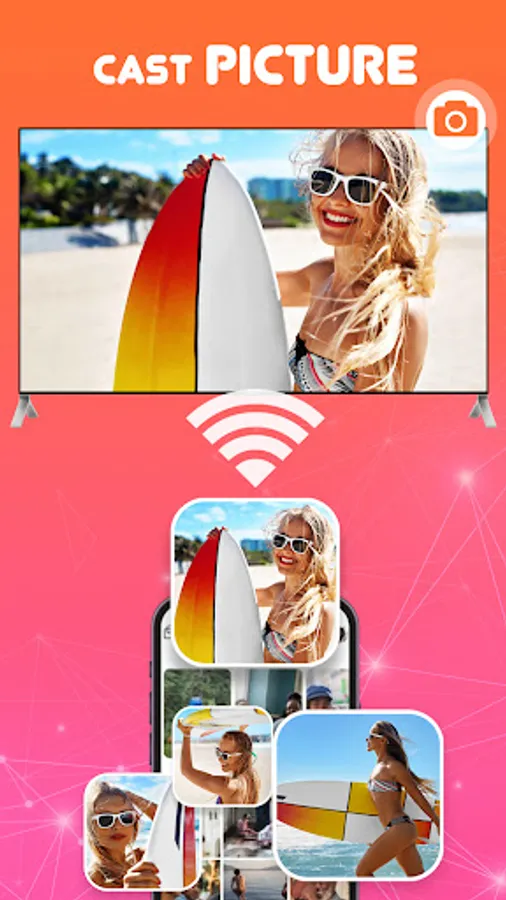
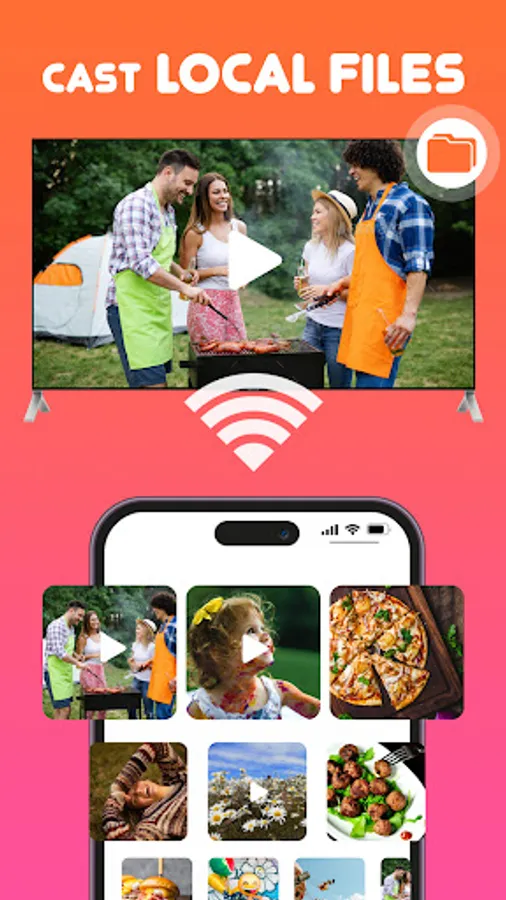
⭐️ This Cast for Chromecast app is also great for professionals looking to share demos and presentations on a larger screen, or for families who want to view travel slideshows and photos together using screen cast technology. And with the easy-to-use interface and automatic recognition of media files on your device, cast to your television has never been easier.
⭐️ So, how do you use Cast to TV? First, make sure your TV supports Wireless Display or Display Dongles, and that it's connected to the same Wi-Fi network as your phone. Then, simply download and use the Clever View Screen Mirroring app to cast your phone to your device using the web to caster feature.
Cast to TV - Screen Mirroring allows you to mirror your smartphone on the TV screen in high quality. You will be able to stream videos, music, photographs, and other content to your large TV. With Cast to TV - Screen Mirroring app you can cast phone and tablet content quickly and reliably to TV.
📺 Key Feature of Screen Mirroring: TV Cast App:
✦ Cast smartphone screen to big TV screen stably.
✦ Simple and fast connection with just one click.
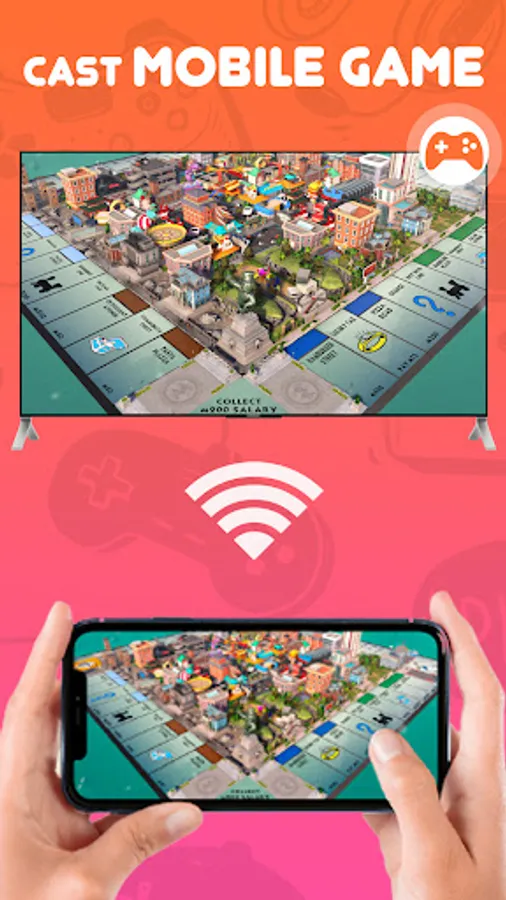
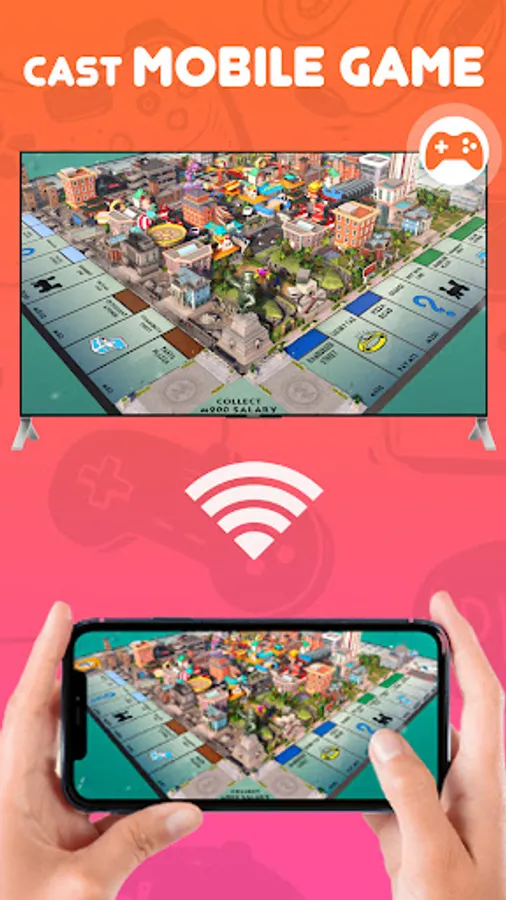
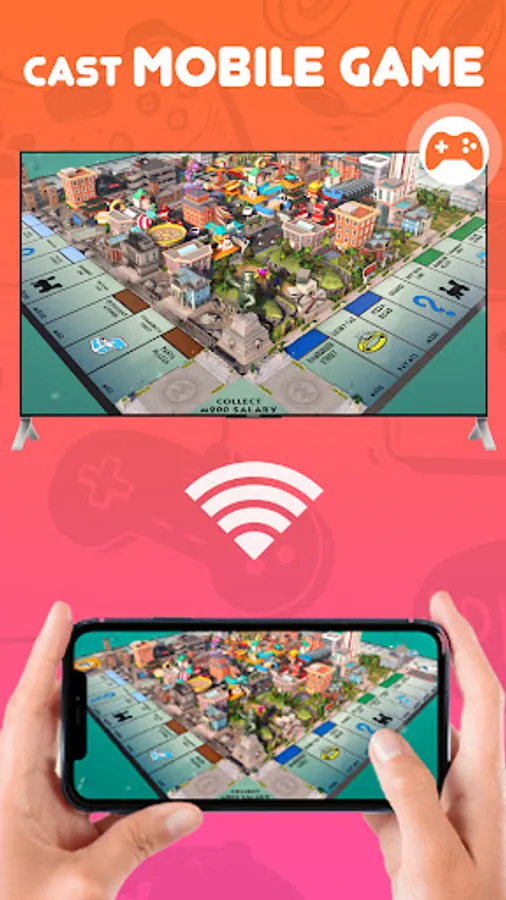
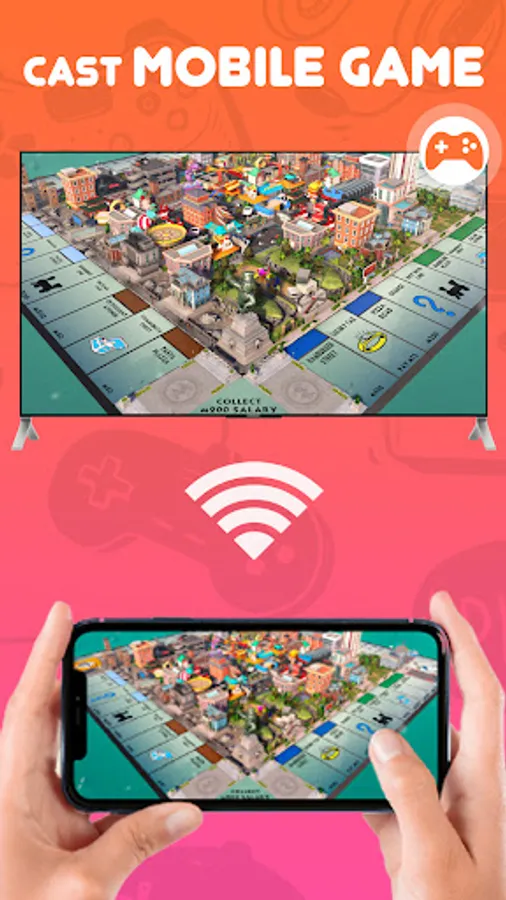
✦ Cast the mobile game to your big screen TV.
✦ A simple user interface to create a good experience.
✦ Fast and easy to use.
✦ Multiple devices supported.
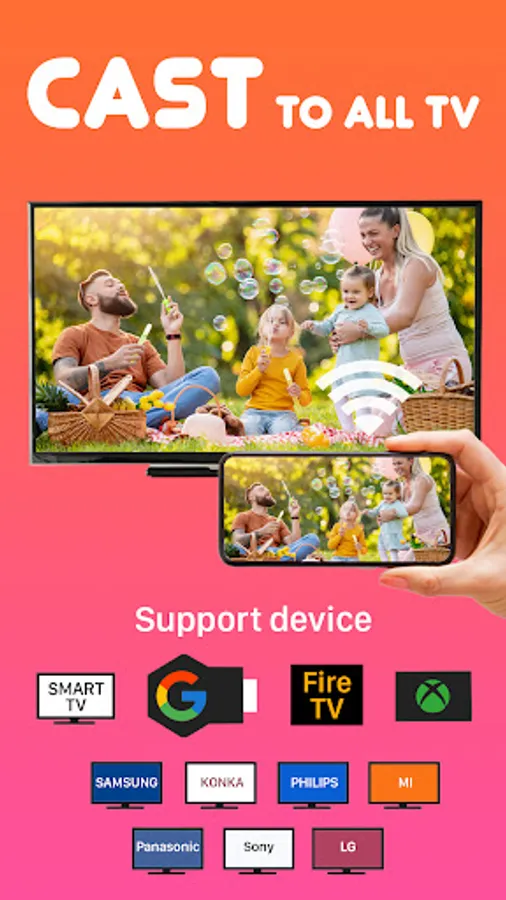
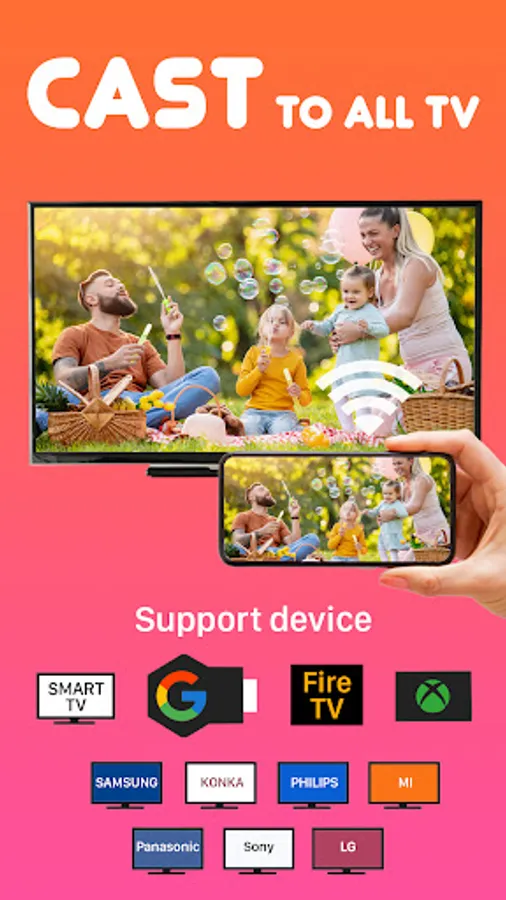
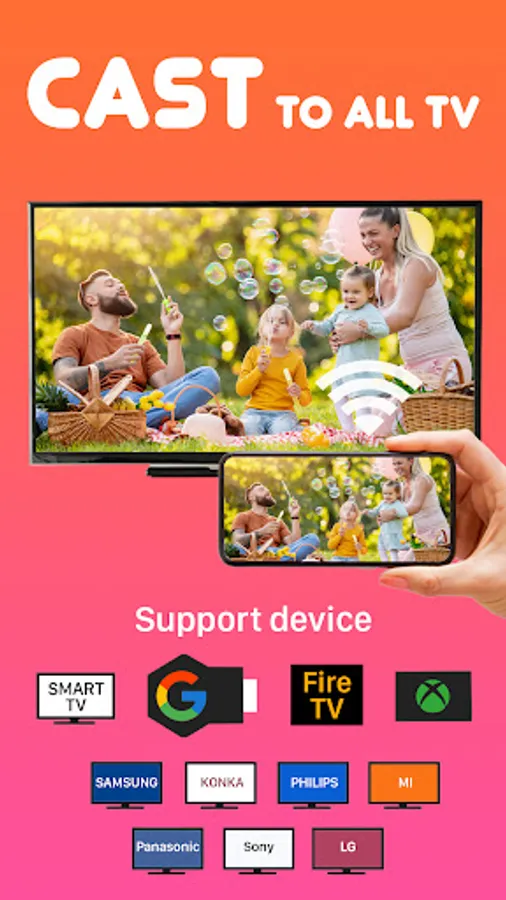
📺 All Cast in One. With Cast to TV, you can cast to:
☆ Chromecast
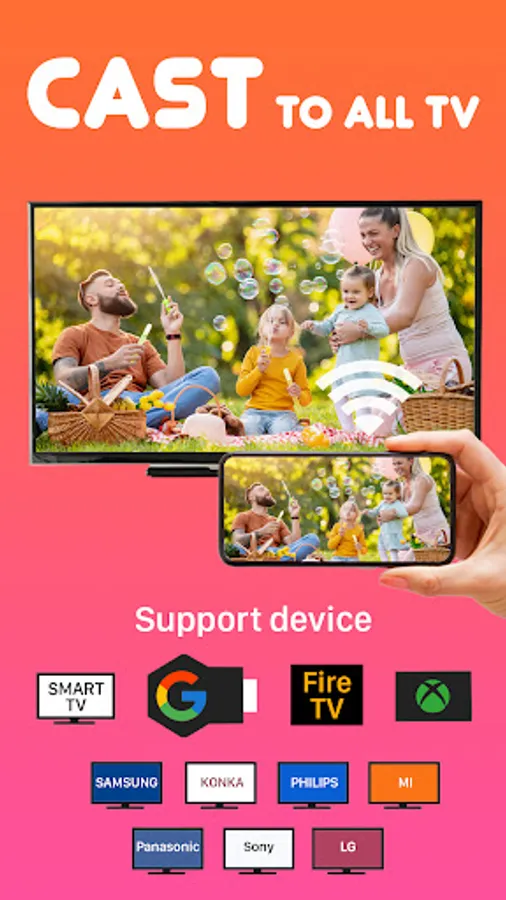
☆ Smart TVs: Samsung, LG, Sony, Hisense, Xiaomi, Panasonic, etc.
☆ Xbox One and Xbox 360
☆ Amazon Fire TV and Cast to Fire Stick
☆ Apple TV and Airplay
☆ RokuStick and RokuTVs
☆ Other DLNA receivers
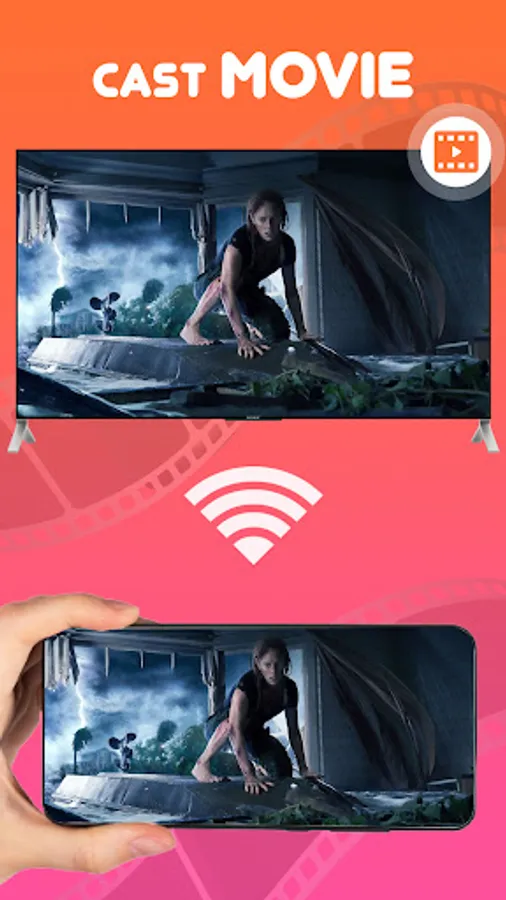
Cast to TV is the most effective mirroring method for screen mirroring in real-time speed. If you want to cast video from Android to tv, you’d better try Cast to TV - Screen Mirroring.
How To Use:
1. Your TV should support Wireless Display or any sort of Display Dongles.
2. The TV must be connected to WI-FI network same as your phone.
3. Launch the app and connect the app to your TV.
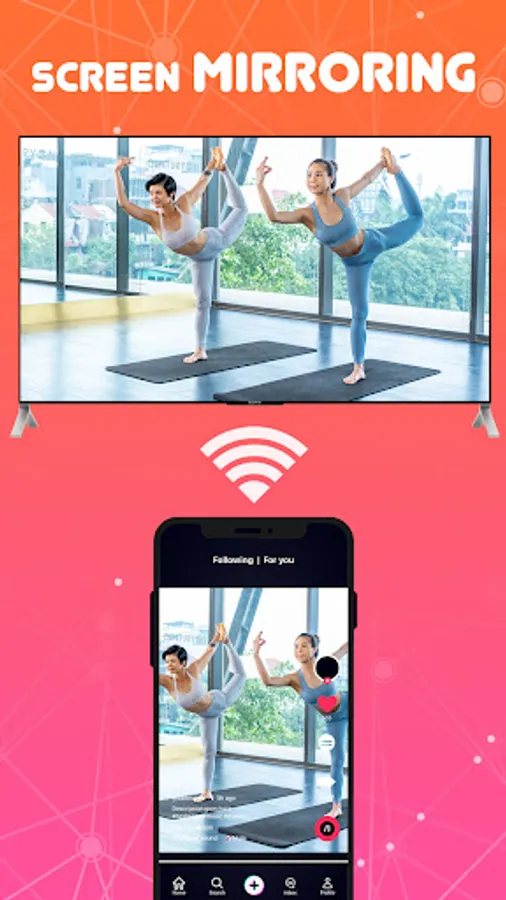
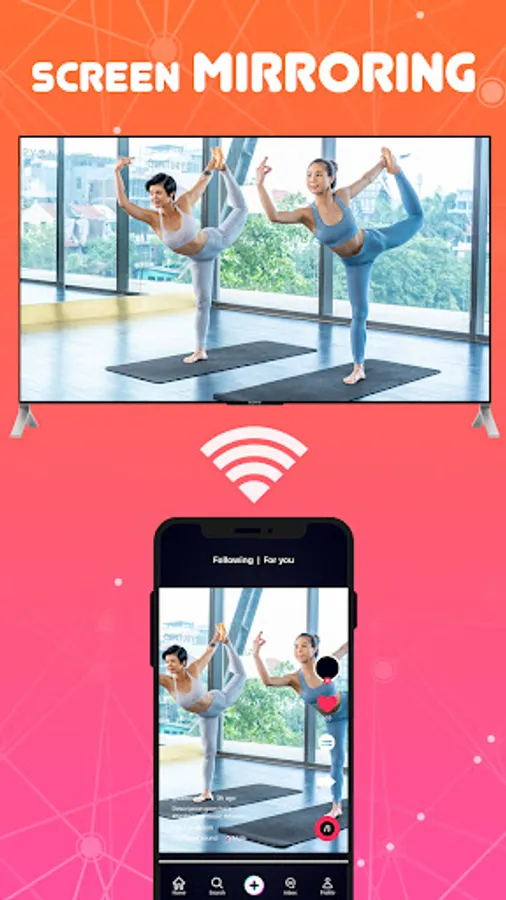
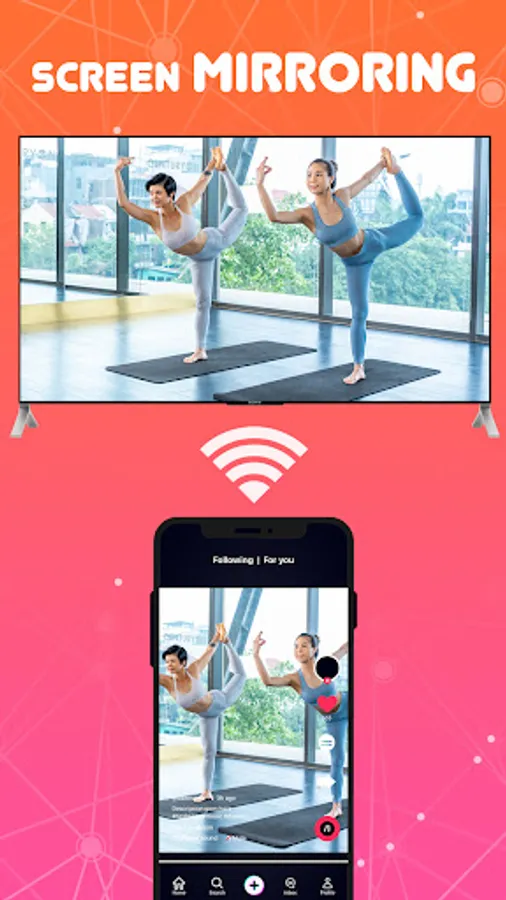
4. Tap "Screen Mirroring" button and go for "Start Mirroring" button to get it started.
Before you Start:
Before connecting the device, make sure VPN is turned off.
The TV must be connected to WI-FI network same as your phone.
⭐️ With the Video casting feature, you can cast videos to your television, cast music, and even share your display with web browsers using the cast tv feature. Plus, the Remote control feature lets you control your television with your phone - adjust the volume, pause, forward, rewind, and more, all through the share screen functionality.
⭐️ This Cast for Chromecast app is also great for professionals looking to share demos and presentations on a larger screen, or for families who want to view travel slideshows and photos together using screen cast technology. And with the easy-to-use interface and automatic recognition of media files on your device, cast to your television has never been easier.
⭐️ So, how do you use Cast to TV? First, make sure your TV supports Wireless Display or Display Dongles, and that it's connected to the same Wi-Fi network as your phone. Then, simply download and use the Clever View Screen Mirroring app to cast your phone to your device using the web to caster feature.
Cast to TV - Screen Mirroring allows you to mirror your smartphone on the TV screen in high quality. You will be able to stream videos, music, photographs, and other content to your large TV. With Cast to TV - Screen Mirroring app you can cast phone and tablet content quickly and reliably to TV.
📺 Key Feature of Screen Mirroring: TV Cast App:
✦ Cast smartphone screen to big TV screen stably.
✦ Simple and fast connection with just one click.
✦ Cast the mobile game to your big screen TV.
✦ A simple user interface to create a good experience.
✦ Fast and easy to use.
✦ Multiple devices supported.
📺 All Cast in One. With Cast to TV, you can cast to:
☆ Chromecast
☆ Smart TVs: Samsung, LG, Sony, Hisense, Xiaomi, Panasonic, etc.
☆ Xbox One and Xbox 360
☆ Amazon Fire TV and Cast to Fire Stick
☆ Apple TV and Airplay
☆ RokuStick and RokuTVs
☆ Other DLNA receivers
Cast to TV is the most effective mirroring method for screen mirroring in real-time speed. If you want to cast video from Android to tv, you’d better try Cast to TV - Screen Mirroring.
How To Use:
1. Your TV should support Wireless Display or any sort of Display Dongles.
2. The TV must be connected to WI-FI network same as your phone.
3. Launch the app and connect the app to your TV.
4. Tap "Screen Mirroring" button and go for "Start Mirroring" button to get it started.
Before you Start:
Before connecting the device, make sure VPN is turned off.
The TV must be connected to WI-FI network same as your phone.