Smart Telescope Zoom Camera
Beta plus
3.8 ★
store rating
100,000+
downloads
Free
+ in-app
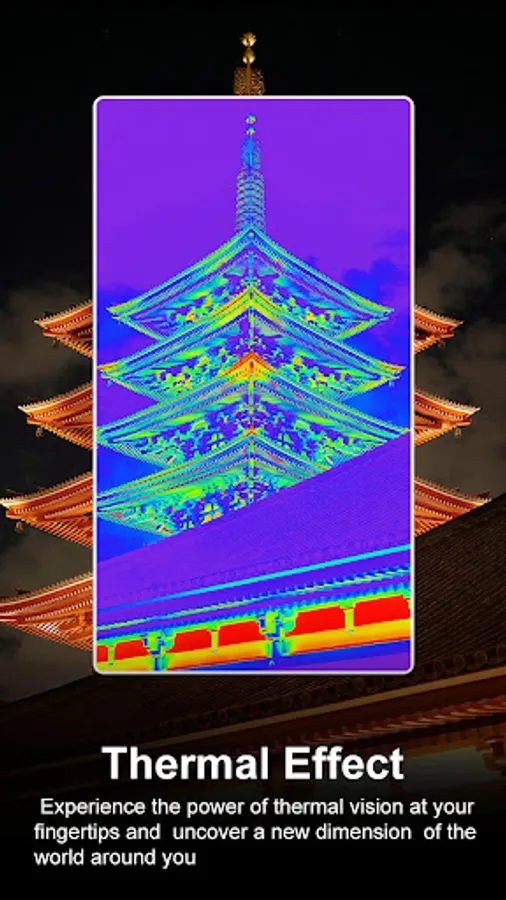
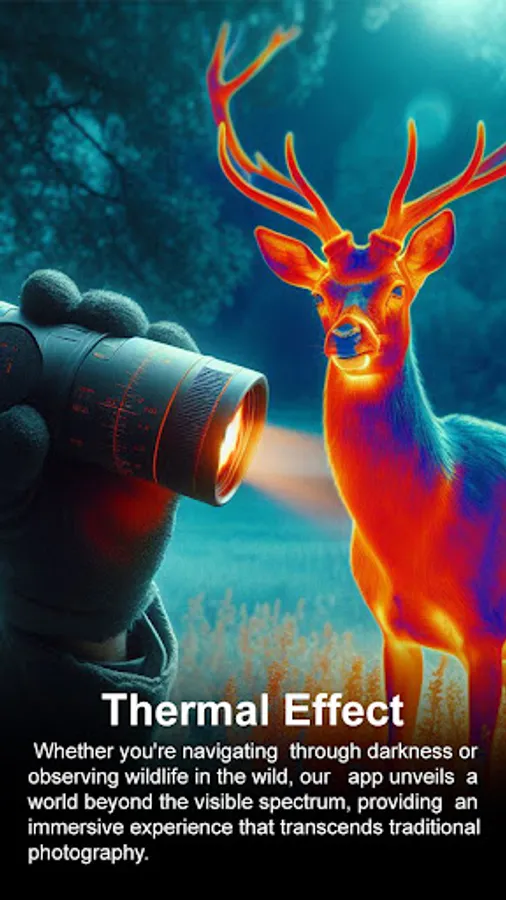
In this camera app, you can zoom, adjust focus, and capture images of distant objects using your phone's camera. Includes adjustable brightness, night mode, color effects, and burst mode.
AppRecs review analysis
AppRecs rating 3.1. Trustworthiness 78 out of 100. Review manipulation risk 28 out of 100. Based on a review sample analyzed.
★★★☆☆
3.1
AppRecs Rating
Ratings breakdown
5 star
62%
4 star
3%
3 star
12%
2 star
3%
1 star
21%
What to know
✓
Low review manipulation risk
28% review manipulation risk
⚠
Ad complaints
Many low ratings mention excessive ads
⚠
Review quality concerns
55% of sampled 5-star reviews are very short
About Smart Telescope Zoom Camera
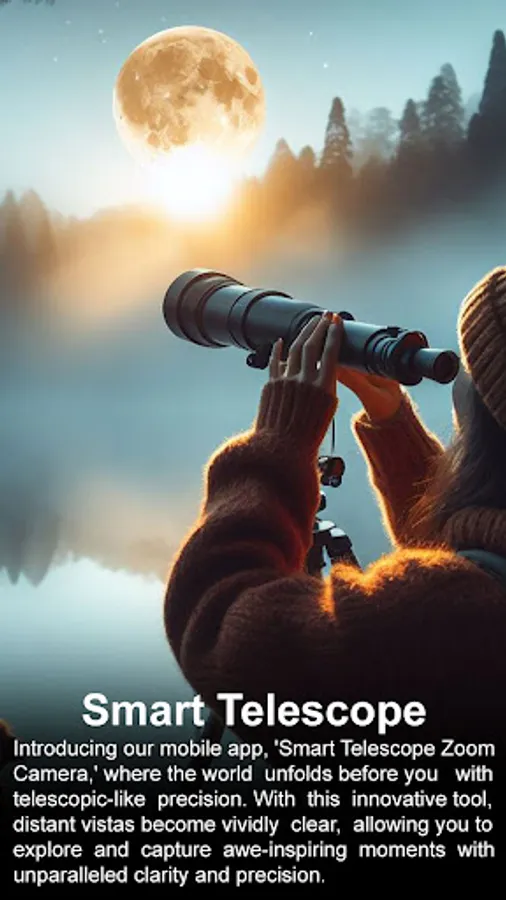
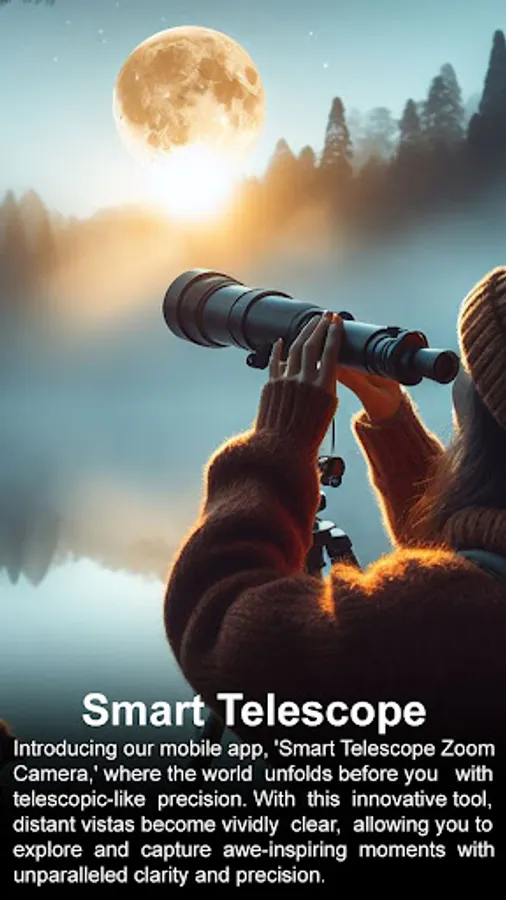
You don't need to bring around a large telescope, a microscope, or binoculars. You may get the greatest zooming result possible by using optical and high-quality picture characteristics.
IIt'st'sa fantastic software, so get ready to use it. This app uses the built-in camera on your device, therefore the effects are dependent on the resolution and frame rate of your phone's camera.
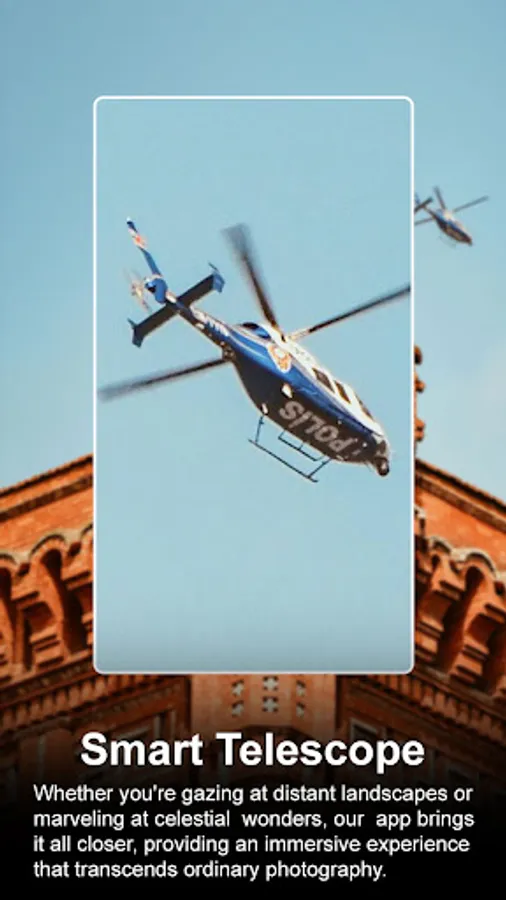
With the help of this app, you can make your phone into a powerful telescope so that you can view objects far away.
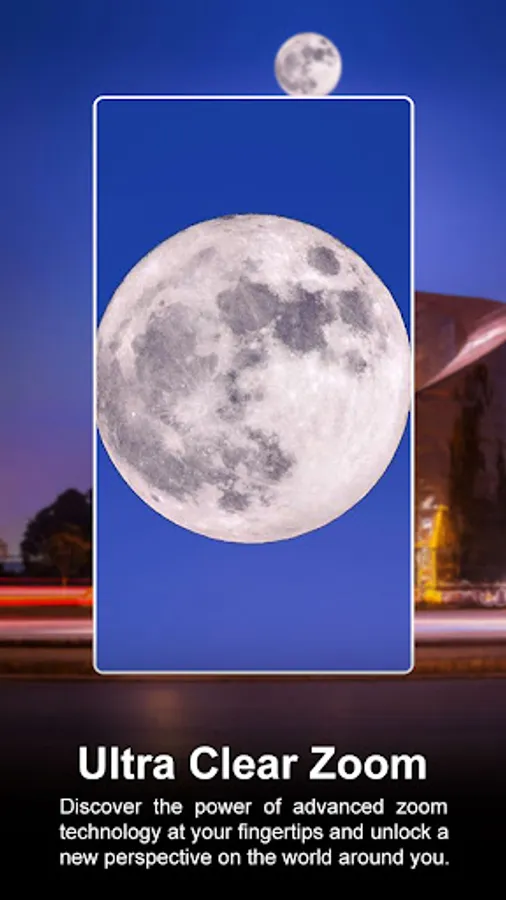
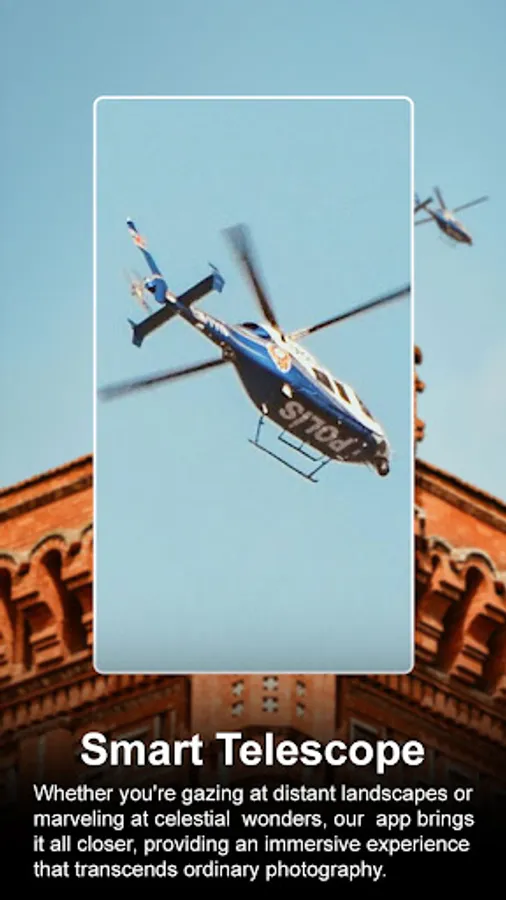
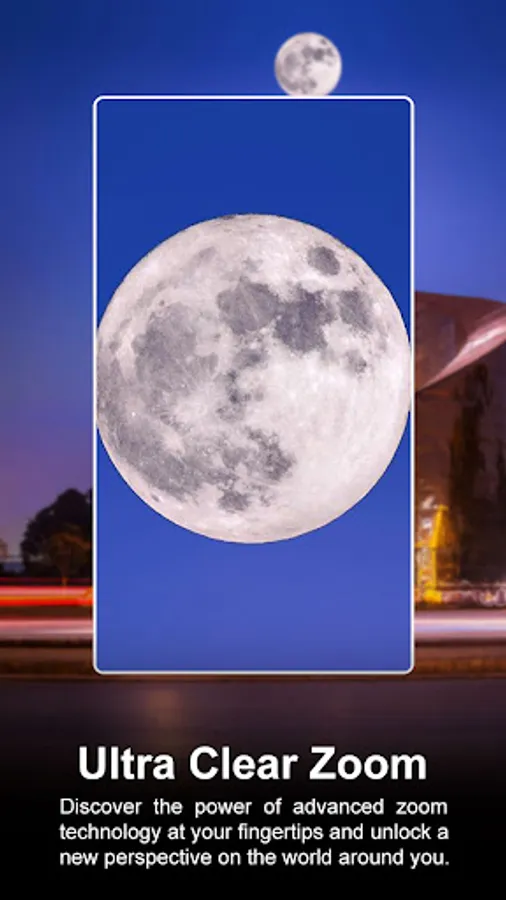
There are three primary functions. The first is brightness, which allows you to adjust the camera's brightness. The second is night mode, which allows you to use this app at night. To gain a clearer view of distant things, you may zoom the camera in.
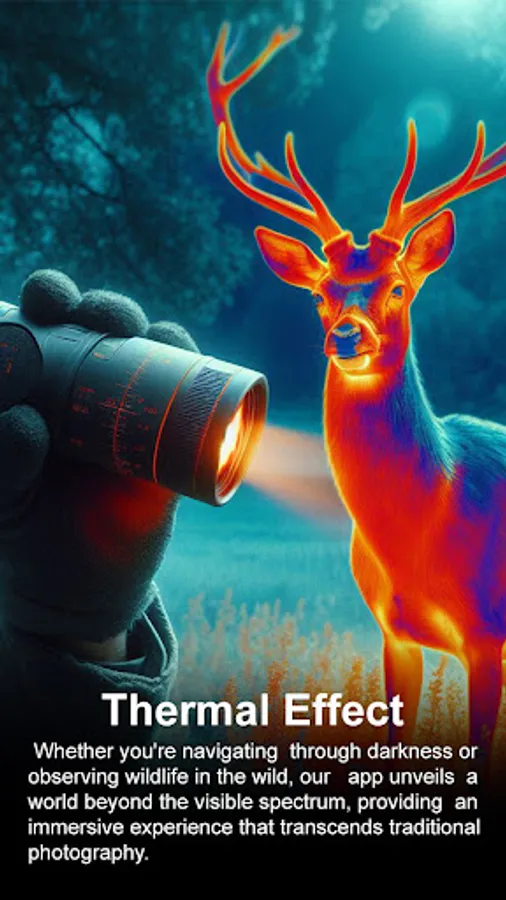
Your phone's camera's ability to zoom, adjust focus, brightness, and contrast as well as take pictures and movies of far-off objects, scenic locations, flowers, and animals will depend on these features.
** TOP FEATURES **
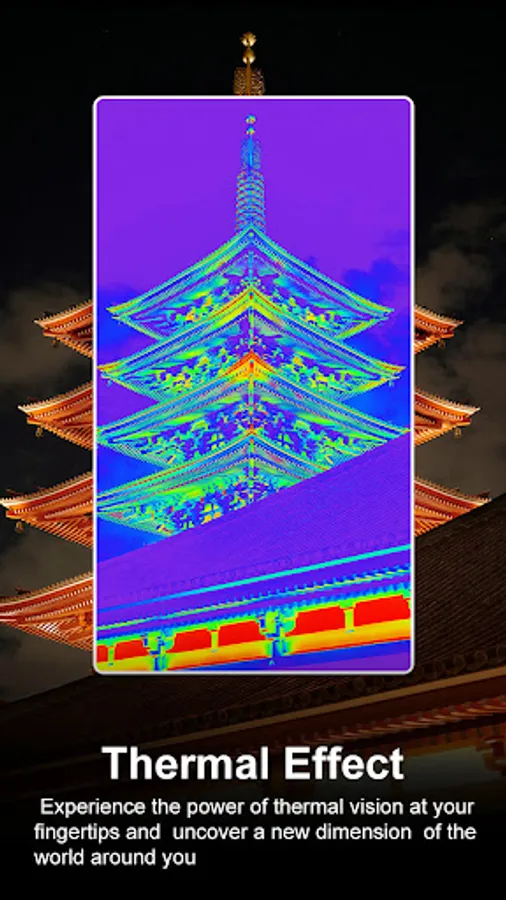
• Red, Green, and Blue picture colour effects.
• A visible flashlight stand.
• Choosing between the front and back cameras.
• The scrolling zoom design of the virtual telescope.
• Choose the image and video quality, then save the files as JPEG or PNG.
• Hands-free mode with an optional audio input for starting to take pictures and record videos.
• Burst mode with adjustable delay.
• Modular scrolling with radiation compensation adjustments.
• To provide service, press the shutter button or the volume buttons.
• Lock the landscape or portrait orientation for the photo or video you choose.
IIt'st'sa fantastic software, so get ready to use it. This app uses the built-in camera on your device, therefore the effects are dependent on the resolution and frame rate of your phone's camera.
With the help of this app, you can make your phone into a powerful telescope so that you can view objects far away.
There are three primary functions. The first is brightness, which allows you to adjust the camera's brightness. The second is night mode, which allows you to use this app at night. To gain a clearer view of distant things, you may zoom the camera in.
Your phone's camera's ability to zoom, adjust focus, brightness, and contrast as well as take pictures and movies of far-off objects, scenic locations, flowers, and animals will depend on these features.
** TOP FEATURES **
• Red, Green, and Blue picture colour effects.
• A visible flashlight stand.
• Choosing between the front and back cameras.
• The scrolling zoom design of the virtual telescope.
• Choose the image and video quality, then save the files as JPEG or PNG.
• Hands-free mode with an optional audio input for starting to take pictures and record videos.
• Burst mode with adjustable delay.
• Modular scrolling with radiation compensation adjustments.
• To provide service, press the shutter button or the volume buttons.
• Lock the landscape or portrait orientation for the photo or video you choose.