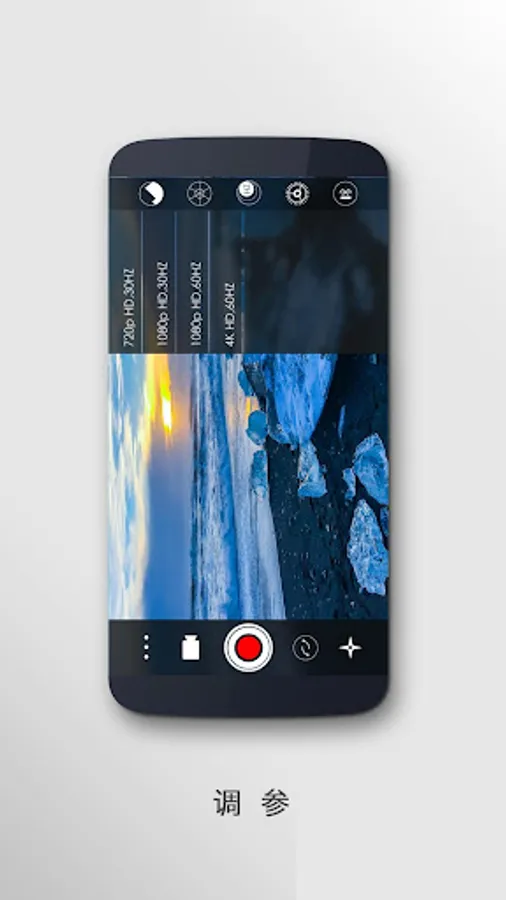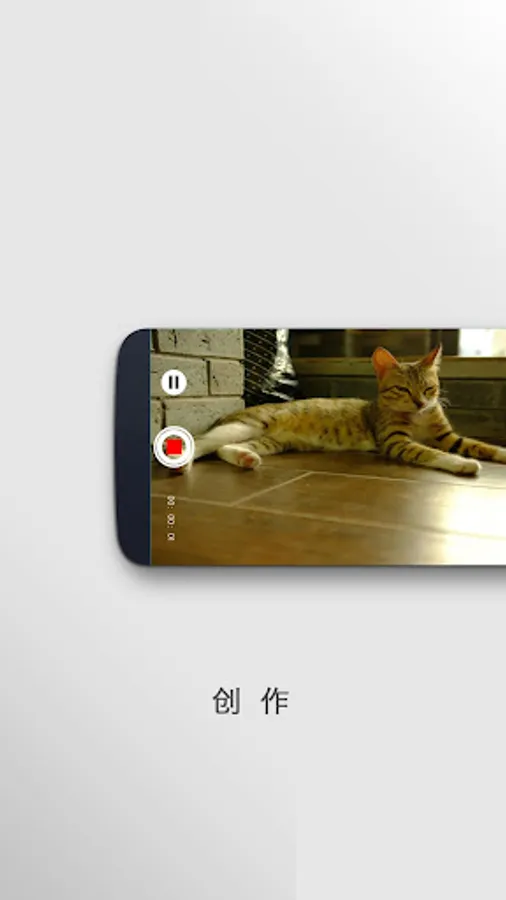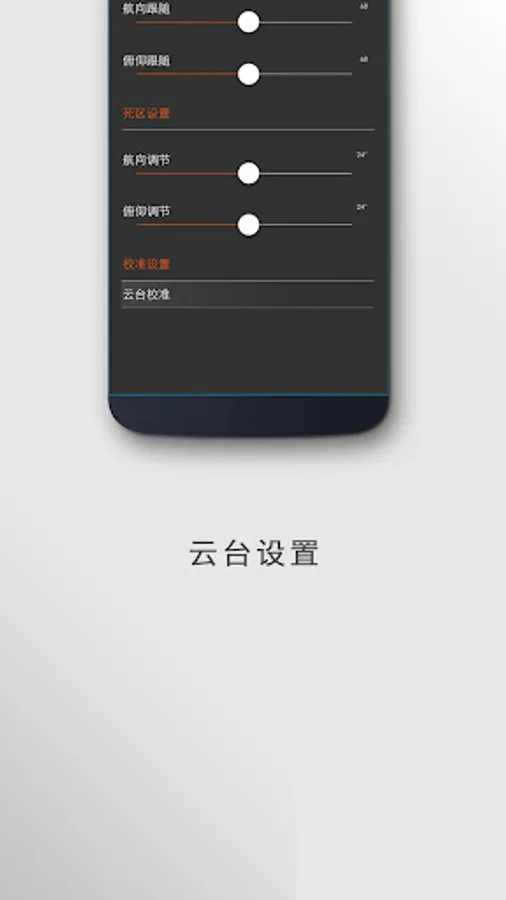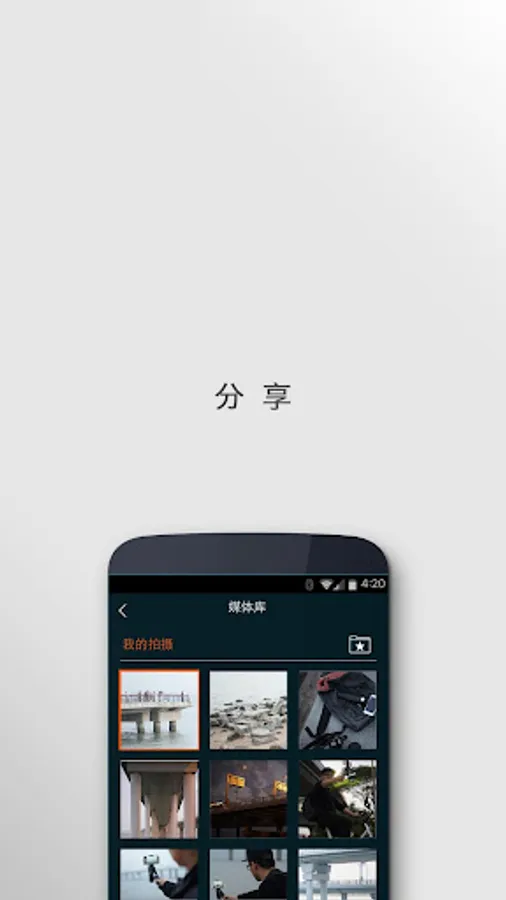
With this app, you can control the Snoppa M1 gimbal, switch between modes, and adjust shooting parameters. Includes gimbal settings, media management, firmware updates, and a user guide.
AppRecs review analysis
AppRecs rating 2.0. Trustworthiness 72 out of 100. Review manipulation risk 32 out of 100. Based on a review sample analyzed.
★★☆☆☆
2.0
AppRecs Rating
Ratings breakdown
5 star
10%
4 star
13%
3 star
10%
2 star
13%
1 star
54%
What to know
✓
Credible reviews
72% trustworthiness score from analyzed reviews
⚠
Mixed user feedback
Average 2.1★ rating suggests room for improvement
⚠
High negative review ratio
67% of sampled ratings are 1–2 stars
About Snoppa
#Bluetooth Low Energy technology
Main features:
1. Switching Snoppa M1 gimbal among different working modes: Pan track, Lock, Omni-track
2. Switching different shooting modes among video, 360 panorama, motion time-lapse etc.
3. Adjust smartphone shooting parameters including shutter speed, light, white balance, focus, ISO, resolution etc.
4. Management of Media library
5. Snoppa M1 gimbal settings like tracking speed,sensitivity etc.
6. Firmware update for M1 gimbal
7. Built-in 《User Guide》
For more info, please visit
www.snoppa.com
Main features:
1. Switching Snoppa M1 gimbal among different working modes: Pan track, Lock, Omni-track
2. Switching different shooting modes among video, 360 panorama, motion time-lapse etc.
3. Adjust smartphone shooting parameters including shutter speed, light, white balance, focus, ISO, resolution etc.
4. Management of Media library
5. Snoppa M1 gimbal settings like tracking speed,sensitivity etc.
6. Firmware update for M1 gimbal
7. Built-in 《User Guide》
For more info, please visit
www.snoppa.com