This app allows users to manage and transfer funds easily through registration, payments, and withdrawals. Includes features for account creation, balance top-up, and money transfer.
AppRecs review analysis
AppRecs rating 4.3. Trustworthiness 0 out of 100. Review manipulation risk 0 out of 100. Based on a review sample analyzed.
★★★★☆
4.3
AppRecs Rating
Ratings breakdown
5 star
83%
4 star
0%
3 star
0%
2 star
0%
1 star
17%
What to know
✓
High user satisfaction
83% of sampled ratings are 4+ stars (4.3★ average)
About E money
Welcome as a new user to the program
E money
Here is a simplified explanation of how to use the program
The first step is the registration method
With ease after downloading the program you have and after opening the program
Below, click on Register here
Then enter the required fields and pay close attention when entering the name that it matches the personal identity or personal proof that you will use later
After entering your e-mail and phone number, you will receive an e-mail to the e-mail you entered bearing the confirmation code
Enter it to complete the registration process
Remember the password well
The second step is to log in with your email and password
You are now in the program
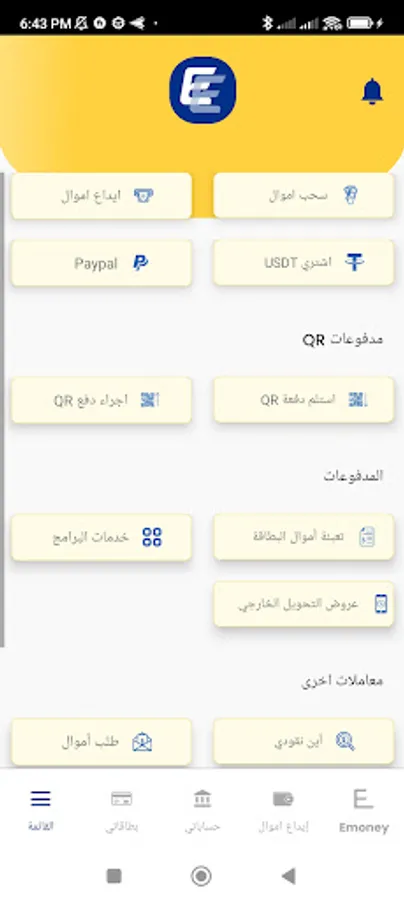
from the list of services
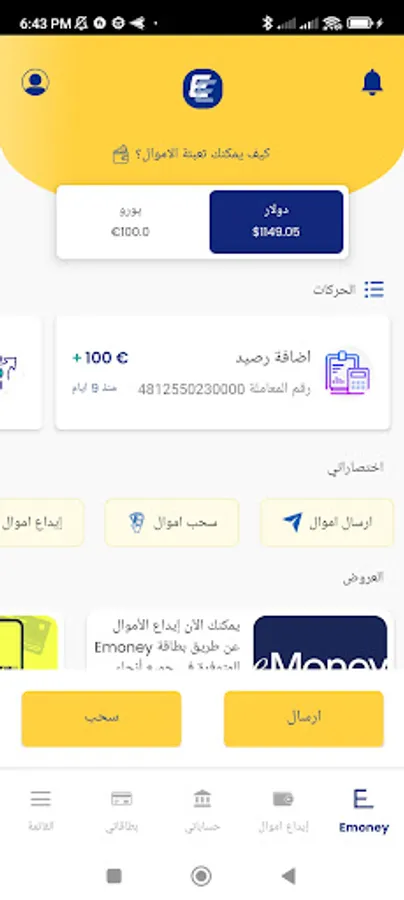
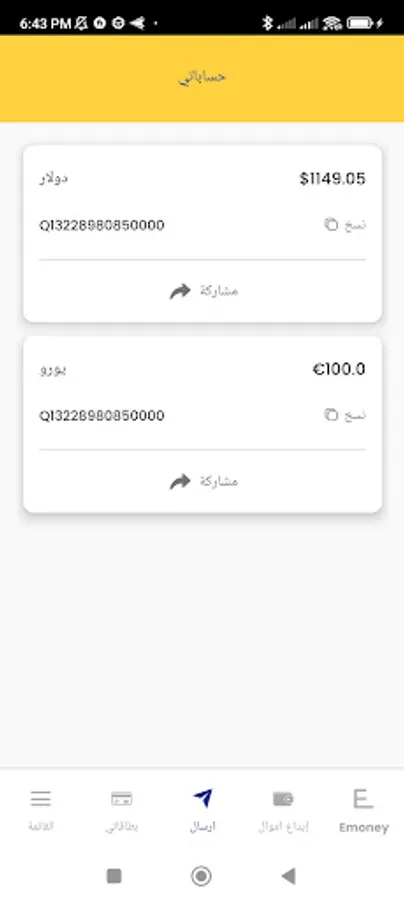
Send money This field enables you to transfer the balance from your account to another account for someone who also uses the program, all he has to do is send his ID number to you
And you will paste it in the field that appears in front of you, then enter the amount to be sent and press send
Note: The İD number is located at the top left. After clicking on the symbol, your information will appear, and among them you will find a number starting with q
Example Q1526273737
Long press it will be copied when you need it
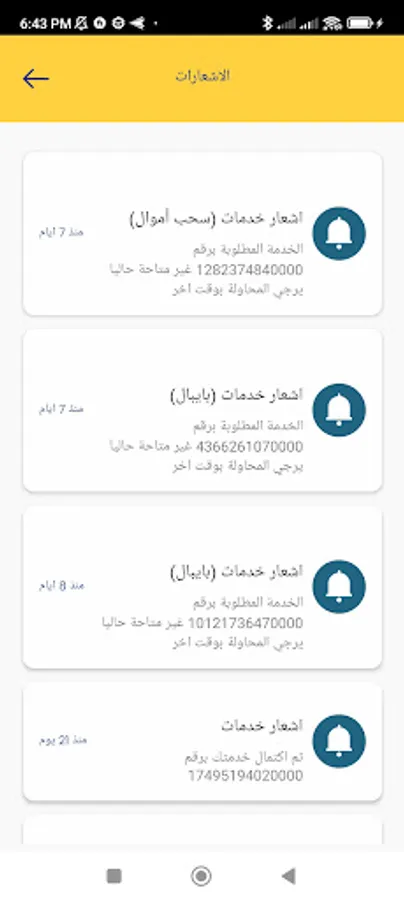
Withdraw money You can withdraw money at your place of residence by clicking on withdraw money, choosing the city in which you currently reside, choosing the amount you want to receive and pressing send. You will receive a message through the program bearing a notice of your personal name with the address from which you will receive the amount
Note: You must bring ID or personal proof when receiving the amount
Balance top up
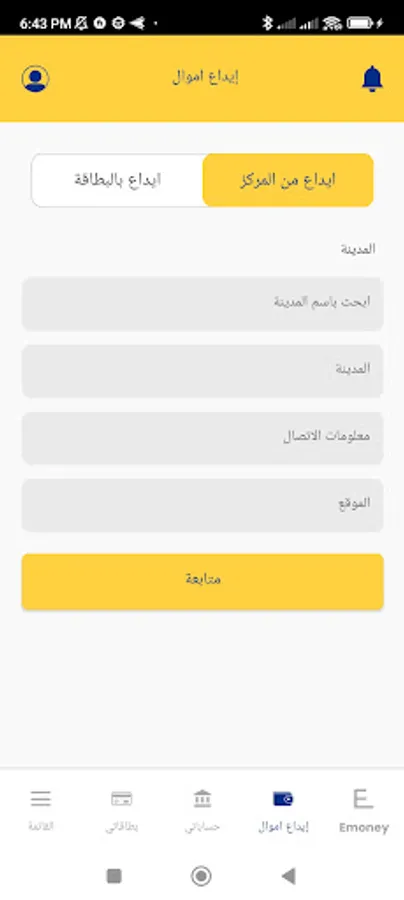
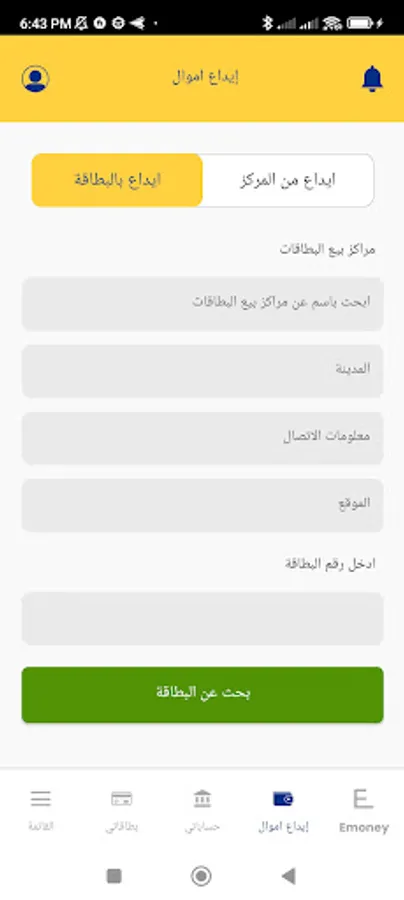
Here, after activating the program, you need to fill in the balance to your account in order to carry out the process of withdrawing and transferring money later
It's easy. All you have to do is choose the center and how to fill it in. Call it or come to the center and ask it to deposit your account with q money.
And give him your ID number
E money support team
We wish you a great experience
E money
Here is a simplified explanation of how to use the program
The first step is the registration method
With ease after downloading the program you have and after opening the program
Below, click on Register here
Then enter the required fields and pay close attention when entering the name that it matches the personal identity or personal proof that you will use later
After entering your e-mail and phone number, you will receive an e-mail to the e-mail you entered bearing the confirmation code
Enter it to complete the registration process
Remember the password well
The second step is to log in with your email and password
You are now in the program
from the list of services
Send money This field enables you to transfer the balance from your account to another account for someone who also uses the program, all he has to do is send his ID number to you
And you will paste it in the field that appears in front of you, then enter the amount to be sent and press send
Note: The İD number is located at the top left. After clicking on the symbol, your information will appear, and among them you will find a number starting with q
Example Q1526273737
Long press it will be copied when you need it
Withdraw money You can withdraw money at your place of residence by clicking on withdraw money, choosing the city in which you currently reside, choosing the amount you want to receive and pressing send. You will receive a message through the program bearing a notice of your personal name with the address from which you will receive the amount
Note: You must bring ID or personal proof when receiving the amount
Balance top up
Here, after activating the program, you need to fill in the balance to your account in order to carry out the process of withdrawing and transferring money later
It's easy. All you have to do is choose the center and how to fill it in. Call it or come to the center and ask it to deposit your account with q money.
And give him your ID number
E money support team
We wish you a great experience