About SoluM LCD Setup
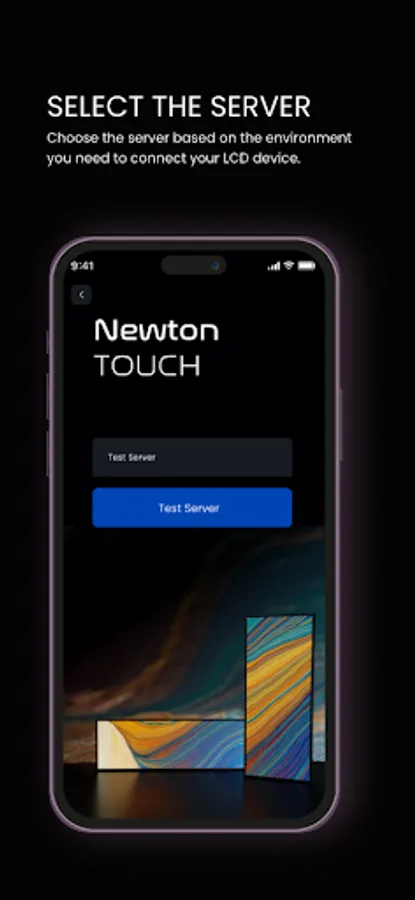
SoluM LCD Setup makes it easy to configure and manage your SoluM LCD devices with just a few simple steps:
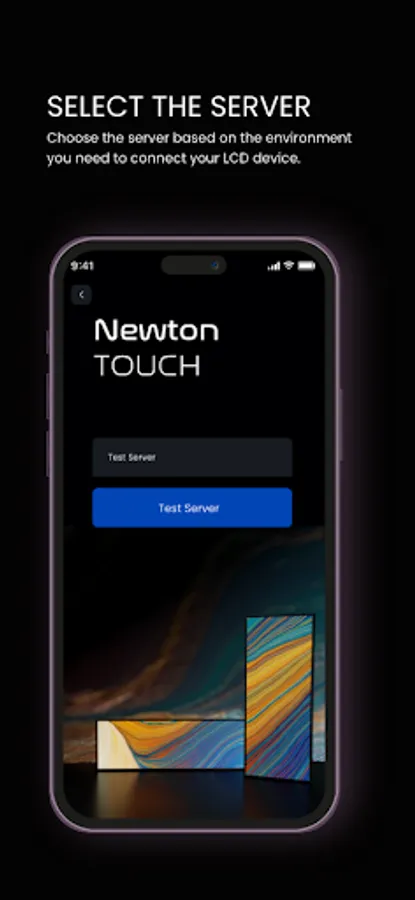
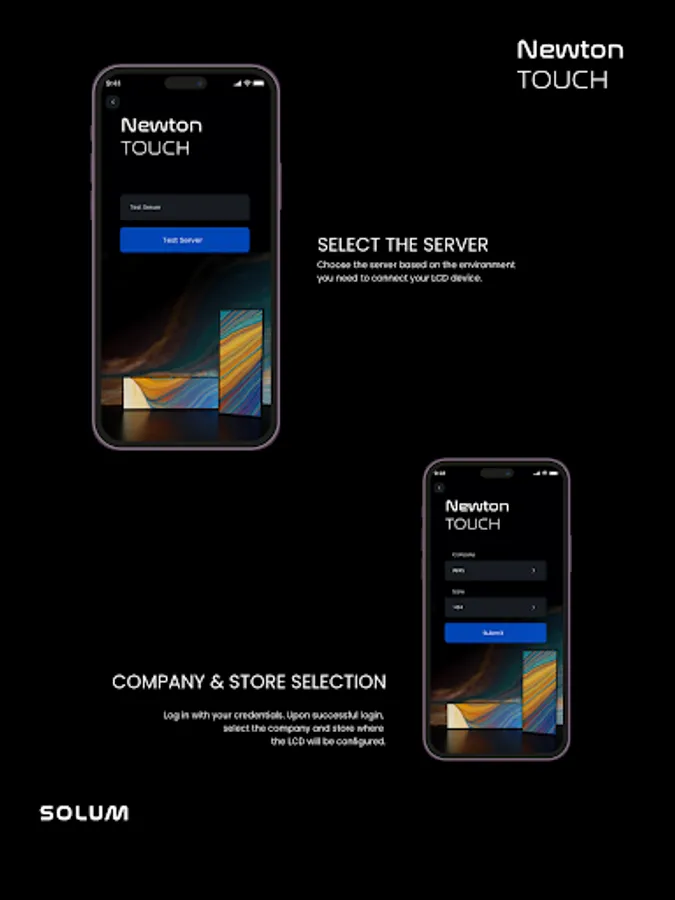
1. Login : Start by logging in with your SoluM SaaS credentials to access the platform.
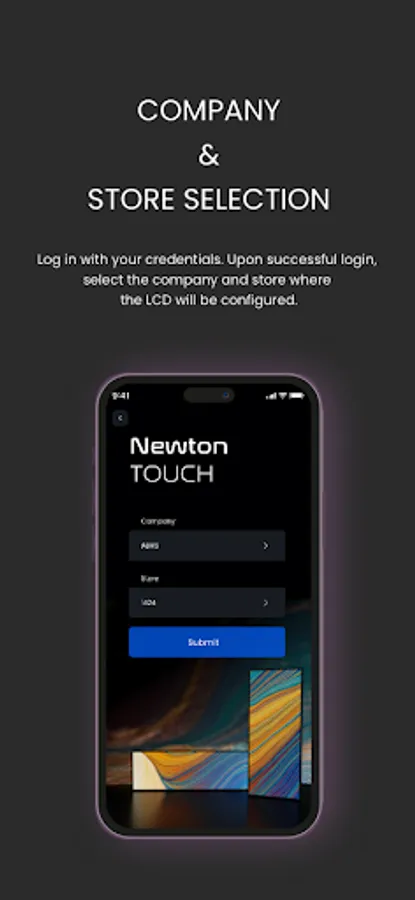
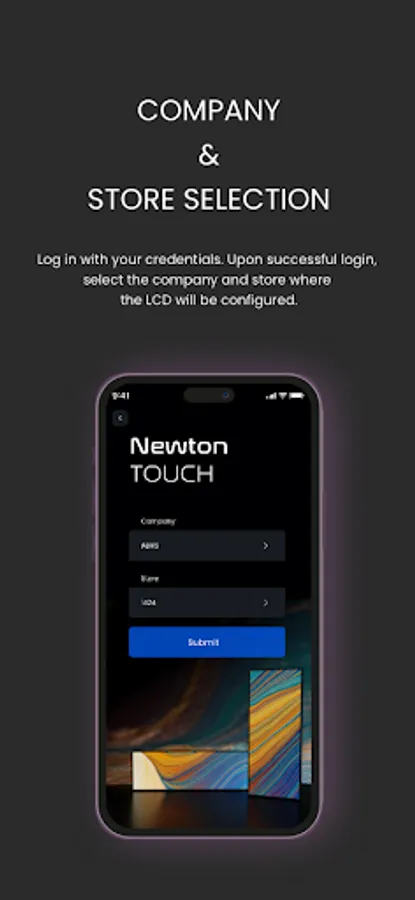
2. Select Company & Store : Choose the relevant company and store to ensure the correct device settings are applied.
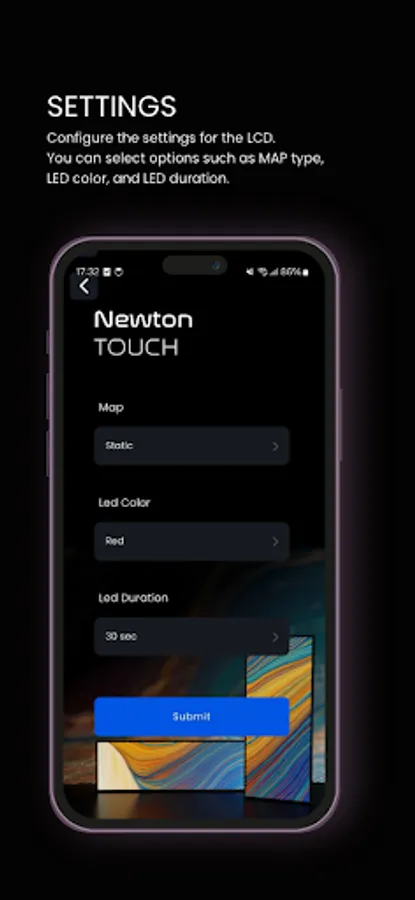
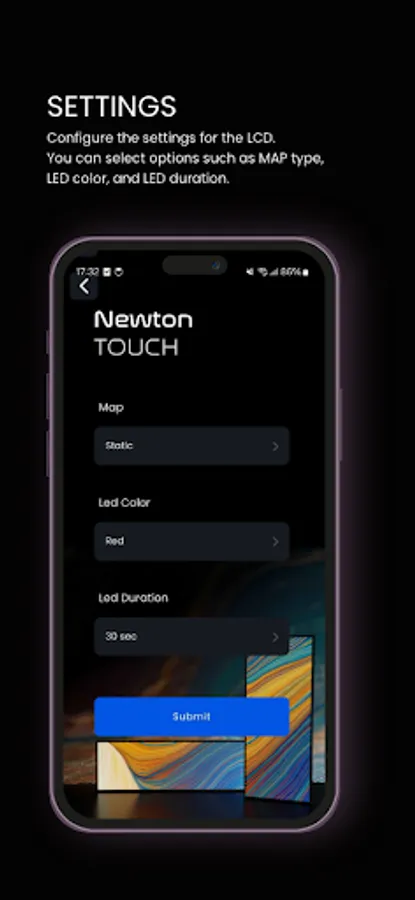
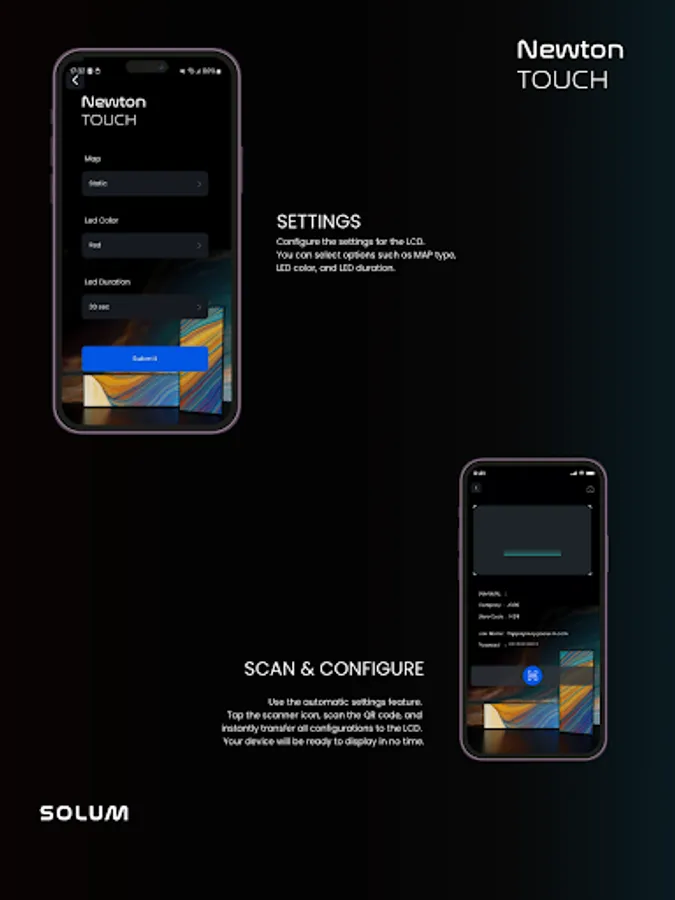
3. Customize Settings : Configure all necessary settings, including MAP selection, LED color, duration, and more, for your SoluM LCD devices.
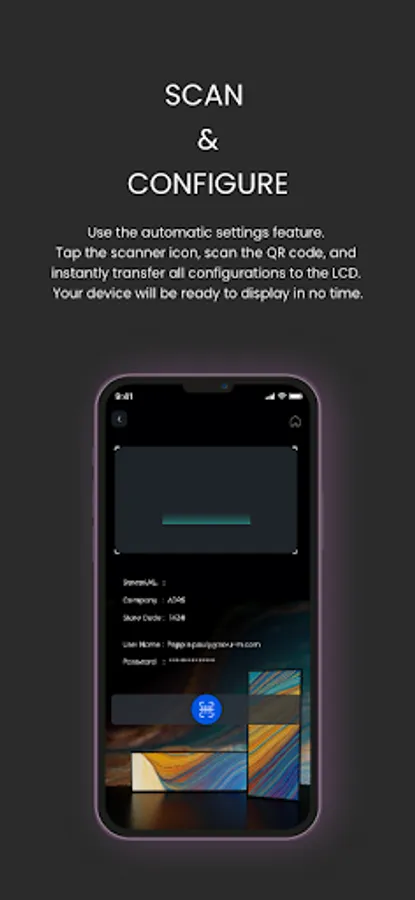
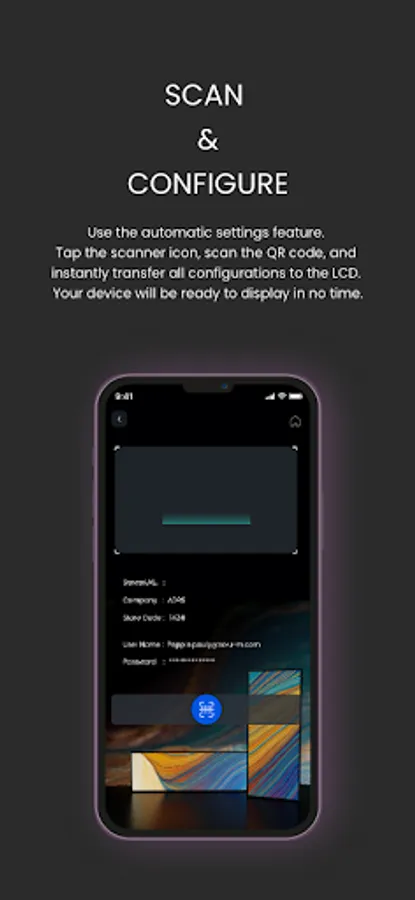
4. Scan QR Code : Use the app’s built-in QR code scanner to scan the code displayed on the SoluM LCD device, syncing your settings instantly.
5. Ready to Go : Once the QR code is scanned, your SoluM LCD device is fully configured and ready to use.
The SoluM LCD Setup app simplifies the setup process, making it faster and more efficient to get your devices up and running.
1. Login : Start by logging in with your SoluM SaaS credentials to access the platform.
2. Select Company & Store : Choose the relevant company and store to ensure the correct device settings are applied.
3. Customize Settings : Configure all necessary settings, including MAP selection, LED color, duration, and more, for your SoluM LCD devices.
4. Scan QR Code : Use the app’s built-in QR code scanner to scan the code displayed on the SoluM LCD device, syncing your settings instantly.
5. Ready to Go : Once the QR code is scanned, your SoluM LCD device is fully configured and ready to use.
The SoluM LCD Setup app simplifies the setup process, making it faster and more efficient to get your devices up and running.