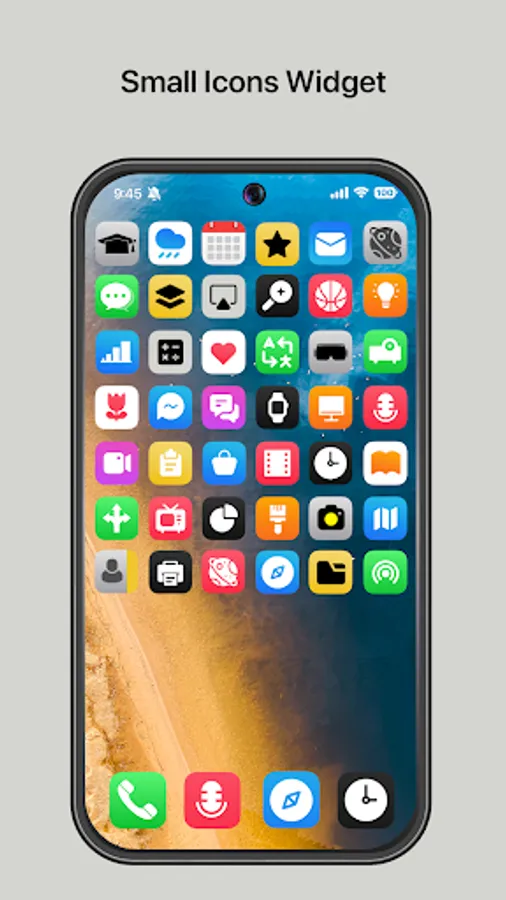
Small Icons Widget
Southern Studio
3.8 ★
store rating
50,000+
downloads
Free
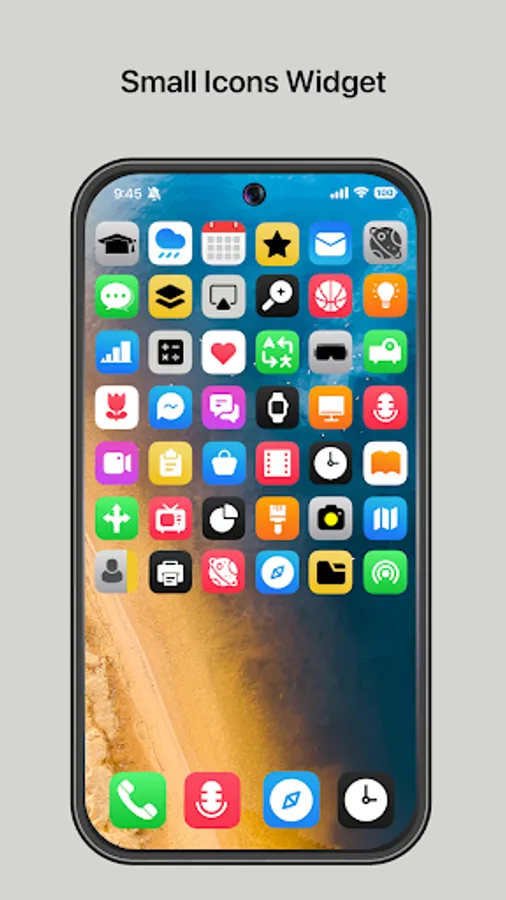
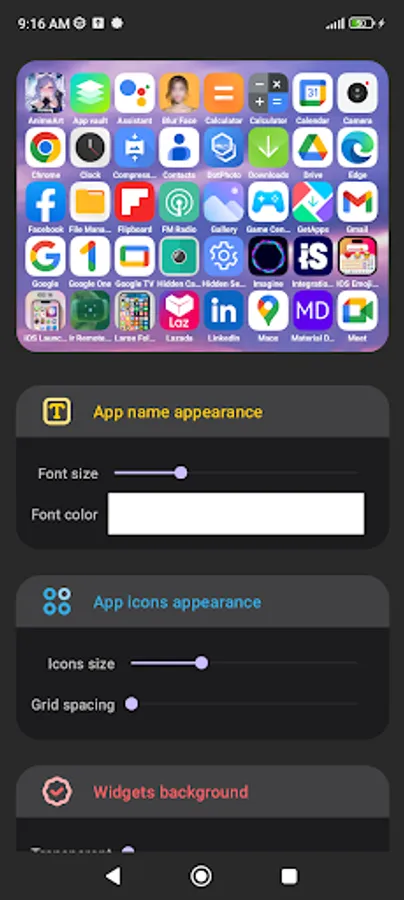
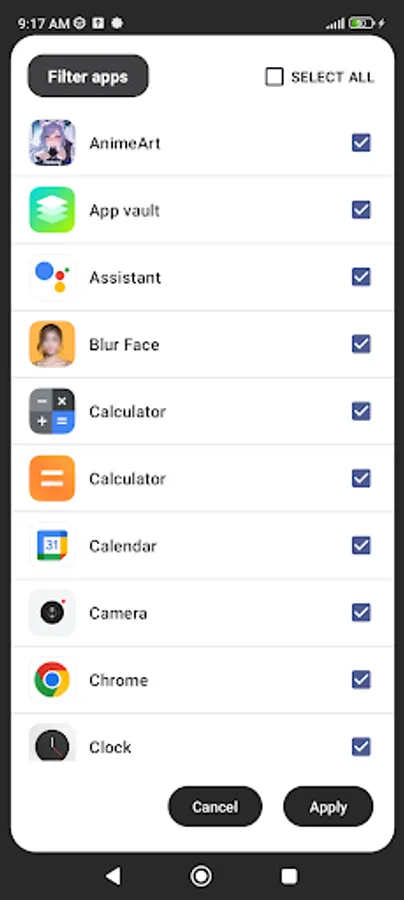
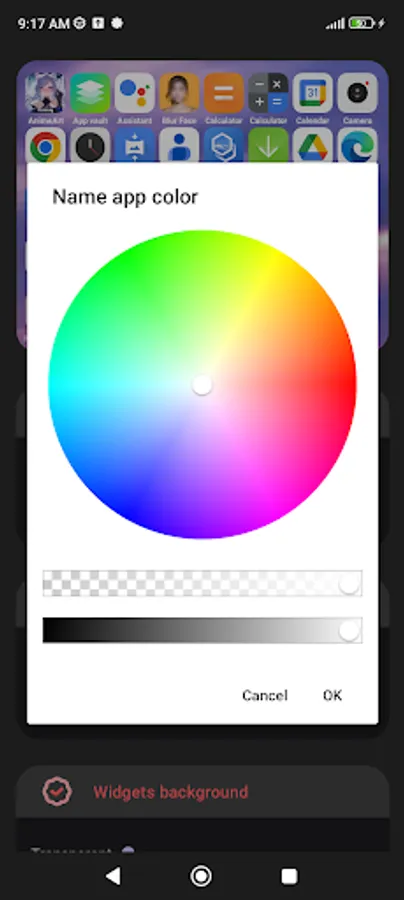
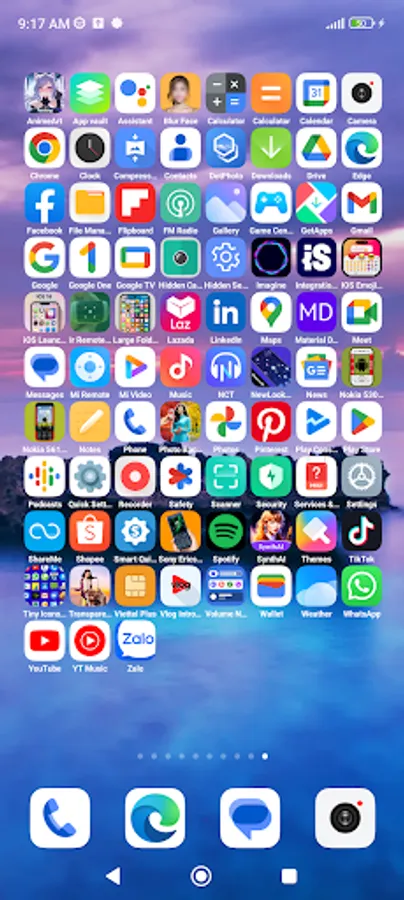
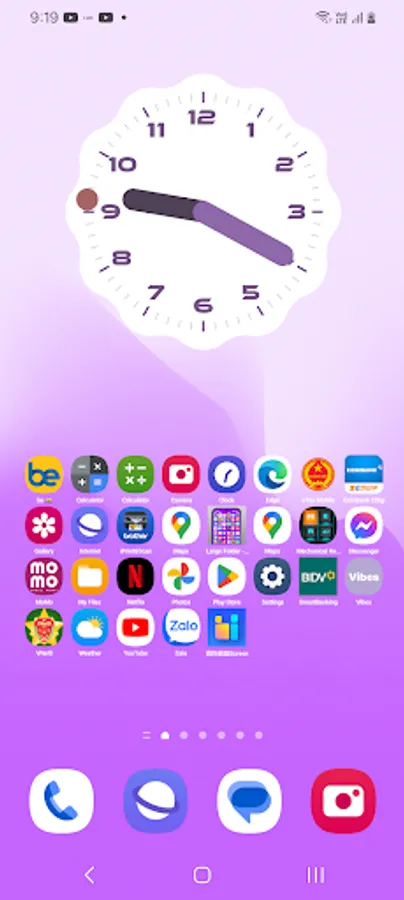
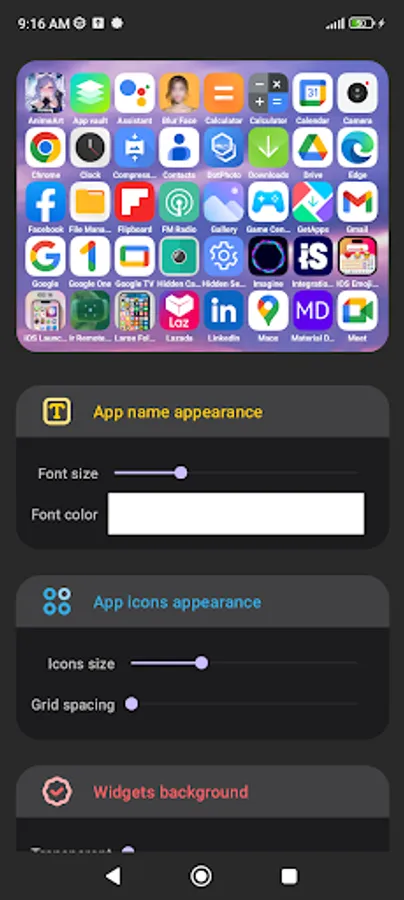
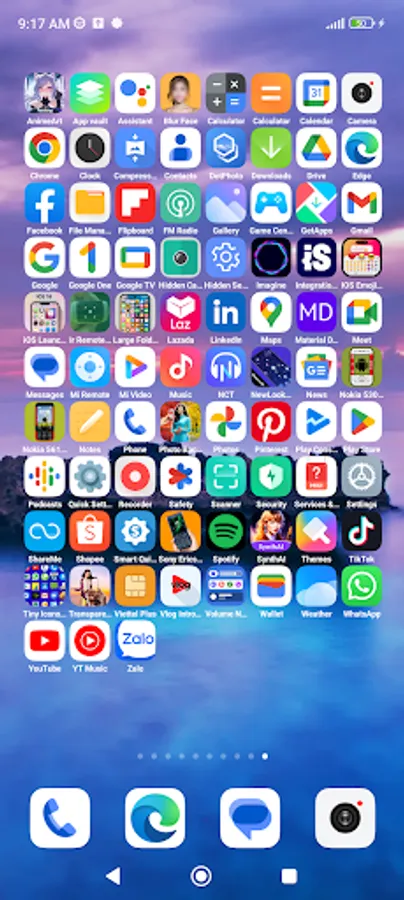
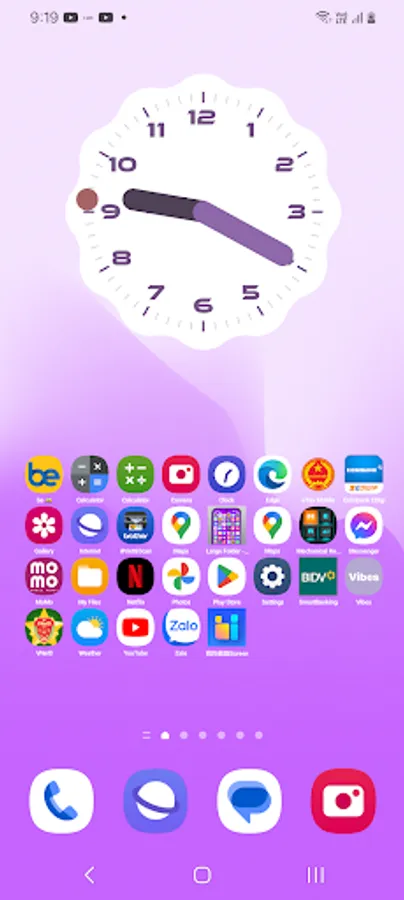
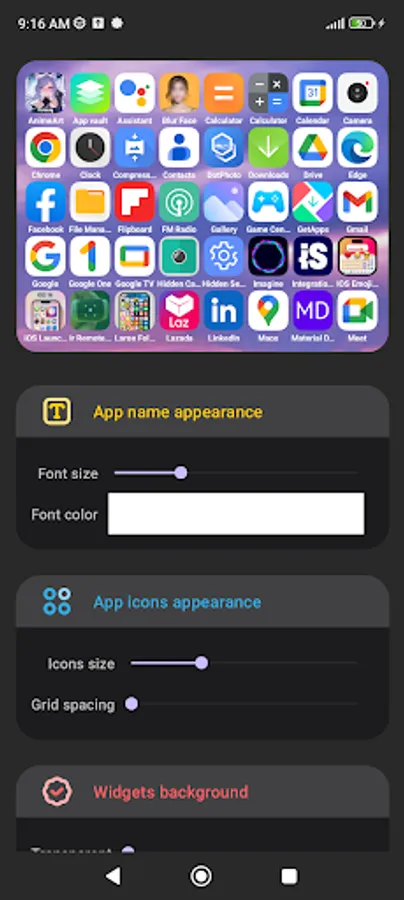
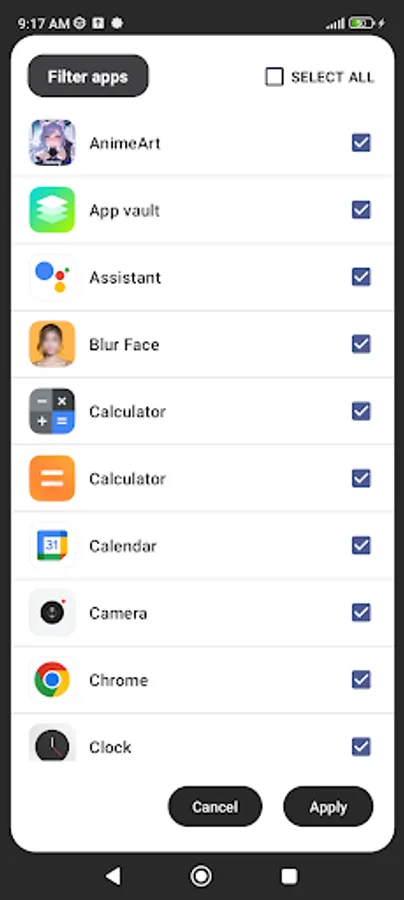
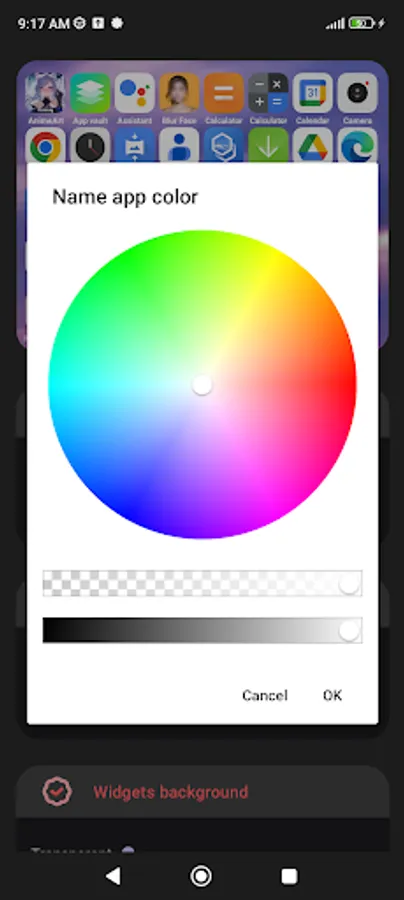
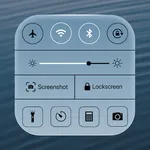
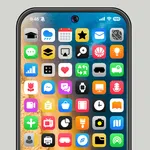
With this widget app, you can organize and access your installed apps quickly from your home screen. Includes customizable sizes and an easy setup process for adding to the home screen.
AppRecs review analysis
AppRecs rating 3.6. Trustworthiness 82 out of 100. Review manipulation risk 27 out of 100. Based on a review sample analyzed.
★★★☆☆
3.6
AppRecs Rating
Ratings breakdown
5 star
67%
4 star
0%
3 star
0%
2 star
17%
1 star
17%
What to know
✓
Low review manipulation risk
27% review manipulation risk
✓
Credible reviews
82% trustworthiness score from analyzed reviews
⚠
High negative review ratio
33% of sampled ratings are 1–2 stars
About Small Icons Widget
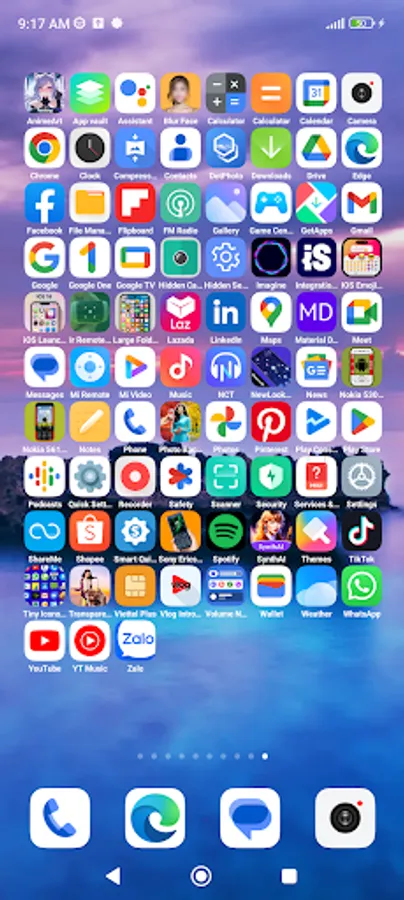
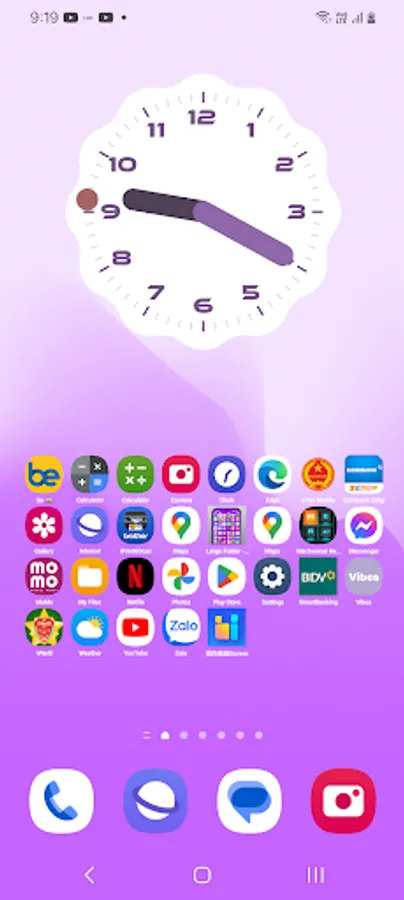
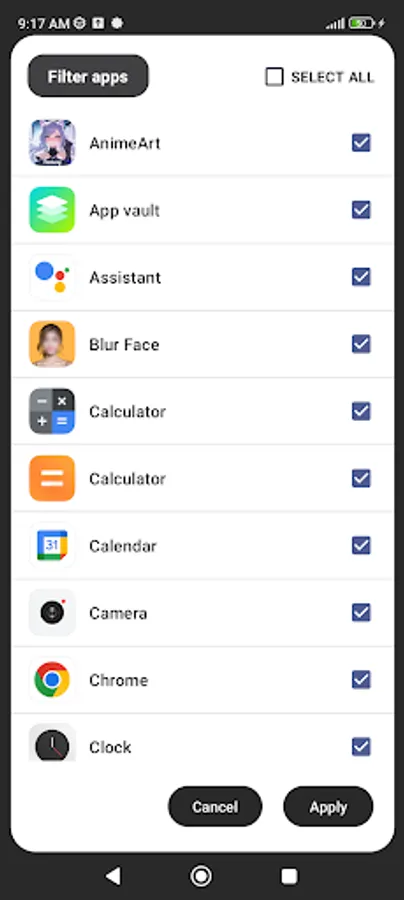
The application helps you quickly find and open the application you need without having to open the app drawer. The app provides a widget that displays all the apps installed on your phone. You can add the widget to your home screen and open the app you need quickly!
How to add widget to home screen?
1️⃣ On the Home screen, touch and hold an empty space.
2️⃣ Tap Widgets.
3️⃣ Choose Small Icons Widget.
4️⃣ Long-press drop on home screen.
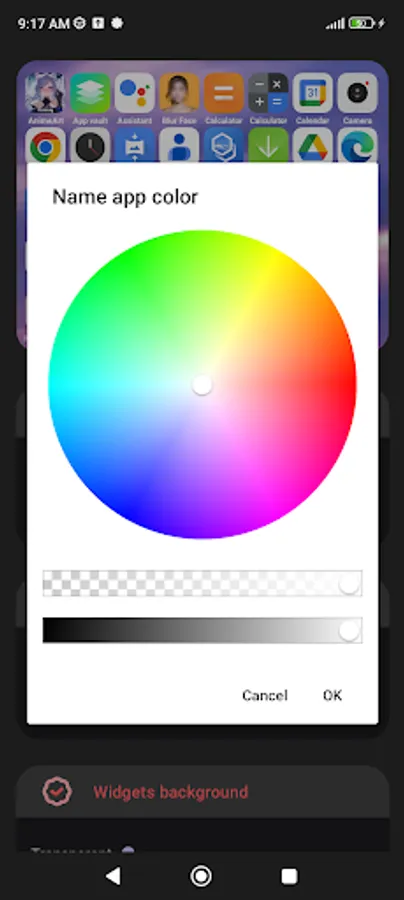
5️⃣ Customize size to your preference.
Note: How to add widgets to the home screen may vary depending on your phone brand.
How to add widget to home screen?
1️⃣ On the Home screen, touch and hold an empty space.
2️⃣ Tap Widgets.
3️⃣ Choose Small Icons Widget.
4️⃣ Long-press drop on home screen.
5️⃣ Customize size to your preference.
Note: How to add widgets to the home screen may vary depending on your phone brand.