
Secure Gallery (Lock/Hide Pict
SpSoft
4.5 ★
152K ratings
10,000,000+
downloads
Free
+ in-app
AppRecs review analysis
AppRecs rating 4.6. Trustworthiness 74 out of 100. Review manipulation risk 36 out of 100. Based on a review sample analyzed.
★★★★☆
4.6
AppRecs Rating
Ratings breakdown
5 star
80%
4 star
5%
3 star
4%
2 star
3%
1 star
8%
What to know
✓
Credible reviews
74% trustworthiness score from analyzed reviews
✓
High user satisfaction
85% of sampled ratings are 4+ stars (4.5★ average)
About Secure Gallery (Lock/Hide Pict
★ Hide pictures & videos to keep your privacy safe! ★
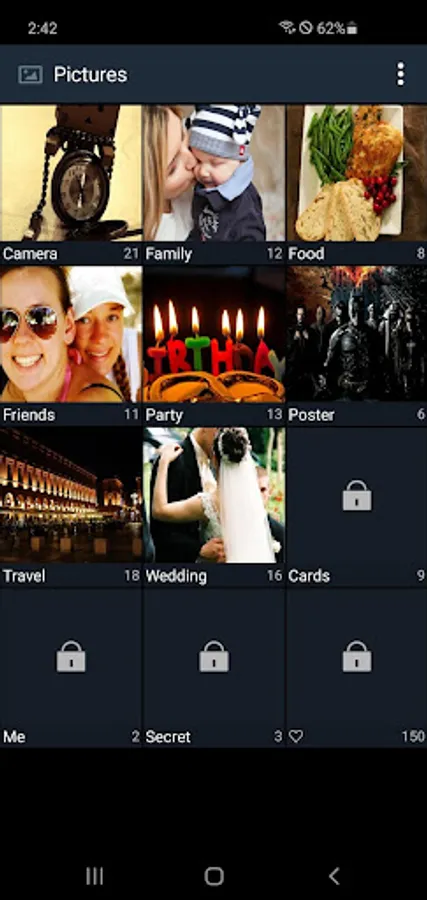
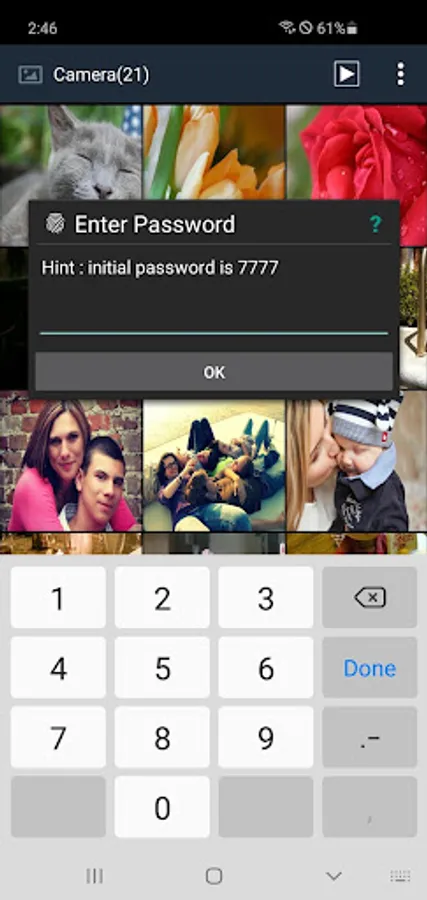
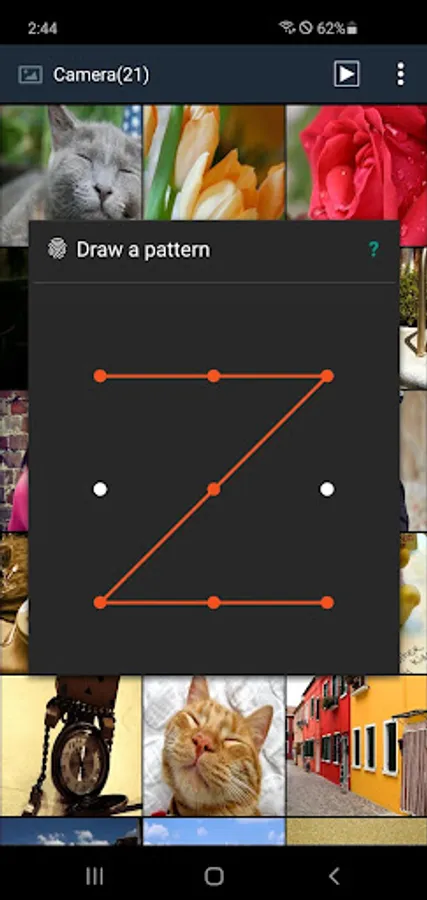
Do you have pictures or videos that you want to keep it secret? 'Secure Gallery'(Hide pictures & videos) can hide(lock) pictures and videos for protection of your privacy using a password or pattern! Why don’t you start to hide pictures and videos with 'Secure Gallery' and keep your privacy safe now?
✔ Hide(lock) pictures and videos to keep your privacy safe
✔ Fastest and most secure private gallery
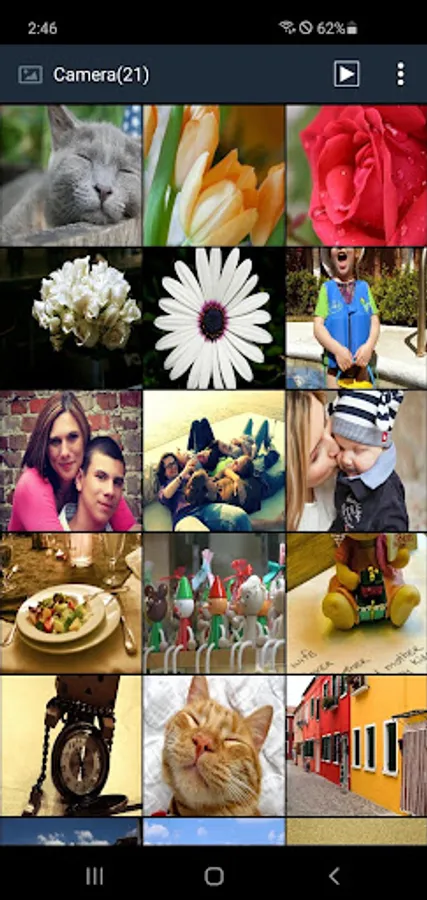
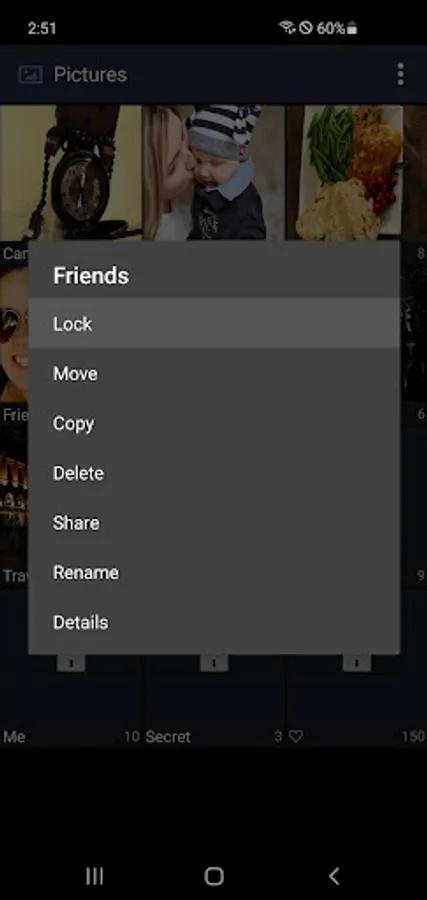
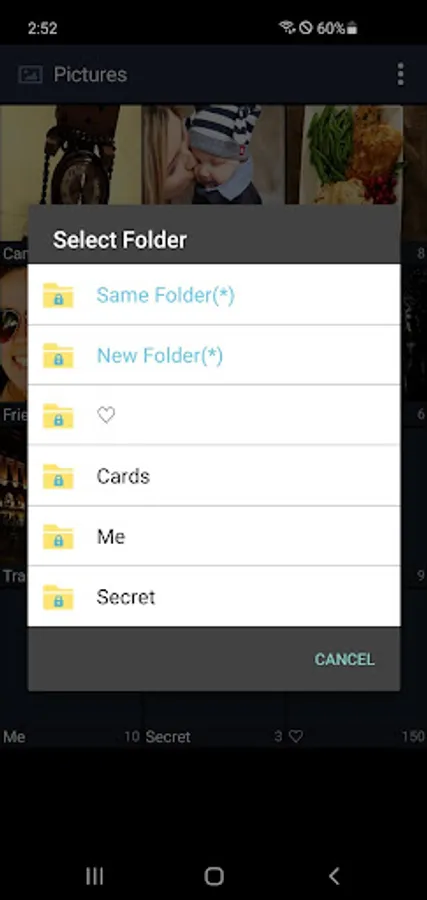
✔ Manage your pictures and video(new folder, move, copy, rename)
✔ Support Sdcard(Android 7.0 or later)
✔ ALL FEATURES are COMPLETELY FREE
■ Features
• Hide(lock) pictures (Photos)
• Hide(lock) videos
• Support Fingerprint
• User friendly UI
• Un-hide pictures and videos
• Manage pictures and videos more easily
• Stealth mode supported (hides a launch icon)
• Slide show supported
• Support 3 lock type : password(number, character), pattern
• Support to make new folder
• Select Background of Gallery
• Support Image Viewer
• You can show a publish media
• You can directly share hidden media in any app
• And Lots of More features
Take control of your privacy with Secure Gallery(Hide pictures & videos). It hides pictures & videos and keep them in secret places.
■ Q&A
1) Can't run Secure Gallery(or Secure Gallery disappears)
· if you hide Secure Gallery's Icon in options, and then Secure Gallery will disappear. To run it, please put 'Widget' of Secure Gallery in Widget List and click it.
2) Media thumbnail and actual media is different
· Settings of phone 〉Applications 〉Stock Gallery 〉'Clear Data' and 'Cache Delete' 〉Rebooting phone
3) Can lock Secure Gallery when running it?
· enable 'Running Lock' option in Settings, then Secure Gallery will request a password when running it.
Do you have pictures or videos that you want to keep it secret? 'Secure Gallery'(Hide pictures & videos) can hide(lock) pictures and videos for protection of your privacy using a password or pattern! Why don’t you start to hide pictures and videos with 'Secure Gallery' and keep your privacy safe now?
✔ Hide(lock) pictures and videos to keep your privacy safe
✔ Fastest and most secure private gallery
✔ Manage your pictures and video(new folder, move, copy, rename)
✔ Support Sdcard(Android 7.0 or later)
✔ ALL FEATURES are COMPLETELY FREE
■ Features
• Hide(lock) pictures (Photos)
• Hide(lock) videos
• Support Fingerprint
• User friendly UI
• Un-hide pictures and videos
• Manage pictures and videos more easily
• Stealth mode supported (hides a launch icon)
• Slide show supported
• Support 3 lock type : password(number, character), pattern
• Support to make new folder
• Select Background of Gallery
• Support Image Viewer
• You can show a publish media
• You can directly share hidden media in any app
• And Lots of More features
Take control of your privacy with Secure Gallery(Hide pictures & videos). It hides pictures & videos and keep them in secret places.
■ Q&A
1) Can't run Secure Gallery(or Secure Gallery disappears)
· if you hide Secure Gallery's Icon in options, and then Secure Gallery will disappear. To run it, please put 'Widget' of Secure Gallery in Widget List and click it.
2) Media thumbnail and actual media is different
· Settings of phone 〉Applications 〉Stock Gallery 〉'Clear Data' and 'Cache Delete' 〉Rebooting phone
3) Can lock Secure Gallery when running it?
· enable 'Running Lock' option in Settings, then Secure Gallery will request a password when running it.
Secure Gallery (Lock/Hide Pict Screenshots
Tap to Rate:
Reviews for Secure Gallery (Lock/Hide Pict
Vishi Sharma
12/29/2025
best
Dhanu Alam
12/27/2025
nic