
PiccyBot
Sparkling Design and Infotech Pvt. Ltd.
3.9 ★
298 ratings
10,000+
downloads
Free
+ in-app
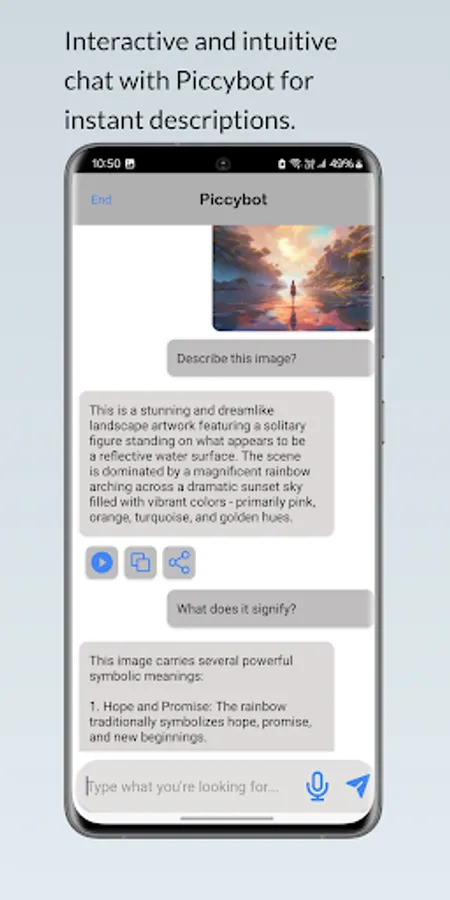
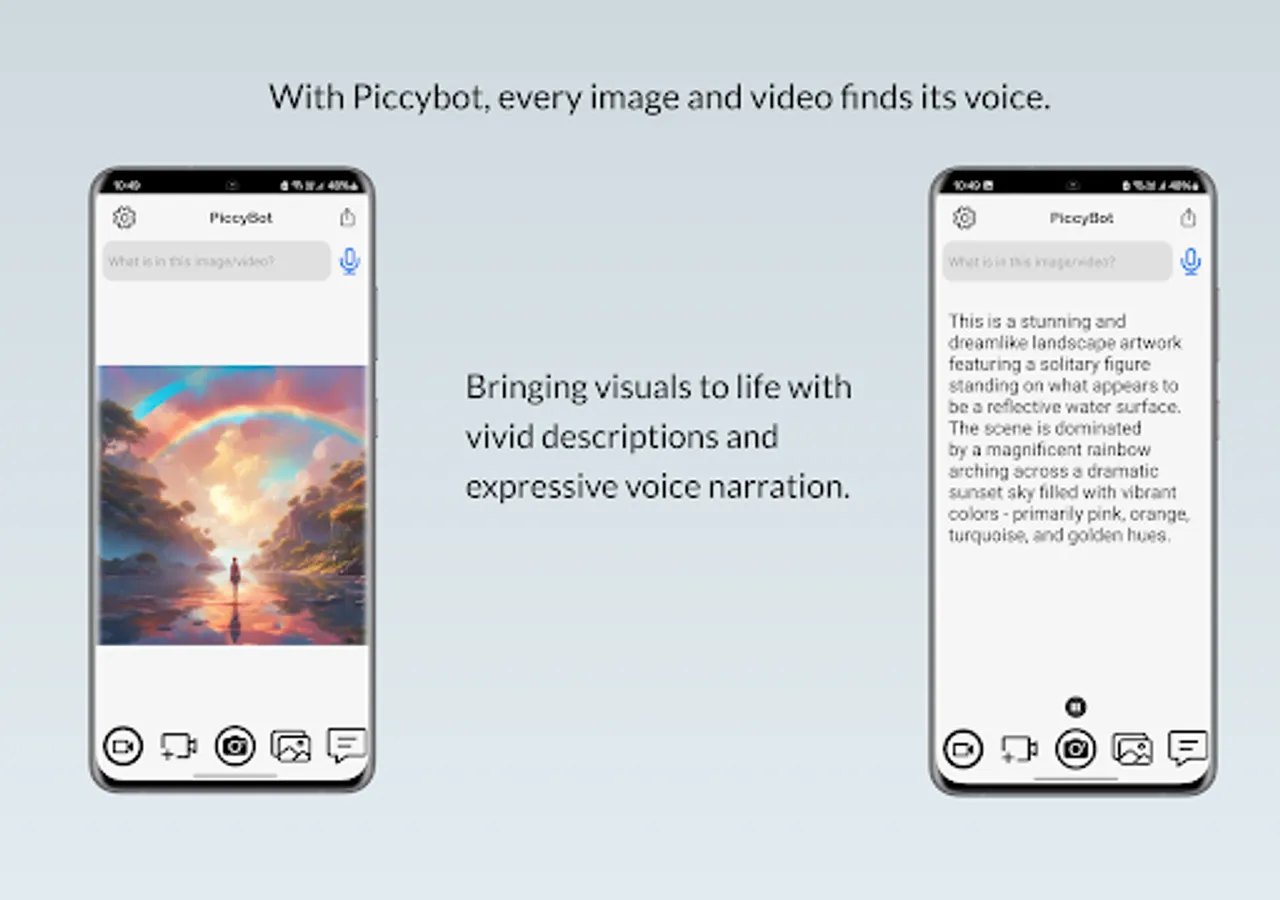
With this app, users can convert photos and videos into spoken descriptions and ask questions about visual content. Includes voice output, image analysis, video description, and sharing options.
AppRecs review analysis
AppRecs rating 3.9. Trustworthiness 85 out of 100. Review manipulation risk 17 out of 100. Based on a review sample analyzed.
★★★☆☆
3.9
AppRecs Rating
Ratings breakdown
5 star
53%
4 star
26%
3 star
0%
2 star
0%
1 star
21%
What to know
✓
Low review manipulation risk
17% review manipulation risk
✓
Credible reviews
85% trustworthiness score from analyzed reviews
✓
Good user ratings
79% positive sampled reviews
About PiccyBot
Key Features:
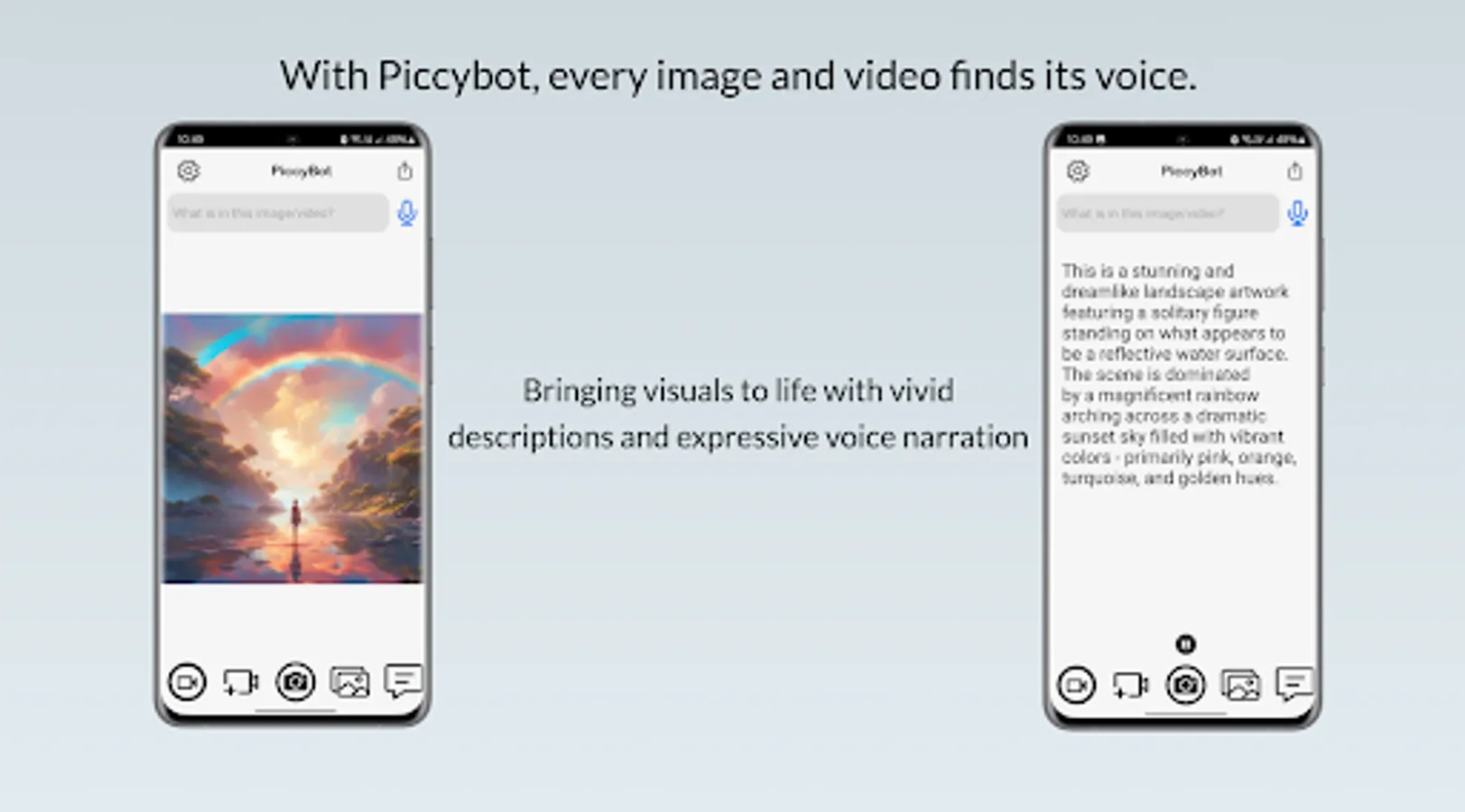
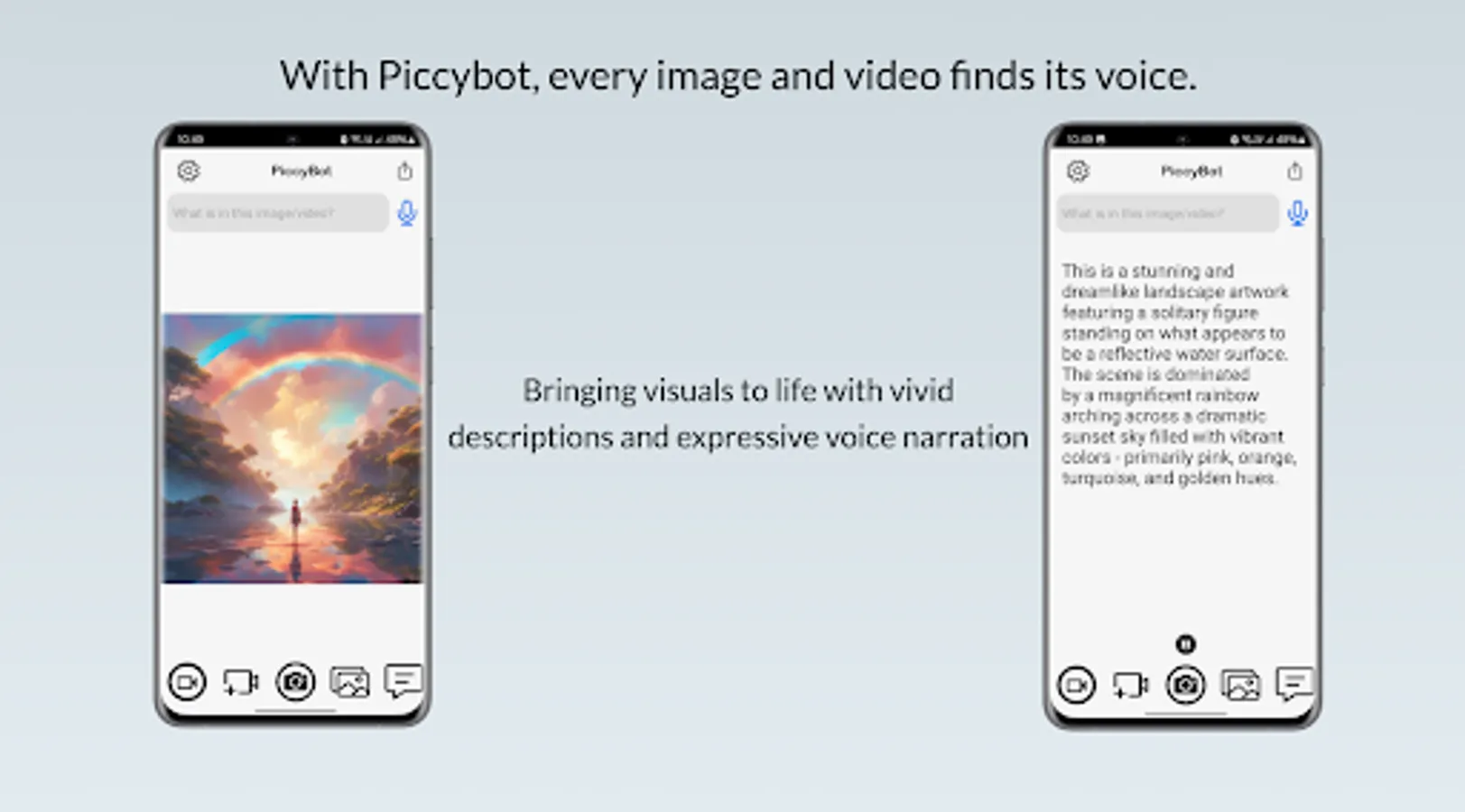
1. Video and Image Description: Launch PiccyBot and either use the camera or select an image or video from your gallery. PiccyBot analyzes the visual content and provides a detailed description.
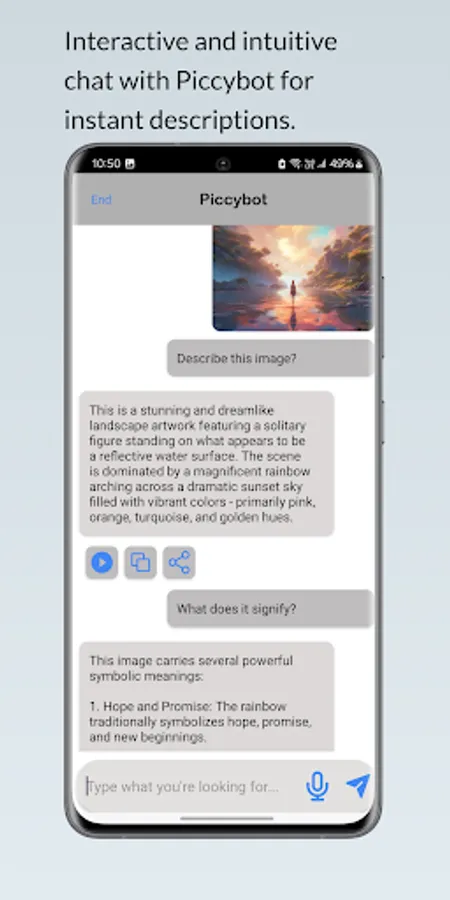
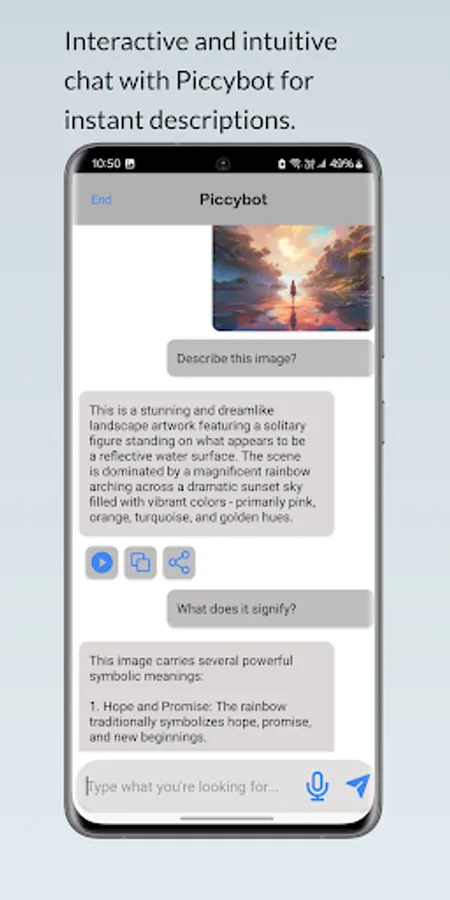
2. Converse with PiccyBot: Ask follow-up questions about the image or video to get more specific information like "What does this image signify?" or "What colors are in this scene?".
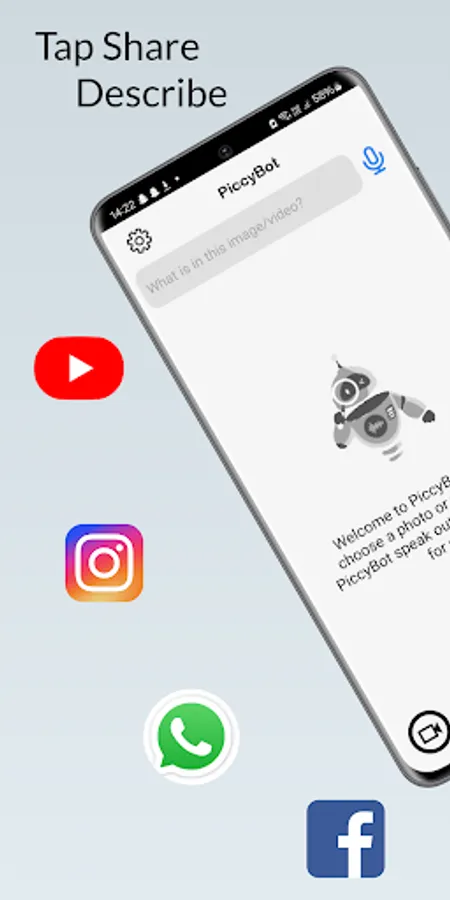
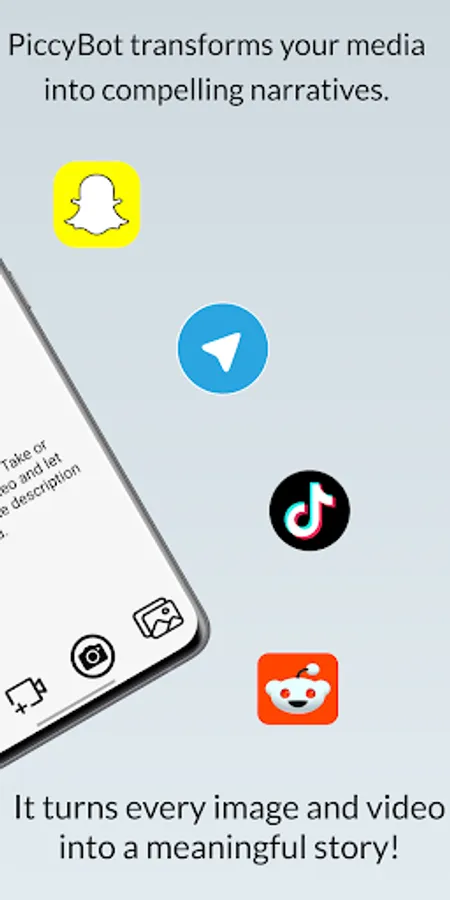
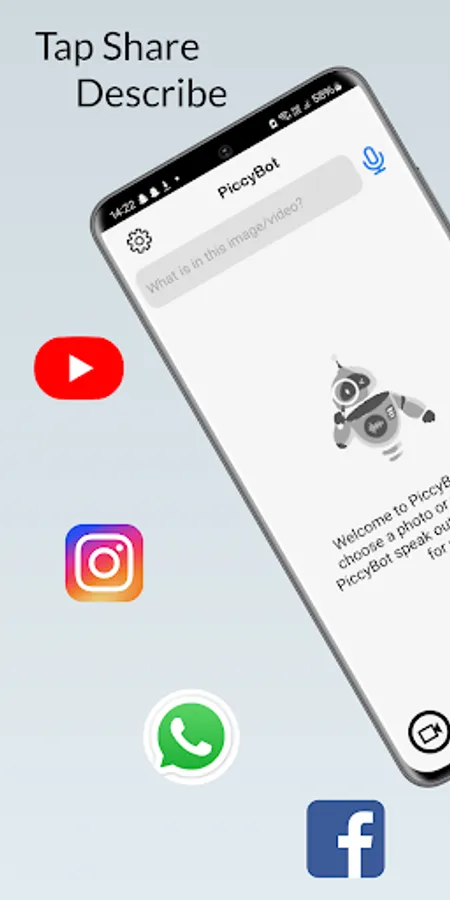
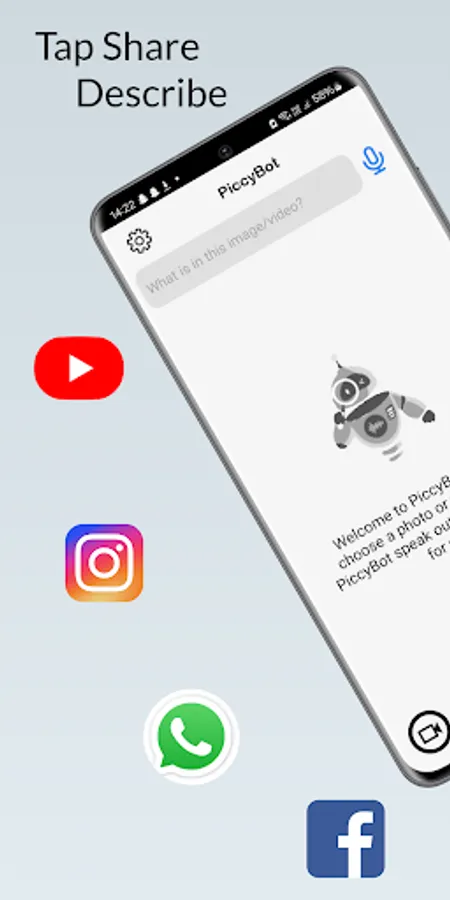
3. Share media from apps: Instantly share photos & videos from your favorite social apps with PiccyBot. Use the share feature of your app and then select PiccyBot to share it to. PiccyBot will then process the video or image and provide the description.
4. Voice Output: A clear, natural-sounding voice reads out descriptions, making it easy to understand visual content.
Unlock Premium Benefits:
1. Experience PiccyBot without interruptions. Enjoy an ads-free environment.
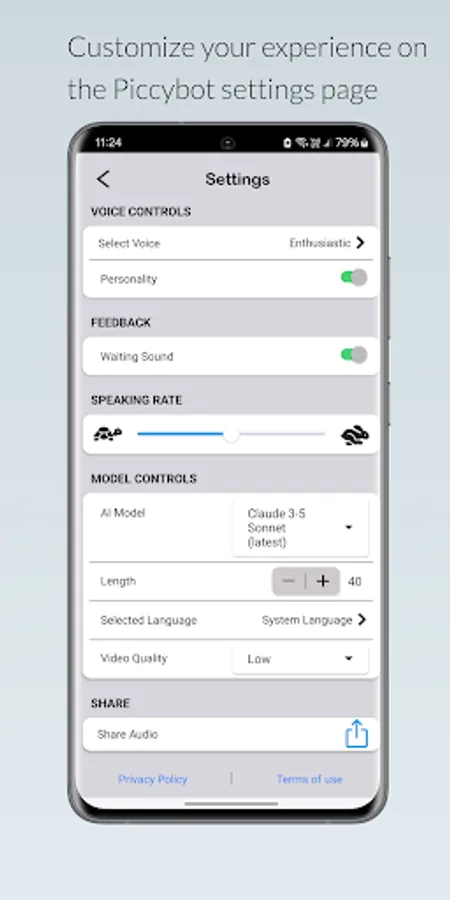
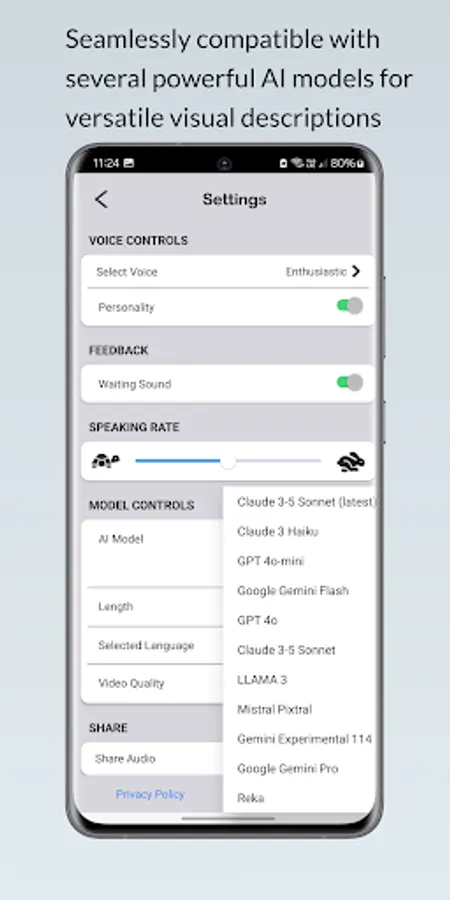
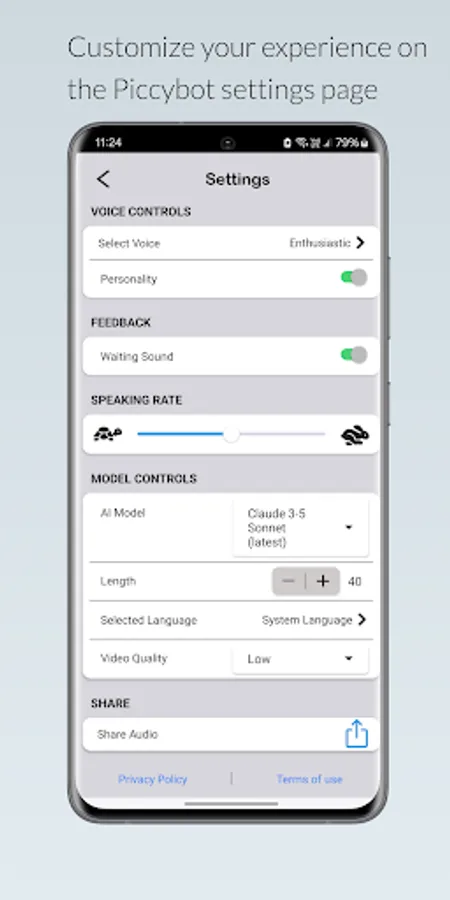
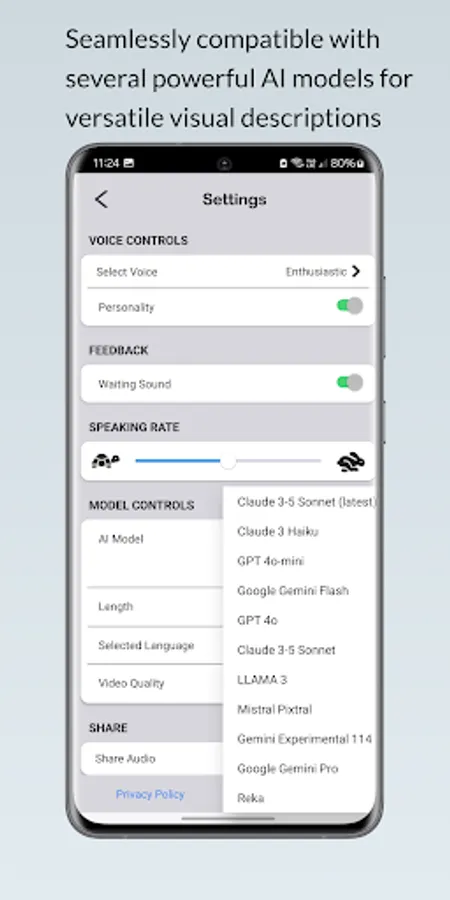
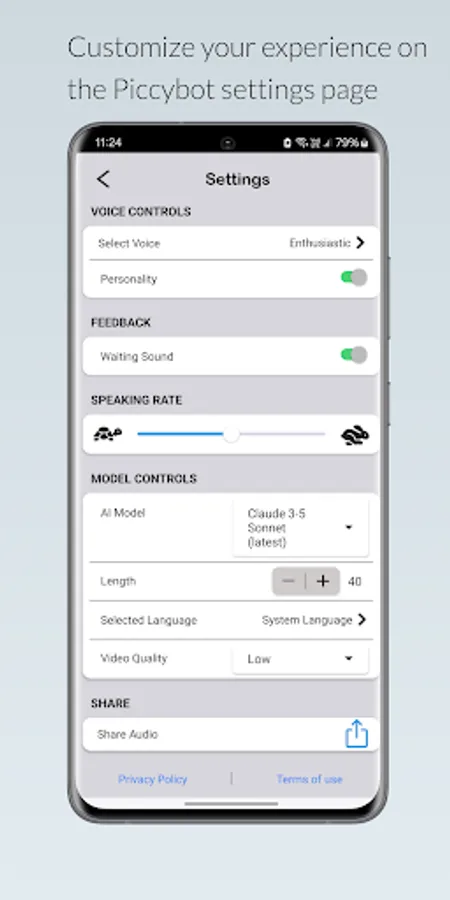
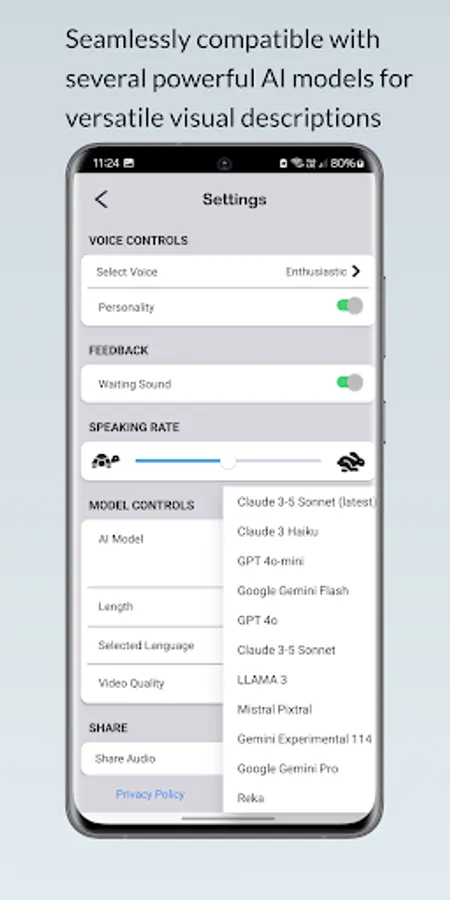
2. Enhance your image and video interpretation with personalised voice choices, adjustable description length, a selection of multiple AI engines and longer and more detailed video descriptions.
3. Choose from 55 languages in the PiccyBot settings to create the description.
4. Multiple Sharing Options: Share as audio only, video with audio mix, or description only.
5. Audio-Video Mixing: Combine original video audio with generated audio descriptions.
Elevate your PiccyBot experience with these exclusive premium benefits, effortlessly managed through your Google Play account settings.
An advanced way to use PiccyBot for independent living:
Use PiccyBot to read mail, summarize documents, assist with cooking by reading recipes, organize clothing, troubleshoot tech issues, and explore new hobbies by describing instructions and images. Always verify critical information with a sighted person.
Please refer to the end user license agreement for our app:
https://sparklingapps.com/piccybot-eula.html
All data (text descriptions as well as photos and videos) provided to PiccyBot are used only for text and voice generation within the app itself and will not be used in any other way ever. See our privacy policy here:
https://sparklingapps.com/piccybot-privacy.html
Have fun with PiccyBot! For any questions or suggestions, write to us at mailto:support@sparklingapps.com.
Check out more details about PiccyBot : https://www.piccybot.com/
PiccyBot Screenshots
Tap to Rate:
Reviews for PiccyBot
Bharath Kumar
10/5/2025
it was working good but from yesterday I'm getting black screen so please fix the bug
yatin panchal
9/23/2025
Remarkable improvements have been observed. Additional suggestions include: 1. Include a settings option to toggle audio descriptions on/off, considering screen reader capabilities. 2. Revise the default prompt to elicit comprehensive descriptions of images and videos, ensuring no details are overlooked. 3. Introduce verbosity levels (High, Medium, Low) for descriptions. "High" should aim for 100% comprehensiveness, capturing all aspects without omission.