Spiral: Cloud Music Player Mp3
CrackOnCloud
4.4 ★
store rating
50,000+
downloads
Free
+ in-app
AppRecs review analysis
AppRecs rating 4.2. Trustworthiness 81 out of 100. Review manipulation risk 22 out of 100. Based on a review sample analyzed.
★★★★☆
4.2
AppRecs Rating
Ratings breakdown
5 star
71%
4 star
16%
3 star
1%
2 star
8%
1 star
5%
What to know
✓
Low review manipulation risk
22% review manipulation risk
✓
Credible reviews
81% trustworthiness score from analyzed reviews
⚠
Ad complaints
Many low ratings mention excessive ads
About Spiral: Cloud Music Player Mp3
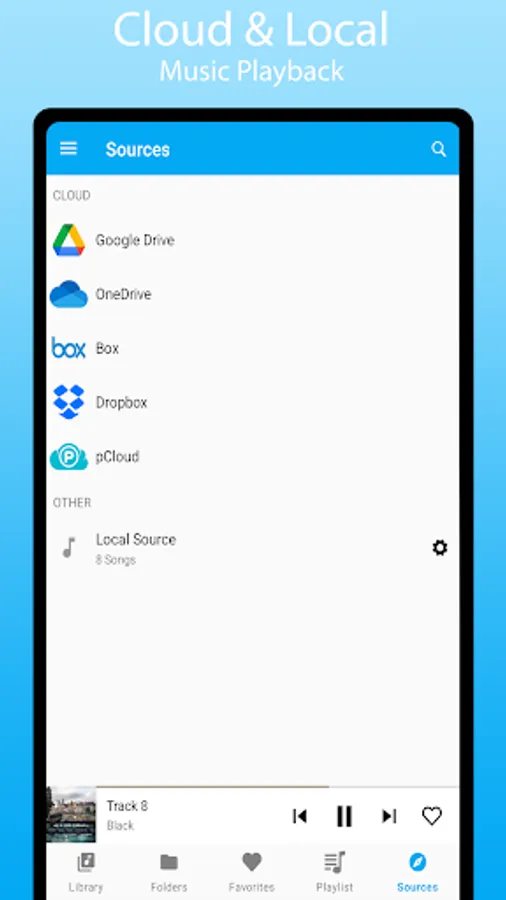
Spiral Player is a cloud & offline music player with tons of customization options and themes. Use it as an offline music player or link your Google Drive, Dropbox, OneDrive, Box, pCloud, ownCloud, NextCloud and WebDAV to stream music directly from it. Spiral Player works both offline and online. You may download songs, folders and listen offline. Easily sync your music library from connected cloud accounts. You can also blacklist songs and folders to keep your music library organised. Backup & sync your playlist, blacklist, favorites etc using Backup & Restore.
User Interface:
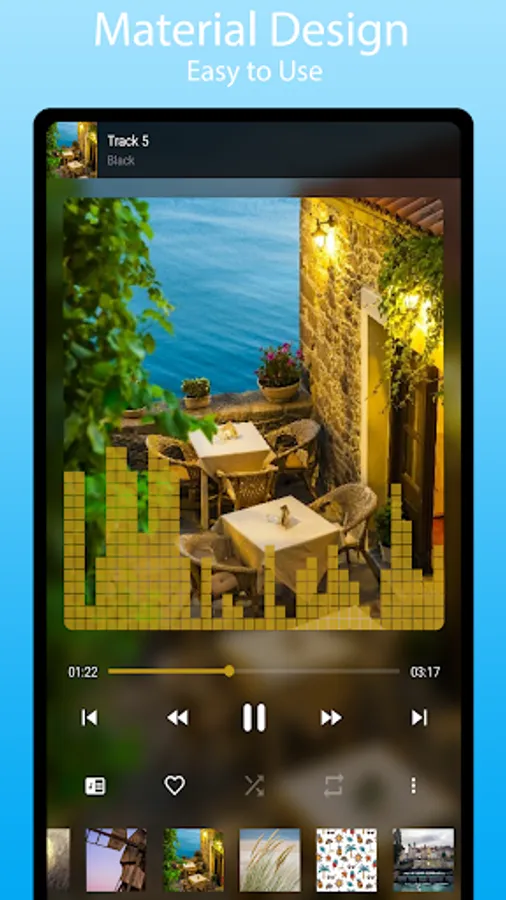
• Material Design.
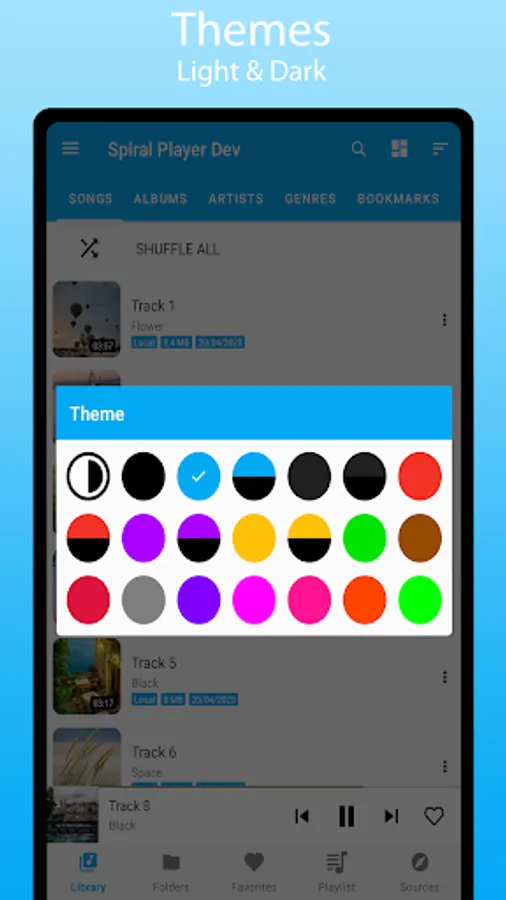
• Tons of theme options, including Light & Dark mode.
• Quick search, Easy navigation.
• Tons of sort options.
• Customizable sections and grid span count.
• Enable/disable artwork.
• Customizable playback notification.
• Other UI customization options.
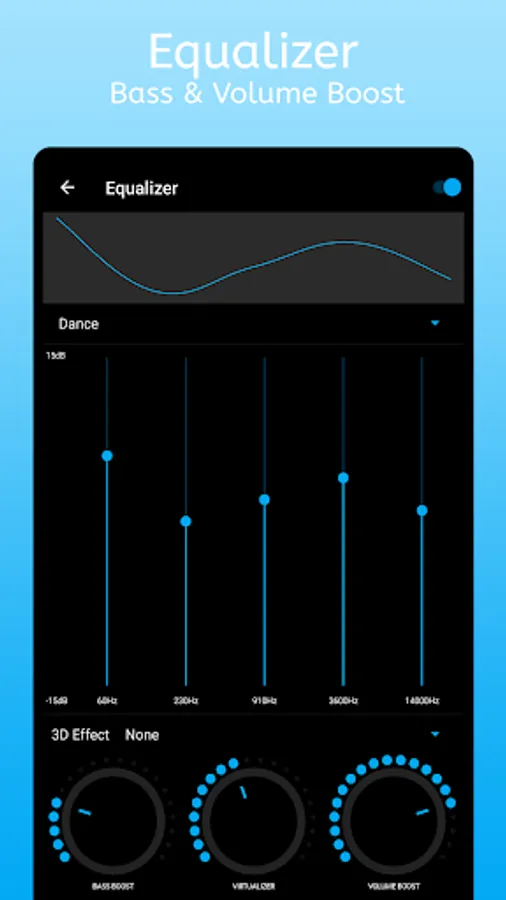
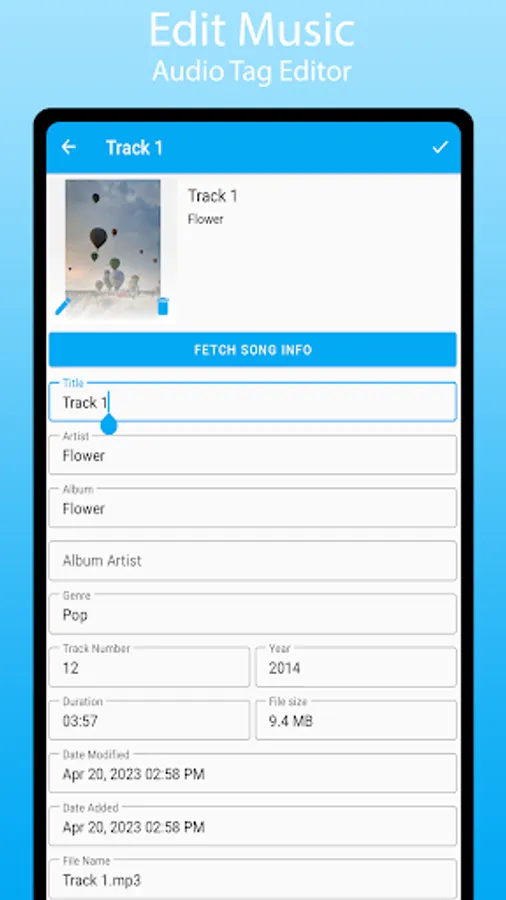
Spiral Music Player has build-in Chromecast support, gapless playback, equalizer with bass boost, 3DEffect, virtualizer and volume boost. You can also edit your audio file tags (i.e title, artist name, album name, album art etc) to keep your files better organised.
Playback:
• Play high quality lossless FLAC format.
• Equalizer with bass & volume boost.
• Sleep timer.
• Skip silences in the audio.
• Adjust Playback speed.
• Support for embedded lyrics.
• Support all the most popular music file formats.
• Repeat all, repeat one and shuffle.
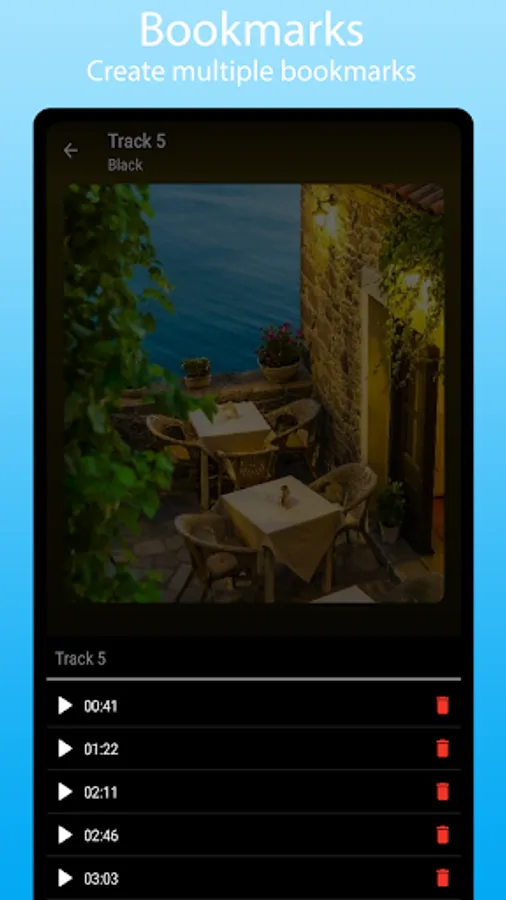
• Bookmarks.
• Adjust playback cache size.
Cloud music for Google Drive, Dropbox, Box, OneDrive, pCloud and WebDAV:
• Sync your music library with connected cloud accounts.
• Download or stream music directly from your Google Drive, Dropbox, Box, OneDrive, pCloud and WebDAV.
• ‘Downloaded Only’ Mode to filter out cloud songs.
• Option to hide duplicates in library.
Cast to wireless devices:
• Chromecast support.
• Cast audio files to supported devices from your phone or your Dropbox, Box and Google Drive.
Tag Editor:
• Edit audio file tags.
• Update album art for audio files.
Playlist:
• Create playlist from songs, albums, folders.
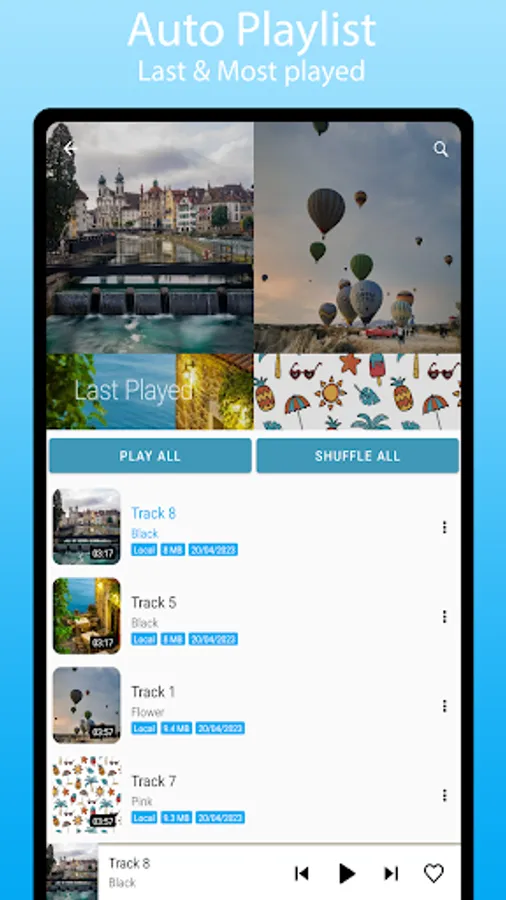
• Last Played and Most Played auto playlist.
Other Features:
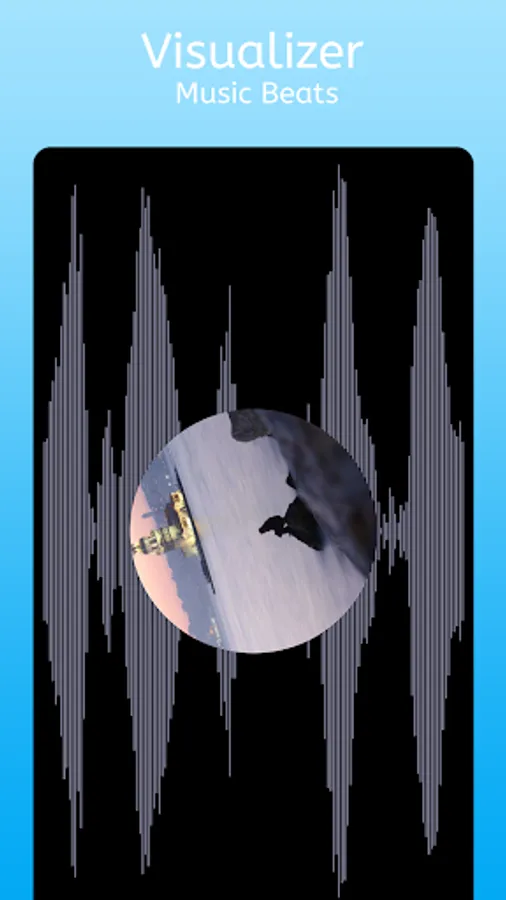
• Audio visualizer.
• Backup & Restore.
• Blacklist songs and folders.
• Support for system equalizer.
User Interface:
• Material Design.
• Tons of theme options, including Light & Dark mode.
• Quick search, Easy navigation.
• Tons of sort options.
• Customizable sections and grid span count.
• Enable/disable artwork.
• Customizable playback notification.
• Other UI customization options.
Spiral Music Player has build-in Chromecast support, gapless playback, equalizer with bass boost, 3DEffect, virtualizer and volume boost. You can also edit your audio file tags (i.e title, artist name, album name, album art etc) to keep your files better organised.
Playback:
• Play high quality lossless FLAC format.
• Equalizer with bass & volume boost.
• Sleep timer.
• Skip silences in the audio.
• Adjust Playback speed.
• Support for embedded lyrics.
• Support all the most popular music file formats.
• Repeat all, repeat one and shuffle.
• Bookmarks.
• Adjust playback cache size.
Cloud music for Google Drive, Dropbox, Box, OneDrive, pCloud and WebDAV:
• Sync your music library with connected cloud accounts.
• Download or stream music directly from your Google Drive, Dropbox, Box, OneDrive, pCloud and WebDAV.
• ‘Downloaded Only’ Mode to filter out cloud songs.
• Option to hide duplicates in library.
Cast to wireless devices:
• Chromecast support.
• Cast audio files to supported devices from your phone or your Dropbox, Box and Google Drive.
Tag Editor:
• Edit audio file tags.
• Update album art for audio files.
Playlist:
• Create playlist from songs, albums, folders.
• Last Played and Most Played auto playlist.
Other Features:
• Audio visualizer.
• Backup & Restore.
• Blacklist songs and folders.
• Support for system equalizer.