Edge Lighting & Edge Color Not
SR Group
4.1 ★
679 ratings
50,000+
downloads
Free
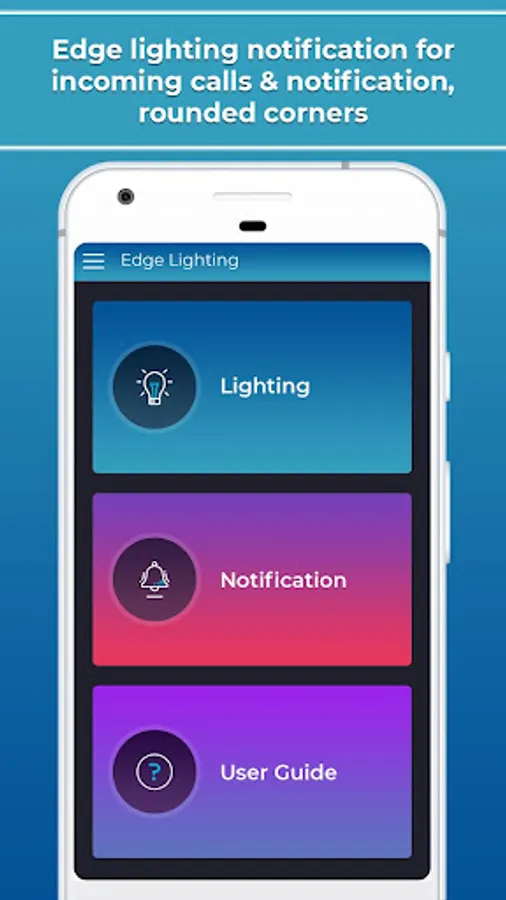
In this app, you can customize edge lighting effects to display animated color notifications around your screen. Includes options for adjusting lighting duration, speed, thickness, and selecting specific applications for effects.
AppRecs review analysis
AppRecs rating 4.1. Trustworthiness 0 out of 100. Review manipulation risk 0 out of 100. Based on a review sample analyzed.
★★★★☆
4.1
AppRecs Rating
Ratings breakdown
5 star
61%
4 star
17%
3 star
4%
2 star
8%
1 star
10%
What to know
✓
High user satisfaction
77% of sampled ratings are 4+ stars (4.1★ average)
✓
Authentic reviews
Natural distribution, no red flags
About Edge Lighting & Edge Color Not
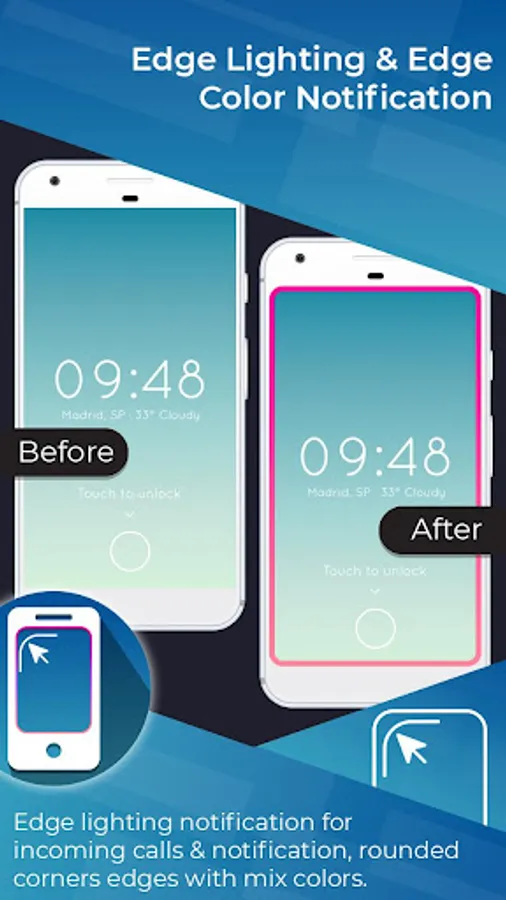
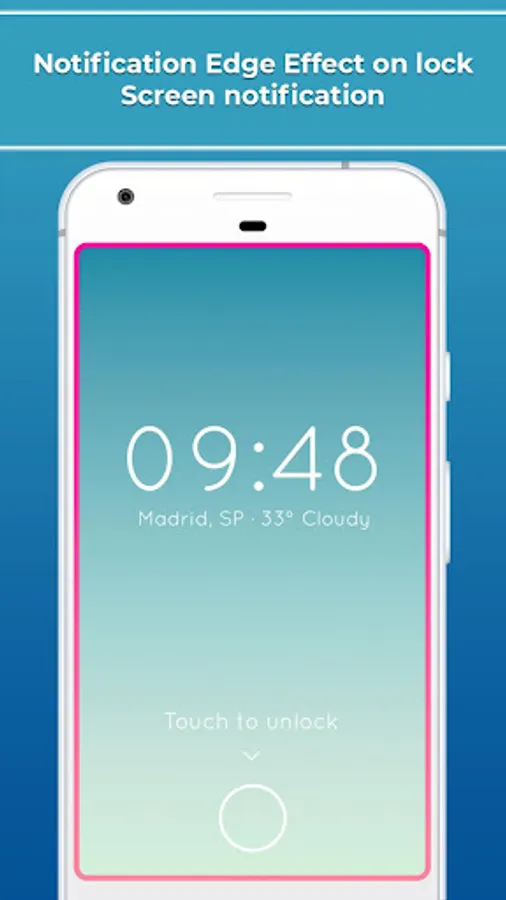
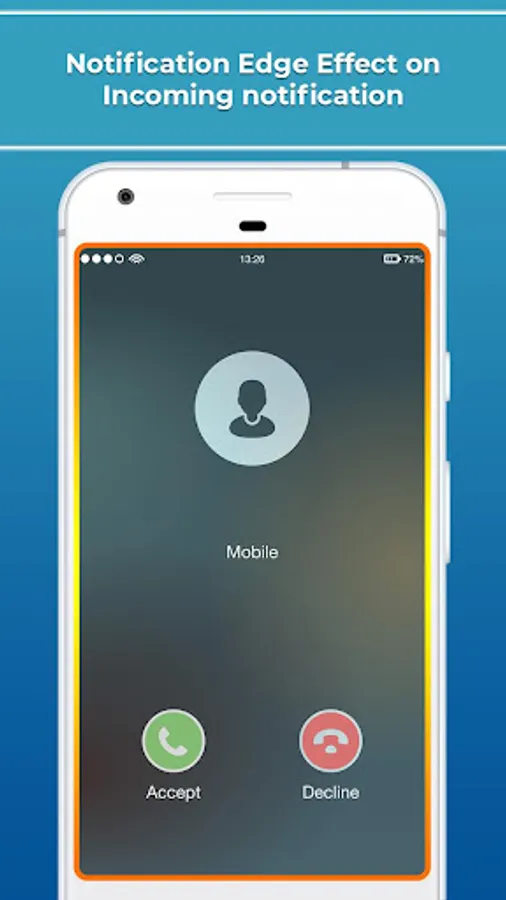
Edge Lighting & Edge Color Notification app provides color effects, will run around your screen when incoming calls or new notification arrive. Take your phone down to see the magic.
You can chose specific application to display in notification edge.
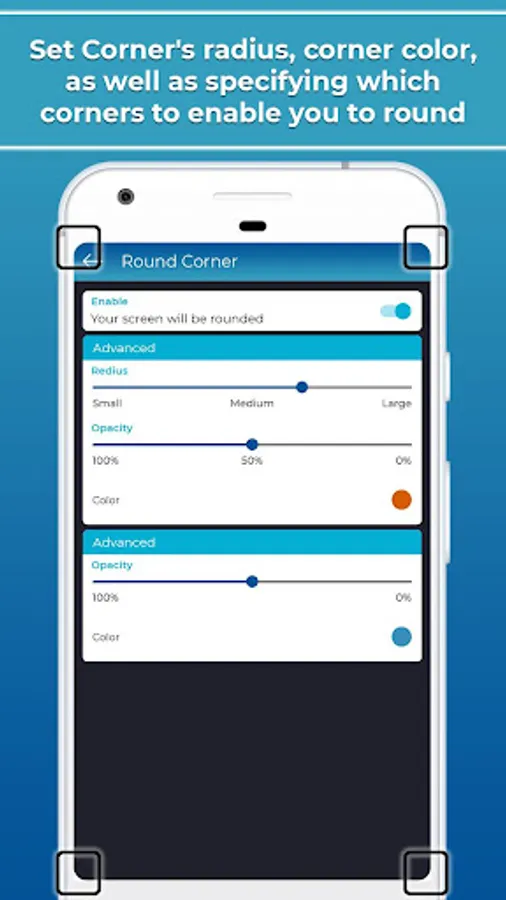
Your screen will be rounded corners & color notification like the trending phone such as: Samsung Galaxy S8, Samsung Galaxy S9 and Samsung Galaxy S10 etc.
Attractive notification rounded corners with animation will appear on screen when new notifications or incoming are available.
Customize options for user:
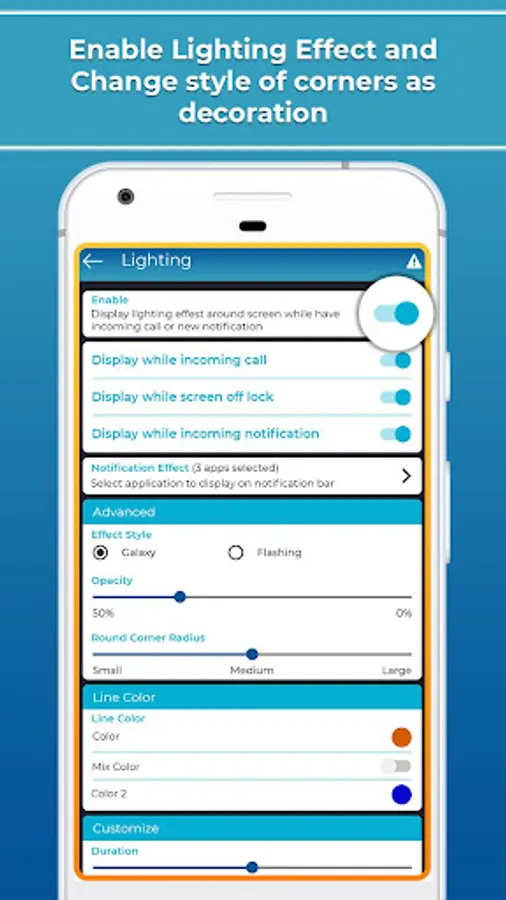
- Set Edge Lighting Duration
- Set Edge Lighting Speed (slow, normal and fast)
- Set Edge Lighting, Edge thickness (small, medium and large)
Edge Lighting & Edge Color Notification app features:
- Display while notification for incoming call
- Display while screen off or lock
- Display while incoming notification
- Edge Line color or set mix color
- You can select any application for applying edge effects
- Galaxy Edge Lighting, Galaxy Edge Rounded Corners, Galaxy Edge Notification effect, Rounded Corners
- Edge Lighting, Edge Rounded Corner, Edge Notification, Galaxy Edge Lighting
Note :
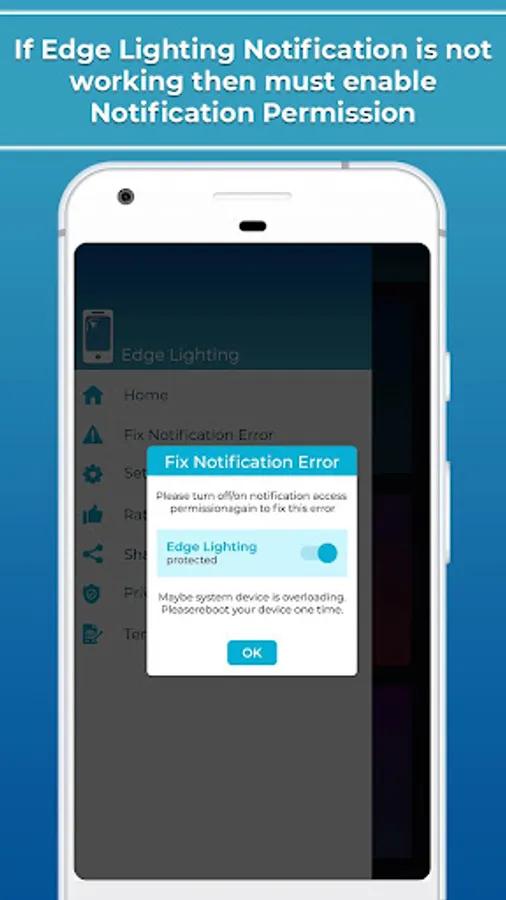
- If Edge Lighting & Edge Color Notification not working then turn on notification access permission to use features.
- Open Phone Manager Apps (or Settings app) -> Permission Manager -> choose Applications tab -> select Edge Lighting & Edge Color Notification -> enable Draw over other apps
You can chose specific application to display in notification edge.
Your screen will be rounded corners & color notification like the trending phone such as: Samsung Galaxy S8, Samsung Galaxy S9 and Samsung Galaxy S10 etc.
Attractive notification rounded corners with animation will appear on screen when new notifications or incoming are available.
Customize options for user:
- Set Edge Lighting Duration
- Set Edge Lighting Speed (slow, normal and fast)
- Set Edge Lighting, Edge thickness (small, medium and large)
Edge Lighting & Edge Color Notification app features:
- Display while notification for incoming call
- Display while screen off or lock
- Display while incoming notification
- Edge Line color or set mix color
- You can select any application for applying edge effects
- Galaxy Edge Lighting, Galaxy Edge Rounded Corners, Galaxy Edge Notification effect, Rounded Corners
- Edge Lighting, Edge Rounded Corner, Edge Notification, Galaxy Edge Lighting
Note :
- If Edge Lighting & Edge Color Notification not working then turn on notification access permission to use features.
- Open Phone Manager Apps (or Settings app) -> Permission Manager -> choose Applications tab -> select Edge Lighting & Edge Color Notification -> enable Draw over other apps
Edge Lighting & Edge Color Not Screenshots
Tap to Rate: