
Business Online SA
Standard Bank / Stanbic Bank
3.7 ★
236 ratings
50,000+
downloads
Free
In this banking app, you can manage payments, view account balances, and access transaction details. Includes authentication, transfer management, account monitoring, and messaging features.
AppRecs review analysis
AppRecs rating 3.6. Trustworthiness 0 out of 100. Review manipulation risk 0 out of 100. Based on a review sample analyzed.
★★★☆☆
3.6
AppRecs Rating
Ratings breakdown
5 star
67%
4 star
0%
3 star
0%
2 star
0%
1 star
33%
What to know
✓
Good user ratings
67% positive sampled reviews
⚠
Pricing complaints
Many low ratings mention paywalls or pricing
⚠
High negative review ratio
33% of sampled ratings are 1–2 stars
About Business Online SA
The Business Online SA App is the perfect companion to the online banking desktop application.
With the Business Online SA app, you can manage your payments on the go and access your Business Online profile, accounts and transactions from your mobile/ tablet device.
Use the Business Online mobile app to easily:
· Authenticate your Business Online Sign-in
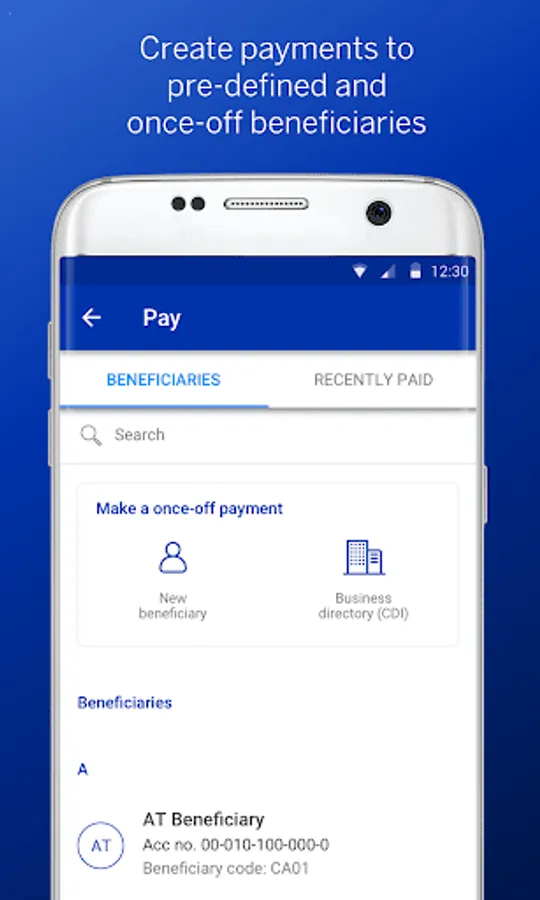
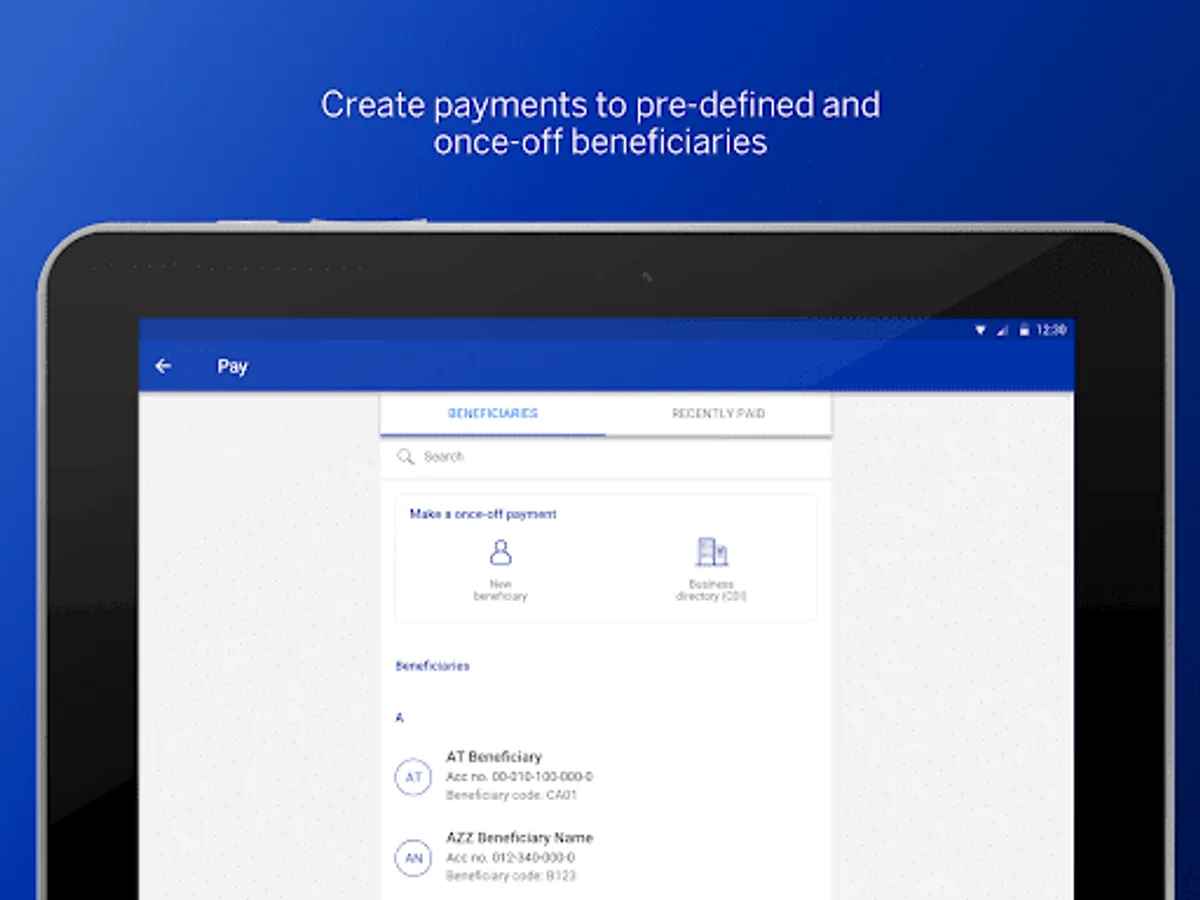
· Create SSVS payments to pre-defined and ad-hoc beneficiaries
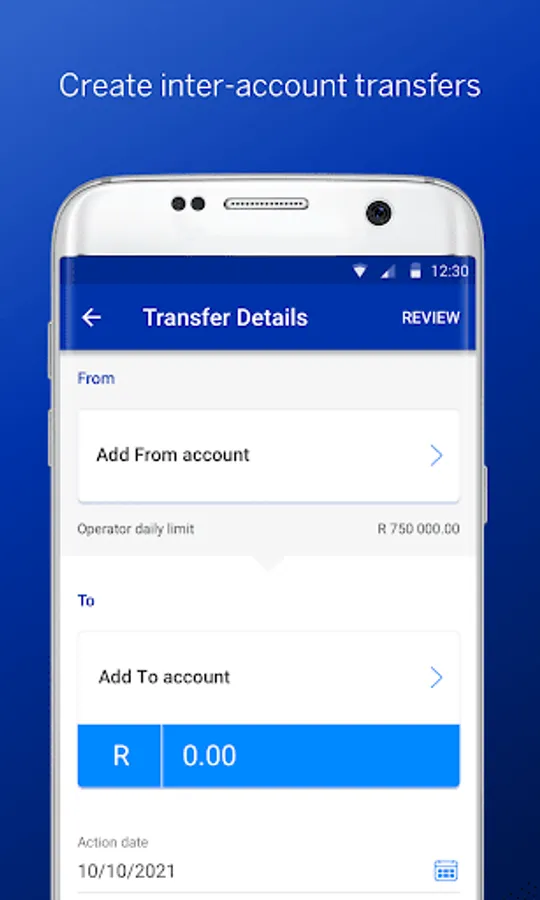
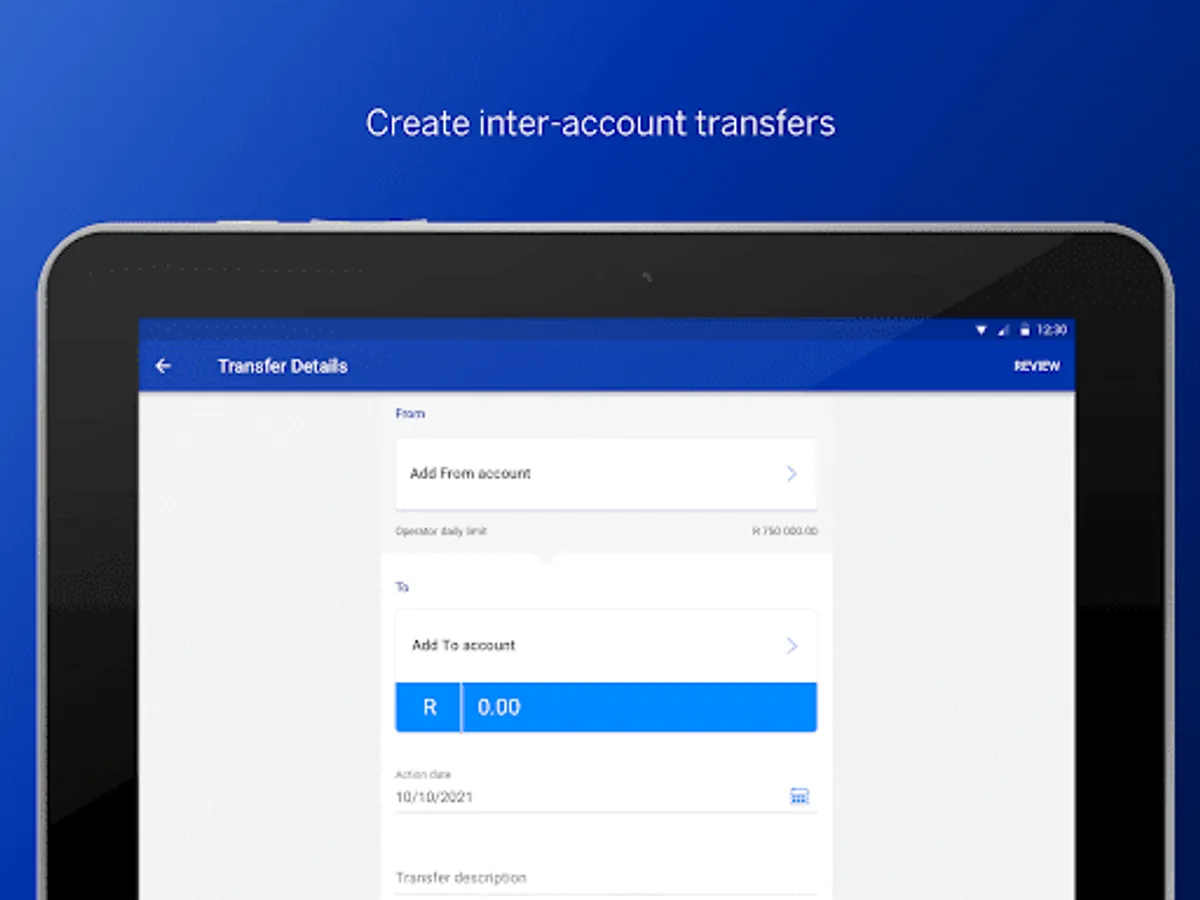
· View, create, audit, verify and release inter-account transfers
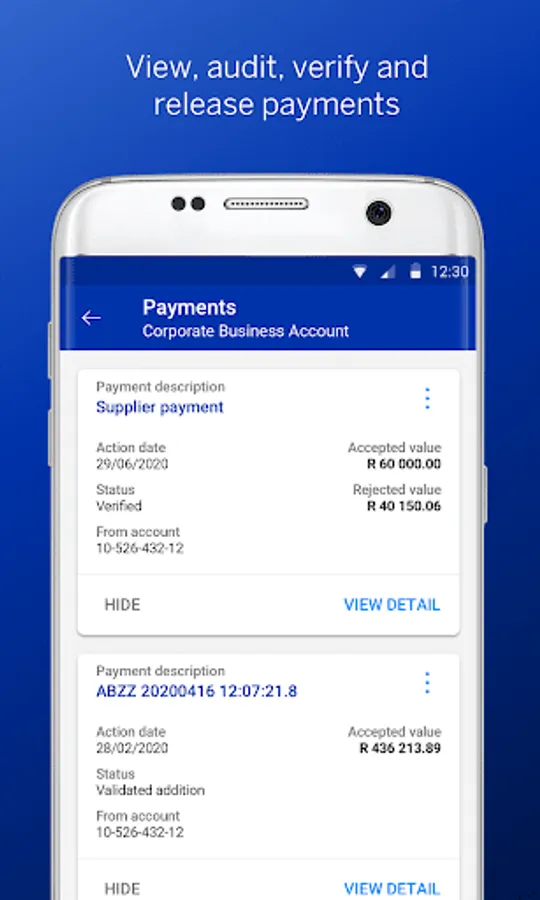
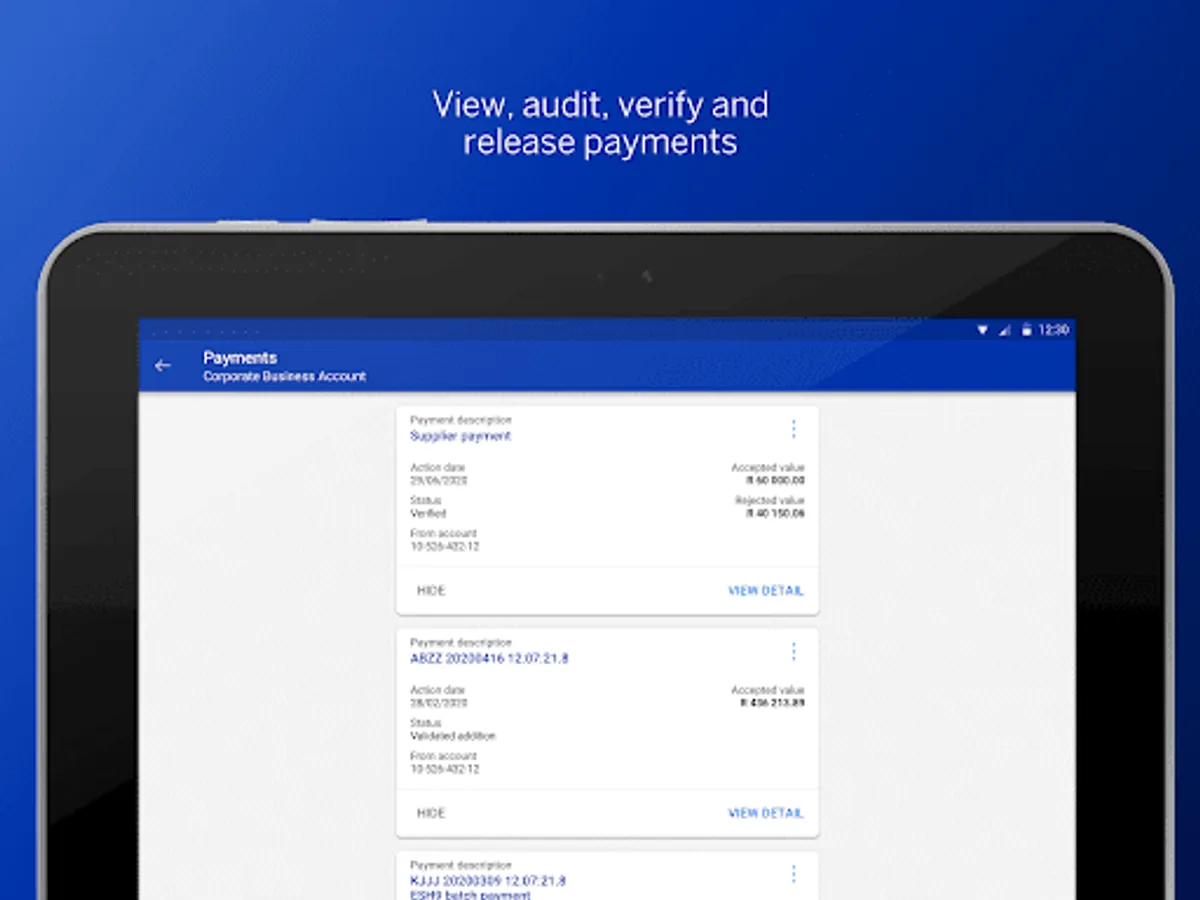
· View, audit, verify and release payments on all services
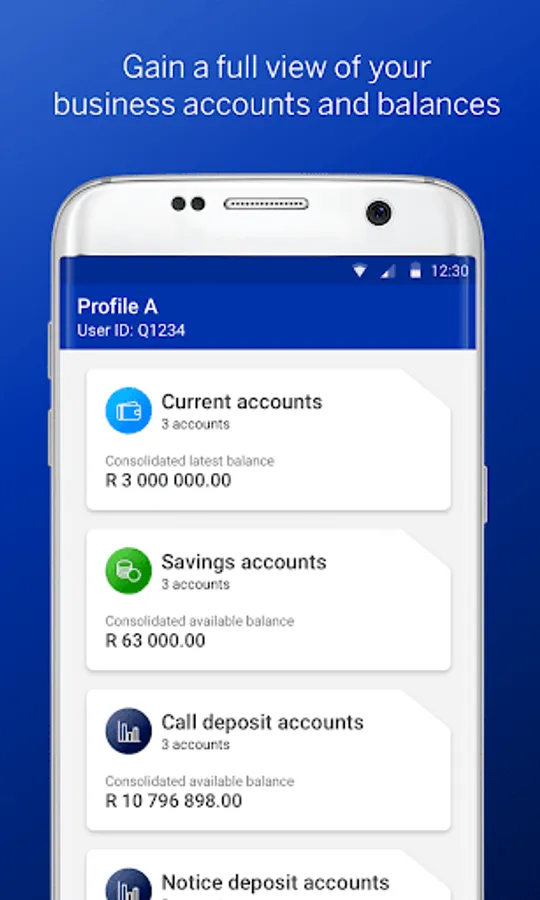
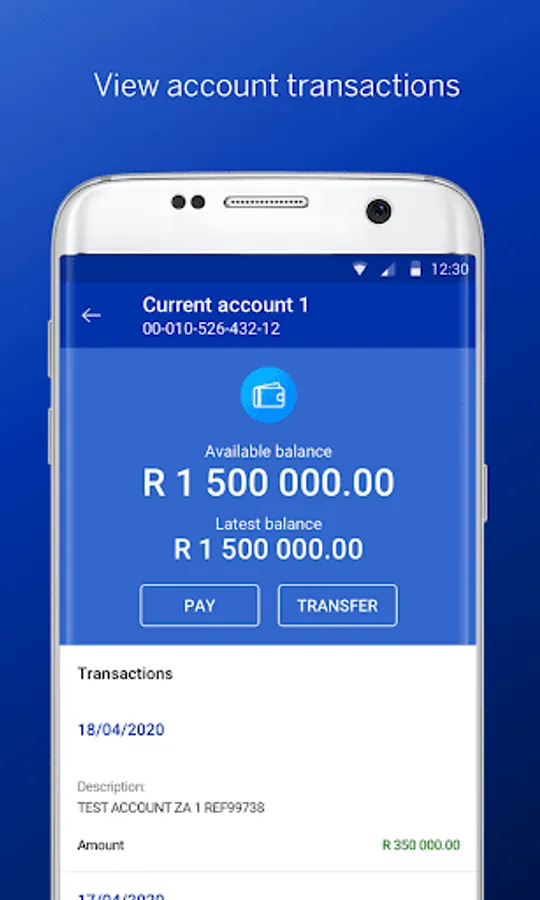
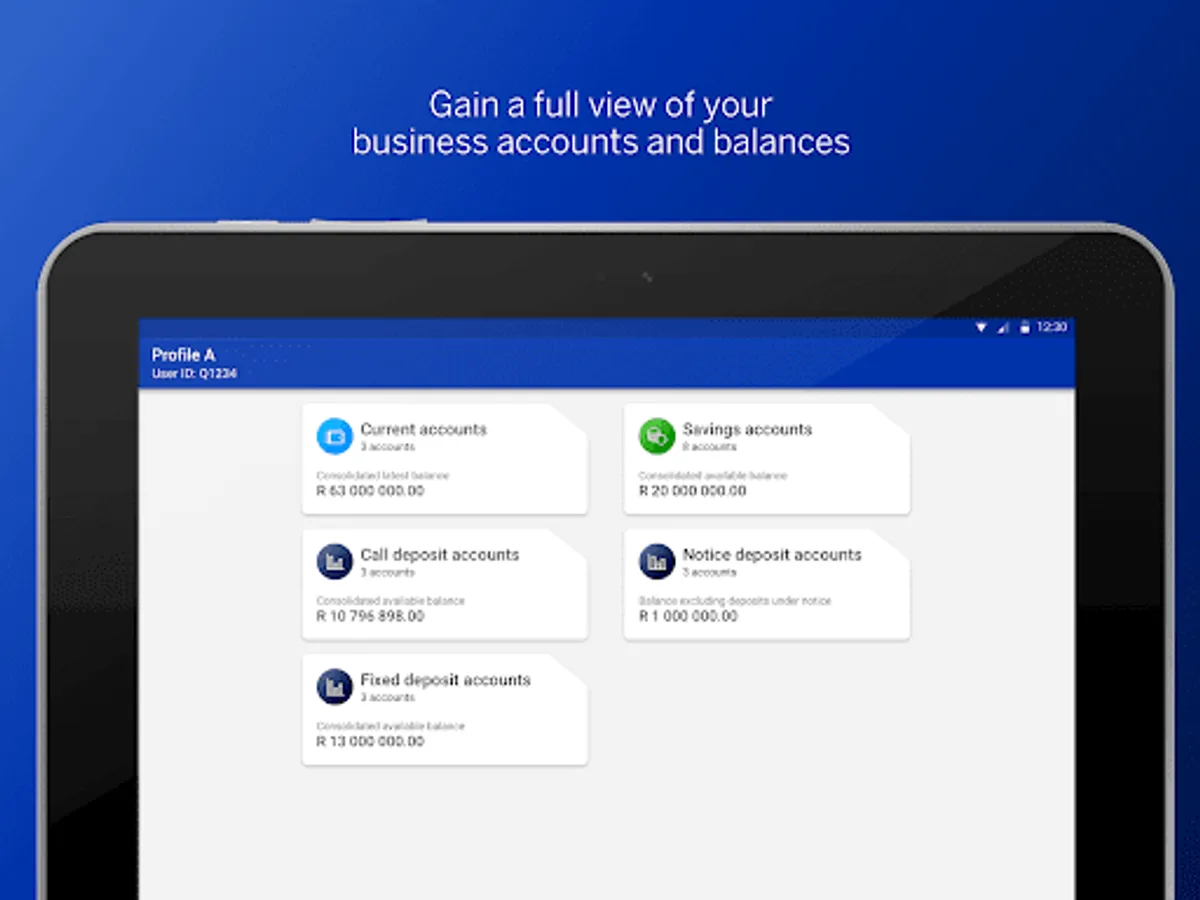
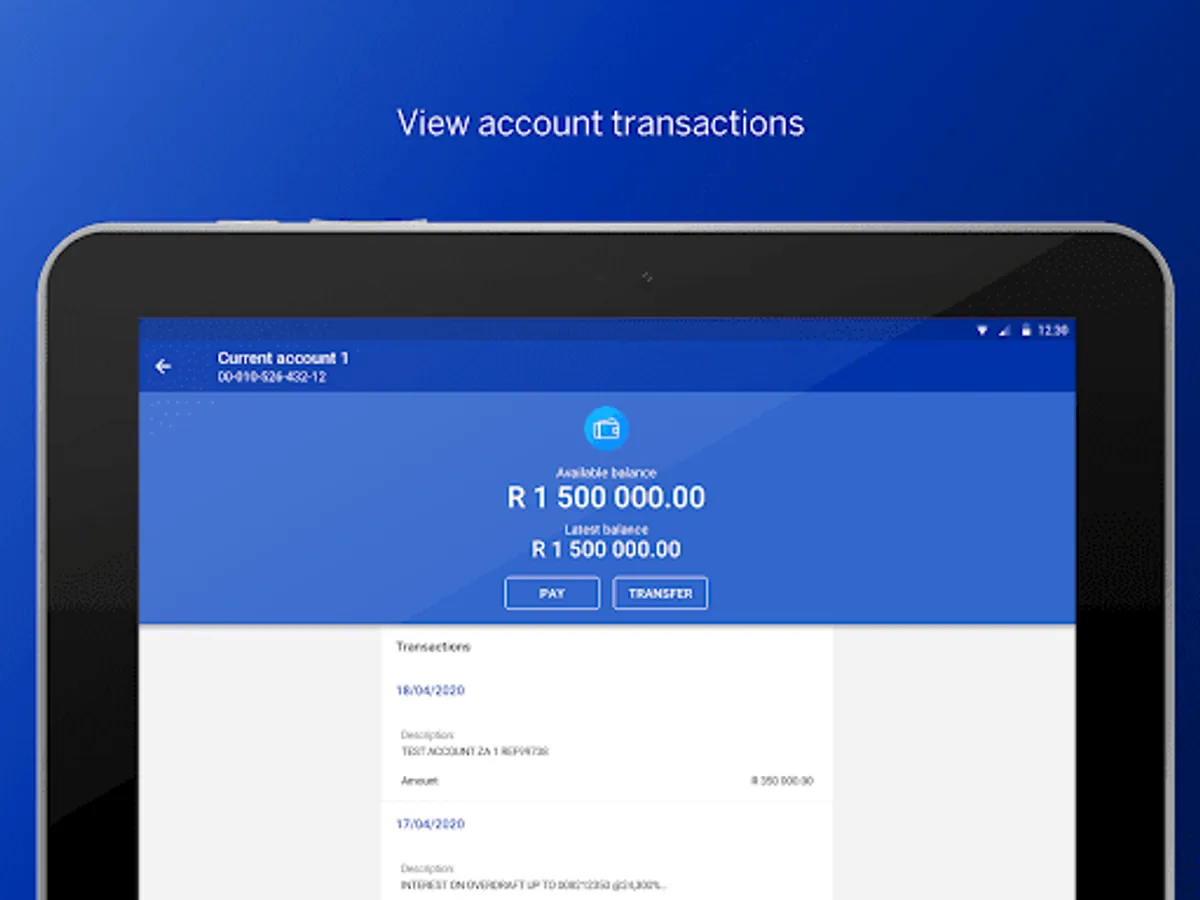
· View current, savings, call, fixed deposit and notice deposit account balances on the go
· View interest details on all investment account types
· View the latest transactions from your provisional statement
· Receive audit reports via email
· Switch between profiles
· Reset your password
· View Business Online message alerts
· Provide feedback using the in-app feedback feature
Keep a look out for added functionality coming soon!
Getting started
Install the Business Online SA mobile app and sign in using your Business Online SA credentials
(Note: operators using an OTP sent to their mobile device must use the desktop Business Online application to sign in).
You will have the same Access Rights and Permissions on this app as you have on Business Online.
With the Business Online SA app, you can manage your payments on the go and access your Business Online profile, accounts and transactions from your mobile/ tablet device.
Use the Business Online mobile app to easily:
· Authenticate your Business Online Sign-in
· Create SSVS payments to pre-defined and ad-hoc beneficiaries
· View, create, audit, verify and release inter-account transfers
· View, audit, verify and release payments on all services
· View current, savings, call, fixed deposit and notice deposit account balances on the go
· View interest details on all investment account types
· View the latest transactions from your provisional statement
· Receive audit reports via email
· Switch between profiles
· Reset your password
· View Business Online message alerts
· Provide feedback using the in-app feedback feature
Keep a look out for added functionality coming soon!
Getting started
Install the Business Online SA mobile app and sign in using your Business Online SA credentials
(Note: operators using an OTP sent to their mobile device must use the desktop Business Online application to sign in).
You will have the same Access Rights and Permissions on this app as you have on Business Online.
Business Online SA Screenshots
Tap to Rate:
Reviews for Business Online SA
Paul Bsb
12/2/2025
Another month end when one cannot access Std Bank. Incredibly frustrating.
Desiree Demas
11/24/2025
terrible app. terrible service