
Video Compressor - Reduce Size
STCodesApp
4.6 ★
3K ratings
100,000+
downloads
Free
+ in-app
In this video compressor app, you can reduce video file size and crop clips easily. Includes options for trimming, resizing, merging, and compressing videos and audio files.
AppRecs review analysis
AppRecs rating 4.4. Trustworthiness 77 out of 100. Review manipulation risk 32 out of 100. Based on a review sample analyzed.
★★★★☆
4.4
AppRecs Rating
Ratings breakdown
5 star
82%
4 star
8%
3 star
2%
2 star
3%
1 star
6%
What to know
✓
Credible reviews
77% trustworthiness score from analyzed reviews
✓
High user satisfaction
82% of sampled ratings are 5 stars
⚠
Ad complaints
Many low ratings mention excessive ads
About Video Compressor - Reduce Size
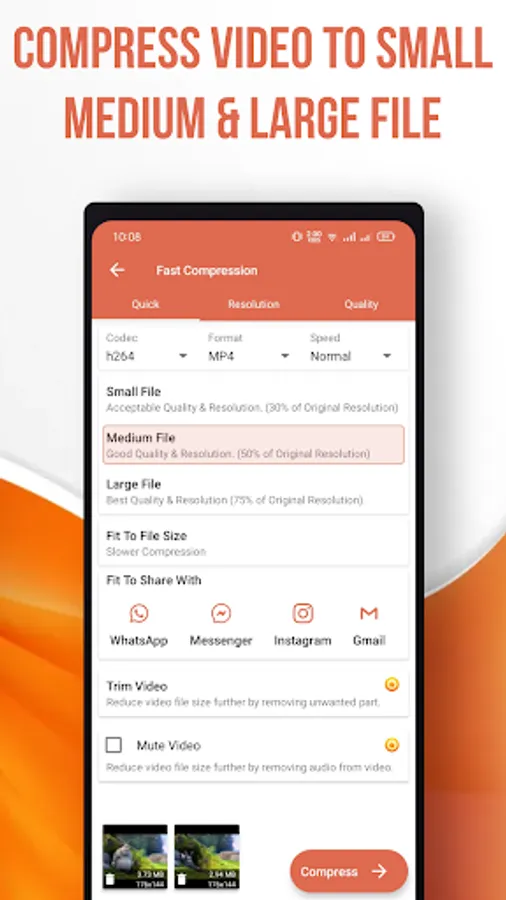
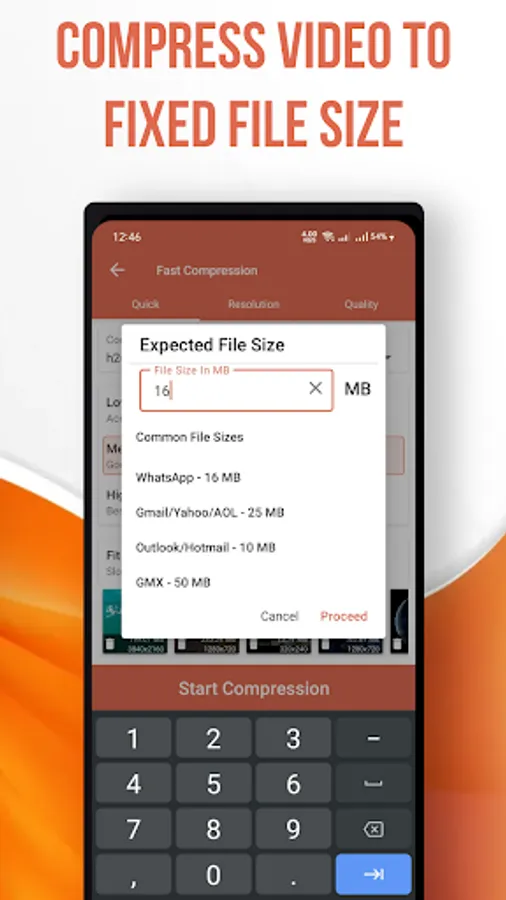
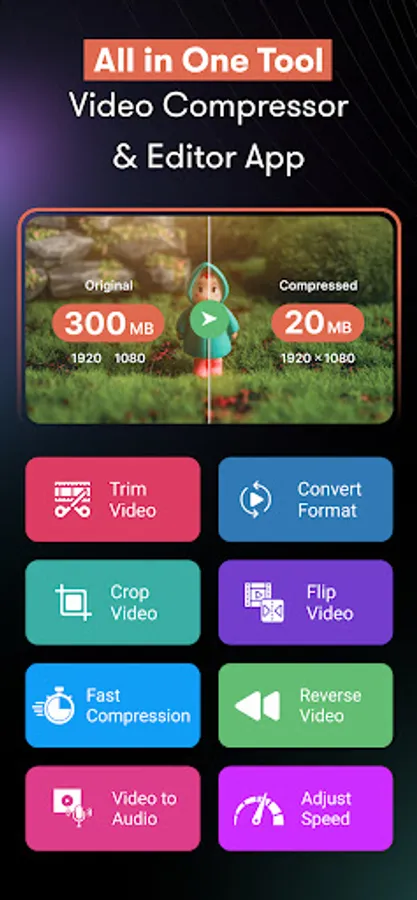
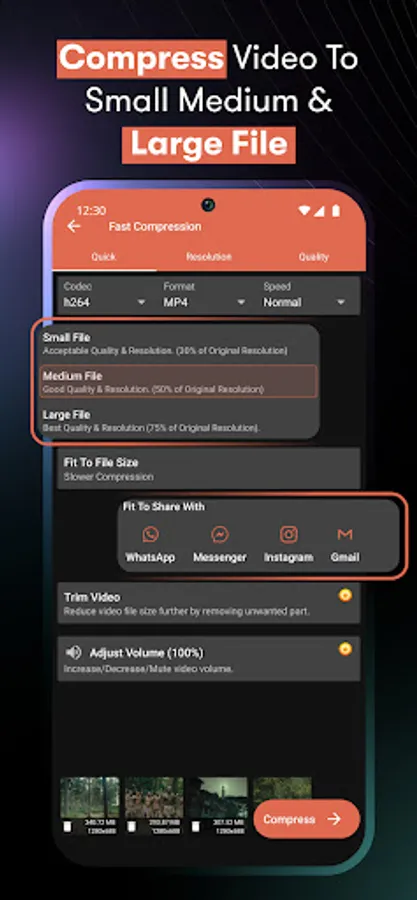
Need a Simple and Effective Way to Compress Video Without Losing Quality? This Powerful Handbrake Video Compressor Helps You Quickly Resize Video, Reduce Video Size, Shrink Video File Size, Crop and Trim Video and Even Merge Clips – All in One App.
Whether You Want to Free Up Space, Share Large Files Faster or Edit Your Clips, This Smart Video Shrinker and File Compressor Is Designed for You.
Key Features:
1). Compress Video & Shrink Files:
- Smart Handbrake Video Compressor to Compress Video While Keeping Original Quality.
- Reduce Storage Space with Our Built-In File Size Reducer and Zip Video Tool.
- Works as a Complete Shrinker to Save and Clear Device Memory.
2). Resize Video & Reduce Video Size:
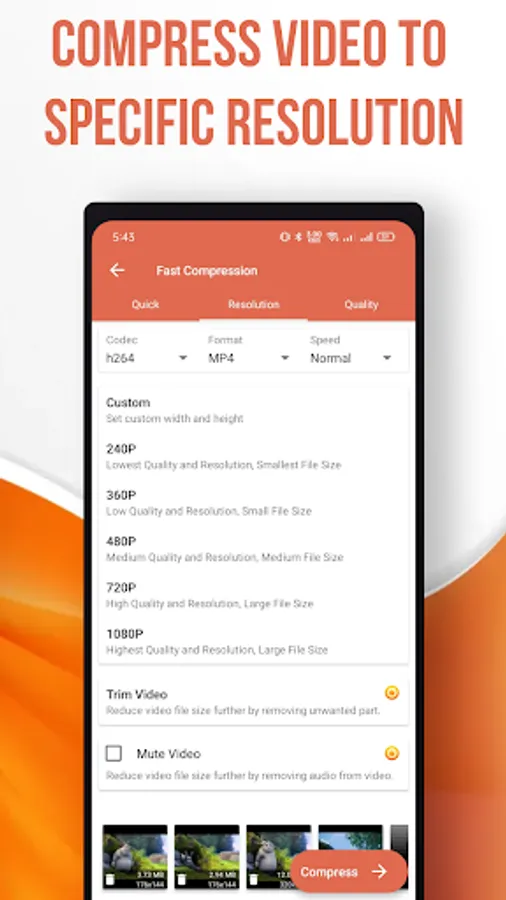
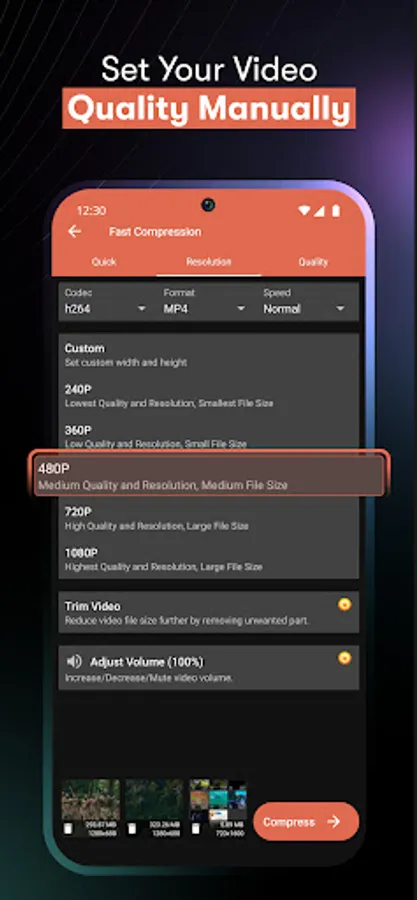
- Adjust Resolution, Bitrate, and Frame Rate Easily.
- Perfect Solution to Resize Video for Social Media, Faster Uploads, or Messaging Apps.
- Multiple Options to Reduce Video Size Without Affecting Clarity.
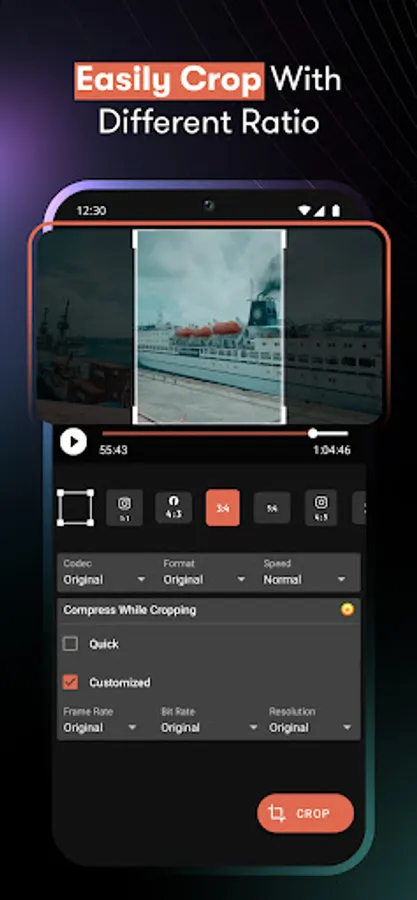
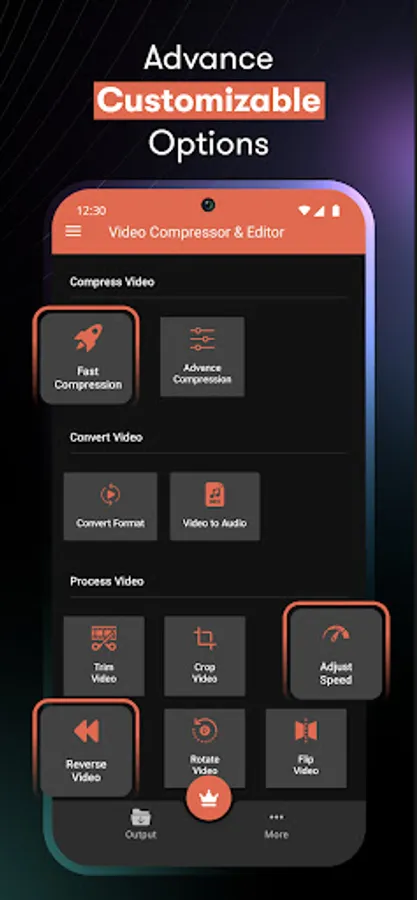
3). Crop, Trim & Cut Videos:
- Built-In Easy Video Cutter and Mkv Video Cutter.
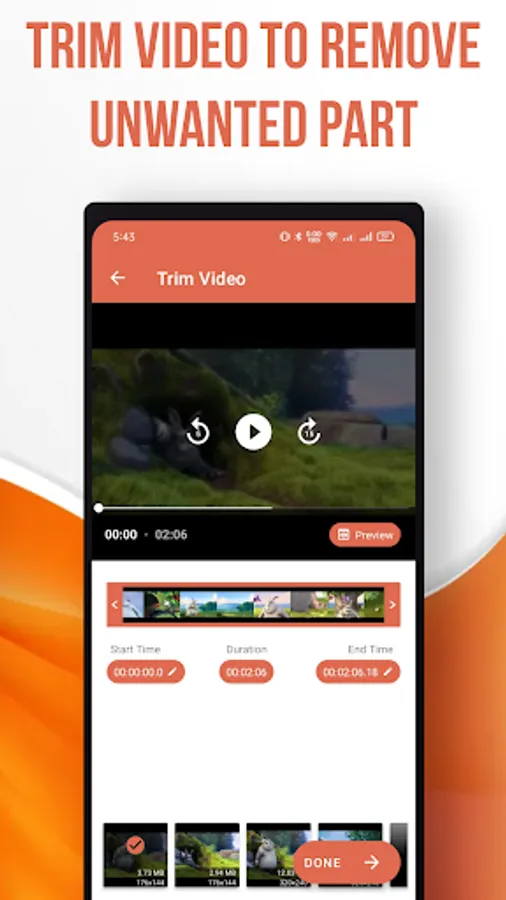
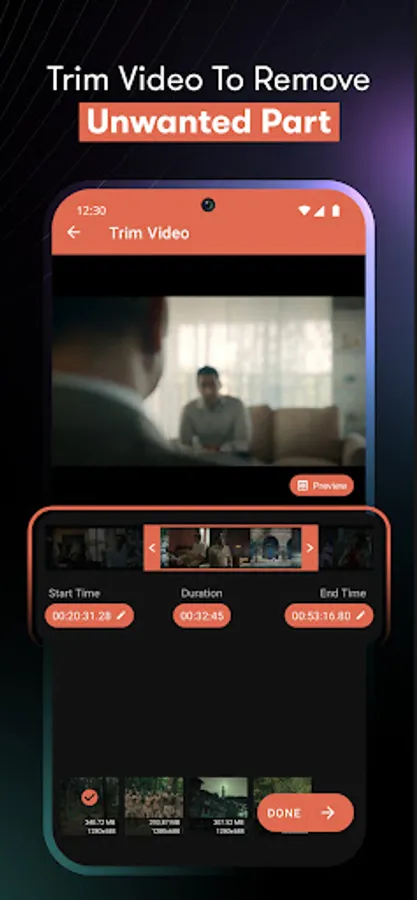
- Crop and Trim Video Precisely to Remove Unwanted Parts.
- Smooth Editing Experience with Exact Start and End Time Controls.
4). Rotate, Flip & Mirror Videos:
- Quickly Rotate Video 90°, 180°, or 270°.
- Flip Mirror Video Vertically or Horizontally with One Tap.
5). Merge & Edit Videos:
- Use the Merge Video App Feature to Combine Multiple Clips.
- Join and Edit Videos Seamlessly for Longer Projects.
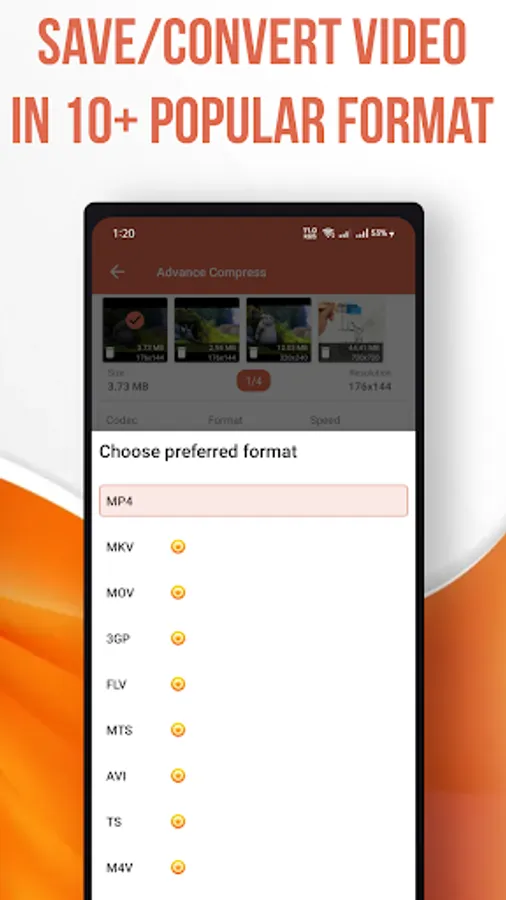
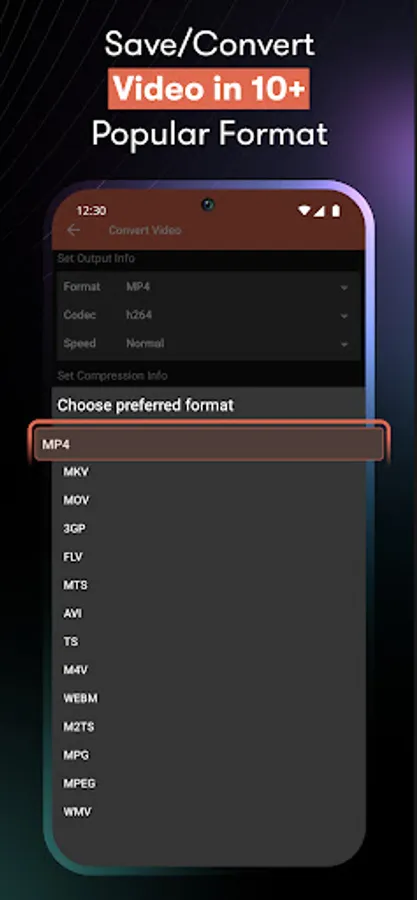
- Save in Mp4, Mkv, Avi, 3gp, Mov, Wmv, Vob, and More.
6). Audio Tools & File Compressor:
- Built-In Mp4 Audio Compressor for Reducing Audio Size.
- Convert Video to Audio and Compress Files for Easier Sharing.
- Works as Both a Video File Compressor and Audio Editor.
Why This App?
- Complete Handbrake Video Compressor – Shrink Files Without Losing Quality.
- Acts as a Shrinker, File Compressor, Video Cutter, Crop & Trim Tool.
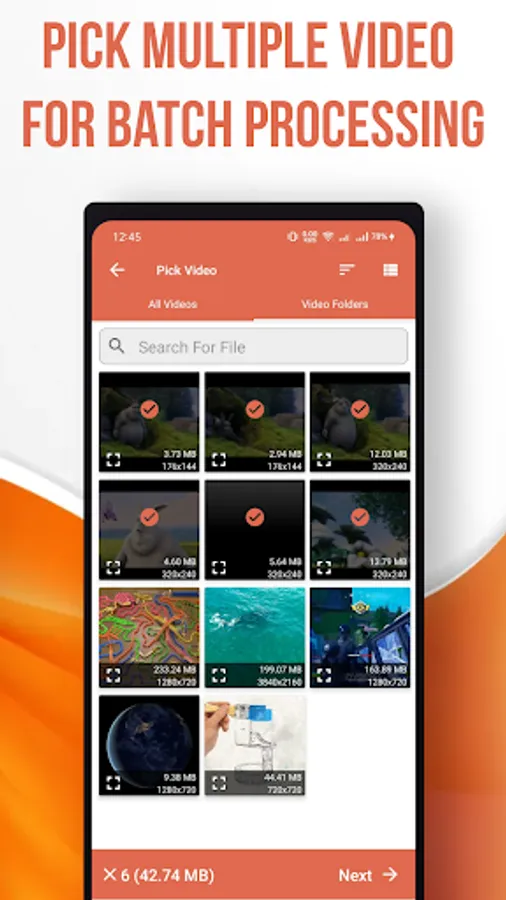
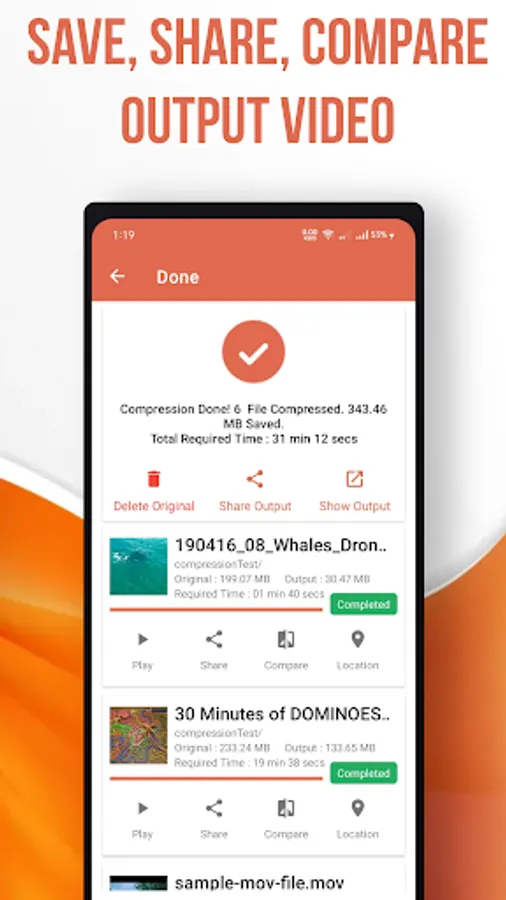
- Quickly Reduce Video Size, Resize Video, and Compress Files in Batch Mode.
- Supports Zip Video, File Size Reducer, and Professional Editing Tools.
- Easy to Use – No Technical Skills Required.
Supported Formats:
- Video: Mp4, Mkv, Avi, 3gp, Flv, Mov, Wmv, Mpeg, Mpg, Vob, Mts, and More.
- Audio: Mp3, Aac, Wav, Ogg, M4a, and Others.
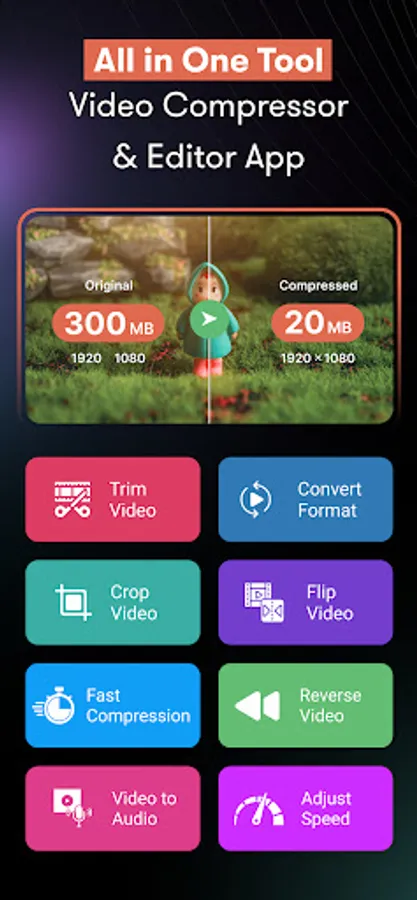
with This App, You Can Compress Video, Resize Video, Crop and Trim Video, Rotate Video, Reduce Video Size, Shrink Video File Size, Compress Files, Zip Video, Flip Mirror Video and Merge Videos – All in One Place.
Download Now and Experience the Handbrake Video Compressor and Shrinker App to Manage Your Videos Effortlessly!
Video Compressor - Reduce Size Screenshots

Tap to Rate:
Reviews for Video Compressor - Reduce Size
Mario Limon
12/30/2025
Kinda easy to use. I looked around for a compressor that doesn't change the video quality, shrinks size and is dependable and this one does the job well. I would like to see less money for what you need to pay for a permanent user but, I guess some prices are fine. The video size reduction is efficient but could use more work making it faster and smaller in size.
Saivardhan Koutla
12/28/2025
the video metadata is not on record date it is showing compressed date. example video date is 1 dec but after compression date is today date dec 28. how it got fake rating without this feature.