AppRecs review analysis
AppRecs rating 1.0. Trustworthiness 63 out of 100. Review manipulation risk 27 out of 100. Based on a review sample analyzed.
★☆☆☆☆
1.0
AppRecs Rating
Ratings breakdown
5 star
0%
4 star
0%
3 star
0%
2 star
0%
1 star
100%
What to know
✓
Low review manipulation risk
27% review manipulation risk
⚠
Mixed user feedback
Average 1.0★ rating suggests room for improvement
About Visual Voicemail
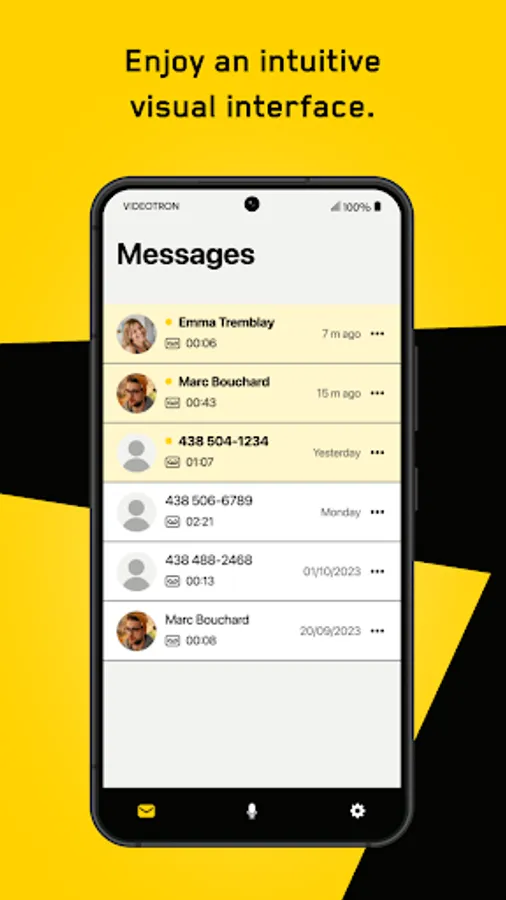
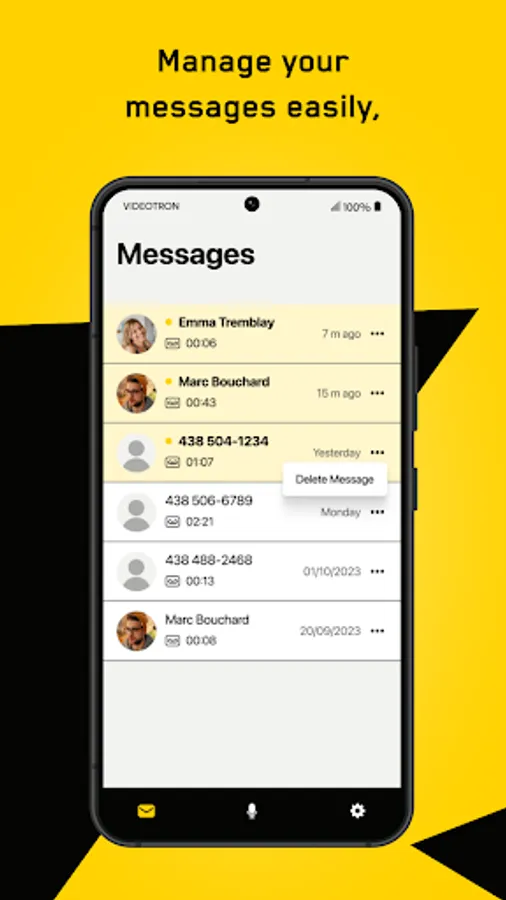
Visual Voicemail allows you to manage your voice messages by displaying them in the form of a list on your Android device screen.
You can listen to your messages in any order, without dialling your voicemail or hearing instructions or previous messages first.
With Visual Voicemail, you can:
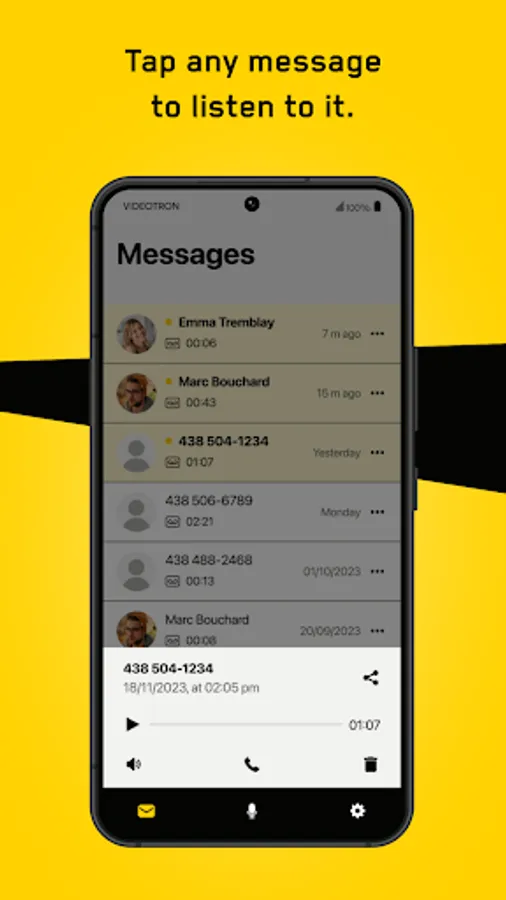
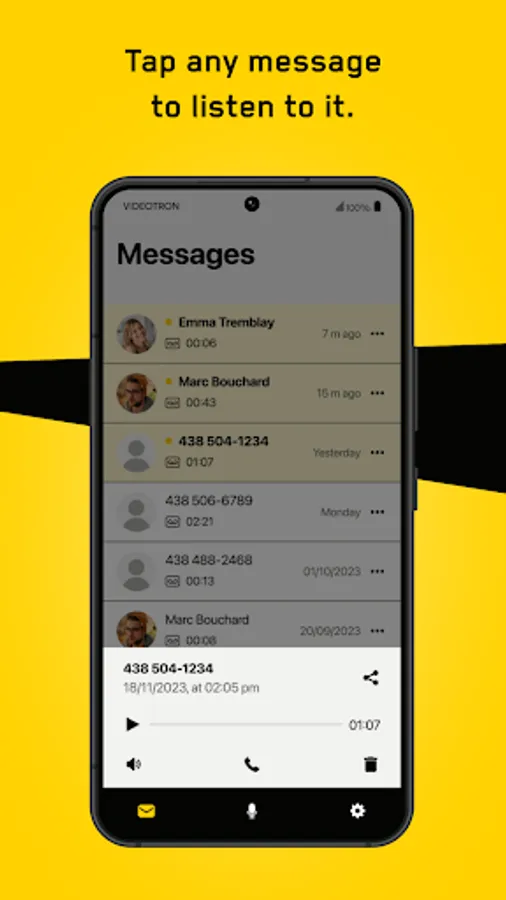
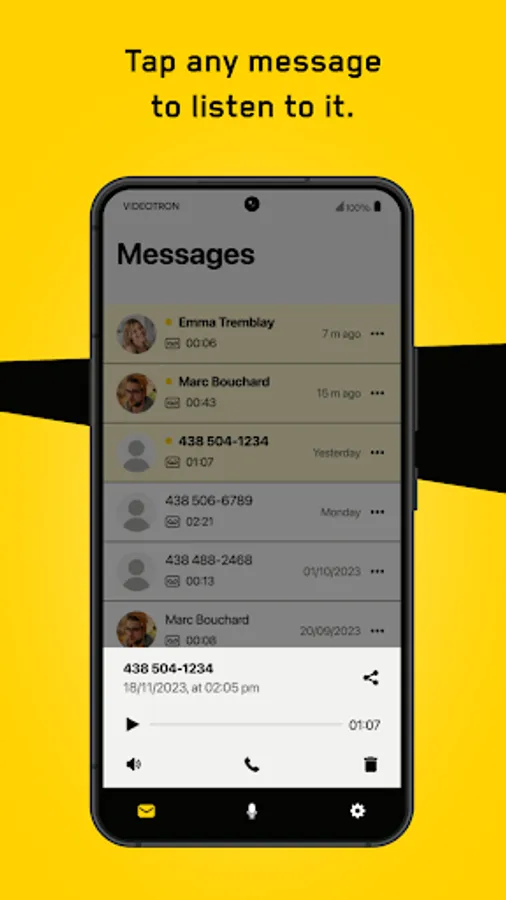
- Listen to a message by selecting it directly on your phone’s screen.
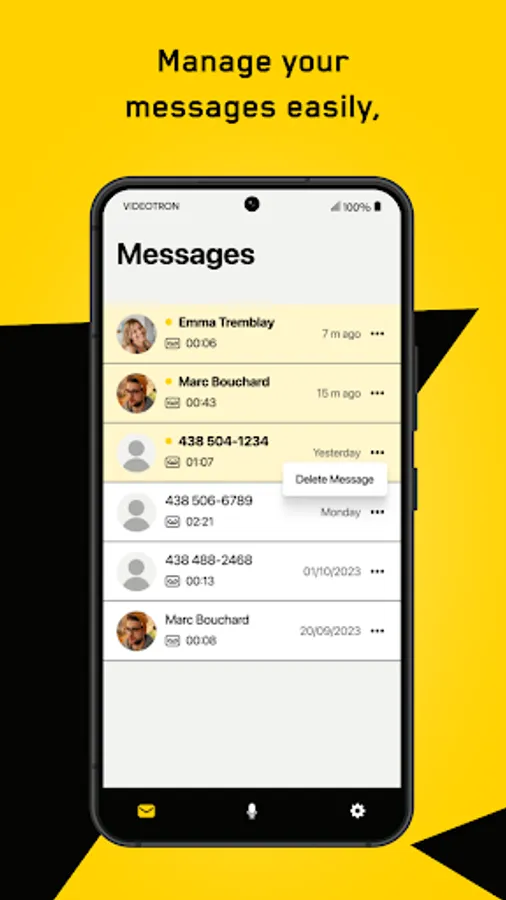
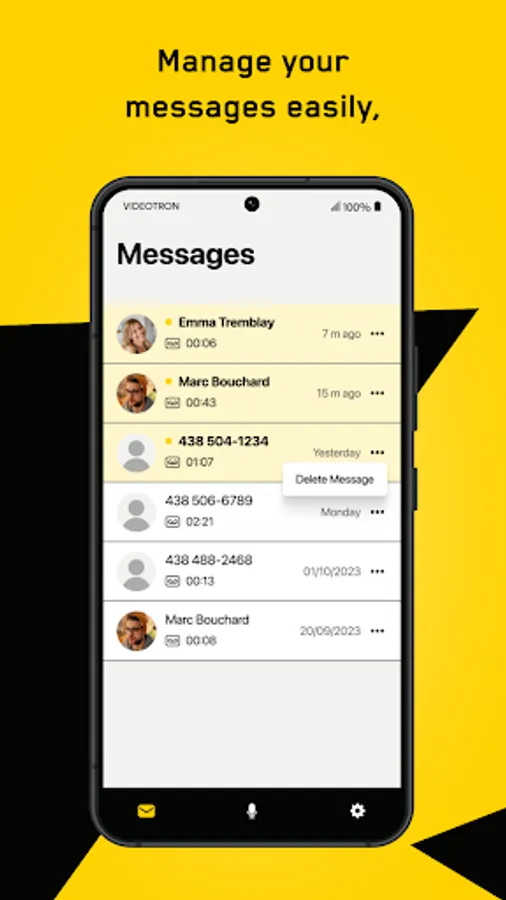
- Take advantage of the management options to forward, delete, or save messages, for example.
- Go back to rehear part of a message.
- Choose the order in which you want to hear your messages.
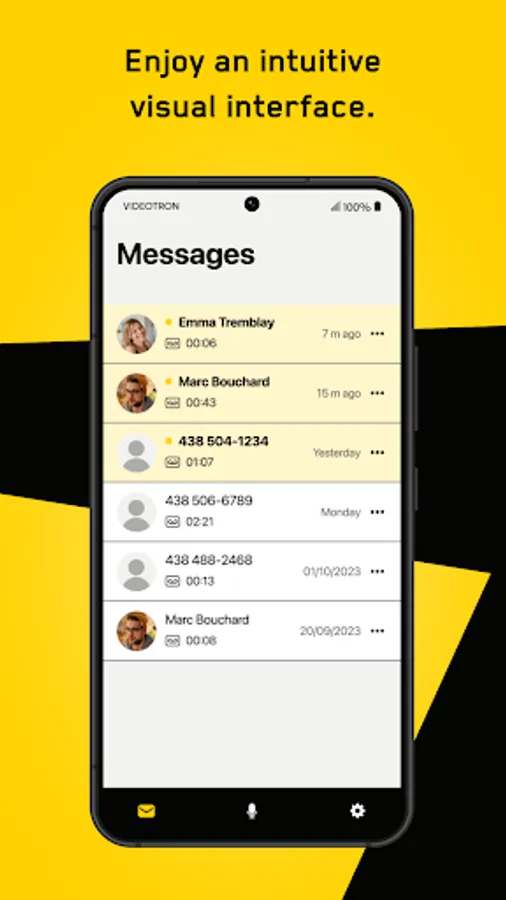
- Synch the application with your contacts. In the blink of an eye, you can see who left you a message.
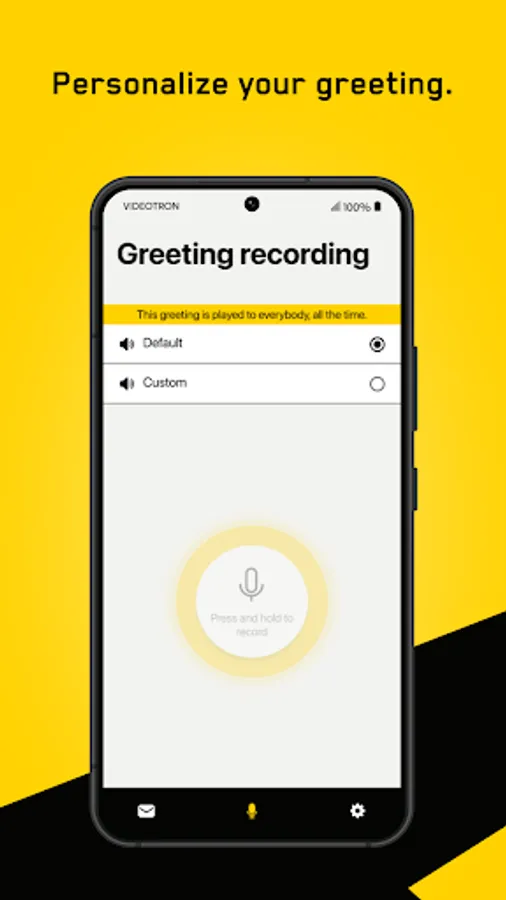
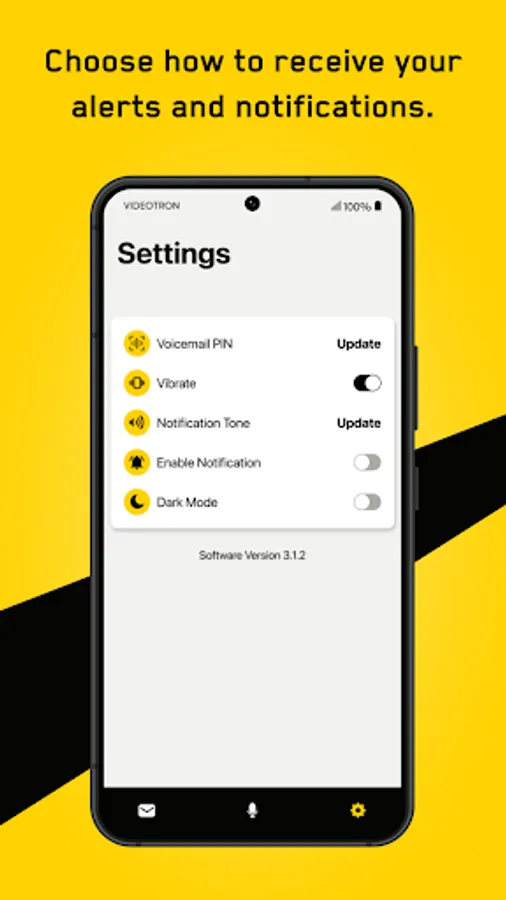
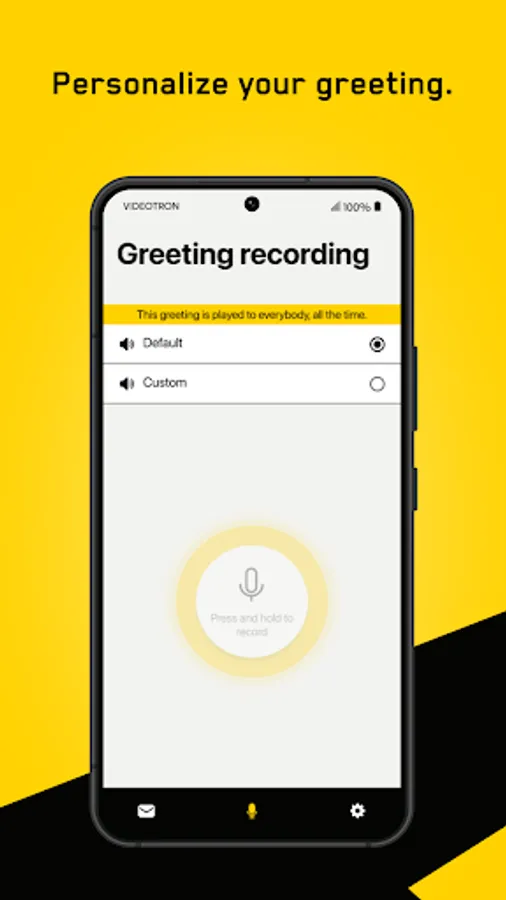
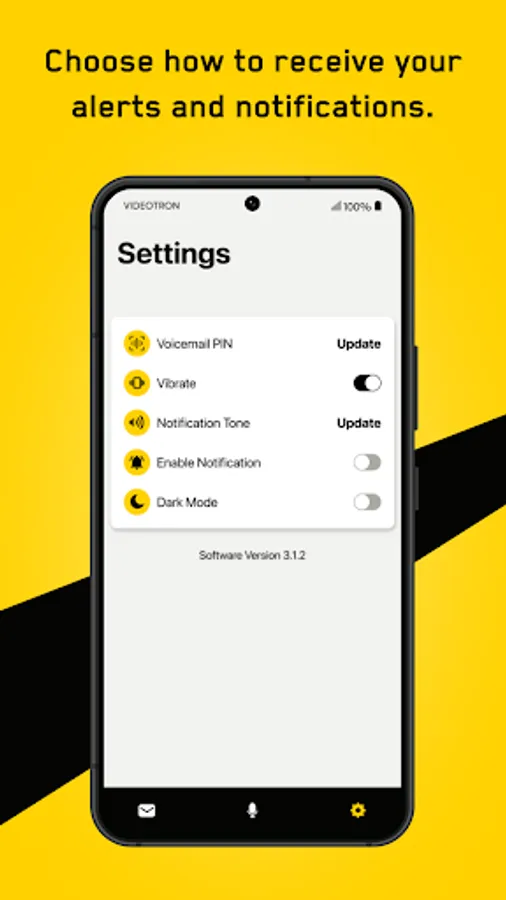
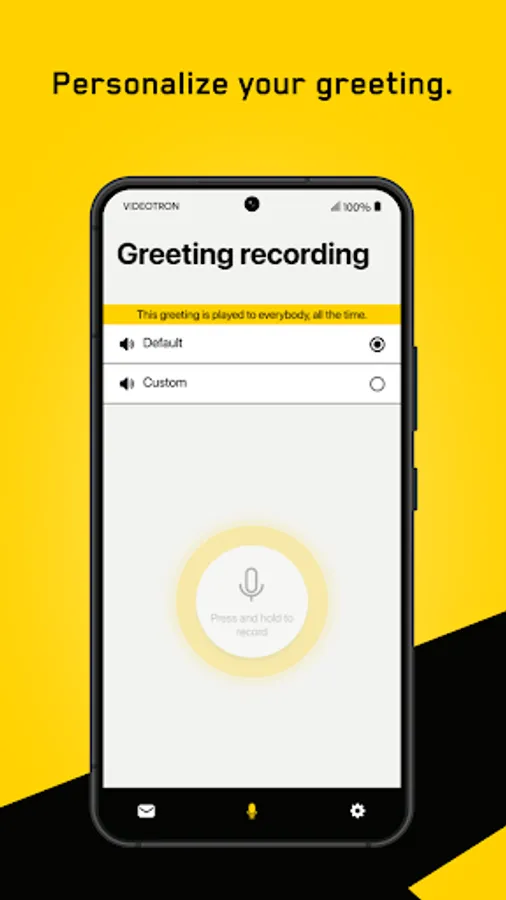
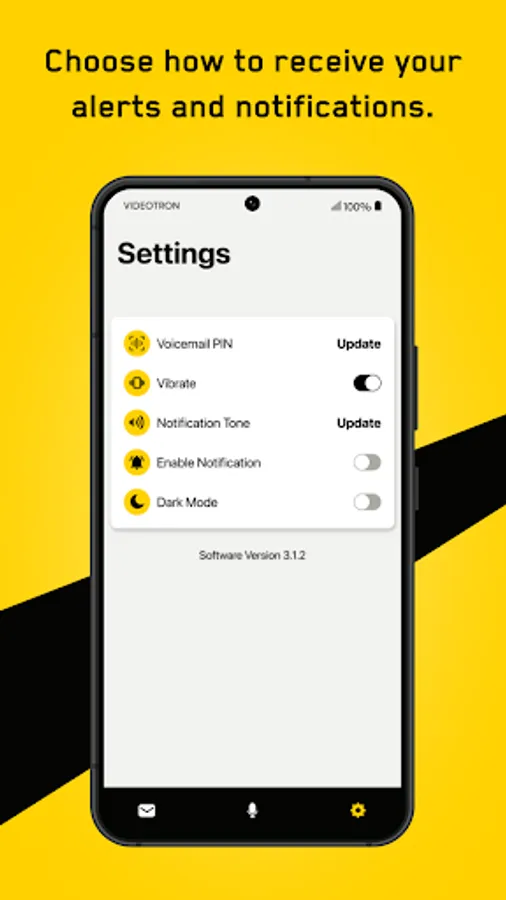
- Change your password, record a new greeting message, and manage the new message notification feature.
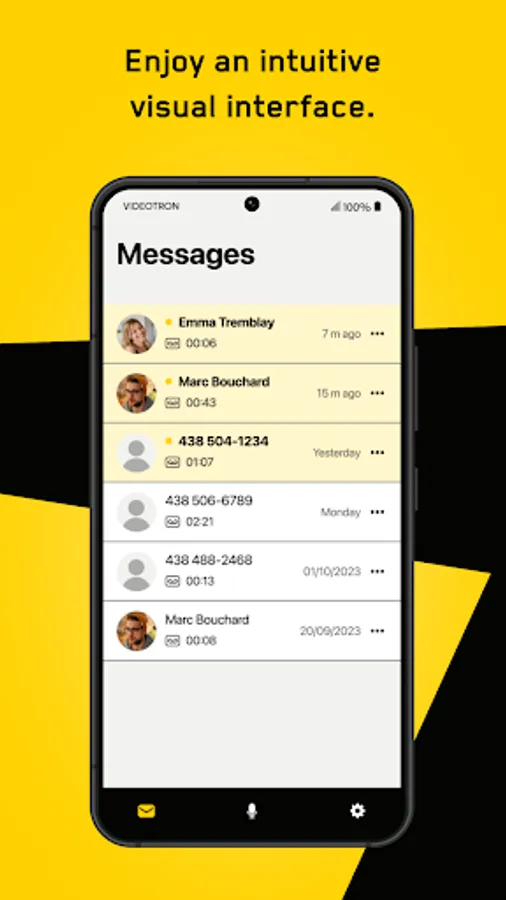
- Enjoy an intuitive, fast, and easy-to-use visual interface.
Simply activate the service in your Customer Centre and configure Visual Voicemail by following the steps directly on your telephone screen.
Getting Started:
- Download and install the Videotron | Visual Voicemail app on your smartphone.
- Connect your smartphone to Videotron mobile network (wifi not supported).
- Launch the app and follow the onscreen activation instructions.
You can listen to your messages in any order, without dialling your voicemail or hearing instructions or previous messages first.
With Visual Voicemail, you can:
- Listen to a message by selecting it directly on your phone’s screen.
- Take advantage of the management options to forward, delete, or save messages, for example.
- Go back to rehear part of a message.
- Choose the order in which you want to hear your messages.
- Synch the application with your contacts. In the blink of an eye, you can see who left you a message.
- Change your password, record a new greeting message, and manage the new message notification feature.
- Enjoy an intuitive, fast, and easy-to-use visual interface.
Simply activate the service in your Customer Centre and configure Visual Voicemail by following the steps directly on your telephone screen.
Getting Started:
- Download and install the Videotron | Visual Voicemail app on your smartphone.
- Connect your smartphone to Videotron mobile network (wifi not supported).
- Launch the app and follow the onscreen activation instructions.