ClearFocus - Pomodoro Timer
Studio868
4.7 ★
82 ratings
1,000+
downloads
Free
+ in-app
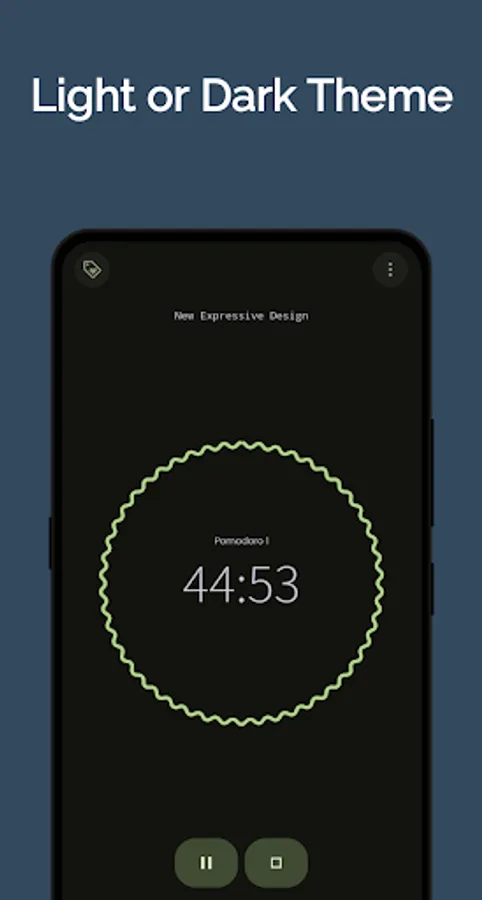
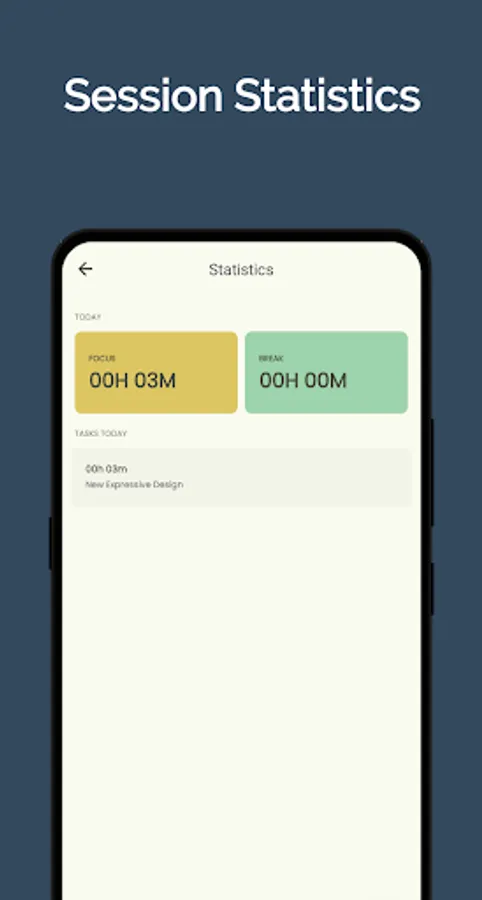
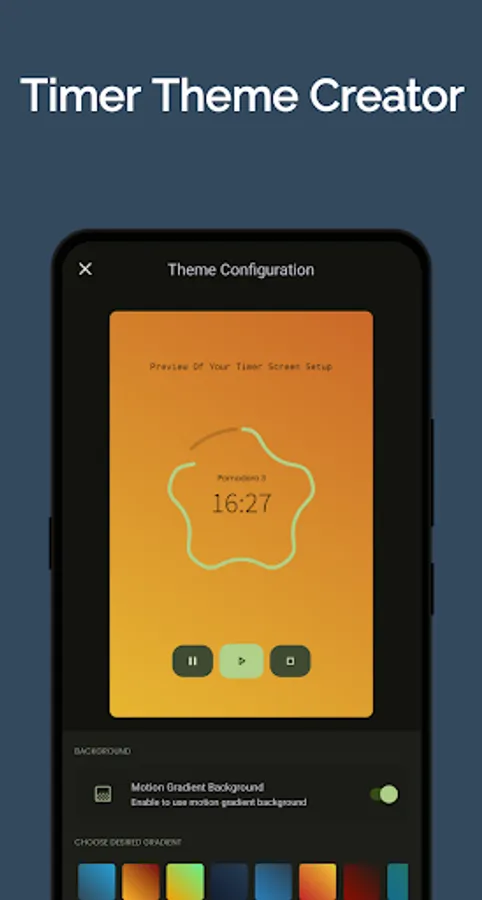
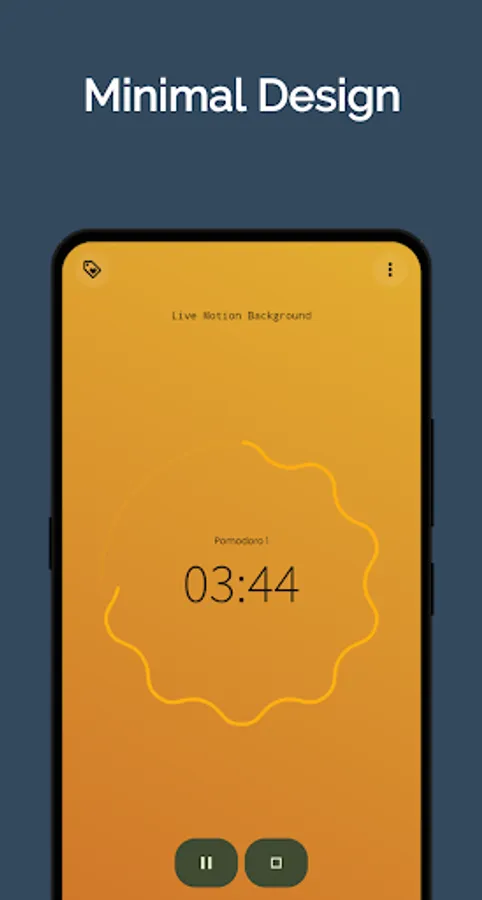
In this productivity app, you can set customizable work intervals and receive notifications during sessions. Includes a minimal design, timer controls, and progress tracking features.
AppRecs review analysis
AppRecs rating 4.7. Trustworthiness 87 out of 100. Review manipulation risk 20 out of 100. Based on a review sample analyzed.
★★★★☆
4.7
AppRecs Rating
Ratings breakdown
5 star
84%
4 star
0%
3 star
16%
2 star
0%
1 star
0%
What to know
✓
Low review manipulation risk
20% review manipulation risk
✓
Credible reviews
87% trustworthiness score from analyzed reviews
✓
High user satisfaction
84% of sampled ratings are 5 stars
About ClearFocus - Pomodoro Timer
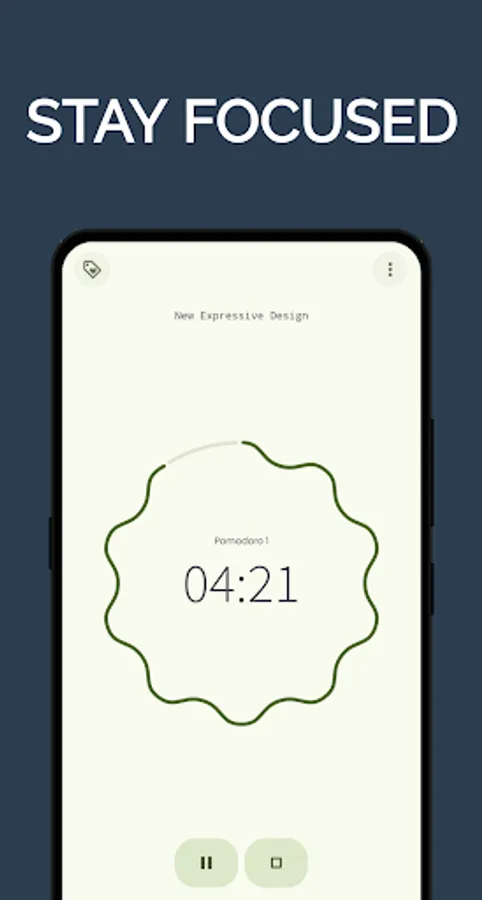
This app is designed to help clear your mind, boost your work productivity and Stay Focused on your current task at hand. Focus uses the Pomodoro Technique which
alternates between working for a set period of time usually for 25 minutes and then taking a short break.
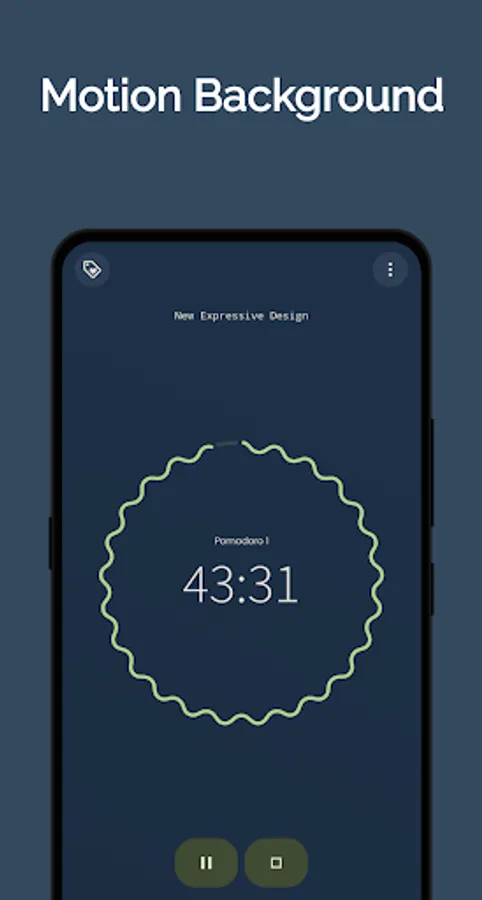
These Intervals (Pomodoros) can be fully customized to fit your work particular work session. Focus is beautifully designed and simple to use with just one tap of the start button and go on about your work and get periodic updates about your work progress.
Focus was designed to be minimal but super rich in features to help clear your mind and boost your work productivity. Just to name a few of Focus's Features
*Clean Minimal Beautifully Designed UI
*Super Productive Mode
*Notification For Work Sessions
And much more
Try out Focus and watch your Productivity Increase.
Clear Your Mind!
Stay Focused!
Work Smarter!
Be Productive!
ClearFocus - Pomodoro Timer Screenshots
Tap to Rate:
Reviews for ClearFocus - Pomodoro Timer
Raj Pawar
9/9/2025
awesome
Juan Montoya
8/24/2025
The app is bugged and won't open (OnePlus 12, Android 14). Edit: The app almost works as intended now, the only issue is that pausing or stopping the timer immediately closes the app. Edit 2: The app still closes immediately when the pause or stop button is pressed. This seems like a simple thing to fix, but it still hasn't been. I used to use the old version of this app all the time, but this inferior version just isn't worth it. Edit 3: Everything works now and looks great. Kudos to the devs.