Digital Clock Live Wallpaper-7
Style-7
4.2 ★
45K ratings
5,000,000+
downloads
Free
AppRecs review analysis
AppRecs rating 4.3. Trustworthiness 74 out of 100. Review manipulation risk 36 out of 100. Based on a review sample analyzed.
★★★★☆
4.3
AppRecs Rating
Ratings breakdown
5 star
73%
4 star
5%
3 star
4%
2 star
6%
1 star
12%
What to know
✓
Credible reviews
74% trustworthiness score from analyzed reviews
✓
High user satisfaction
78% of sampled ratings are 4+ stars (4.2★ average)
✓
Authentic reviews
Natural distribution, no red flags
About Digital Clock Live Wallpaper-7
App on the market place since 2013
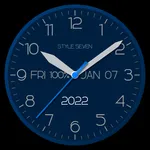
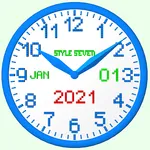
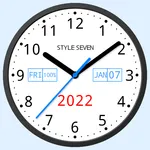
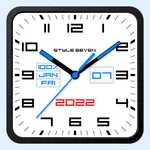
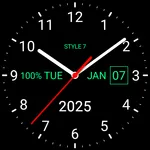
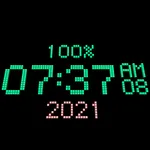
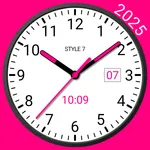
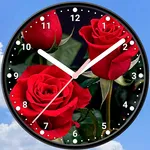
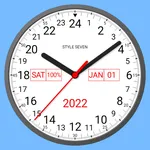
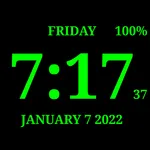
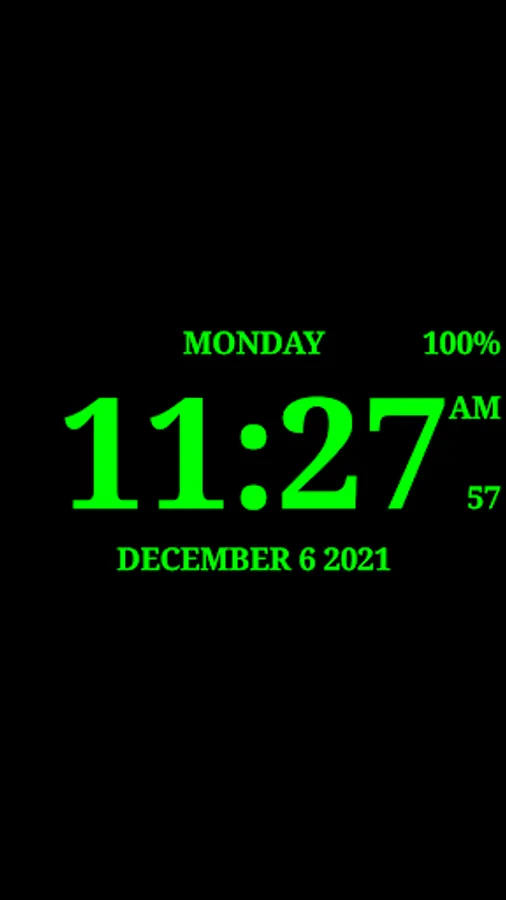
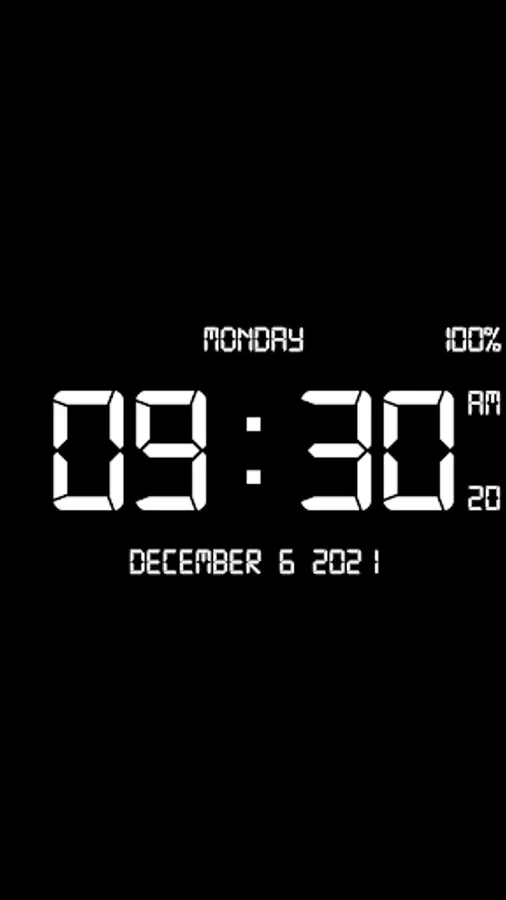
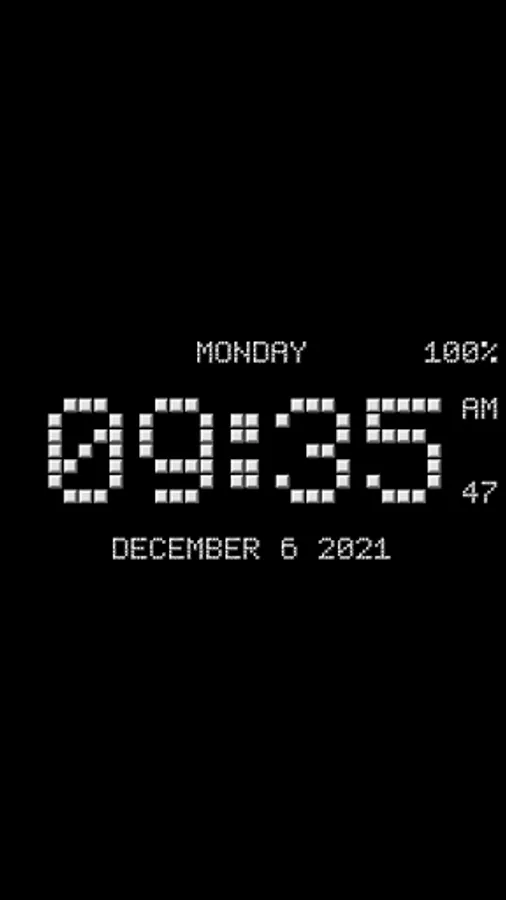
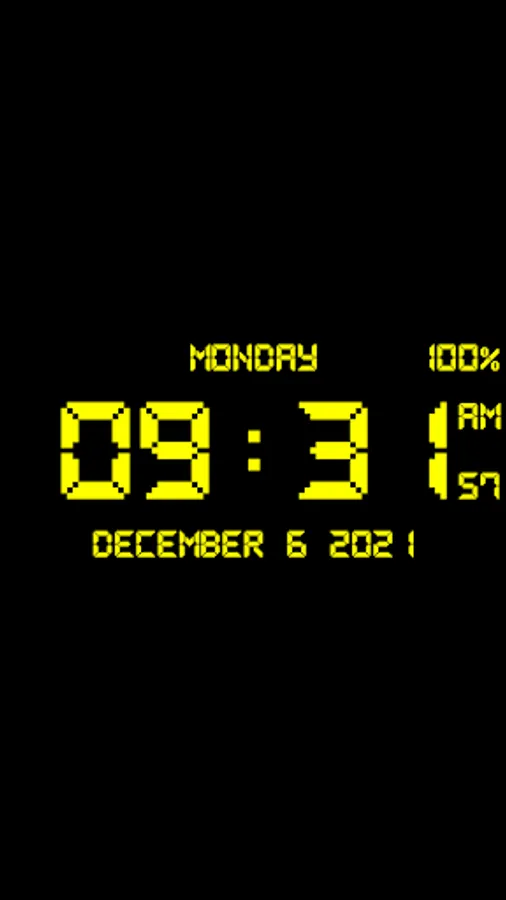
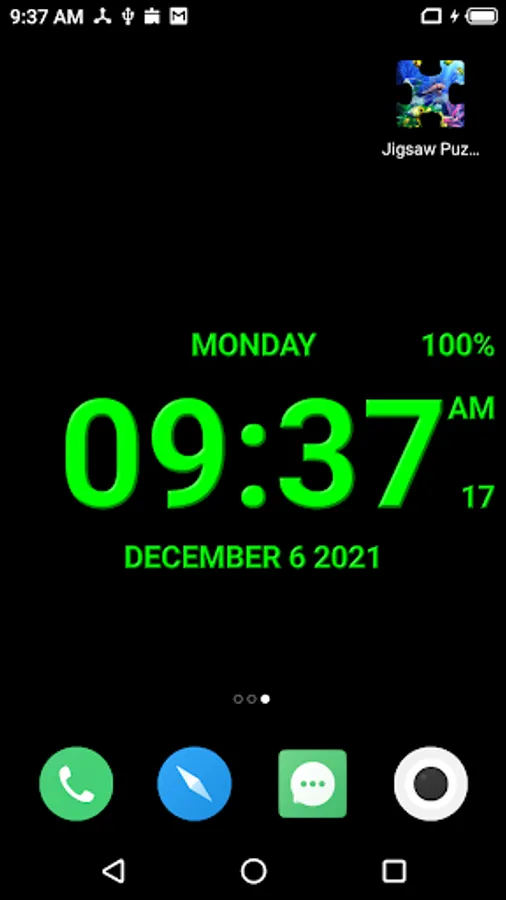
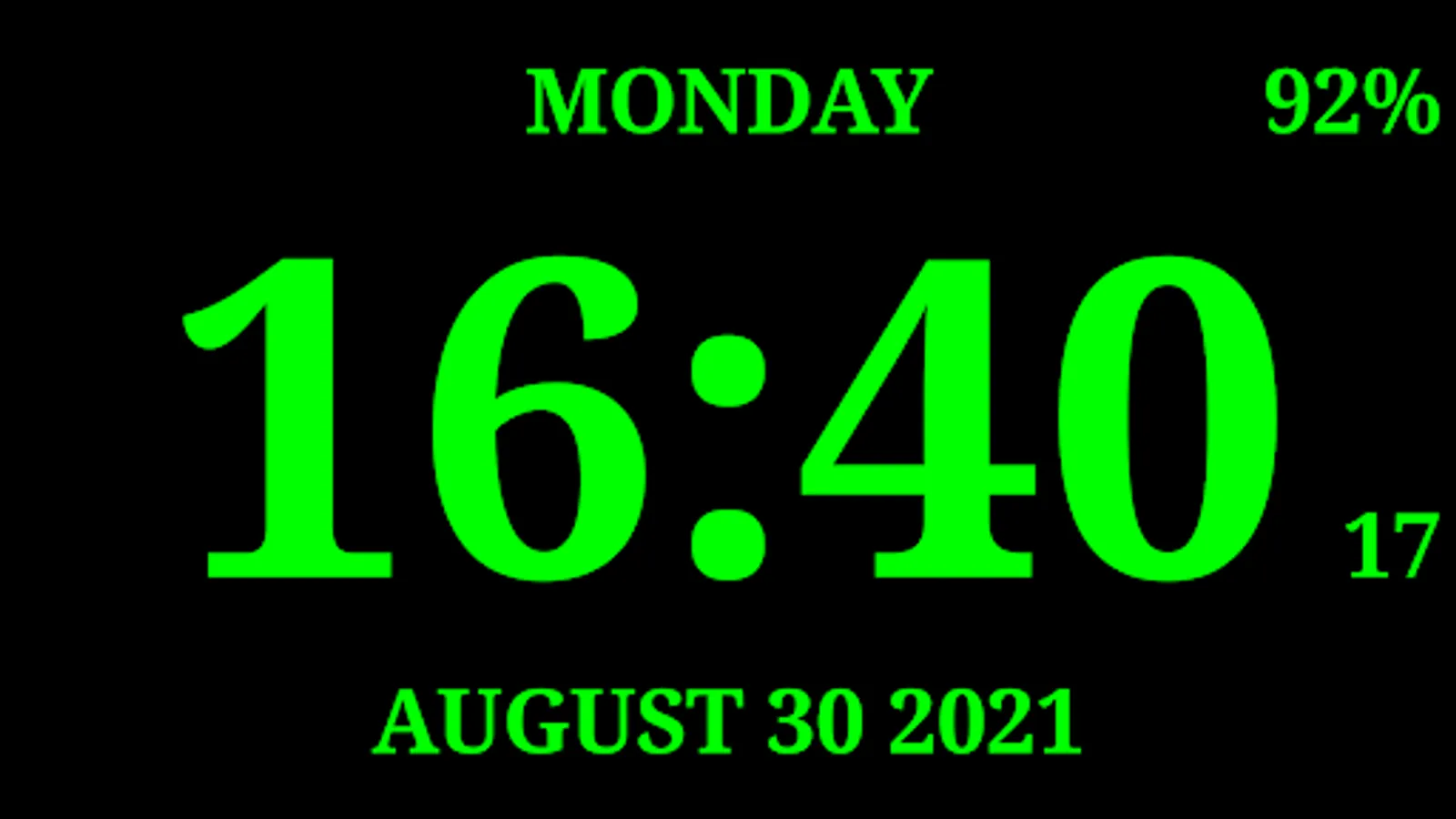
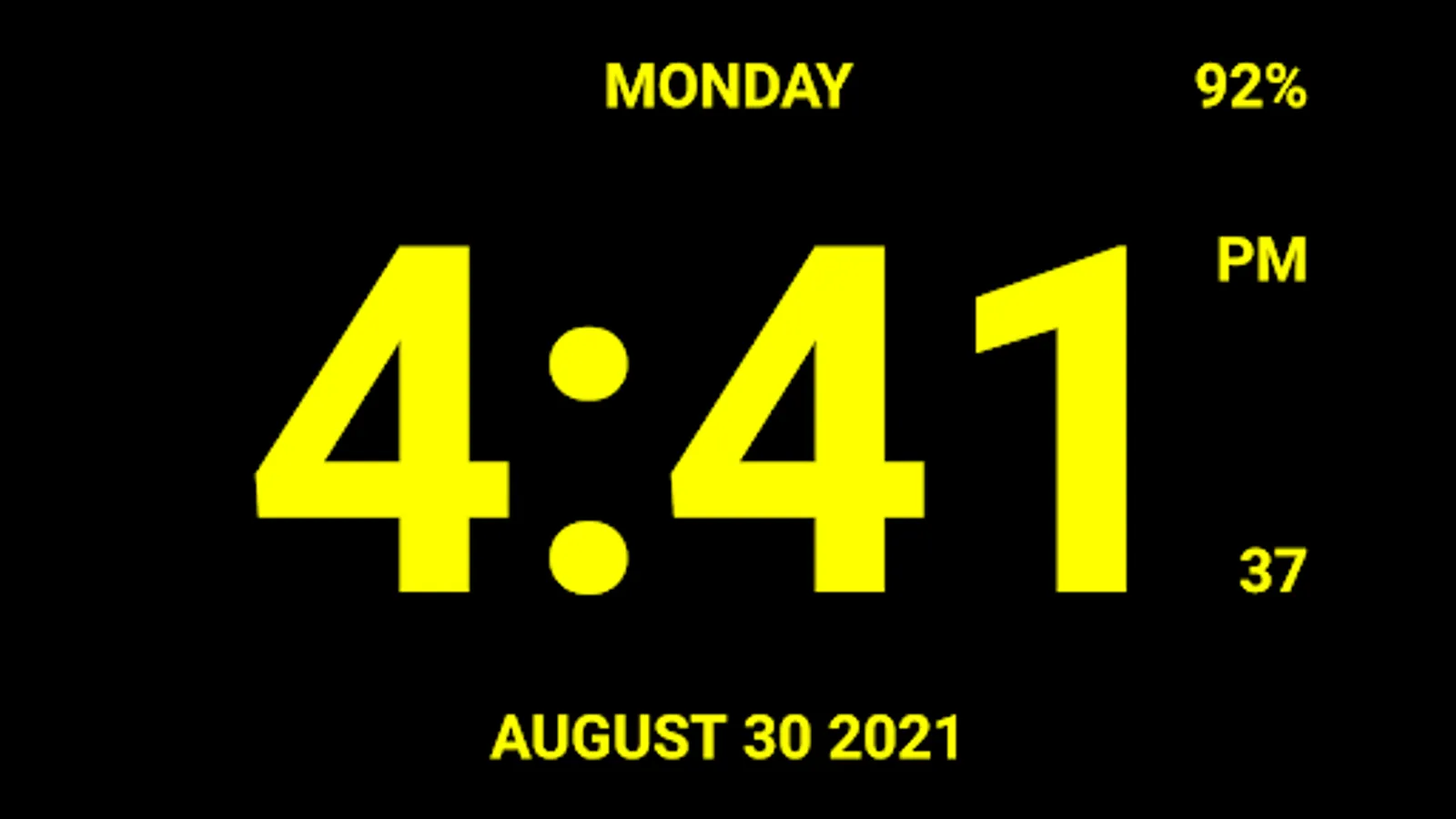
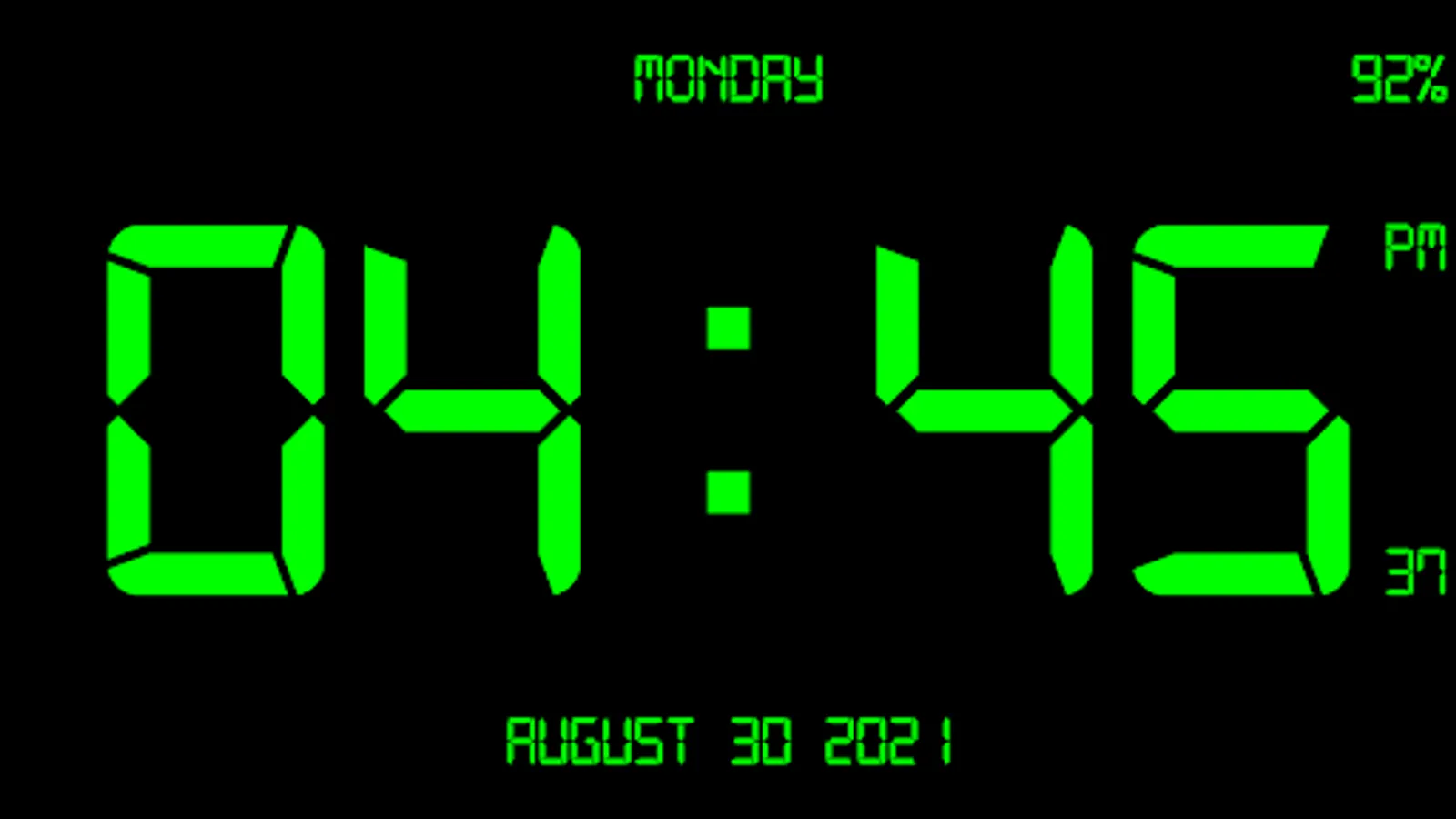
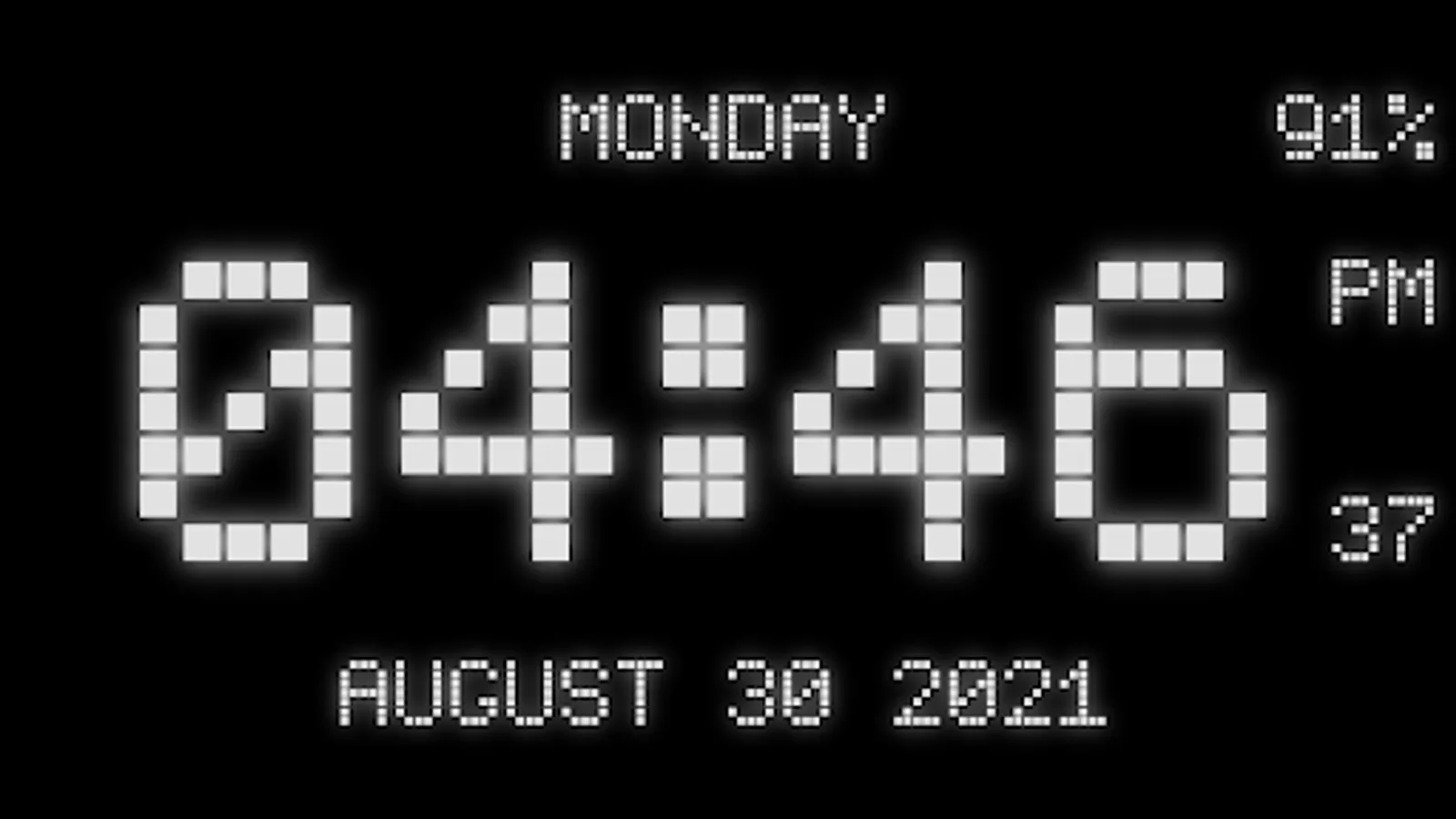
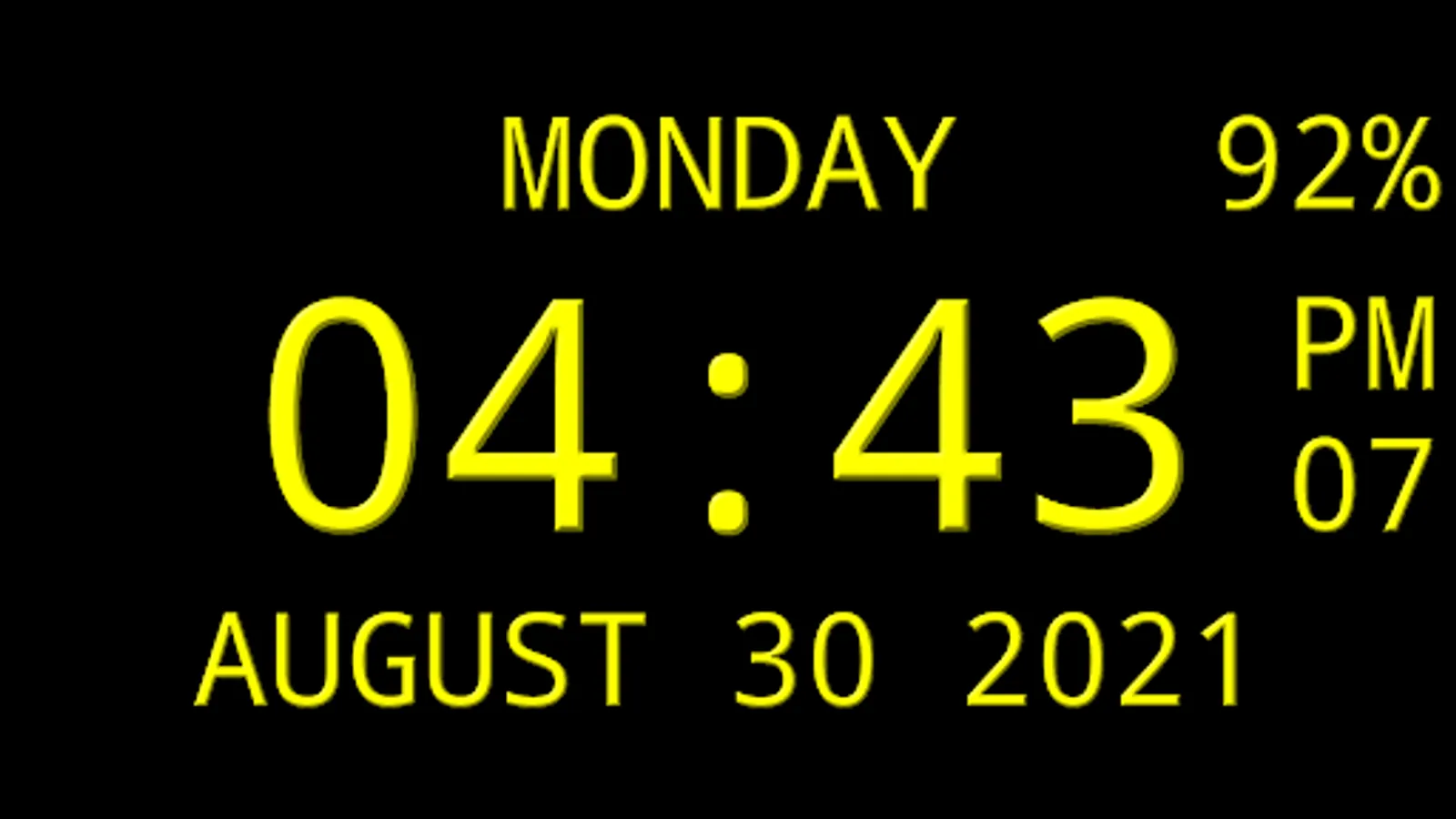
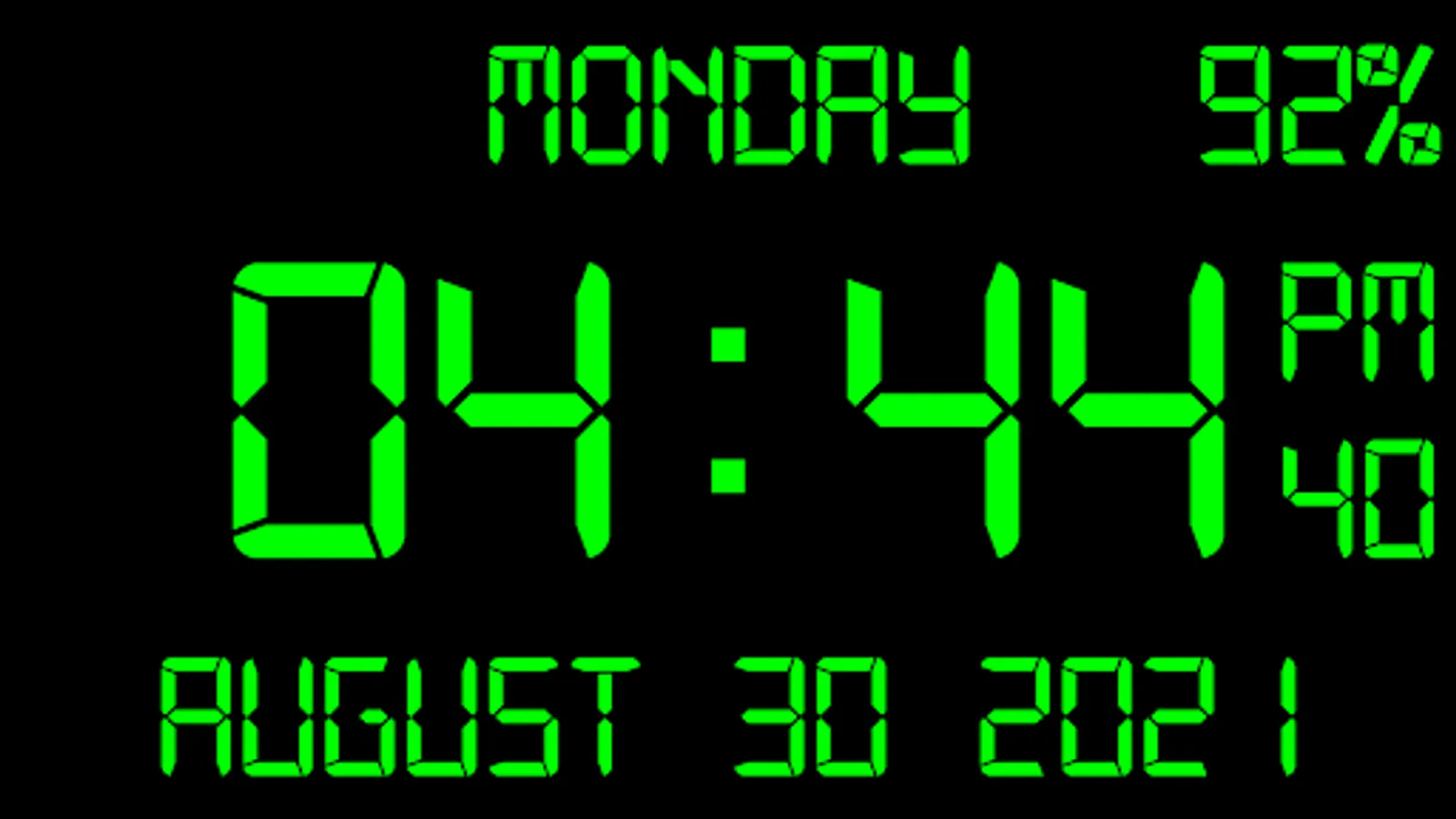
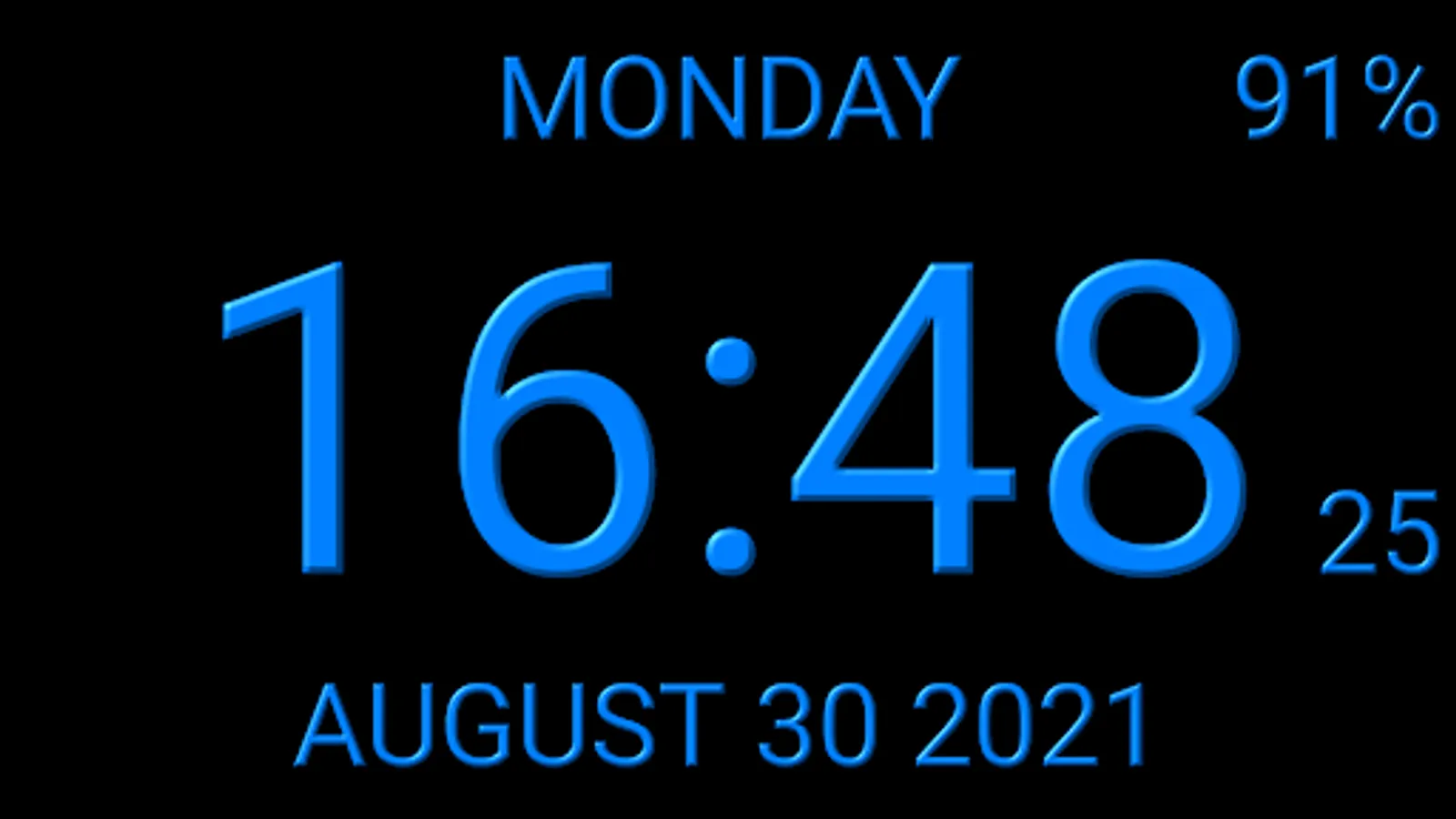
Digital clock that displays the current time, date, month, year, day of the week, battery charge (except app widget).
The clock talks the current time and any additional text by your schedule, which is very helpful in work and leisure.
The clock also can hint the current time by voice by double tap on the app window or Live Wallpaper.
Use the digital clock as topmost or overlay clock. The clock will be set above all windows. You can change position of the clock by drag and drop method and size of the clock.
Use the digital clock as Live Wallpaper: set size and position on the screen;
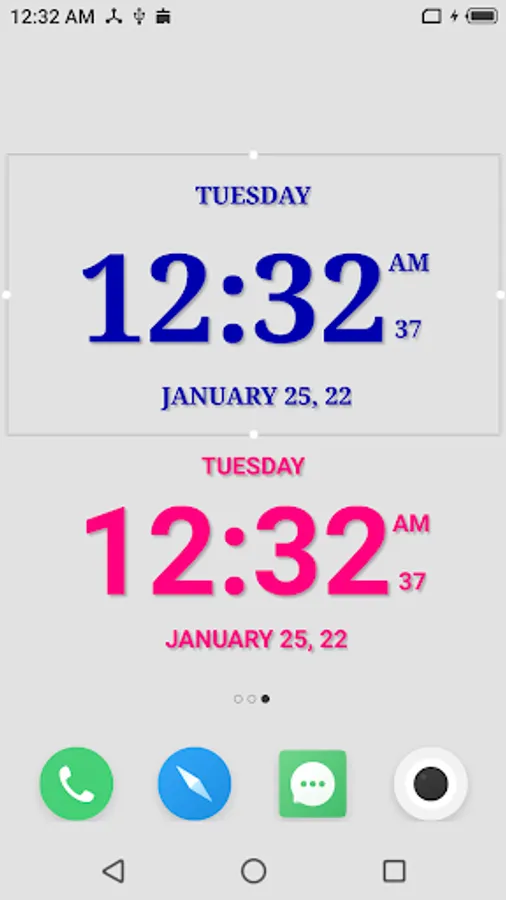
Use the digital clock as app widget with personal settings and show seconds.
Use the digital clock as app in full screen mode and setting "keep screen on".
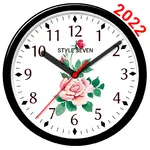
Use the analog clock as screensaver while a device is charging.
🕒 Use digital clocks as “Night Clock” — a calm mode with an economical style (black background and dark‑gray time text) that saves battery.
Random position change every minute protects the screen from burn‑in. All options work in Fullscreen mode, Live Wallpaper, and Screensaver.
🌙 Use digital clocks as “Always on Screen” — the time remains visible even when the screen is off. ⚠ Important: this function does not start automatically, it must be launched manually through Fullscreen mode.
The emulation of “Always on Screen” works through additional options: 🔆 screen brightness adjustment and Auto‑lock on exit.
Additional features:
* More then ten kinds of fonts including digital, LCD, pixel;
* Select a primary color;
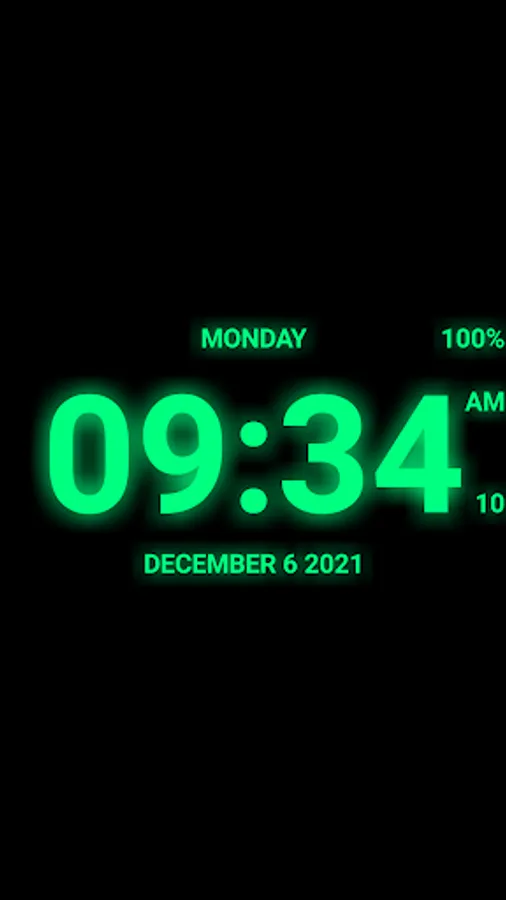
* Show glow effect, 3D effect, shadow;
* Select size of secondary font for display date and seconds;
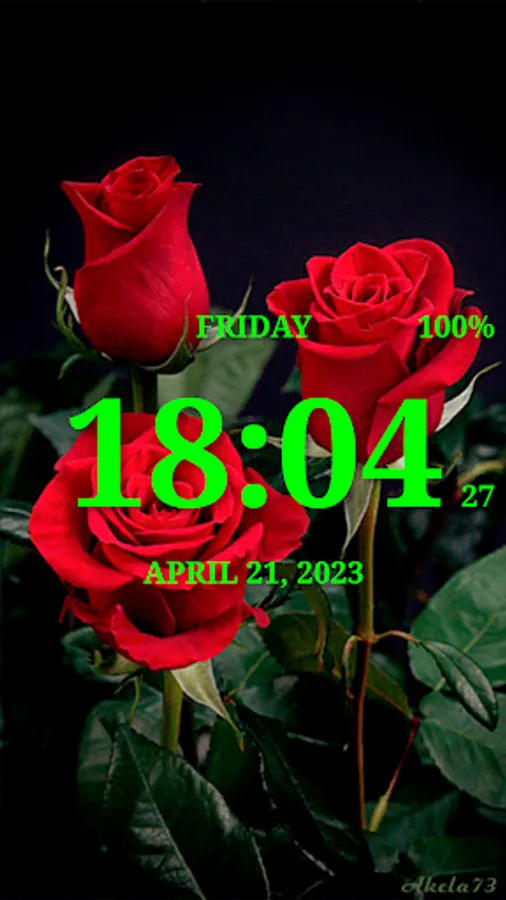
* Select an image from Gallery for background;
* Use short or long date format;
* Supported all date and time formats and all languages;
* Supported album and portrait orientations, all screen resolutions including HD and 4K.
So this app is: digital clock, digital clock Live Wallpaper, digital clock widget, clock widget with seconds, talking clock, voice reminder, notification by schedule
Digital clock that displays the current time, date, month, year, day of the week, battery charge (except app widget).
The clock talks the current time and any additional text by your schedule, which is very helpful in work and leisure.
The clock also can hint the current time by voice by double tap on the app window or Live Wallpaper.
Use the digital clock as topmost or overlay clock. The clock will be set above all windows. You can change position of the clock by drag and drop method and size of the clock.
Use the digital clock as Live Wallpaper: set size and position on the screen;
Use the digital clock as app widget with personal settings and show seconds.
Use the digital clock as app in full screen mode and setting "keep screen on".
Use the analog clock as screensaver while a device is charging.
🕒 Use digital clocks as “Night Clock” — a calm mode with an economical style (black background and dark‑gray time text) that saves battery.
Random position change every minute protects the screen from burn‑in. All options work in Fullscreen mode, Live Wallpaper, and Screensaver.
🌙 Use digital clocks as “Always on Screen” — the time remains visible even when the screen is off. ⚠ Important: this function does not start automatically, it must be launched manually through Fullscreen mode.
The emulation of “Always on Screen” works through additional options: 🔆 screen brightness adjustment and Auto‑lock on exit.
Additional features:
* More then ten kinds of fonts including digital, LCD, pixel;
* Select a primary color;
* Show glow effect, 3D effect, shadow;
* Select size of secondary font for display date and seconds;
* Select an image from Gallery for background;
* Use short or long date format;
* Supported all date and time formats and all languages;
* Supported album and portrait orientations, all screen resolutions including HD and 4K.
So this app is: digital clock, digital clock Live Wallpaper, digital clock widget, clock widget with seconds, talking clock, voice reminder, notification by schedule
Digital Clock Live Wallpaper-7 Screenshots
Tap to Rate:
Reviews for Digital Clock Live Wallpaper-7
AMZAD “TYAGI ASOURA HAPUR” TYAGI
12/28/2025
very nice app
Olagoke Ajibulu
12/22/2025
stops working when shifted on the screen