
In this photo editing app, you can add colorful candy frames to your images and customize effects such as black and white or sepia. Includes a variety of frames, effects, and social sharing options.
AppRecs review analysis
AppRecs rating 4.4. Trustworthiness 0 out of 100. Review manipulation risk 0 out of 100. Based on a review sample analyzed.
★★★★☆
4.4
AppRecs Rating
Ratings breakdown
5 star
74%
4 star
15%
3 star
3%
2 star
3%
1 star
5%
What to know
✓
High user satisfaction
89% of sampled ratings are 4+ stars (4.4★ average)
✓
Authentic reviews
Natural distribution, no red flags
About Candy Photo Frames
Sweeten your photos!
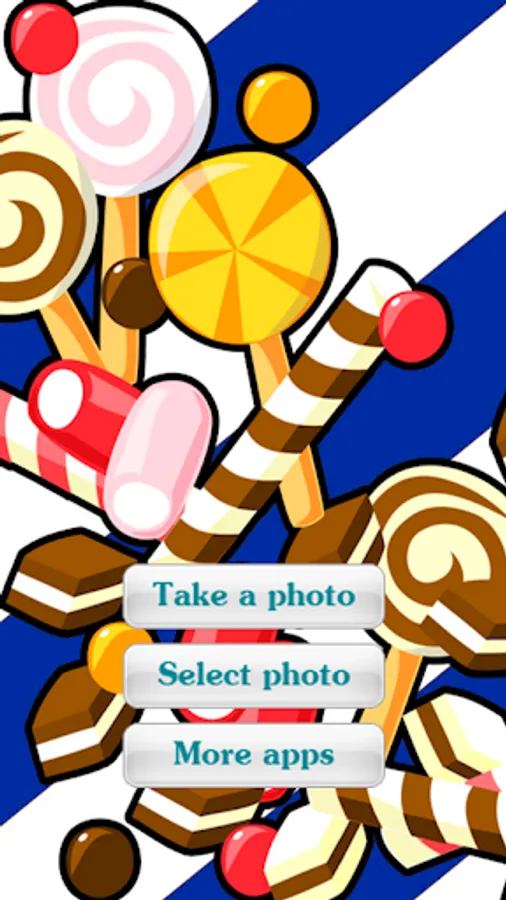
With Candy Photo Frames, you can add a candy frames to your favorite photos, any picture will be perfect!
Create beautiful and fun photographs with multiple frames available, candys, sweet, ice creams, presents, chocolats, baked goods, candy canes and more!
With "Candy Photo Frames", you can:
★ Capture photo with camera or select image from phone gallery. *❗️
★ Wide range of styles and different frames for any picture.
★ HD quality candy frames with vivid colors.
★ Apply different effects on your photo: Black & white, sepia, rotate, zoom, grayscale, and more!.
★ Share your creations via email, Facebook, Twitter, Flickr, WhatsApp, Viber, Line and other social networks.
★ Easy to use: Its creation in 2 steps!
★ No internet connection needed.
Enjoy sweets!
* IMPORTANT: How to select image from gallery in Android 4.2 or higher:
* Tap "Select Photo" button in main menu.
* Touch contextual menu "Open from" in the upper left corner of your screen.
* In the list of locations select "Gallery".
With Candy Photo Frames, you can add a candy frames to your favorite photos, any picture will be perfect!
Create beautiful and fun photographs with multiple frames available, candys, sweet, ice creams, presents, chocolats, baked goods, candy canes and more!
With "Candy Photo Frames", you can:
★ Capture photo with camera or select image from phone gallery. *❗️
★ Wide range of styles and different frames for any picture.
★ HD quality candy frames with vivid colors.
★ Apply different effects on your photo: Black & white, sepia, rotate, zoom, grayscale, and more!.
★ Share your creations via email, Facebook, Twitter, Flickr, WhatsApp, Viber, Line and other social networks.
★ Easy to use: Its creation in 2 steps!
★ No internet connection needed.
Enjoy sweets!
* IMPORTANT: How to select image from gallery in Android 4.2 or higher:
* Tap "Select Photo" button in main menu.
* Touch contextual menu "Open from" in the upper left corner of your screen.
* In the list of locations select "Gallery".
Candy Photo Frames Screenshots







Tap to Rate: